In this device management app, you can monitor and control IT devices across multiple platforms and locations. Includes remote troubleshooting, device monitoring, and policy enforcement features.
AppRecs review analysis
AppRecs rating 4.6. Trustworthiness 78 out of 100. Review manipulation risk 22 out of 100. Based on a review sample analyzed.
★★★★☆
4.6
AppRecs Rating
Ratings breakdown
5 star
75%
4 star
18%
3 star
5%
2 star
1%
1 star
2%
What to know
✓
Low review manipulation risk
22% review manipulation risk
✓
Credible reviews
78% trustworthiness score from analyzed reviews
✓
High user satisfaction
75% of sampled ratings are 5 stars
About Endpoint Central
This app will only work in configuration with the Endpoint Central Server available in your business network.
ManageEngine Endpoint Central is a unified endpoint management and security solution designed and developed to safeguard and oversee IT devices running on Windows, Linux, Mac, iPad, iOS, Android, tvOS and Chrome. It offers features such as device monitoring and maintenance, remote troubleshooting, security policy enforcement, software deployment, patch management and OS imaging and deployment.
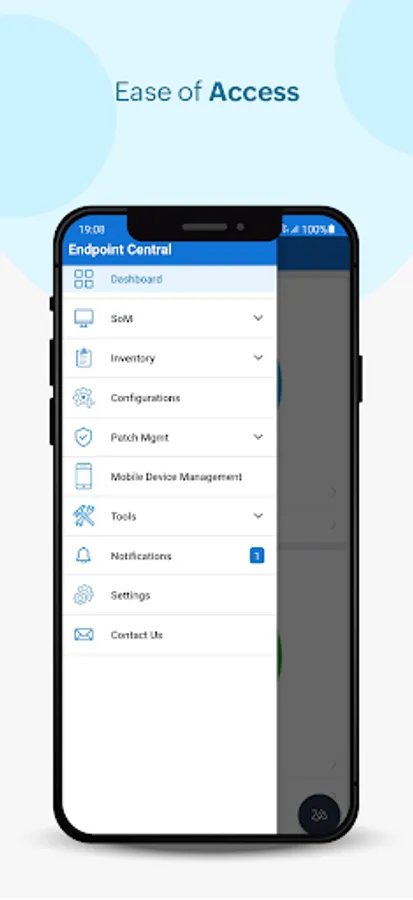
Key features in the mobile app:
Device Onboarding
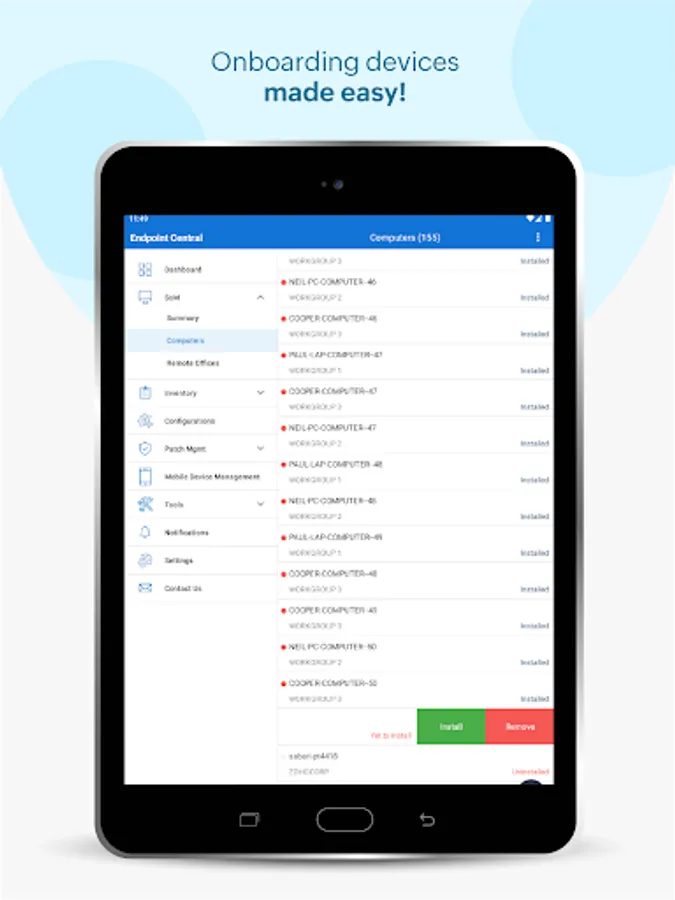
• Easily add or remove computers that need to be managed
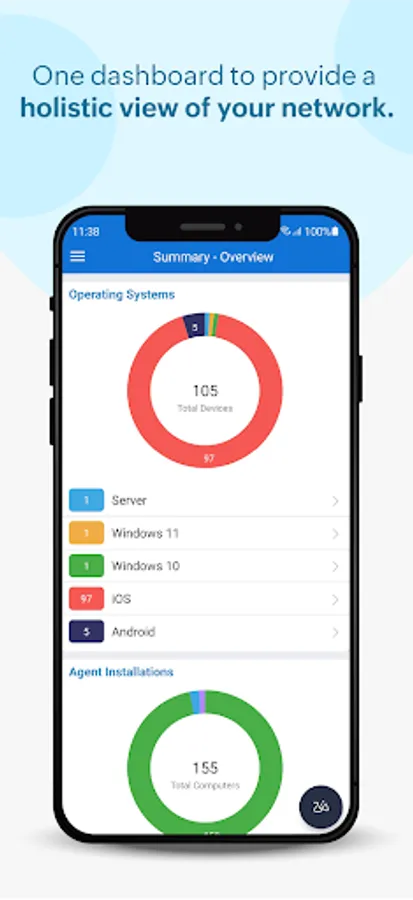
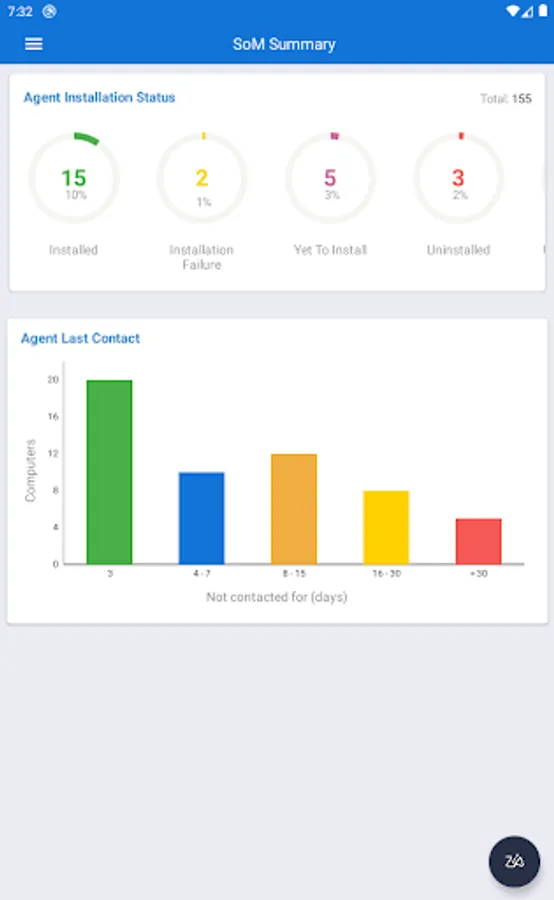
• Keep track of the agent installation progress to check whether your endpoints are connected to the server.
• Manage all the endpoints situated in remote and sub offices.
Inventory Management
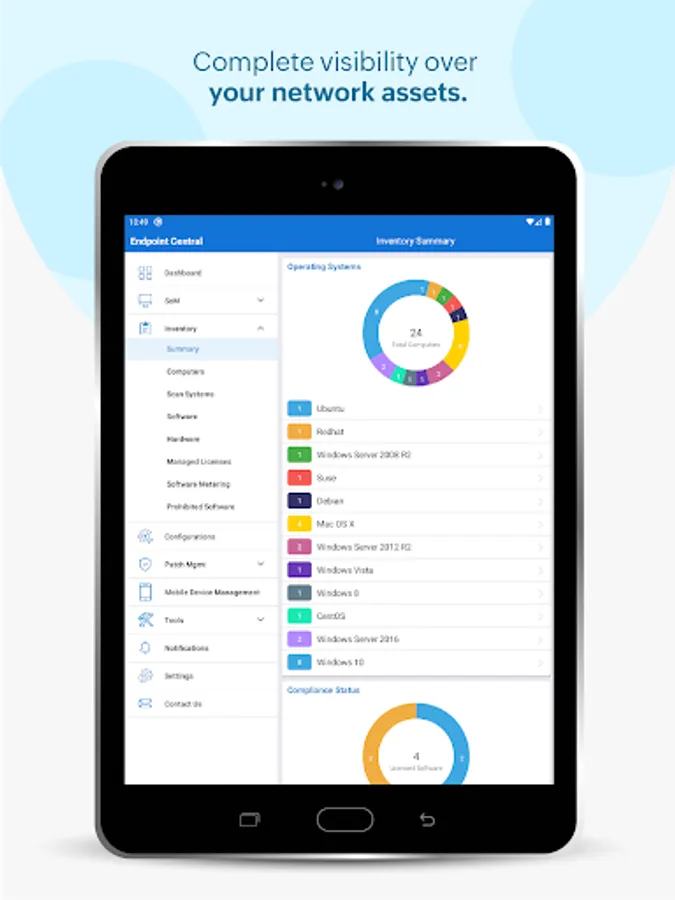
• View all the managed assets
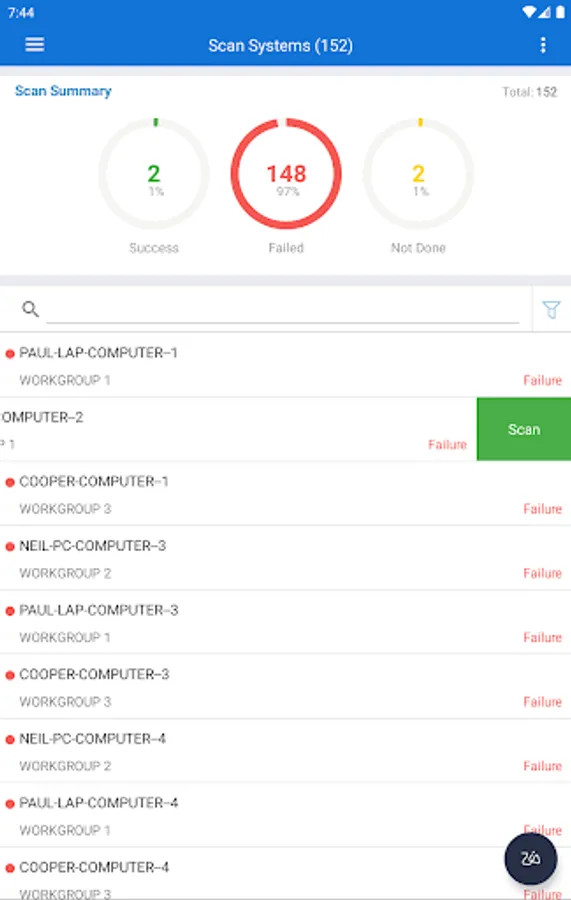
• Scan hardware and software to get all the details
• Check software compliance and analyse software usage
• Forbid prohibited applications
Configurations
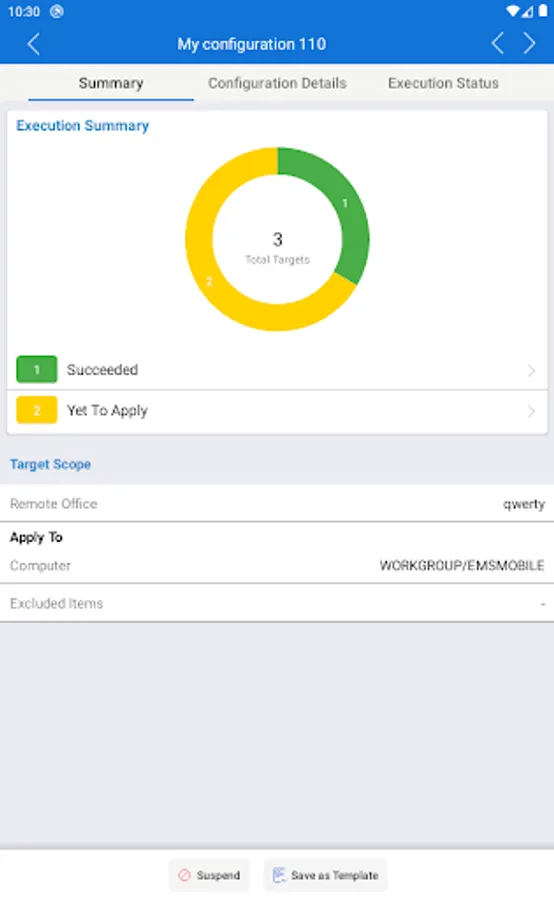
• Suspend and resume already deployed configurations
• Save configurations as templates
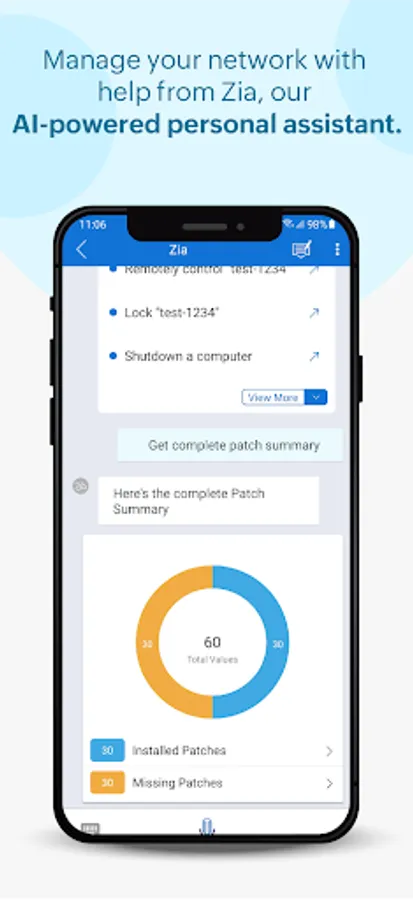
Patch Management
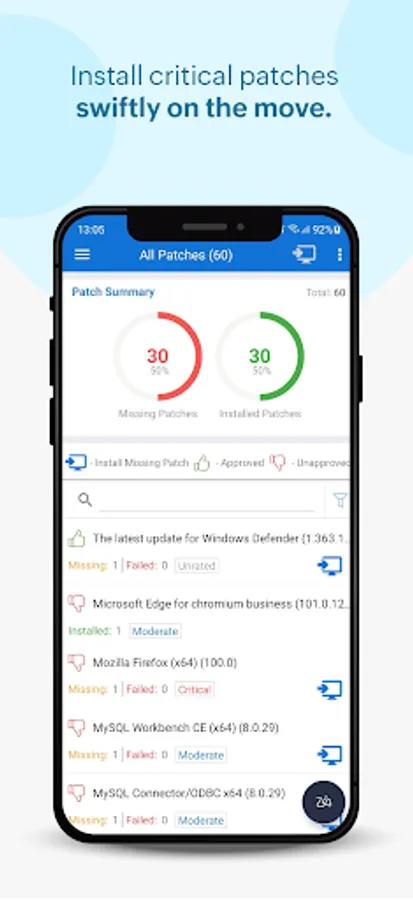
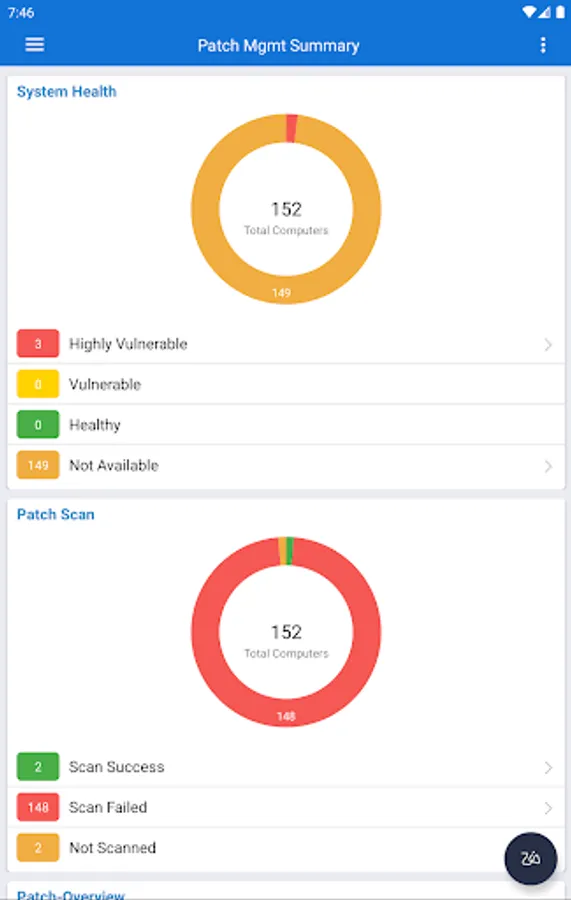
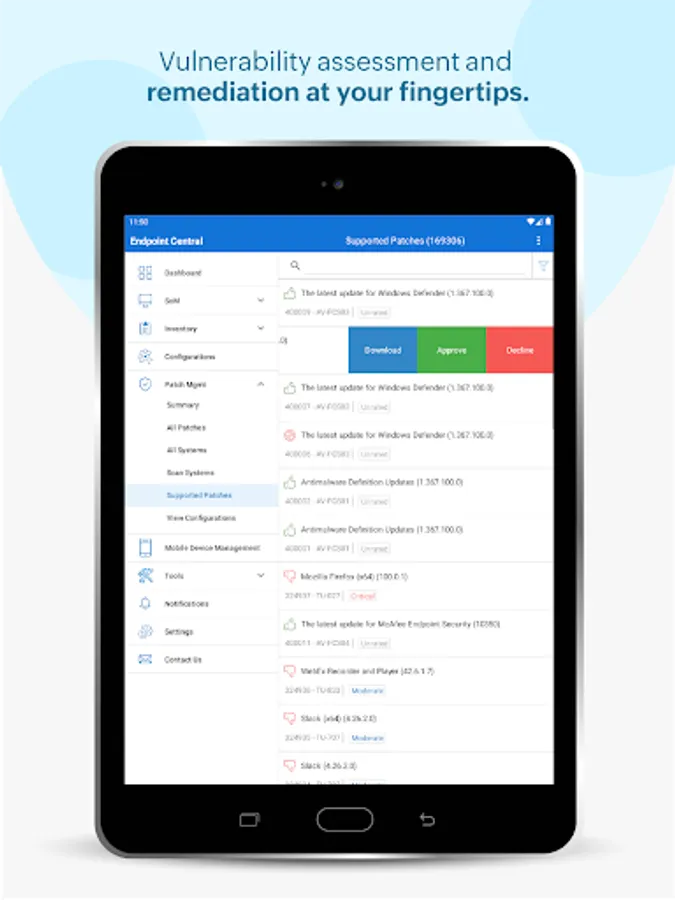
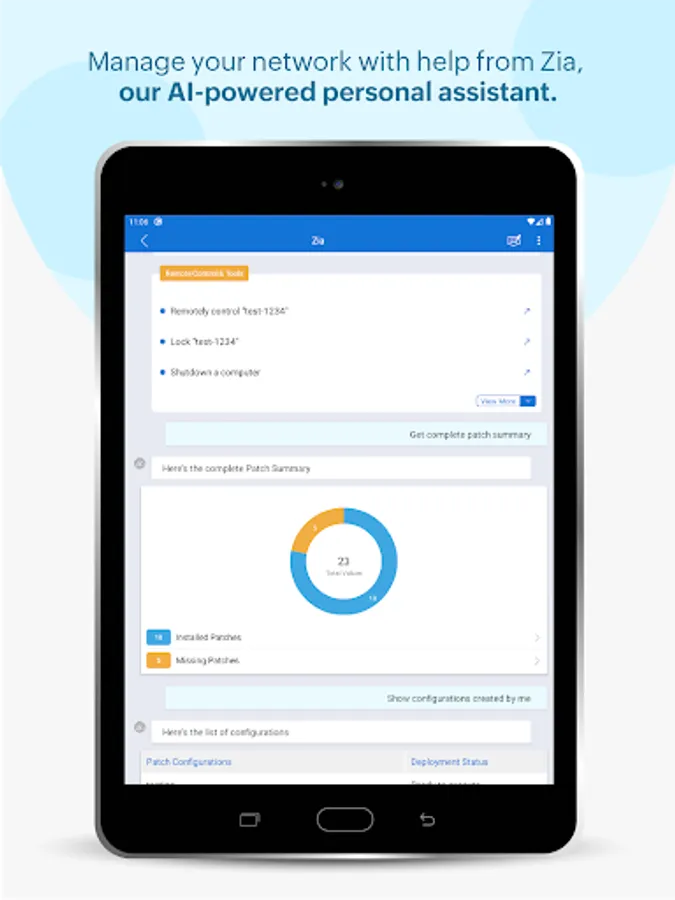
• Scan and identify vulnerable computers
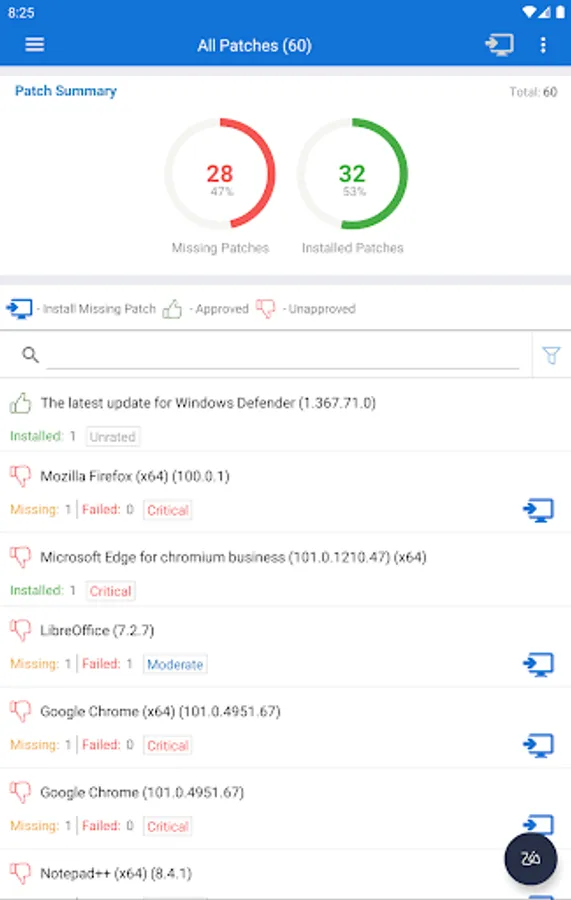
• Detect missing patches for applications (Windows/Mac/Linux/Third-party)
• Approve/Decline patches
• Monitor automated patch deployment tasks
• View system health status
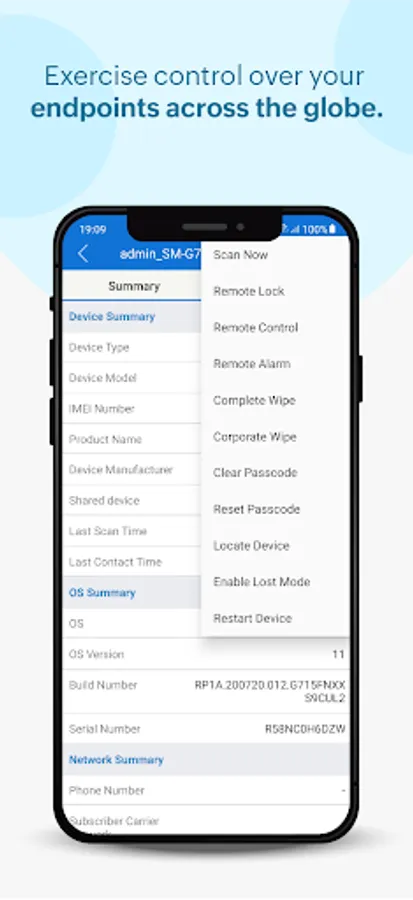
Mobile Device Management
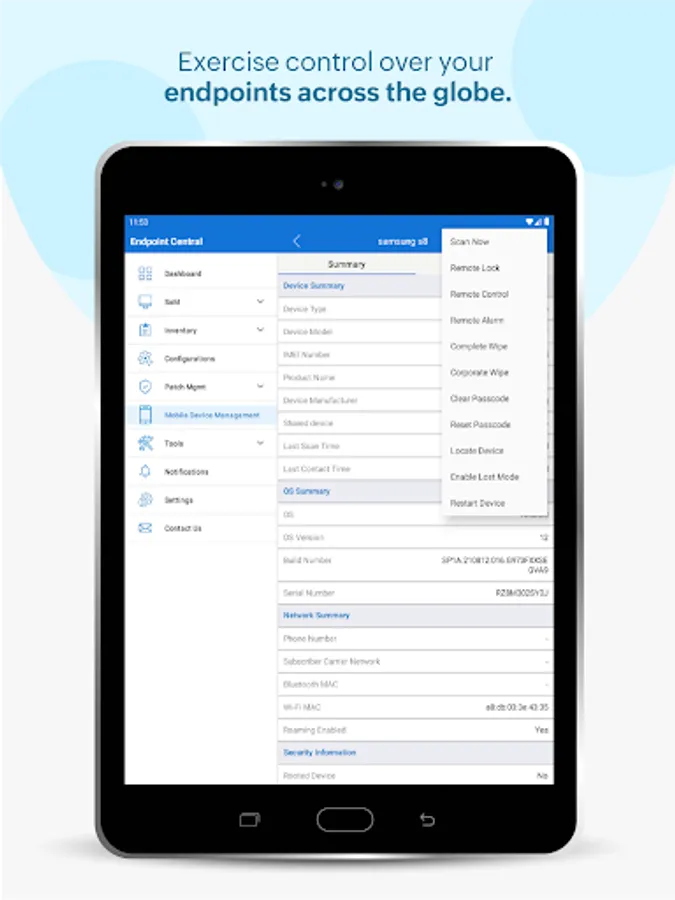
• Scan your mobile devices
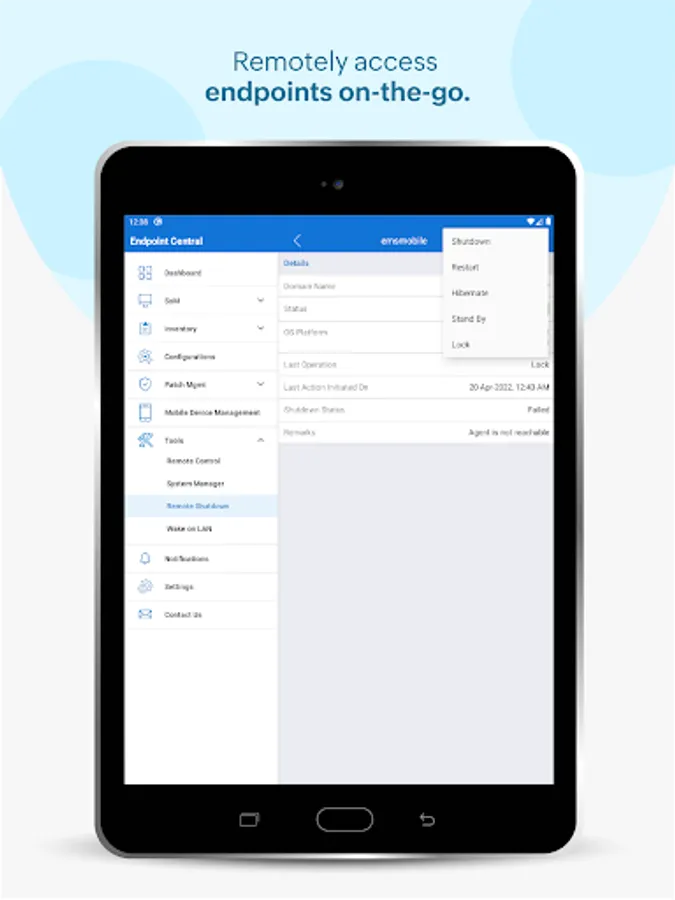
• Remotely monitor and lock your managed devices
• Trigger an alarm if your device is stolen.
• Enable corporate wipe to protect sensitive corporate data
• Clear and reset passcode according to your requirements
• Locate and restart your mobile devices
• Enable lost mode to track your devices.
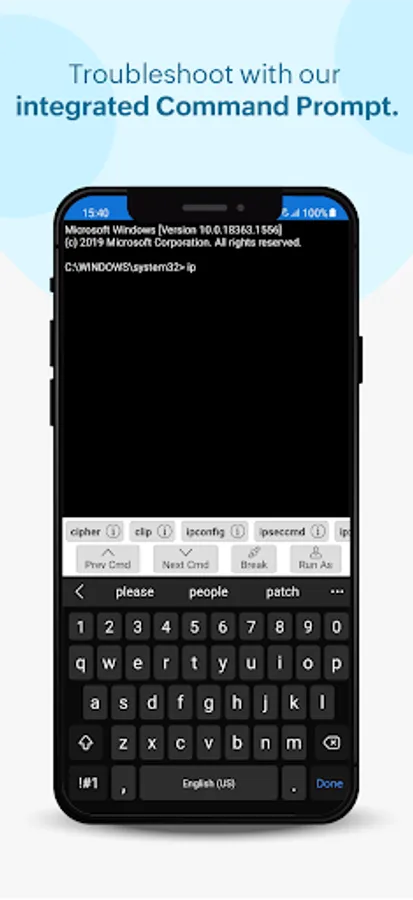
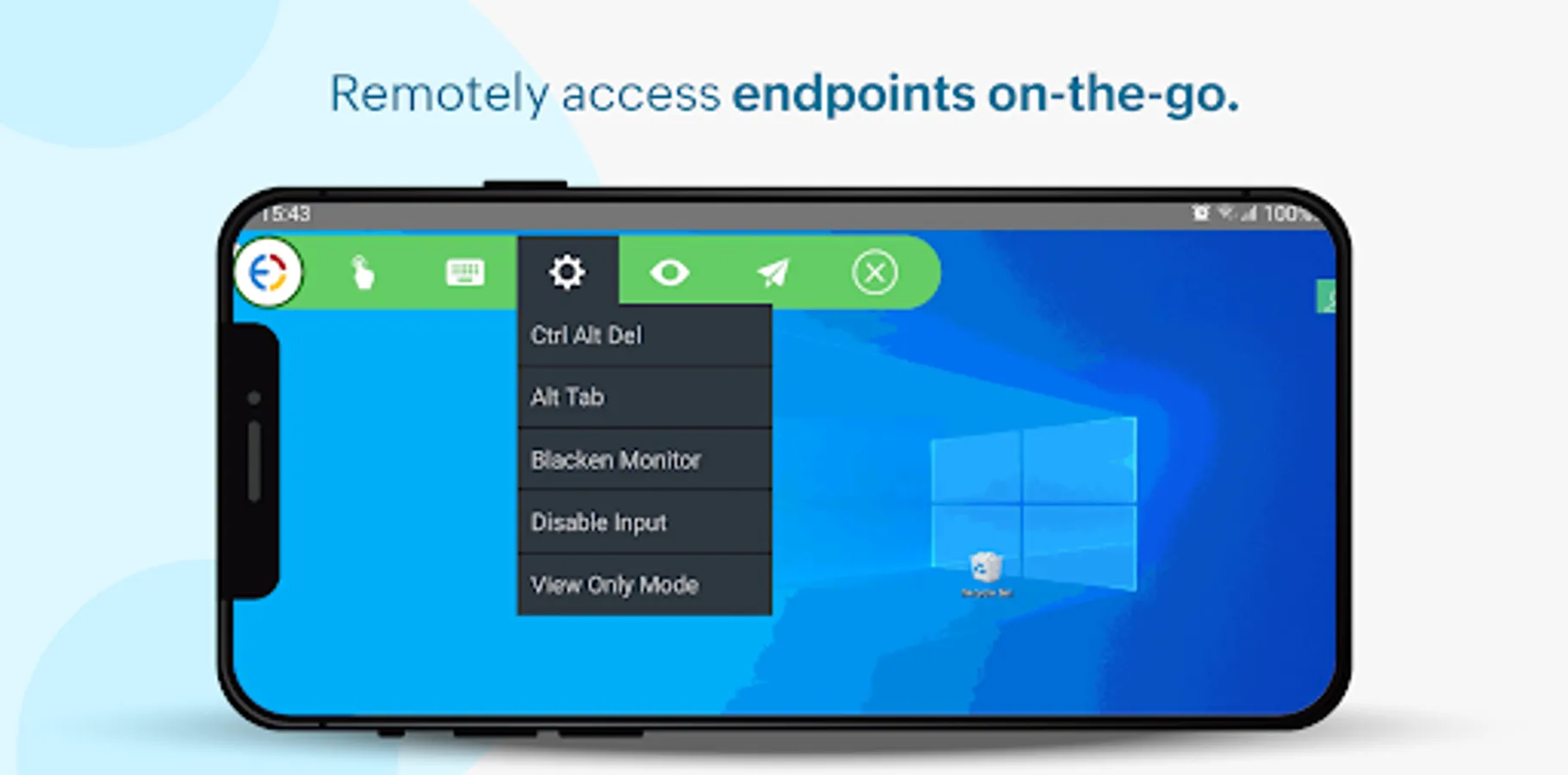
Remote Troubleshooting
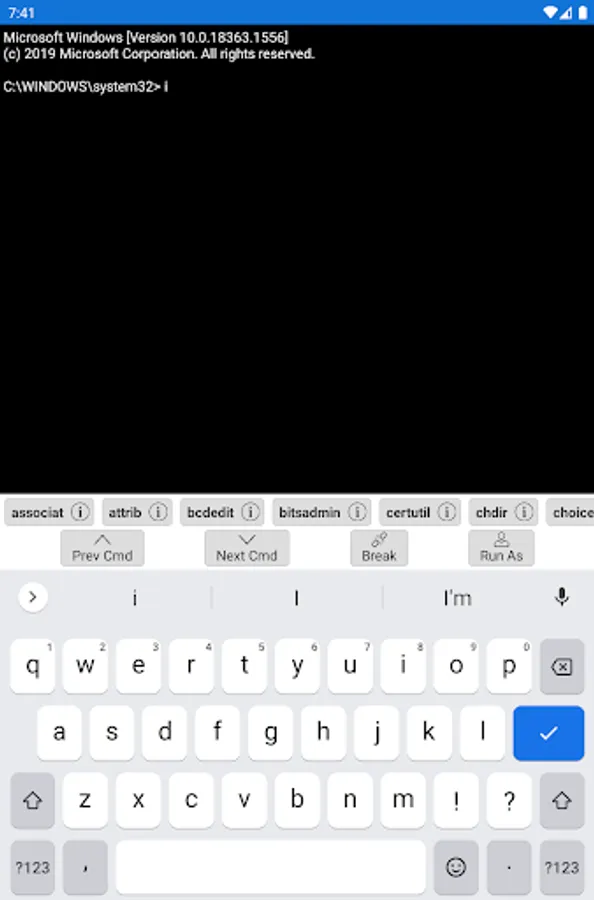
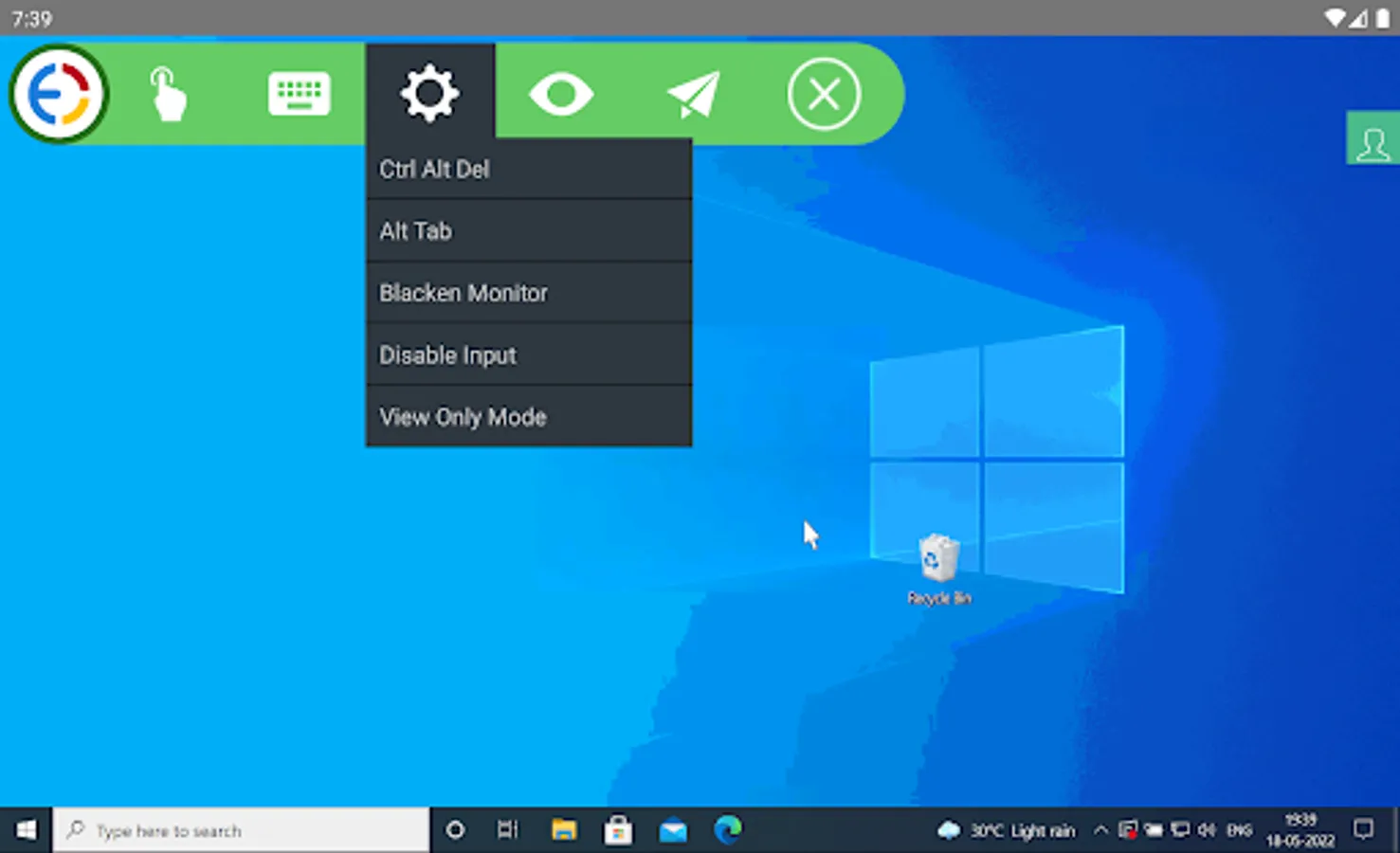
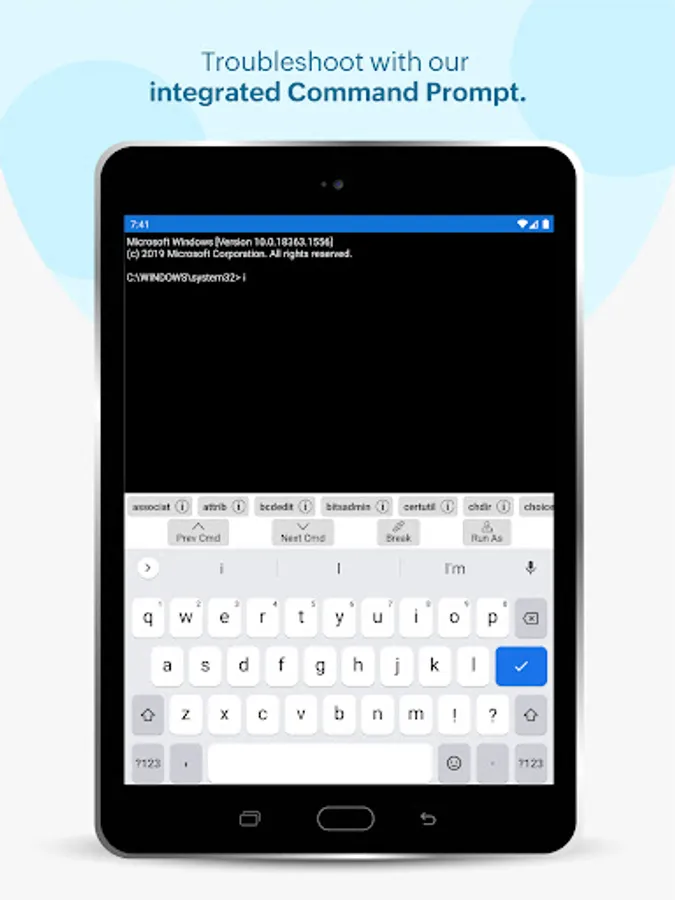
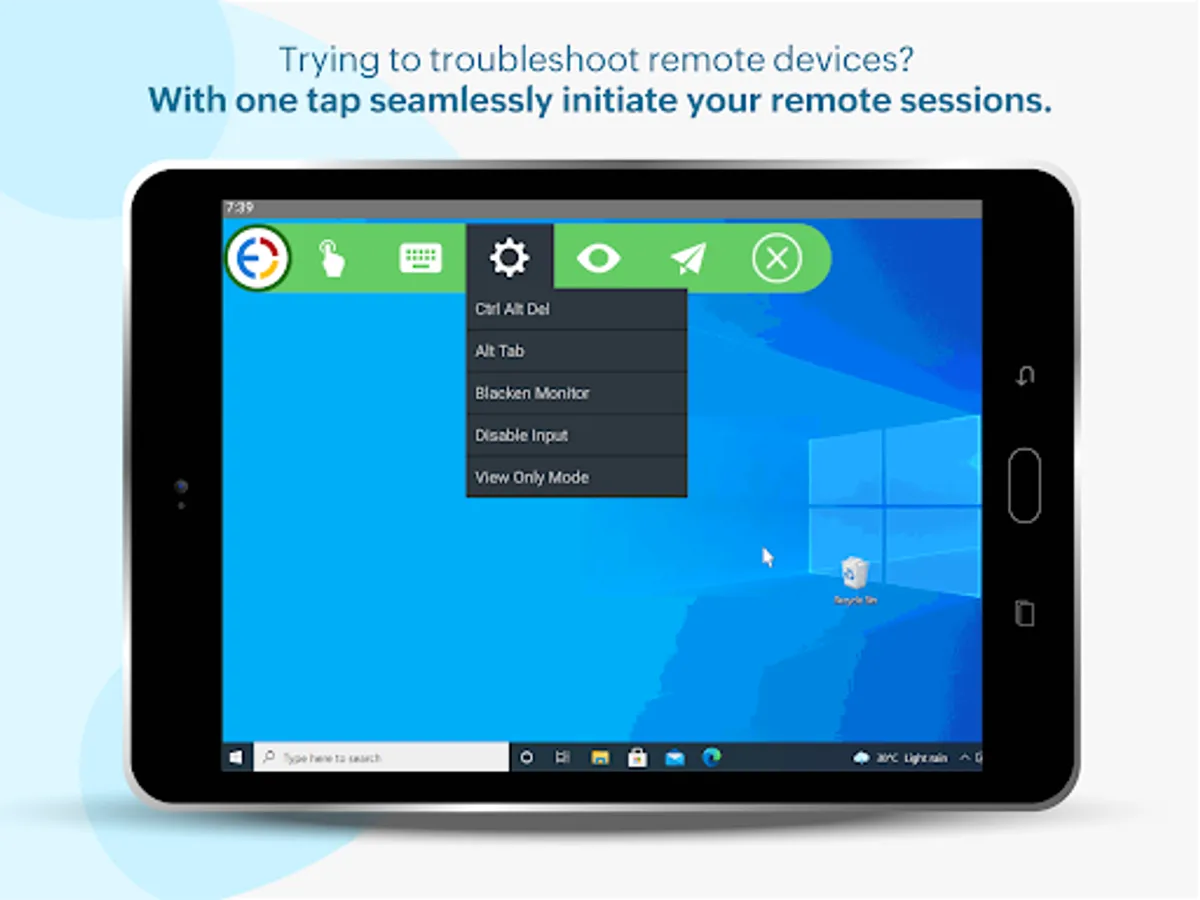
• Troubleshoot remote desktops from anywhere
• Ensure users privacy by giving a choice to ask user for permission before connecting
• Automatically detect and display multi-monitors
• Take control of user or computer sessions
Instructions for activation :
Step 1: Install the Endpoint Central android app on your device
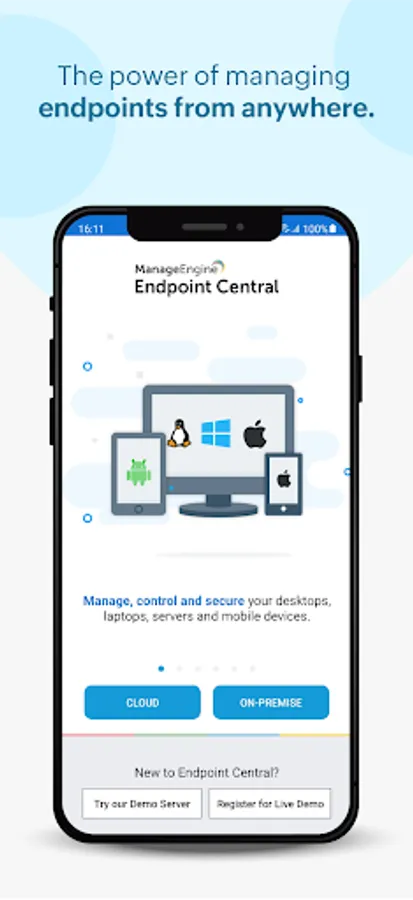
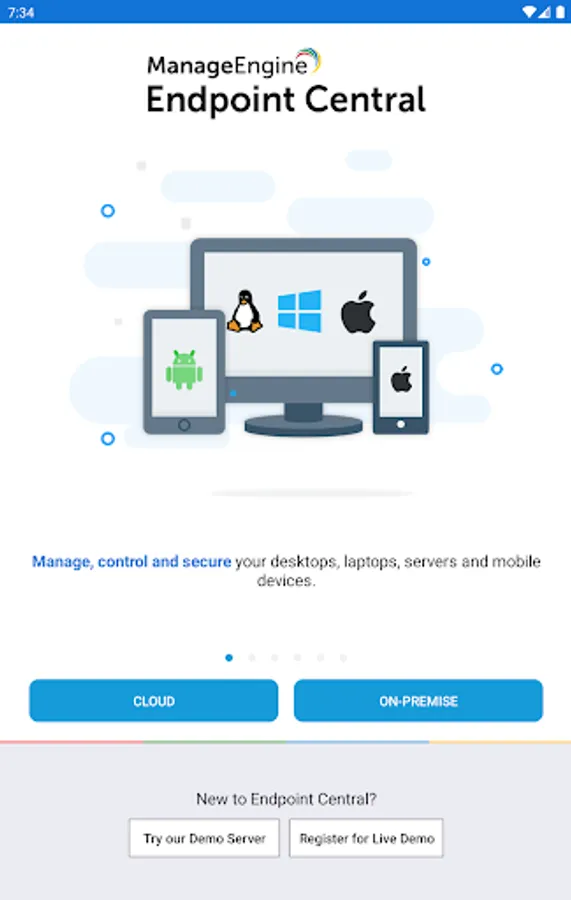
Step 2: Once installed, select Cloud (or) On-premise option
Step 3: For On-premise, give the credentials of server name, port, username and password being used for Endpoint Central Console
Step 4: For Cloud, login using your Zoho account or other IDPs
Awards and Recognitions :
• ManageEngine recognized for the fourth time in the Gartner Magic Quadrant 2022 for Unified Endpoint Management Tools.
• The IDC MarketScape named Zoho (ManageEngine) as a Leader in three 2022 IDC MarketScape vendor assessments for the Unified Endpoint Management (UEM) market
• Endpoint Central bagged CDM Infosec Award 2020 under the 'Next Gen Unified Endpoint Management (UEM) solution' category
• ManageEngine is honored to be recognized in the 2021 Midmarket Context: Magic Quadrant for Unified Endpoint Management (UEM) as a Notable Vendor.
• Approved for use on US Navy networks
ManageEngine Endpoint Central is a unified endpoint management and security solution designed and developed to safeguard and oversee IT devices running on Windows, Linux, Mac, iPad, iOS, Android, tvOS and Chrome. It offers features such as device monitoring and maintenance, remote troubleshooting, security policy enforcement, software deployment, patch management and OS imaging and deployment.
Key features in the mobile app:
Device Onboarding
• Easily add or remove computers that need to be managed
• Keep track of the agent installation progress to check whether your endpoints are connected to the server.
• Manage all the endpoints situated in remote and sub offices.
Inventory Management
• View all the managed assets
• Scan hardware and software to get all the details
• Check software compliance and analyse software usage
• Forbid prohibited applications
Configurations
• Suspend and resume already deployed configurations
• Save configurations as templates
Patch Management
• Scan and identify vulnerable computers
• Detect missing patches for applications (Windows/Mac/Linux/Third-party)
• Approve/Decline patches
• Monitor automated patch deployment tasks
• View system health status
Mobile Device Management
• Scan your mobile devices
• Remotely monitor and lock your managed devices
• Trigger an alarm if your device is stolen.
• Enable corporate wipe to protect sensitive corporate data
• Clear and reset passcode according to your requirements
• Locate and restart your mobile devices
• Enable lost mode to track your devices.
Remote Troubleshooting
• Troubleshoot remote desktops from anywhere
• Ensure users privacy by giving a choice to ask user for permission before connecting
• Automatically detect and display multi-monitors
• Take control of user or computer sessions
Instructions for activation :
Step 1: Install the Endpoint Central android app on your device
Step 2: Once installed, select Cloud (or) On-premise option
Step 3: For On-premise, give the credentials of server name, port, username and password being used for Endpoint Central Console
Step 4: For Cloud, login using your Zoho account or other IDPs
Awards and Recognitions :
• ManageEngine recognized for the fourth time in the Gartner Magic Quadrant 2022 for Unified Endpoint Management Tools.
• The IDC MarketScape named Zoho (ManageEngine) as a Leader in three 2022 IDC MarketScape vendor assessments for the Unified Endpoint Management (UEM) market
• Endpoint Central bagged CDM Infosec Award 2020 under the 'Next Gen Unified Endpoint Management (UEM) solution' category
• ManageEngine is honored to be recognized in the 2021 Midmarket Context: Magic Quadrant for Unified Endpoint Management (UEM) as a Notable Vendor.
• Approved for use on US Navy networks
Endpoint Central Screenshots
Tap to Rate:
Reviews for Endpoint Central
مرتضی پهلوان
12/18/2025
🌱👌
sameer khan
12/13/2025
please add Groups assigning feature on priority in this app, so that we can assign administrative rights to users if required from mobile