
With this patch management app, you can monitor, test, and deploy software updates across multiple devices. Includes vulnerability detection, automated patch download, deployment, and system health reporting.
AppRecs review analysis
AppRecs rating 4.2. Trustworthiness 75 out of 100. Review manipulation risk 39 out of 100. Based on a review sample analyzed.
★★★★☆
4.2
AppRecs Rating
Ratings breakdown
5 star
61%
4 star
20%
3 star
10%
2 star
0%
1 star
10%
What to know
✓
Credible reviews
75% trustworthiness score from analyzed reviews
✓
High user satisfaction
80% of sampled ratings are 4+ stars (4.2★ average)
✓
Authentic reviews
Natural distribution, no red flags
About Patch Manager Plus
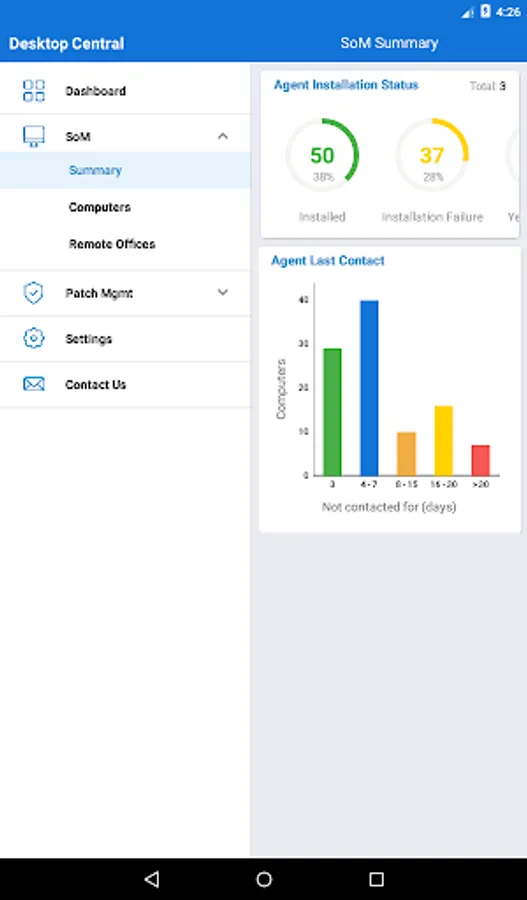
This app will only work in configuration with the Patch Manager Plus Server available in your business network.
Supported Features:
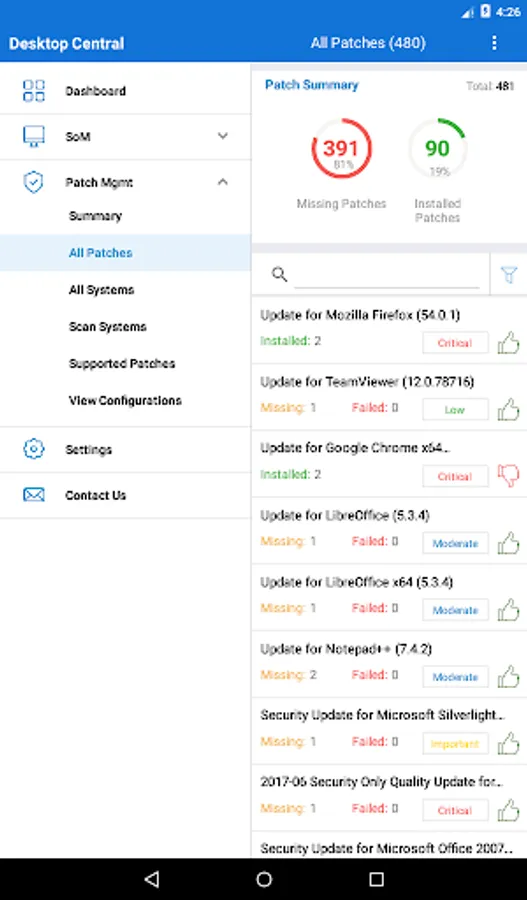
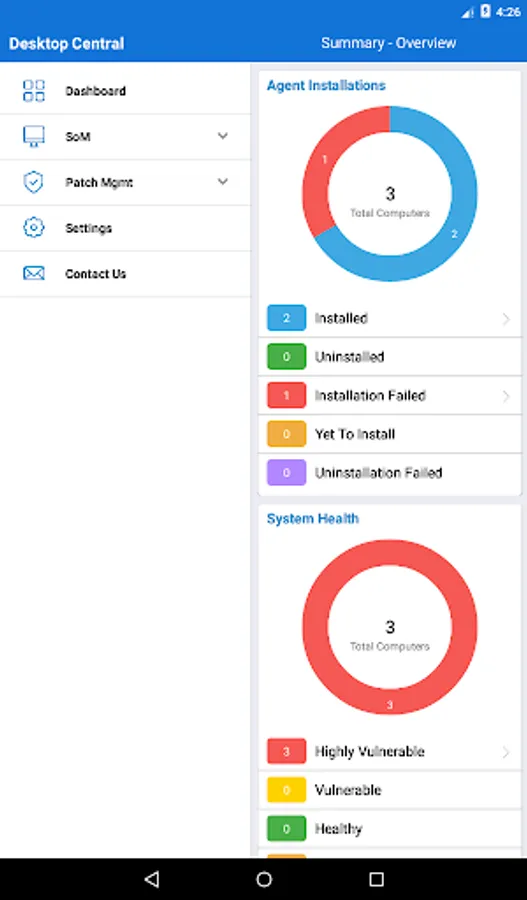
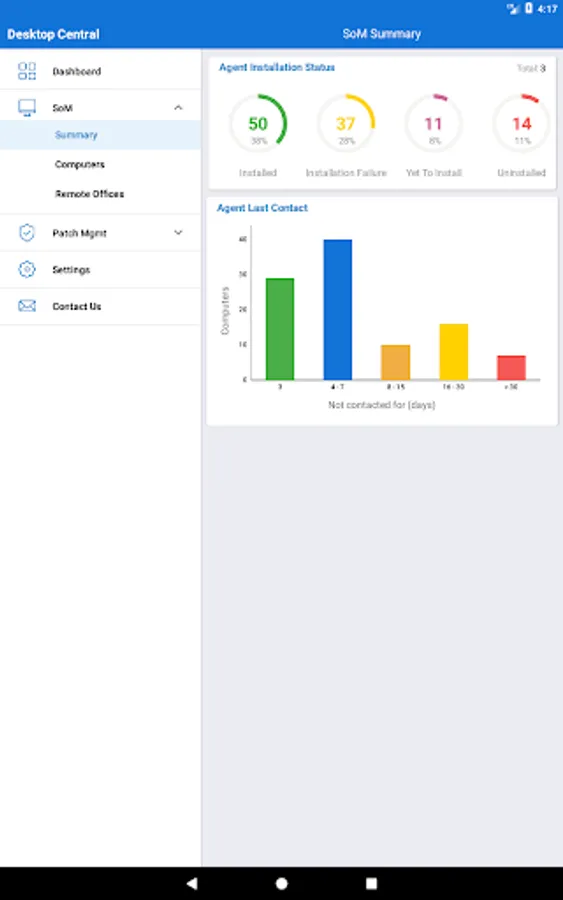
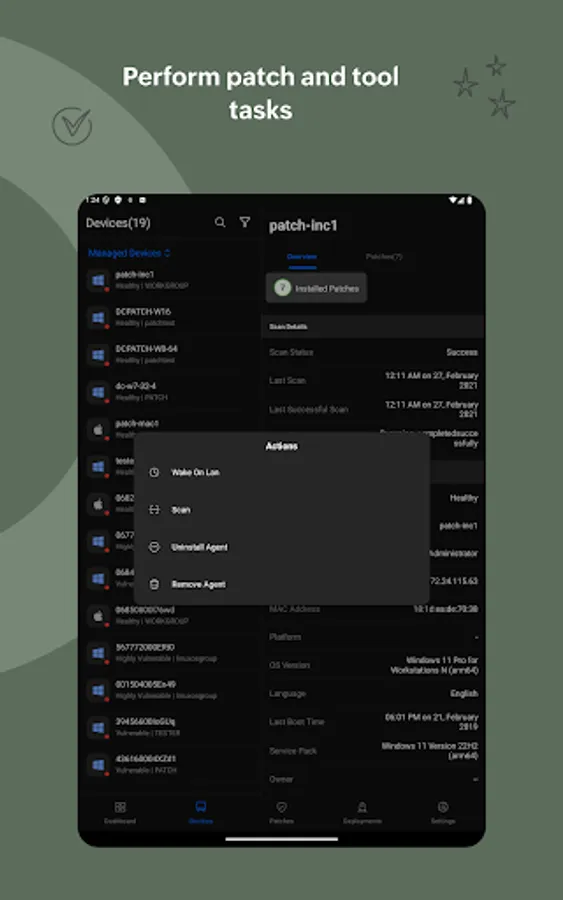
• Detect vulnerable computers based on missing patches
• Test and approve patches automatically
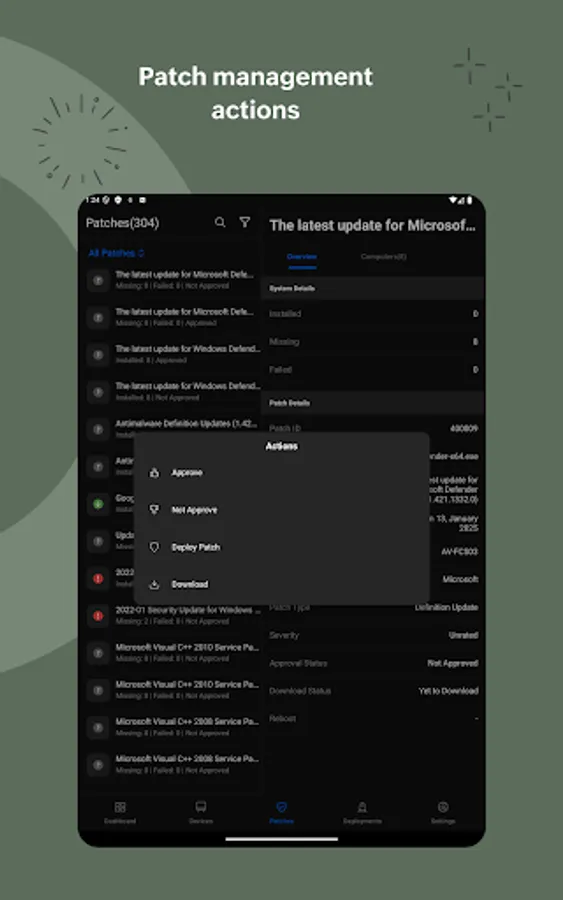
• Automate download & deploy missing patches
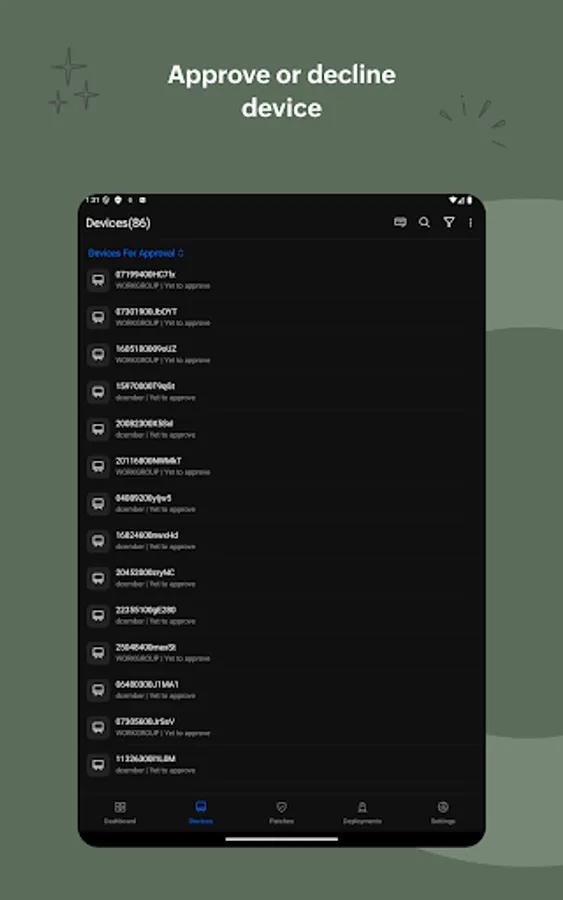
• Decline Patches
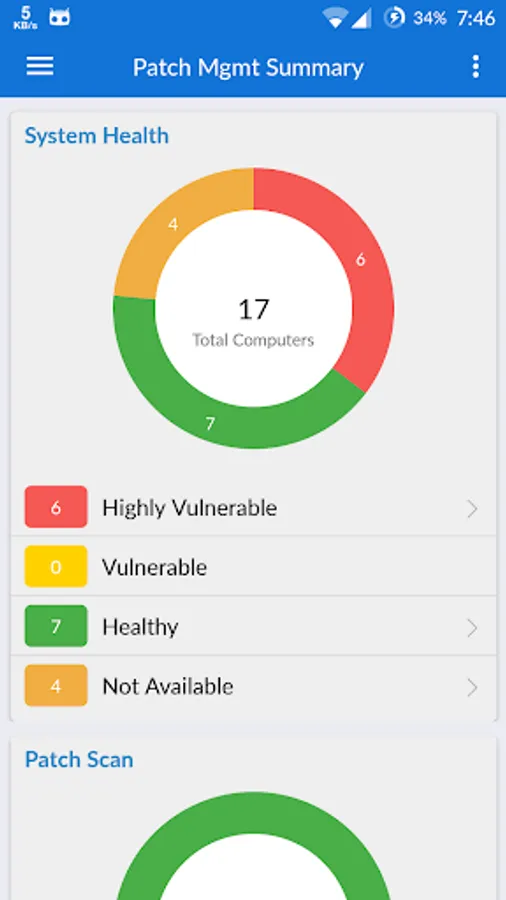
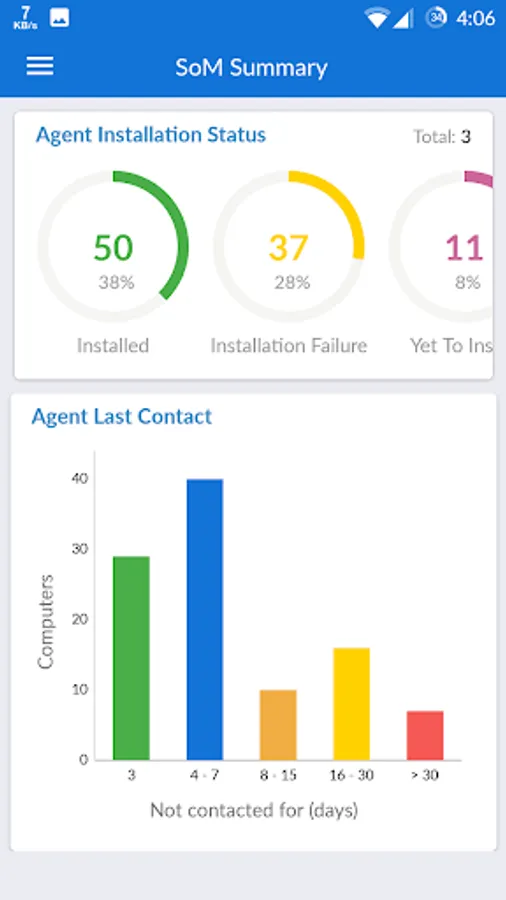
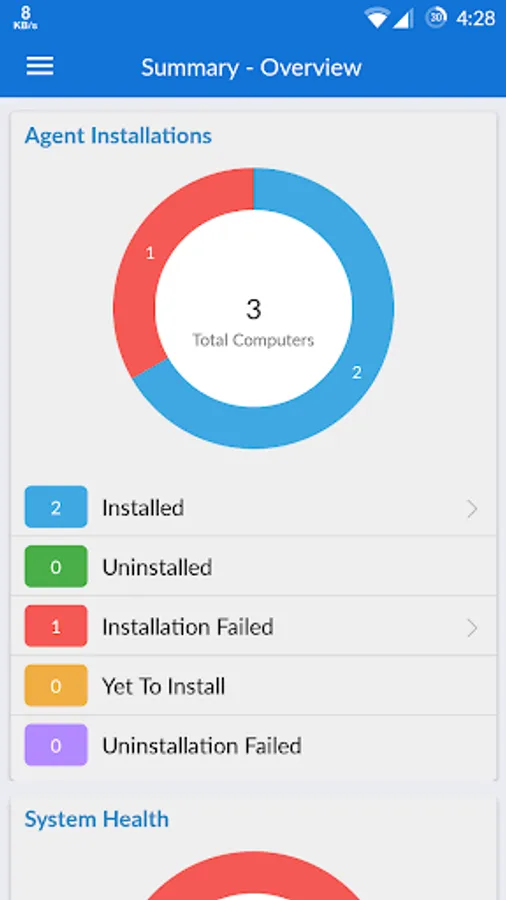
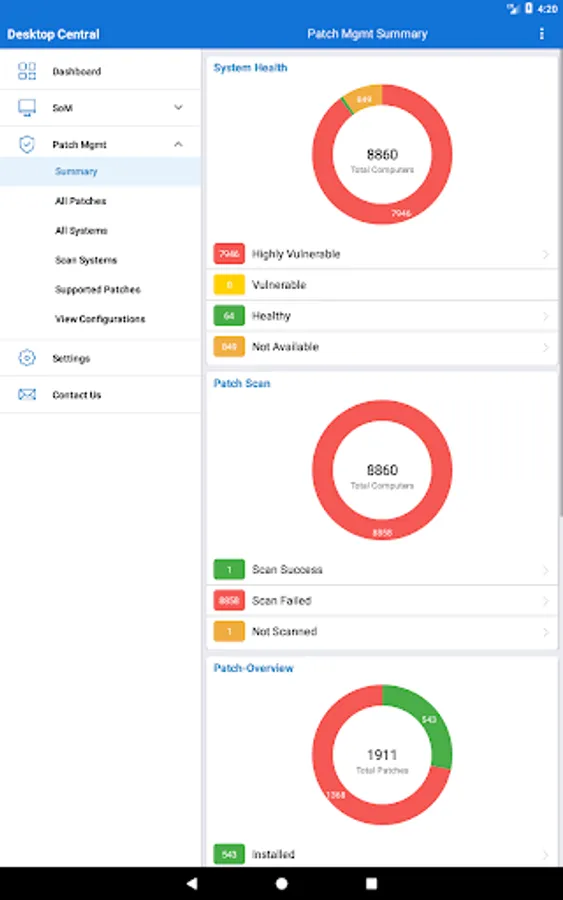
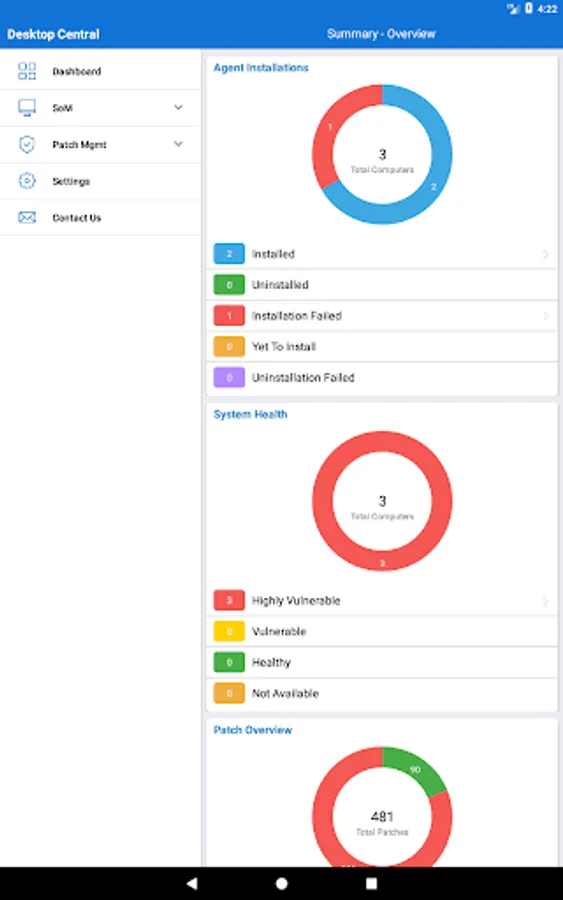
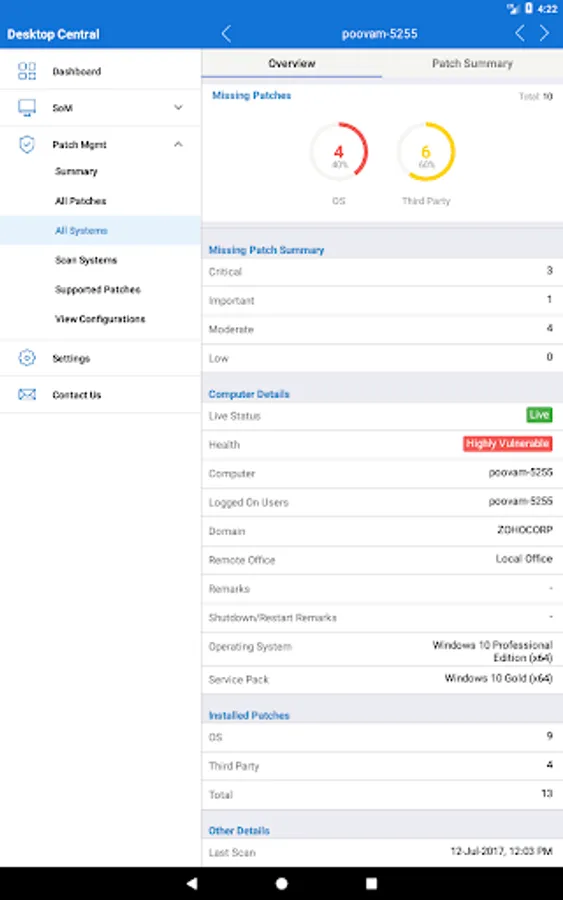
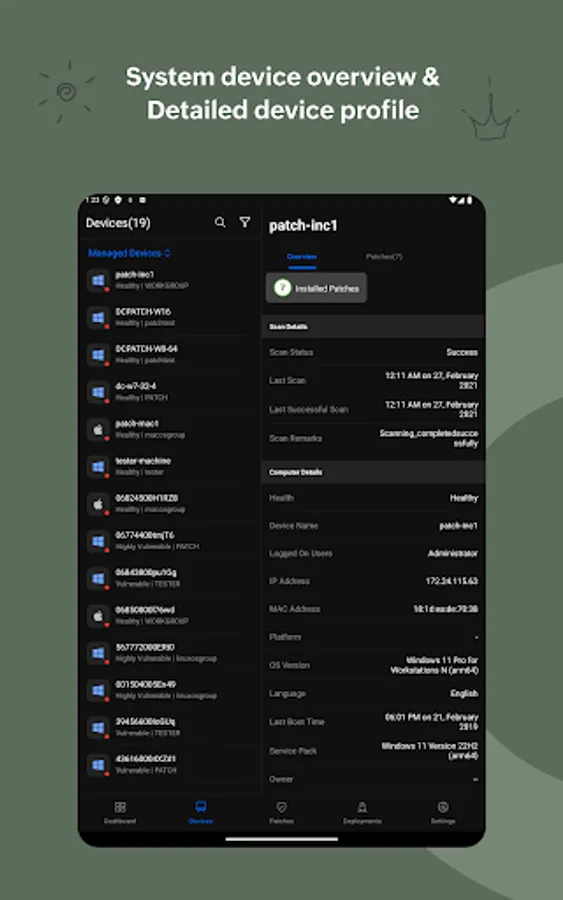
• System health report
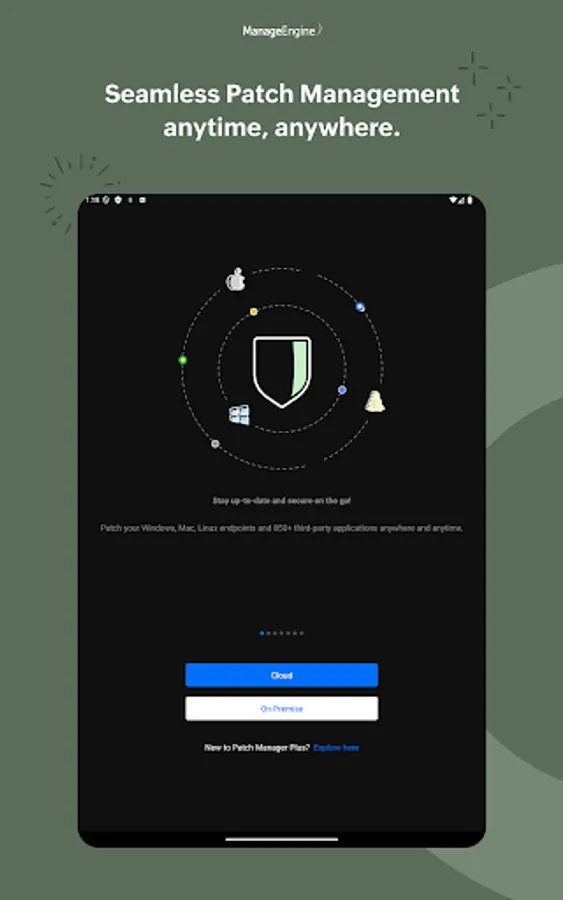
ManageEngine Patch Manager Plus makes patch management a cake walk for the IT admins. Patch management tasks can now be performed on the go, anytime, anywhere. You can patch desktops, laptops, servers and virtual machines. Windows, Mac, Linux and third-party applications can be patched for computers within LAN, WAN and roaming users.
Tasks that can be performed using the app:
Detect vulnerable computers based on missing patches:
• Synchronize with online patch database
• Scan computers at regular intervals
• Identify computers which missed critical patches
Test and approve patches automatically:
• Create test groups based on OS and departments
• Test newly released patches automatically
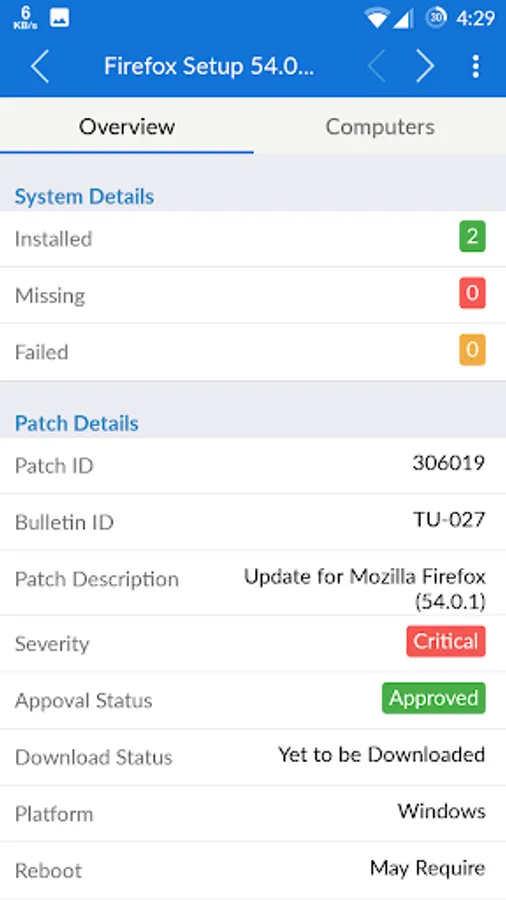
• Approve tested patches based on deployment result
Automate download & deploy missing patches:
• Download missing patches automatically
• Customize deployment to non-business hours
• Configure reboot policy
Decline Patches:
• Decline patching legacy applications
• Decline patching for specific users/departments
• Decline patches based on family
System Health Report
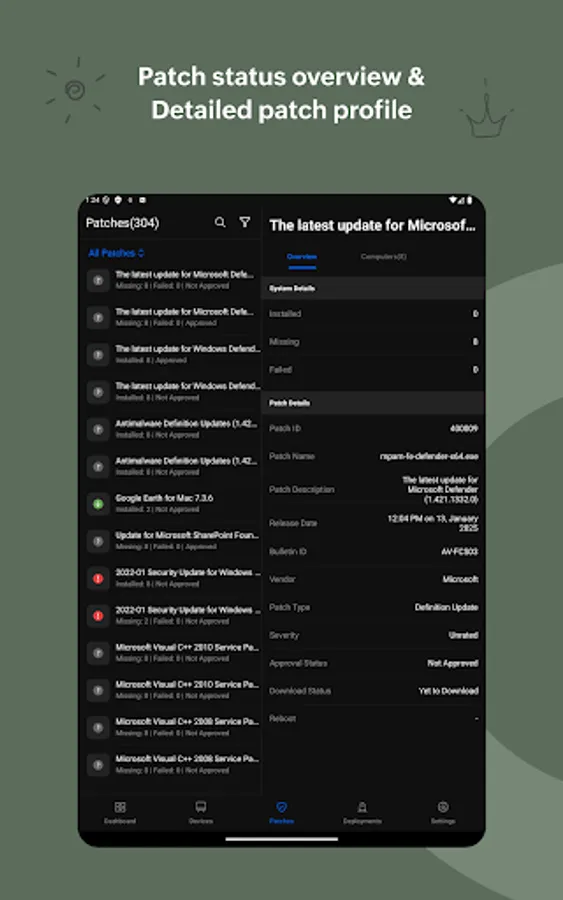
• Vulnerable system reports
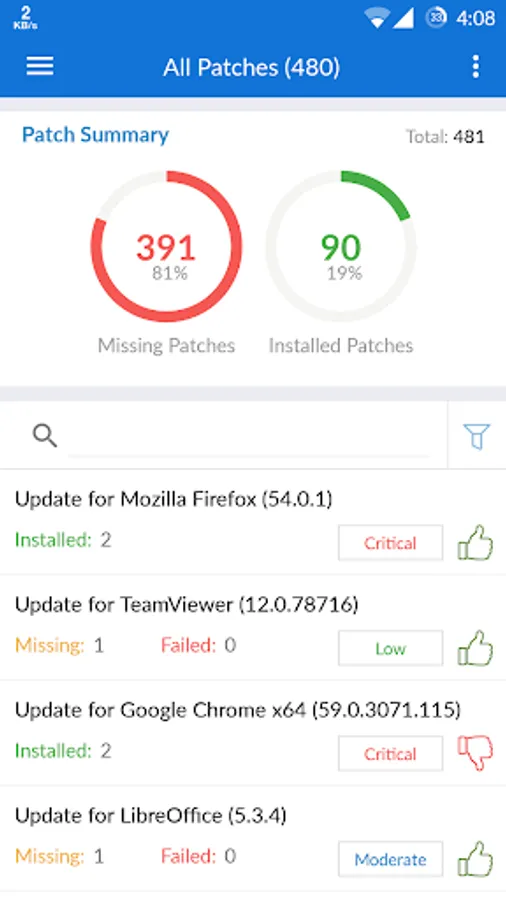
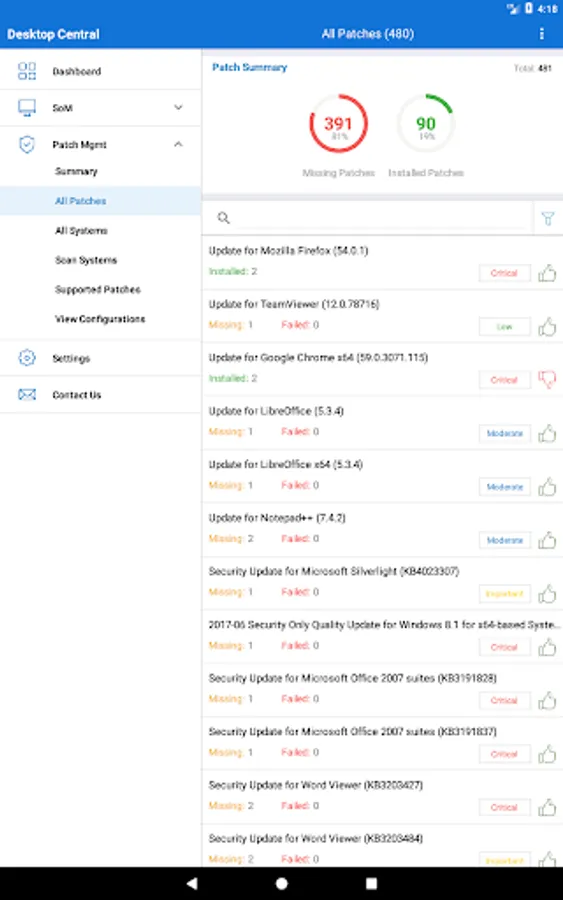
• Reports on installed patches
• Detailed summary on missing patches
Instructions for activation:
Step 1: Install the Patch Manager Plus Android app on your device
Step 2: Once installed, give the credentials of server name and port being used for Patch Manager Plus
Step 3: Sign in with the username and password being used for Patch Manager Plus Console
Supported Features:
• Detect vulnerable computers based on missing patches
• Test and approve patches automatically
• Automate download & deploy missing patches
• Decline Patches
• System health report
ManageEngine Patch Manager Plus makes patch management a cake walk for the IT admins. Patch management tasks can now be performed on the go, anytime, anywhere. You can patch desktops, laptops, servers and virtual machines. Windows, Mac, Linux and third-party applications can be patched for computers within LAN, WAN and roaming users.
Tasks that can be performed using the app:
Detect vulnerable computers based on missing patches:
• Synchronize with online patch database
• Scan computers at regular intervals
• Identify computers which missed critical patches
Test and approve patches automatically:
• Create test groups based on OS and departments
• Test newly released patches automatically
• Approve tested patches based on deployment result
Automate download & deploy missing patches:
• Download missing patches automatically
• Customize deployment to non-business hours
• Configure reboot policy
Decline Patches:
• Decline patching legacy applications
• Decline patching for specific users/departments
• Decline patches based on family
System Health Report
• Vulnerable system reports
• Reports on installed patches
• Detailed summary on missing patches
Instructions for activation:
Step 1: Install the Patch Manager Plus Android app on your device
Step 2: Once installed, give the credentials of server name and port being used for Patch Manager Plus
Step 3: Sign in with the username and password being used for Patch Manager Plus Console
Patch Manager Plus Screenshots
Tap to Rate:
Reviews for Patch Manager Plus
Muhd Arman Ilyasi
11/12/2025
Good 👍
Prashant kumar
3/18/2025
This app has very very limited features as compared to browser. This app is of no use. How this limited features help user to manage.