OpManager - Network Monitoring
ManageEngine
Free
rated 4.2 stars
10,000+
downloads
About OpManager - Network Monitoring
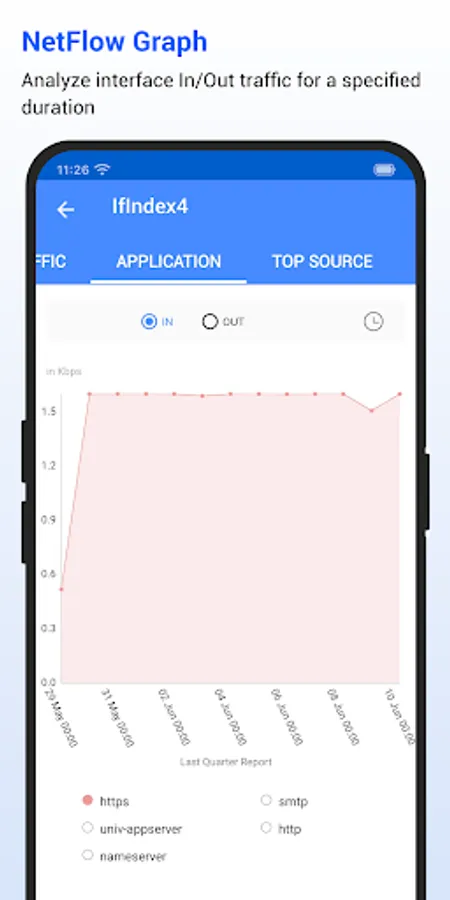
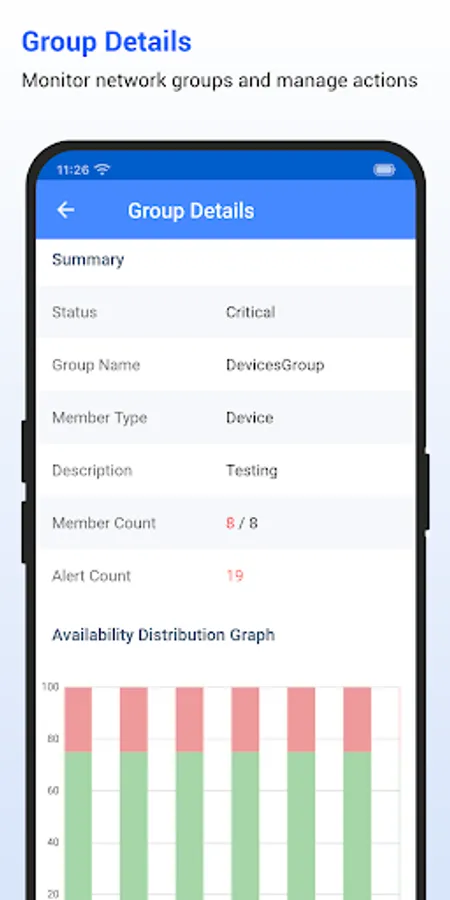
ManageEngine OpManager is a network management platform that helps large enterprises, service providers, and small to medium-sized enterprises (SMEs) manage their data centers and IT infrastructure efficiently and cost effectively. Automated workflows, intelligent alerting engines, configurable discovery rules, and extendable templates enable IT teams to set up a 24x7 monitoring system within hours of installation.
Android App for OpManager (OPM)
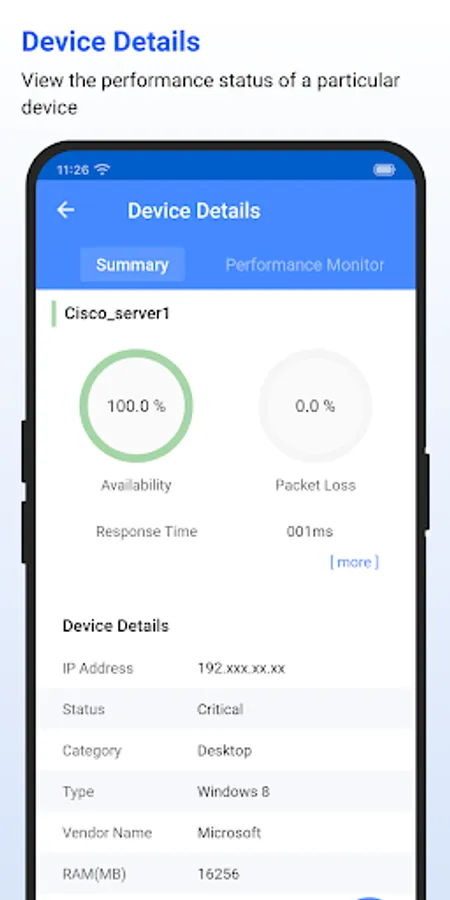
You are only able to access your machine setup using this app if you're already running OpManager on-premises. This app helps data center administrators stay connected to their IT and access it from anywhere, anytime. It offers quick access to OpManager to view the performance of devices and troubleshoot faults instantly. This app is not stand-alone.
Key features:
* Lists all the devices in your network based on category.
* Suppress alarms for particular device/Interface based on the required interval.
* Manage/ Un Manage the Devices/ Interfaces.
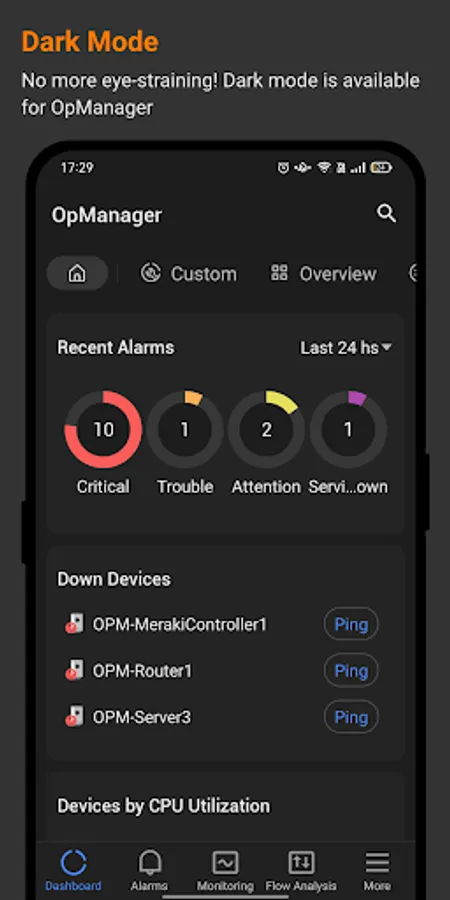
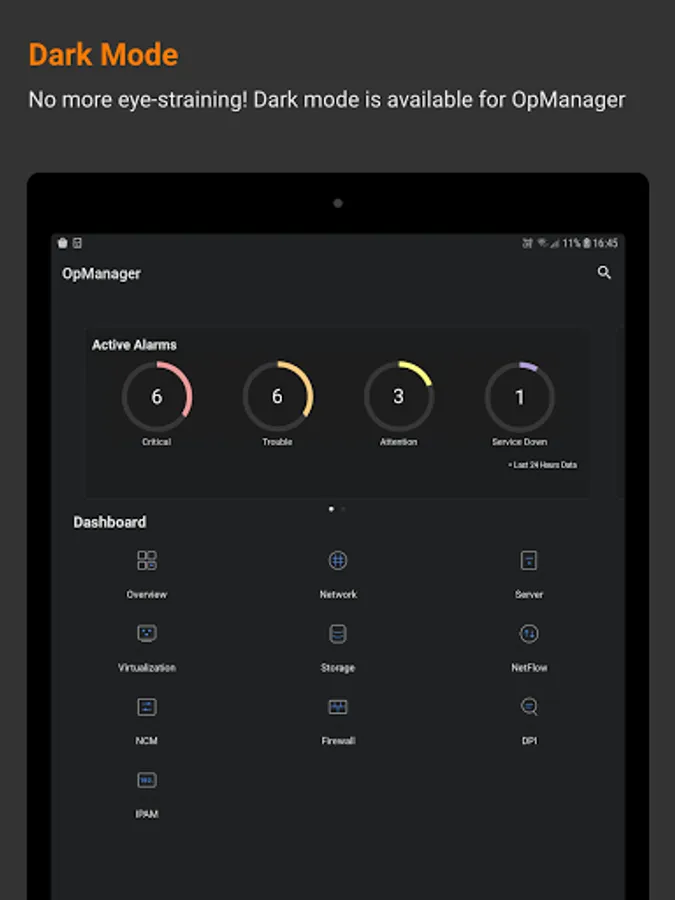
* Lists alarms and their cause based on the time and severity (Critical, Warning, or Attention)
* Lists all the down devices and their corresponding alarms in your network* Search for a particular device in your network and know its detail and status
* Perform Ping, Traceroute, and Workflow actions on devices
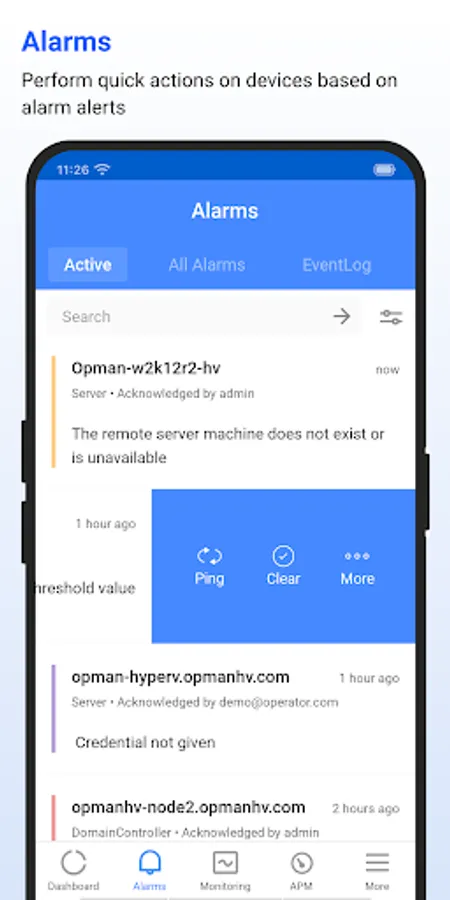
* Perform actions such as Clear Alarm, Acknowledge Alarm, and Add Notes on alarms
* Support for HTTPS
* Active Directory authentication
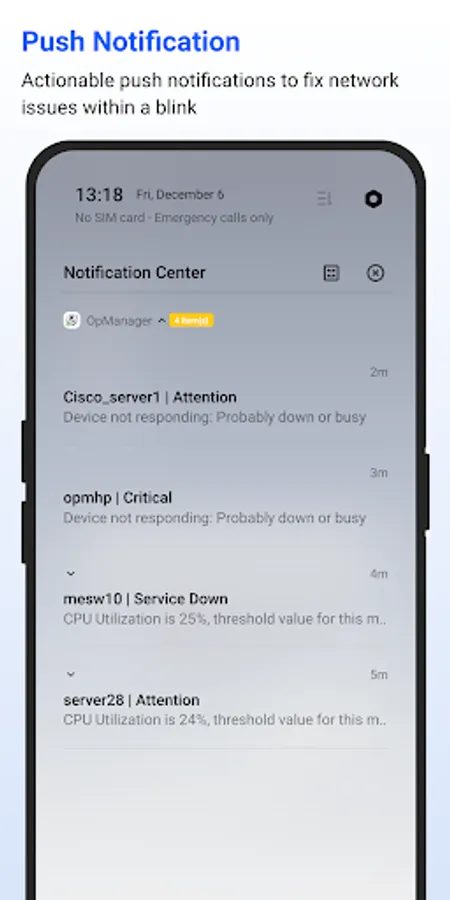
* Push notifications
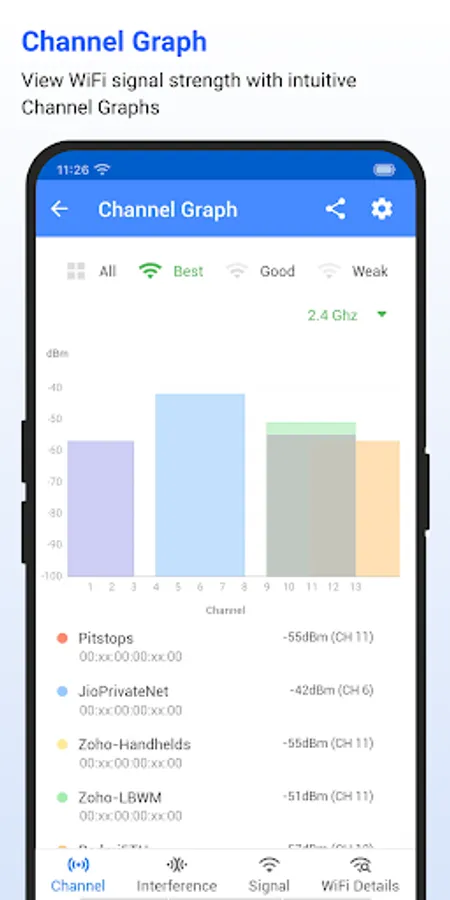
* Wifi-Analyzer integration
* Network Path Analysis.
Want to try OpManager on-premises?
https://www.manageengine.com/network-monitoring/download.html?appstore
App also supports OpManager Plus.
Android App for OpManager (OPM)
You are only able to access your machine setup using this app if you're already running OpManager on-premises. This app helps data center administrators stay connected to their IT and access it from anywhere, anytime. It offers quick access to OpManager to view the performance of devices and troubleshoot faults instantly. This app is not stand-alone.
Key features:
* Lists all the devices in your network based on category.
* Suppress alarms for particular device/Interface based on the required interval.
* Manage/ Un Manage the Devices/ Interfaces.
* Lists alarms and their cause based on the time and severity (Critical, Warning, or Attention)
* Lists all the down devices and their corresponding alarms in your network* Search for a particular device in your network and know its detail and status
* Perform Ping, Traceroute, and Workflow actions on devices
* Perform actions such as Clear Alarm, Acknowledge Alarm, and Add Notes on alarms
* Support for HTTPS
* Active Directory authentication
* Push notifications
* Wifi-Analyzer integration
* Network Path Analysis.
Want to try OpManager on-premises?
https://www.manageengine.com/network-monitoring/download.html?appstore
App also supports OpManager Plus.
OpManager - Network Monitoring Screenshots
Reviews for OpManager - Network Monitoring
Ehab Maher Shahin
8/25/2025
perfect application
Md Rayhan Rayhan
8/24/2025
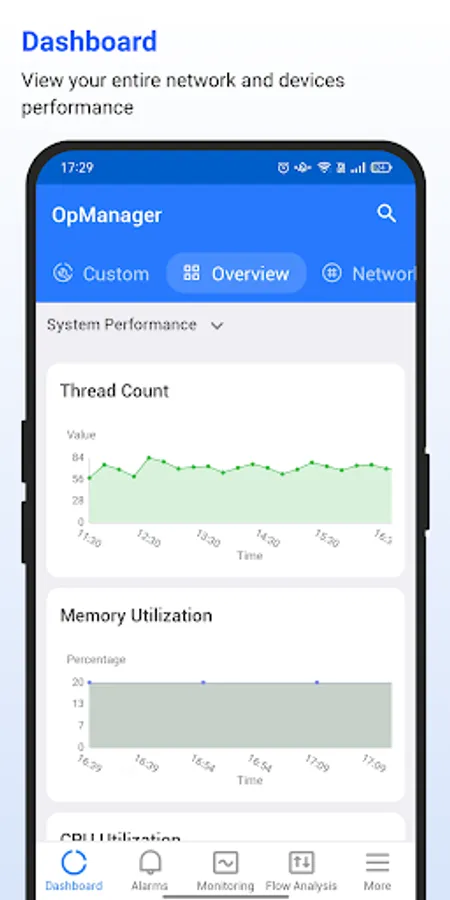
OpManager automatically discovers and maps network topology, visually representing network layout and device relationships. It also tracks device performance metrics like bandwidth usage, CPU, memory, and disk utilization to aid in performance optimization.
Vinayak Kadam
6/3/2025
It is an excellent product that offers you real-time network monitoring features. It enables you to identify and resolve network issues faster. it also helps you to optimize network performance.
David Maepa
5/6/2025
still trying to explore the application
Signal KSA
4/23/2025
very bad 👎
Tap to Rate: