Extra Large Keyboard
News Marathon Ltd
3.8 ★
364 ratings
50,000+
downloads
Free
+ in-app
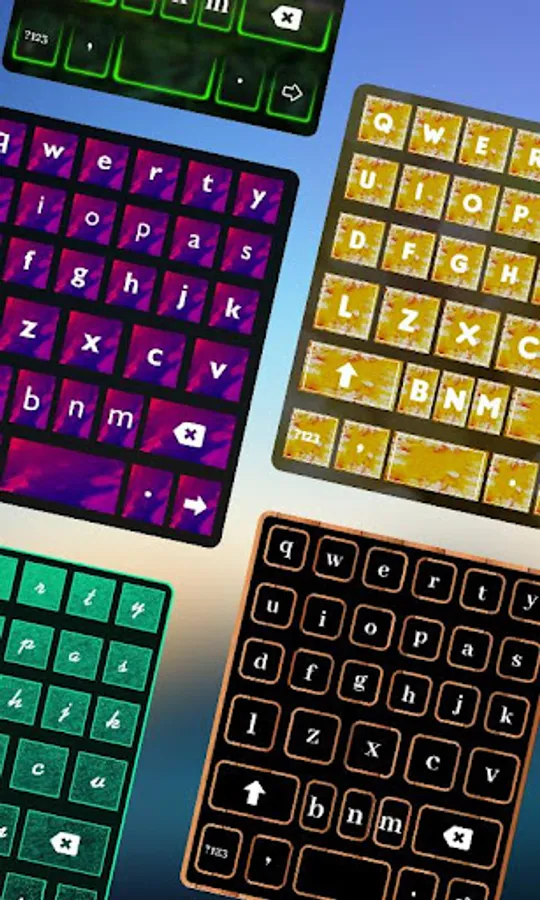
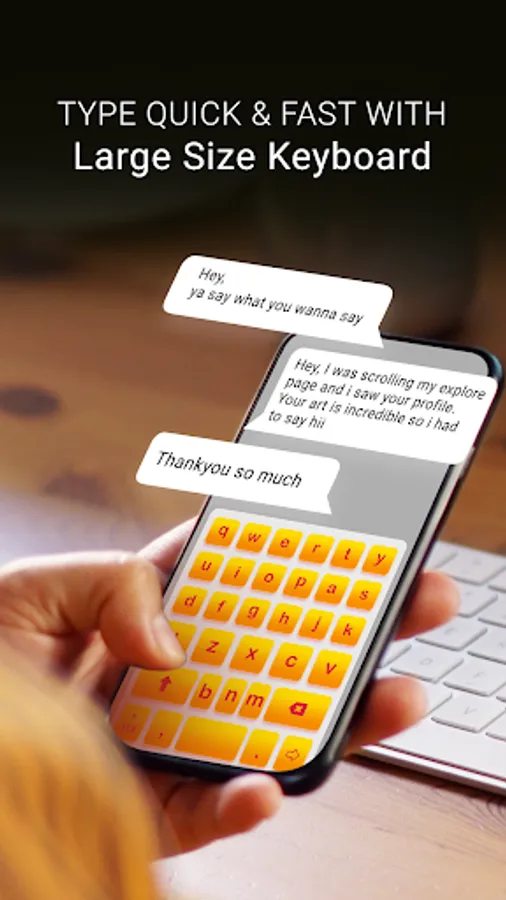
With this custom keyboard app, you can use large-sized keys to improve typing comfort and customize backgrounds with images or colors. Includes background customization options, font style settings, and multiple language support.
AppRecs review analysis
AppRecs rating 3.3. Trustworthiness 77 out of 100. Review manipulation risk 29 out of 100. Based on a review sample analyzed.
★★★☆☆
3.3
AppRecs Rating
Ratings breakdown
5 star
56%
4 star
10%
3 star
5%
2 star
12%
1 star
17%
What to know
✓
Low review manipulation risk
29% review manipulation risk
✓
Credible reviews
77% trustworthiness score from analyzed reviews
⚠
Ad complaints
Many low ratings mention excessive ads
About Extra Large Keyboard
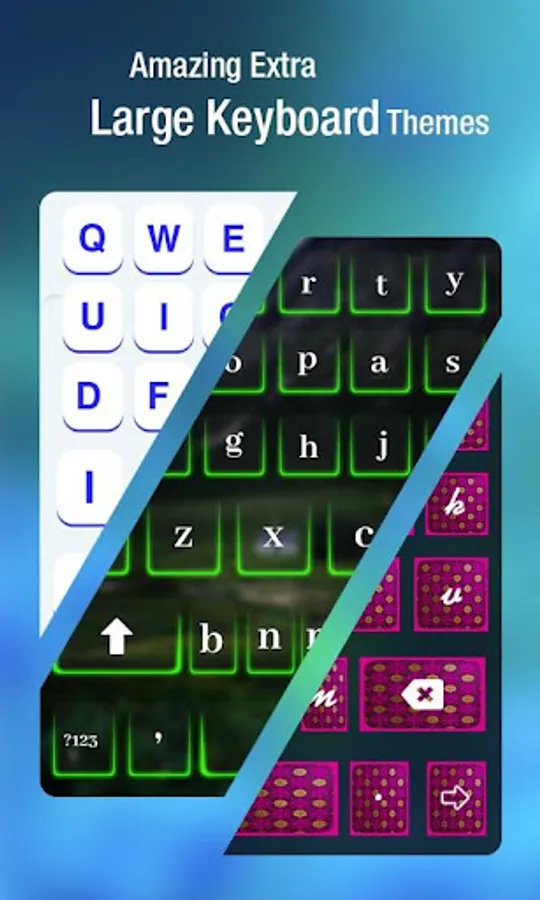
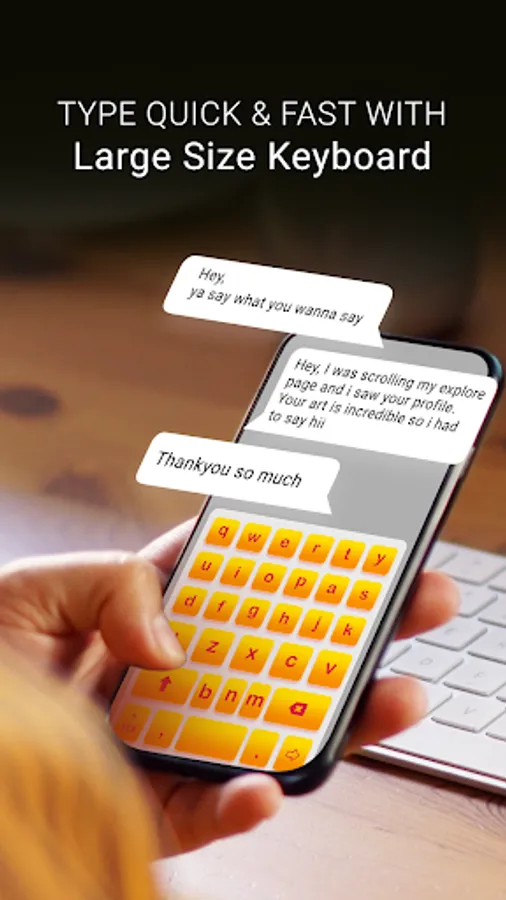
Even when the technology is so advanced, there are a few things that still unresolved, like Android keyboard and the size of the letters. We need some amazing customized keyboards to match out style and to have some extra large sized keypads.
App Description:
-Enable keyboard service to use custom extra large keyboard in your device.
-Go to set input method and select your keyboard app to apply on your device.
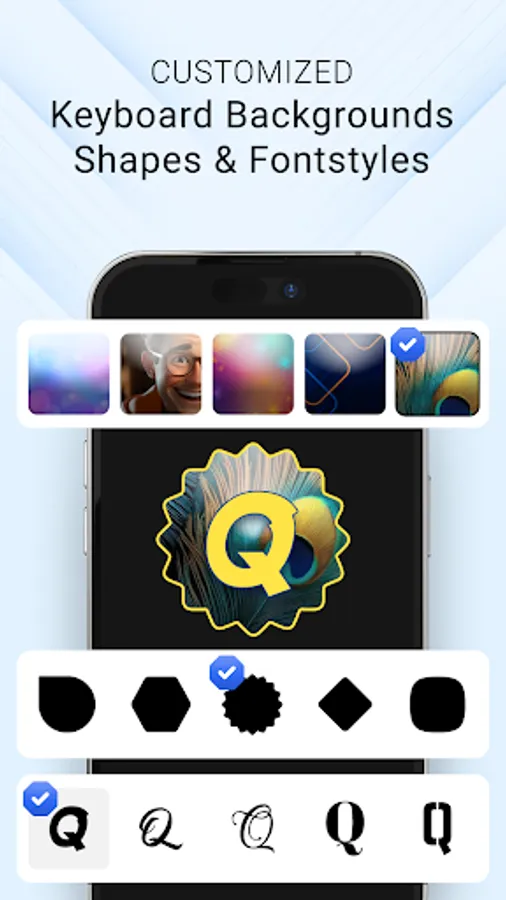
-Customize extra large keyboard with below settings easily make attractive your keyboard view
- Change background of keyboard:
Three ways to set Keyboard background
1.Camera: Capture image from camera and set as a background
2.Gallery: Select image from your device storage
3.Color: Choose custom color from color picker and set color as a background
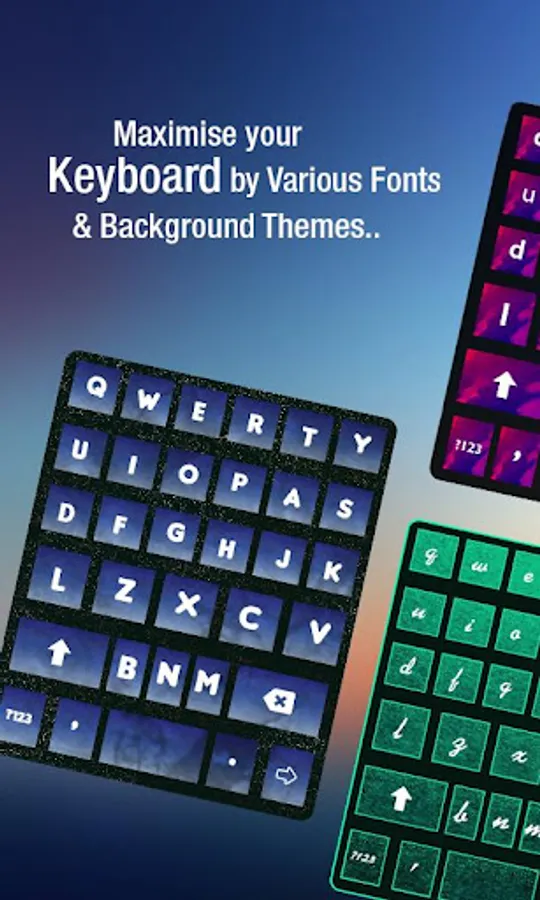
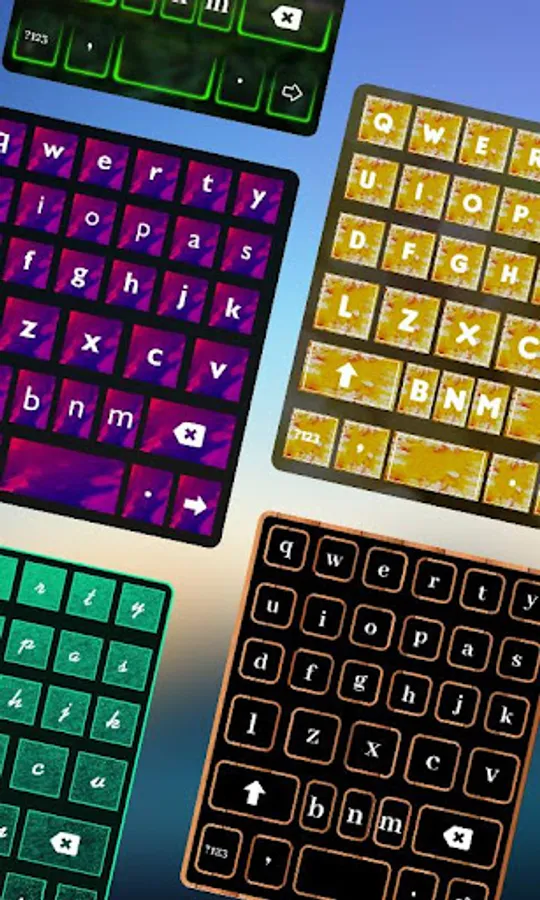
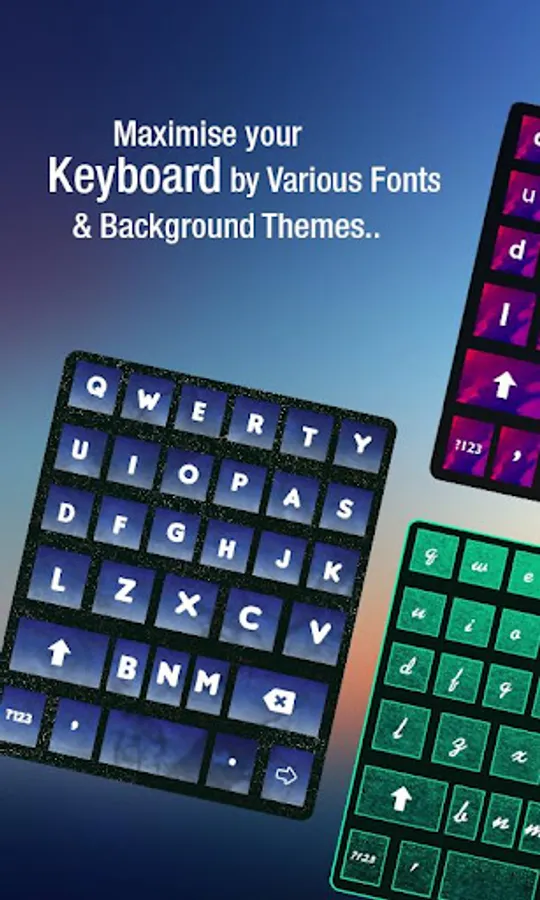
- Change font style of Keyboard text:
-set font color
-set font style
-set font size
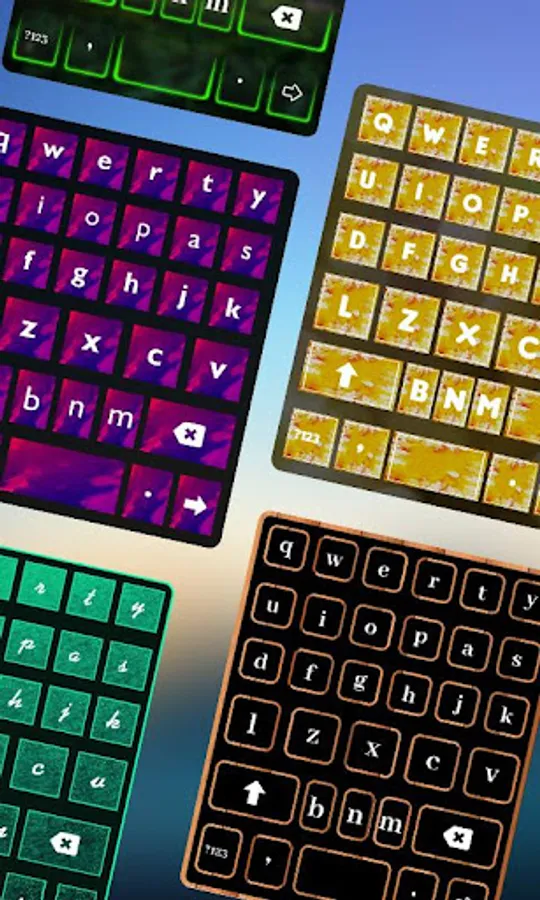
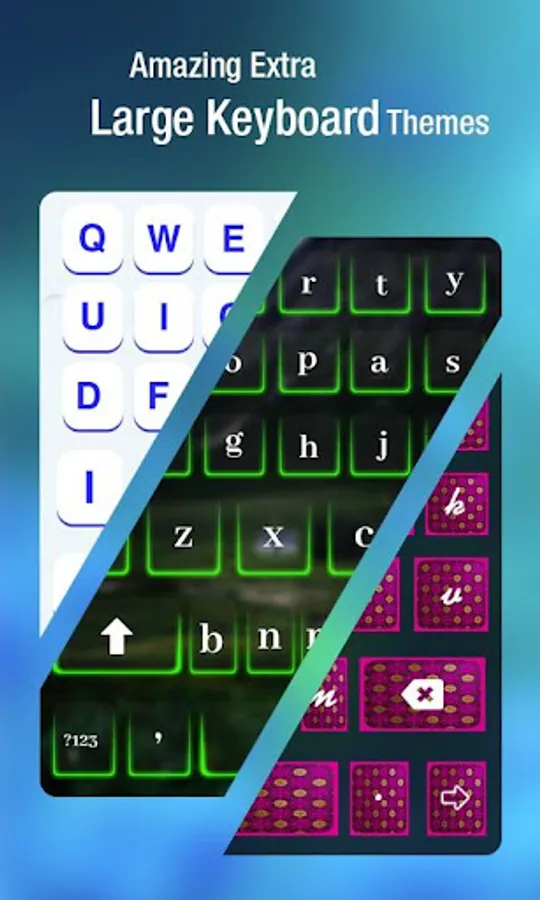
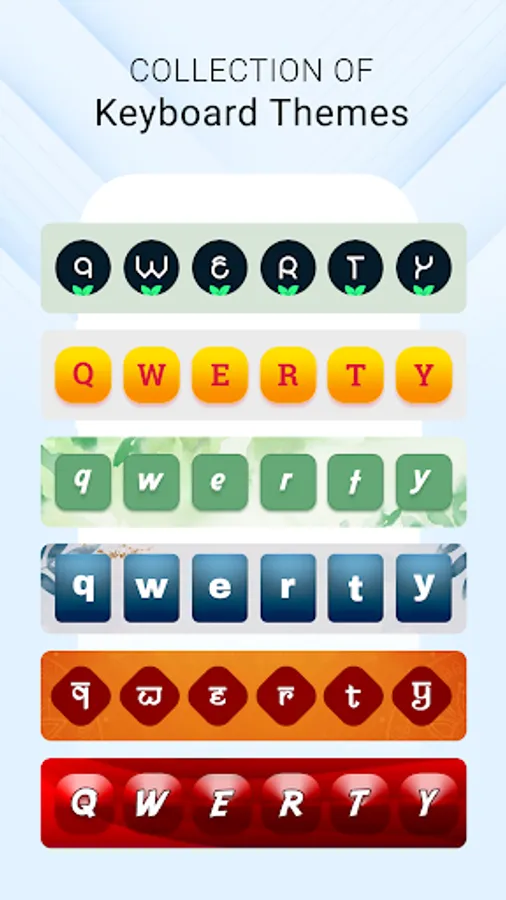
- Set unique theme for keyboard and give it pleasant look
- There is selection of language to set in your keyboard from available multiple languages.
-Keyboard Settings
- Auto Capitalization to enable capitalize the first word of each sentences.
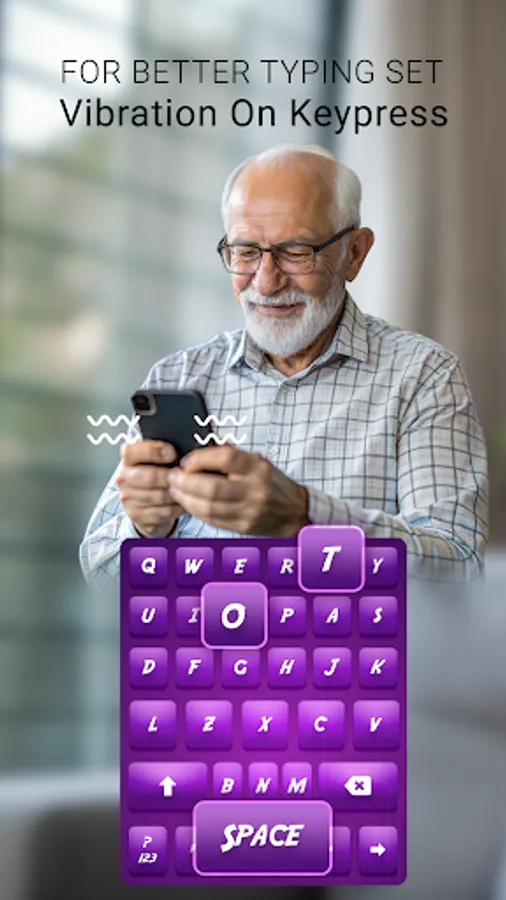
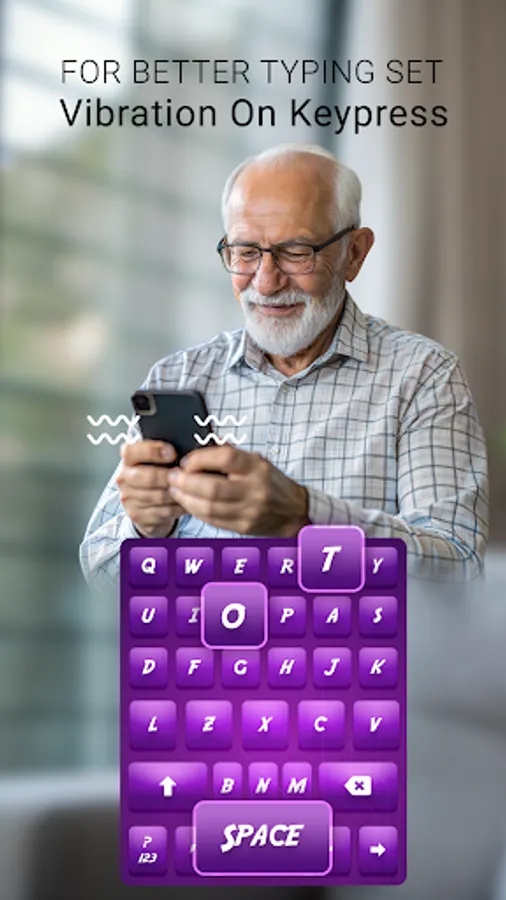
- Vibration on keypress to enable vibrate on key click
- Sound on keypress to enable sound on key click
- Popup on keypress
- set height of keyboard
- Hide special characters
- Hide language switch key
Conclusion: "Extra Large Keyboard" is designed to use 100% of your phone’s screen for big keys making it indispensable on small screen devices.
Permission Required:
READ_USER_DICTIONARY : get your keyboard from keyboard list
WRITE_USER_DICTIONARY : to apply keyboard to keyboard list of your device setting
READ_EXTERNAL_STORAGE : get camera and gallery image from device storage
WRITE_EXTERNAL_STORAGE : store camera capture click into your storage
android.permission.VIBRATE : apply vibrate on touch of your keyboard click
android.permission.CAMERA : capture click from camera
com.android.vending.BILLING : continue with ad free version
App Description:
-Enable keyboard service to use custom extra large keyboard in your device.
-Go to set input method and select your keyboard app to apply on your device.
-Customize extra large keyboard with below settings easily make attractive your keyboard view
- Change background of keyboard:
Three ways to set Keyboard background
1.Camera: Capture image from camera and set as a background
2.Gallery: Select image from your device storage
3.Color: Choose custom color from color picker and set color as a background
- Change font style of Keyboard text:
-set font color
-set font style
-set font size
- Set unique theme for keyboard and give it pleasant look
- There is selection of language to set in your keyboard from available multiple languages.
-Keyboard Settings
- Auto Capitalization to enable capitalize the first word of each sentences.
- Vibration on keypress to enable vibrate on key click
- Sound on keypress to enable sound on key click
- Popup on keypress
- set height of keyboard
- Hide special characters
- Hide language switch key
Conclusion: "Extra Large Keyboard" is designed to use 100% of your phone’s screen for big keys making it indispensable on small screen devices.
Permission Required:
READ_USER_DICTIONARY : get your keyboard from keyboard list
WRITE_USER_DICTIONARY : to apply keyboard to keyboard list of your device setting
READ_EXTERNAL_STORAGE : get camera and gallery image from device storage
WRITE_EXTERNAL_STORAGE : store camera capture click into your storage
android.permission.VIBRATE : apply vibrate on touch of your keyboard click
android.permission.CAMERA : capture click from camera
com.android.vending.BILLING : continue with ad free version