In this measurement app, users can select from various methods like sensors, camera, and touch to measure length and distance. Includes calibration tools and multiple measurement modes for different tasks.
AppRecs review analysis
AppRecs rating 4.0. Trustworthiness 50 out of 100. Review manipulation risk 30 out of 100. Based on a review sample analyzed.
★★★★☆
4.0
AppRecs Rating
Ratings breakdown
5 star
0%
4 star
100%
3 star
0%
2 star
0%
1 star
0%
What to know
✓
Authentic reviews
No red flags detected
⚠
Limited rating diversity
100% high ratings in sampled reviews
About Max Ruler
It is application for measuring length and distance with various method.
Main Function
1. Various measuring method : Gravity Sensor, Camera, Touch screen and Acceleration Sensor.
2. Calibration : Calibration function makes easy and accurate measure when measuring angle with sensor.
Instruction
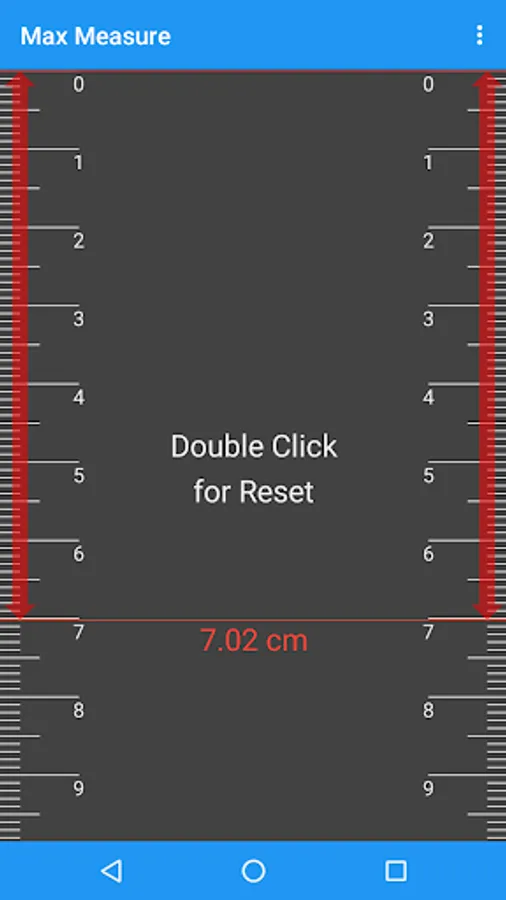
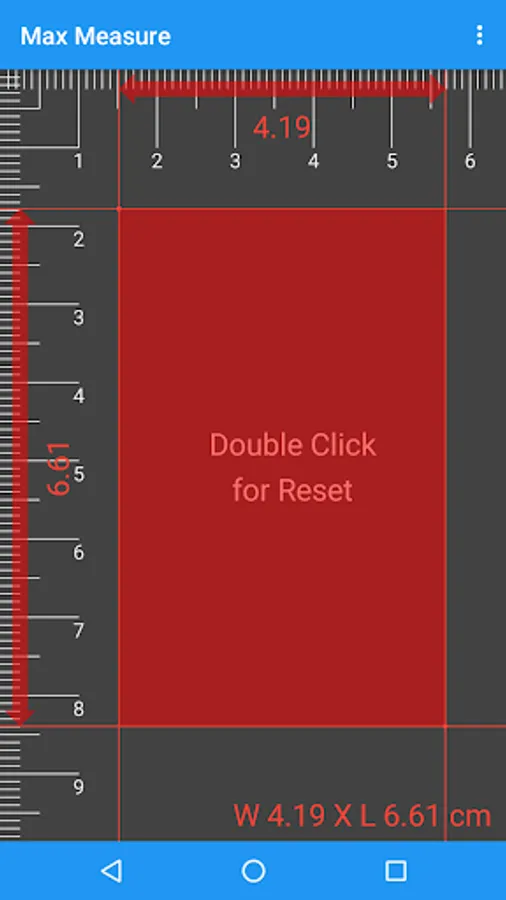
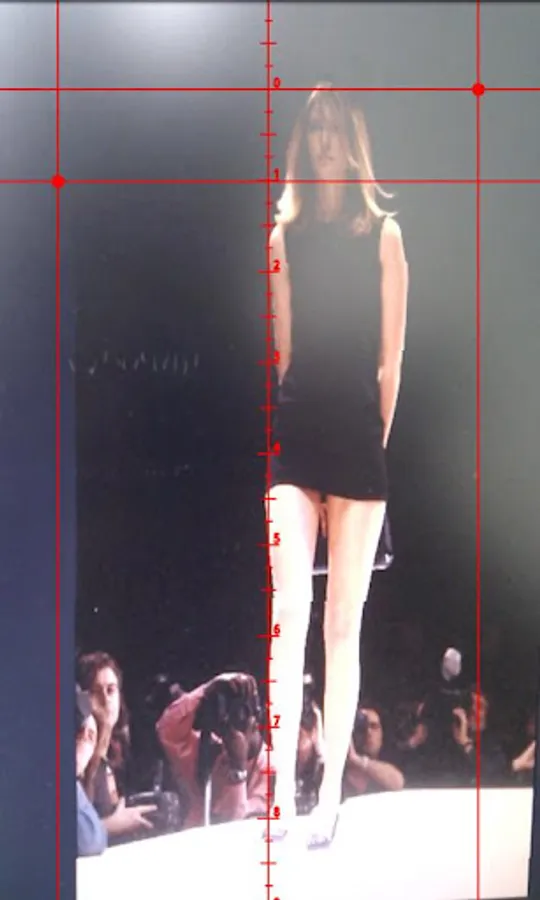
1. Ruler Mode
1) Use screen ruler as normal ruler.
2) Get exact length by touching screen.
2. Measuring Tape Mode
1) Set parallel measured object and device.
2) Drag device with screen touch.
3) do 2) several times and read measured value.
3. Rate of Length Mode
1) Set hair cross to fit on measuring object.
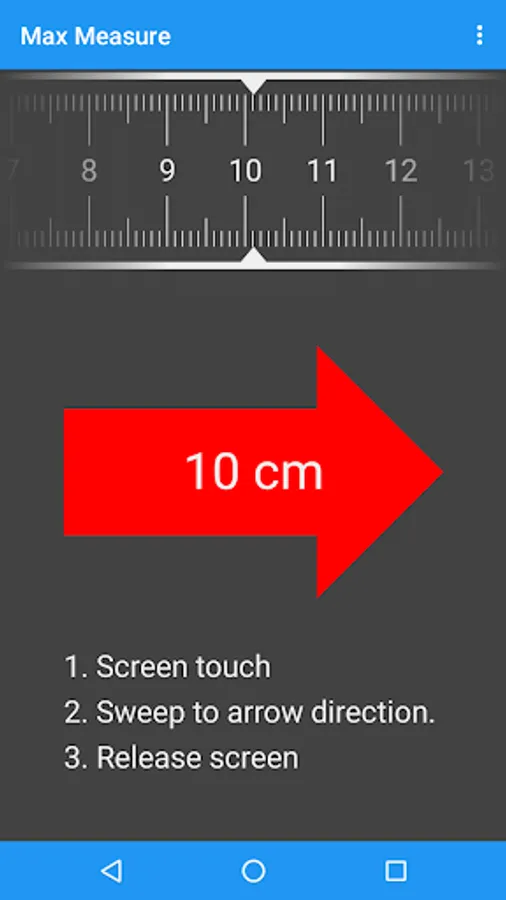
4. Sweep Mode
1) Screen touch.
2) Sweep to arrow direction.
3) Release screen like Drag and Drop on PC.
4) If measured length has big error, please put your Device on a flat and measure based surface then touch the screen for 2 sec and menu->Calibration.
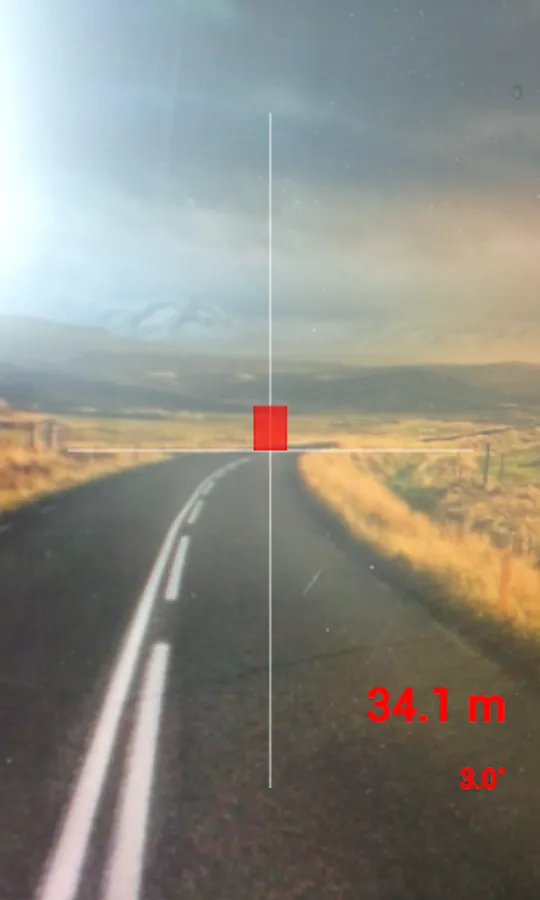
5. Distance Mode
1) Setup your height Menu->Setup.
2) Hold your device on eye-level and center of cross-hair on screen indicates bottom of object.
3) Read distance on screen.
Caution
1. Can be a tolerance caused by sensor accuracy of device.
2. Each Mode has optimized measuring range as
Ruler Mode : 0~10cm (depends on screen size)
Sweep Mode : 0.1~1.5m
Distance Mode : 1~30m
3. Please use with protection wrap or case, especially Sweep Mode.
Main Function
1. Various measuring method : Gravity Sensor, Camera, Touch screen and Acceleration Sensor.
2. Calibration : Calibration function makes easy and accurate measure when measuring angle with sensor.
Instruction
1. Ruler Mode
1) Use screen ruler as normal ruler.
2) Get exact length by touching screen.
2. Measuring Tape Mode
1) Set parallel measured object and device.
2) Drag device with screen touch.
3) do 2) several times and read measured value.
3. Rate of Length Mode
1) Set hair cross to fit on measuring object.
4. Sweep Mode
1) Screen touch.
2) Sweep to arrow direction.
3) Release screen like Drag and Drop on PC.
4) If measured length has big error, please put your Device on a flat and measure based surface then touch the screen for 2 sec and menu->Calibration.
5. Distance Mode
1) Setup your height Menu->Setup.
2) Hold your device on eye-level and center of cross-hair on screen indicates bottom of object.
3) Read distance on screen.
Caution
1. Can be a tolerance caused by sensor accuracy of device.
2. Each Mode has optimized measuring range as
Ruler Mode : 0~10cm (depends on screen size)
Sweep Mode : 0.1~1.5m
Distance Mode : 1~30m
3. Please use with protection wrap or case, especially Sweep Mode.
Max Ruler Screenshots
Tap to Rate:
Reviews for Max Ruler
A Google user
12/21/2017
Loved the sweep mode. The only app that work in playstore. Results depend on calibration and height. Best works. Flat surface.
A Google user
2/21/2015
good