Battery Saving Analog Clocks
MaxLab
4.3 ★
52K ratings
10,000,000+
downloads
Free
AppRecs review analysis
AppRecs rating 4.4. Trustworthiness 78 out of 100. Review manipulation risk 32 out of 100. Based on a review sample analyzed.
★★★★☆
4.4
AppRecs Rating
Ratings breakdown
5 star
67%
4 star
13%
3 star
8%
2 star
3%
1 star
9%
What to know
✓
Credible reviews
78% trustworthiness score from analyzed reviews
✓
High user satisfaction
80% of sampled ratings are 4+ stars (4.3★ average)
✓
Authentic reviews
Natural distribution, no red flags
About Battery Saving Analog Clocks
It makes you see the time all the time on your home screen and when your device is charging.
Share with your friends!
Try a lite version to estimate the quality of the wallpaper!
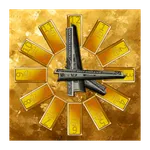
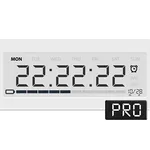
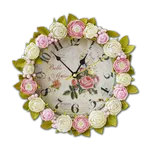
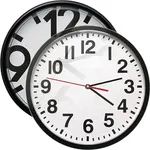
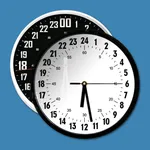
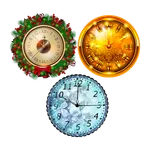
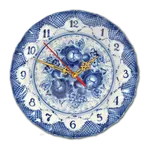
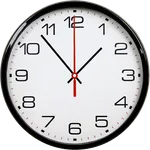
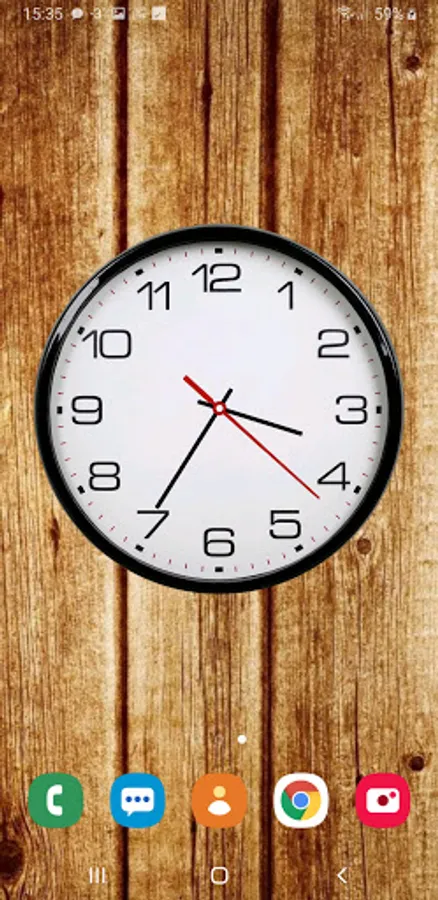
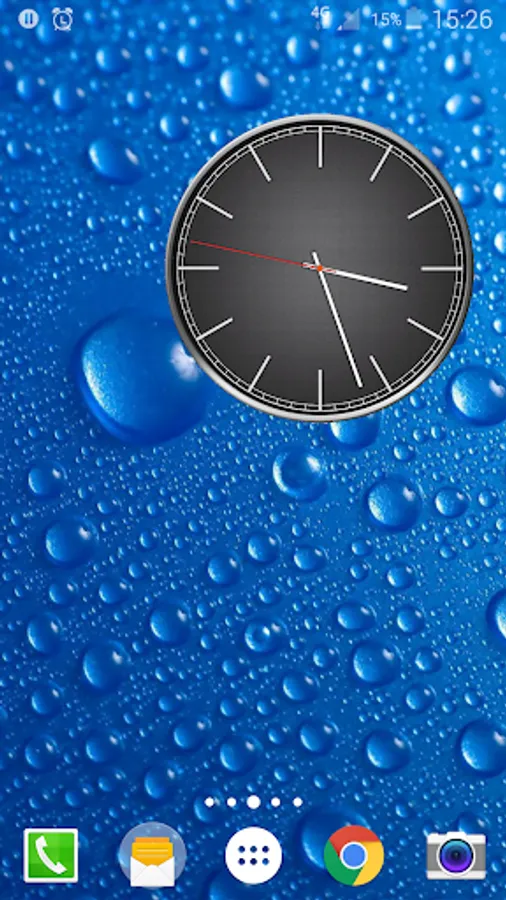
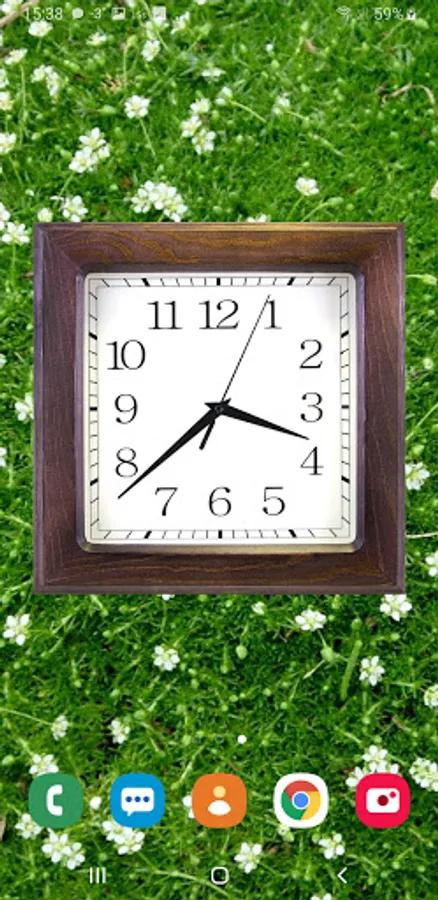
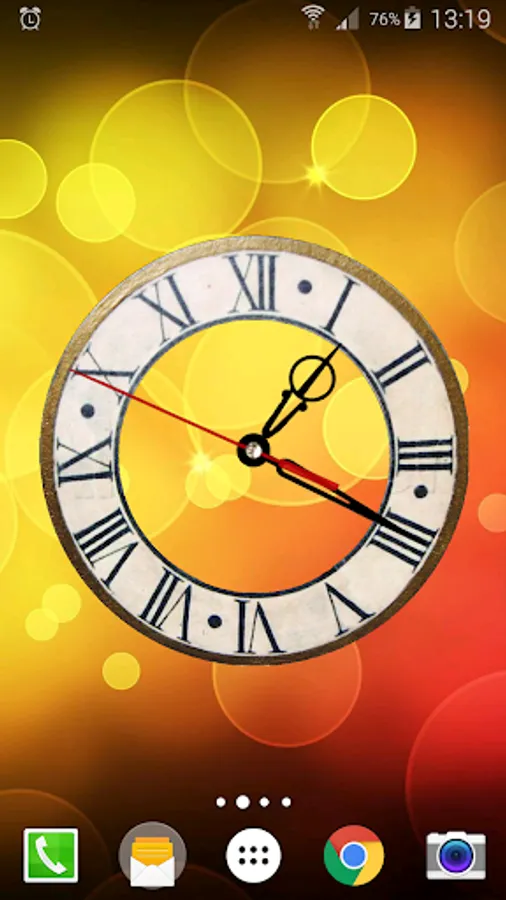
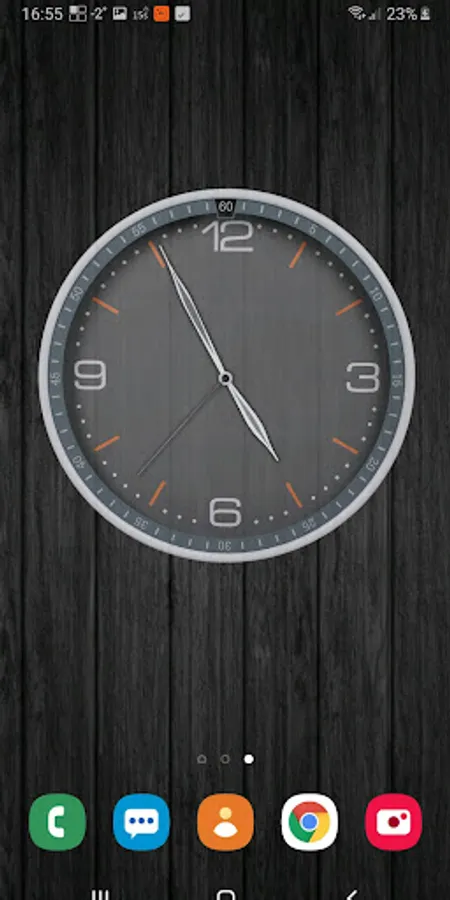
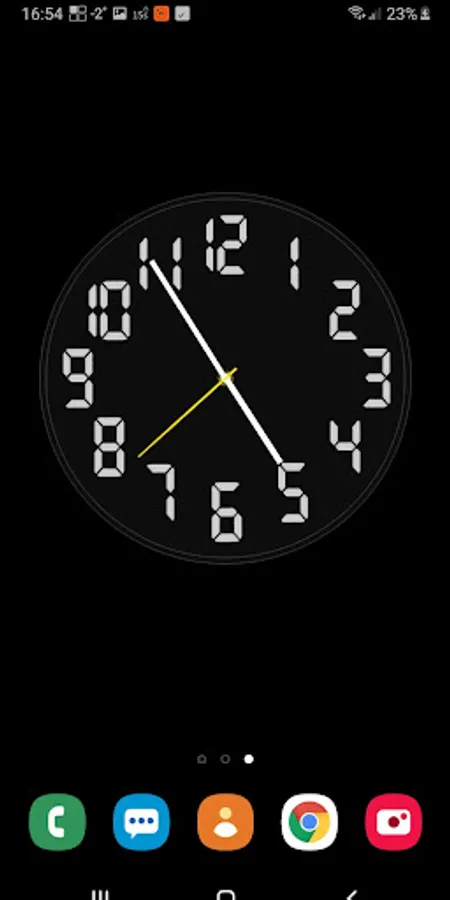
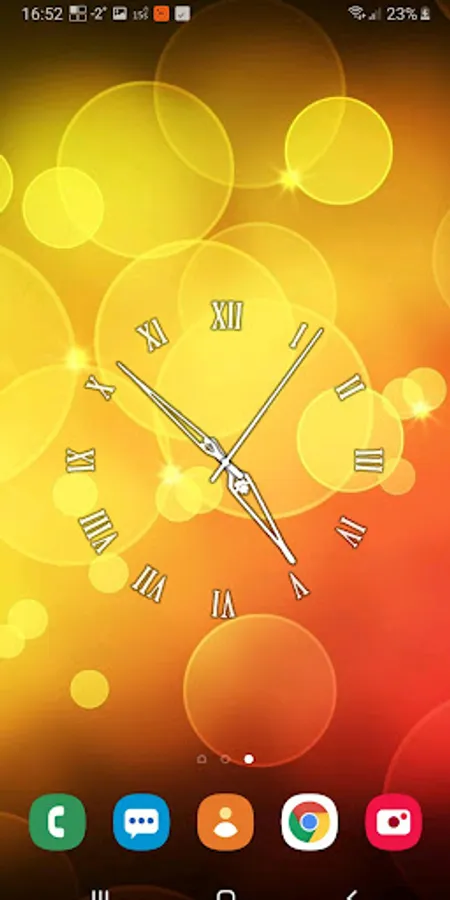
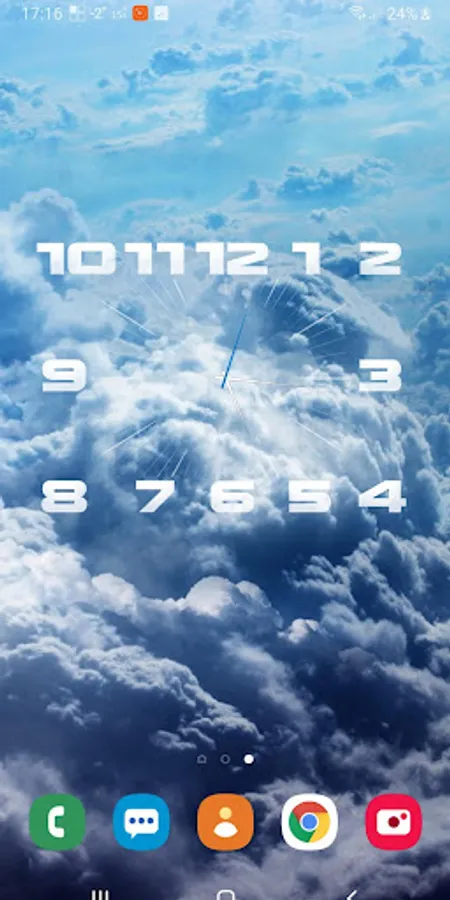
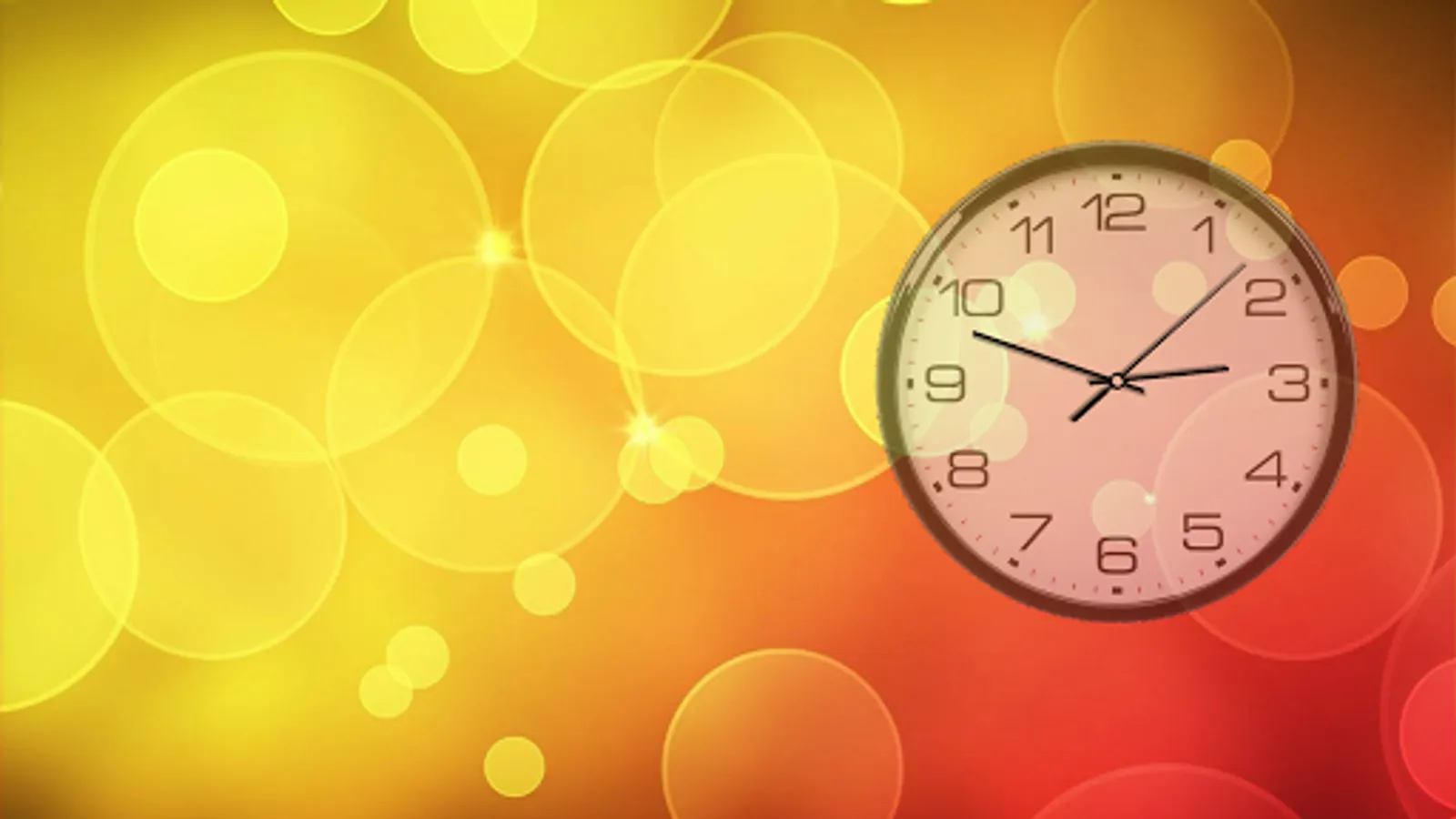
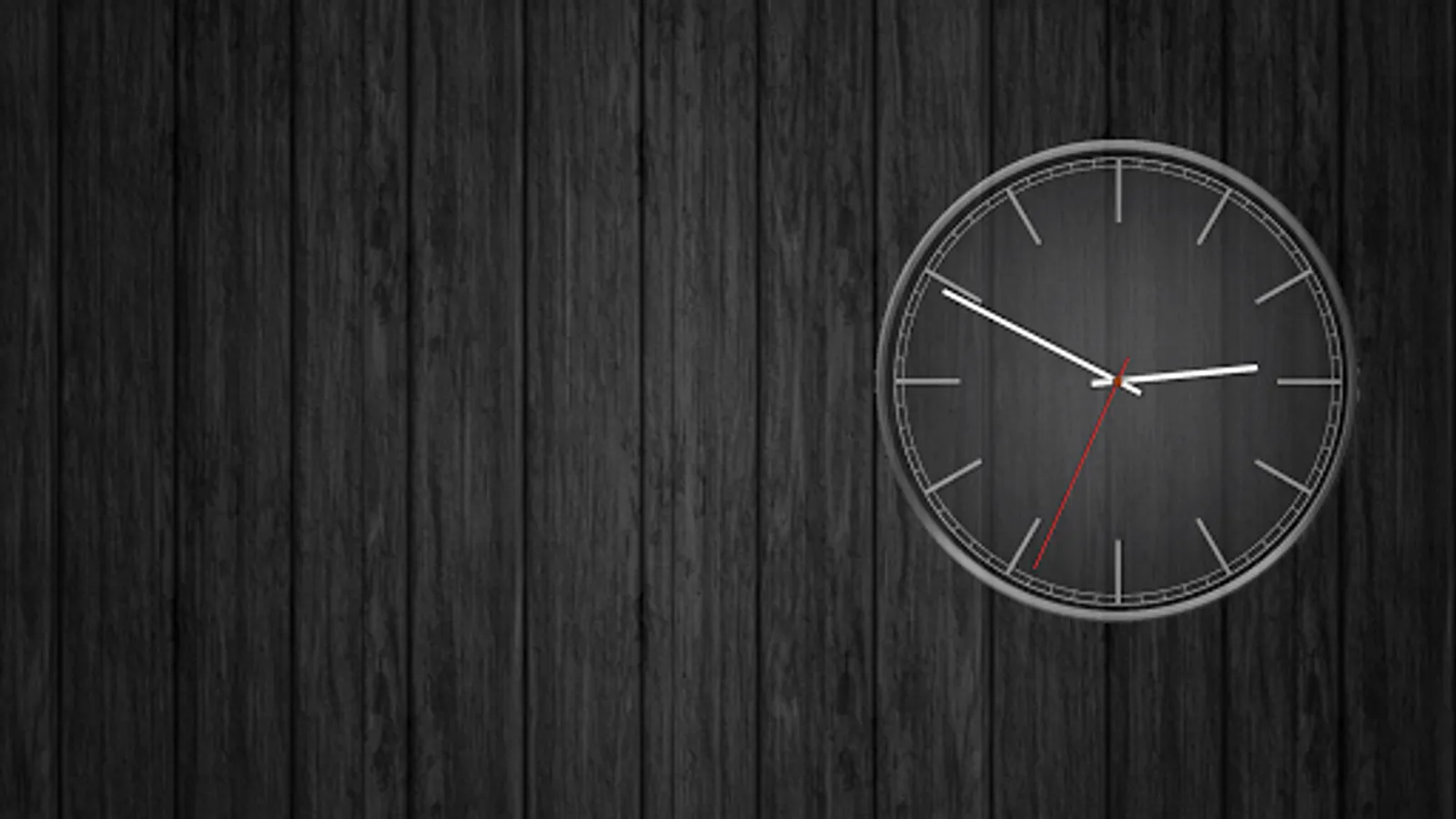
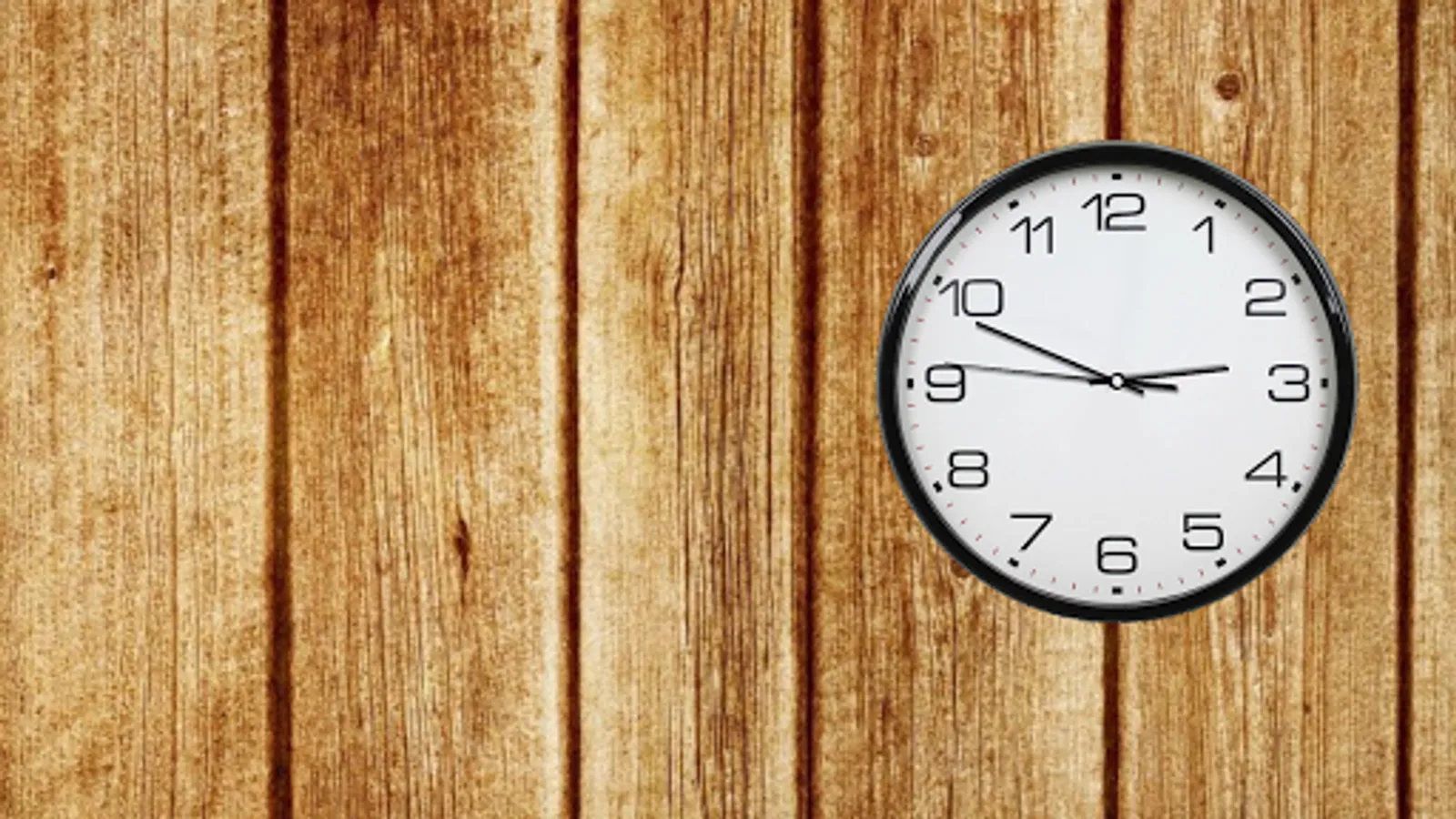
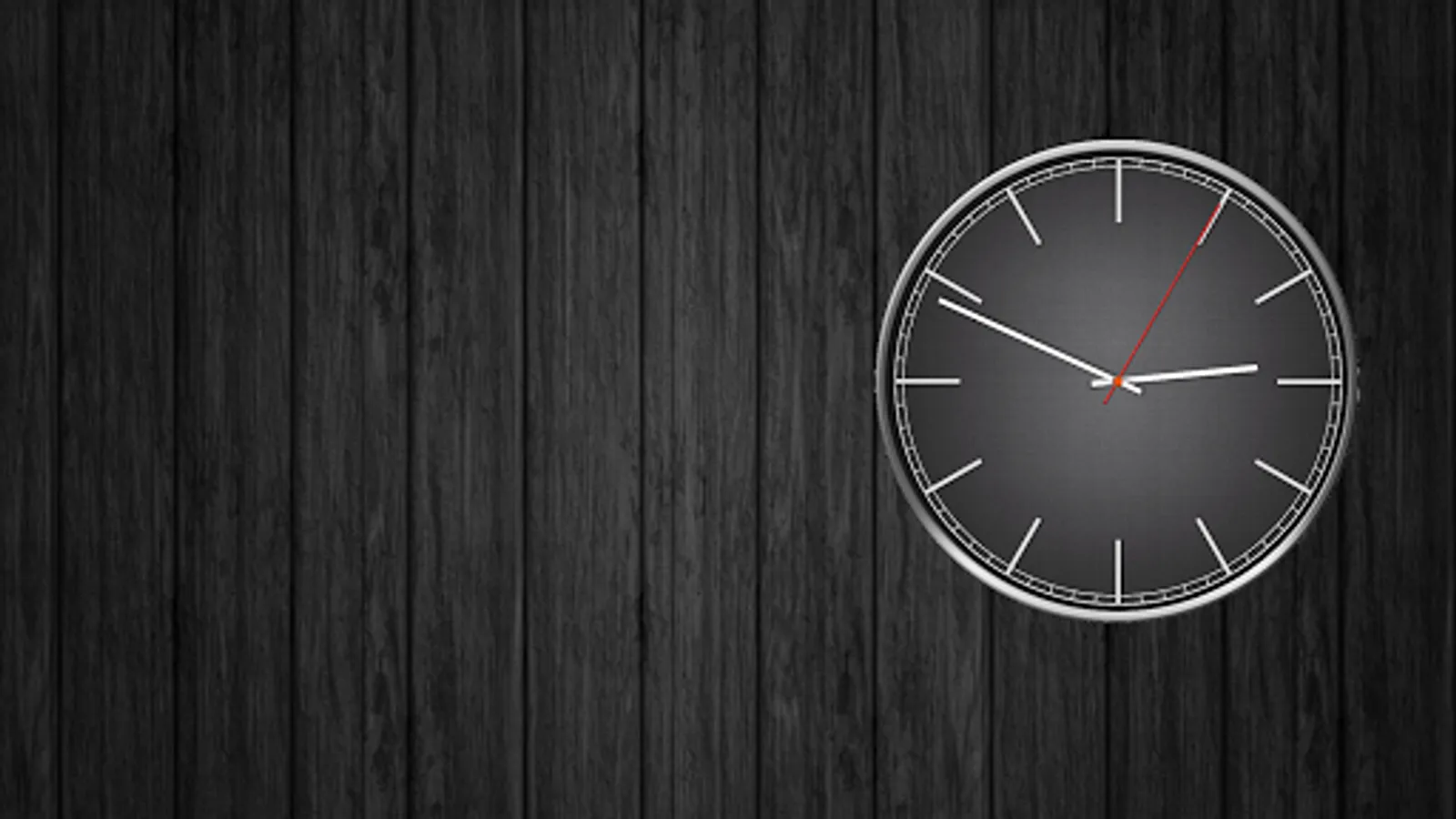
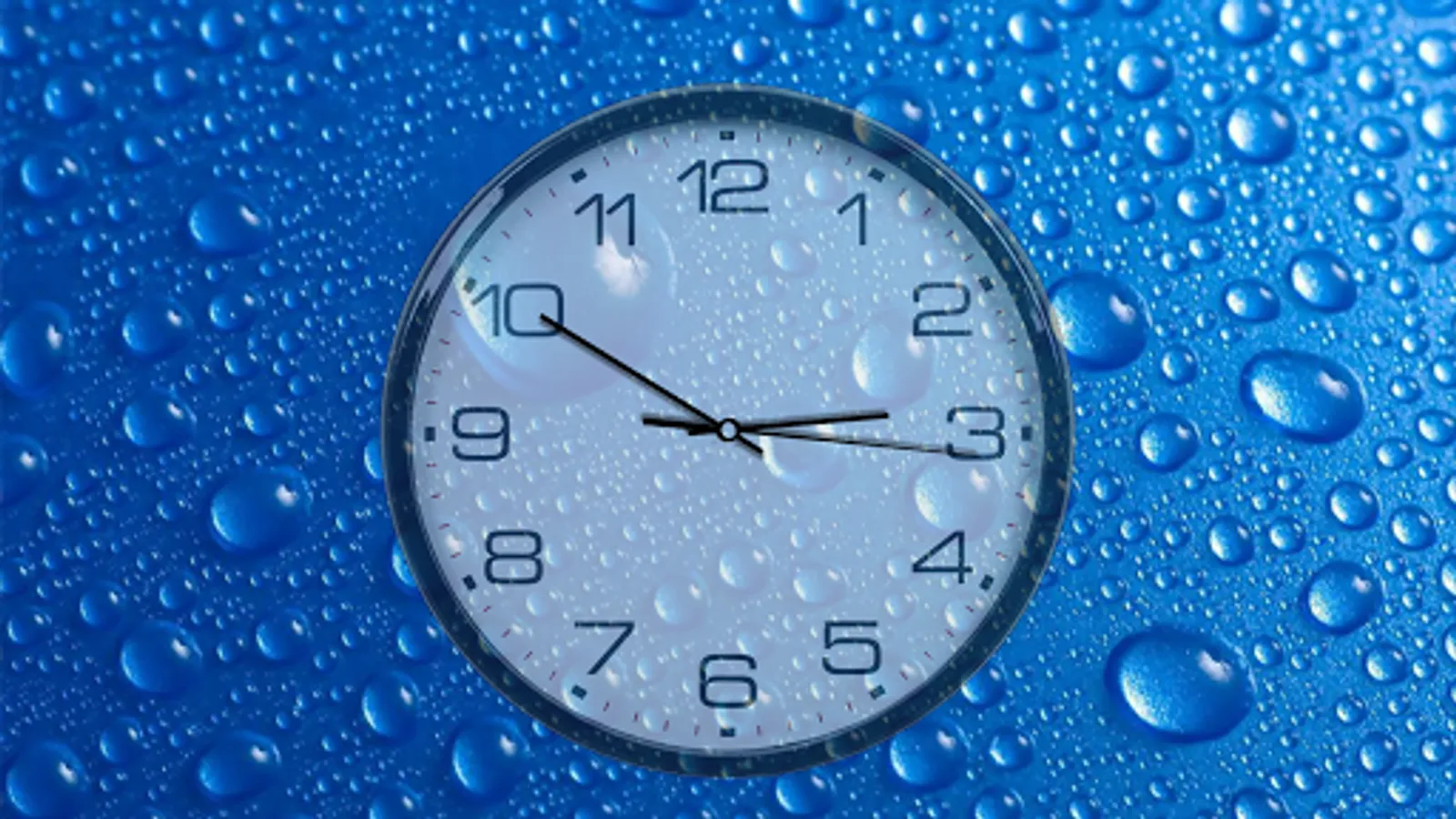
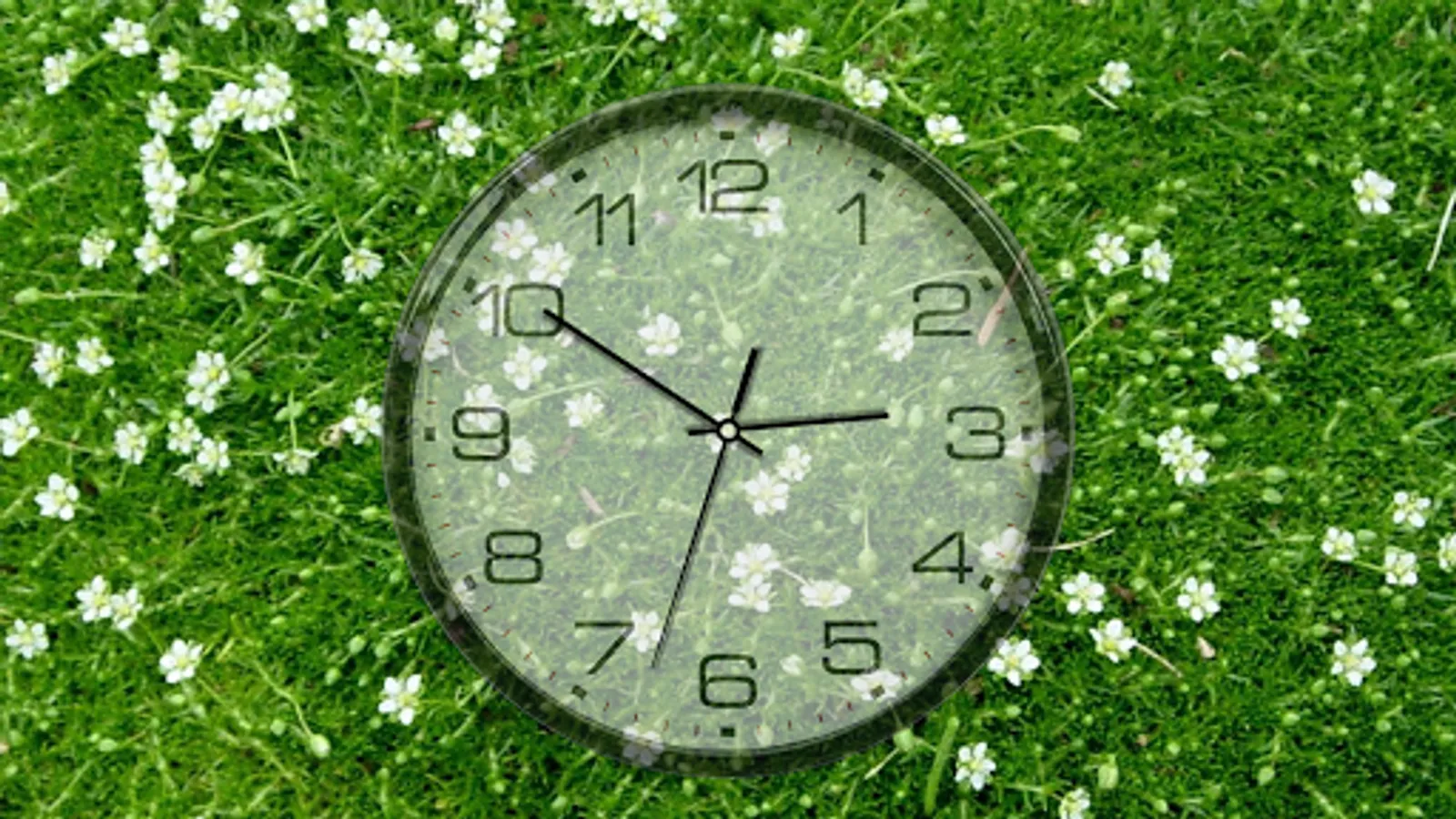
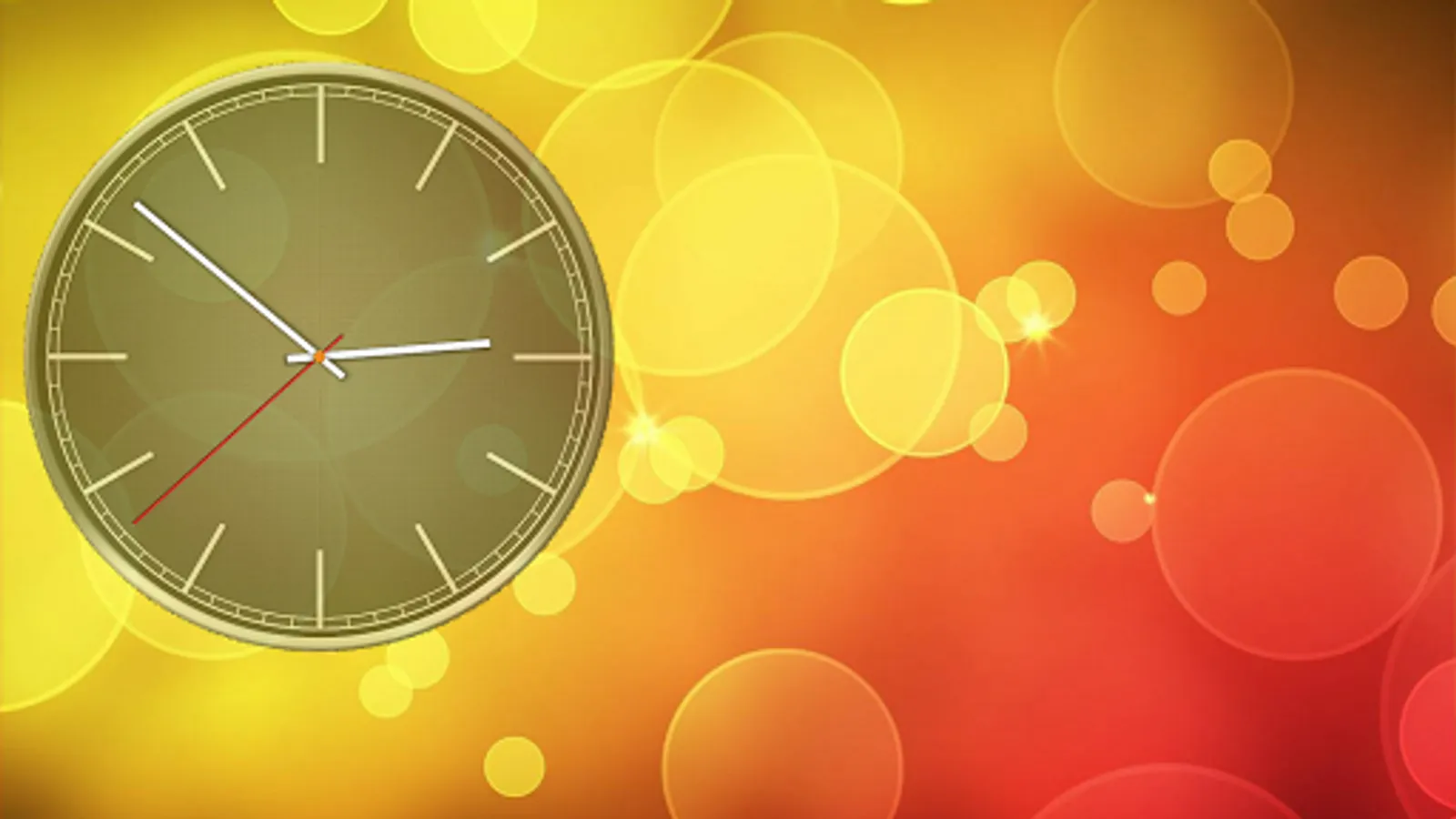
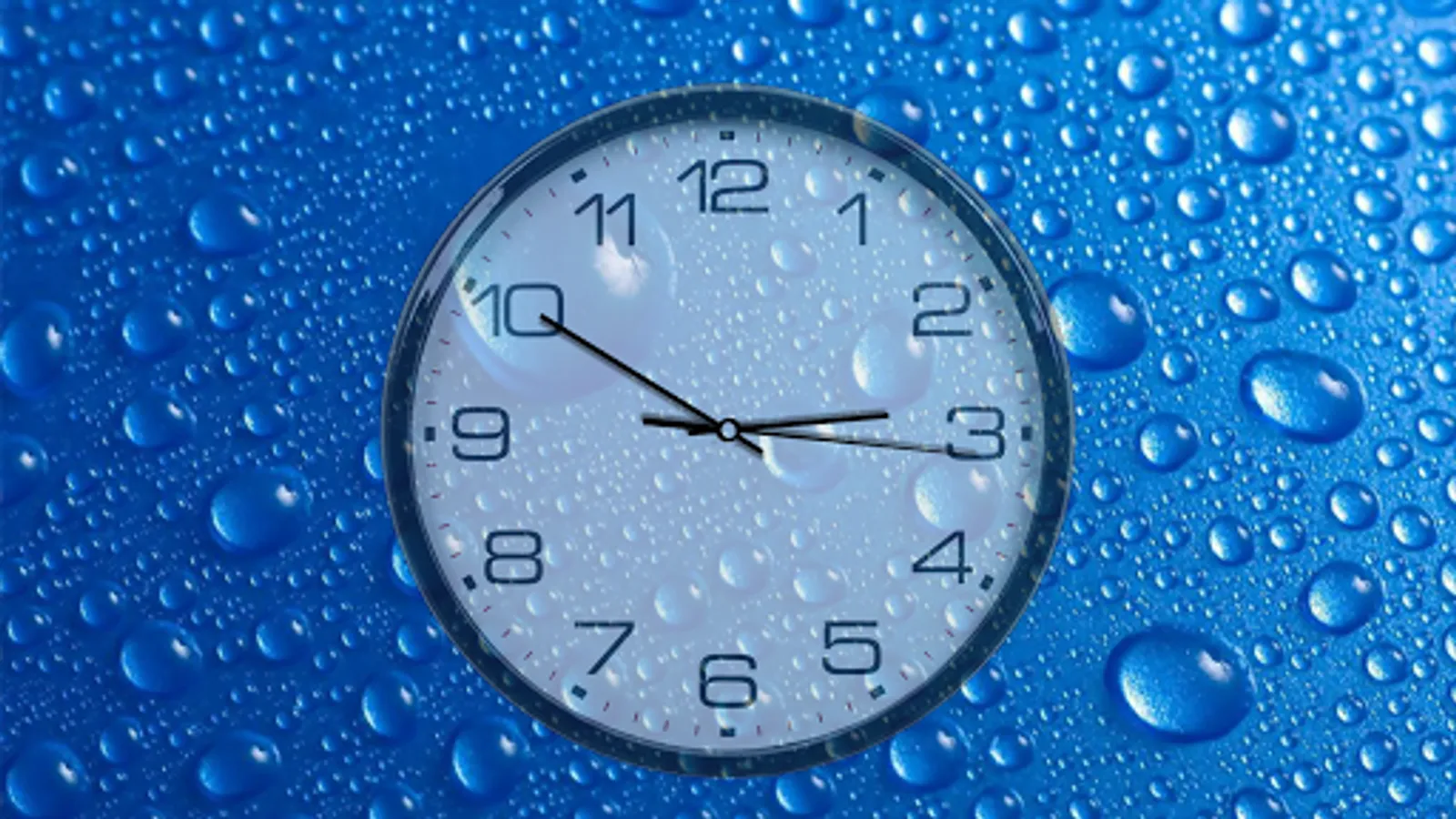
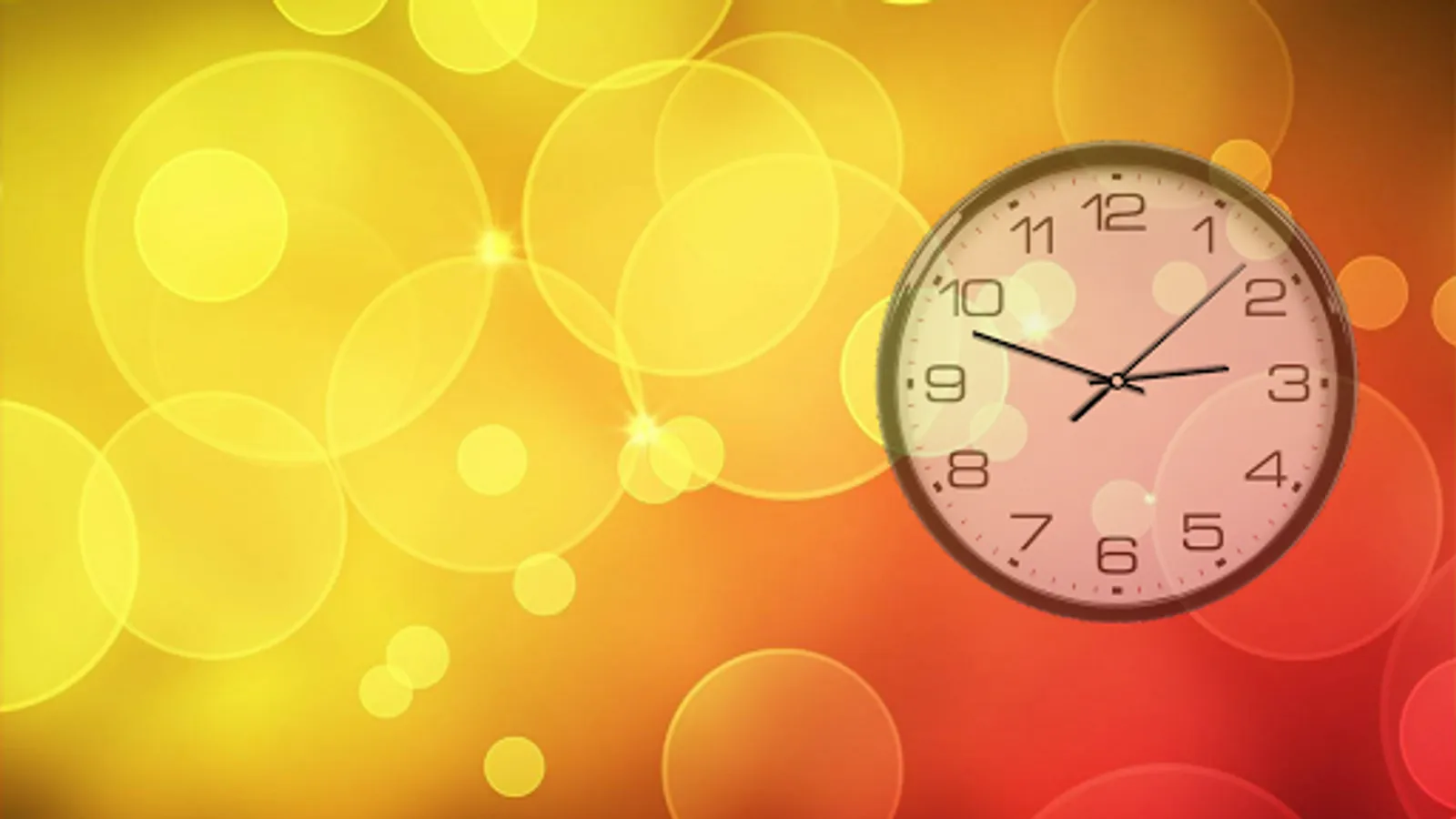
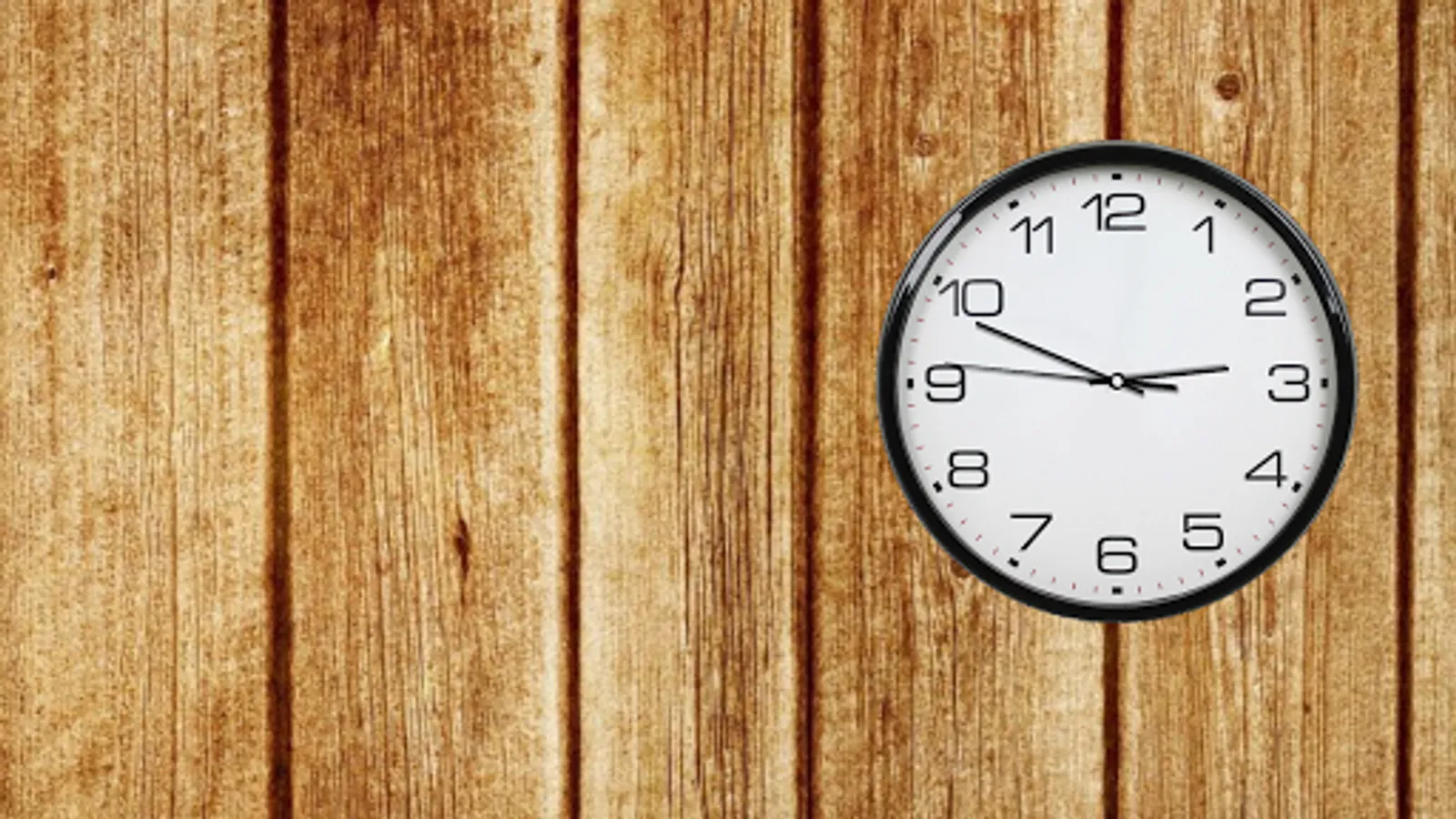
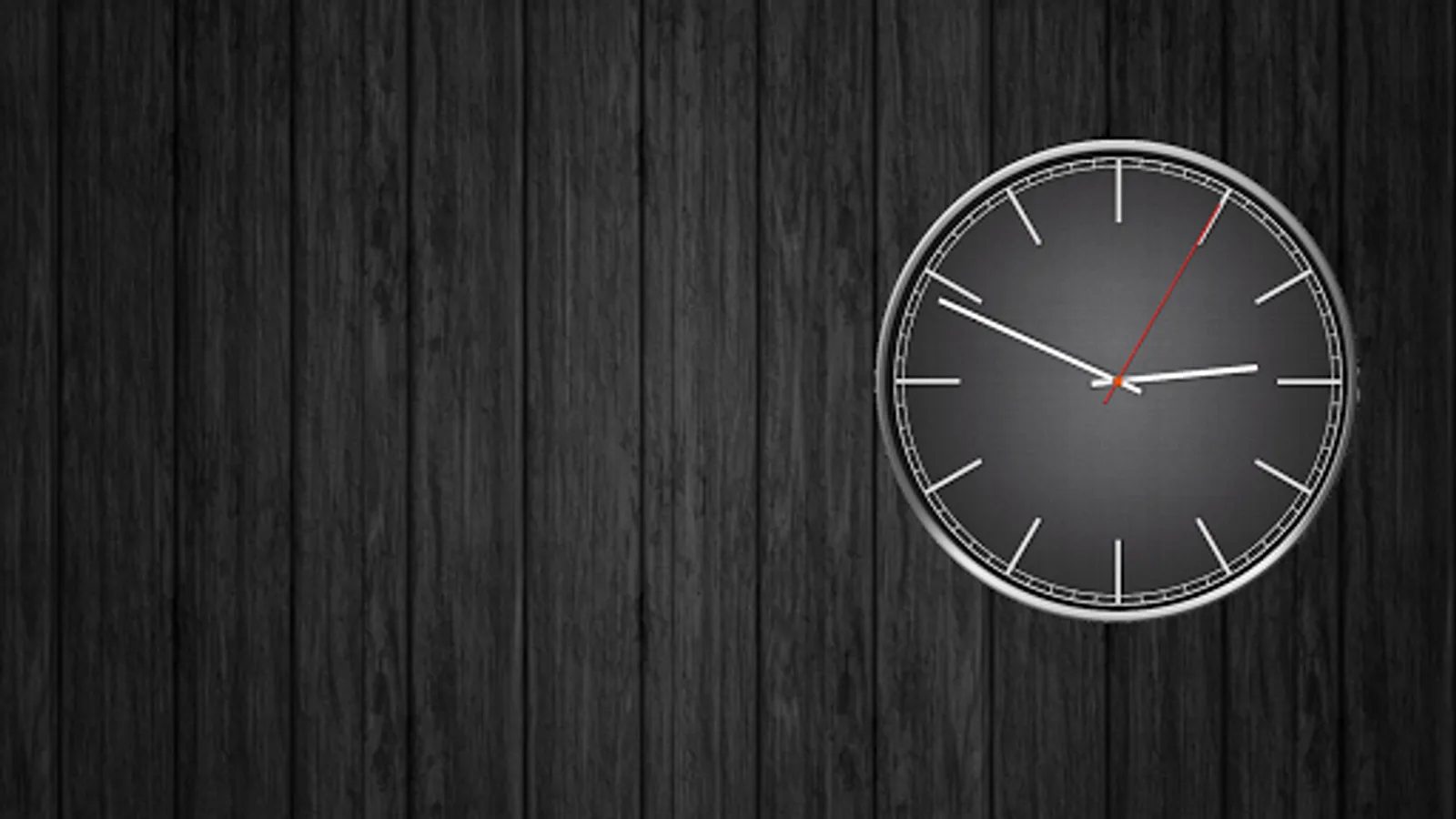
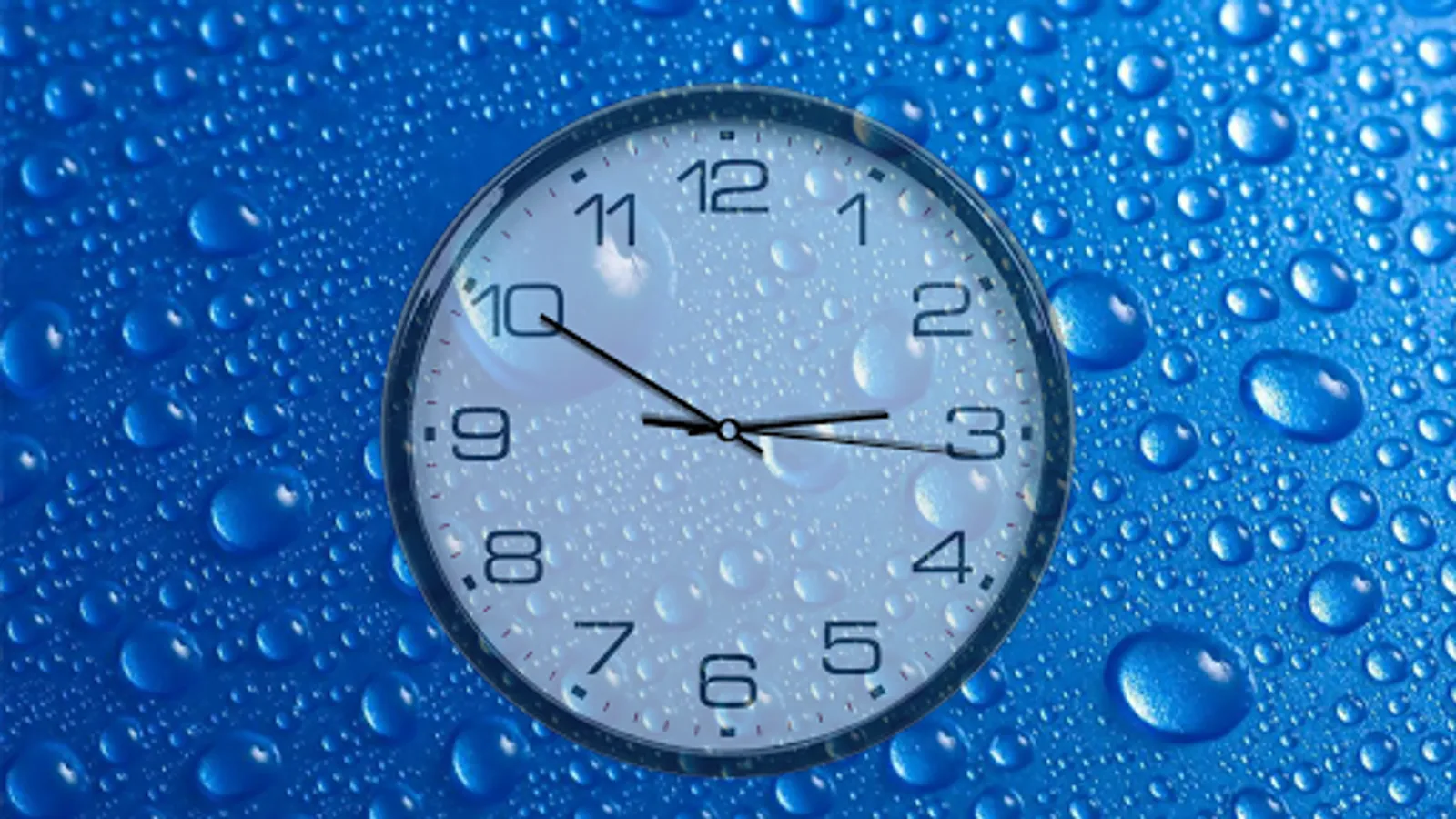
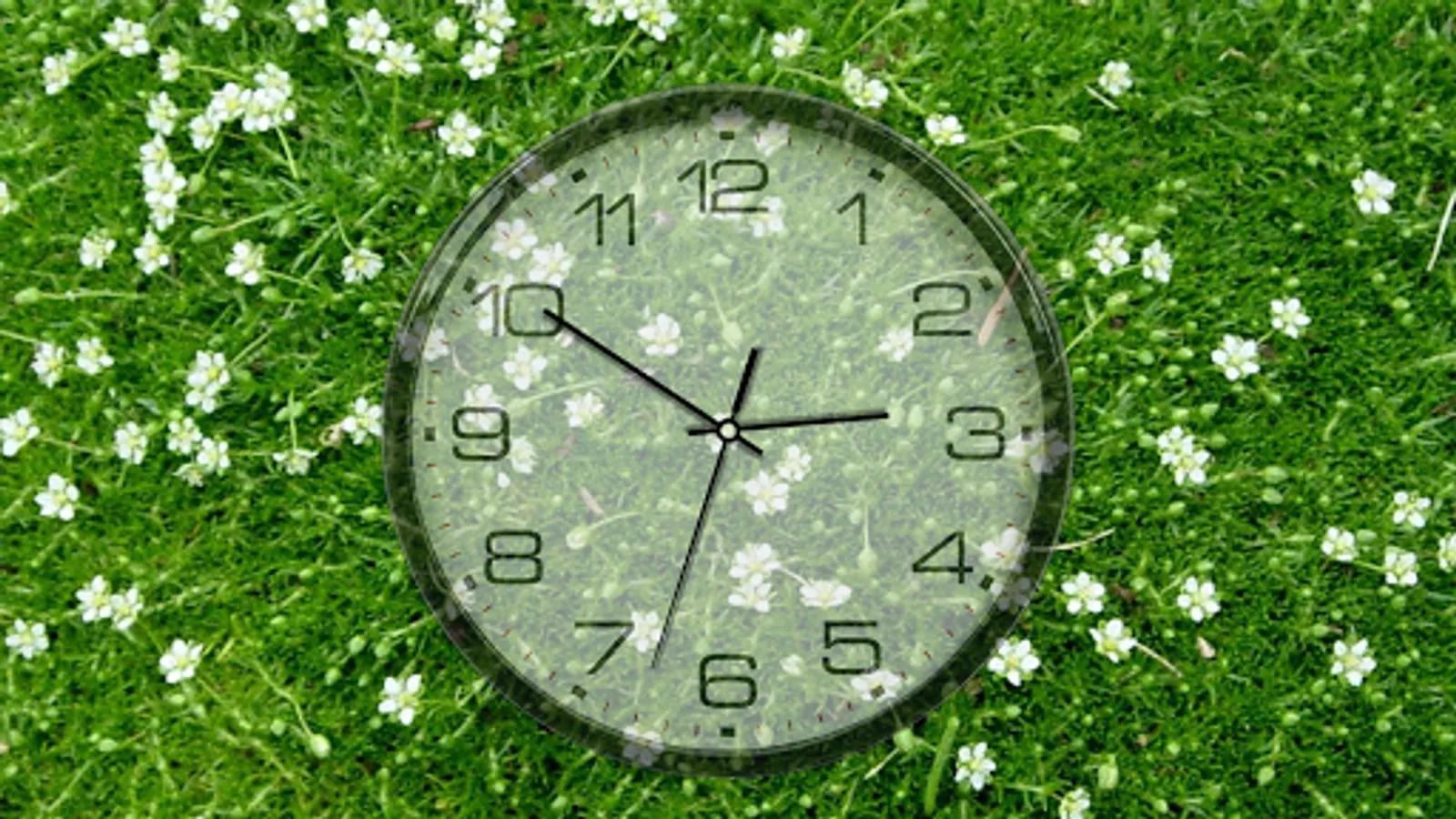
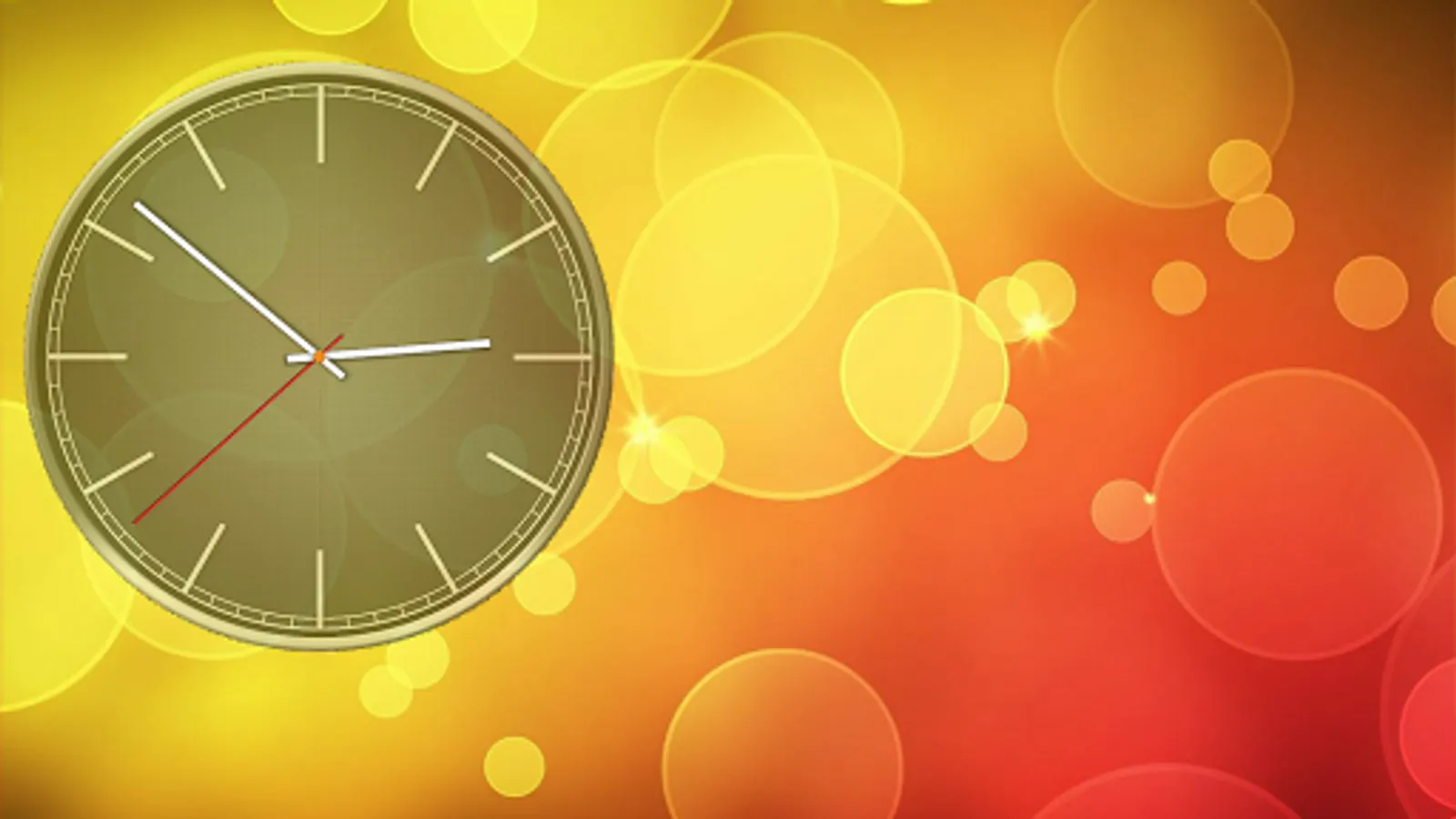
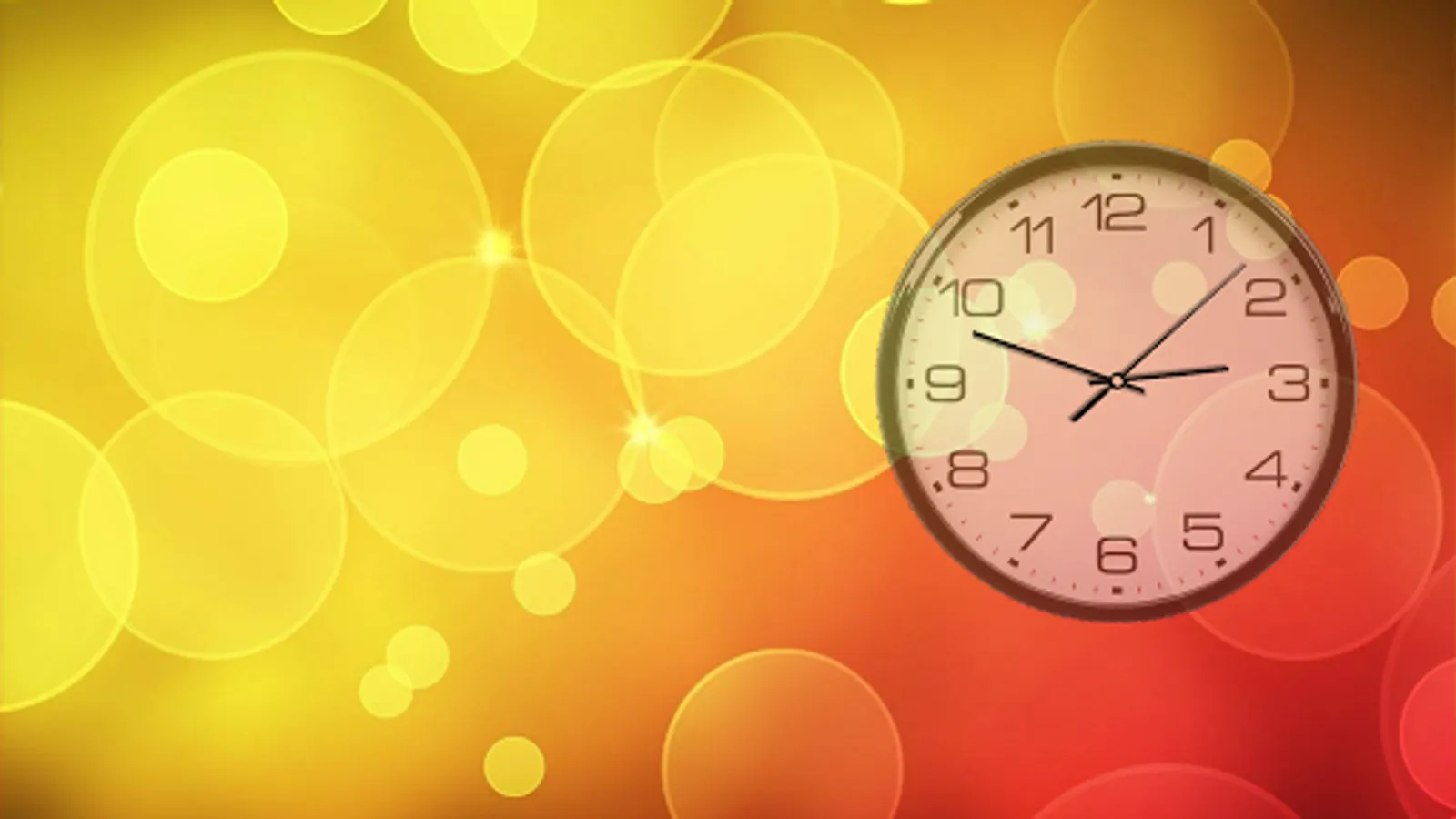
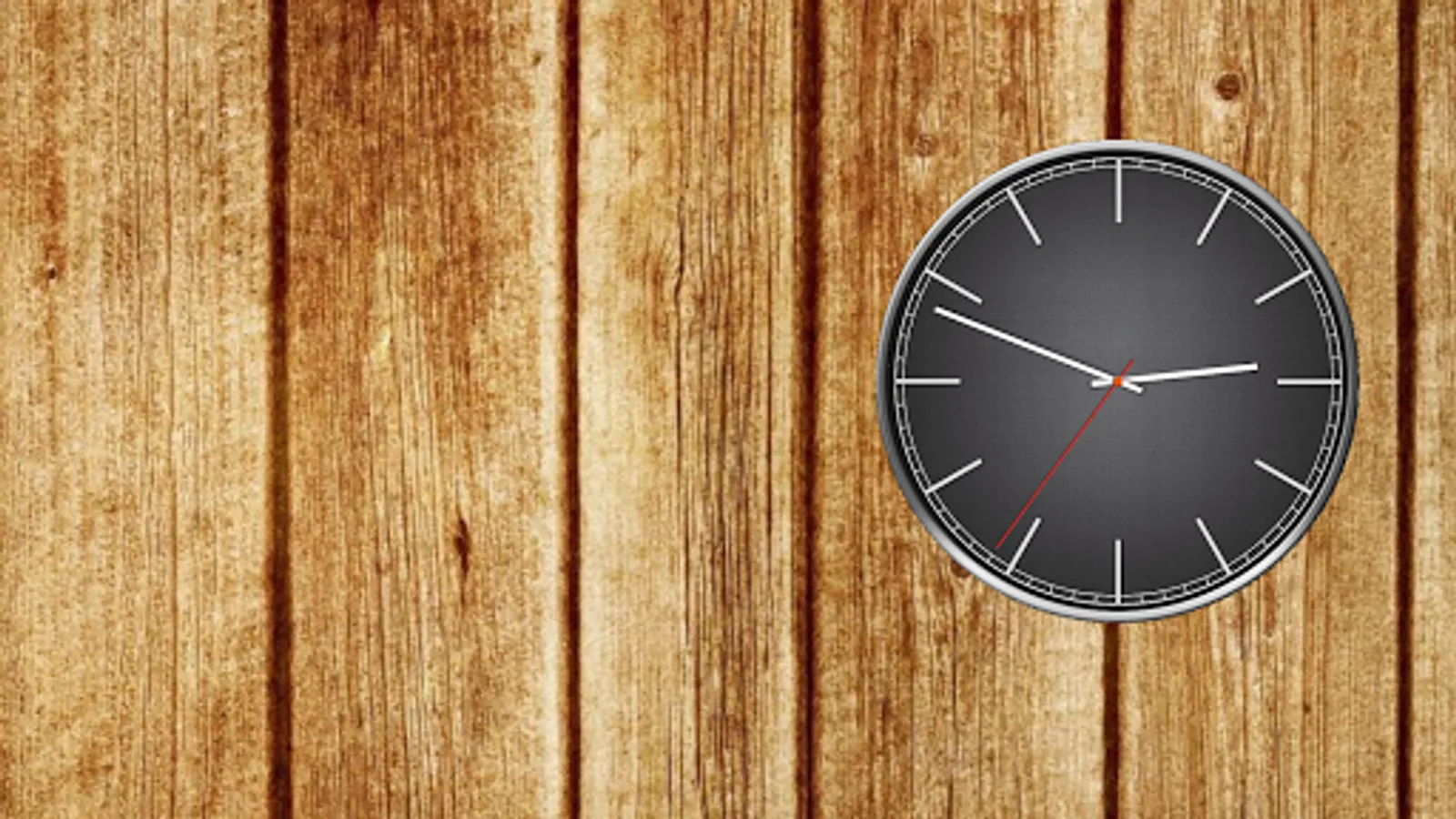
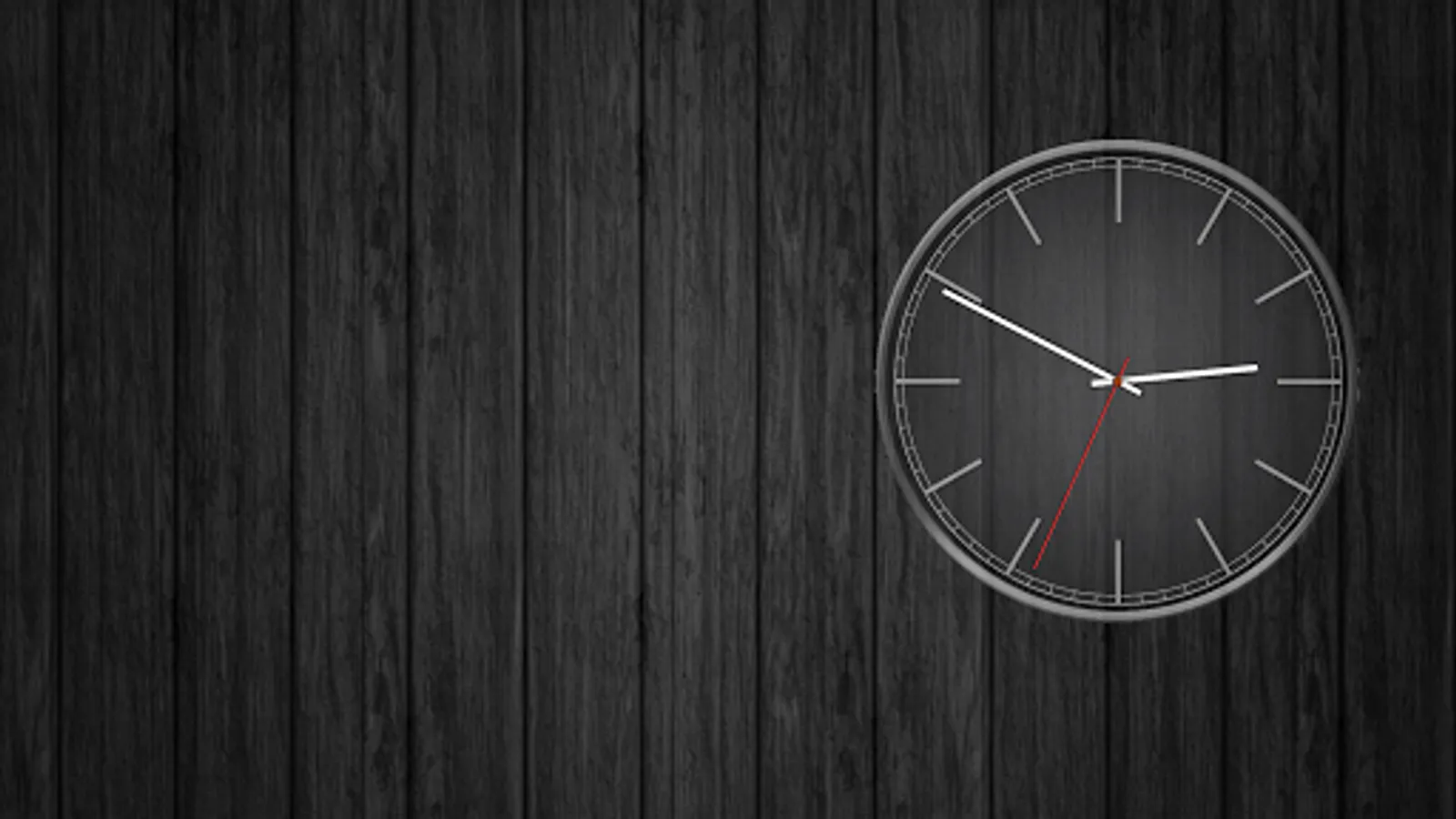
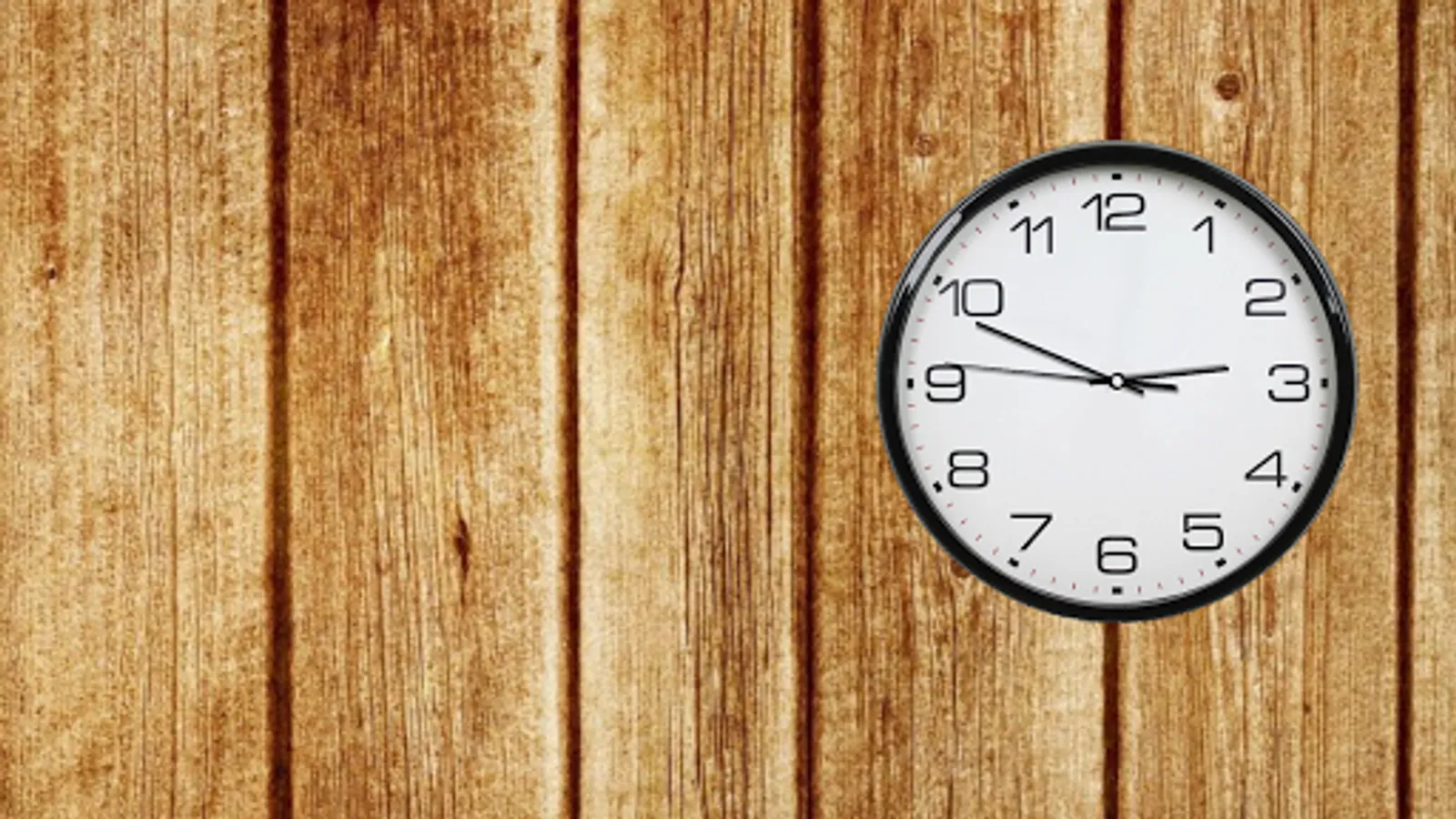
Clockfaces: White (Default), Black, Digital, Gray, Quad wood, Roman, Rome transparent, Time, you can download additional as plugins from settings option named More clockfaces.
Backgrounds: 5 built-in, own image from gallery, colors.
Correcting clock size, position, rotation, transparency; inversion of colors (in the full version!).
Seconds arrow modes: ticks, flowing, imitation of real clocks, linear shift or disabled (only in PRO).
Arrows' colors (free for seconds, rewarded for minutes and hours).
PRO version contain date with positioning options and adjusting color.
You can control opening settings by double tap with Quick settings option.
Also you can launch an alarm by double tap inside clockface with Alarm launcher option.
Standalone application mode is an option which allows to launch this app by icon or from menu without needing to set it as a live wallpaper. It works as a screensaver app with screen off timeout. Controlling this option is available through the settings launched by double tap. It works as a screensaver in charging mode also, check it out from your android settings (usually placed in display - screensaver or similar). This mode has an option of auto shifting and scaling the clockface to prevent from pixel burning (useful for AMOLED screens).
Additional information:
Wallpaper supports phones and tablets (landscape and portrait orientation).
Battery saving:
Redrawing of clocks maximum one time per second with seconds arrow enabled (in tick mode of seconds arrow, FPS limit in this case affects only to accuracy of updating time) and one time per minute when disabled.
Consumption of resources is only if visible.
Frames per second limit.
Choosing of textures quality.
OpenGL ES 2.0 required.
Some of the described functions are only available when purchasing the full version. An application can be extended to the full version by downloading the paid version. When you taking in-app purchases, you get lifetime access to the acquired functions, even if your phone changed or data is lost.
Battery Saving Analog Clocks Screenshots
Tap to Rate:
Reviews for Battery Saving Analog Clocks
Michael Bosch
11/19/2025
I like that it's exactly synchronized with my atomic clock.
chevymontecarlo2003
11/7/2025
Found out this app was draining my battery. I stopped using it. Would like clock to auto rotate when phone auto rotate is on though, and an easy to find settings button. Thanks 4 the response. Appreciate it