About To Do List Mini Widget
I needed a little to-do list application so I made it. It's minimal and easy to use.
IT'S a WIDGET, so choose it from your widgets screen (long tap on the desktop/widget) and add it in your desktop.
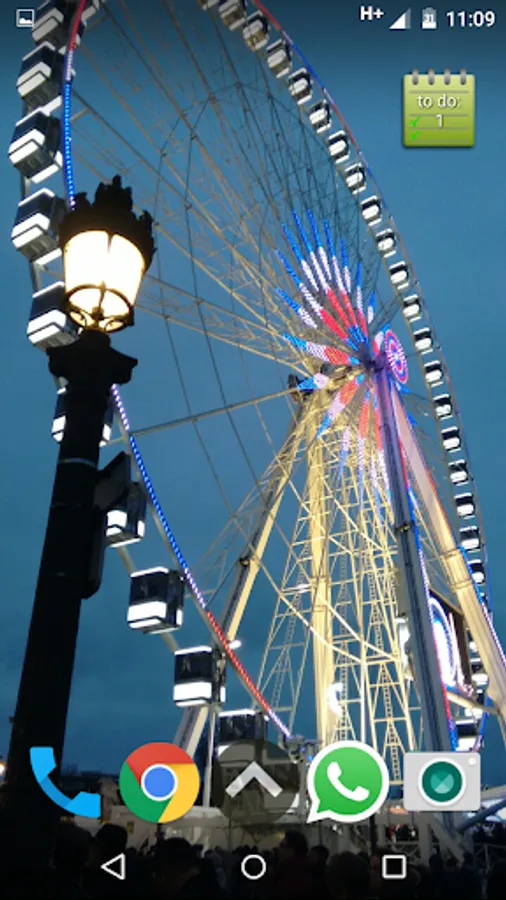
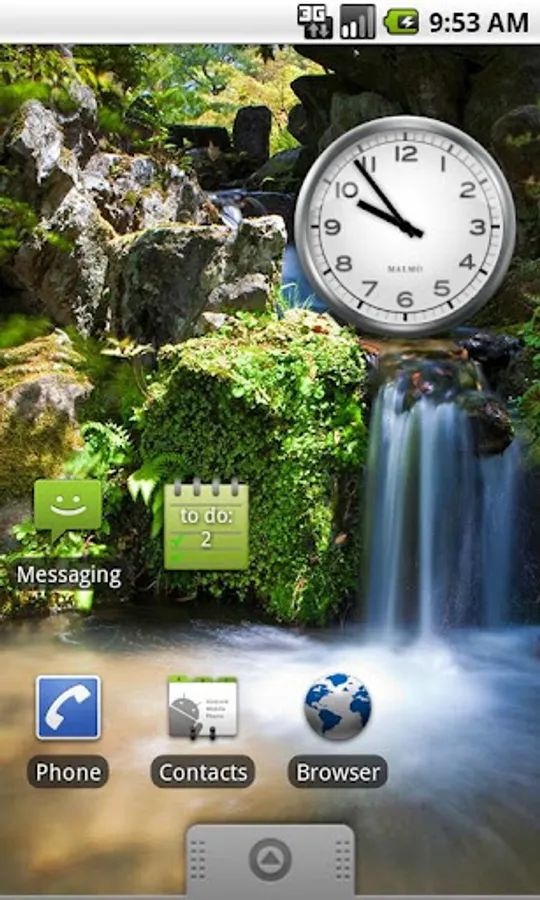
The widget shows the count of the unchecked (undone) items in your list.
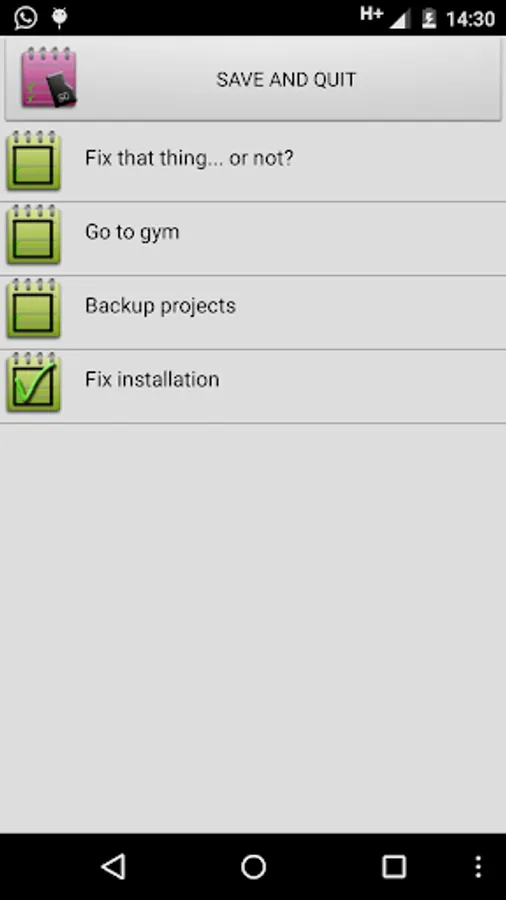
Click the widget to view the list, add item, delete item, edit item, check/uncheck items (checked=done, unchecked=to do).
Use Long Tap on the the list element to EDIT or DELETE.
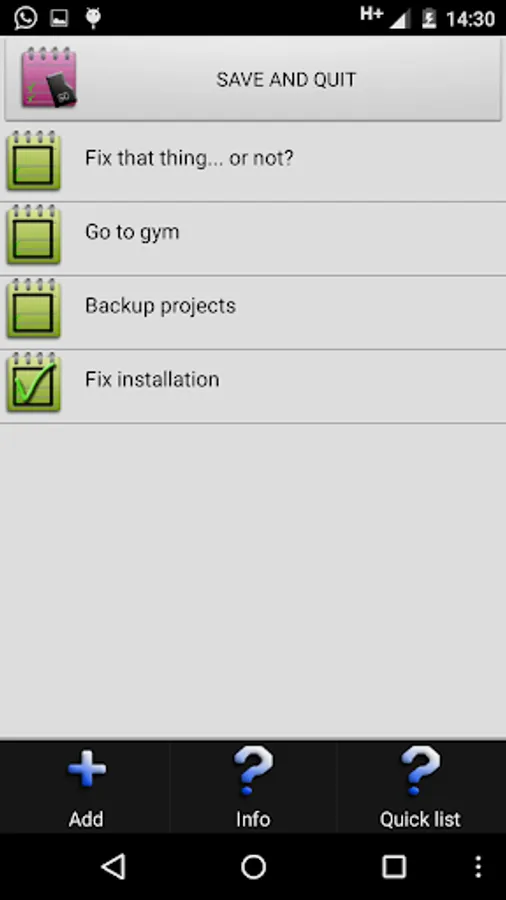
Use the MENU to add elements to your list appears with Menu Button (old Android) or Three-Dot-Icon in the bottom.
IT'S a WIDGET, so choose it from your widgets screen (long tap on the desktop/widget) and add it in your desktop.
The widget shows the count of the unchecked (undone) items in your list.
Click the widget to view the list, add item, delete item, edit item, check/uncheck items (checked=done, unchecked=to do).
Use Long Tap on the the list element to EDIT or DELETE.
Use the MENU to add elements to your list appears with Menu Button (old Android) or Three-Dot-Icon in the bottom.



![MISSLE Inc. [DEMO] icon](https://apprecs.org/gp/img/icons/webp/150/com.mazsoft.missleinc/7aUyYNqkiKY8cJAbTUF5CZLJhmWx1h7P2heTY8WN4bo-icon)