
In this metronome app, you can customize beats, change BPM, and create setlists for practice sessions. Includes multiple sound options, color personalization, and backup features.
AppRecs review analysis
AppRecs rating 4.8. Trustworthiness 70 out of 100. Review manipulation risk 24 out of 100. Based on a review sample analyzed.
★★★★☆
4.8
AppRecs Rating
Ratings breakdown
5 star
80%
4 star
19%
3 star
2%
2 star
0%
1 star
0%
What to know
✓
Low review manipulation risk
24% review manipulation risk
✓
Credible reviews
70% trustworthiness score from analyzed reviews
✓
High user satisfaction
80% of sampled ratings are 5 stars
About Modern Metronome Pro
It's here to make your music practice and live performance even better!!! 💪
Features:
• ⏱️ High accuracy
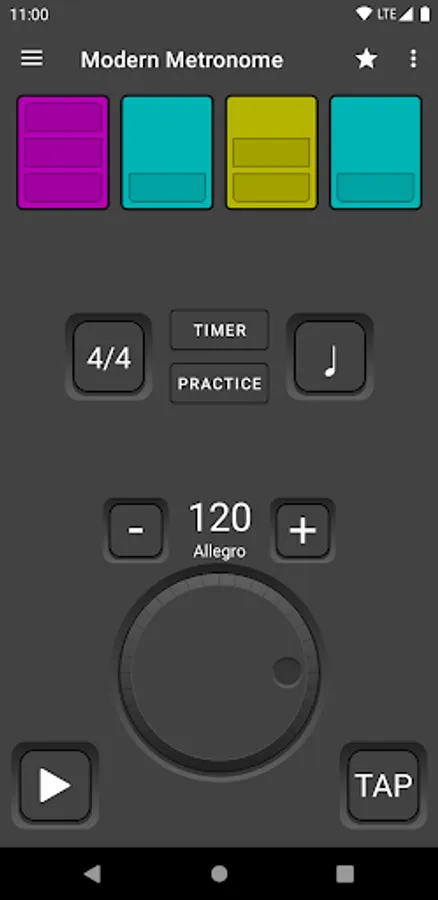
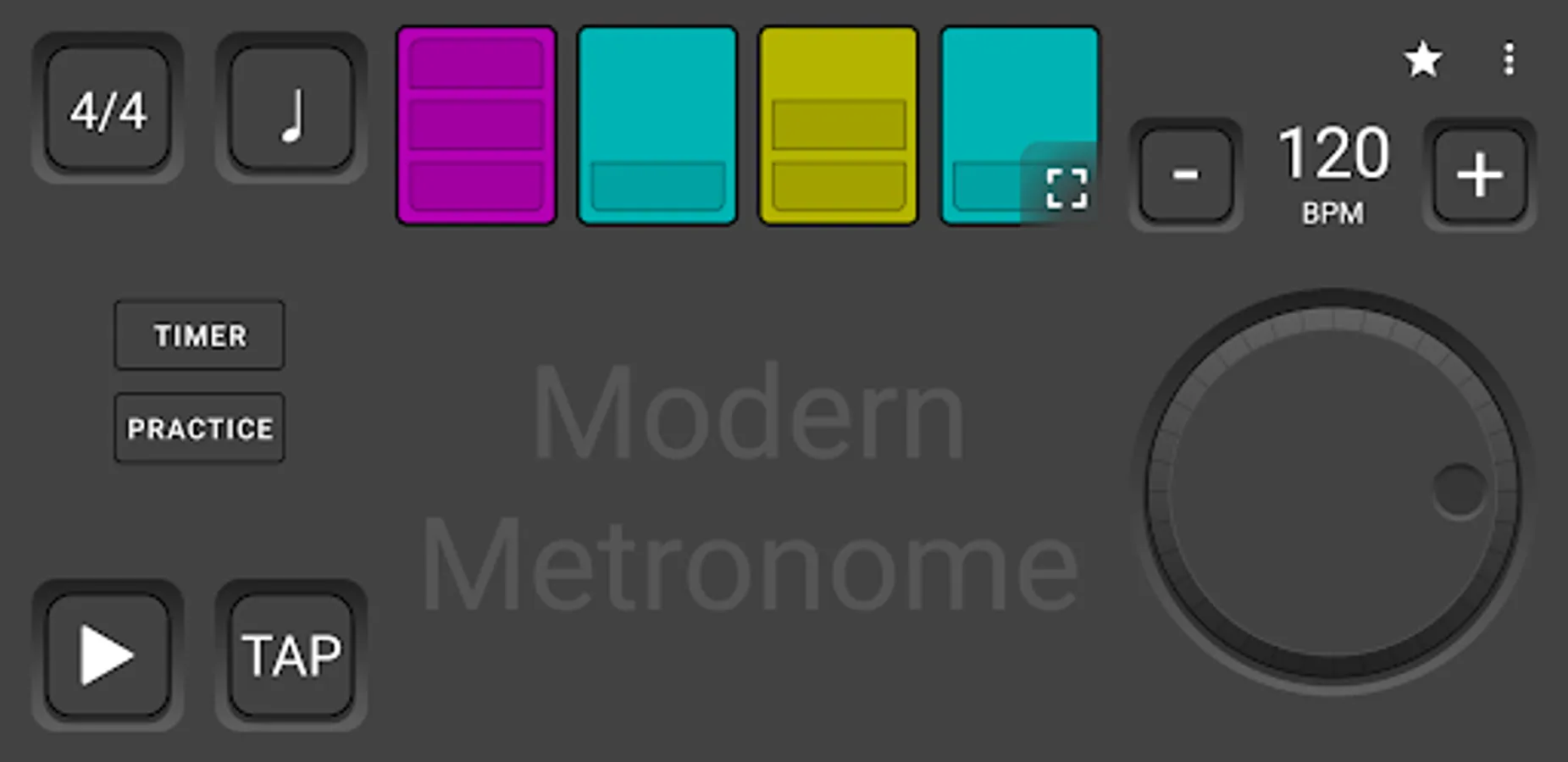
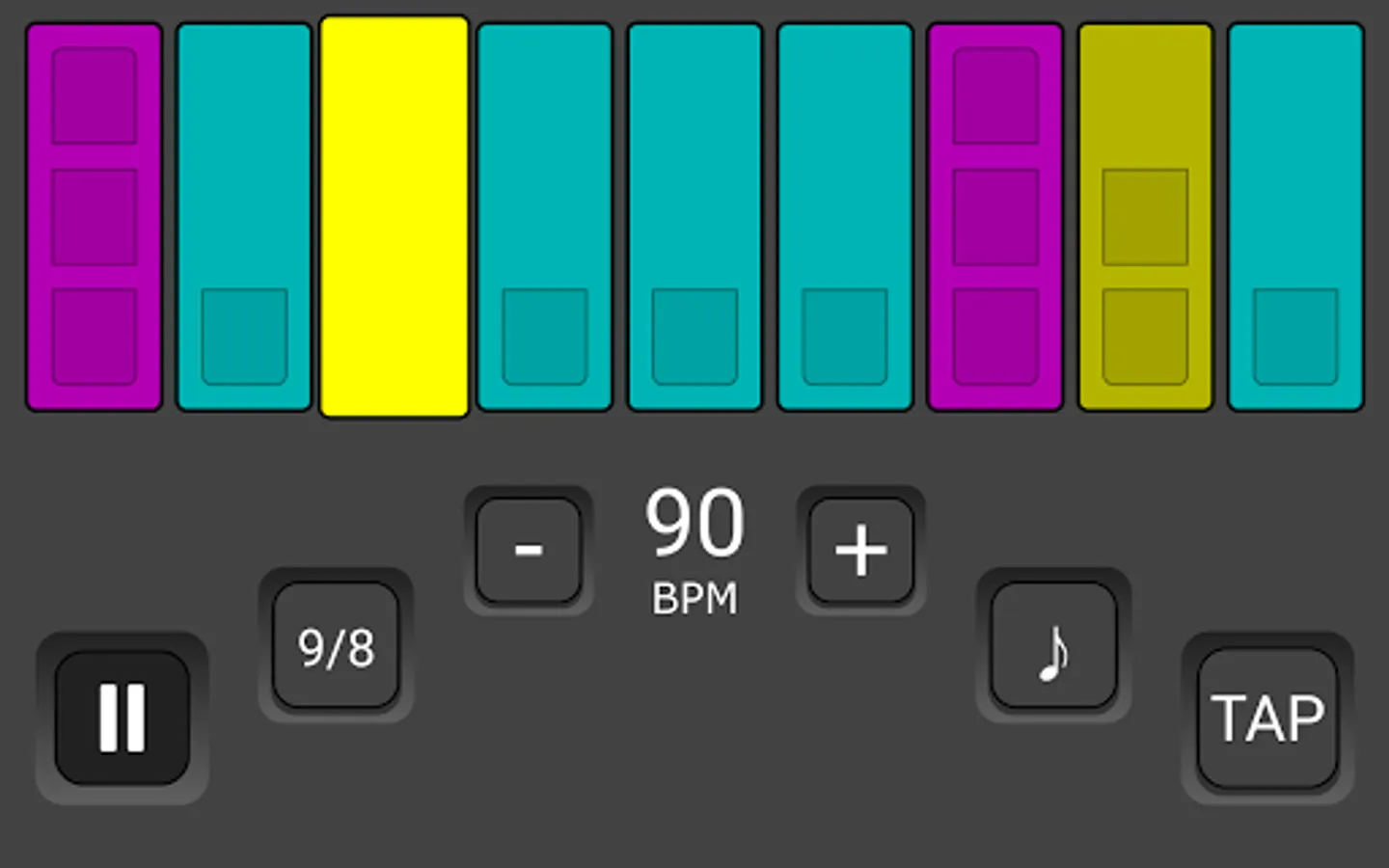
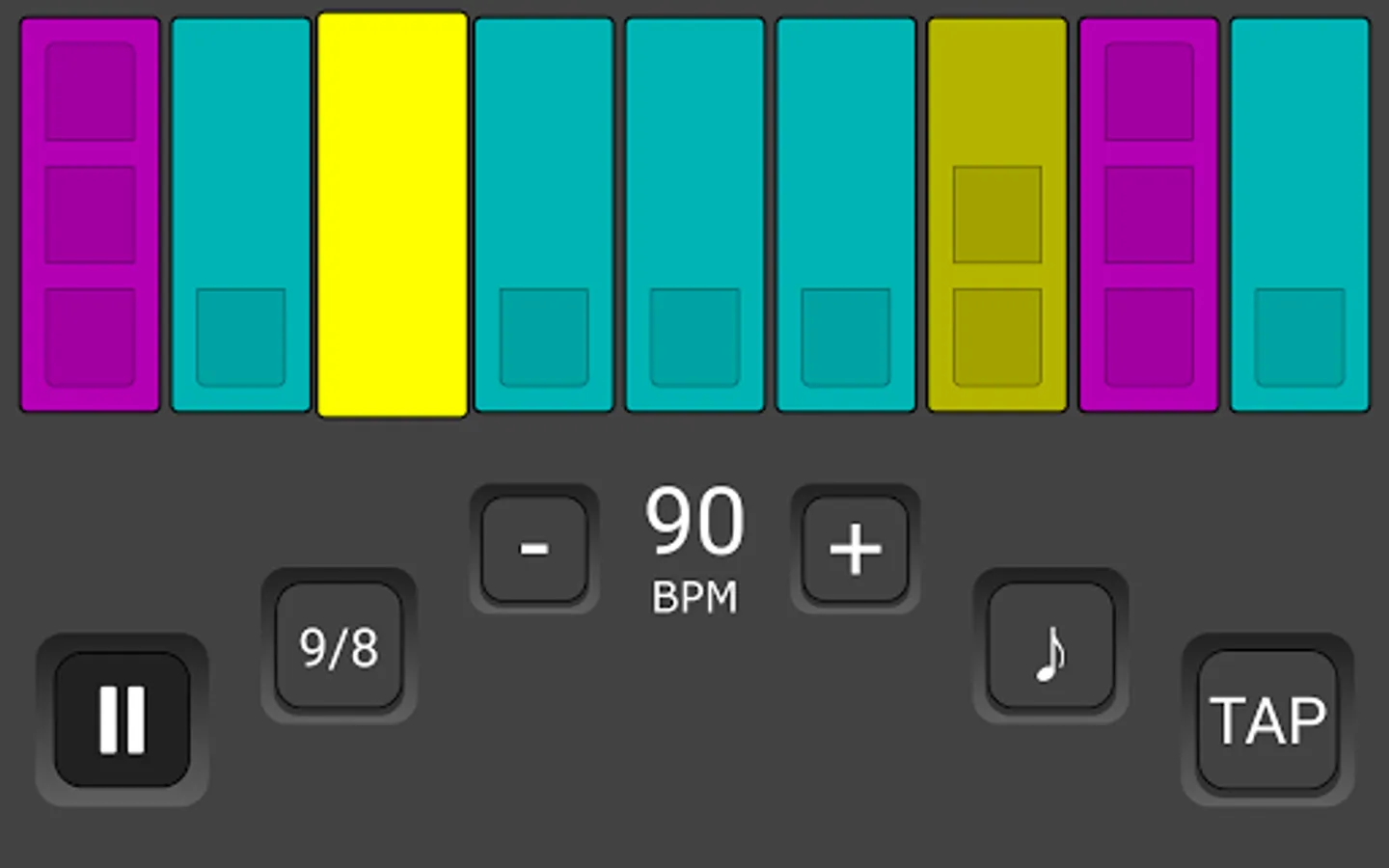
• Big, bright and colorful beats’ indicator
• Landscape full screen mode for even better visibility
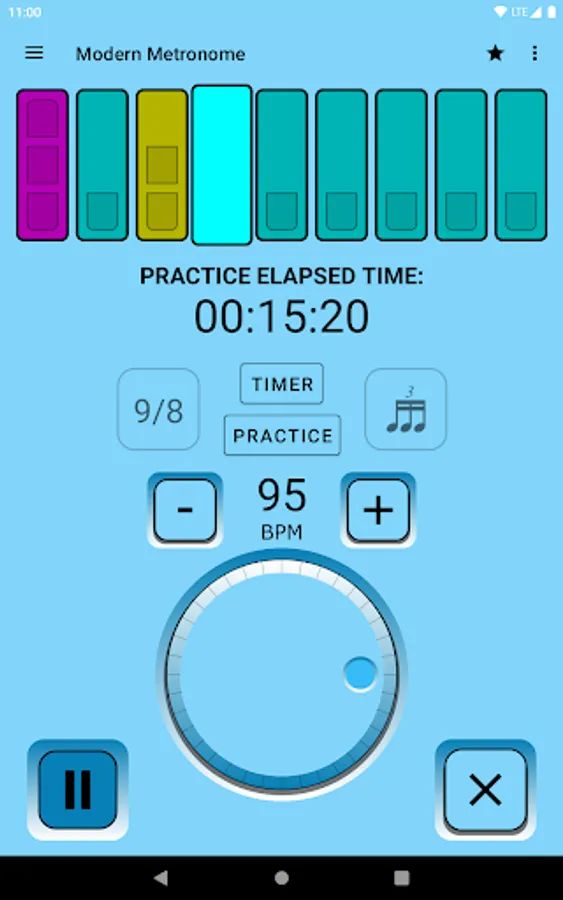
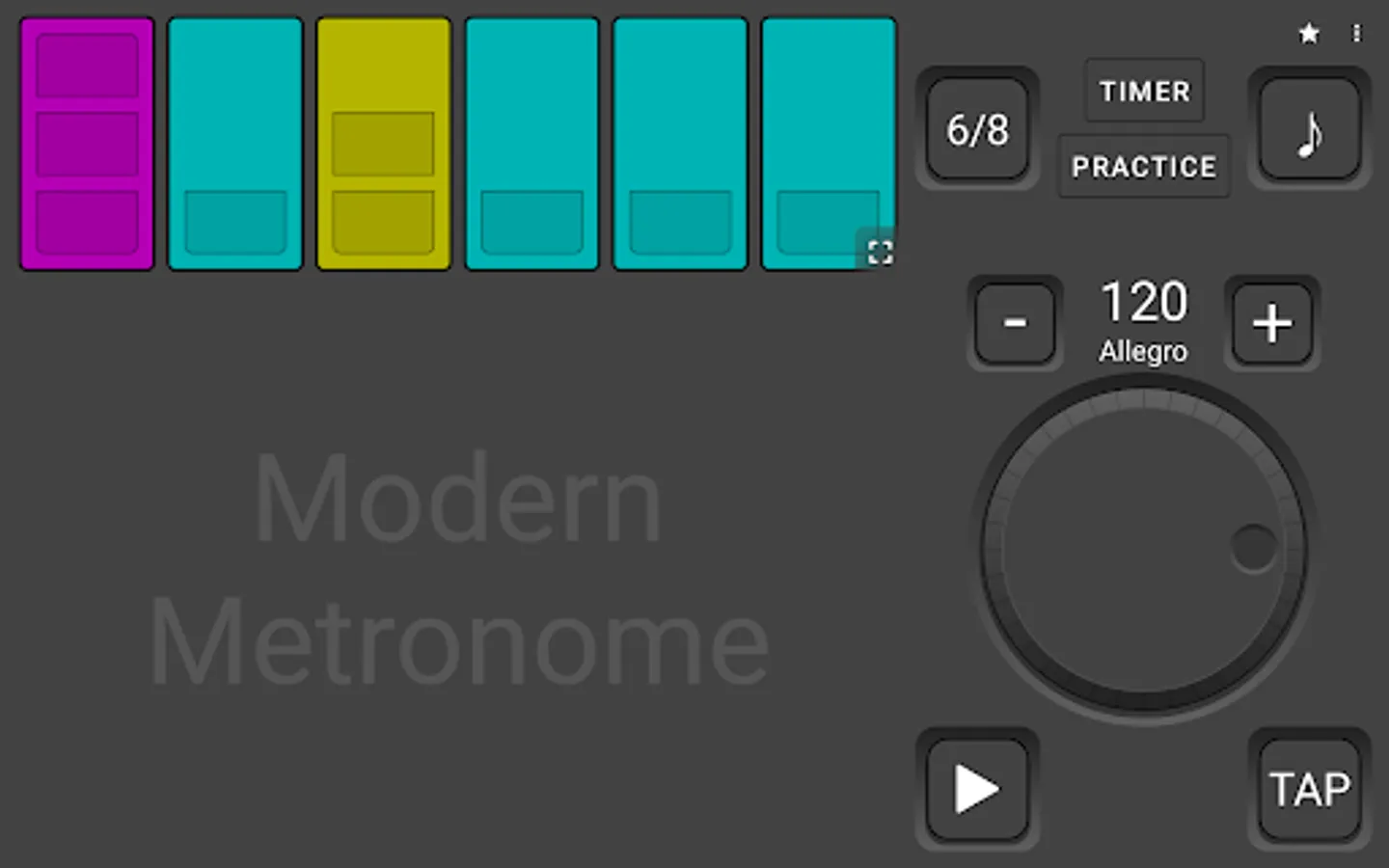
• BPM (beats per minute) range: 1 up to 400
• Tempo Markings (Larghissimo up to Prestissimo)
• Time Signature: 1/1 up to 16/8
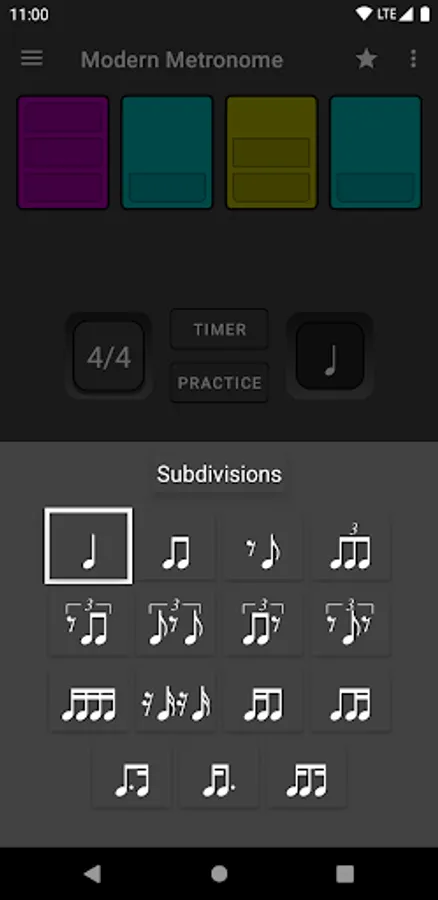
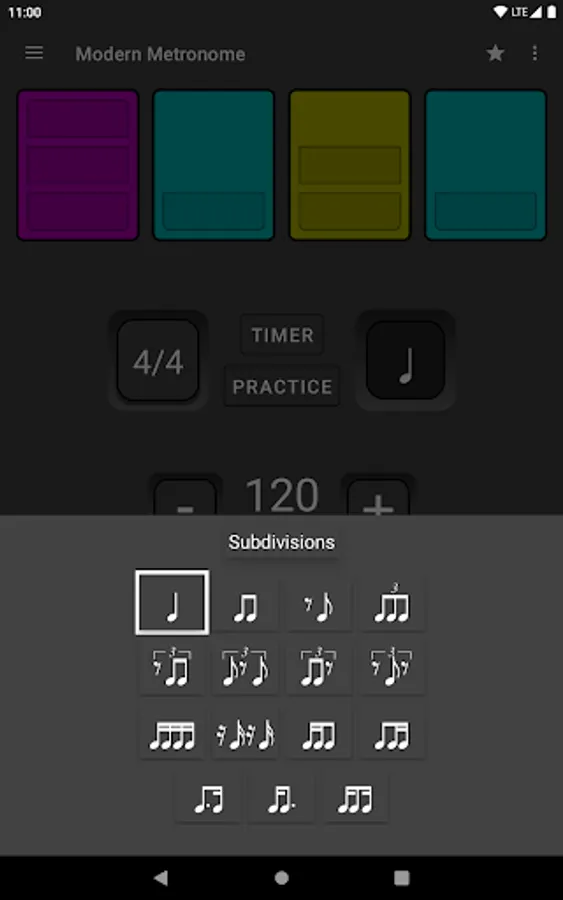
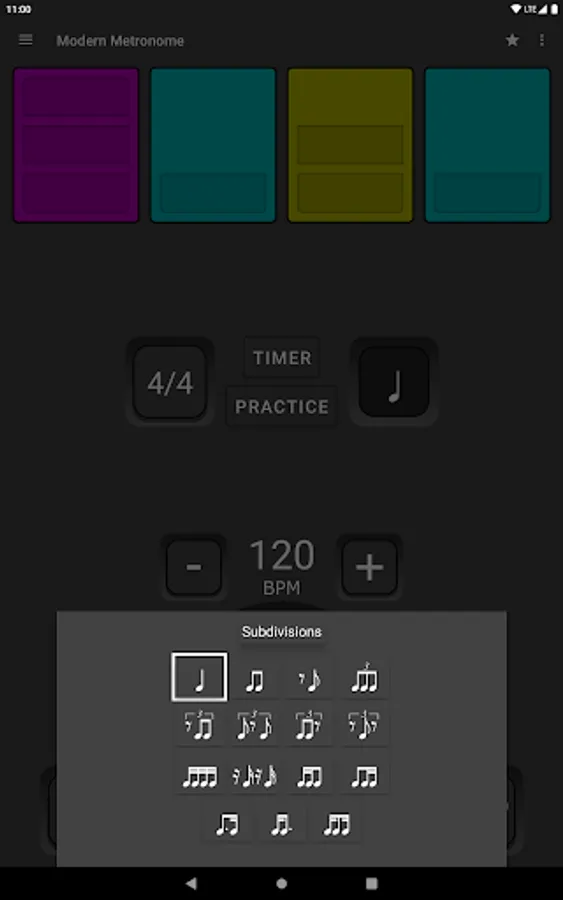
• 15 subdivisions
• 5 crisp and loud sounds (Tick, Woodblock, Cowbell, Bongo and Drum Kit)
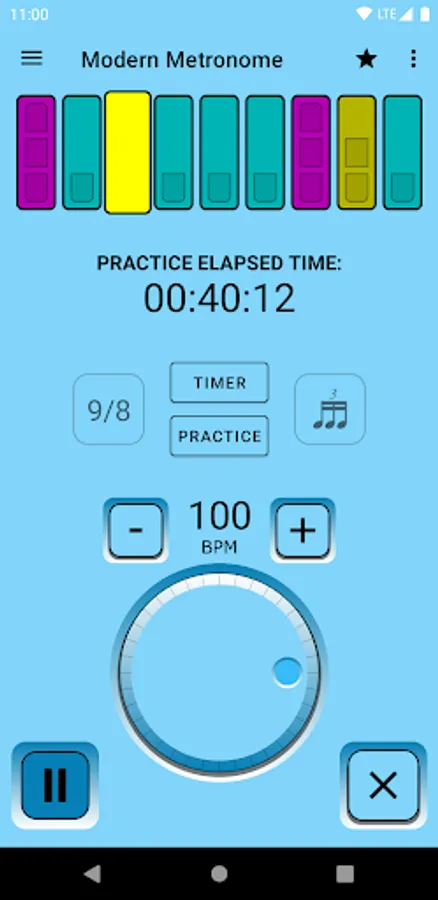
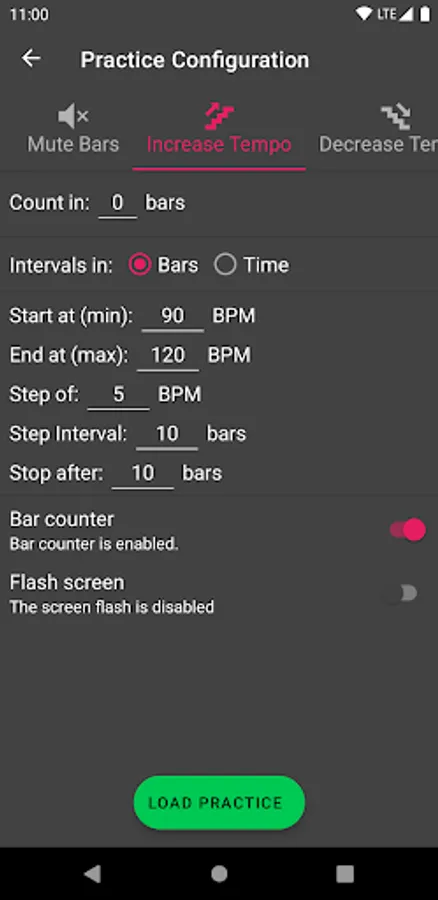
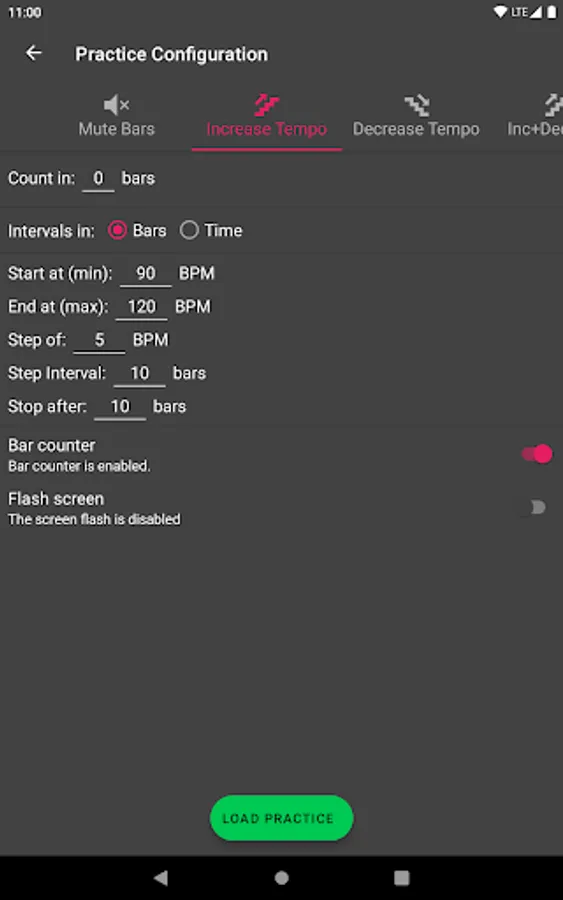
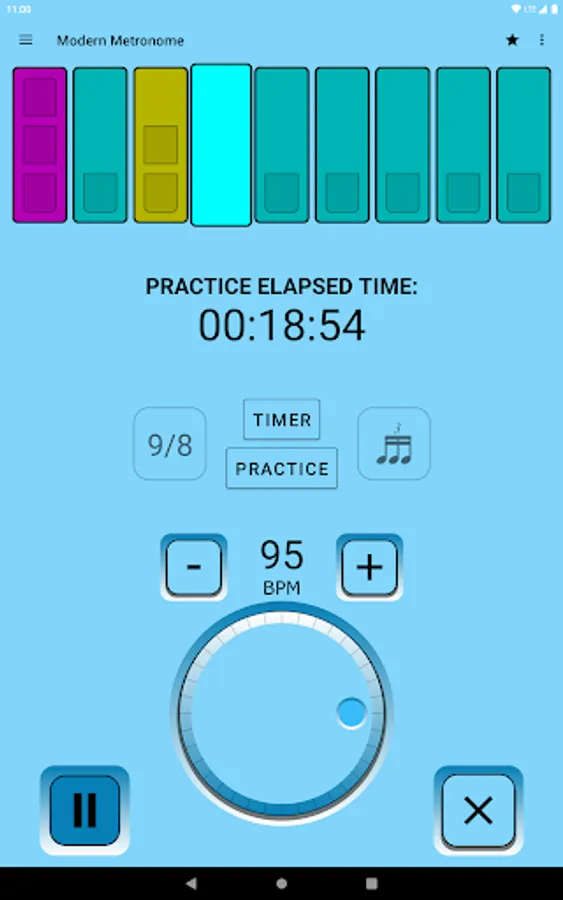
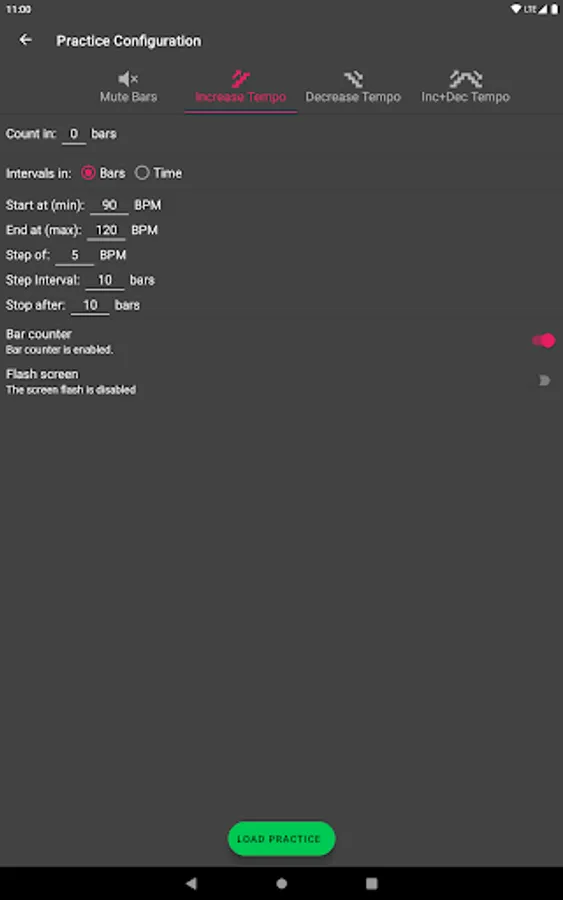
• Practice (3 modes to automatically Increase and Decrease the tempo + Mute Bars/Beats)
• Timer (turn off the metronome after a certain time, or track your total practice time)
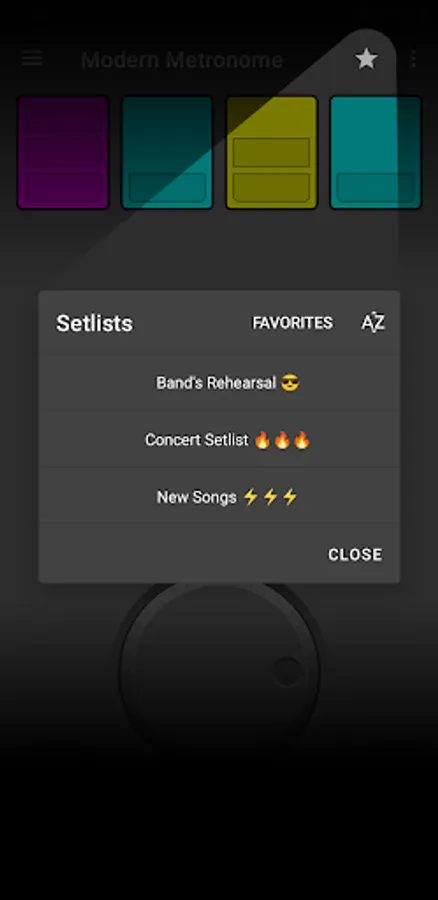
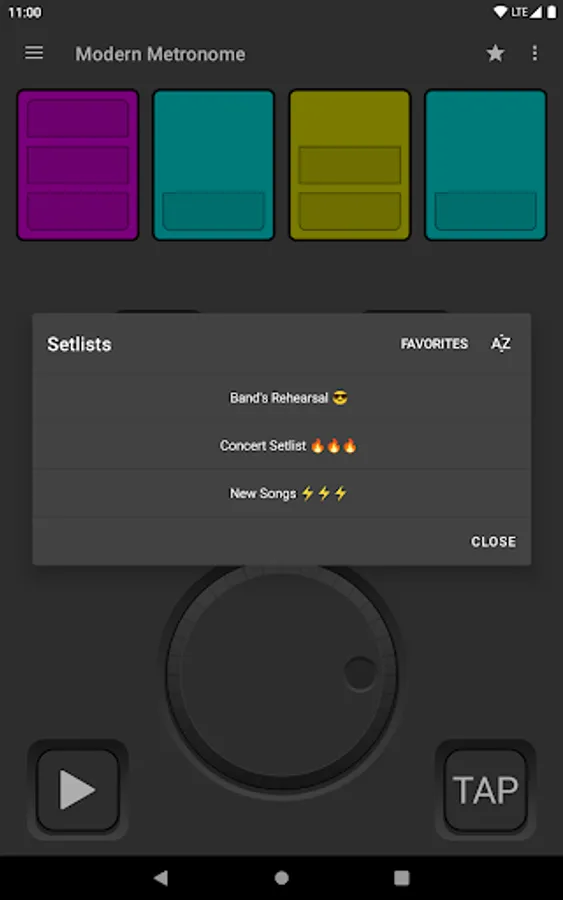
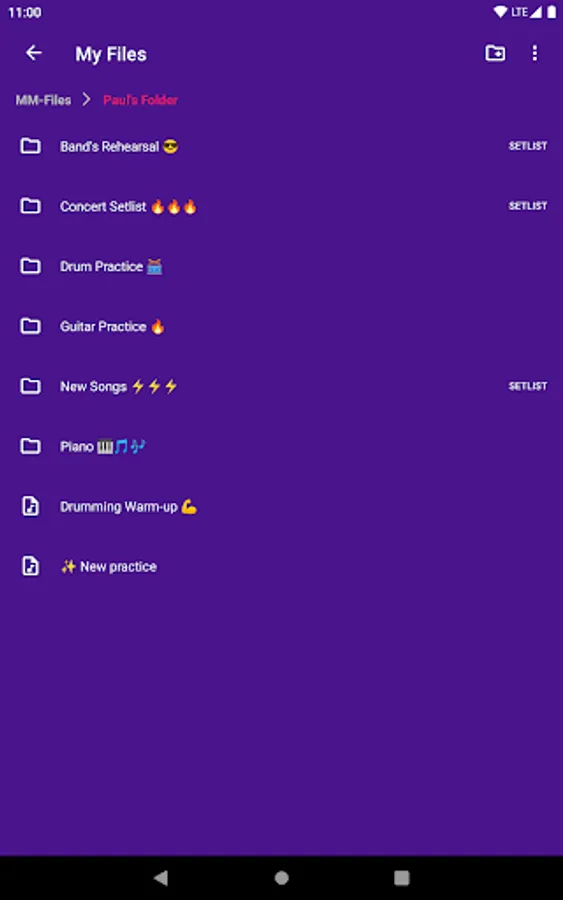
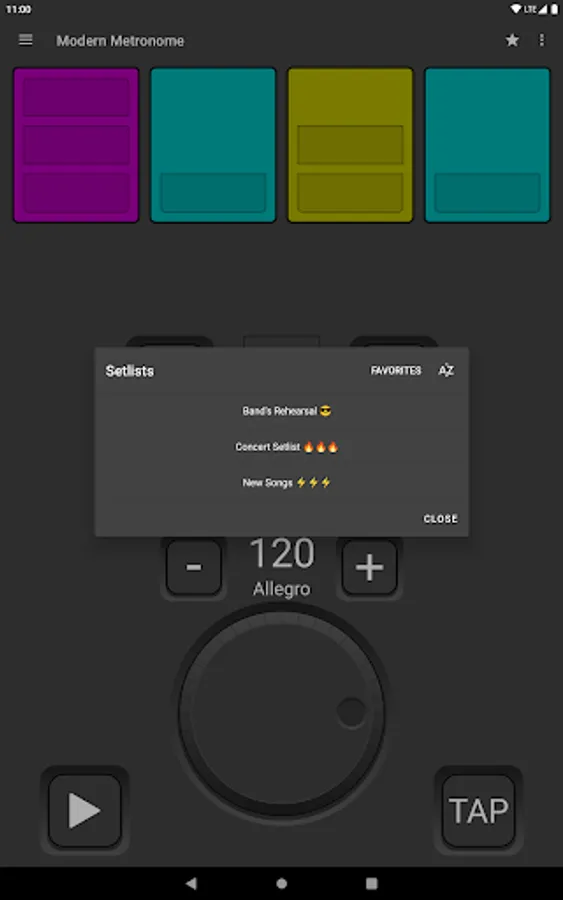
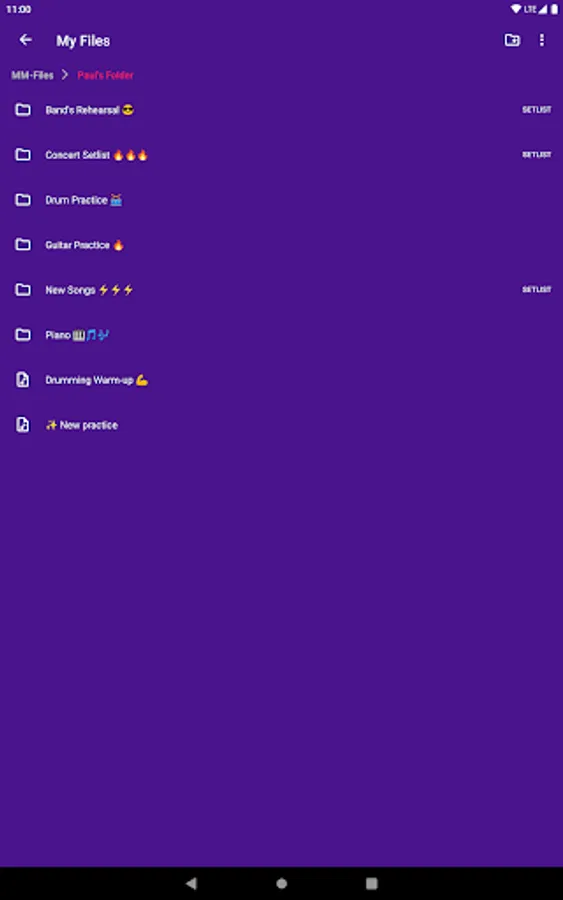
• Setlists Mode: Create/modify Setlists and create/modify/reorder songs + Stage Mode.
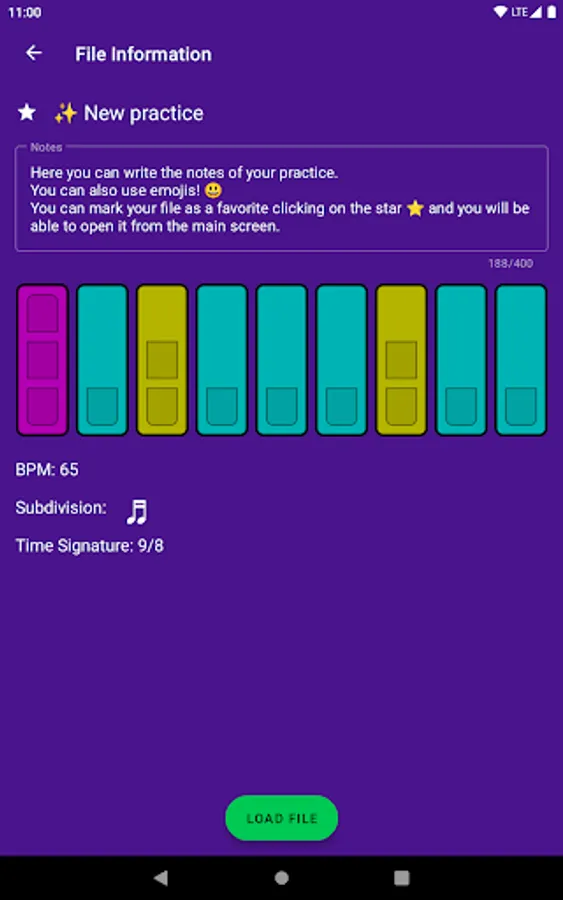
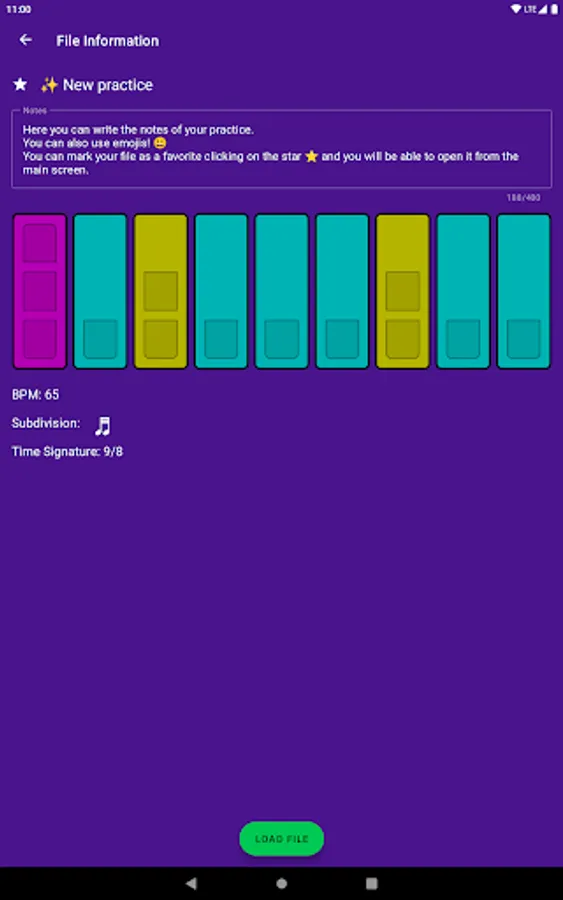
• ⭐ Favorites (reach all your songs faster!)
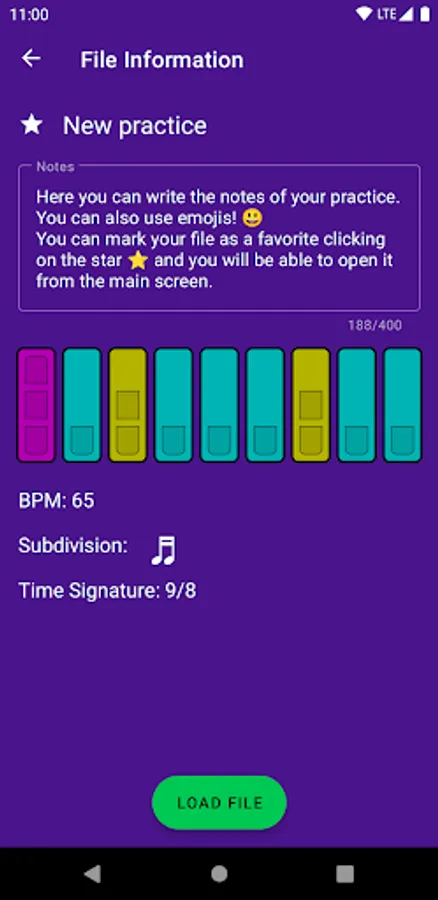
• 📝 Add notes to your songs (text + emojis 😃)
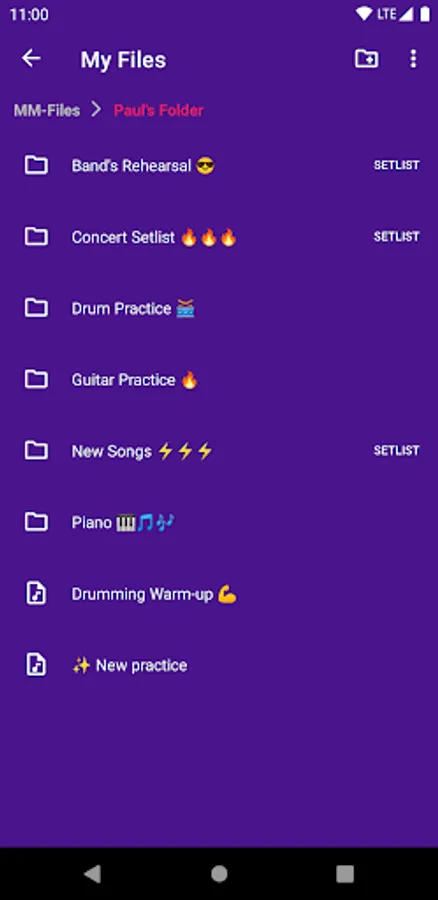
• 📁 Song Manager (save, modify and arrange all your metronome songs)
• Create/Restore backups of all your songs.
• 🌈 9 colors to personalize your Metronome
• 👆 Beat’s sound and color changeable by touch
• 🌎 Small download size to reduce our carbon footprint
• 🚀 State of the art audio processing and performance
Four ways to change the BPMs:
• Big central selection wheel
• Increment and decrement buttons. Change it by steps of one or five (button hold)
• Keyboard input
• TAP button
Other options available:
• Add an accent on the first beat. Specially useful when using a subdivision with a silence on the first beat
• ⚡️ Flash the screen with each beat
• Volume Boost
• Audio latency compensation. Specially useful when using Bluetooth speakers or headphones 🎧
• Independently modify the volume of each sound
• Main screen always on
Also:
• Play/pause and even modify the tempo from the Lock Screen or Notifications
• No special permissions required
Modern Metronome Pro Screenshots

Tap to Rate:
Reviews for Modern Metronome Pro
Chance Gallagher
3/13/2025
I really like this app I think you should buy it work on your rhythms and subdivisions it will help your playing no matter what instrument this American size app you can break beats into subdivisions you can do different time signatures that's just a great app
TIMES MOTIVATION
3/11/2025
Nothing beats Modern Metronome right now. The best out there! Just one suggestion, please introduce a search function in the Song Manager. Thanks!