Micro-measurements
Octavian Fometescu
3.9 ★
260 ratings
50,000+
downloads
Free
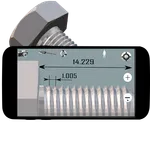
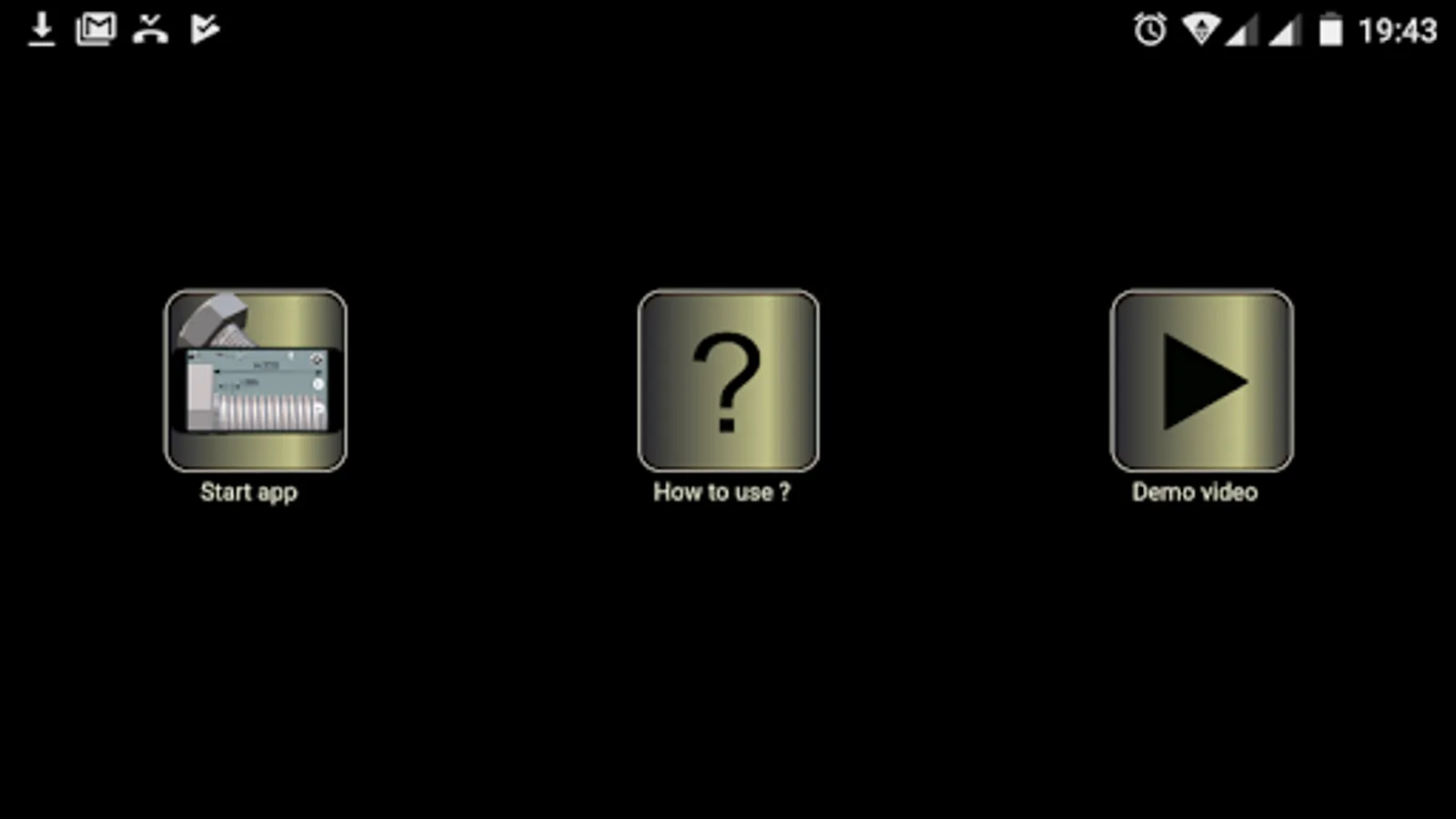
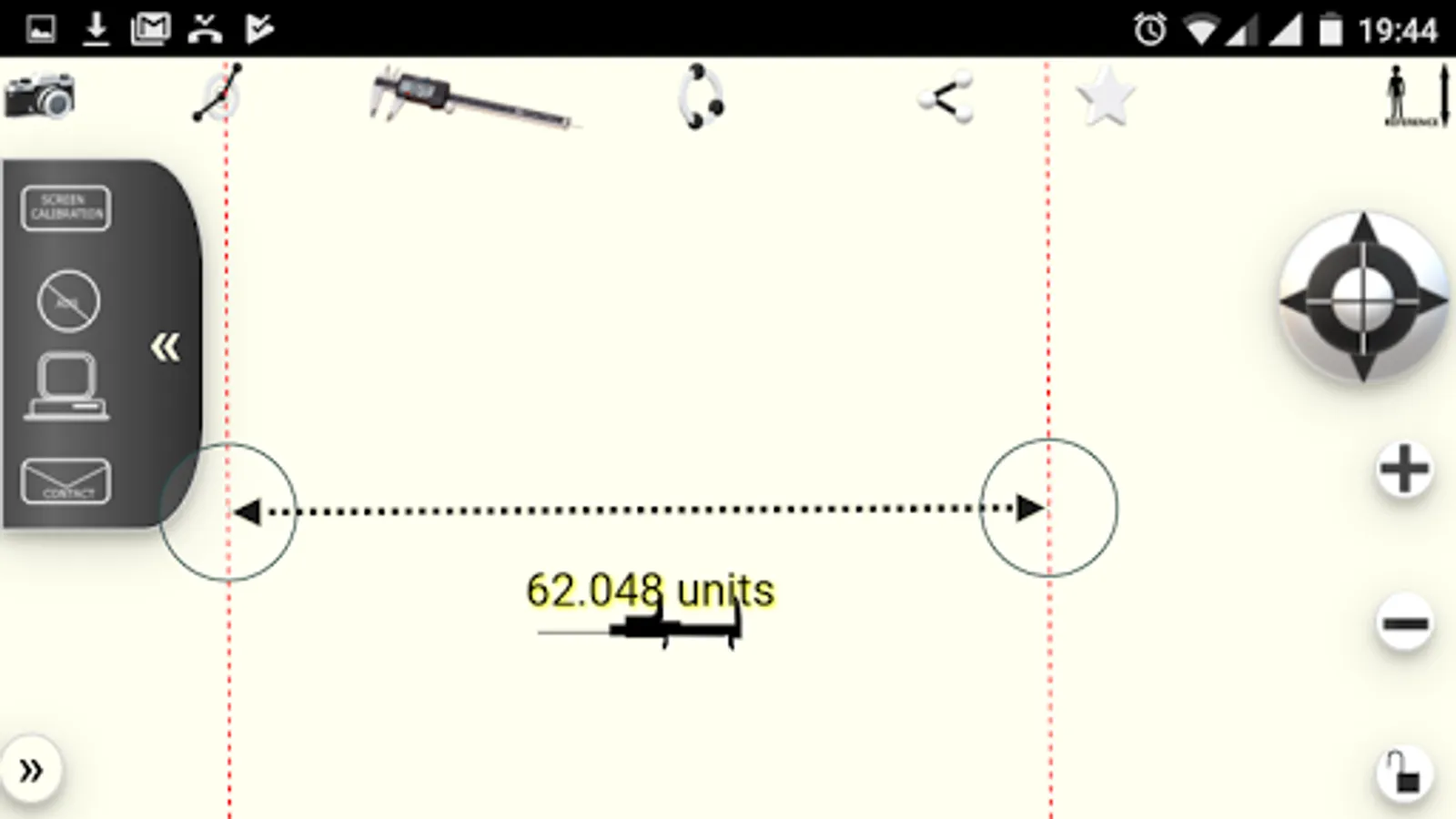
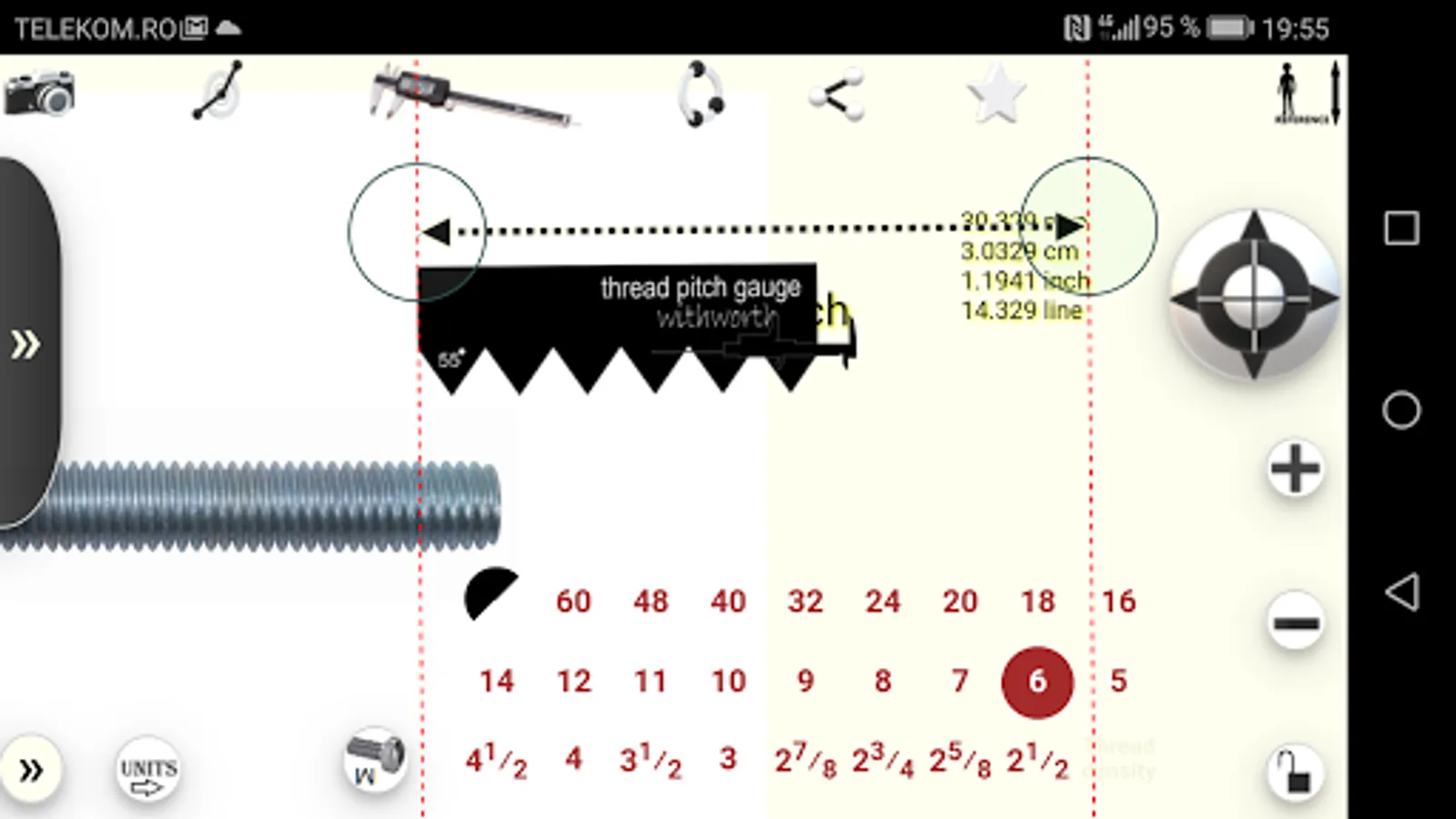
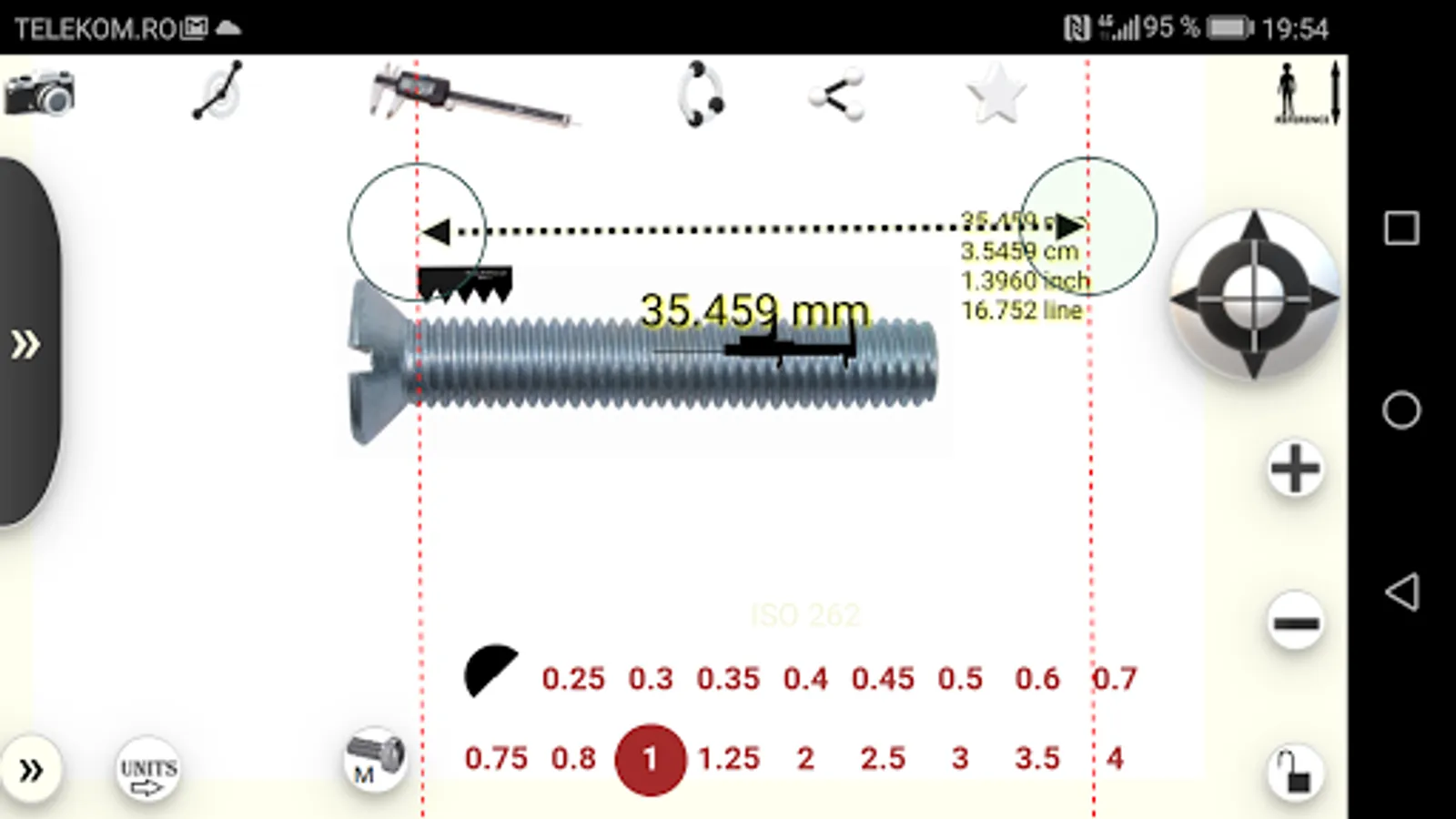
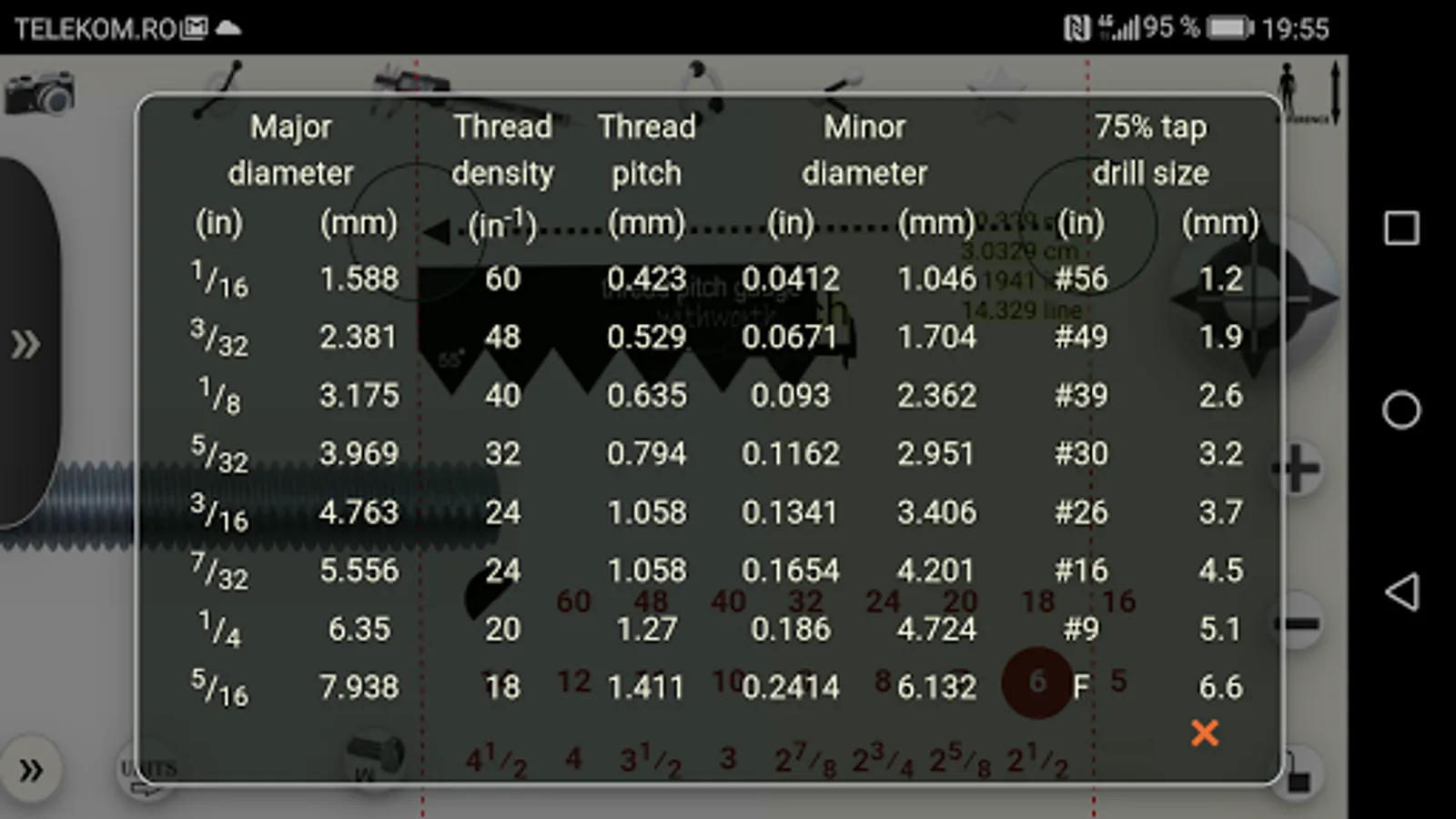
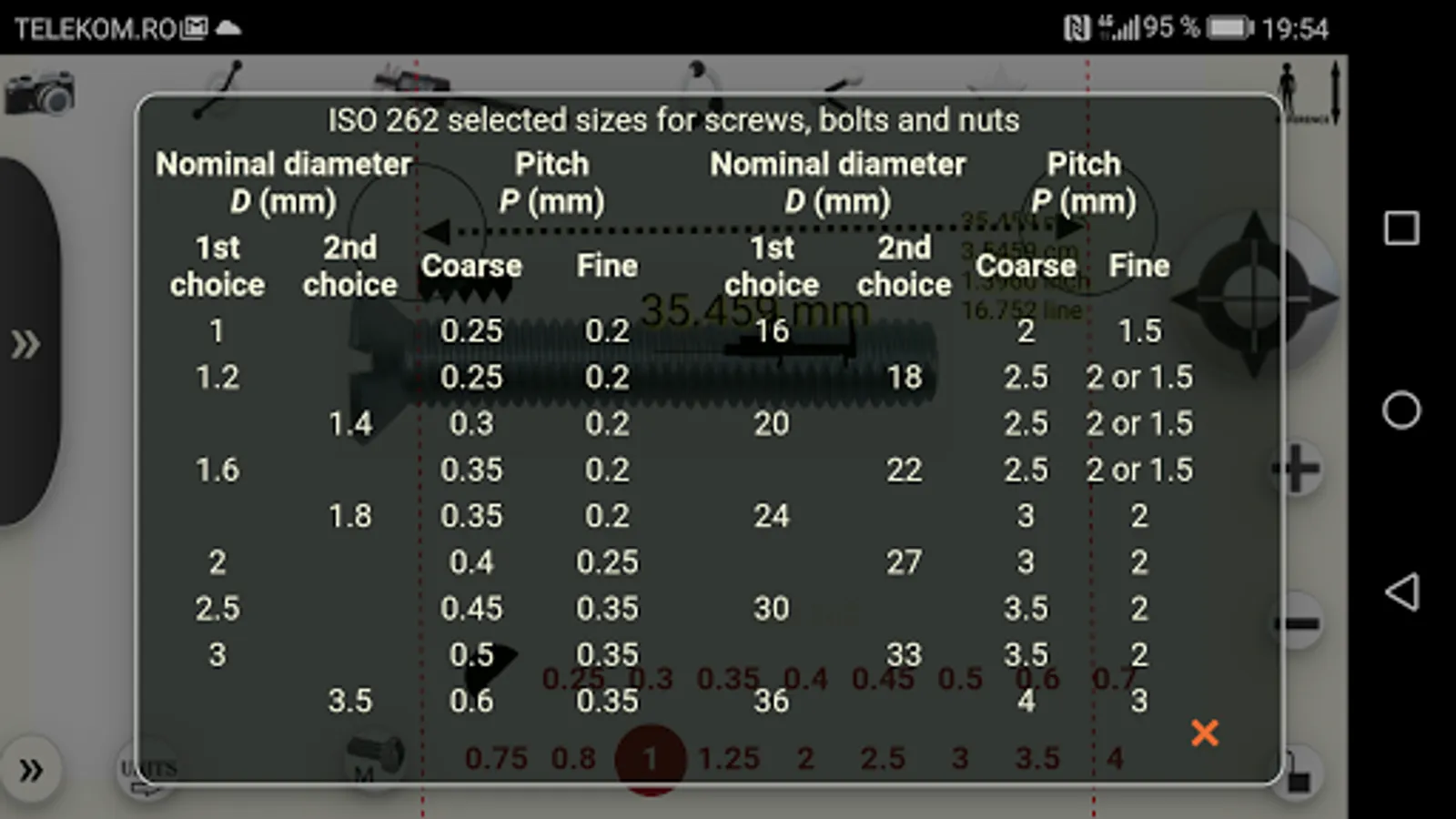
With this measurement app, you can insert images, adjust zoom, and measure objects or angles using a virtual caliper and protractor. Includes image capturing, zoom controls, and measurement tools.
AppRecs review analysis
AppRecs rating 3.9. Trustworthiness 0 out of 100. Review manipulation risk 0 out of 100. Based on a review sample analyzed.
★★★☆☆
3.9
AppRecs Rating
Ratings breakdown
5 star
53%
4 star
17%
3 star
10%
2 star
3%
1 star
17%
What to know
✓
Good user ratings
70% positive sampled reviews
✓
Authentic reviews
Natural distribution, no red flags
About Micro-measurements
1. Inserts / captures the image
2. Press + / - to zoom in / out
3. Drag the image to fit the measurement area on the phone screen
4. Press the caliper to make the measuring tool active.
5. Align the measuring instrument with the reference object
6. Press the top right button to enter the length of the reference object.
7. Now you can zoom in / out and make any measurements you want.
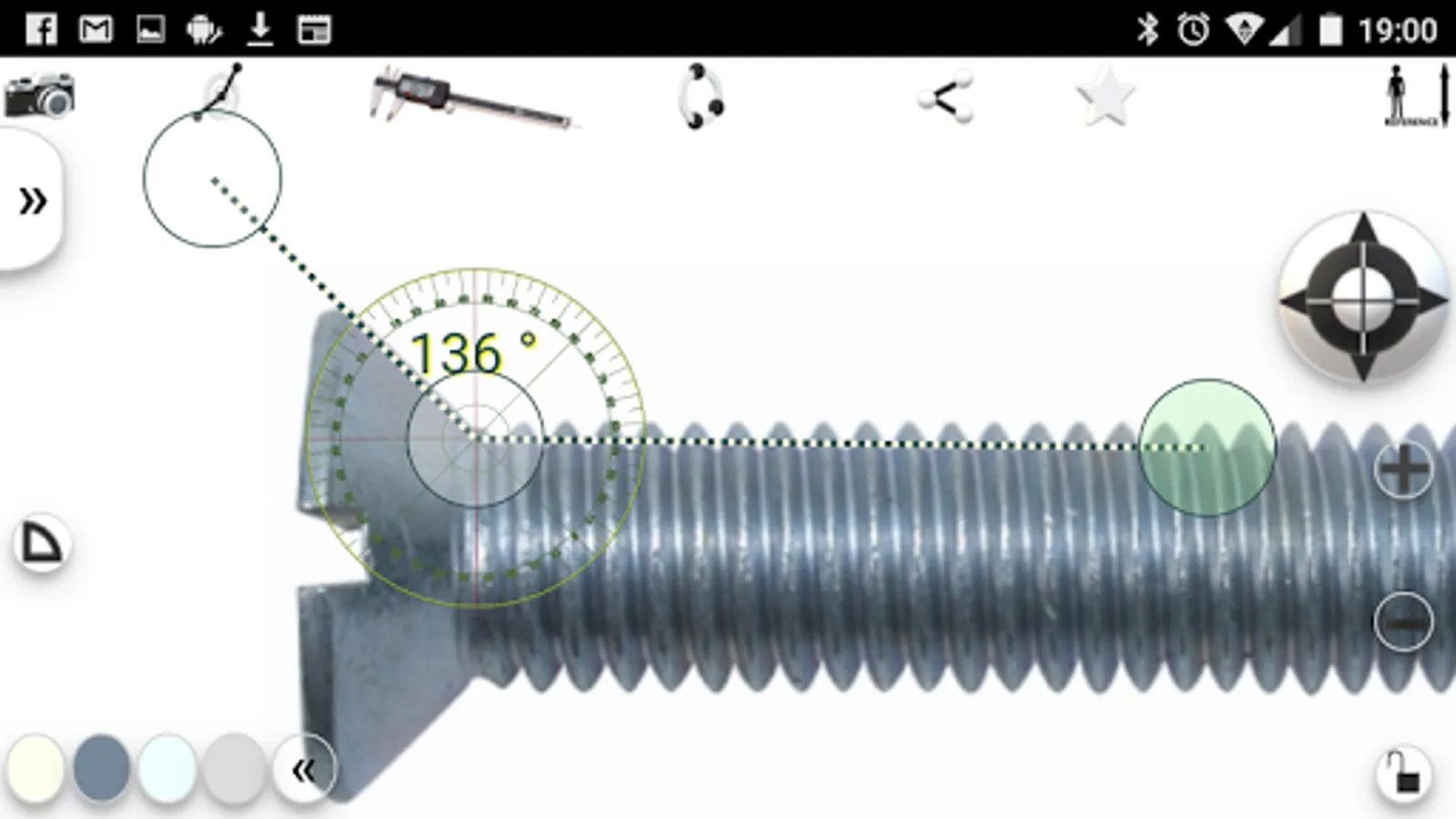
8.Change the instrument with the protractor to measure angles
9. capture the screen image (with dedicated phone software) to save the measurements
2. Press + / - to zoom in / out
3. Drag the image to fit the measurement area on the phone screen
4. Press the caliper to make the measuring tool active.
5. Align the measuring instrument with the reference object
6. Press the top right button to enter the length of the reference object.
7. Now you can zoom in / out and make any measurements you want.
8.Change the instrument with the protractor to measure angles
9. capture the screen image (with dedicated phone software) to save the measurements
Micro-measurements Screenshots
Tap to Rate: