
Azure Information Protection
Microsoft Corporation
2.0 ★
2K ratings
500,000+
downloads
Free
AppRecs review analysis
AppRecs rating 2.1. Trustworthiness 75 out of 100. Review manipulation risk 24 out of 100. Based on a review sample analyzed.
★★☆☆☆
2.1
AppRecs Rating
Ratings breakdown
5 star
17%
4 star
6%
3 star
3%
2 star
4%
1 star
70%
What to know
✓
Low review manipulation risk
24% review manipulation risk
⚠
Mixed user feedback
Average 2.0★ rating suggests room for improvement
⚠
High negative review ratio
74% of sampled ratings are 1–2 stars
About Azure Information Protection
NOTE: You need to have Microsoft Azure Rights Management for individuals or an RMS enabled Office 365 account to use Microsoft Azure Information Protection viewer application. You can sign up for a free account by using the Azure Information Protection page. You cannot use Microsoft Account (Live, Hotmail or Outlook.com) account to sign in.
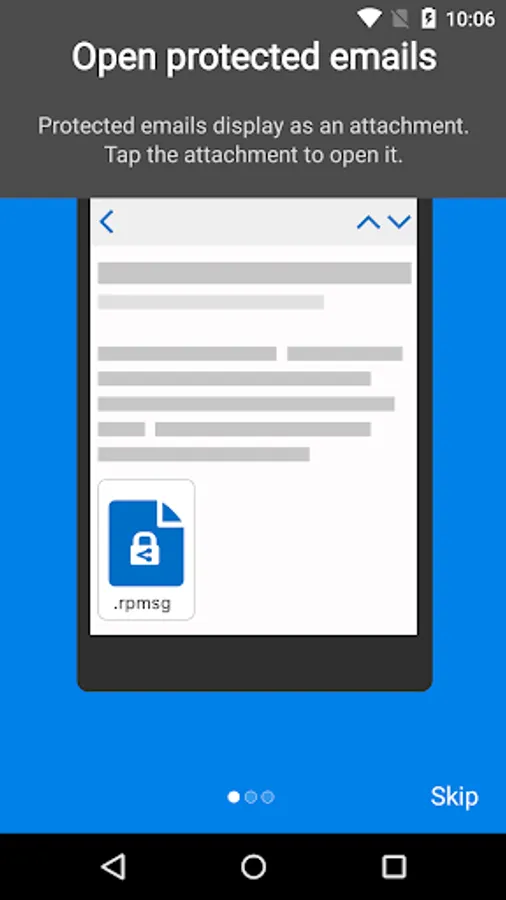
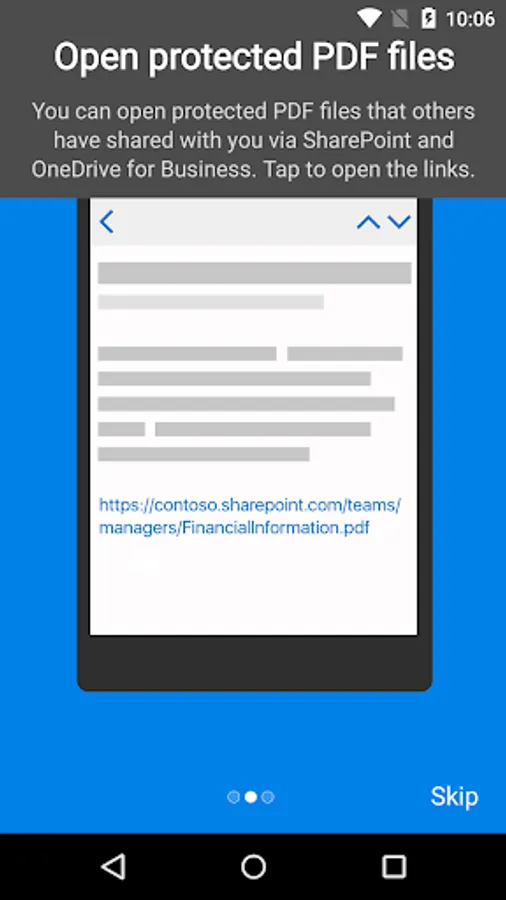
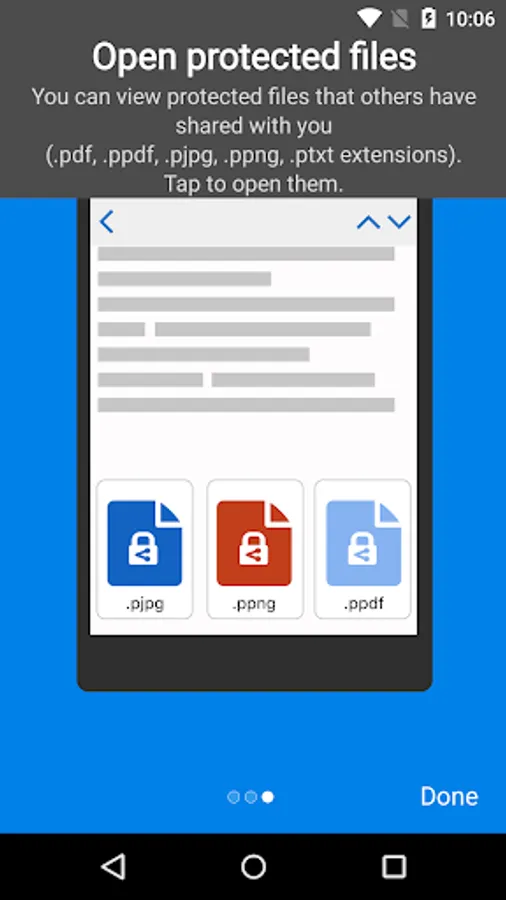
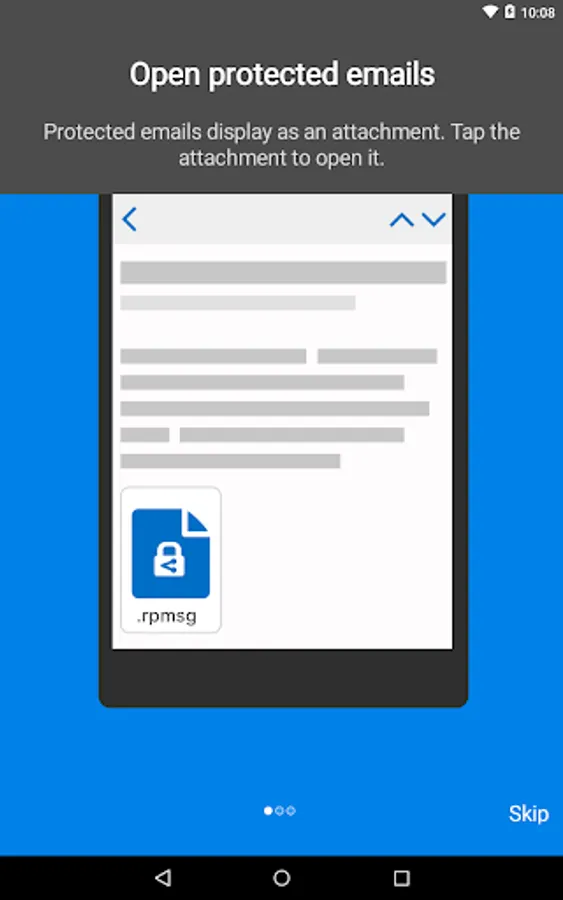
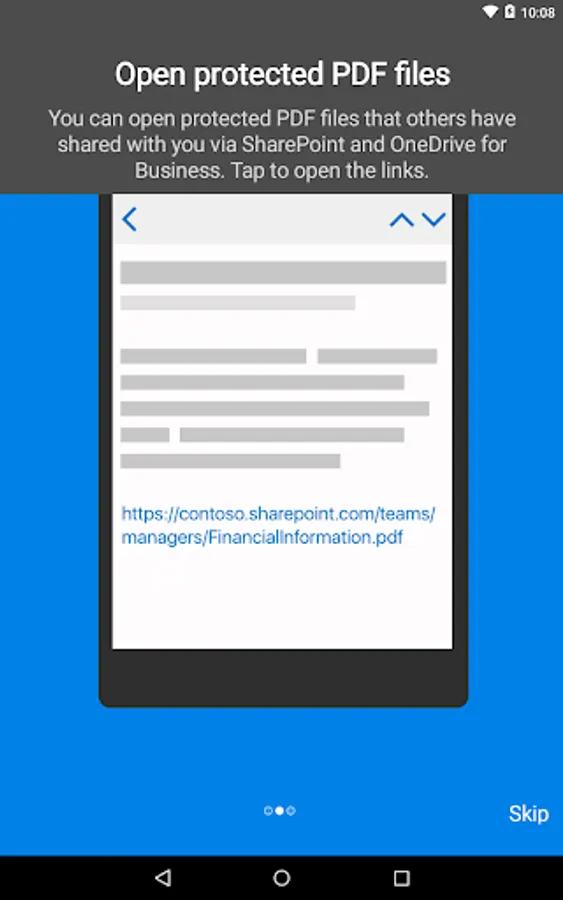
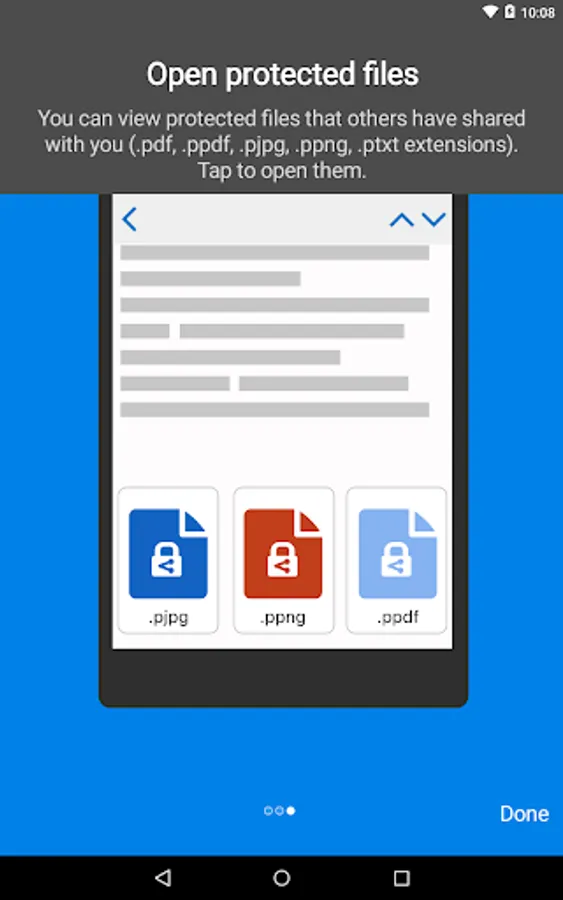
Azure Information Protection app enables you to securely collaborate with others. You can view protected files (Rights protected email messages, PDF files, pictures, text files, and any other file format that is protected as a .pfile) that others have shared with you.
Azure Information Protection app lets you breathe easy knowing your files are safe and can only be opened by users you trust and share with.
IT administrators can also deploy and manage the app for devices that are enrolled by Intune.
For more details, read our FAQ page http://go.microsoft.com/fwlink/?LinkId=828412
Azure Information Protection app enables you to securely collaborate with others. You can view protected files (Rights protected email messages, PDF files, pictures, text files, and any other file format that is protected as a .pfile) that others have shared with you.
Azure Information Protection app lets you breathe easy knowing your files are safe and can only be opened by users you trust and share with.
IT administrators can also deploy and manage the app for devices that are enrolled by Intune.
For more details, read our FAQ page http://go.microsoft.com/fwlink/?LinkId=828412
Azure Information Protection Screenshots
Tap to Rate:
Reviews for Azure Information Protection
Ariele Merone
12/30/2025
won't open file because the agree button is blocked, Samsung Galaxy S24 Ultra, up to date OS
Terry Perry
12/30/2025
can't connect