Remote Desktop 8
Microsoft Corporation
4.0 ★
store rating
10,000,000+
downloads
Free
AppRecs review analysis
AppRecs rating 4.0. Trustworthiness 0 out of 100. Review manipulation risk 0 out of 100. Based on a review sample analyzed.
★★★☆☆
4.0
AppRecs Rating
Ratings breakdown
5 star
59%
4 star
14%
3 star
6%
2 star
5%
1 star
16%
What to know
✓
Good user ratings
73% positive sampled reviews
✓
Authentic reviews
Natural distribution, no red flags
About Remote Desktop 8
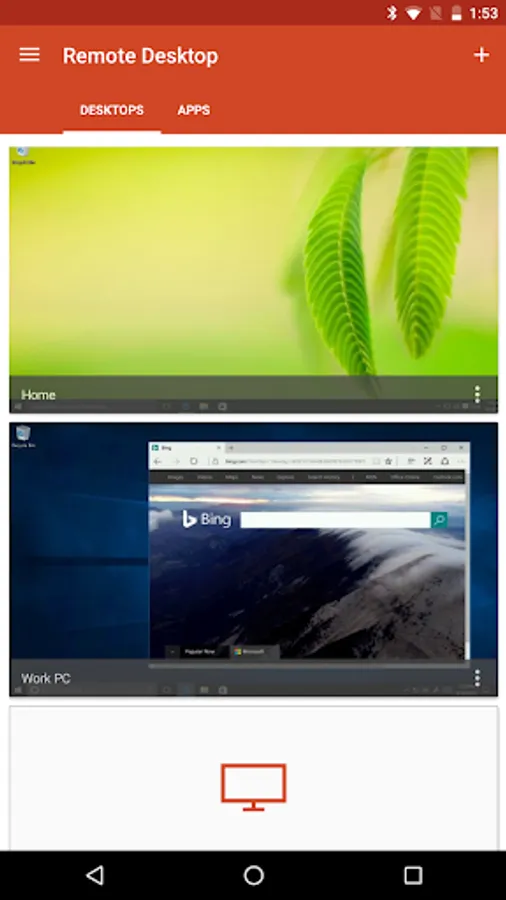
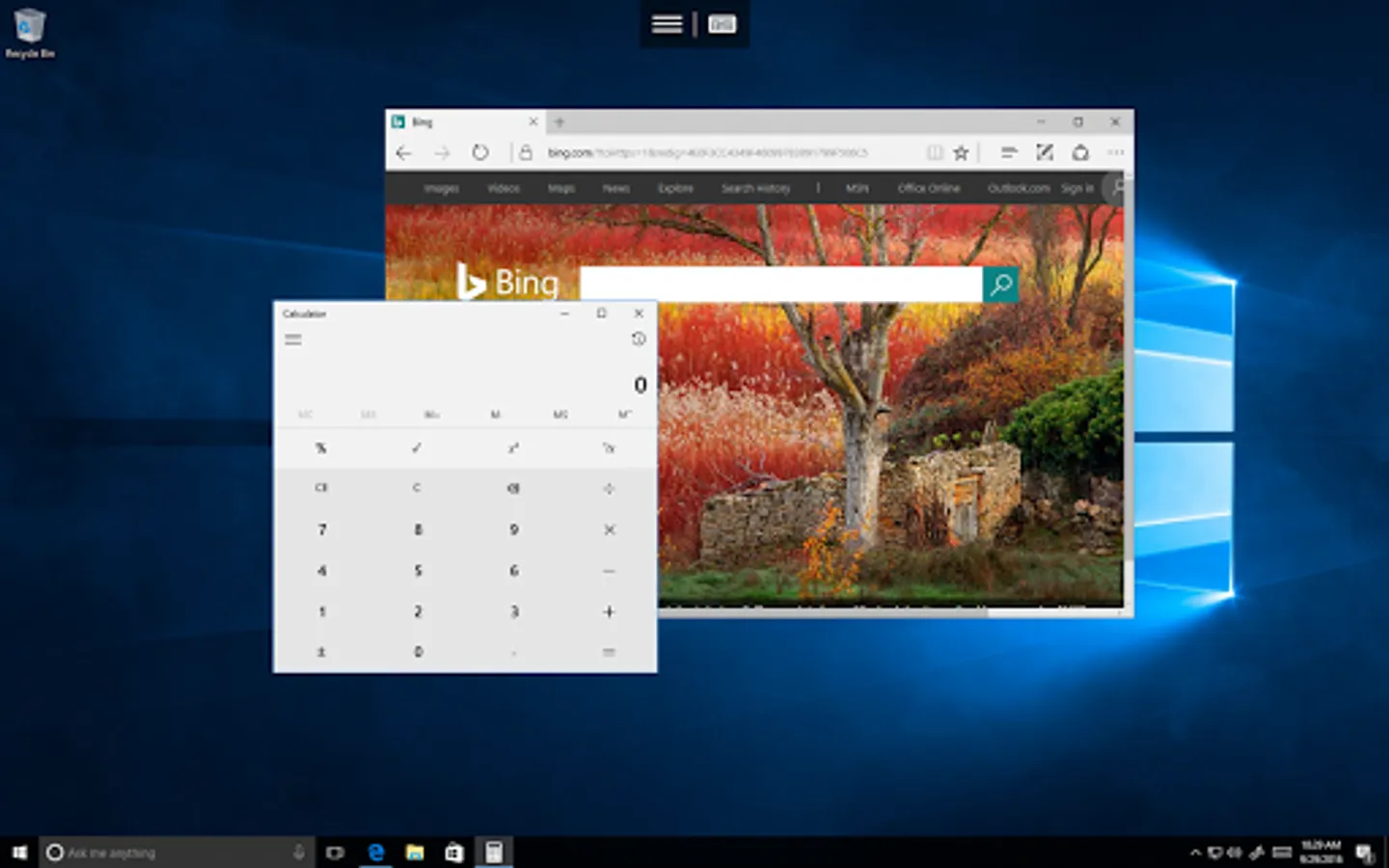
Use the Microsoft Remote Desktop app to connect to a remote PC or virtual apps and desktops made available by your admin. With Microsoft Remote Desktop, you can be productive no matter where you are.
Getting Started
+ Learn how to use Microsoft Remote Desktop at https://aka.ms/rdanddocs.
+ Learn about our other Remote Desktop clients at https://aka.ms/rdclients.
+ Submit feedback at https://aka.ms/rdandfbk.
Features
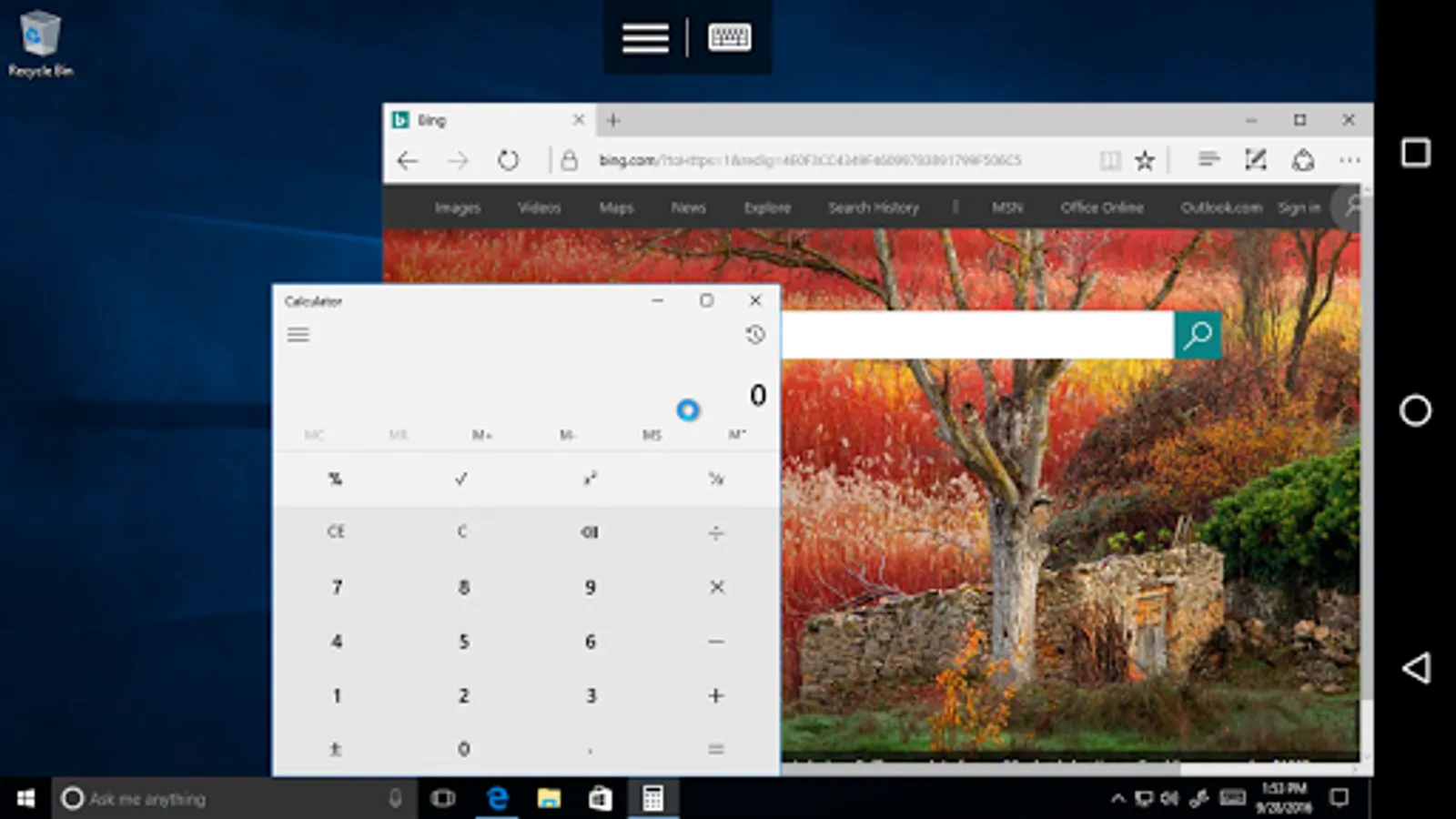
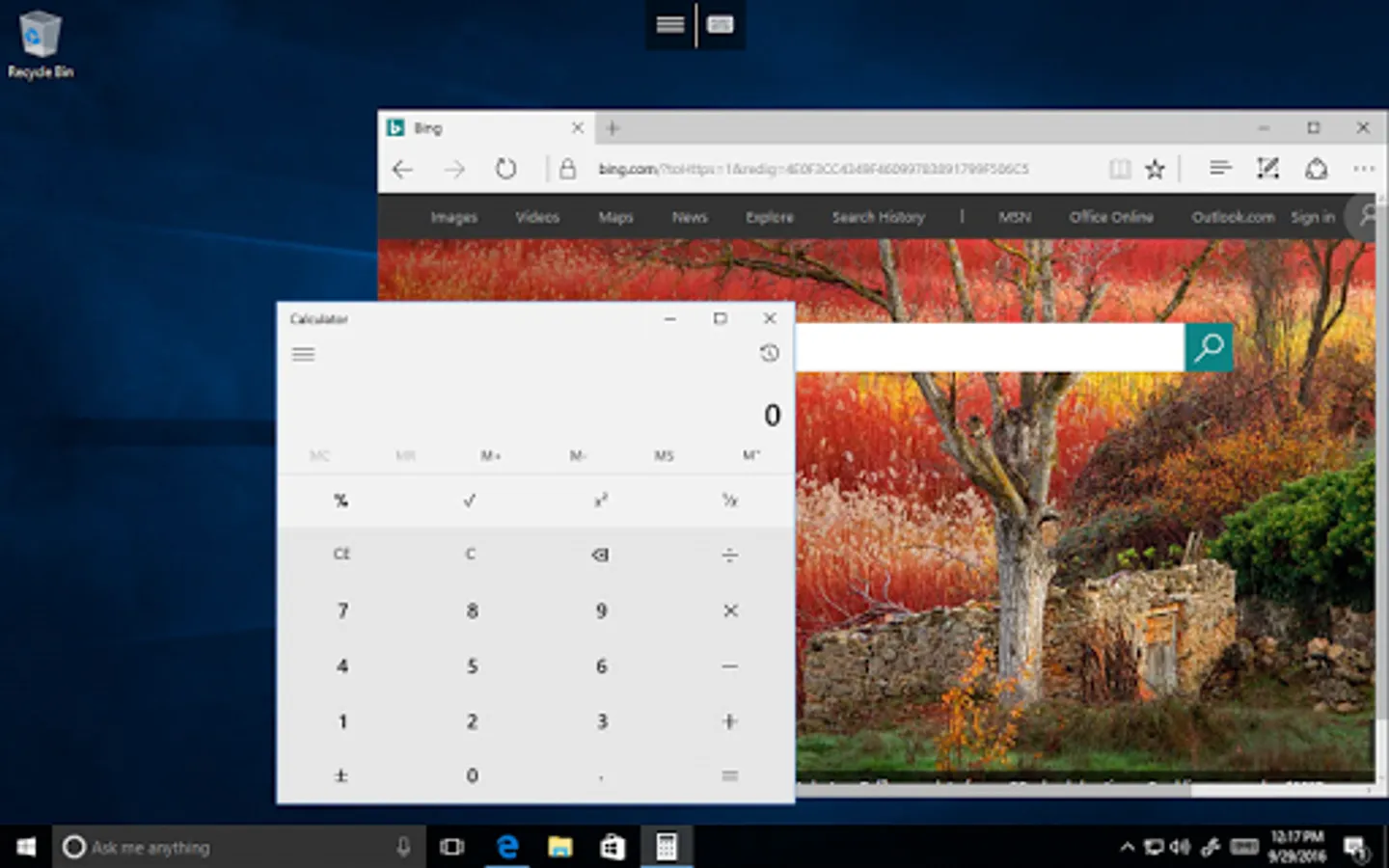
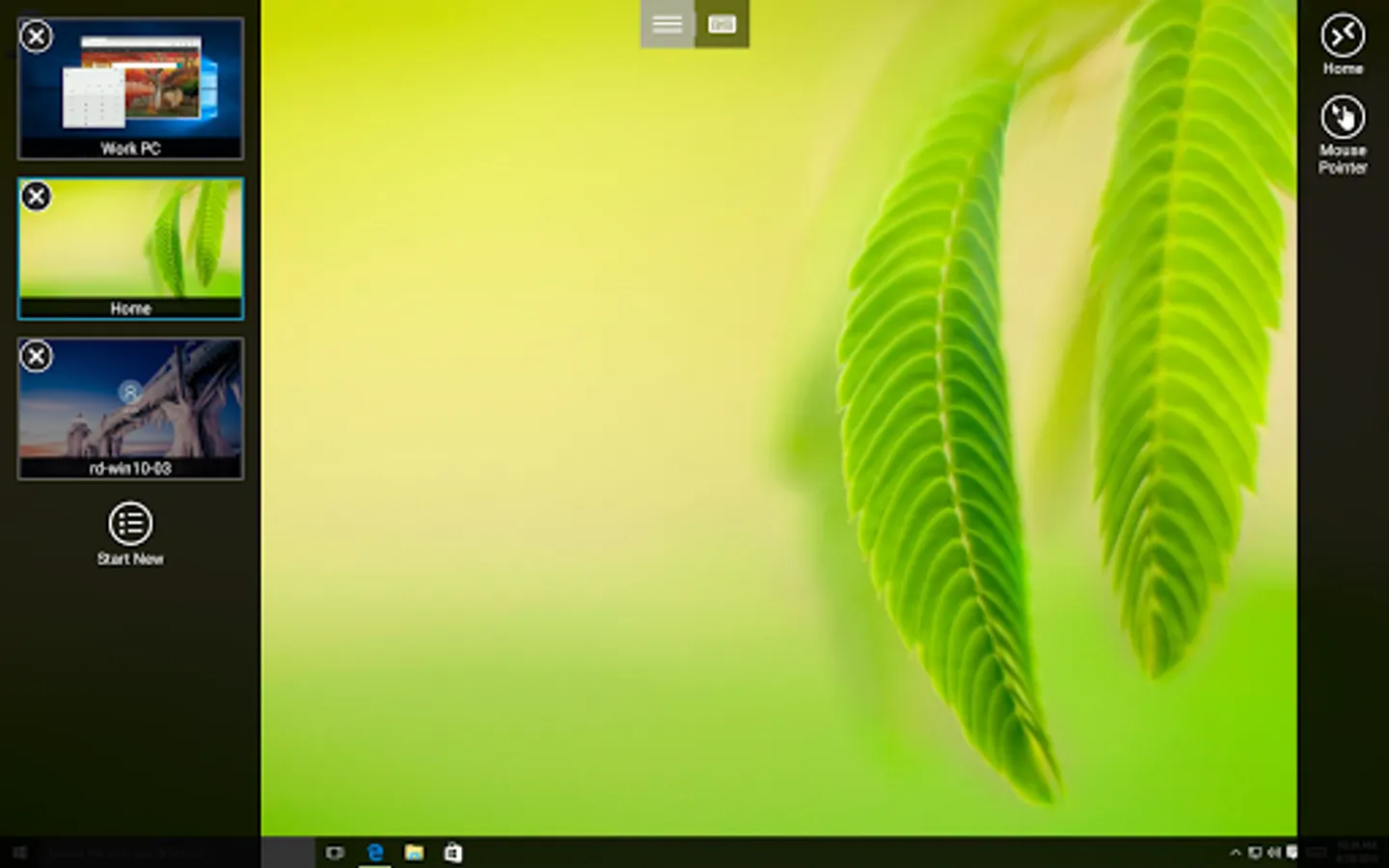
+ Access remote PCs running Windows Professional or Enterprise and Windows Server
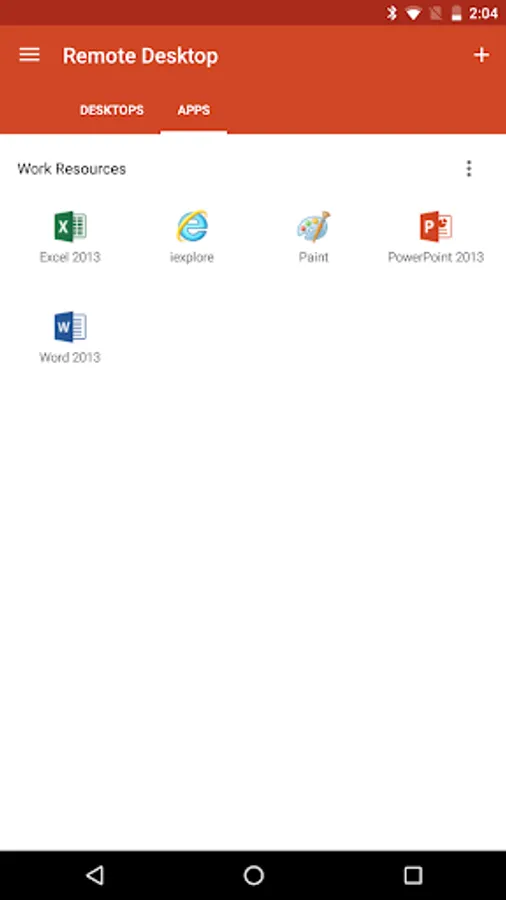
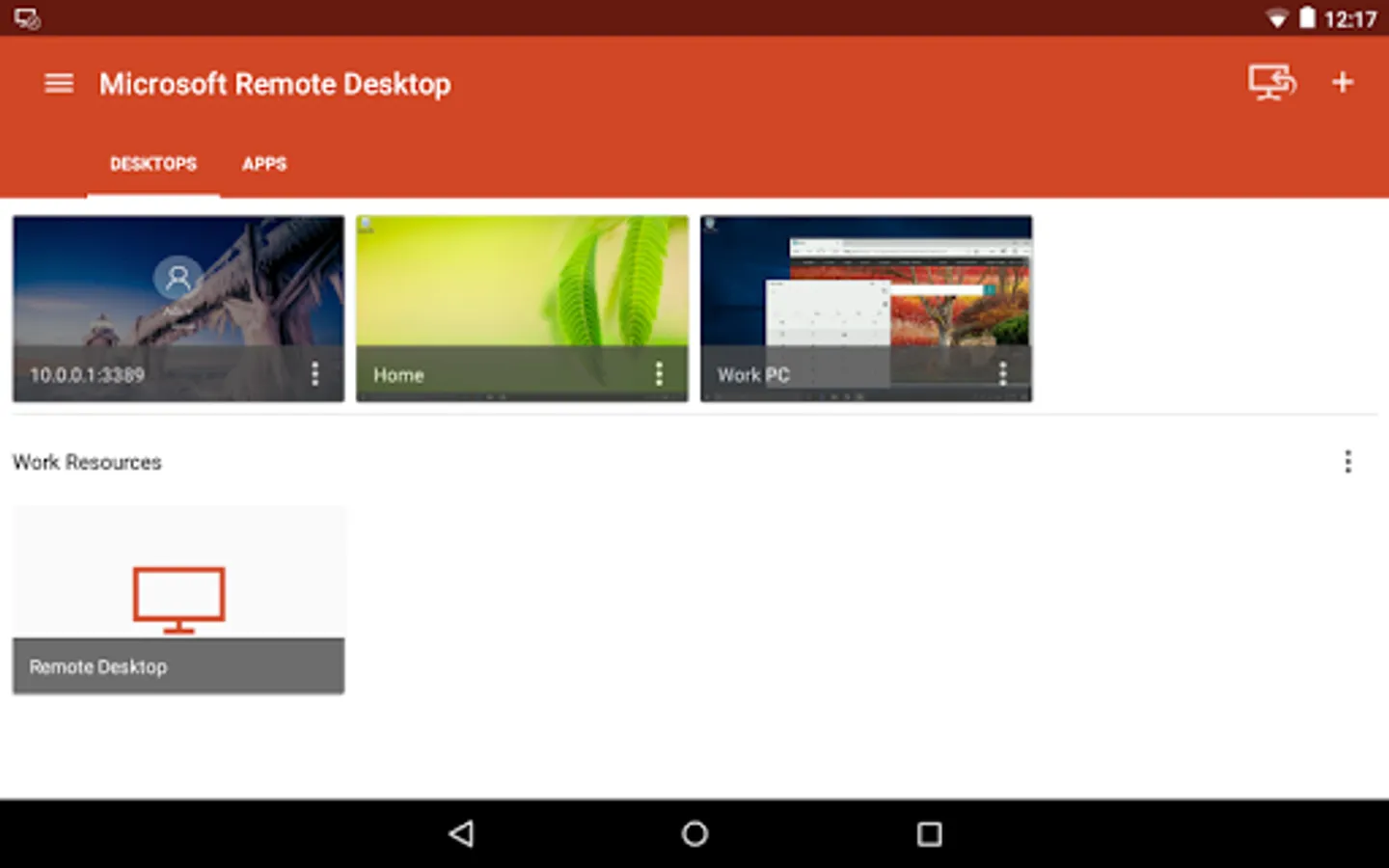
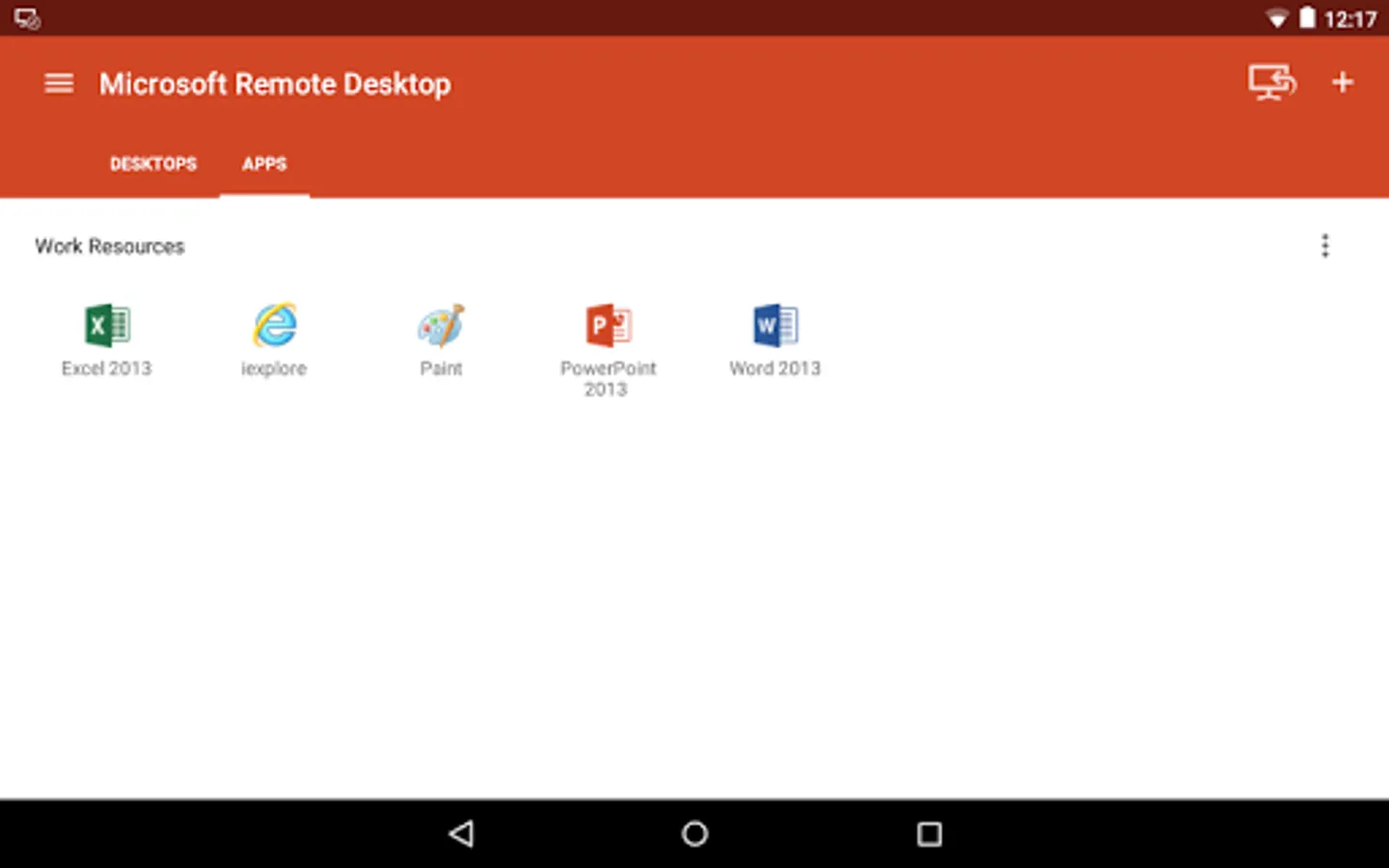
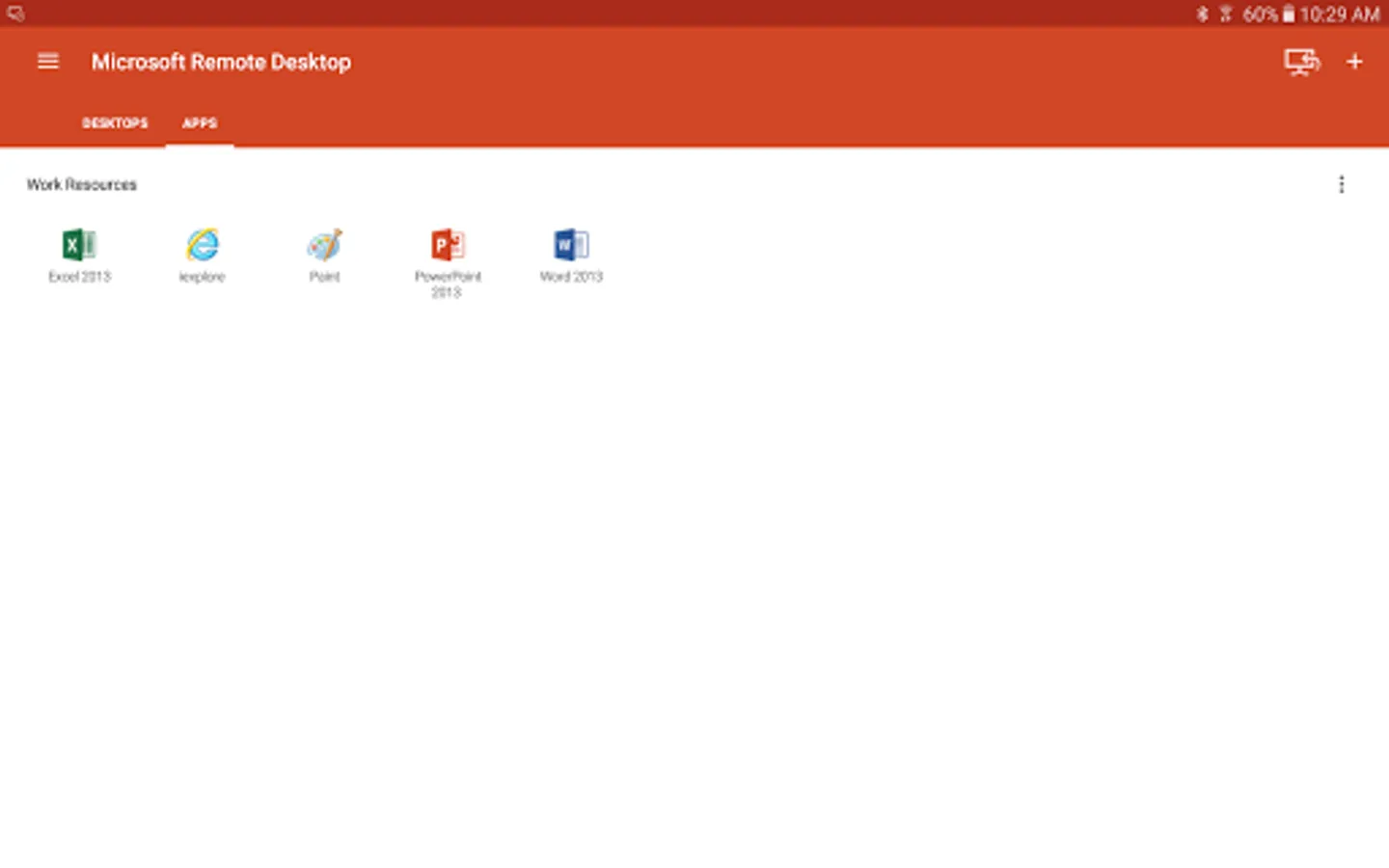
+ Access remote resources published by your IT admin
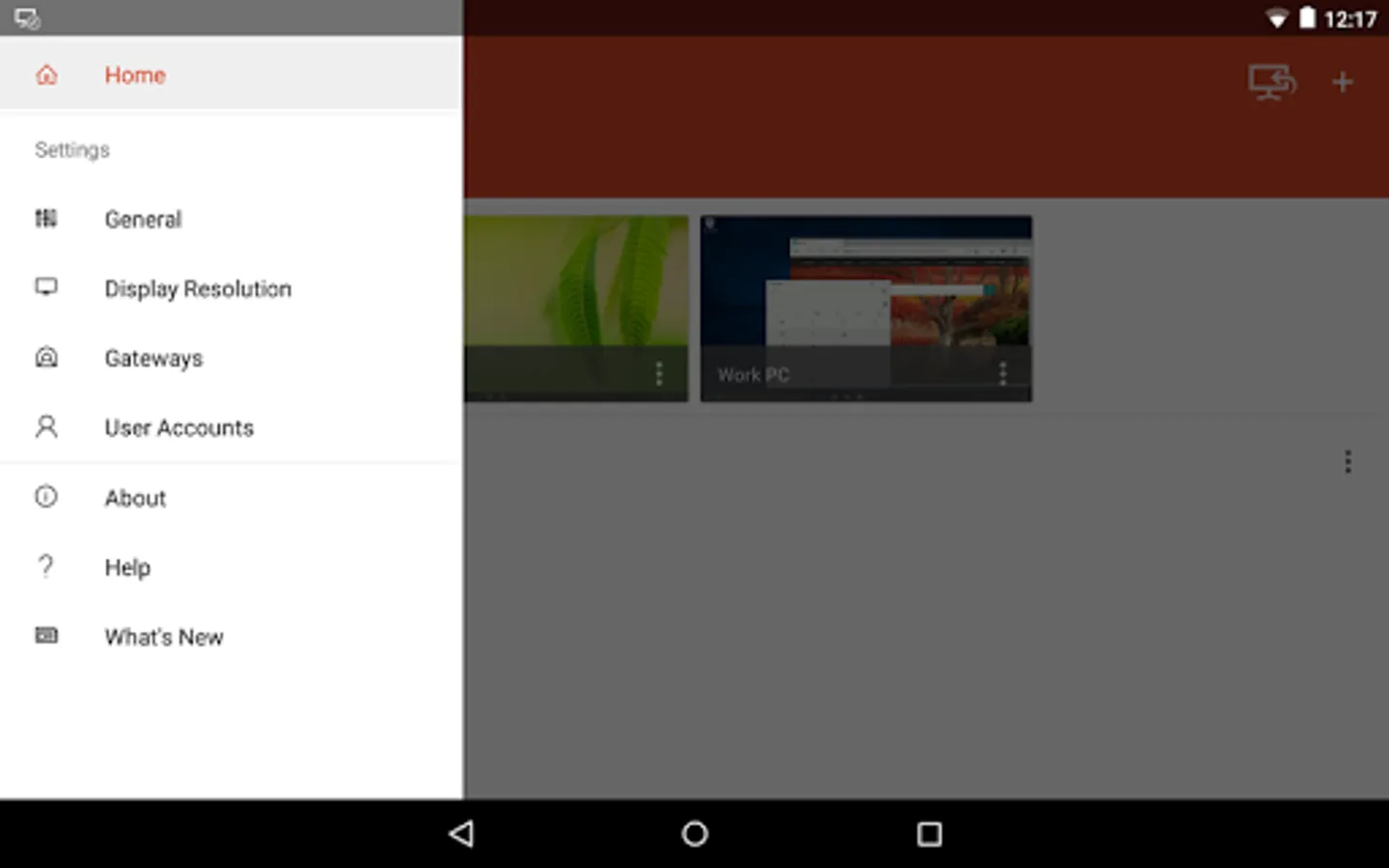
+ Connect remotely through a Remote Desktop Gateway
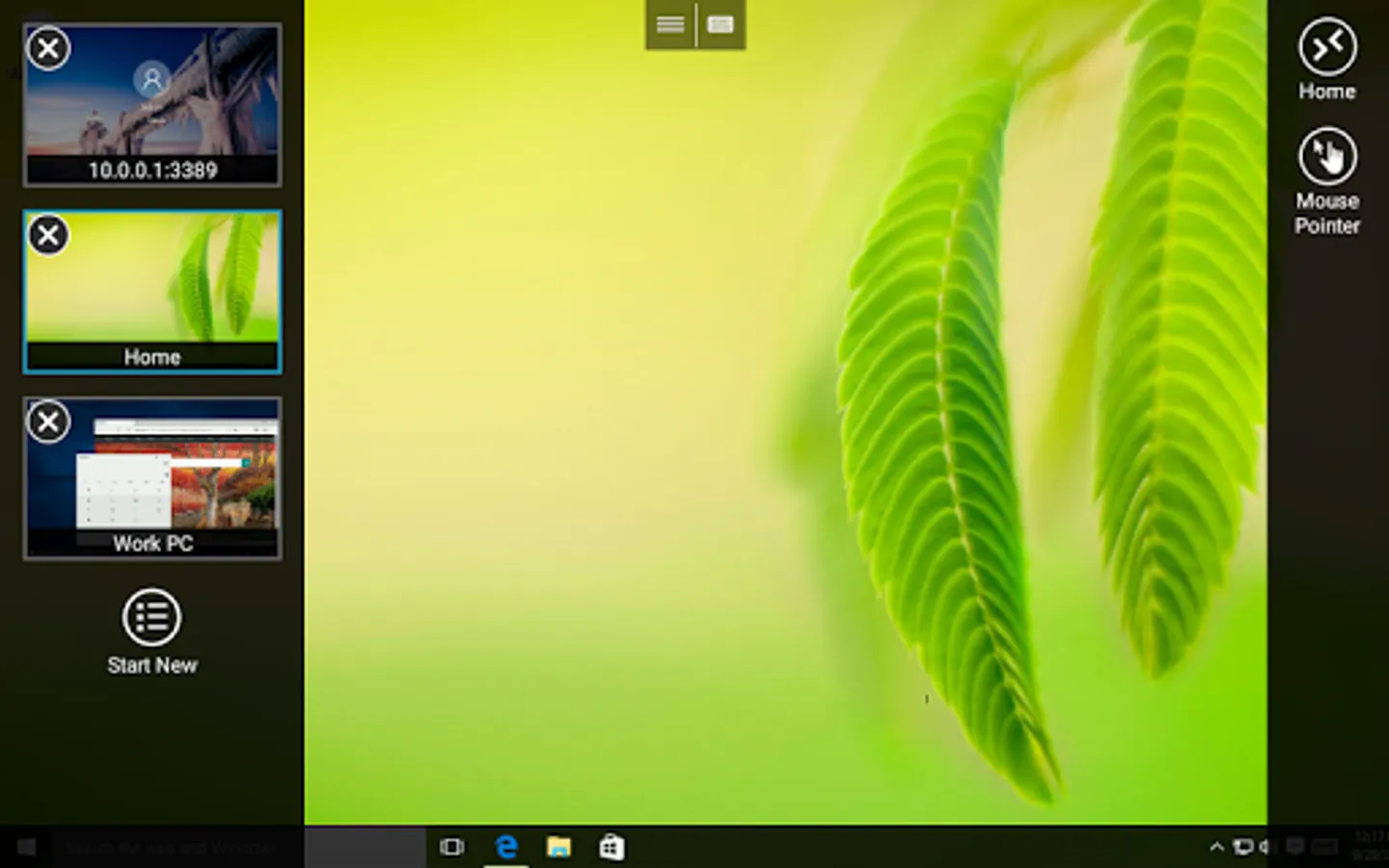
+ Rich multi-touch experience supporting Windows gestures
+ Secure connection to your data and applications
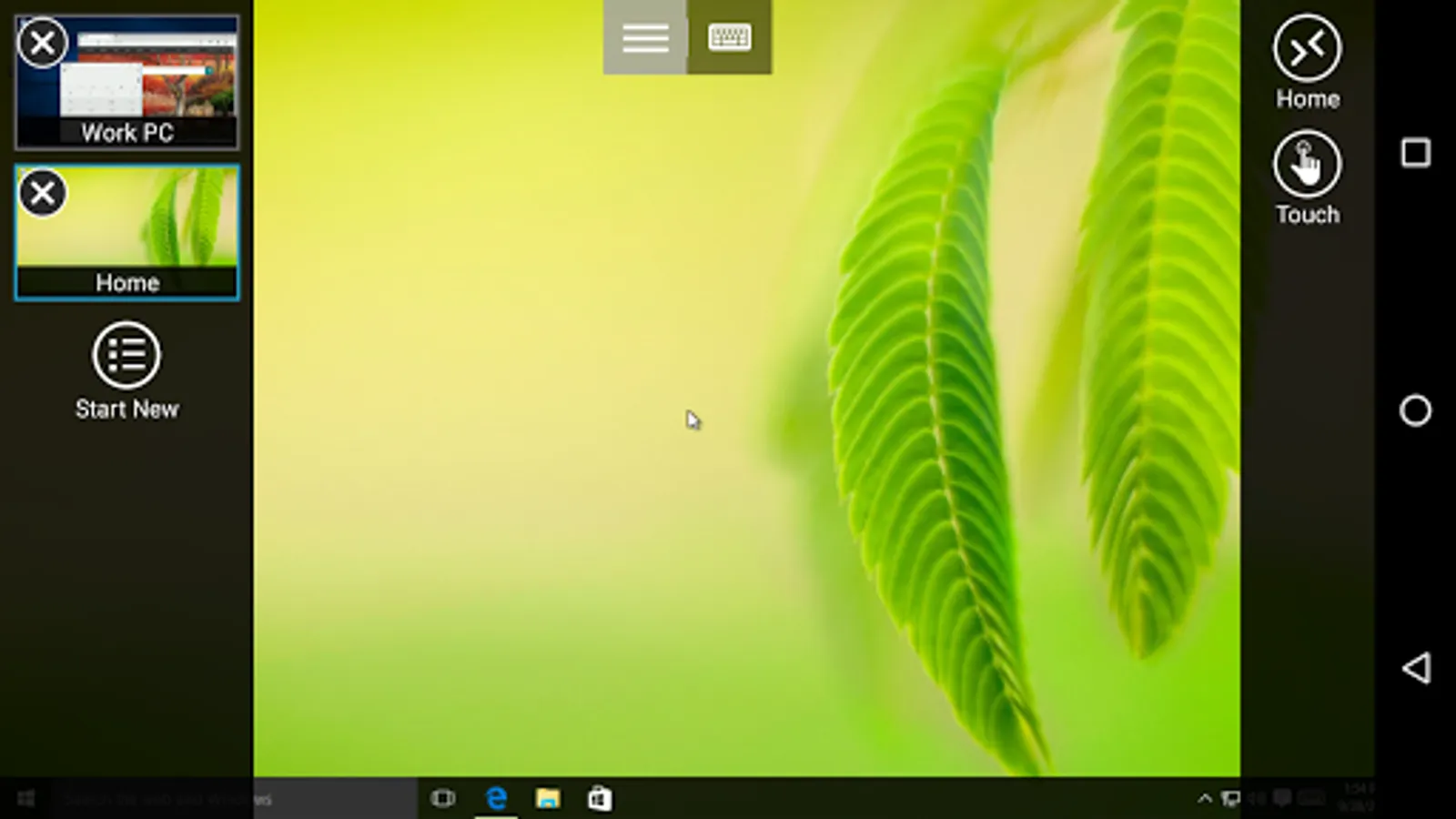
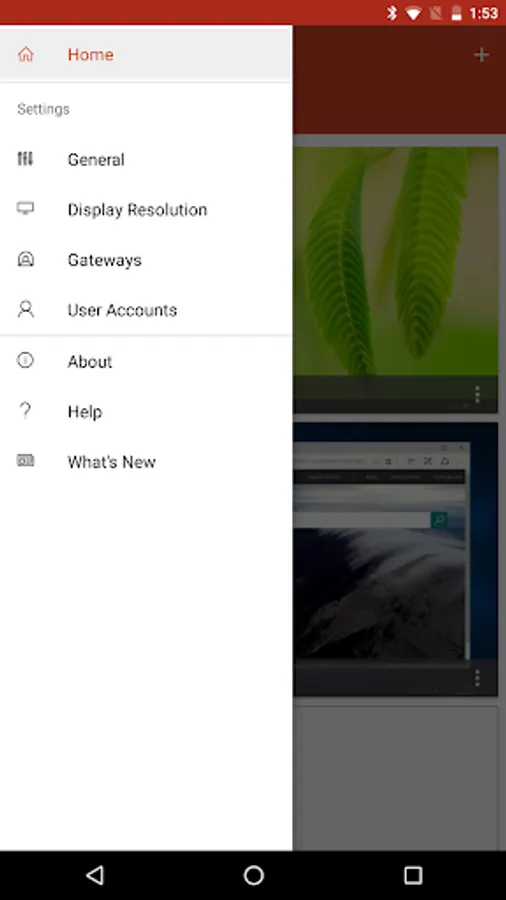
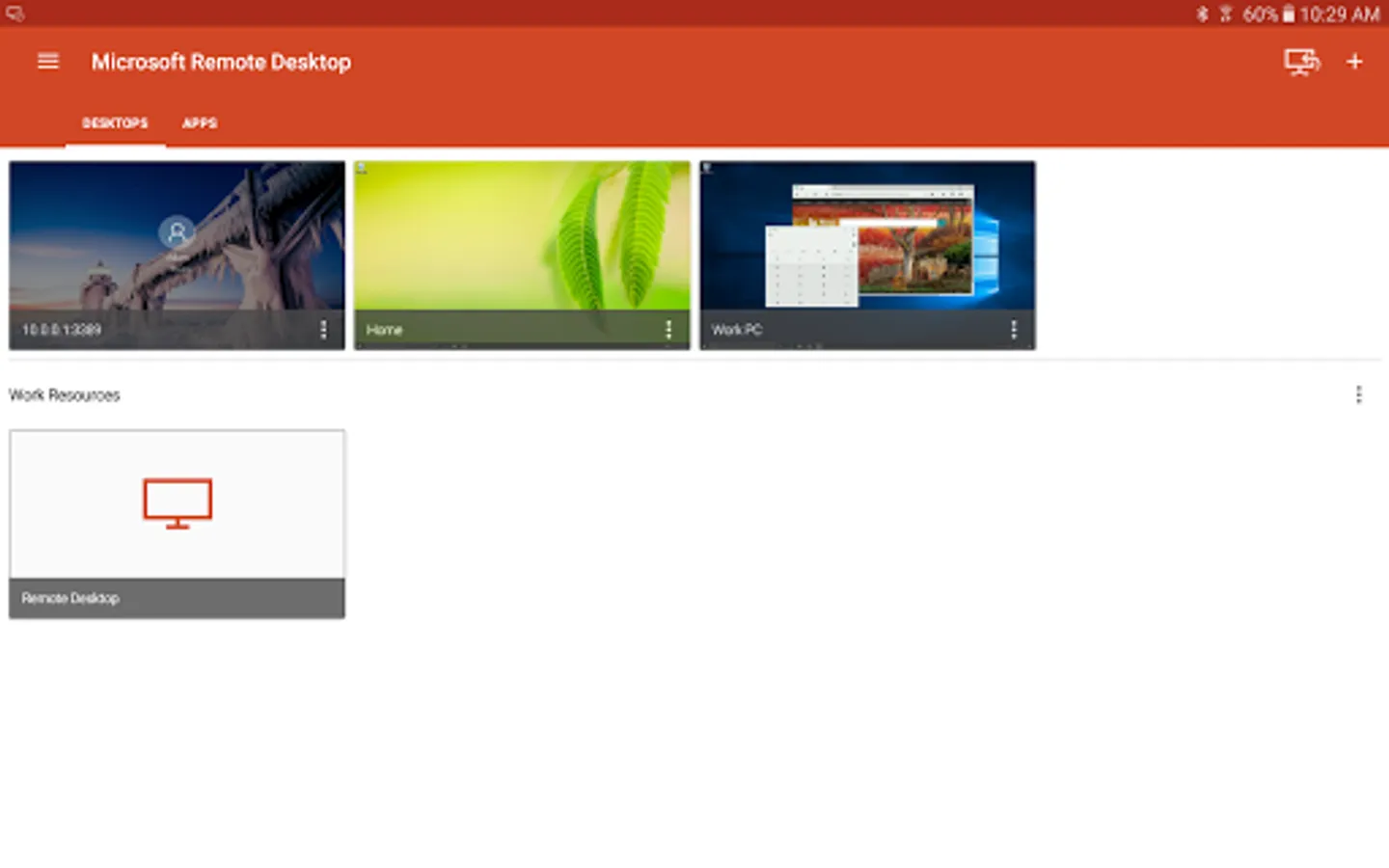
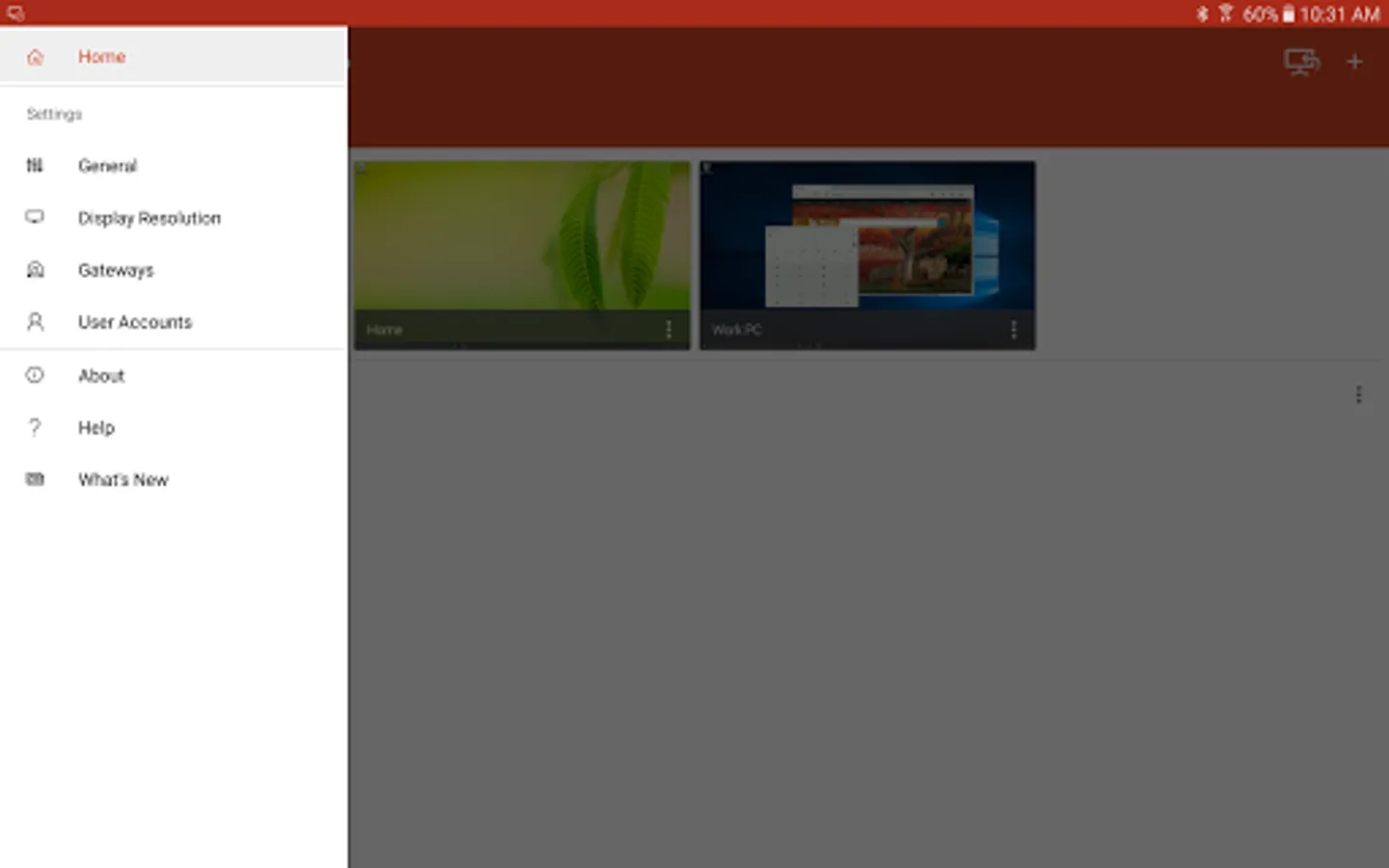
+ Simple management of your connections from the Connection Center
+ High-quality video and audio streaming
Permissions
This app requires certain permissions to use features in the app. These are enumerated below.
Optional access
[Storage]: access authority is required to access local drives and documents from the Remote Desktop session when the Redirect local storage feature is enabled.
Getting Started
+ Learn how to use Microsoft Remote Desktop at https://aka.ms/rdanddocs.
+ Learn about our other Remote Desktop clients at https://aka.ms/rdclients.
+ Submit feedback at https://aka.ms/rdandfbk.
Features
+ Access remote PCs running Windows Professional or Enterprise and Windows Server
+ Access remote resources published by your IT admin
+ Connect remotely through a Remote Desktop Gateway
+ Rich multi-touch experience supporting Windows gestures
+ Secure connection to your data and applications
+ Simple management of your connections from the Connection Center
+ High-quality video and audio streaming
Permissions
This app requires certain permissions to use features in the app. These are enumerated below.
Optional access
[Storage]: access authority is required to access local drives and documents from the Remote Desktop session when the Redirect local storage feature is enabled.