
With this network management app, you can configure WiFi and internet settings, monitor device usage, and manage access controls. Includes device monitoring, access management, and port forwarding features.
AppRecs review analysis
AppRecs rating 4.3. Trustworthiness 80 out of 100. Review manipulation risk 21 out of 100. Based on a review sample analyzed.
★★★★☆
4.3
AppRecs Rating
Ratings breakdown
5 star
63%
4 star
14%
3 star
9%
2 star
6%
1 star
9%
What to know
✓
Low review manipulation risk
21% review manipulation risk
✓
Credible reviews
80% trustworthiness score from analyzed reviews
✓
High user satisfaction
77% of sampled ratings are 4+ stars (4.2★ average)
About MikroTik Home
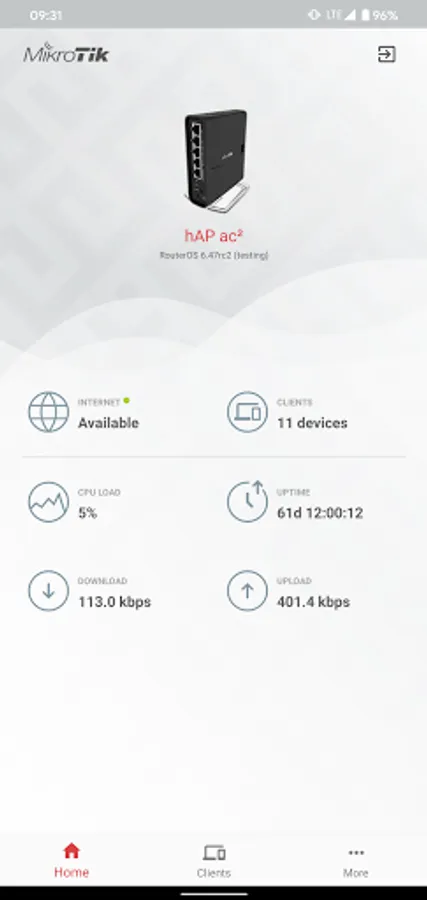
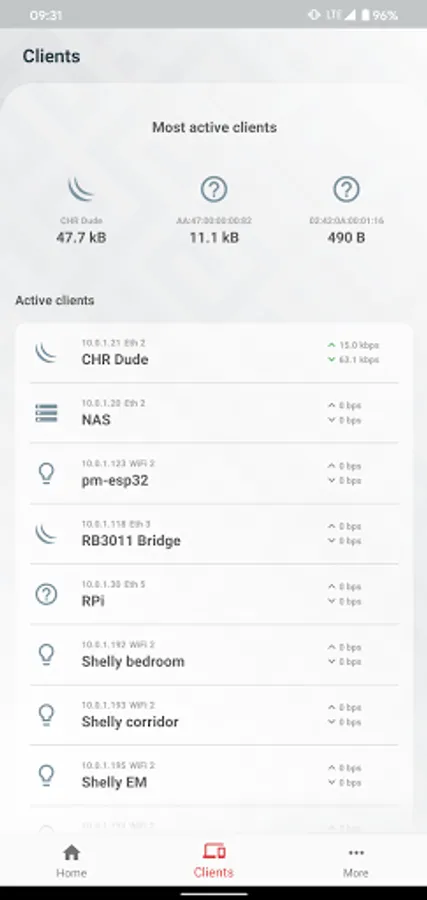
Use the MikroTik Home app to apply the most basic initial settings for your MikroTik home access point and manage your home devices.
Default username on new routers: admin. There is usually no default password (leave empty).
Requirements: a MikroTik router running RouterOS v6 or newer.
• WiFi settings
• Internet settings
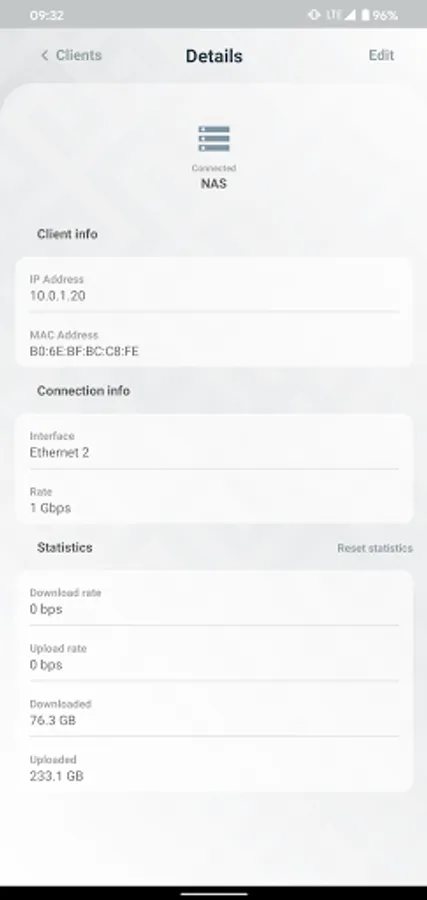
• Save and monitor home devices, their usage etc.
• Manage your kids internet access
• Set up Port forwarding
Default username on new routers: admin. There is usually no default password (leave empty).
Requirements: a MikroTik router running RouterOS v6 or newer.
• WiFi settings
• Internet settings
• Save and monitor home devices, their usage etc.
• Manage your kids internet access
• Set up Port forwarding
MikroTik Home Screenshots
Tap to Rate:
Reviews for MikroTik Home
Kiyopon
1/23/2026
since this a beginner friendly version i would like to request a feature to blacklist devices within this app
SISCO MART
12/29/2025
that's good news 😁