
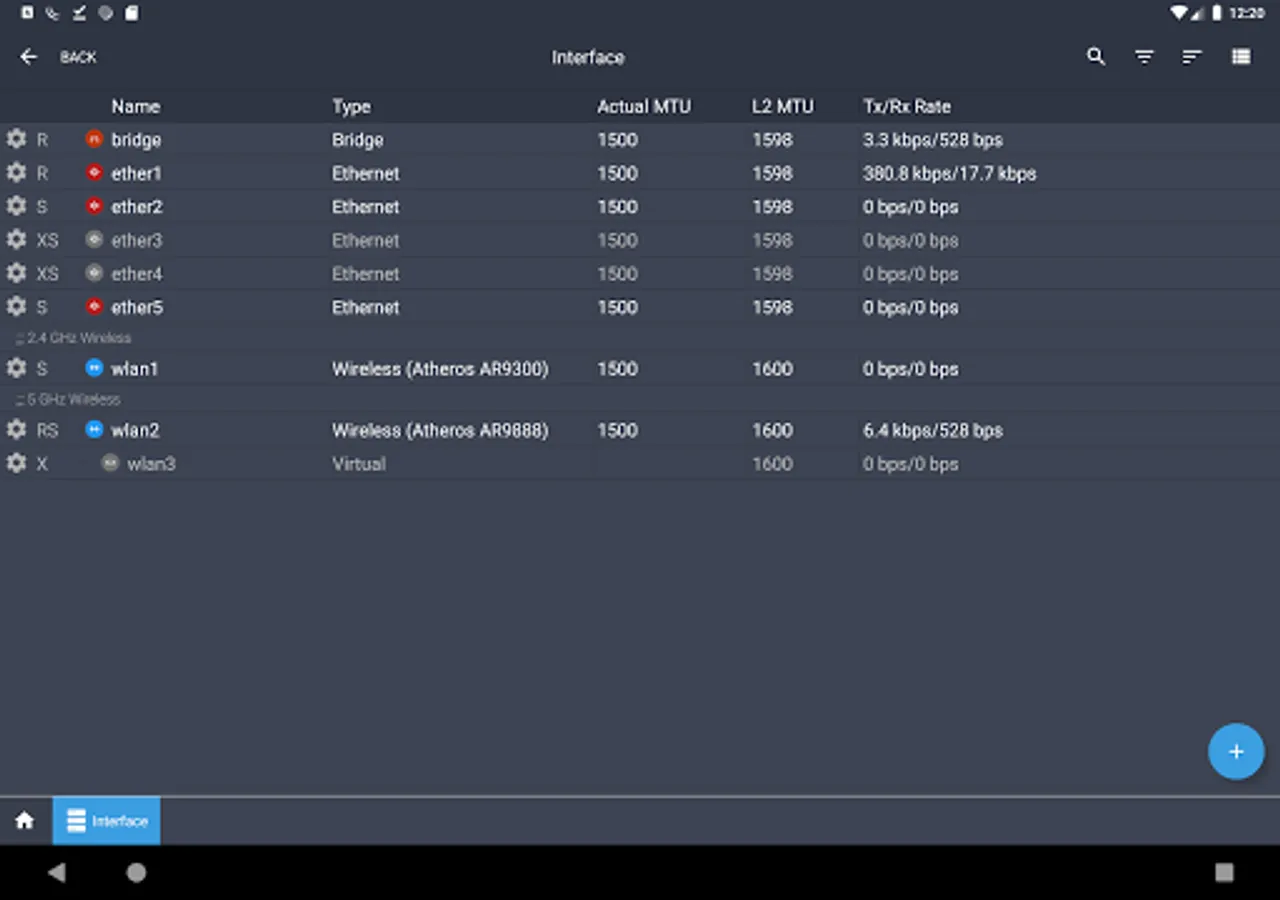
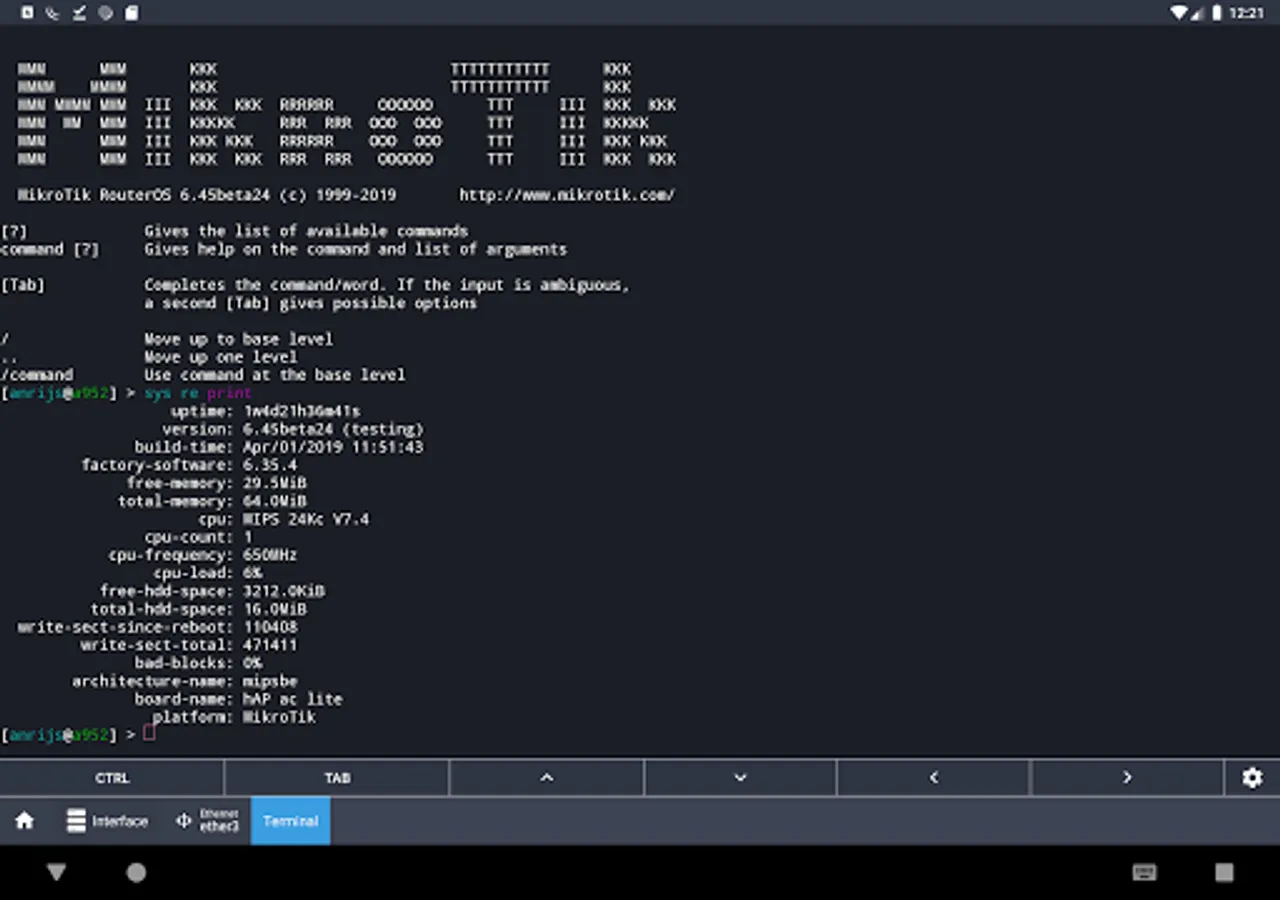
With this network management app, you can configure routers, manage settings, and monitor network status. Includes features for routing, firewall, bandwidth control, and wireless access.
AppRecs review analysis
AppRecs rating 4.1. Trustworthiness 80 out of 100. Review manipulation risk 25 out of 100. Based on a review sample analyzed.
★★★★☆
4.1
AppRecs Rating
Ratings breakdown
5 star
65%
4 star
11%
3 star
3%
2 star
6%
1 star
15%
What to know
✓
Low review manipulation risk
25% review manipulation risk
✓
Credible reviews
80% trustworthiness score from analyzed reviews
✓
High user satisfaction
76% of sampled ratings are 4+ stars (4.0★ average)
About MikroTik Pro
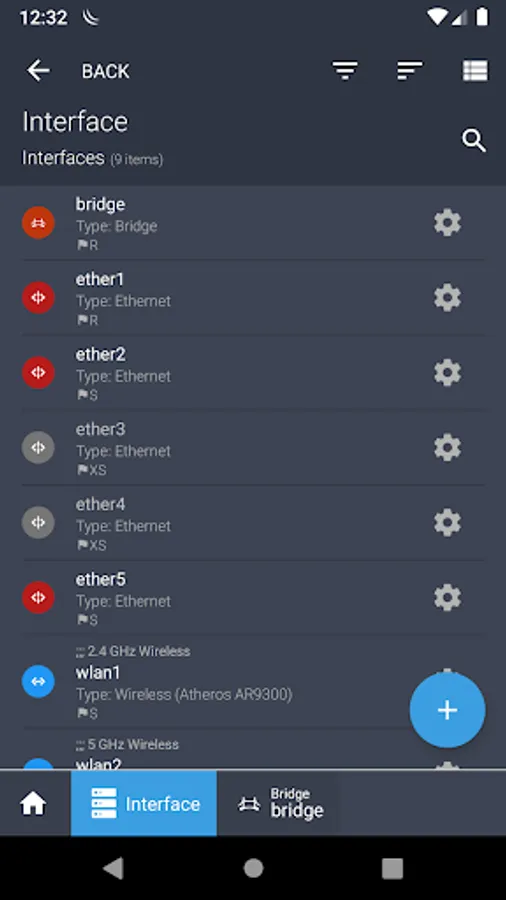
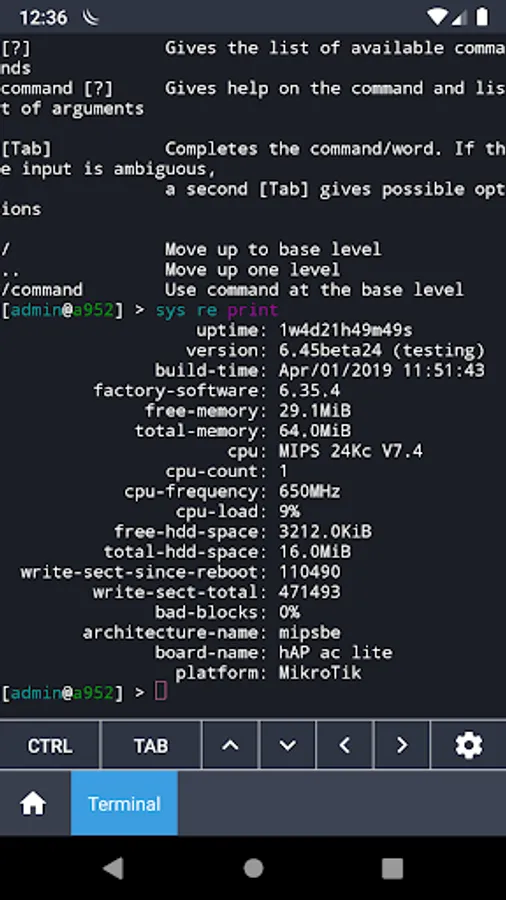
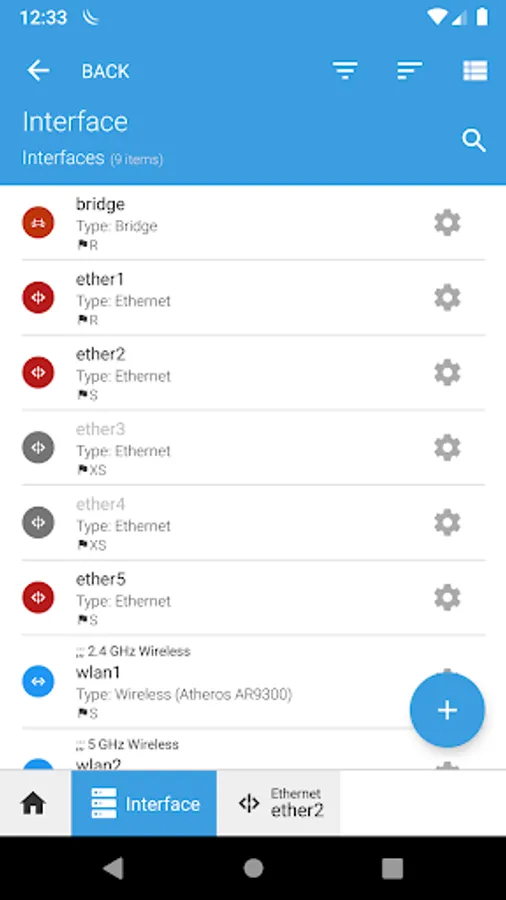
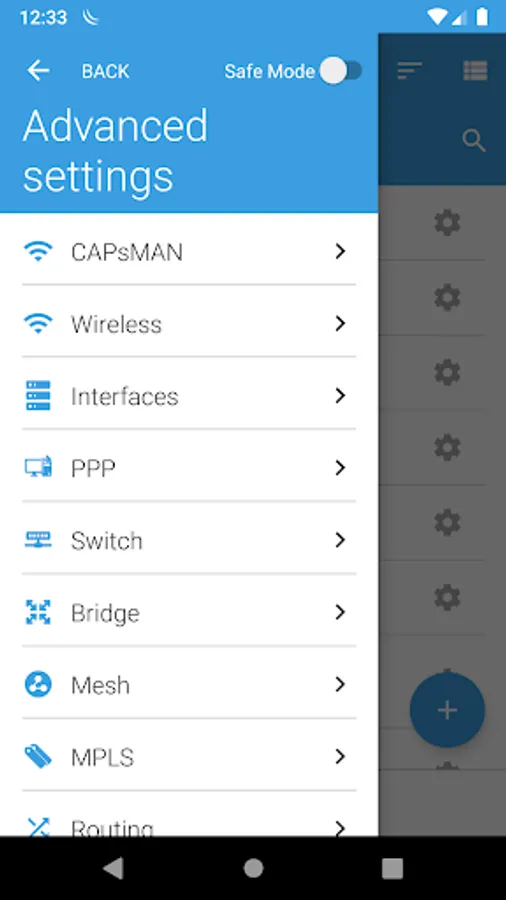
RouterOS provides all the core features for your network - routing, firewall, bandwidth management, wireless access point, backhaul link, hotspot gateway, VPN server and more.
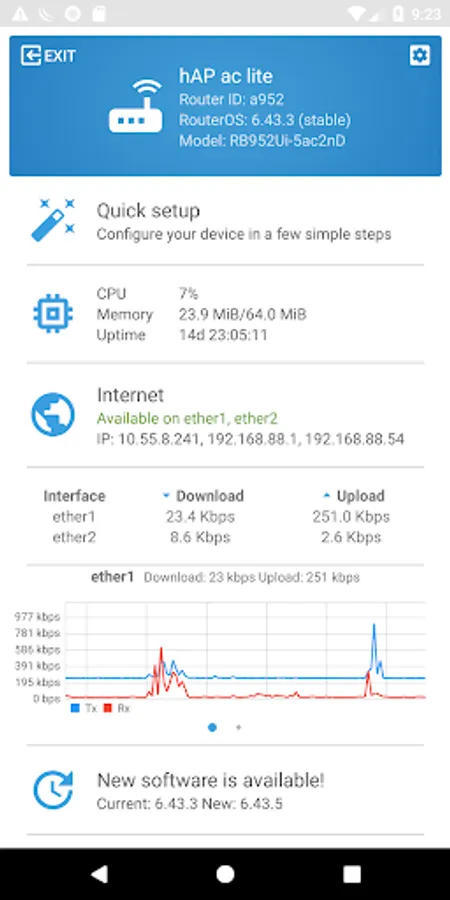
Use the MikroTik smartphone app to configure your router when a computer is not available.
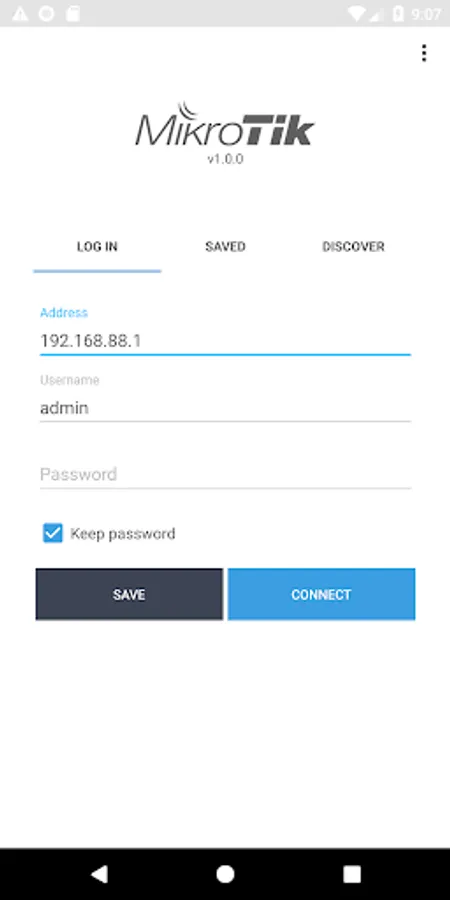
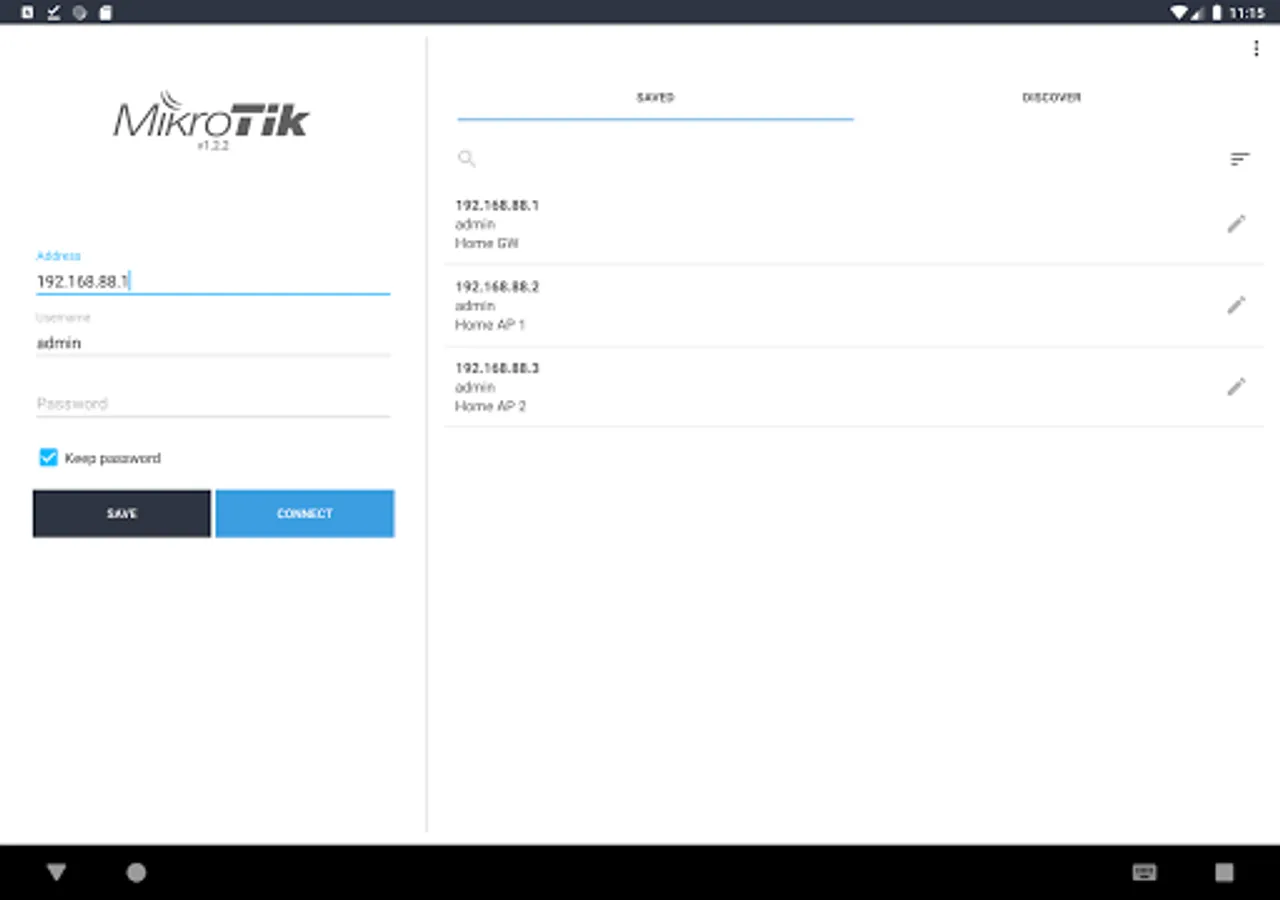
Default username on new routers: admin. There is usually no default password (leave empty), or it is specified in the accompanied document.
Requirements: a MikroTik router running RouterOS v6 or newer.
Discussion forum: https://forum.mikrotik.com
Use the MikroTik smartphone app to configure your router when a computer is not available.
Default username on new routers: admin. There is usually no default password (leave empty), or it is specified in the accompanied document.
Requirements: a MikroTik router running RouterOS v6 or newer.
Discussion forum: https://forum.mikrotik.com
MikroTik Pro Screenshots
Tap to Rate:
Reviews for MikroTik Pro
Mohammad Sumon
12/20/2025
Ok
Shafiullah Ataie
12/20/2025
In last update I was able to shut down my SXT Lite5 but in this version i cant so please check this