
With this note-taking app, you can create, organize, and share digital Post-it® Notes easily. Includes collaboration tools, note capture via camera, handwriting recognition, and export options.
AppRecs review analysis
AppRecs rating 4.6. Trustworthiness 79 out of 100. Review manipulation risk 26 out of 100. Based on a review sample analyzed.
★★★★☆
4.6
AppRecs Rating
Ratings breakdown
5 star
79%
4 star
10%
3 star
5%
2 star
2%
1 star
4%
What to know
✓
Low review manipulation risk
26% review manipulation risk
✓
Credible reviews
79% trustworthiness score from analyzed reviews
✓
High user satisfaction
79% of sampled ratings are 5 stars
About Post-it®
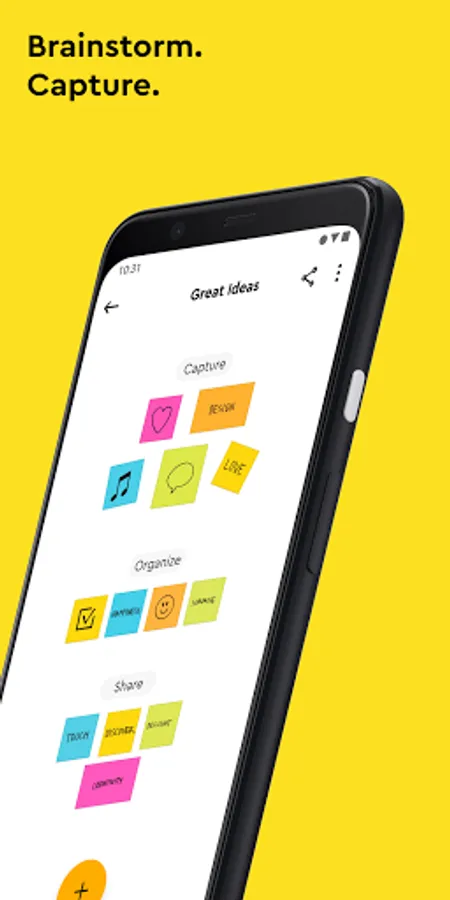
Use Post-it® Notes anywhere and anytime. Post-it® App brings the simplicity of Post-it® Notes to your smartphone, tablet and Chromebook. Whether you use Post-it® Notes for teamwork and collaboration, or for reminders and personal note taking, Post-it® App helps you keep the momentum going.
If you work from home or as a student in remote learning, use the Post-it® App to share your ideas with co-workers, structure your assignments and share them with your teacher, or create colorful calendars and share them with your friends.
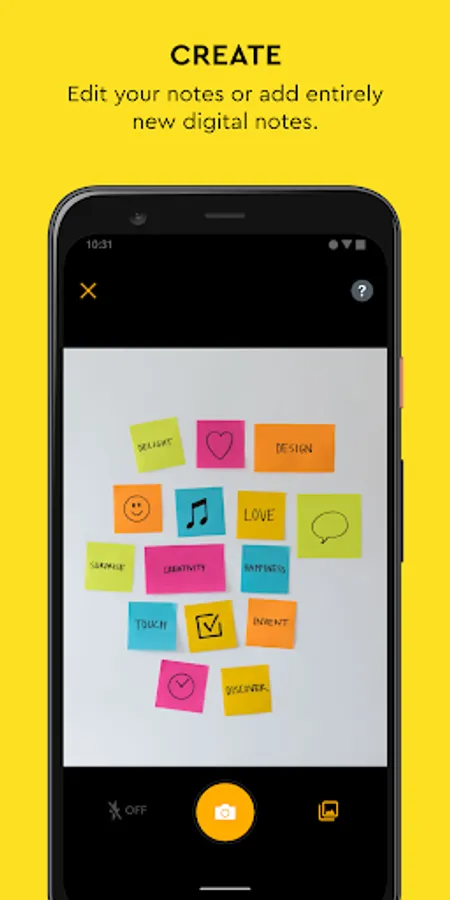
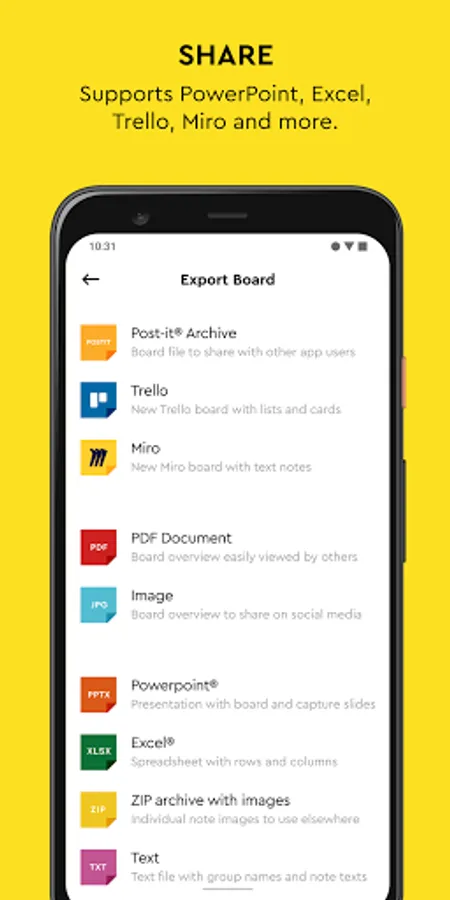
Simply capture analog notes with your camera or create digital notes right on your device. Arrange, refine and organize ideas anyway you see fit. Collaborate and share notes with co-workers, teachers and friends, or export to your favorite apps and cloud services—including Miro, Trello, Dropbox, PowerPoint, Excel, PDF, and more.
Post-it® App features:
• Connect and share ideas from anywhere with co-workers and friends, whether it be a workshop or you simply want to share notes with each other.
• Capture more than 200 Post-it® Notes at a time with your camera. All our popular note sizes are supported.
• Transcribe your notes automatically using Handwriting Recognition. Great for search and exports.
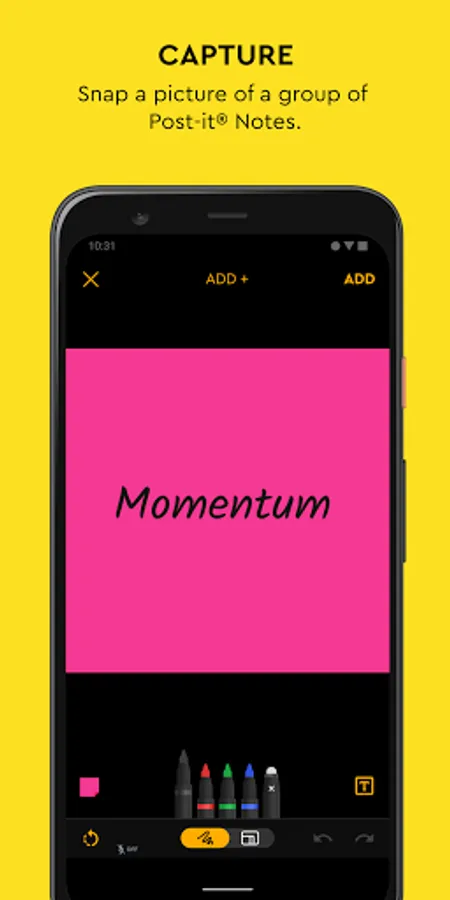
• Draw, erase, type and change the color of your notes using powerful editing tools.
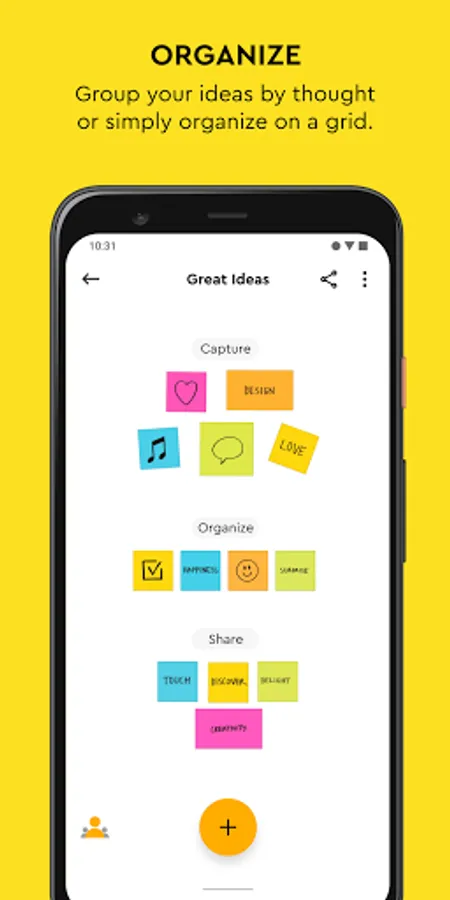
• Organize your way—group your ideas by thought or simply organize on a grid.
• Share to your favorite formats and cloud services to continue working on your ideas digitally—supports Miro, Trello, Dropbox, PowerPoint, Excel, PDF, and more.
• Use our Widget to put your most important notes directly on your home screen.
Learn more about Post-it® App at post-it.com/app
Terms of Service: https://www.post-it.com/3M/en_US/post-it/ideas/app/eula/
If you work from home or as a student in remote learning, use the Post-it® App to share your ideas with co-workers, structure your assignments and share them with your teacher, or create colorful calendars and share them with your friends.
Simply capture analog notes with your camera or create digital notes right on your device. Arrange, refine and organize ideas anyway you see fit. Collaborate and share notes with co-workers, teachers and friends, or export to your favorite apps and cloud services—including Miro, Trello, Dropbox, PowerPoint, Excel, PDF, and more.
Post-it® App features:
• Connect and share ideas from anywhere with co-workers and friends, whether it be a workshop or you simply want to share notes with each other.
• Capture more than 200 Post-it® Notes at a time with your camera. All our popular note sizes are supported.
• Transcribe your notes automatically using Handwriting Recognition. Great for search and exports.
• Draw, erase, type and change the color of your notes using powerful editing tools.
• Organize your way—group your ideas by thought or simply organize on a grid.
• Share to your favorite formats and cloud services to continue working on your ideas digitally—supports Miro, Trello, Dropbox, PowerPoint, Excel, PDF, and more.
• Use our Widget to put your most important notes directly on your home screen.
Learn more about Post-it® App at post-it.com/app
Terms of Service: https://www.post-it.com/3M/en_US/post-it/ideas/app/eula/
Post-it® Screenshots
Tap to Rate:
Reviews for Post-it®
Craig S Lewis
12/30/2025
It is nice to have a reminder on my phone 📱.
Patric Mapepa
12/29/2025
Good