
Shapes: Vector Drawing Tool
Mobile Infographics Tools
3.7 ★
15 ratings
1,000+
downloads
Free
In this vector drawing app, you can create and edit images using geometric primitives, SVG, and raster images. You can also group shapes, form arrays, and export scenes as bitmaps. Includes project examples, customizable export size, and precise snapping features.
AppRecs review analysis
AppRecs rating 3.7. Trustworthiness 85 out of 100. Review manipulation risk 13 out of 100. Based on a review sample analyzed.
★★★☆☆
3.7
AppRecs Rating
Ratings breakdown
5 star
54%
4 star
15%
3 star
0%
2 star
15%
1 star
15%
What to know
✓
Low review manipulation risk
13% review manipulation risk
✓
Credible reviews
85% trustworthiness score from analyzed reviews
✓
Good user ratings
69% positive sampled reviews
About Shapes: Vector Drawing Tool
Key Features:
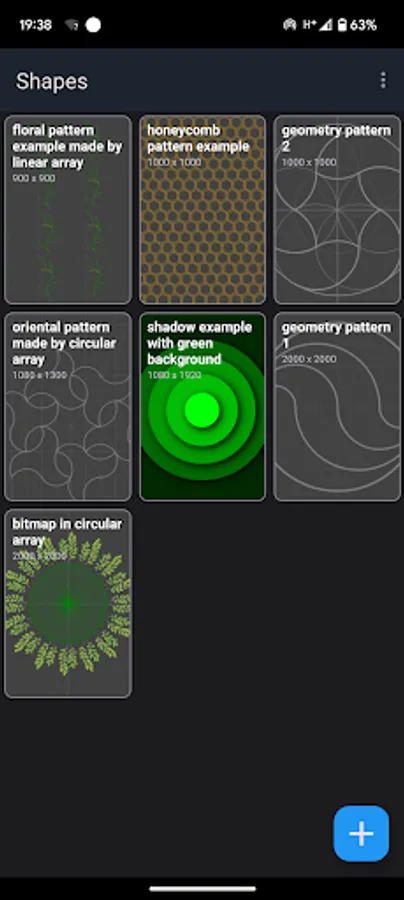
- the application contains examples of projects with a demonstration of its capabilities. You can delete examples and restore them if necessary,
- when creating a project, it is possible to specify the size of the image export area in pixels. The more pixels, the better the final image will be.
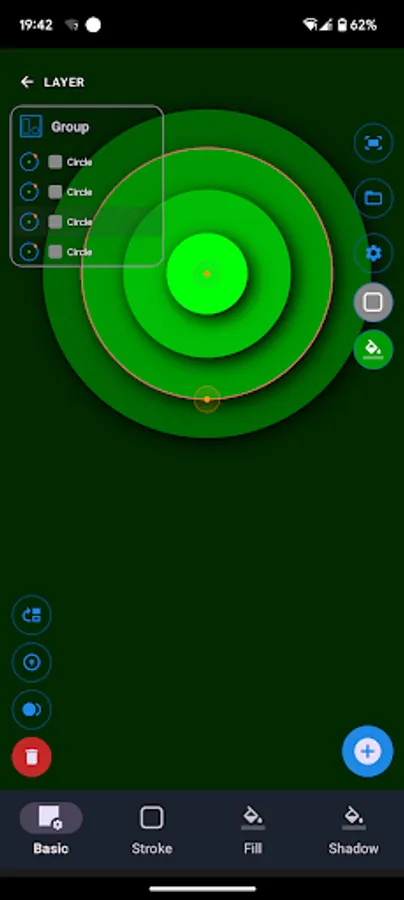
- the application stores the entire construction history in the form of a construction tree - this allows you to make adjustments at any level of the scene, for example, enter a circular array and edit the curve that forms it;
- the application supports snapping of the created geometry to the shape key points (end of the segment, midpoint, center, spline node, point on the curve, intersection). This provides more precise positioning of elements relative to each other;
Main functionality:
- drawing vector primitives (point, line, circle, ellipse, arc, spline, vertical and horizontal guide),
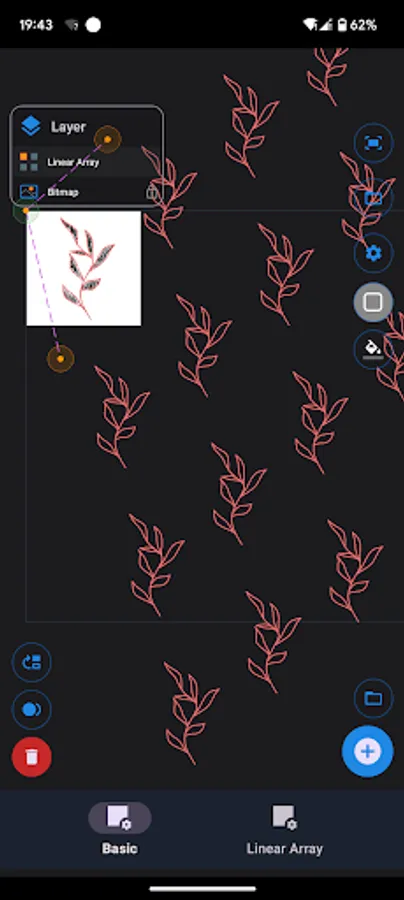
- inserting vector (SVG) and bitmap images into the scene,
- grouping shapes and images into groups,
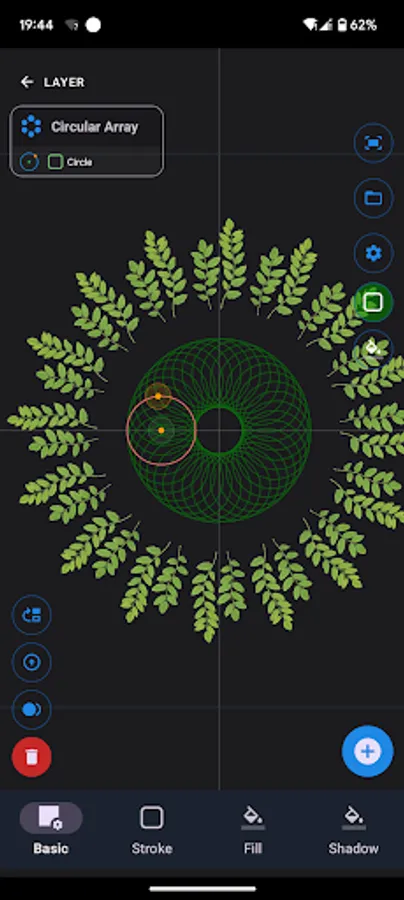
- formation of arrays of shapes (circular array, linear array, reflection),
- shapes editing at any level through control points,
- assigning line color and shape fill,
- the ability to clone both a separate shape or the entire project,
- blocking and hiding currently unnecessary objects
- export scene to bitmap.
The application is under development, write your suggestions for errors and desired functionality to mobile.infographics@gmail.com
Features to be added in upcoming versions:
- there are no undo/redo functions in the editor - before modifying an shape (project), you can clone it;
- there is no warning about project modification, do not forget to save the project before closing;
- text creation.
Shapes: Vector Drawing Tool Screenshots
Tap to Rate:
Reviews for Shapes: Vector Drawing Tool
Keevin Wood
12/22/2023
I'm pleasantly surprised and I feel like this could work up to being an extremely useful art tool. I really like the repeat tools, it's a something new other vector creaters in the app store do not have. But it's lacking ALOT of basic tools for a art app. There's no undo button, there doesn't seem to be a way to use filters or really any vector manipulation functions, so you're stuck with solid primitive shapes for now. I would absolutely love to see a draw feature in the future.
Deborah Lilljequist
10/6/2023
Crashes when trying to adjust arc. App is unusable.

![Disk & Storage Analyzer [PRO] icon](https://apprecs.org/gp/img/icons/webp/150/com.mobile_infographics_tools.mydrive_ext/H1eItlY9veJtGl9a3Z8yYWd8xRehRRyXuOKFIqjPQSQ-icon)