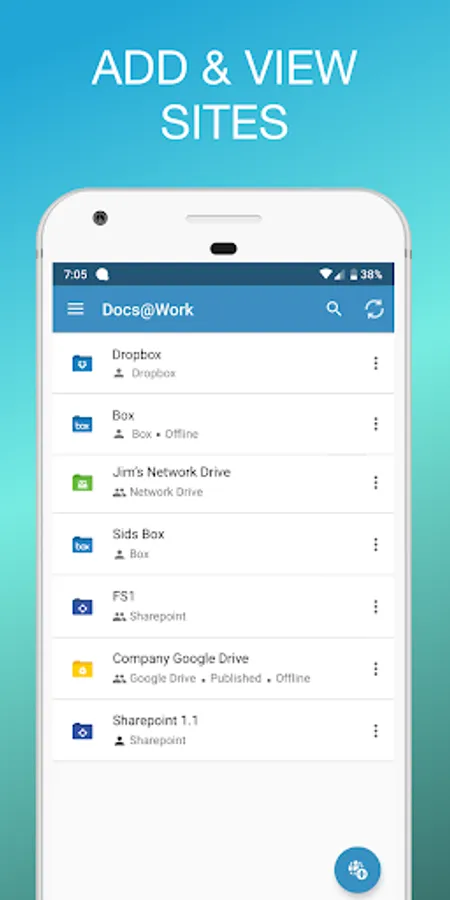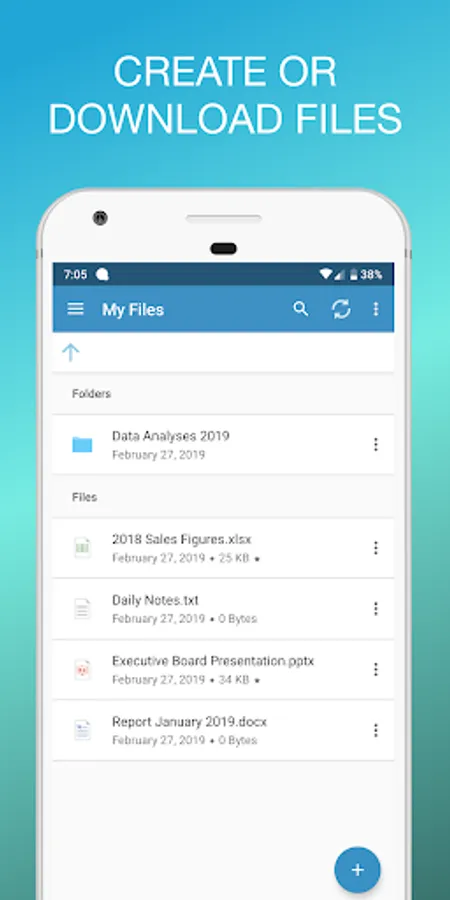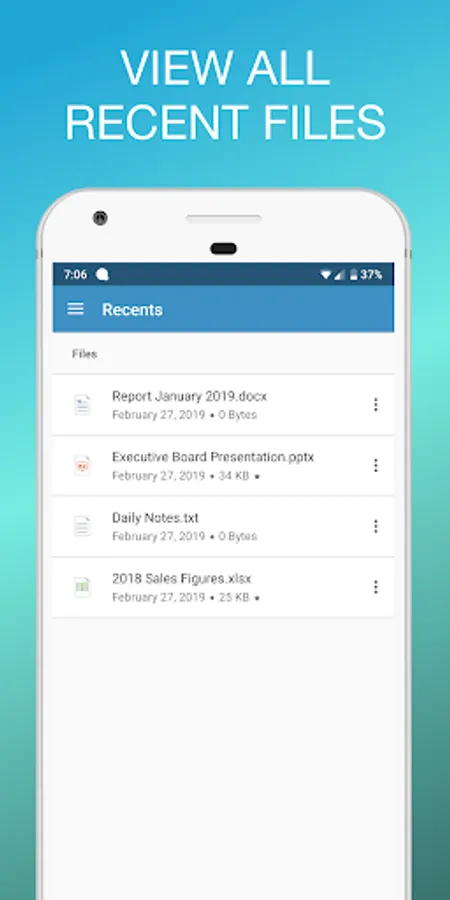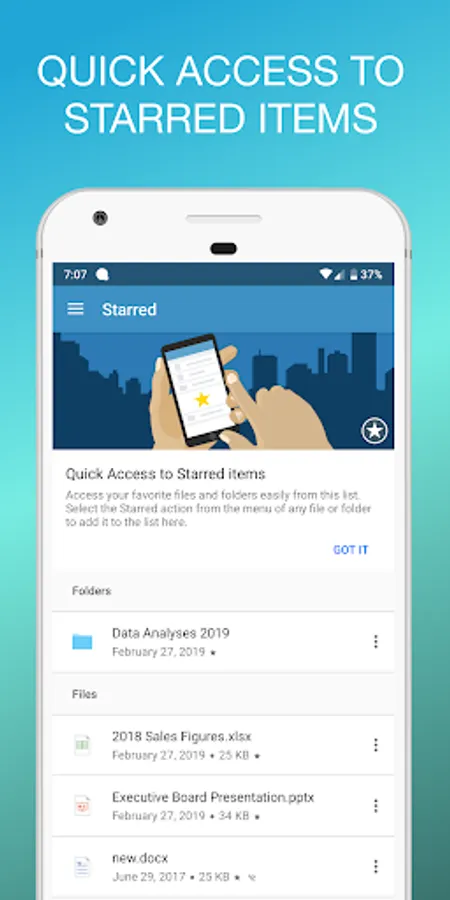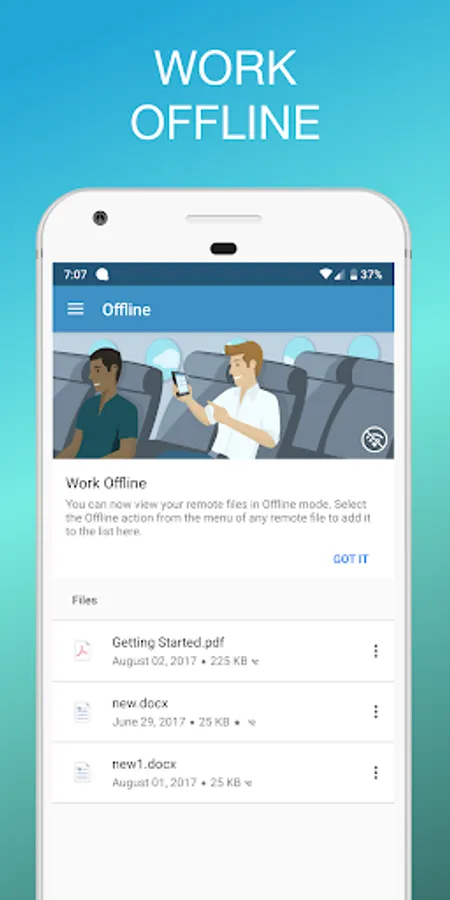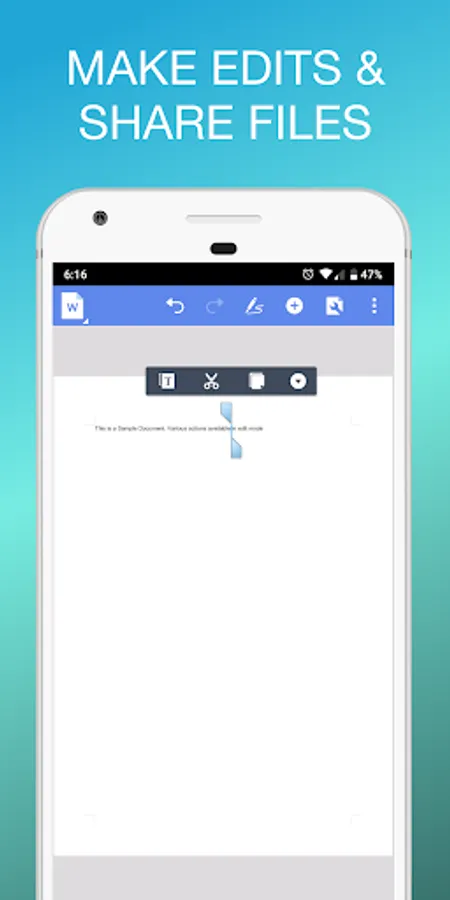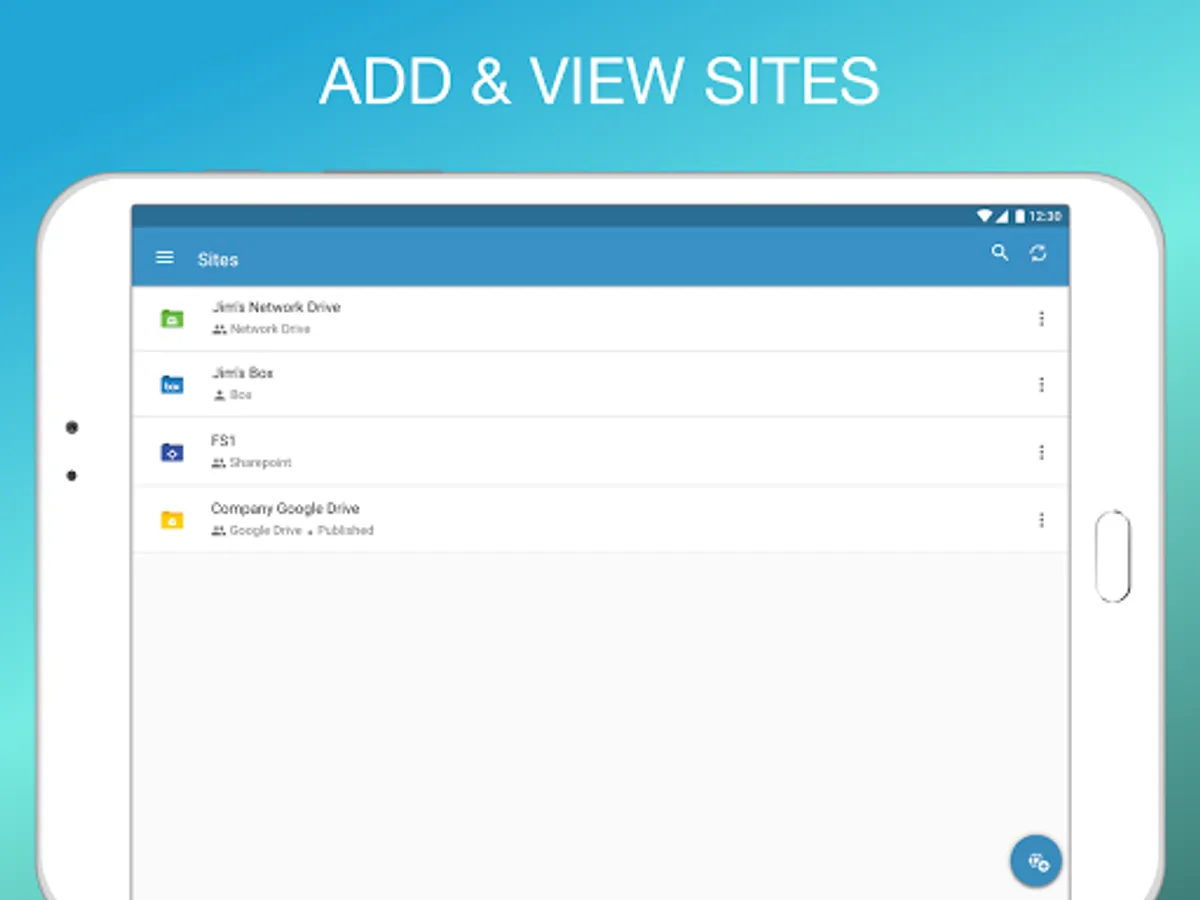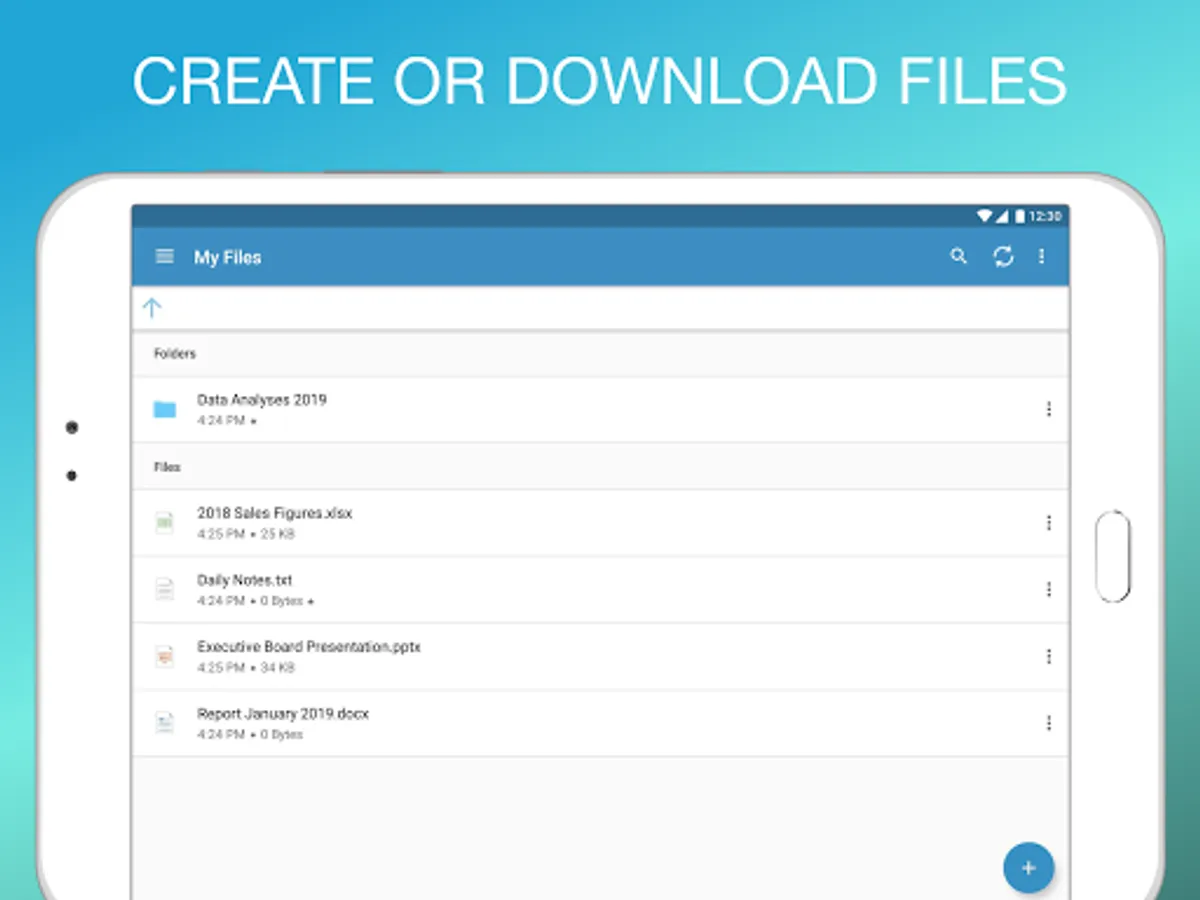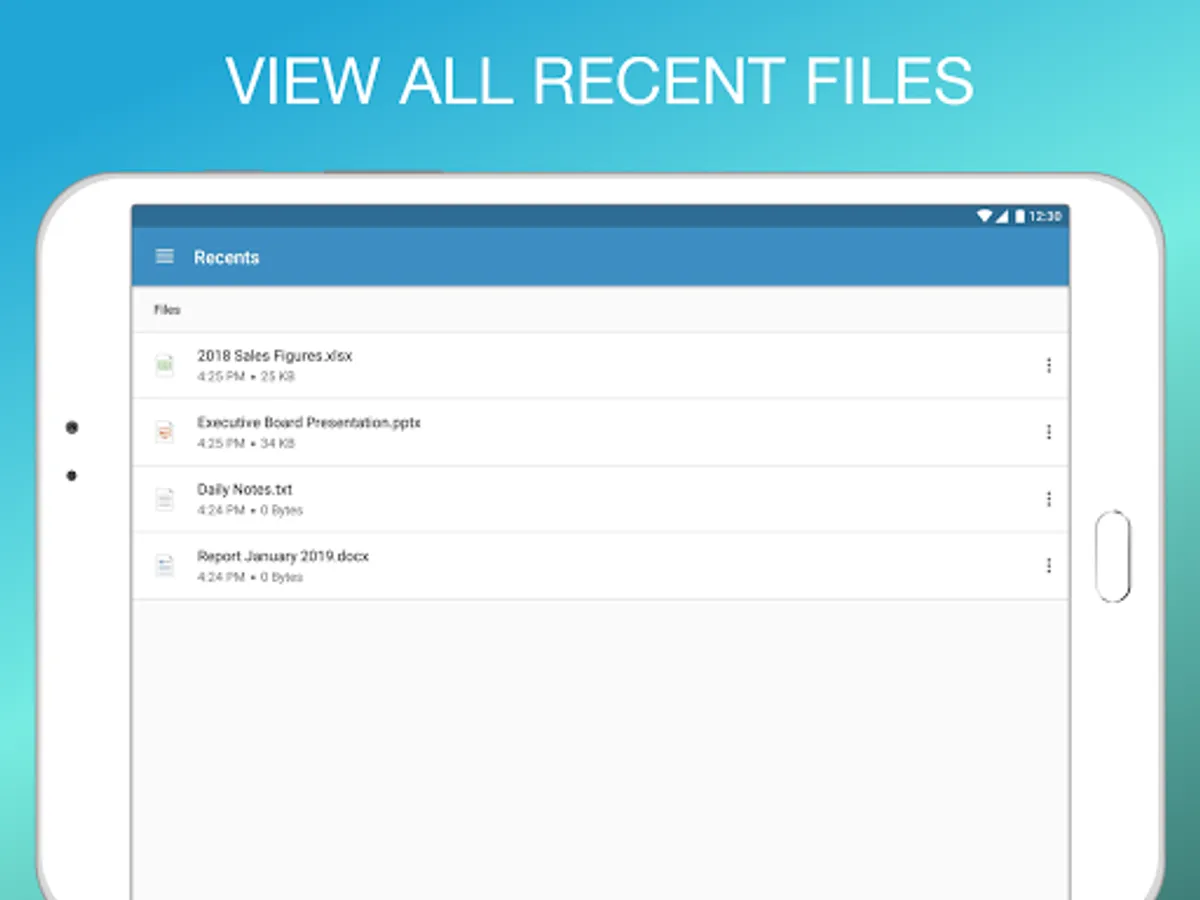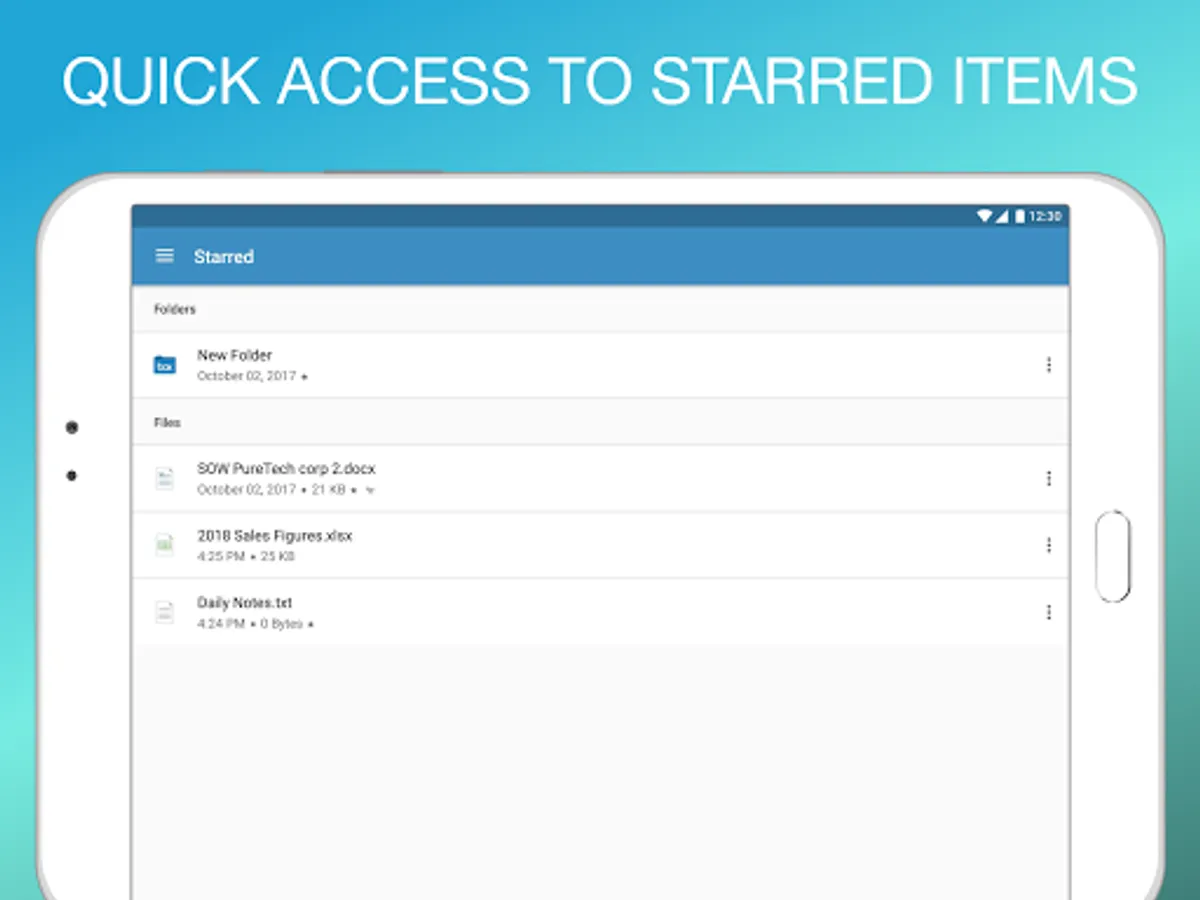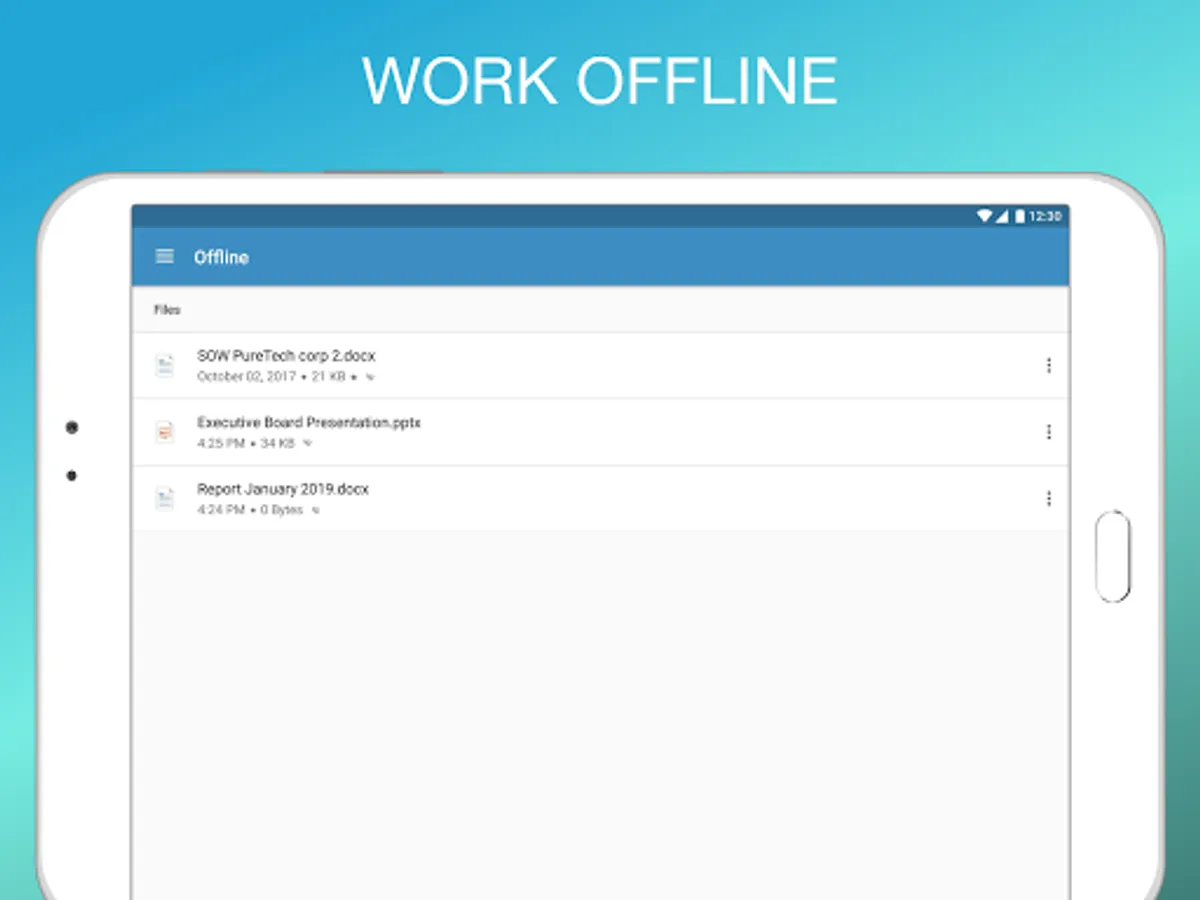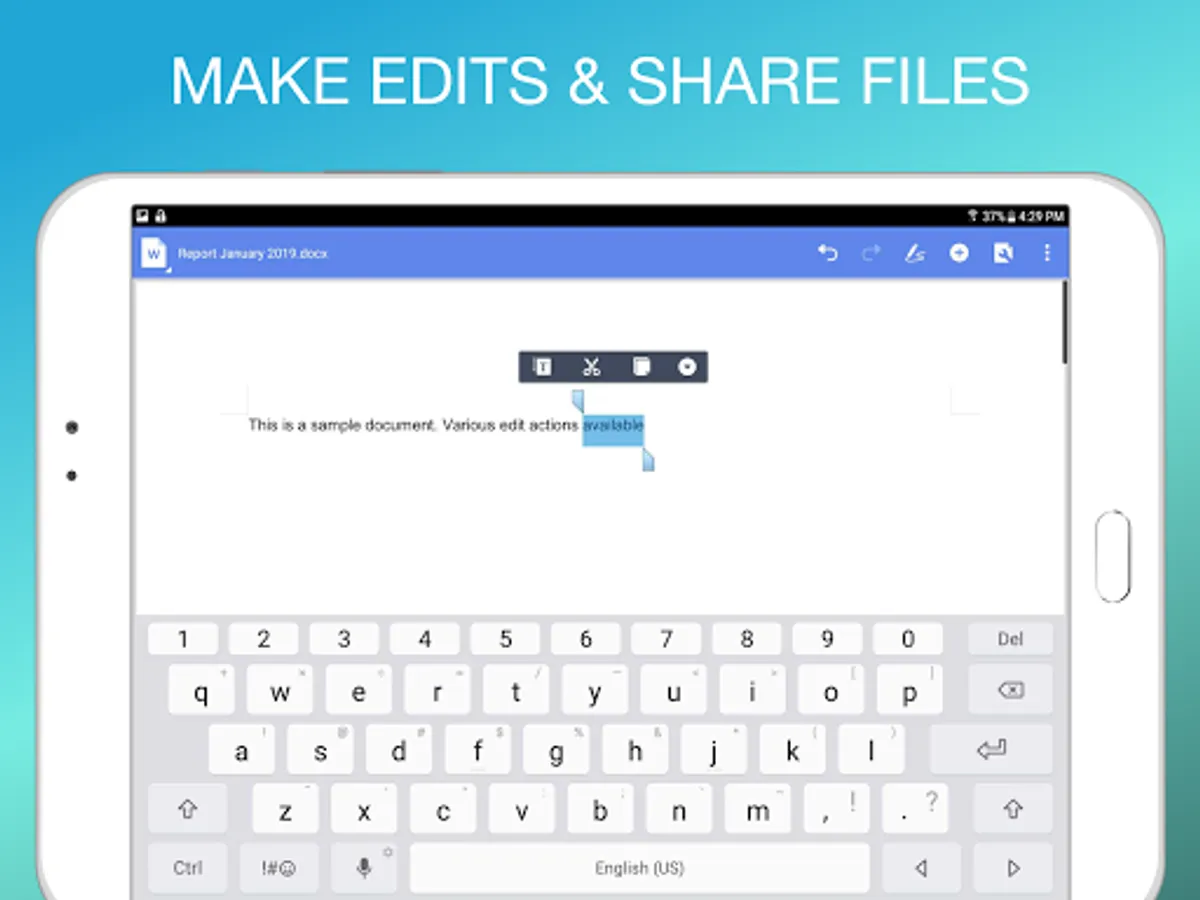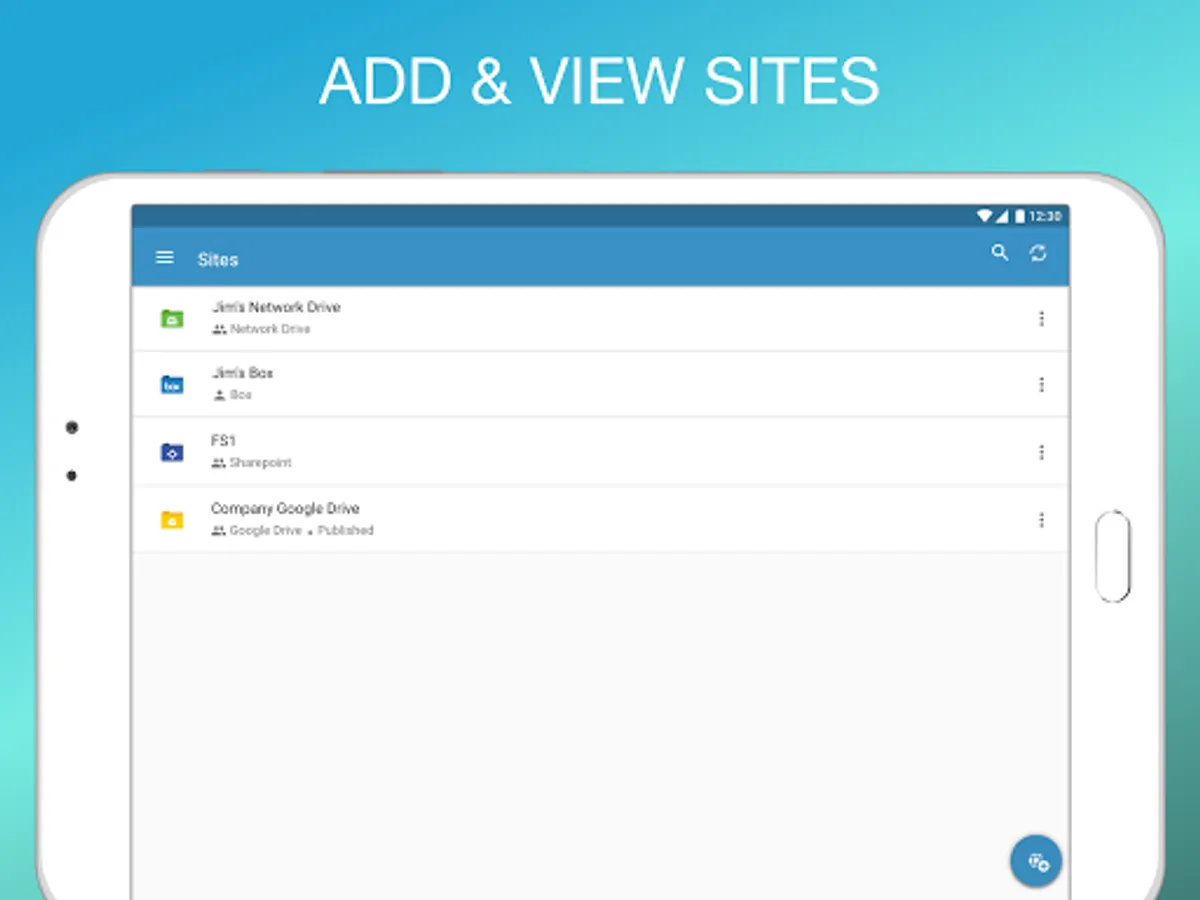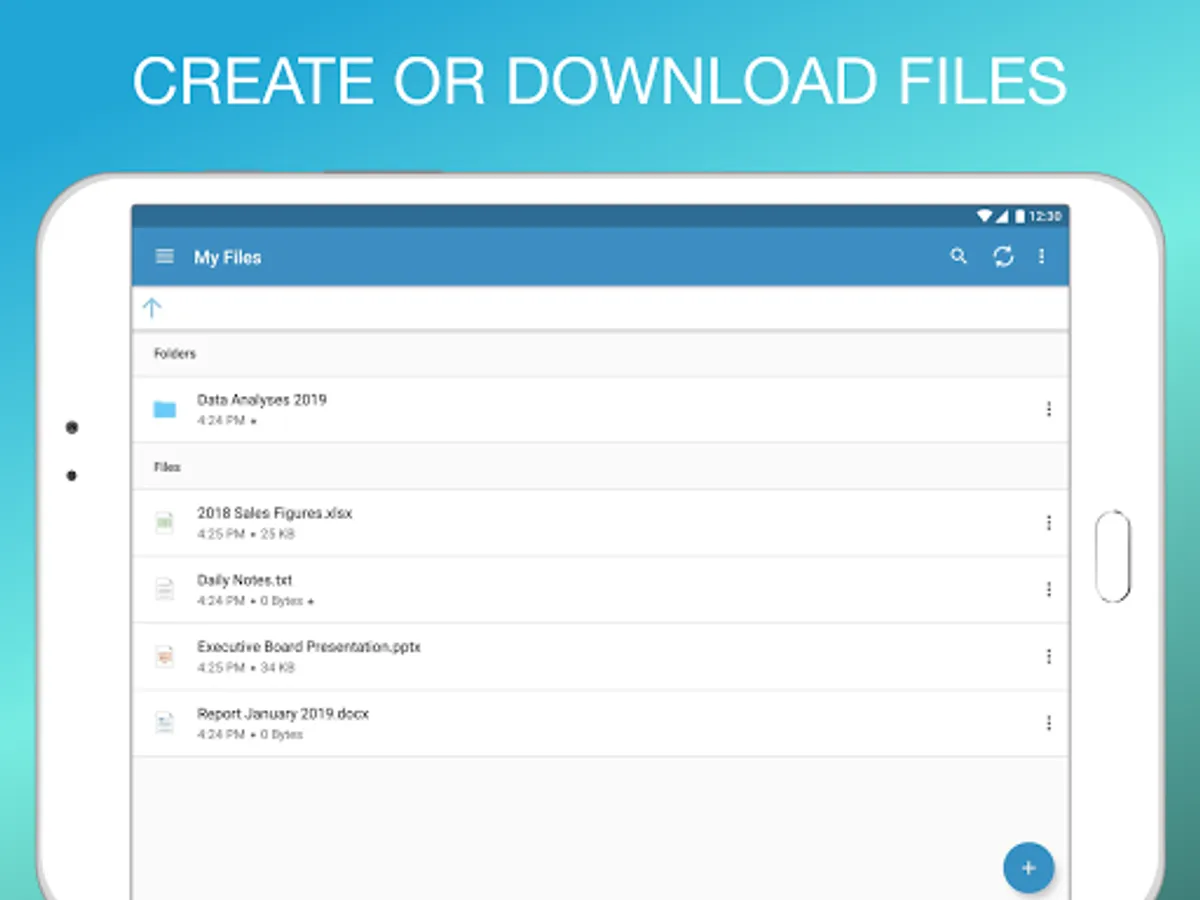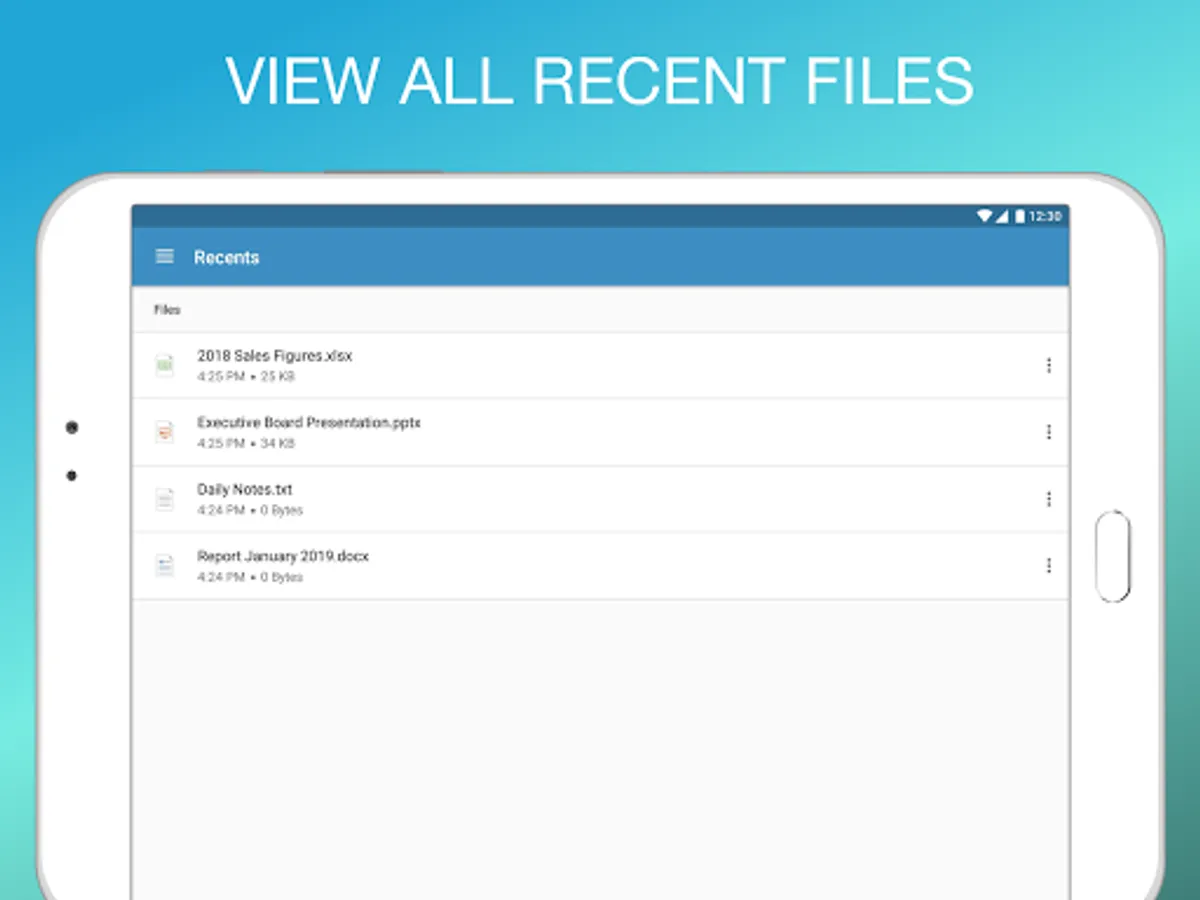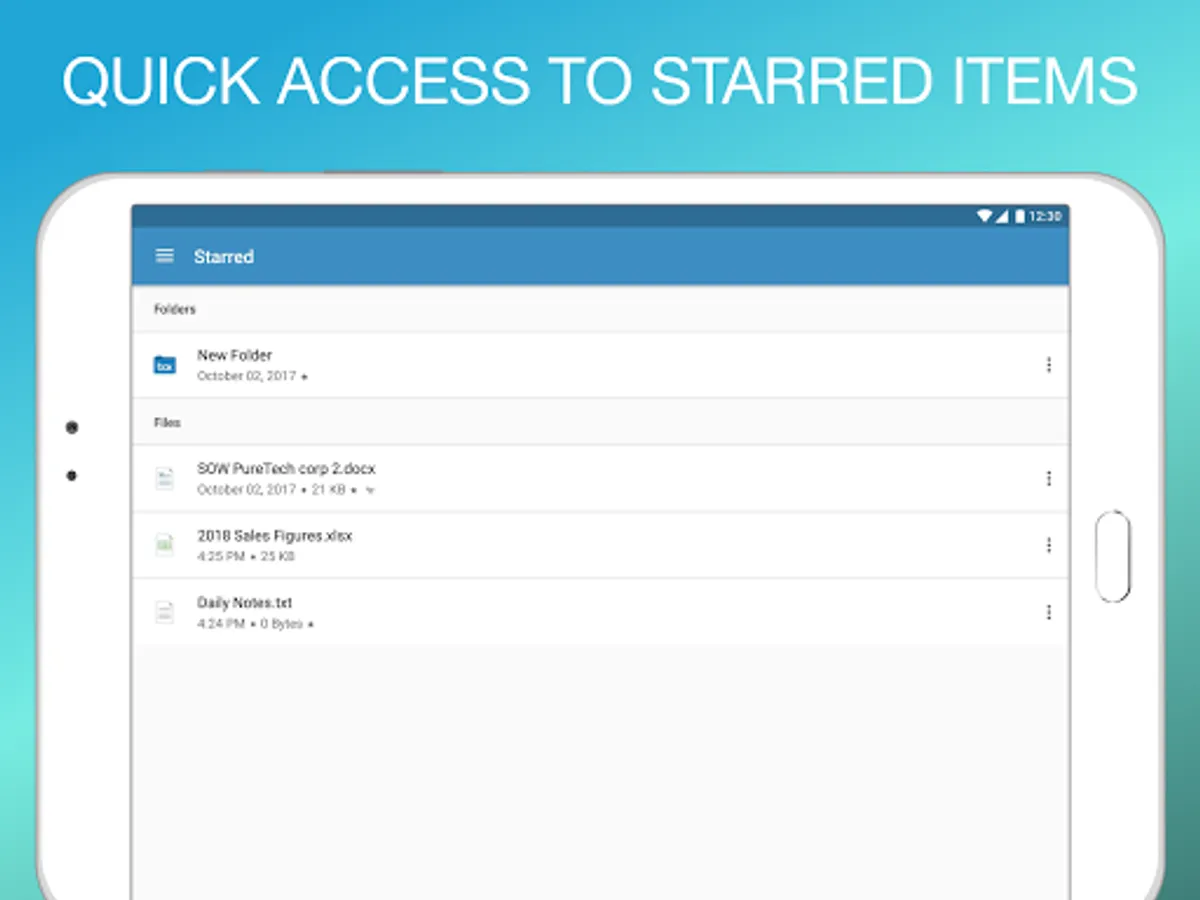
With this document management app, you can securely access, search, annotate, and share files from various content sources. Includes support for cloud services, offline favorites, and document preview.
AppRecs review analysis
AppRecs rating 2.2. Trustworthiness 55 out of 100. Review manipulation risk 33 out of 100. Based on a review sample analyzed.
★★☆☆☆
2.2
AppRecs Rating
Ratings breakdown
5 star
26%
4 star
0%
3 star
0%
2 star
0%
1 star
74%
What to know
✓
Authentic reviews
No red flags detected
⚠
Mixed user feedback
Average 2.1★ rating suggests room for improvement
⚠
High negative review ratio
74% of sampled ratings are 1–2 stars
About Ivanti Docs@Work
Ivanti Docs@Work allows you to easily find and securely access the documents, presentations and files your company uses most. With Docs@Work, mobile users have an intuitive way to access, annotate, share, and view business documents from email, SharePoint, network drives and a variety of other content management systems including popular cloud services like Box and Dropbox. Connect to your important business files while on the go with Ivanti Docs@Work.
NOTE: Docs@Work requires Ivanti's Enterprise Mobility Management or Ivanti Neurons for MDM platform to access your company’s internal content management systems. Please consult with your company’s Mobile IT staff before downloading Docs@work.
Key Features:
• Get easy access to the company documents your team uses most
• Easily find the documents you need and preview them on your mobile device
• Stop navigating confusing folders to find things by file name and extension
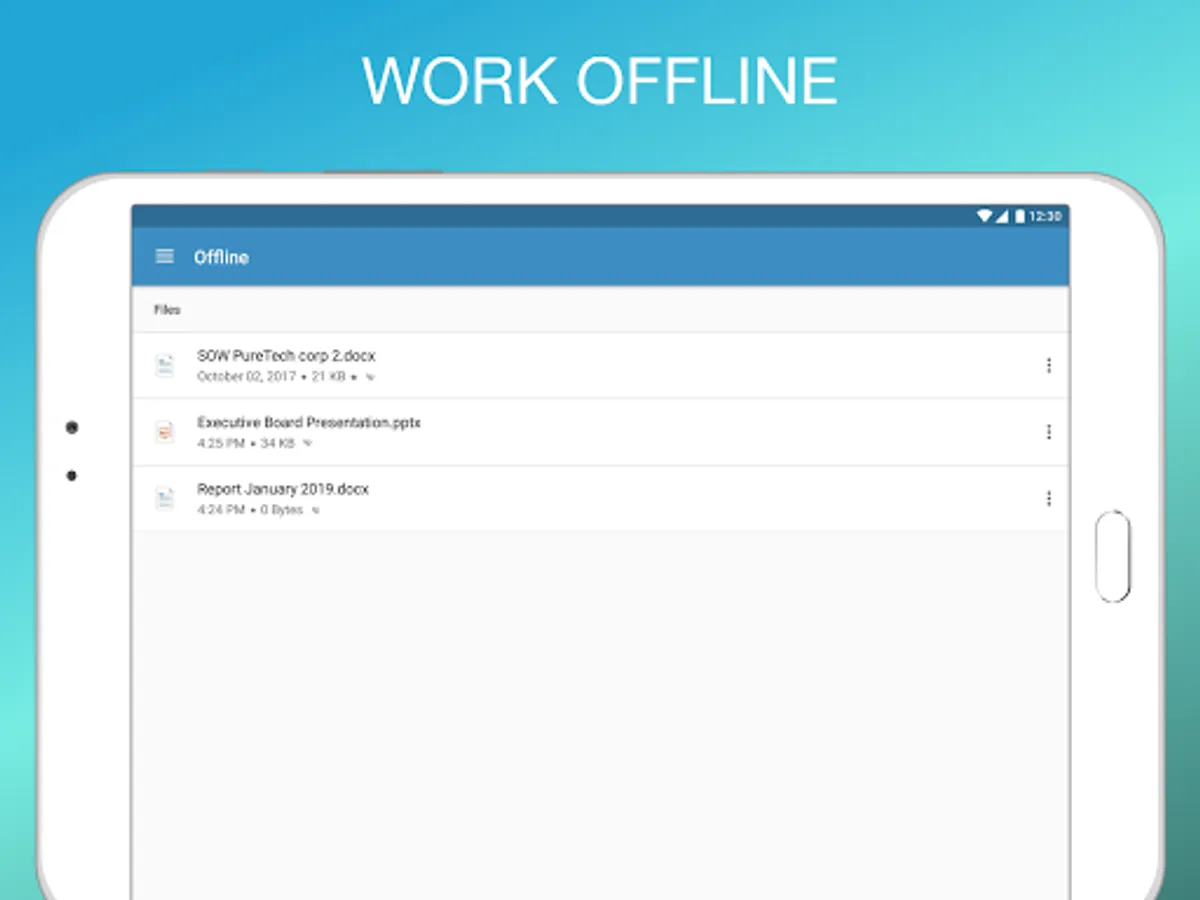
• Mark your most important documents as Favorite to quickly access offline
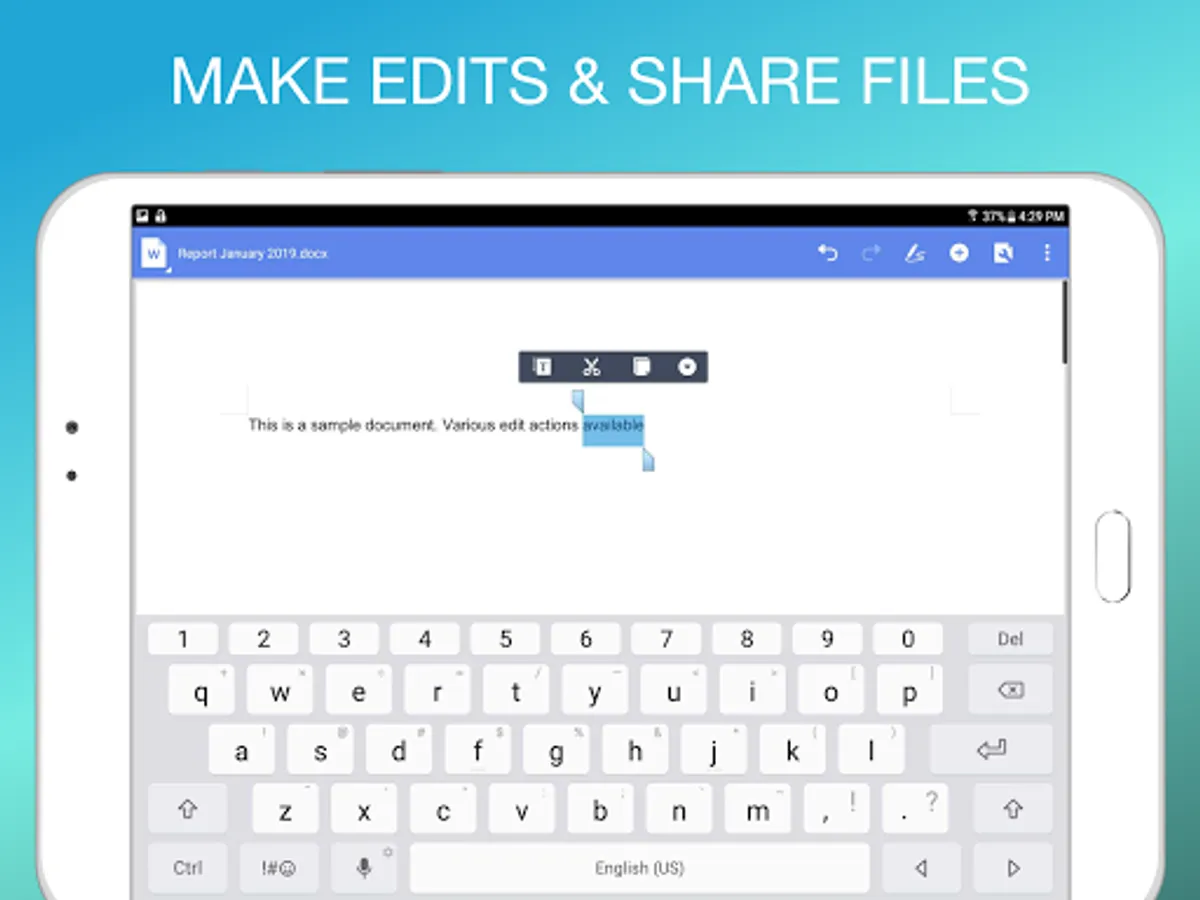
• View files, make edits and annotations and share with colleagues and coworkers
NOTE: Docs@Work requires Ivanti's Enterprise Mobility Management or Ivanti Neurons for MDM platform to access your company’s internal content management systems. Please consult with your company’s Mobile IT staff before downloading Docs@work.
Key Features:
• Get easy access to the company documents your team uses most
• Easily find the documents you need and preview them on your mobile device
• Stop navigating confusing folders to find things by file name and extension
• Mark your most important documents as Favorite to quickly access offline
• View files, make edits and annotations and share with colleagues and coworkers