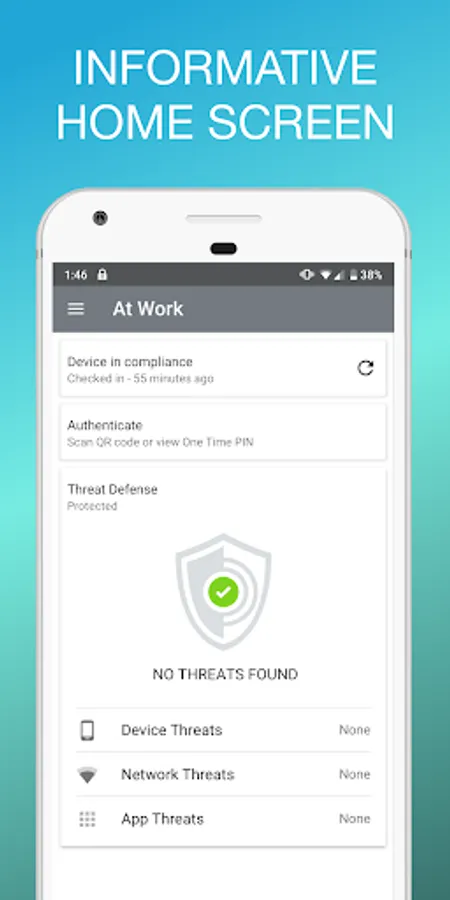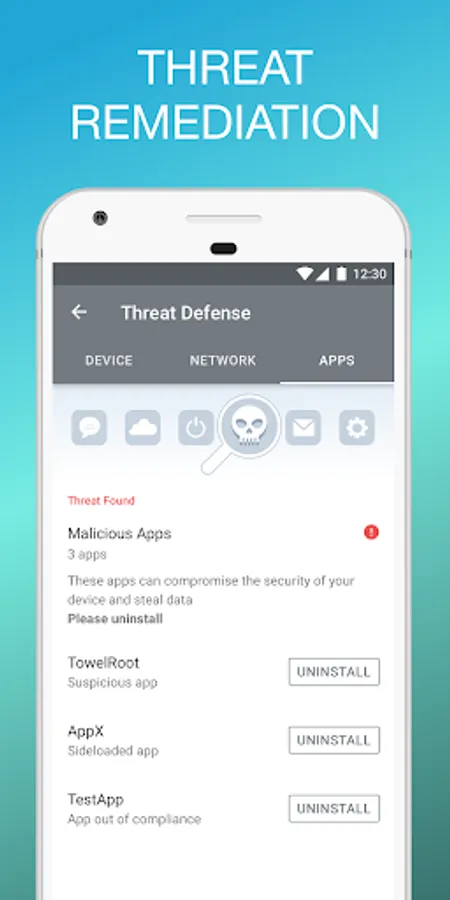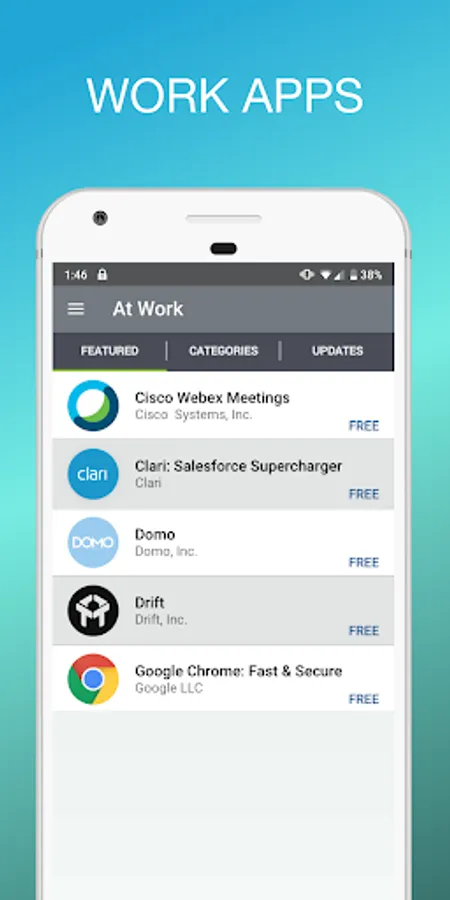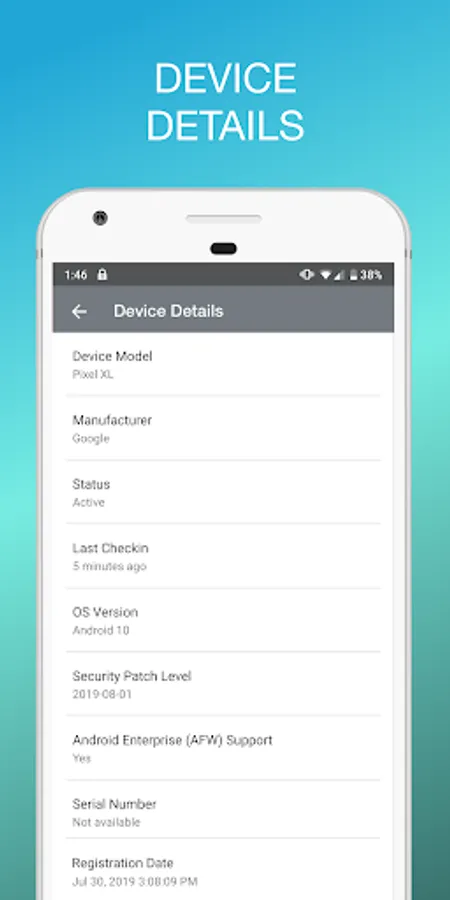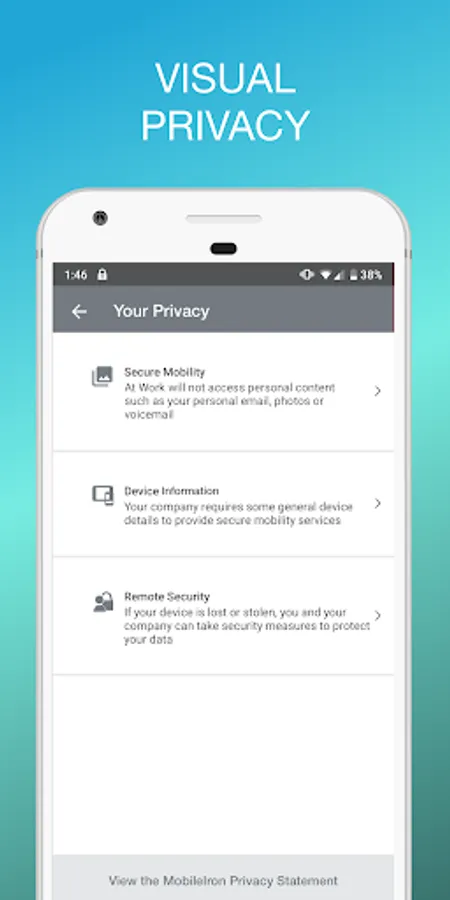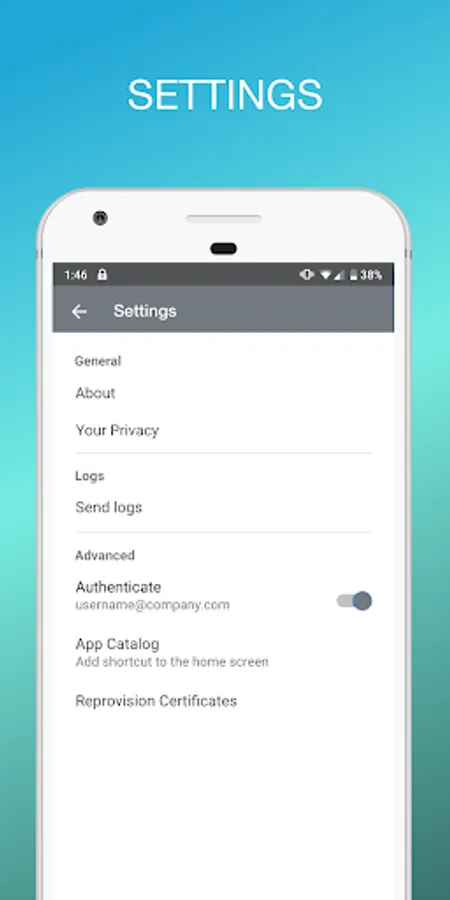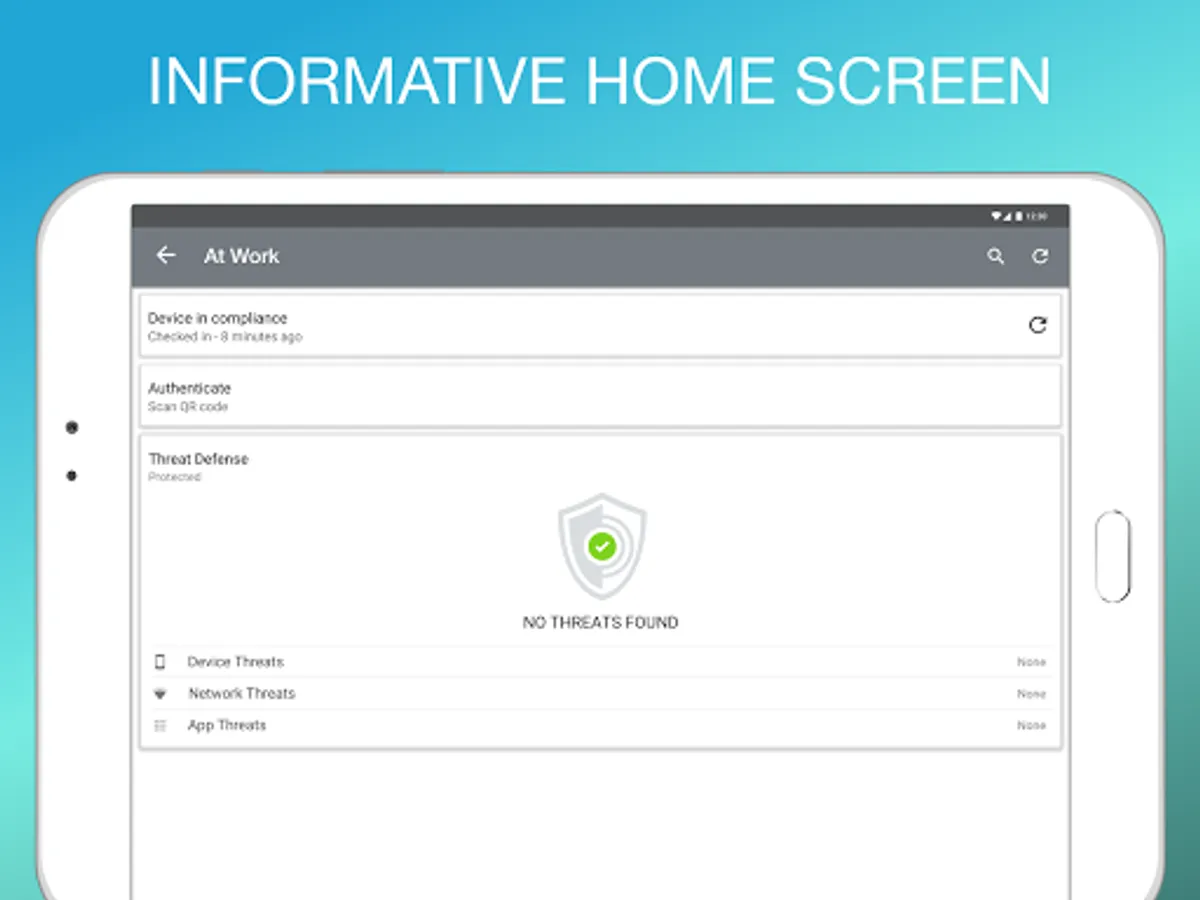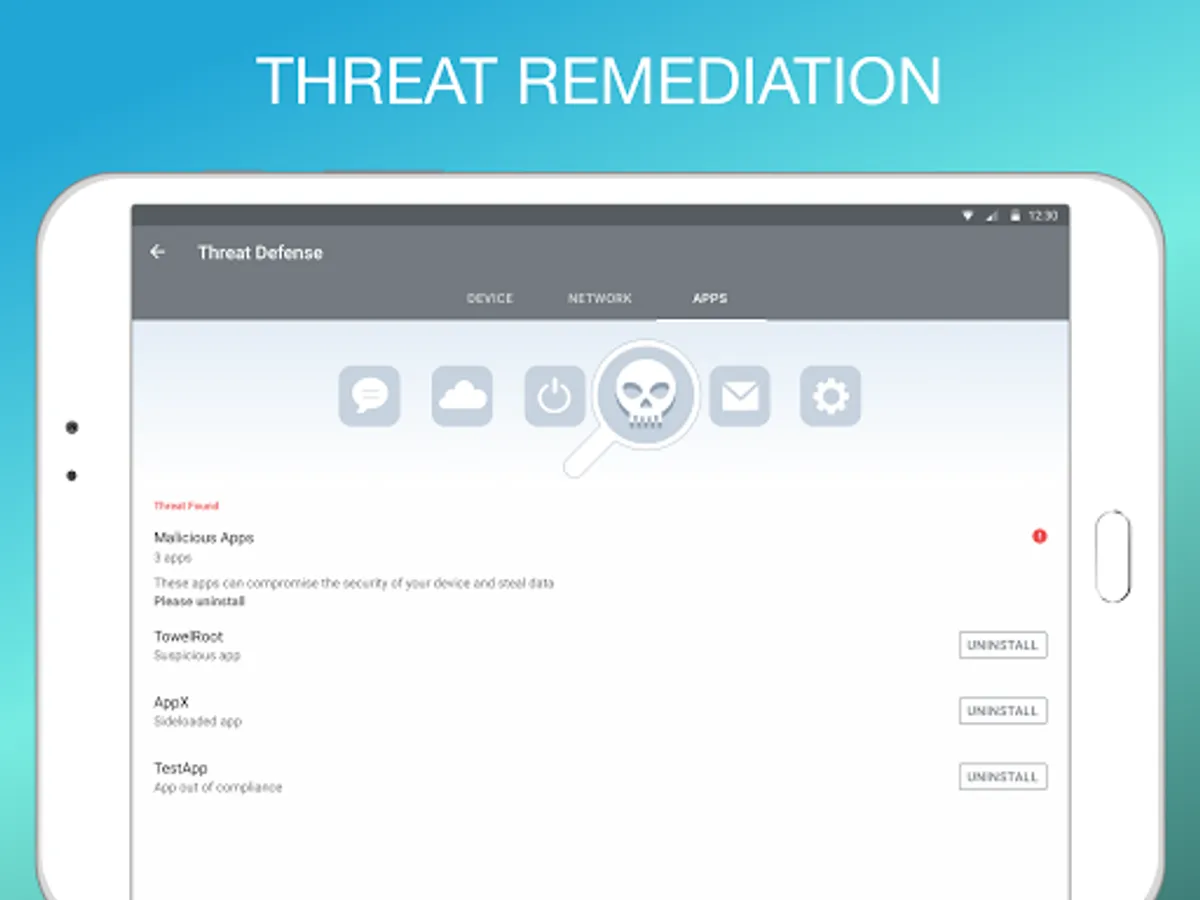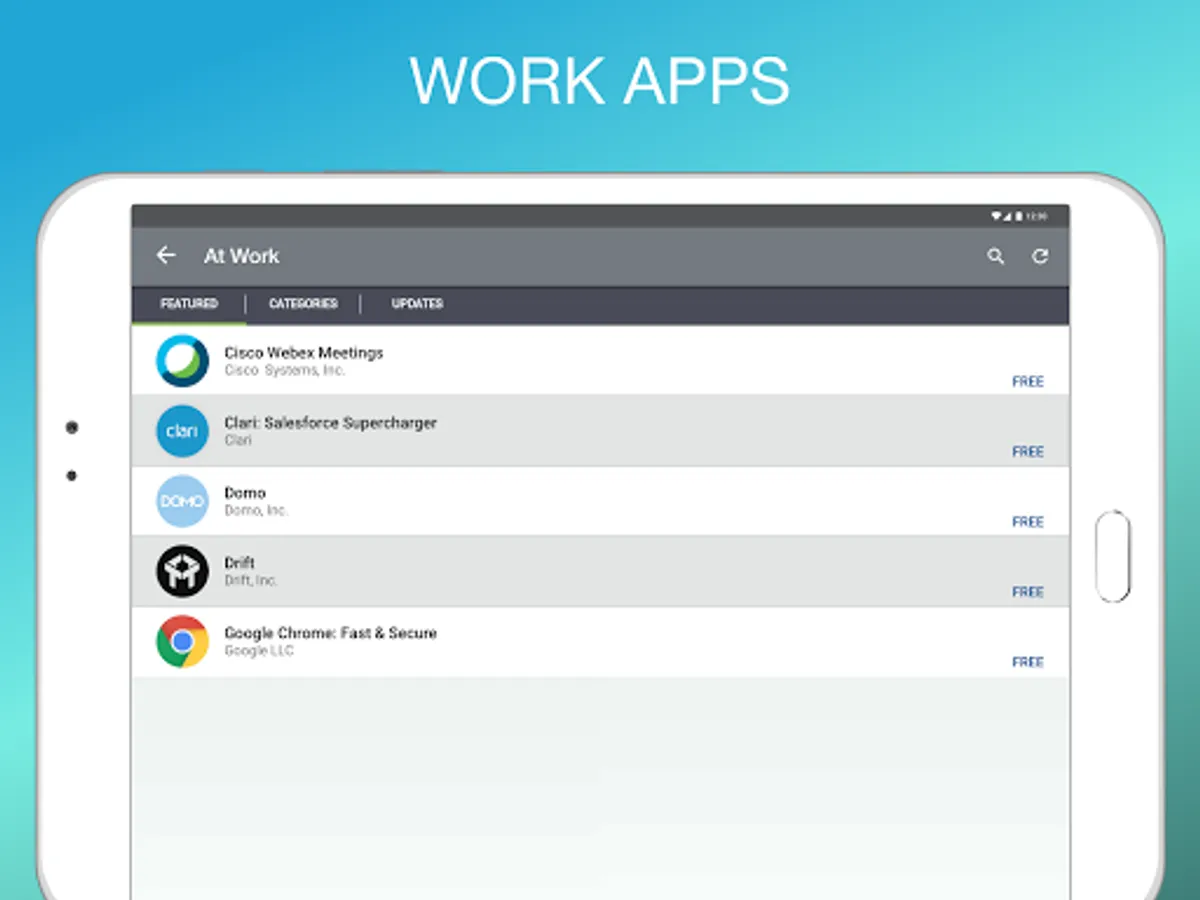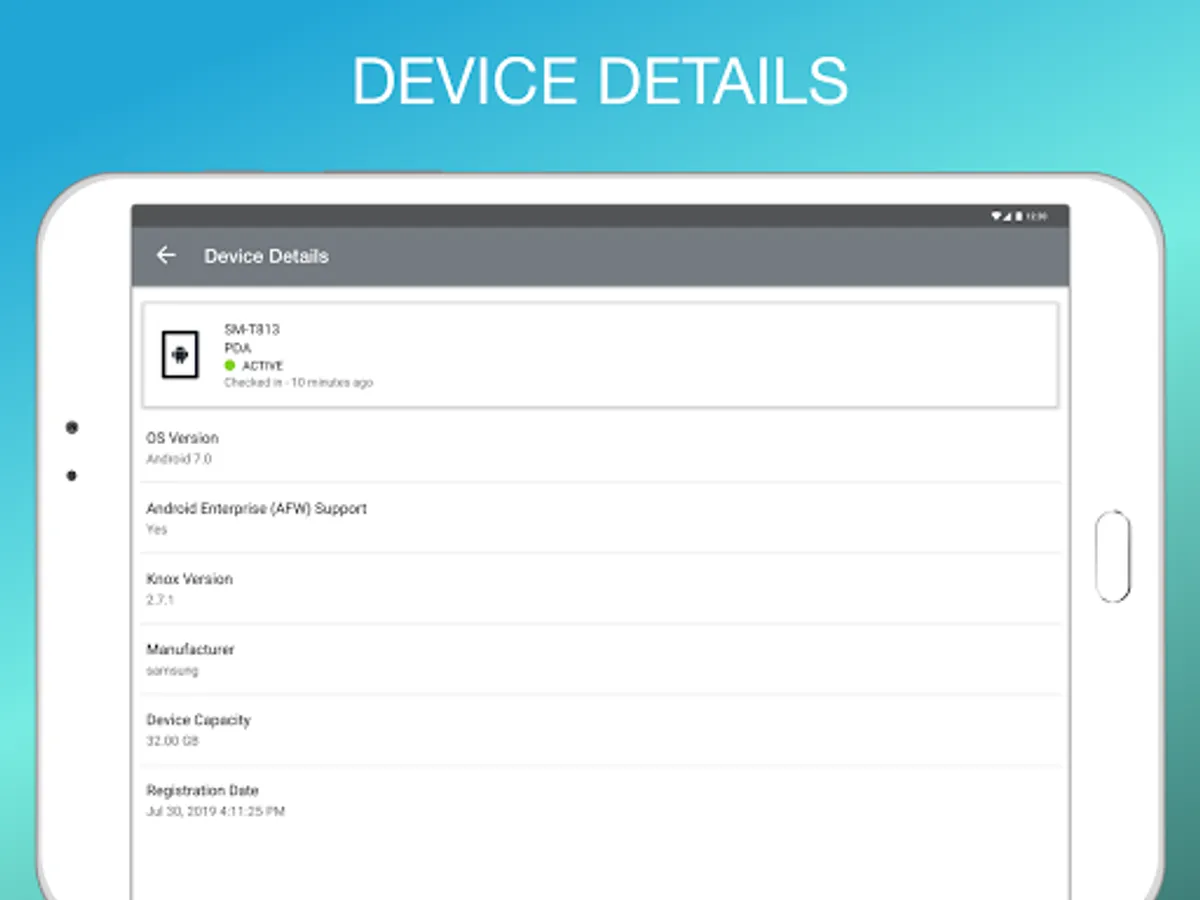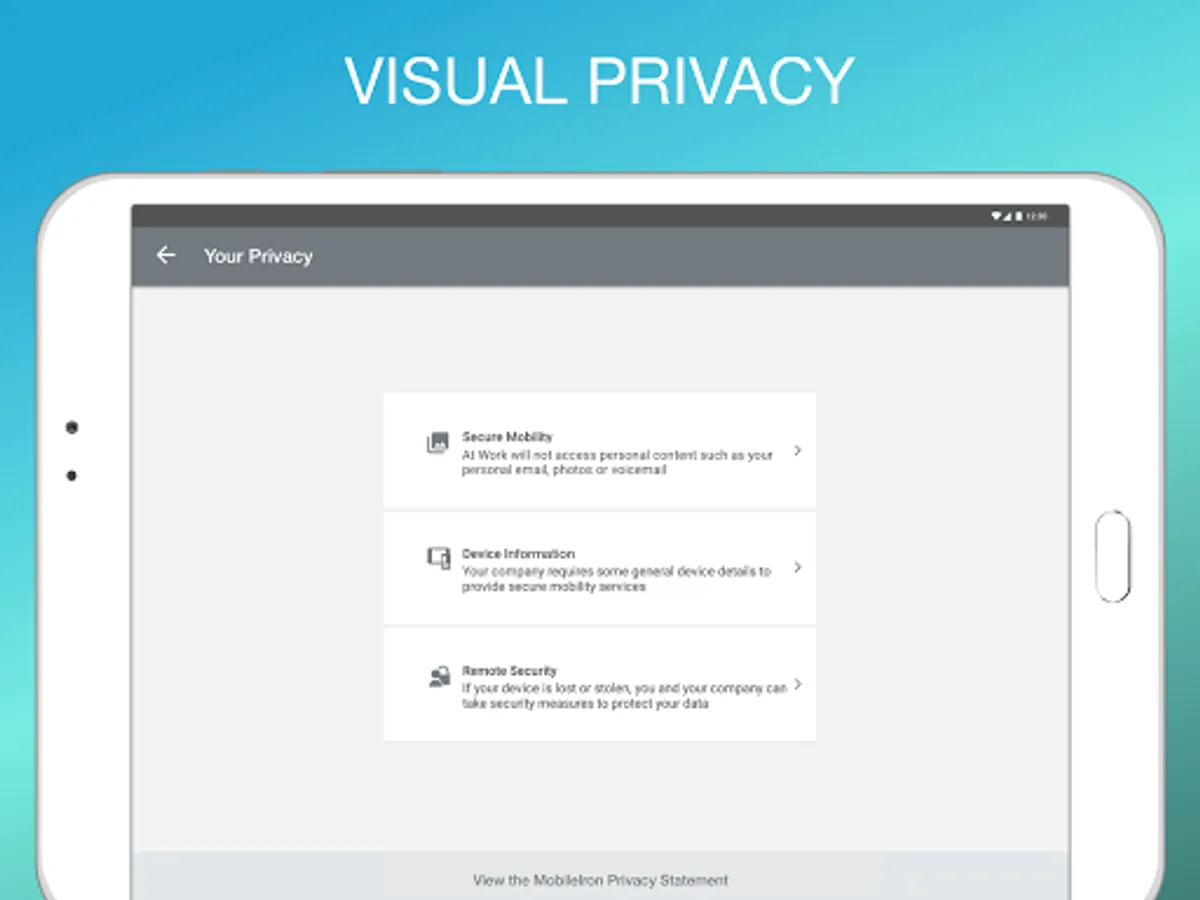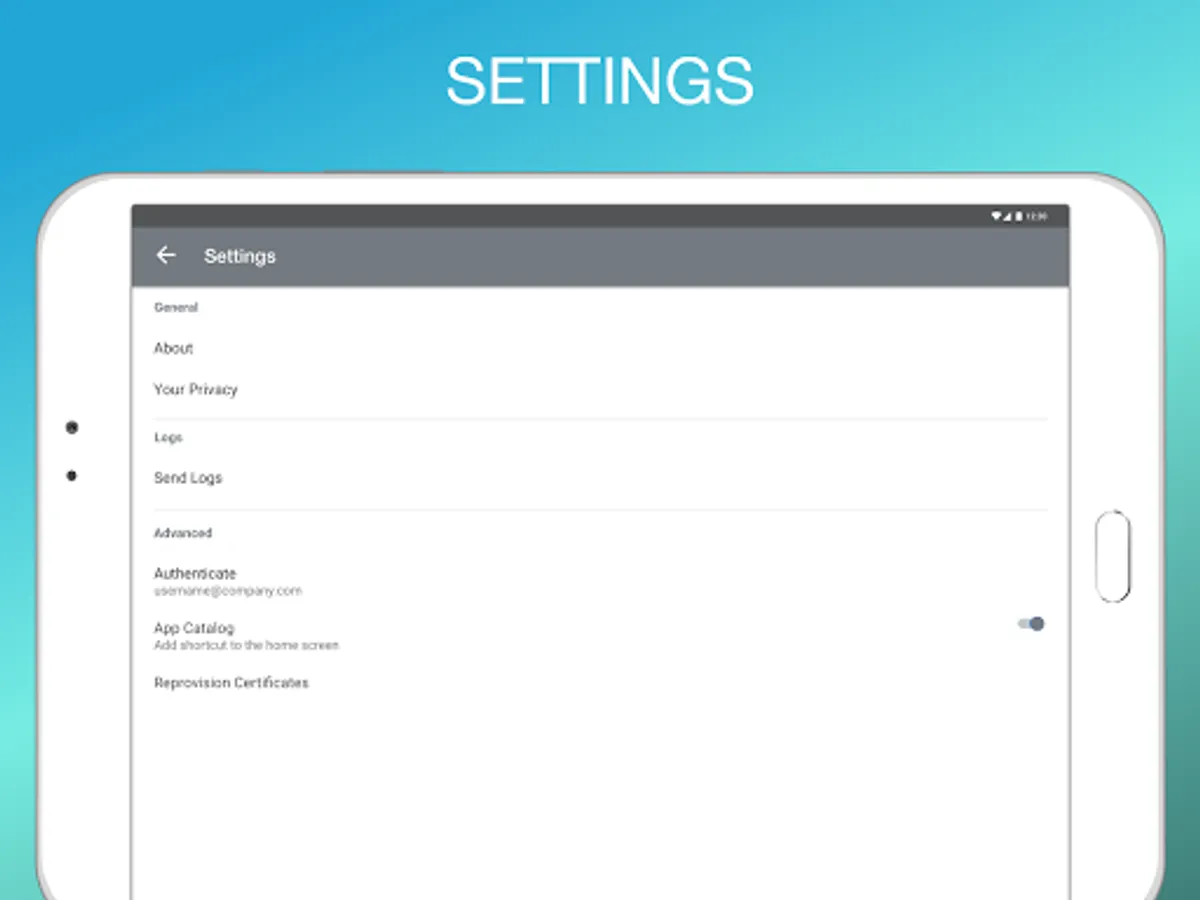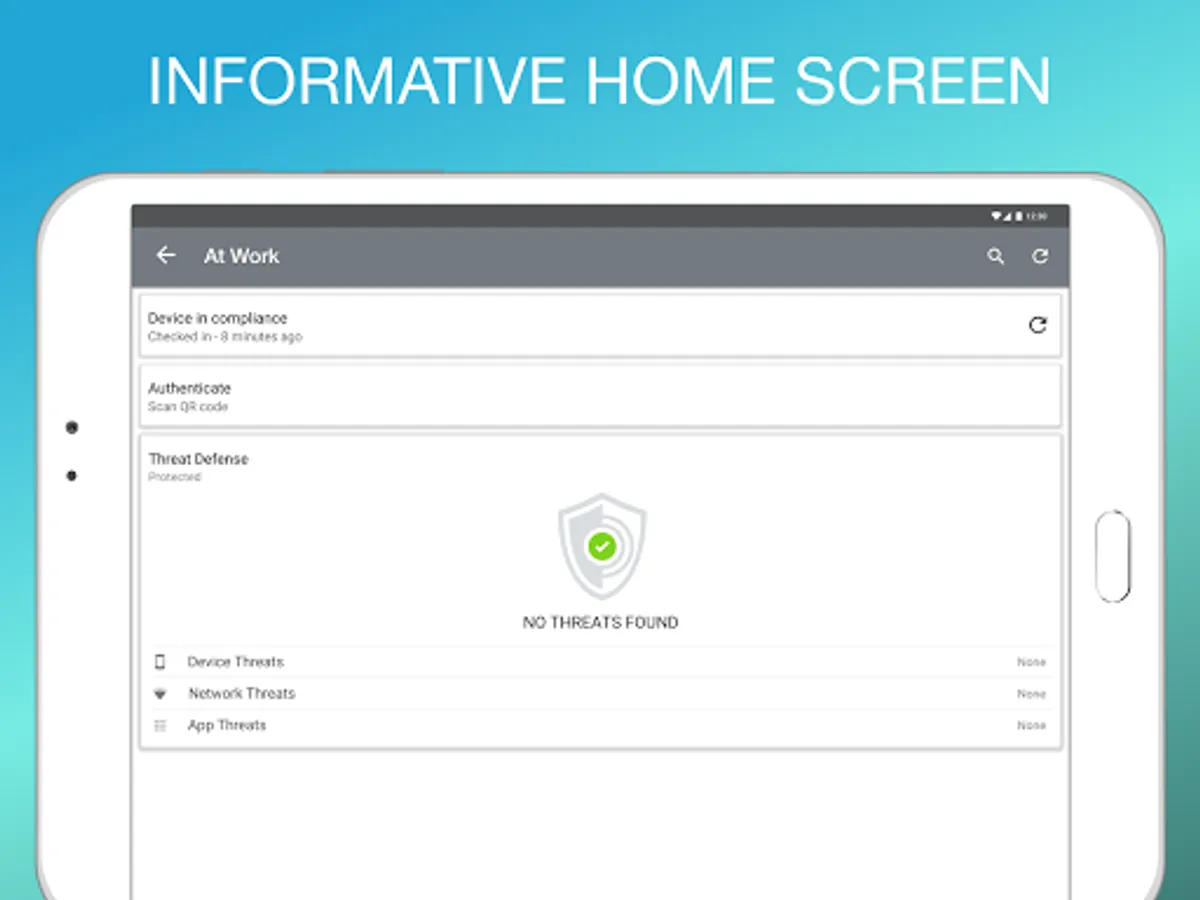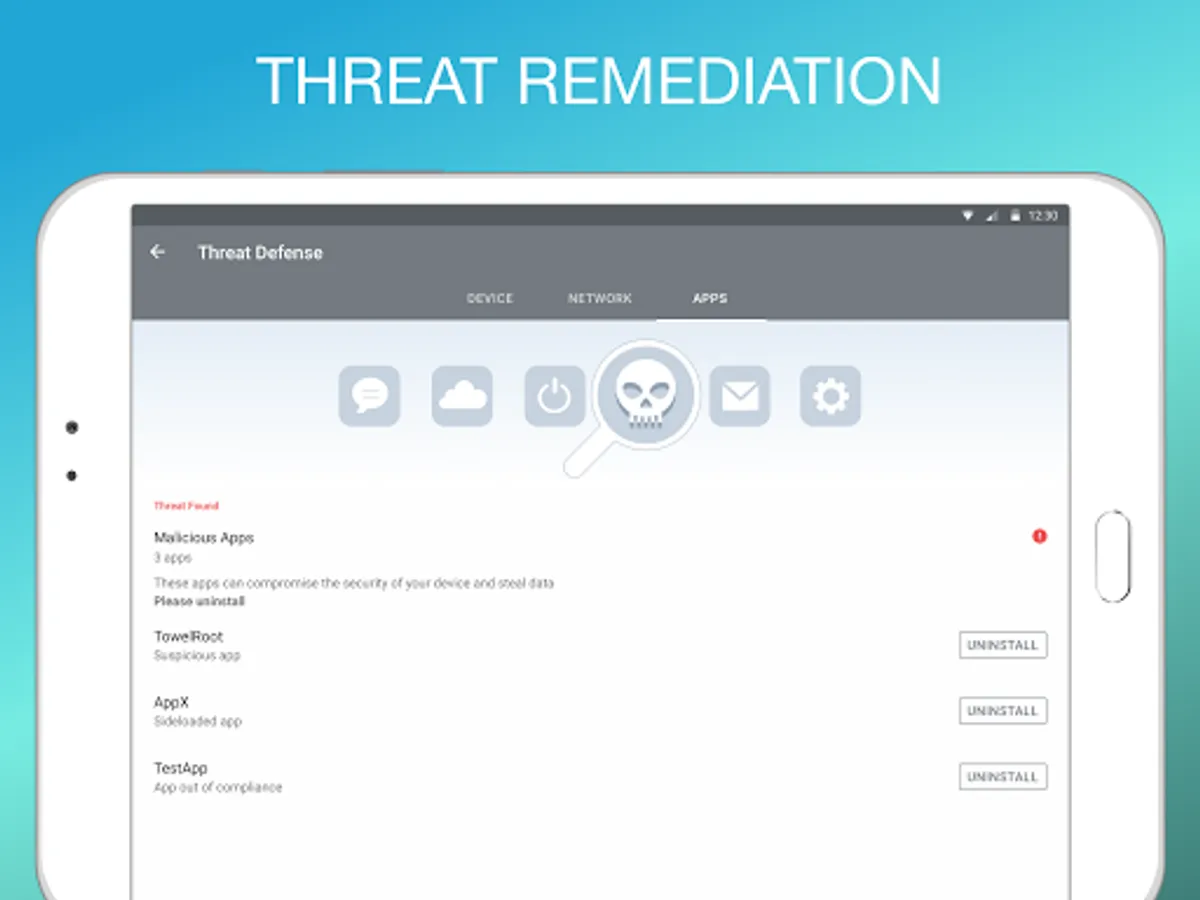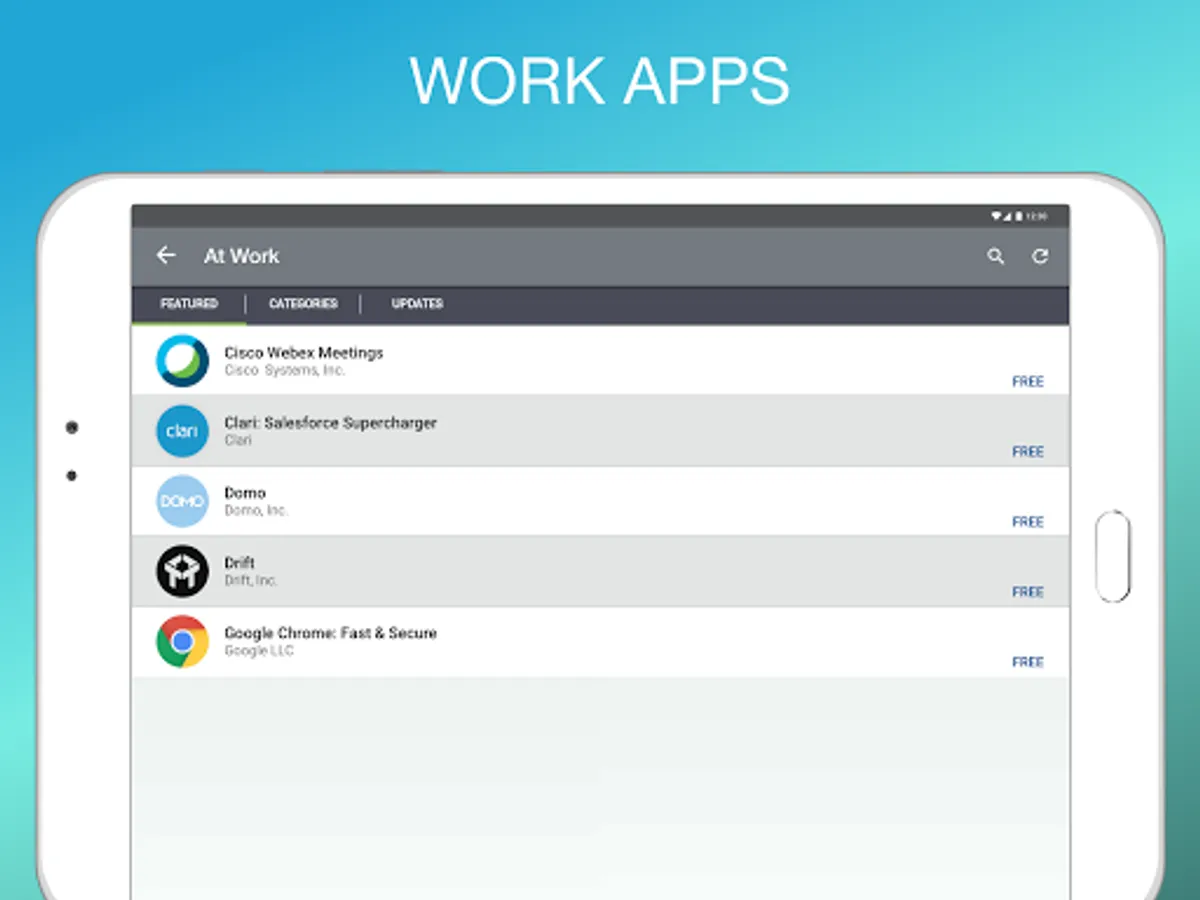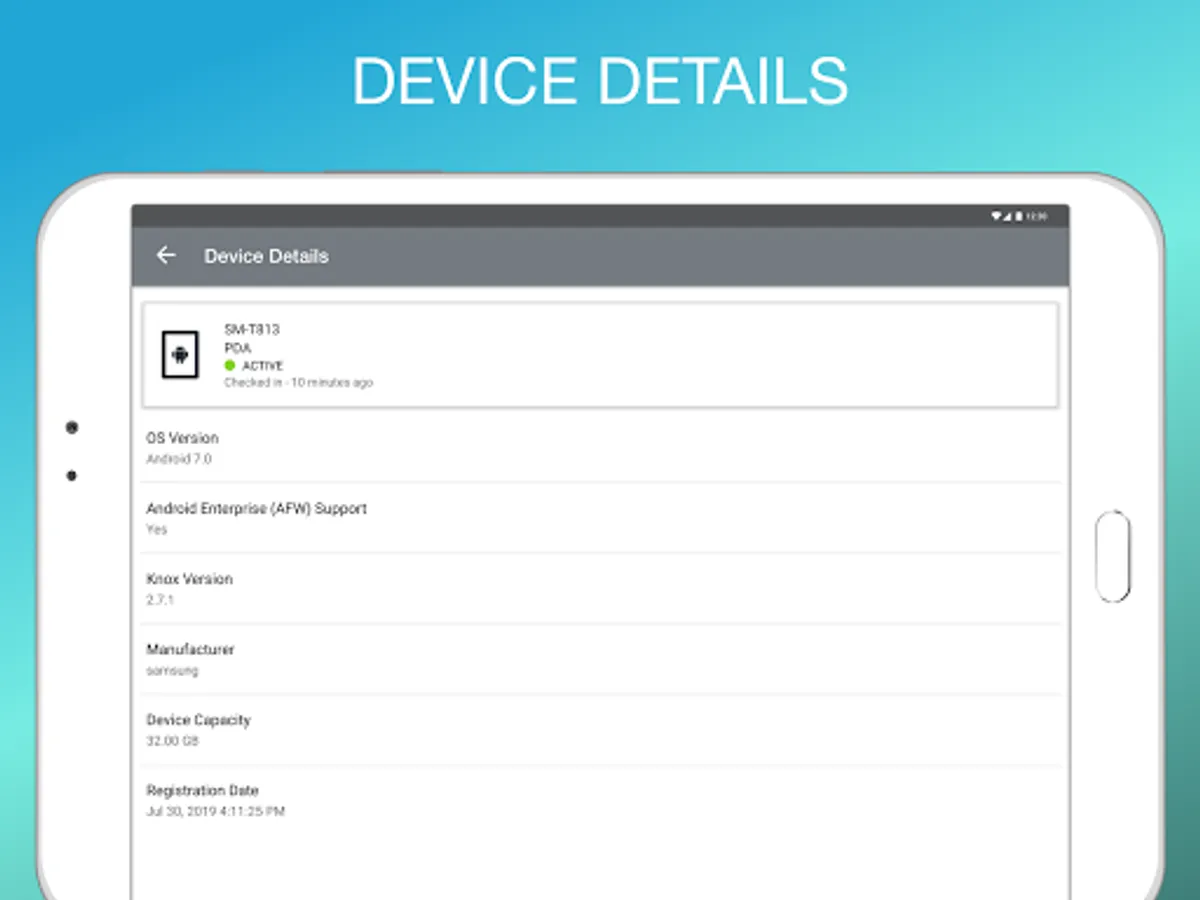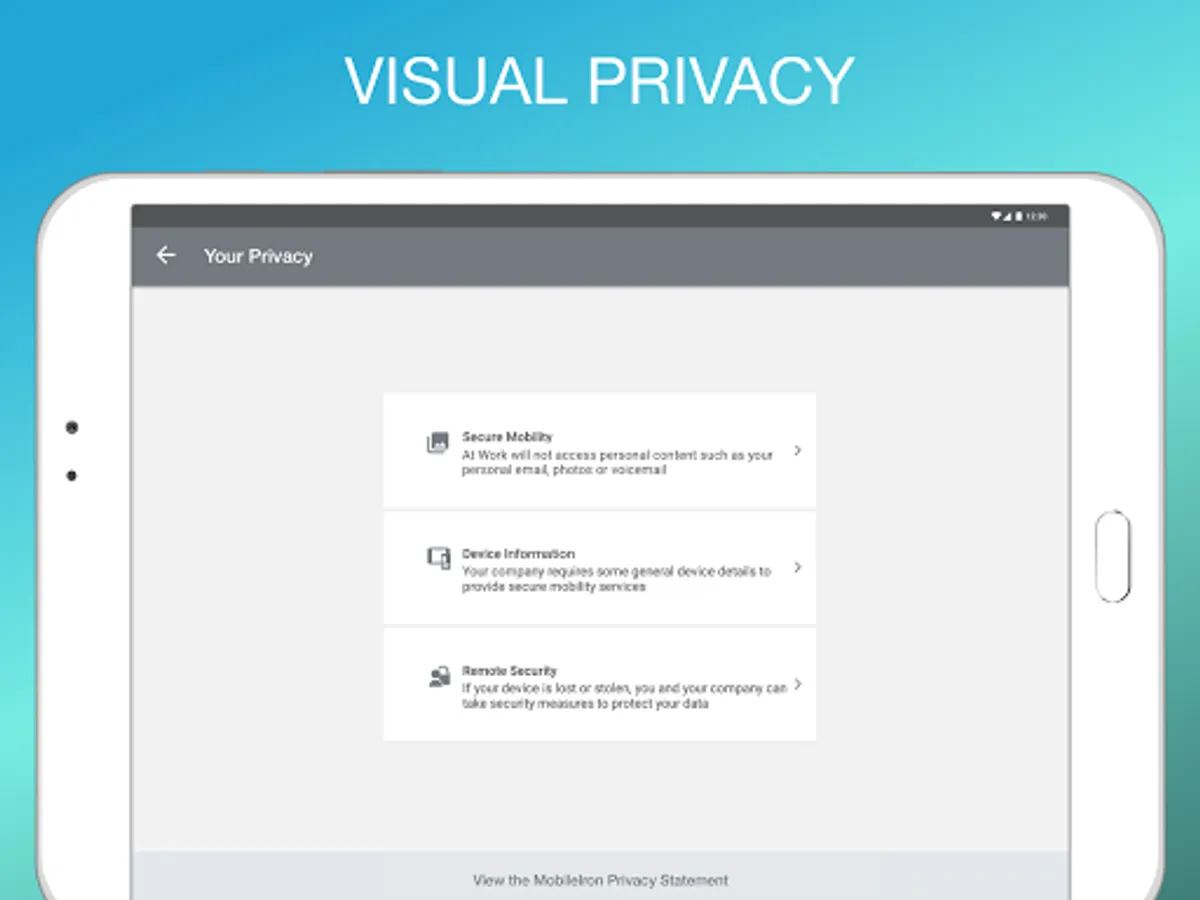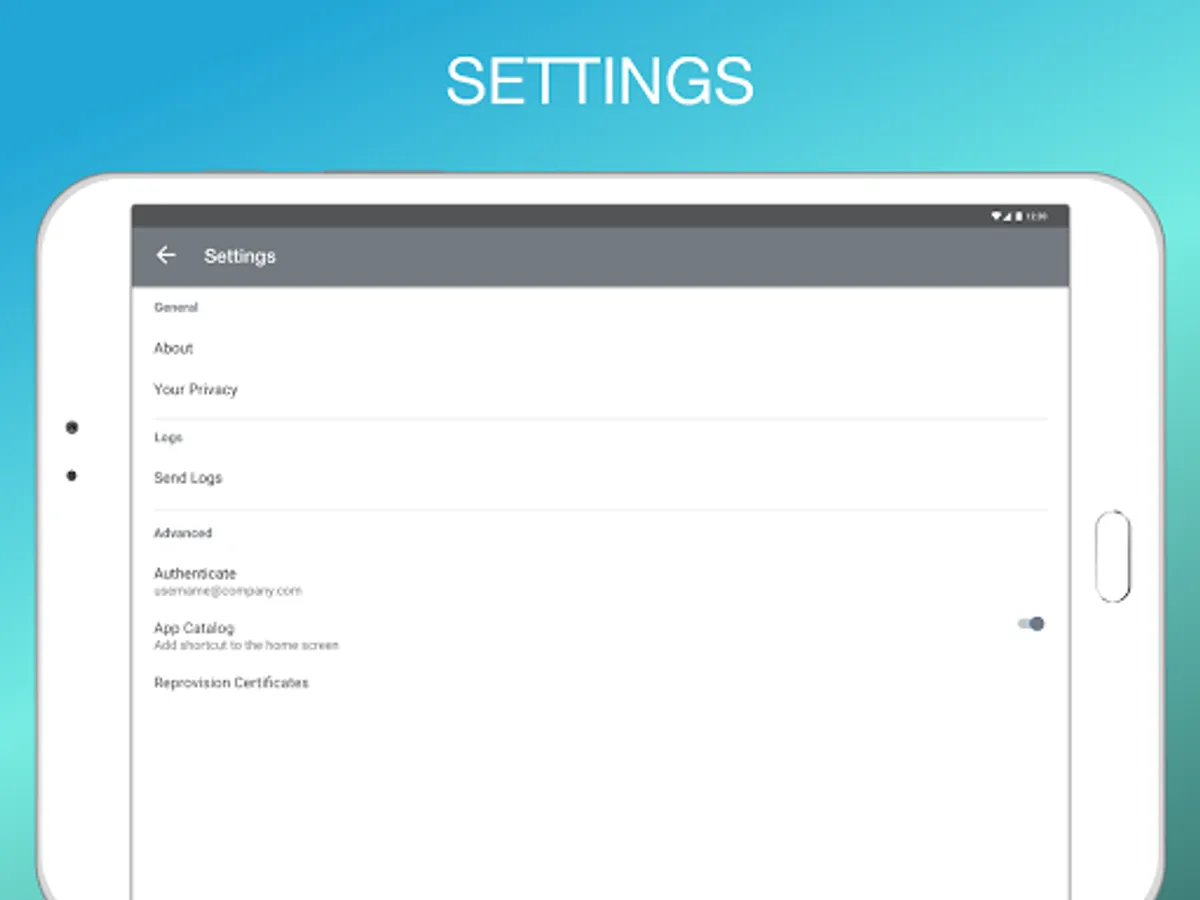
With this mobile device management app, you can access company documents, emails, and presentations easily. Includes document search, favorites, offline access, and version updates.
AppRecs review analysis
AppRecs rating 3.3. Trustworthiness 64 out of 100. Review manipulation risk 41 out of 100. Based on a review sample analyzed.
★★★☆☆
3.3
AppRecs Rating
Ratings breakdown
5 star
33%
4 star
33%
3 star
0%
2 star
0%
1 star
33%
What to know
⚠
Questionable review patterns
41% review manipulation risk - some review patterns appear unusual
About At Work EMM
The Mobile Device Management app connects your mobile device to your company's resources and is
the mobile work place that makes it easy to find the documents, photos, and presentations your company uses most. There's no need to hunt for documents on confusing wikis, hard-to-navigate file servers, and bloated inboxes.
With just a few quick steps, you get easy access to your company documents right on your mobile device.
NOTE: In order to log into the app, you must have an account on
your company's compatible mobility management service.
Key features:
Quickly connect to your company's network
Get easy access to company email and the documents your team uses most
Easily find documents by author, description, and preview
Stop navigating confusing folders to find things by file name and extension
Mark your most important documents as Favorite to quickly access offline
Stay current by always having access to the most recent versions of your documents.
A VPN service may be used to provide anti-phishing capabilities, if configured.
Ivanti Privacy Policy is available at https://www.ivanti.com/company/legal/privacy-policy
the mobile work place that makes it easy to find the documents, photos, and presentations your company uses most. There's no need to hunt for documents on confusing wikis, hard-to-navigate file servers, and bloated inboxes.
With just a few quick steps, you get easy access to your company documents right on your mobile device.
NOTE: In order to log into the app, you must have an account on
your company's compatible mobility management service.
Key features:
Quickly connect to your company's network
Get easy access to company email and the documents your team uses most
Easily find documents by author, description, and preview
Stop navigating confusing folders to find things by file name and extension
Mark your most important documents as Favorite to quickly access offline
Stay current by always having access to the most recent versions of your documents.
A VPN service may be used to provide anti-phishing capabilities, if configured.
Ivanti Privacy Policy is available at https://www.ivanti.com/company/legal/privacy-policy