In this train simulation game, you create rails and control trains using drag and tap gestures. Includes features for constructing tracks, placing buildings and trees, and switching between normal, conductor, and camera modes.
AppRecs review analysis
AppRecs rating 4.6. Trustworthiness 75 out of 100. Review manipulation risk 24 out of 100. Based on a review sample analyzed.
★★★★☆
4.6
AppRecs Rating
Ratings breakdown
5 star
78%
4 star
9%
3 star
4%
2 star
5%
1 star
5%
What to know
✓
Low review manipulation risk
24% review manipulation risk
✓
Credible reviews
75% trustworthiness score from analyzed reviews
✓
High user satisfaction
87% of sampled ratings are 4+ stars (4.5★ average)
About Easy Train Game
Driver mode makes you feel like a conductor!
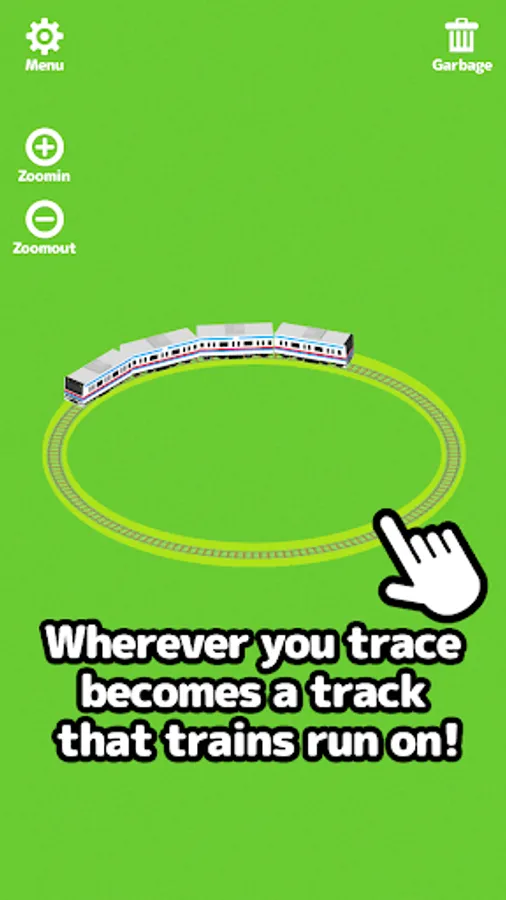
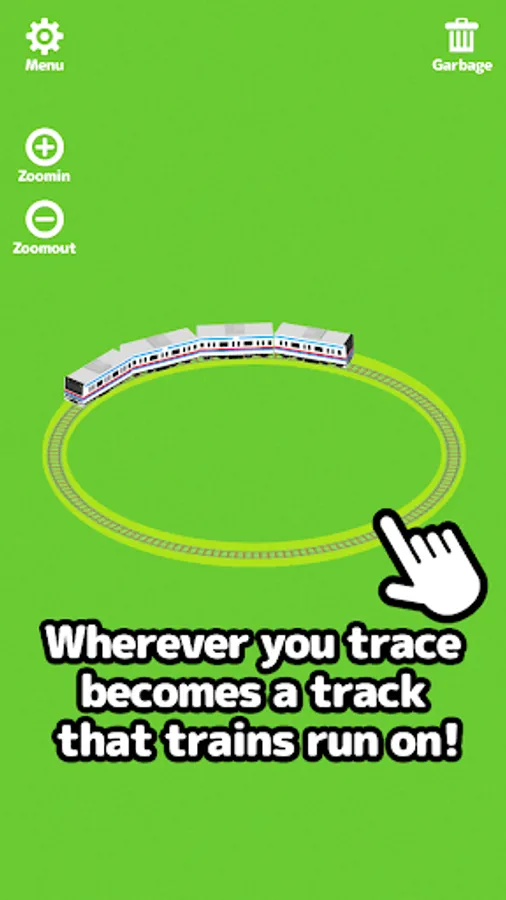
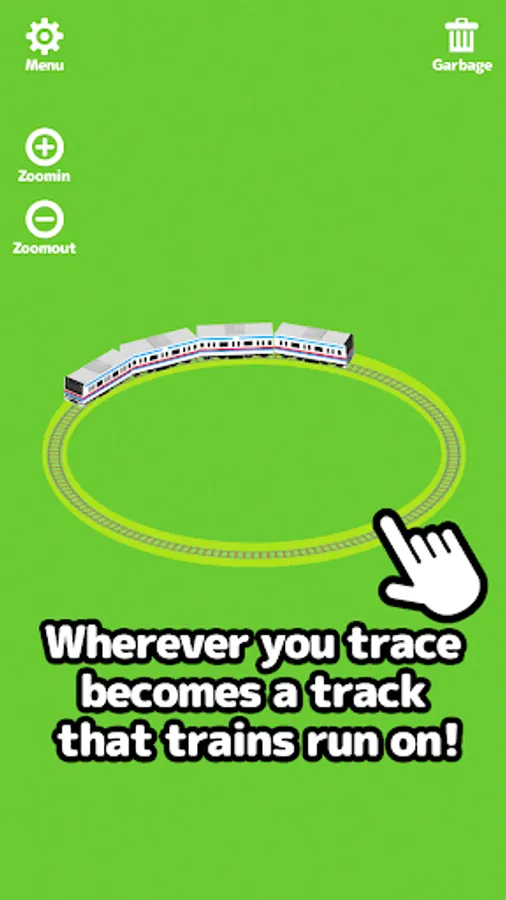
If you drag along the screen it will create rails that a train will start to run on.
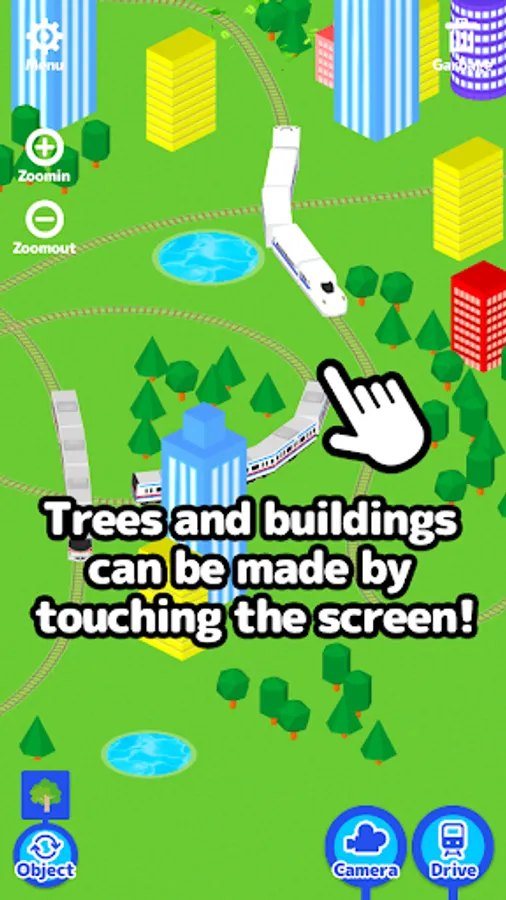
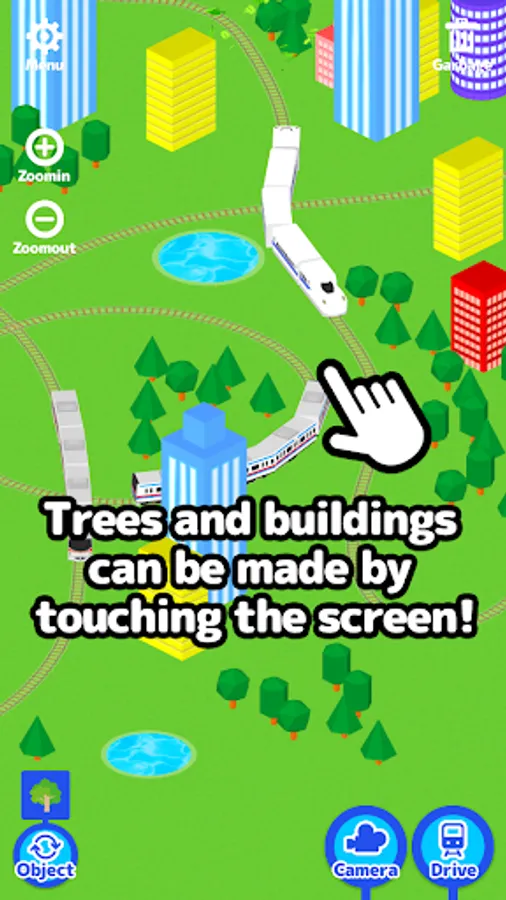
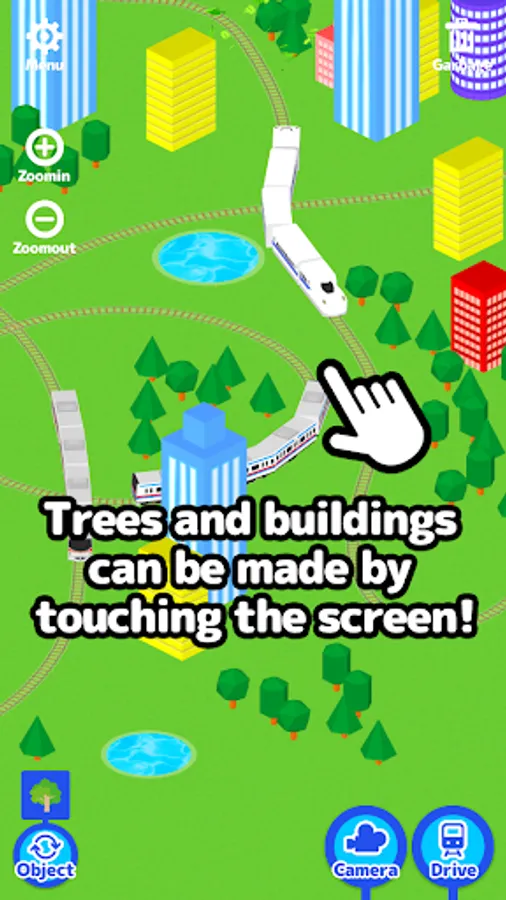
If you touch the screen buildings, trees and puddles will appear.
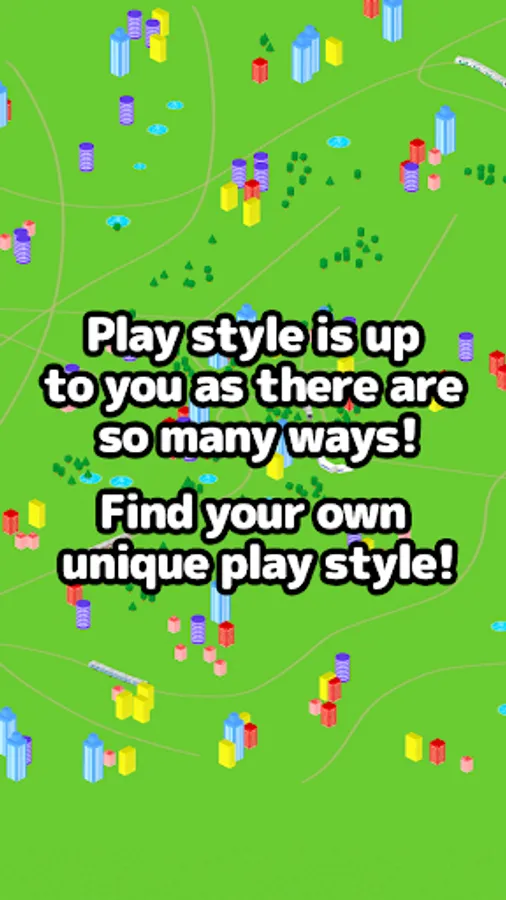
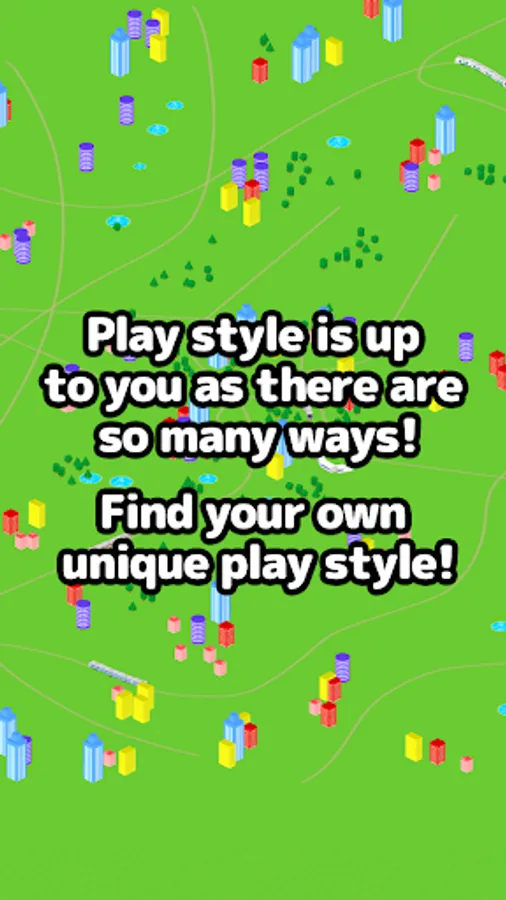
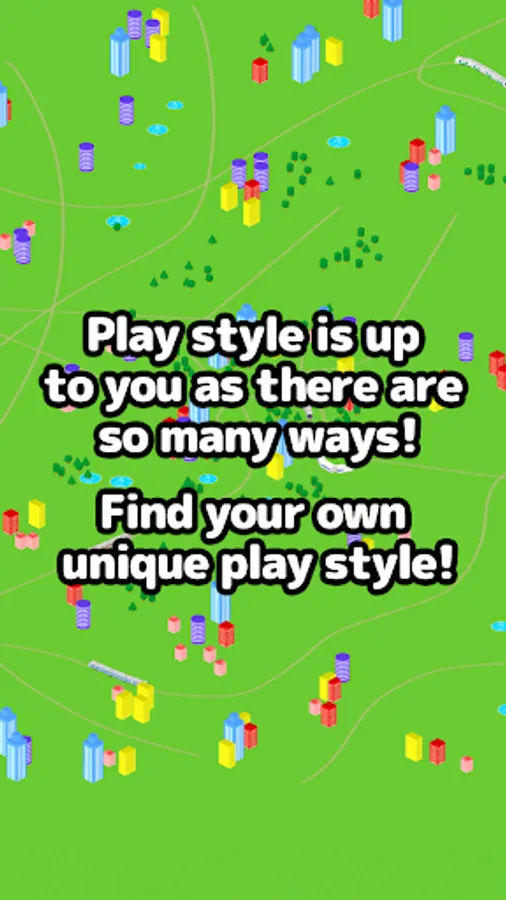
Touch and drag along the screen and create your own city!
It's also fun to see what happens when the train bumps into buildings, trees and puddles.
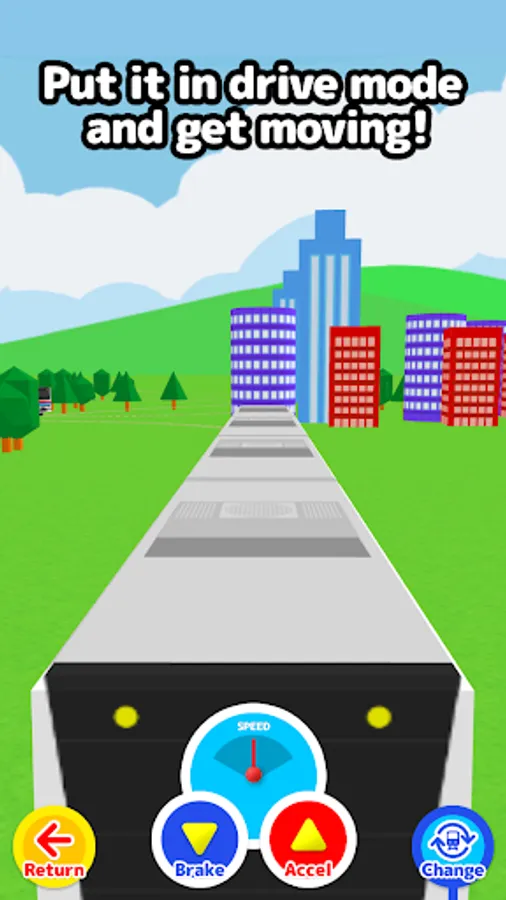
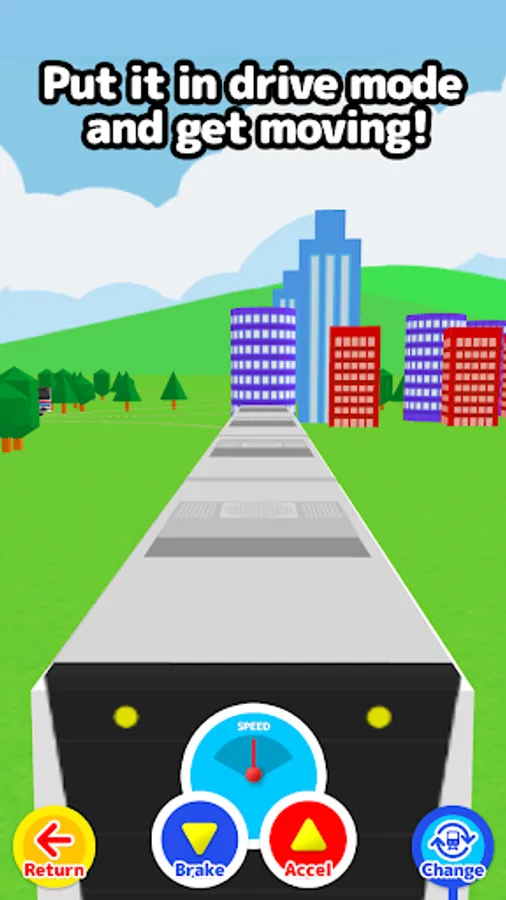
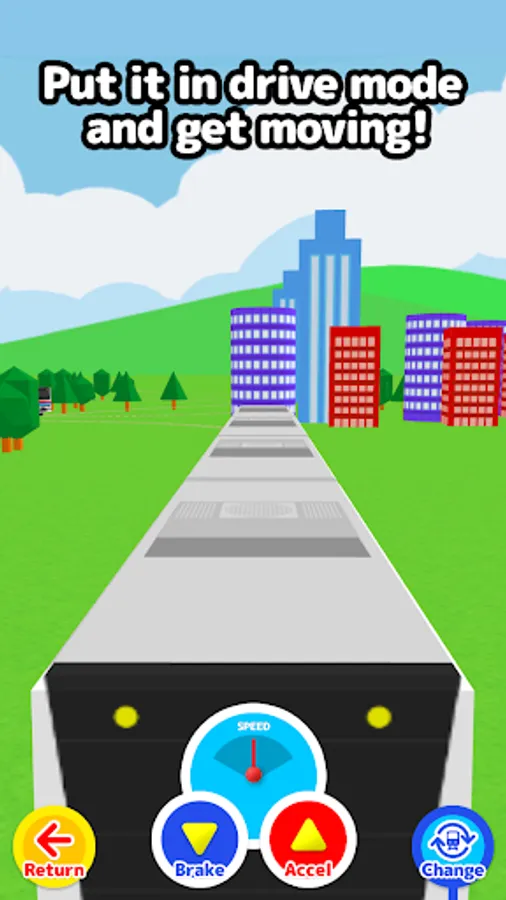
When you press the “Drive” button it changes to conductor mode where you feel just like you're really there.
Use the accelerator and the brake to drive the train!!
If you touch up, down, left or right on the screen while driving you will be able to look at the other trains that are running from different angles!!
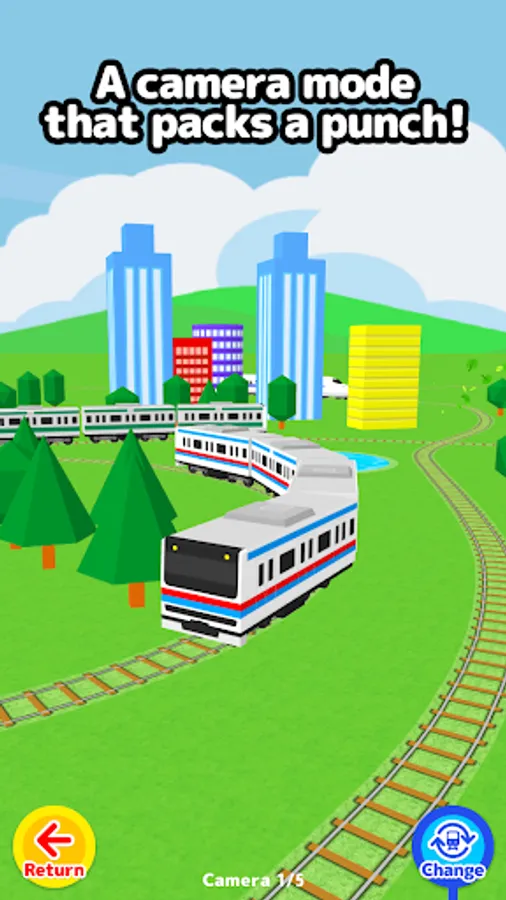
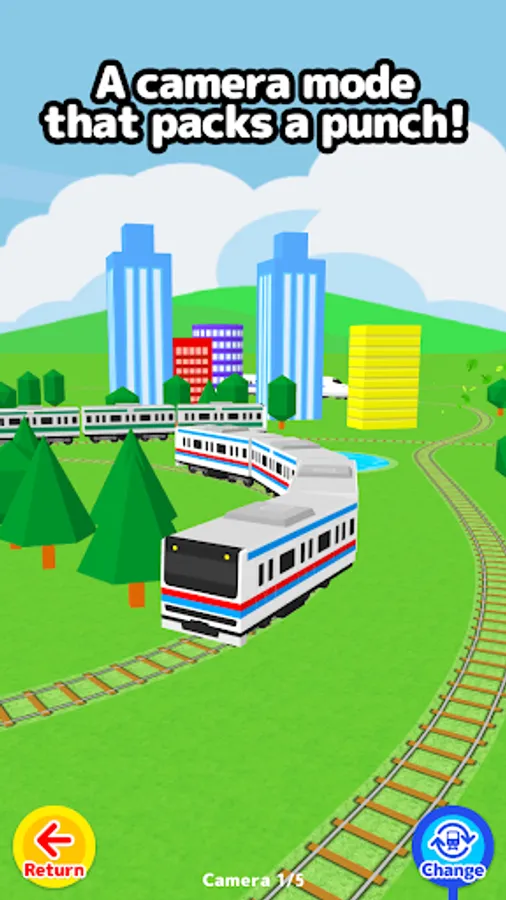
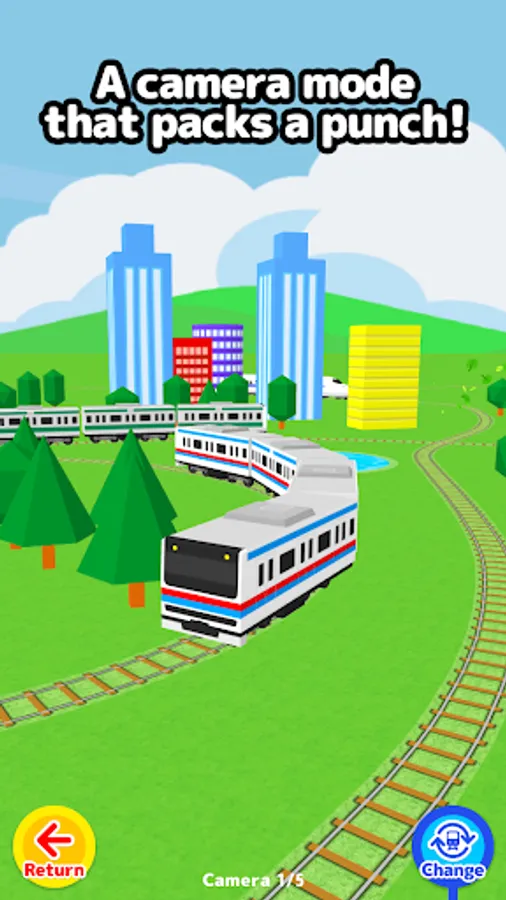
In camera mode you can follow the trains from many different angles.
Enjoy checking out your own personal city!!
****How to Play****
Normal Mode
-Create rails by dragging along the screen and a train selection list will appear. (You can also choose auto-select from the menu.)
-the train will start to run once You choose a train.
-If you tap the screen, buildings, trees and puddles will be placed. (Change with the bottom left “placement” button.)
-Adjust the camera in 4 levels with the “Larger” and “Smaller” buttons.
-If you press the “Drive” button it will switch into conductor mode.
-If you press the “Camera” button it will switch into camera mode.
-If you press the “Trash” button it will remove the last railway and train you created.
-Even when there is no train or rails, if you press the “Trash” button again buildings, trees and puddles will disappear.
Conductor Mode
-Change the speed with the “Break” and “Accelerator” buttons.
-If You press up, down, left or right on the screen You can Change the camera angle.
-The ”Change Train” button will change the train to another train.
-The “Larger” and “Smaller” buttons will adjust the camera to 4 different levels.
-The “Return” button returns to normal mode.
Camera Mode
-Follow the trains from various perspectives.
-the camera will Change If You tap the screen.
-The “Change Train” button will change the train to another.
-The “Return” button will return you to normal mode.
If you drag along the screen it will create rails that a train will start to run on.
If you touch the screen buildings, trees and puddles will appear.
Touch and drag along the screen and create your own city!
It's also fun to see what happens when the train bumps into buildings, trees and puddles.
When you press the “Drive” button it changes to conductor mode where you feel just like you're really there.
Use the accelerator and the brake to drive the train!!
If you touch up, down, left or right on the screen while driving you will be able to look at the other trains that are running from different angles!!
In camera mode you can follow the trains from many different angles.
Enjoy checking out your own personal city!!
****How to Play****
Normal Mode
-Create rails by dragging along the screen and a train selection list will appear. (You can also choose auto-select from the menu.)
-the train will start to run once You choose a train.
-If you tap the screen, buildings, trees and puddles will be placed. (Change with the bottom left “placement” button.)
-Adjust the camera in 4 levels with the “Larger” and “Smaller” buttons.
-If you press the “Drive” button it will switch into conductor mode.
-If you press the “Camera” button it will switch into camera mode.
-If you press the “Trash” button it will remove the last railway and train you created.
-Even when there is no train or rails, if you press the “Trash” button again buildings, trees and puddles will disappear.
Conductor Mode
-Change the speed with the “Break” and “Accelerator” buttons.
-If You press up, down, left or right on the screen You can Change the camera angle.
-The ”Change Train” button will change the train to another train.
-The “Larger” and “Smaller” buttons will adjust the camera to 4 different levels.
-The “Return” button returns to normal mode.
Camera Mode
-Follow the trains from various perspectives.
-the camera will Change If You tap the screen.
-The “Change Train” button will change the train to another.
-The “Return” button will return you to normal mode.
Easy Train Game Screenshots
Tap to Rate:
Reviews for Easy Train Game
Chris Blasko
12/7/2025
simplistic but fun. a recent update seems to have forced requiring an internet connection to play, which is awesome for my kid who used to like playing this on his tablet on long car rides, because now he can't play it in the car anymore
joahna ng
10/27/2025
WOW A EASY TRAIN GAME!