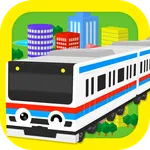
In this app, you can draw train tracks on the screen and watch the trains run along your created routes. Includes track drawing, train control, and viewpoint switching features.
AppRecs review analysis
AppRecs rating 4.4. Trustworthiness 55 out of 100. Review manipulation risk 45 out of 100. Based on a review sample analyzed.
★★★★☆
4.4
AppRecs Rating
Ratings breakdown
5 star
77%
4 star
3%
3 star
6%
2 star
4%
1 star
10%
What to know
⚠
Questionable review patterns
45% review manipulation risk - some review patterns appear unusual
⚠
Review quality concerns
44% of sampled 5-star reviews are very short
About Touch Train 3D
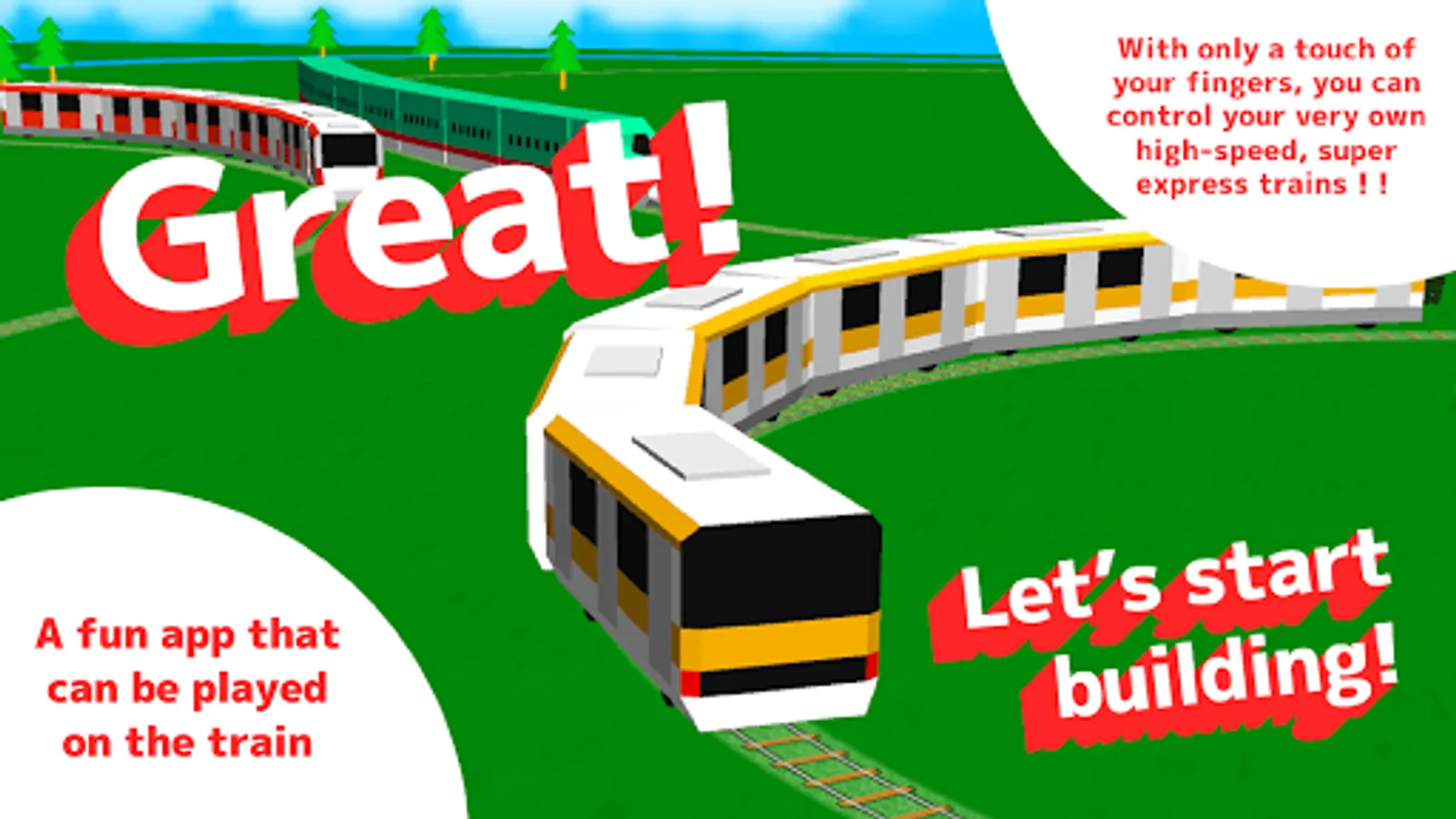
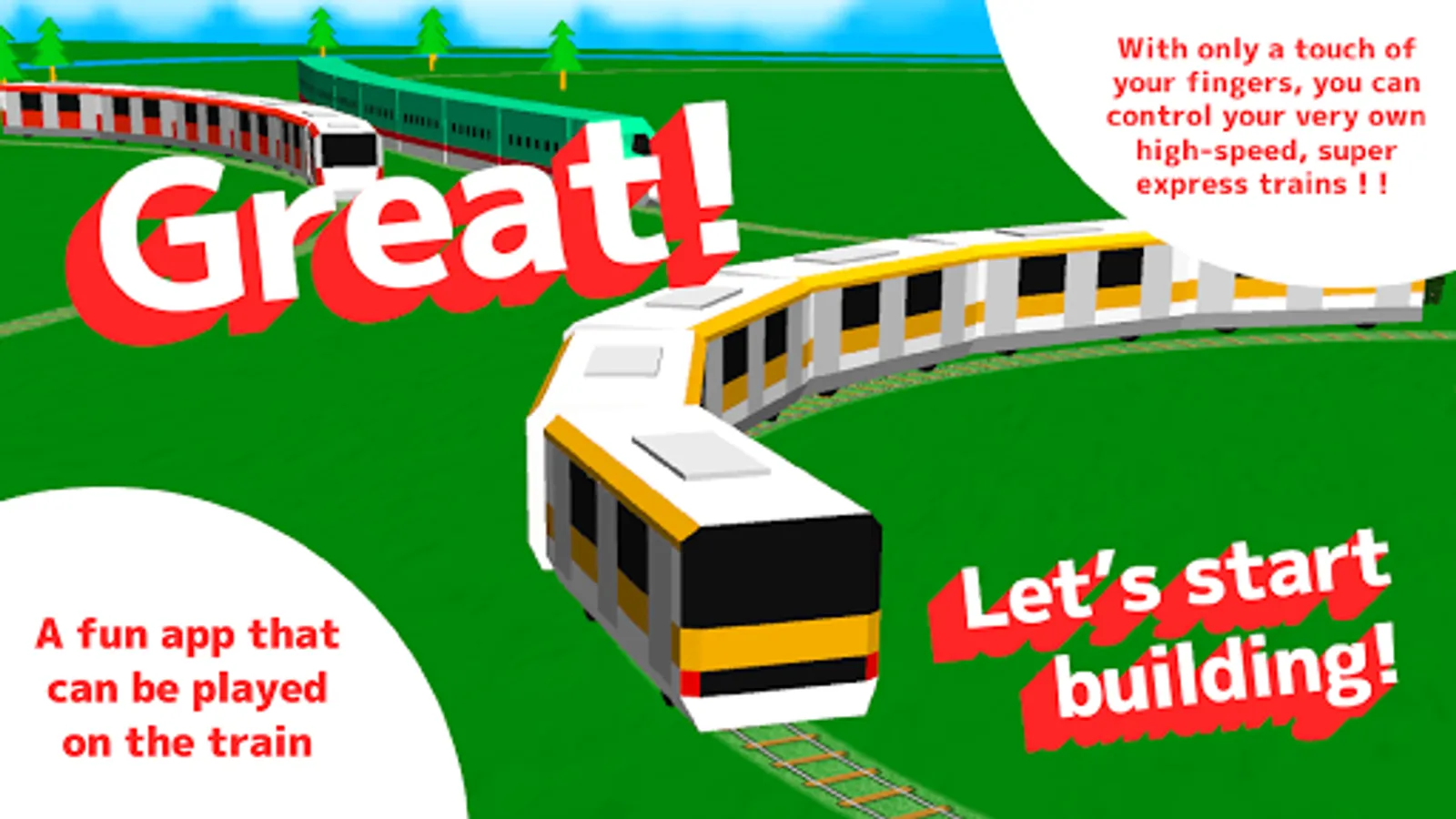
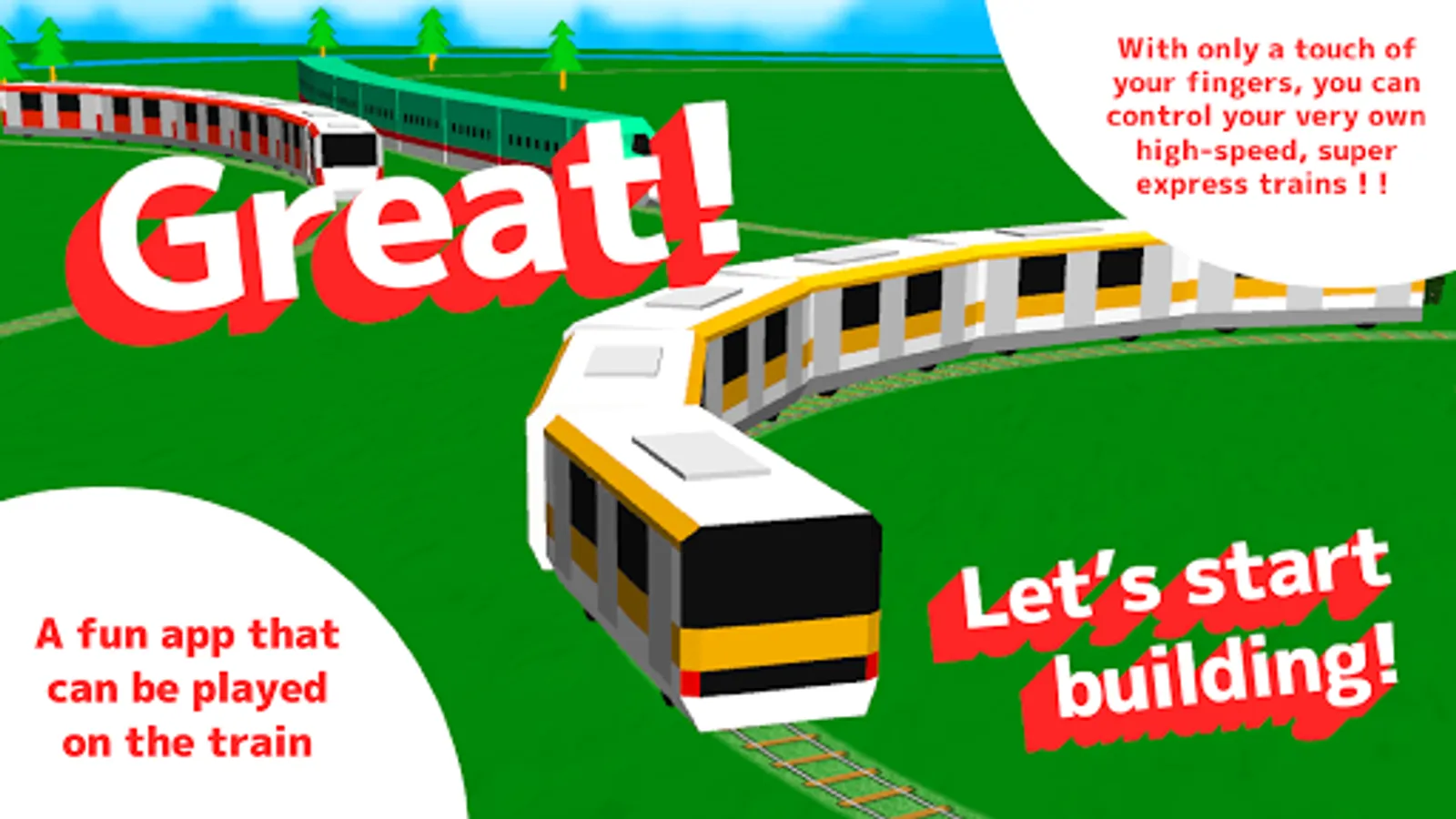
A local train and a limited express begin to run by easy operation!
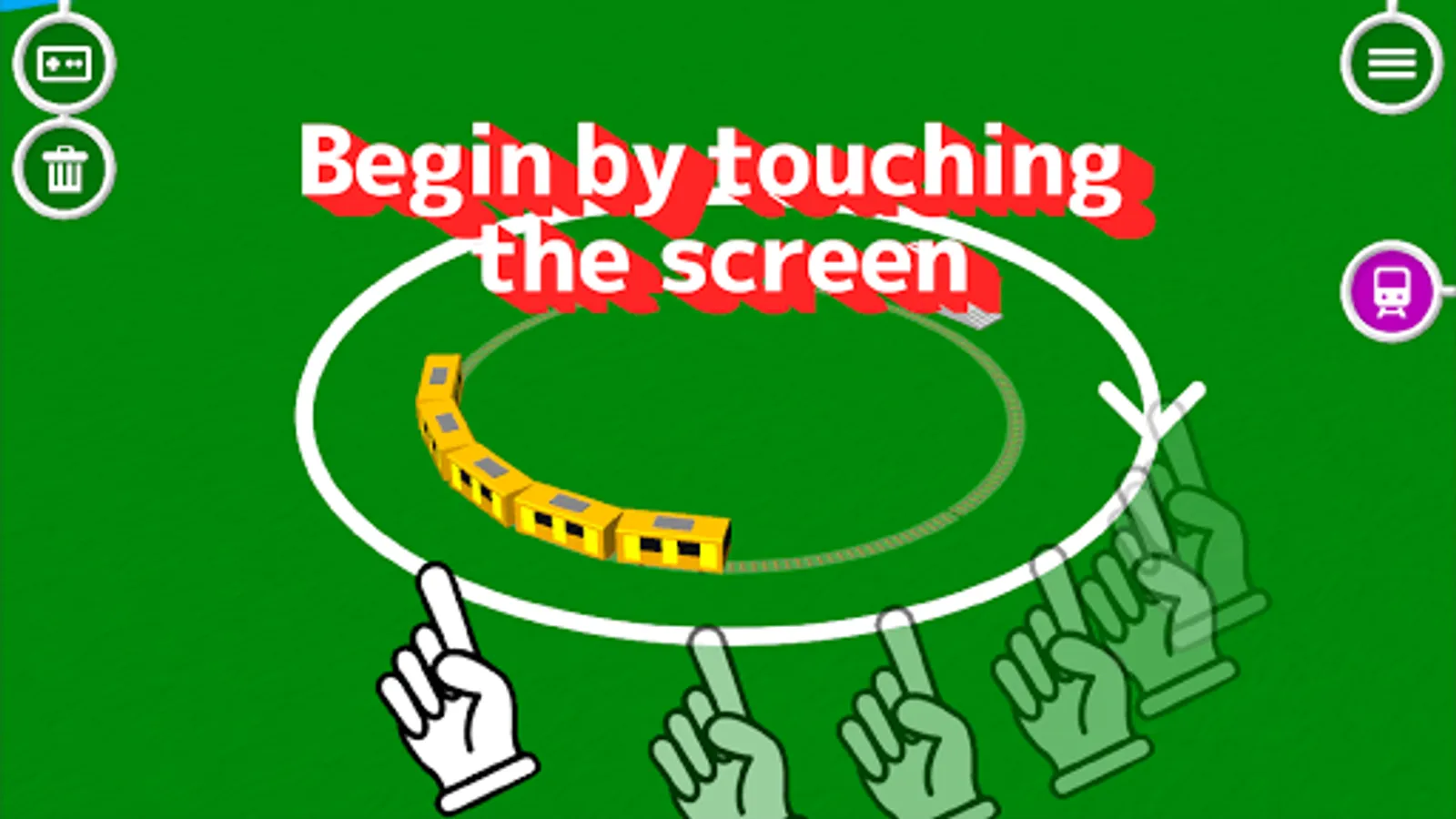
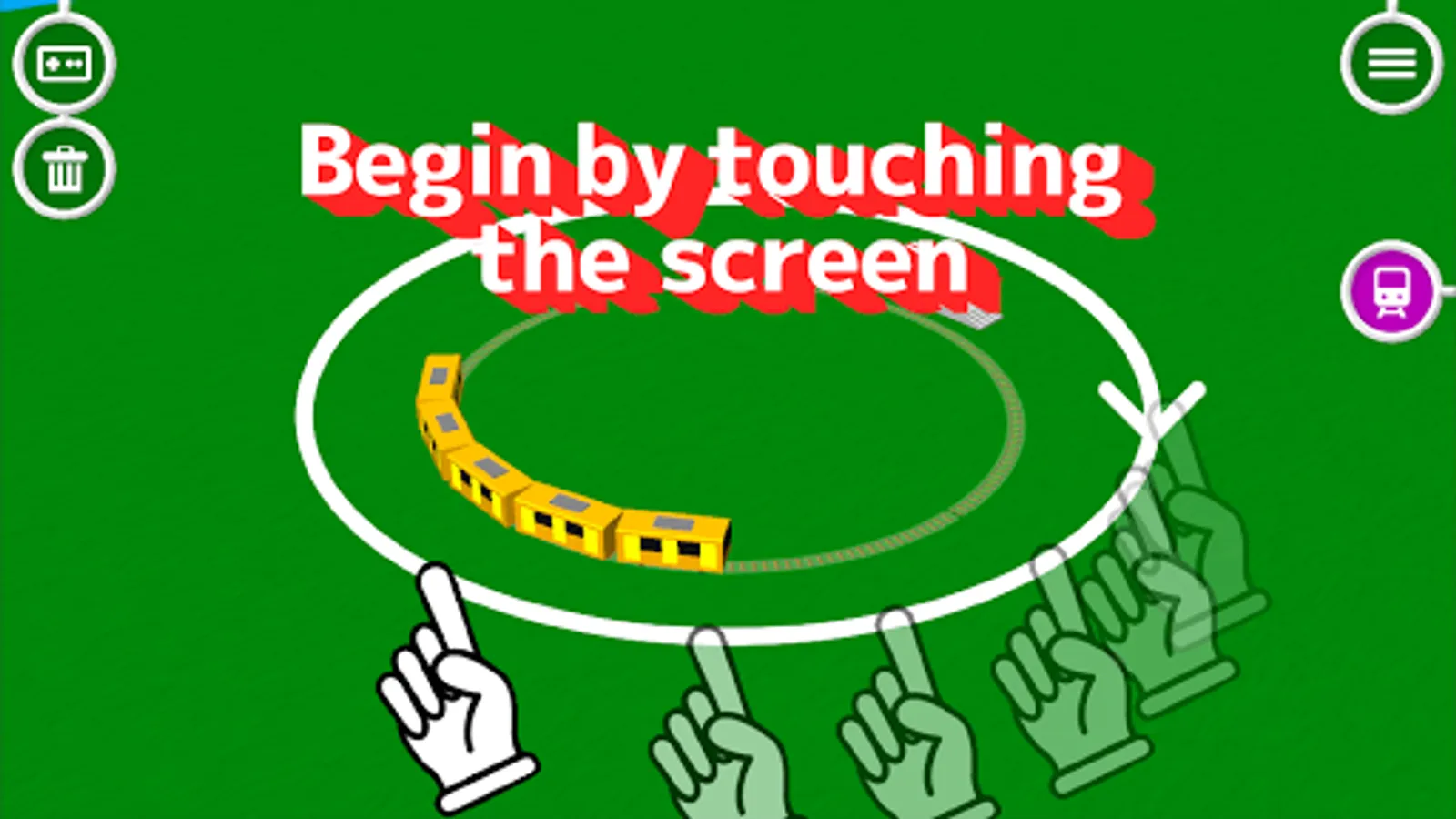
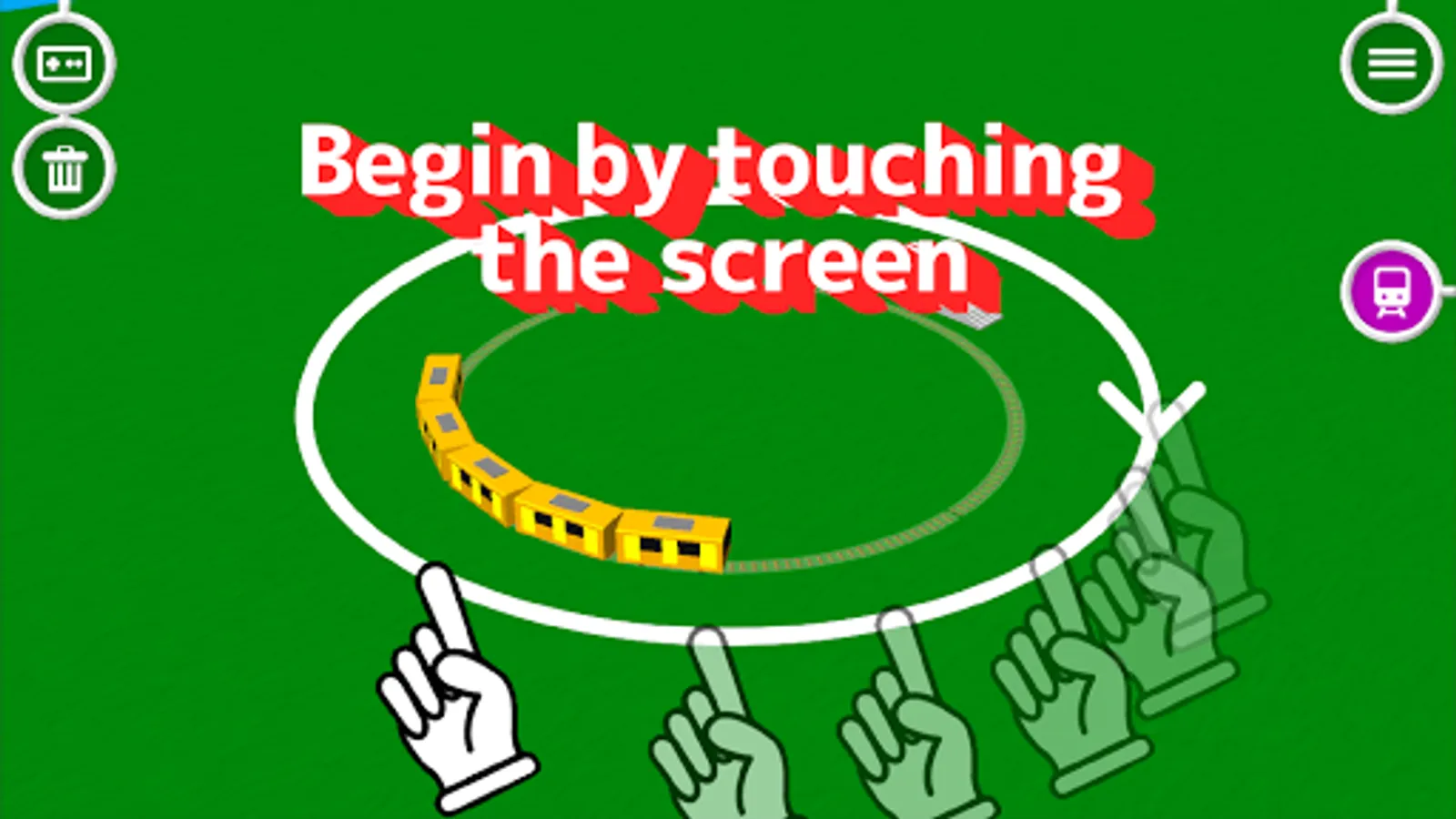
If a screen is traced, a track can be drawn and a train will begin to run it!
It is the new feeling which is run to the traced portion!
If a right-hand side train mark button is pushed after running a train, it will change to train viewpoint mode. It is dynamic!
There are a lot of various mechanisms!
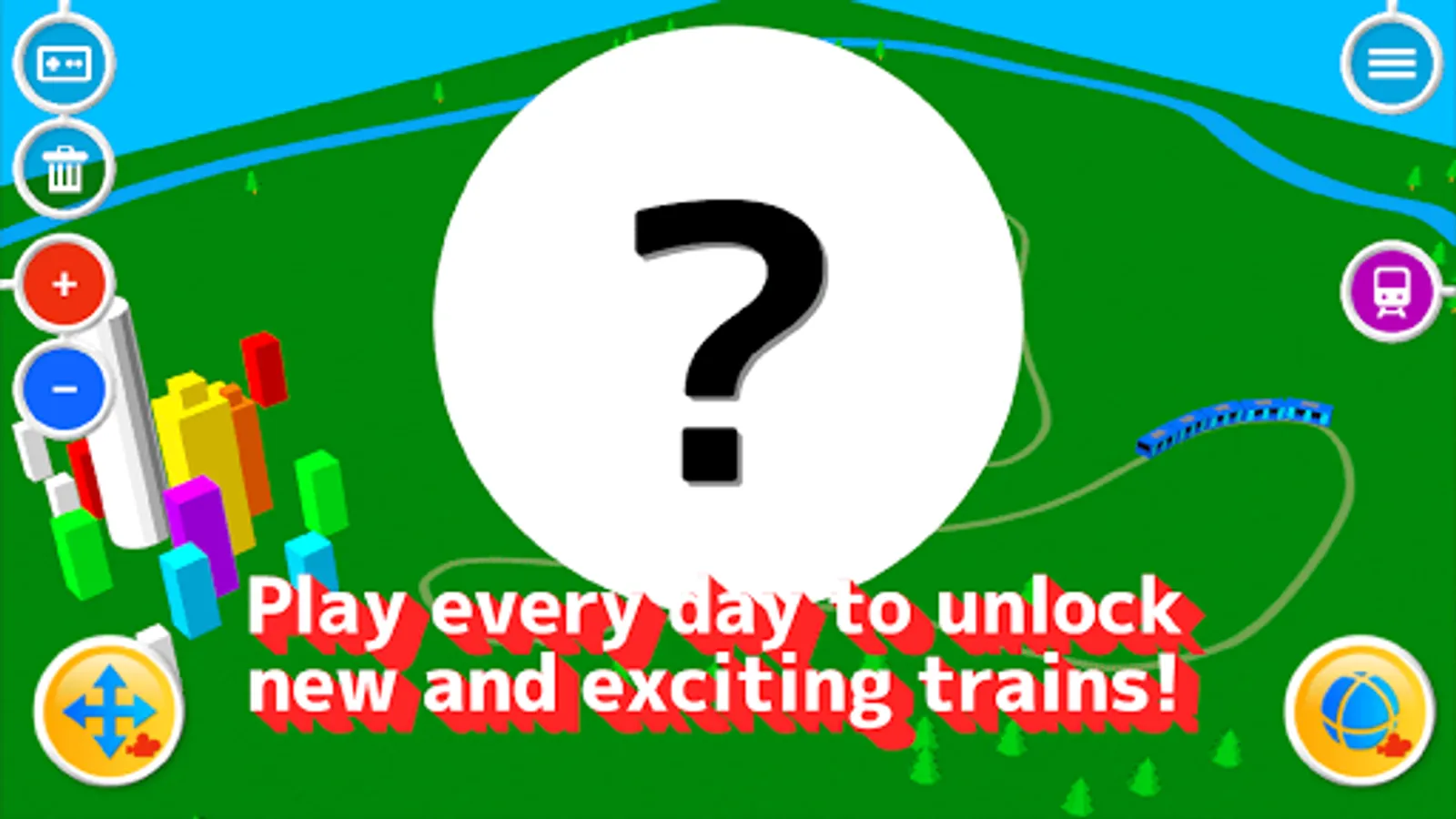
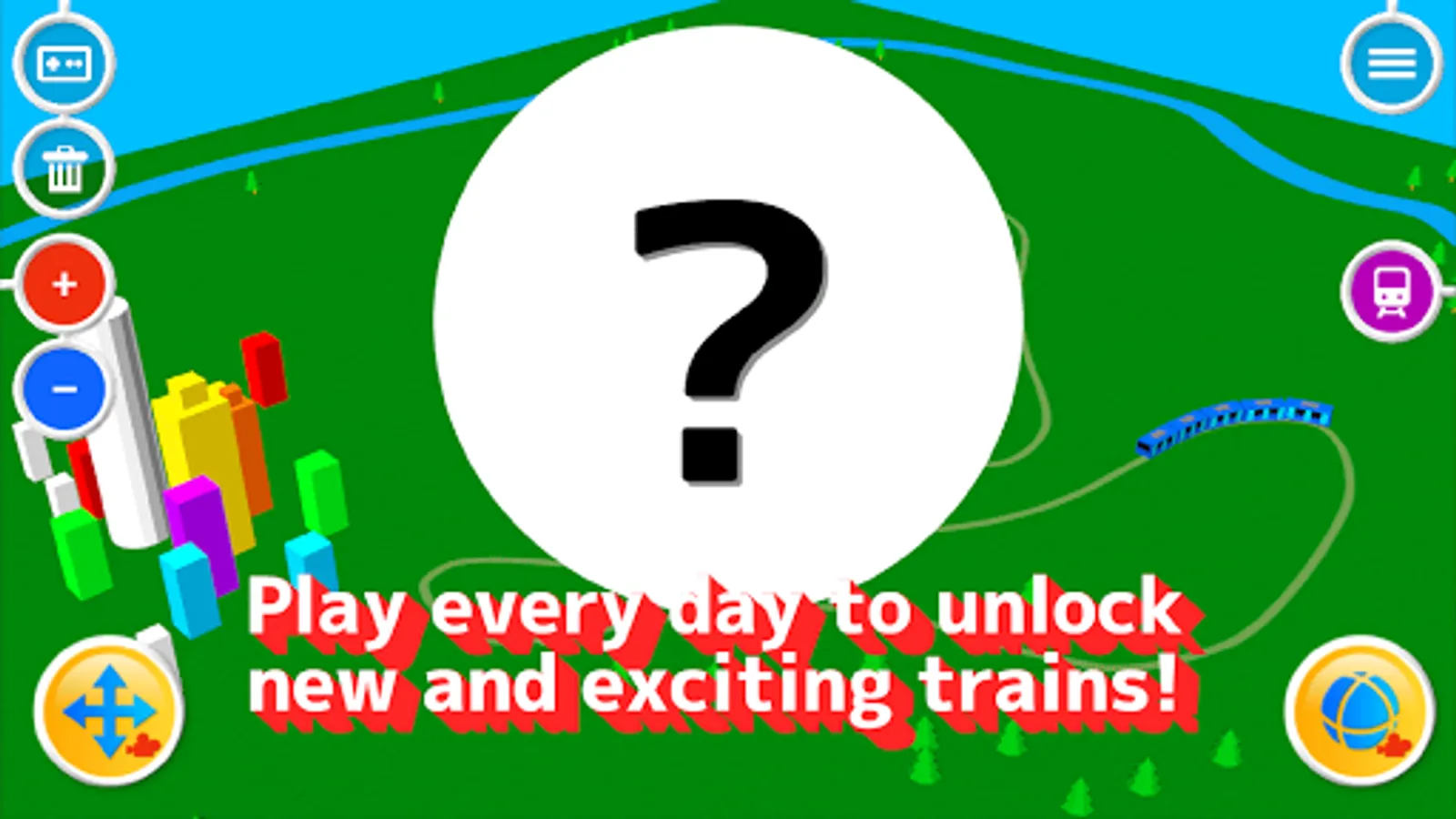
The train may be added while playing?
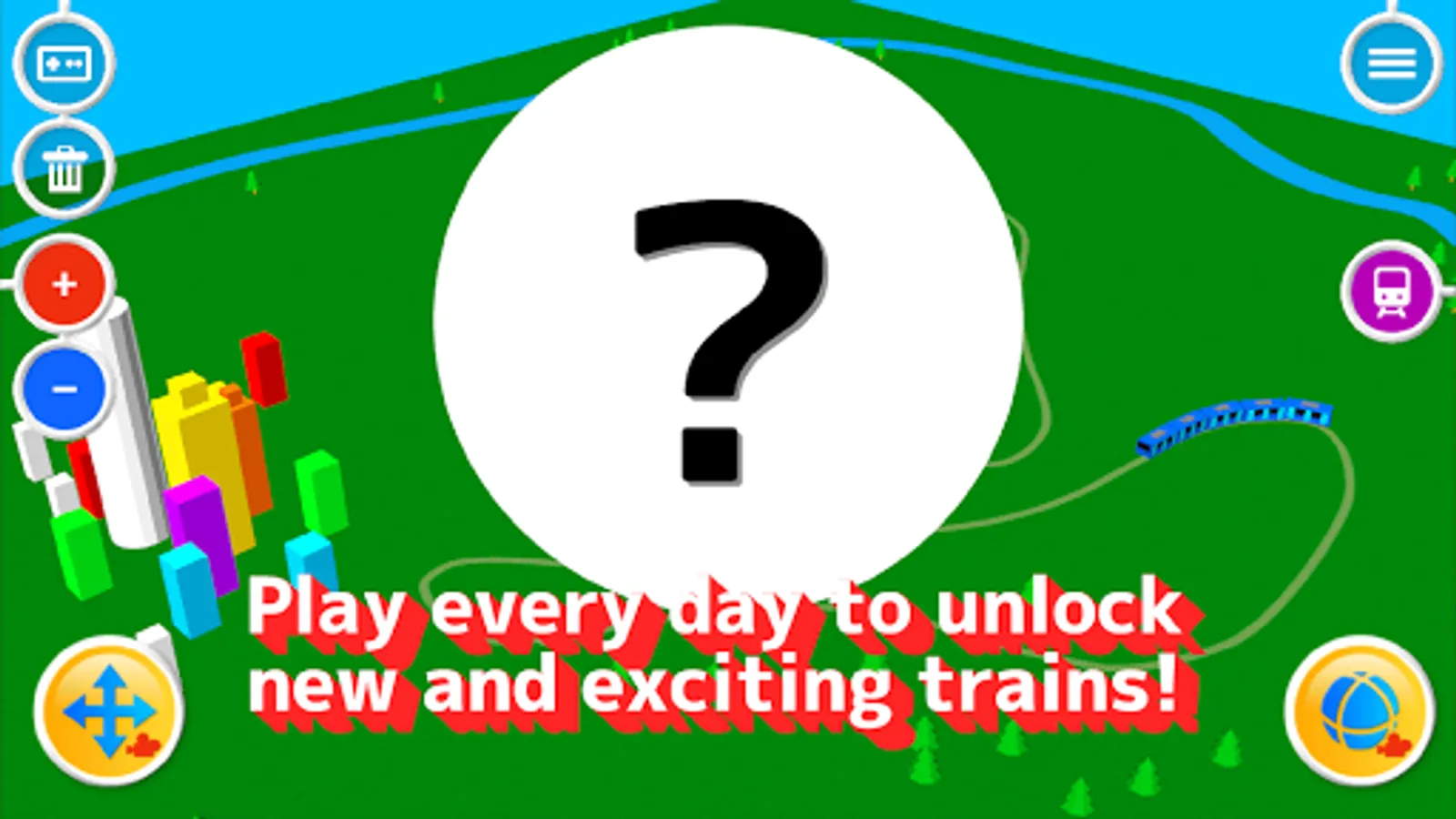
Please play every day!
********** How to play **********
- If a screen is traced, a track can be drawn and a train will begin to run it.
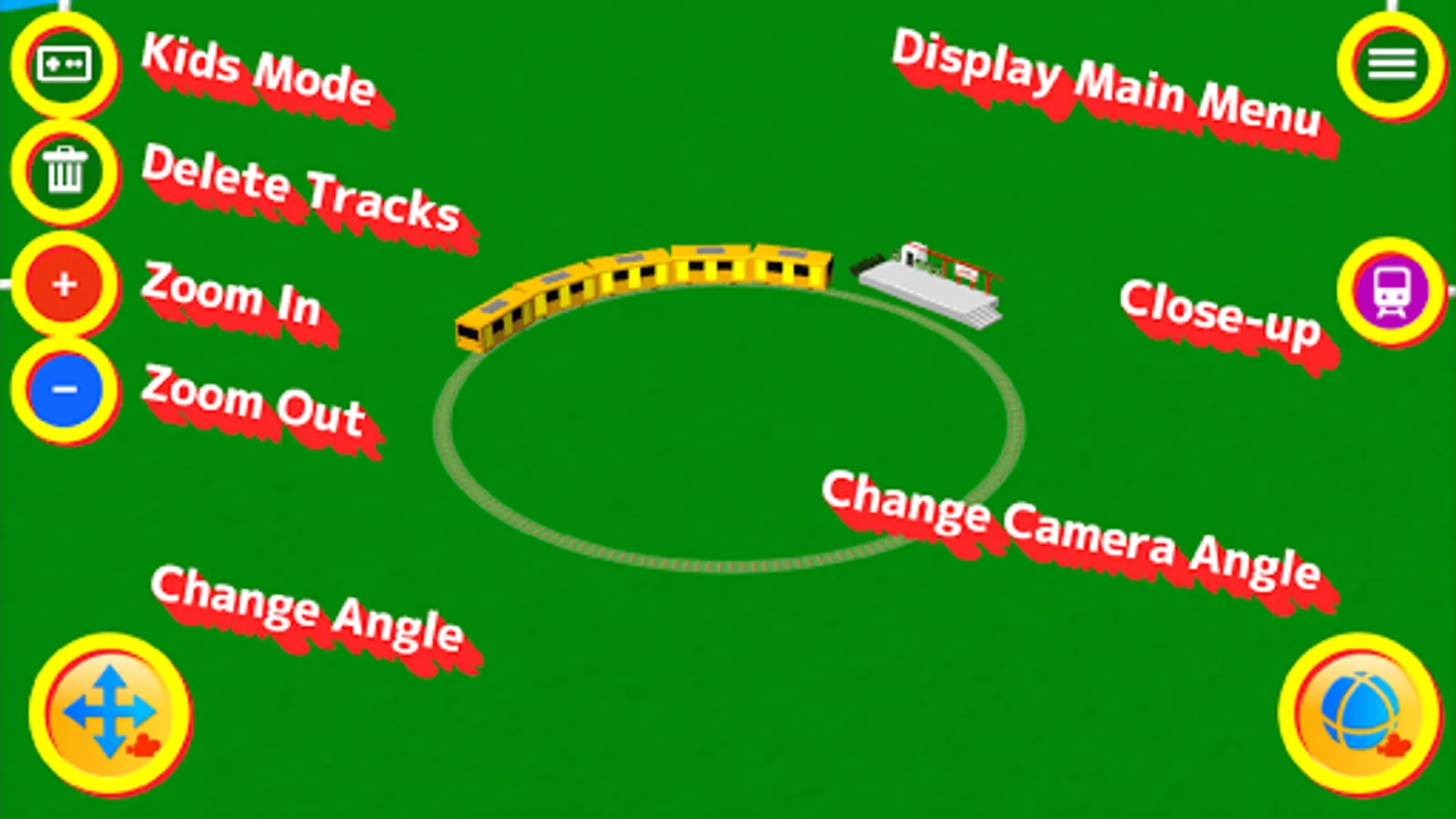
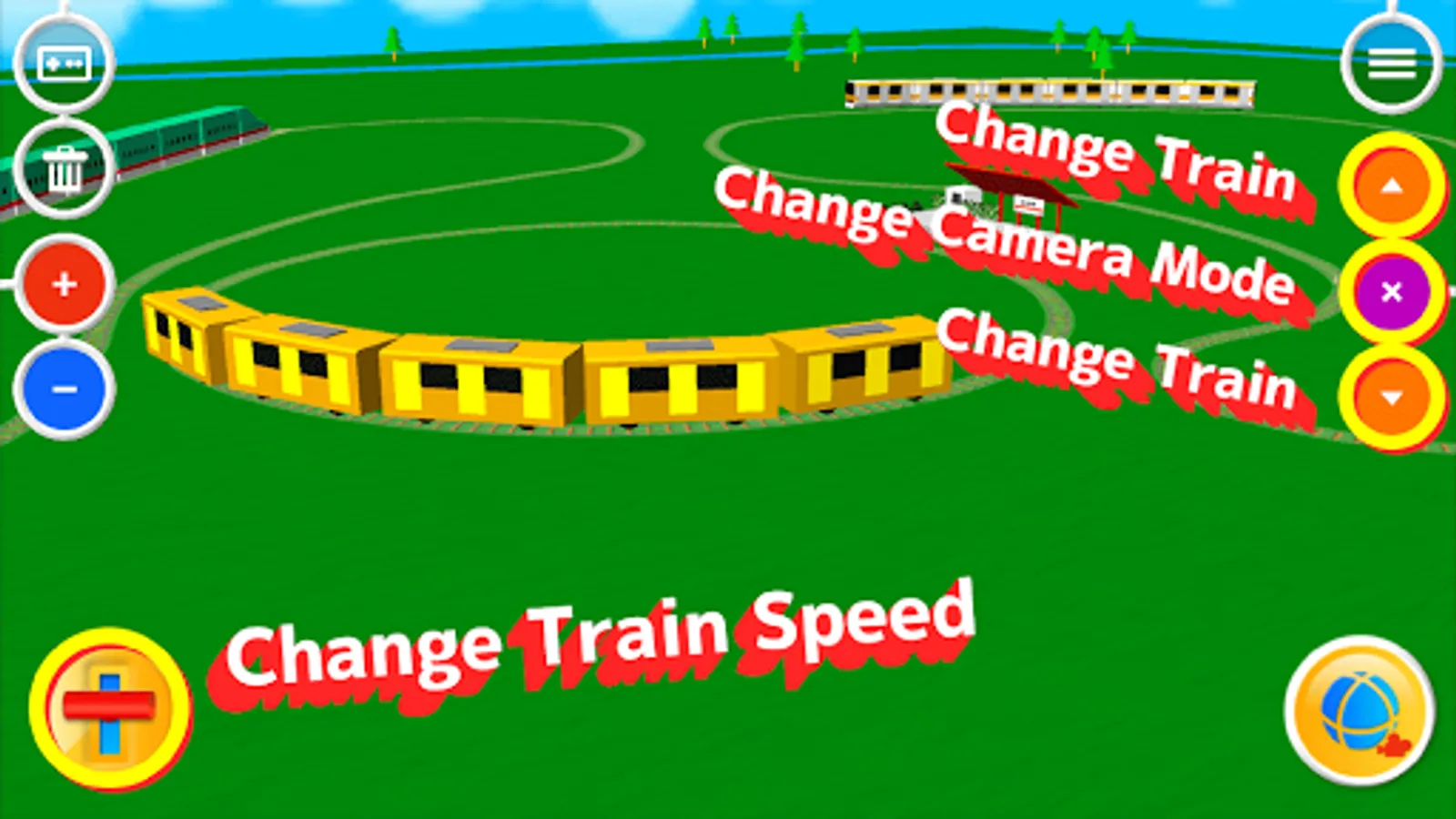
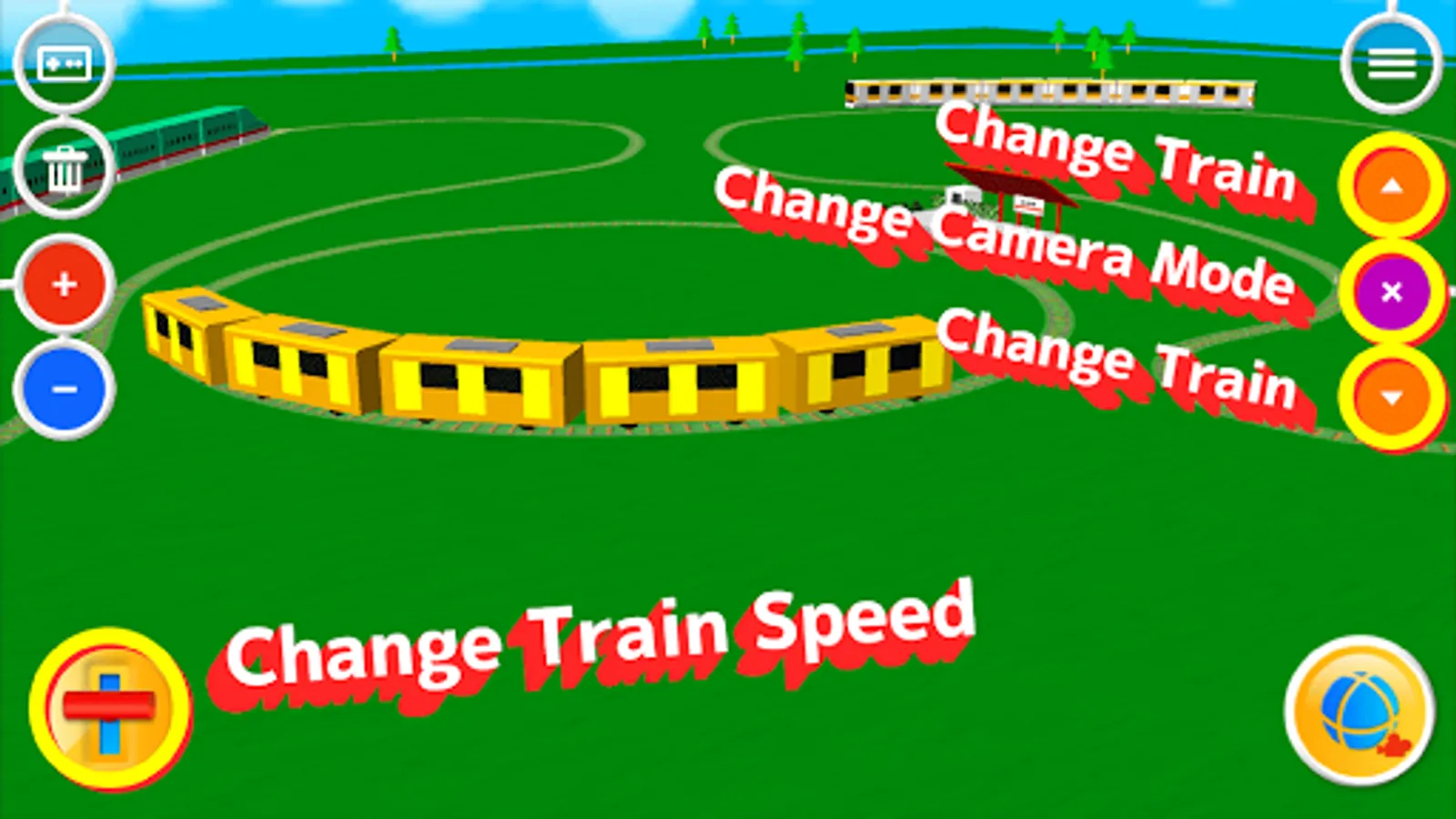
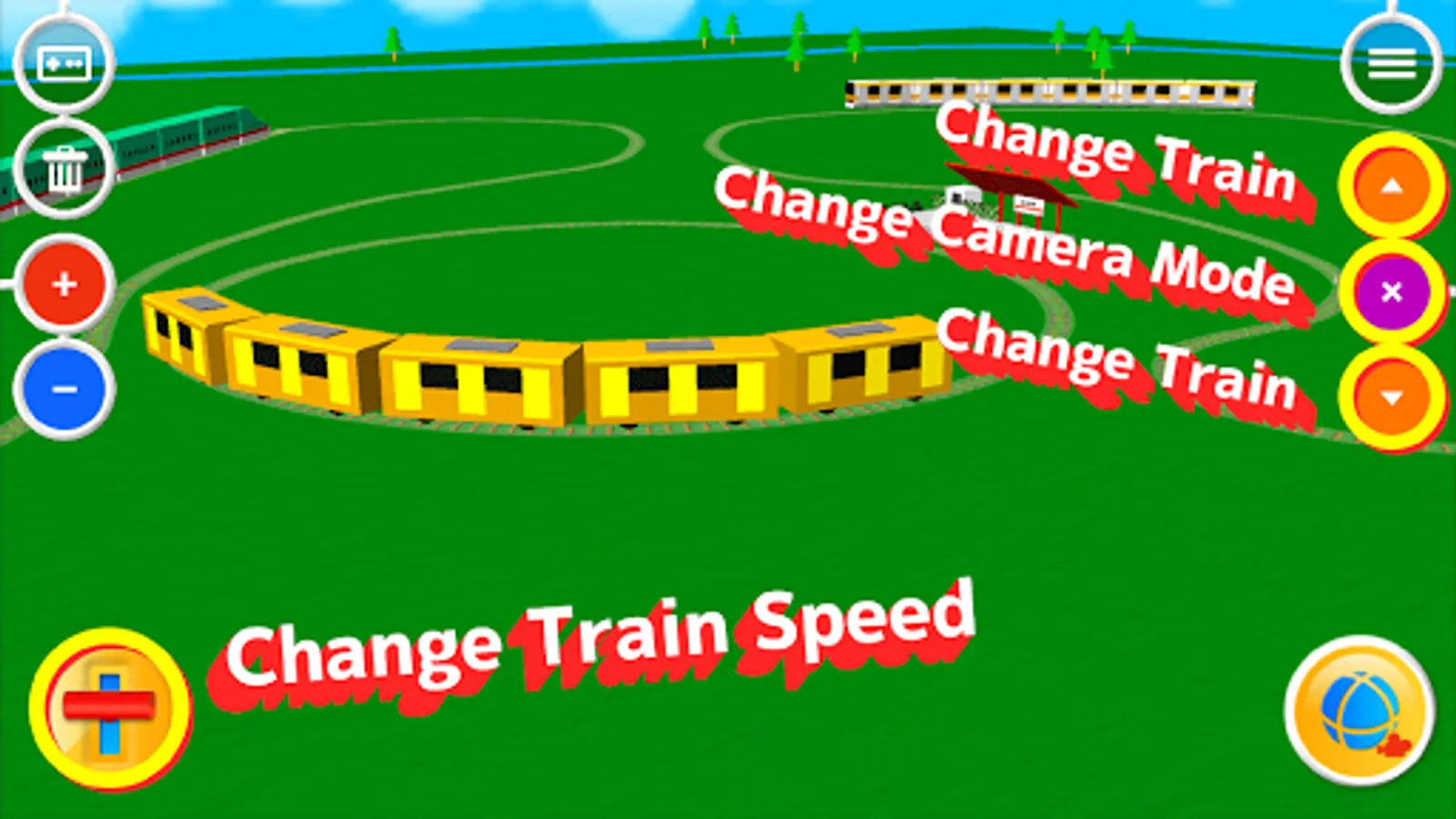
- The button of the train mark of the screen right is in train viewpoint mode. A viewpoint comes to follow a train.
- It can stop by pushing purple x button to stop train viewpoint mode.
- A viewpoint is changeable if a screen is traced at the time of train viewpoint mode. The train which is running can be seen from various angles.
- Please push the arrow button in the upper and lower sides of x button to change a viewpoint to the train which is different when two or more trains are run.
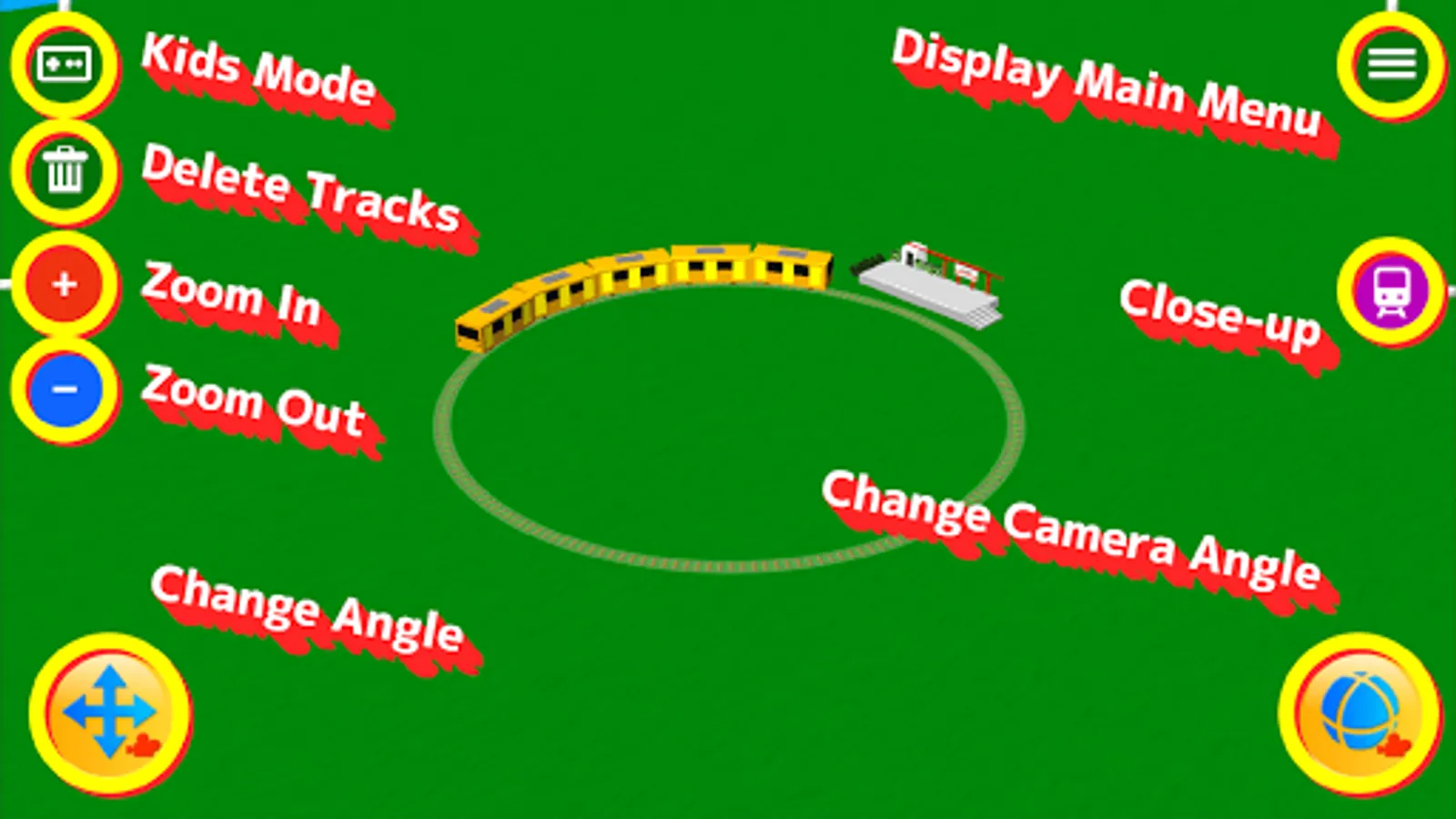
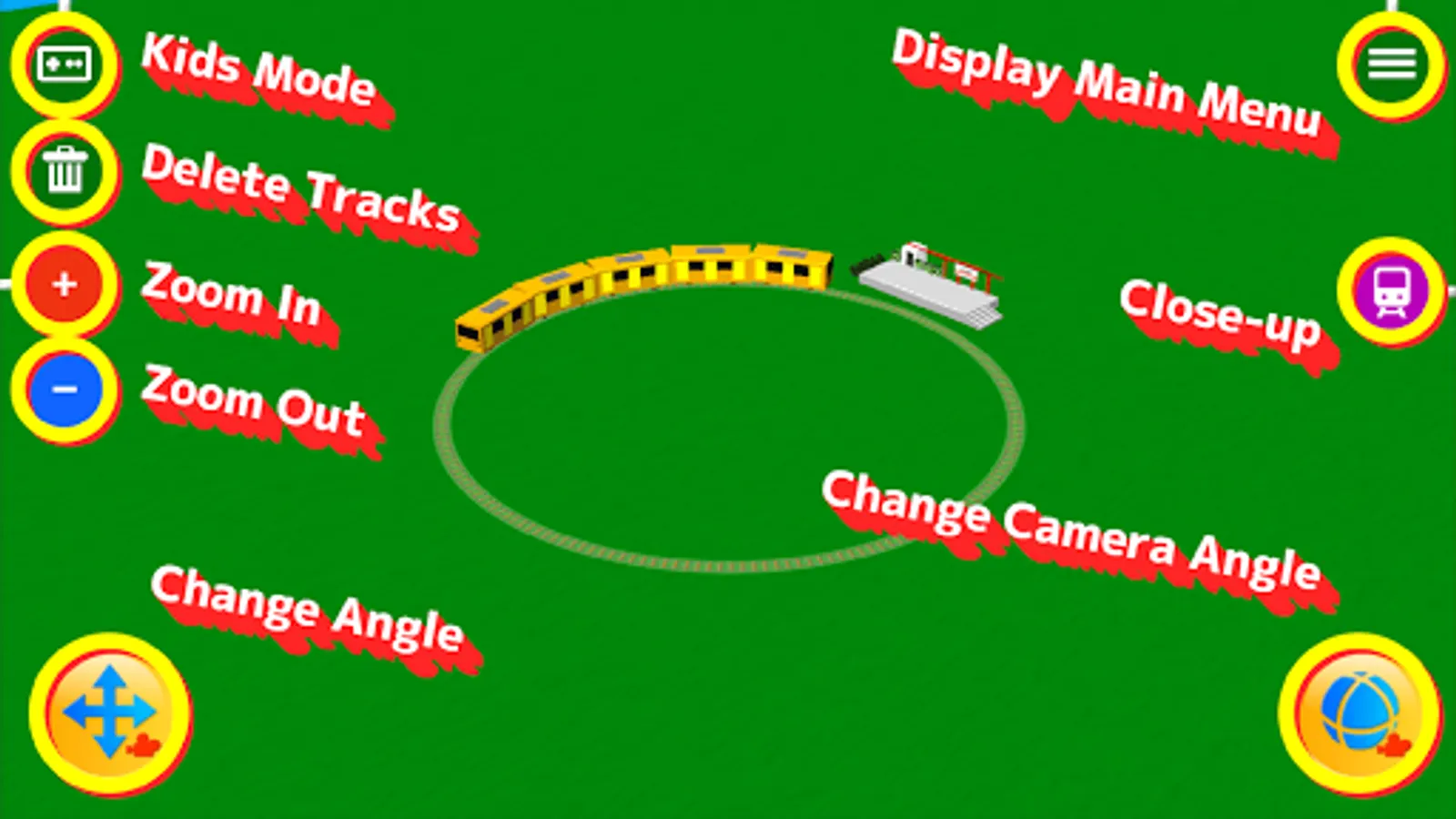
- Trash button at the upper left of a screen can erase the track drawn once.
- The Button in the upper right corner of the screen is a menu button. I can display items on the menus.
- Other apps are introduction of pleasant applications other than Touch trains 3D.
If a screen is traced, a track can be drawn and a train will begin to run it!
It is the new feeling which is run to the traced portion!
If a right-hand side train mark button is pushed after running a train, it will change to train viewpoint mode. It is dynamic!
There are a lot of various mechanisms!
The train may be added while playing?
Please play every day!
********** How to play **********
- If a screen is traced, a track can be drawn and a train will begin to run it.
- The button of the train mark of the screen right is in train viewpoint mode. A viewpoint comes to follow a train.
- It can stop by pushing purple x button to stop train viewpoint mode.
- A viewpoint is changeable if a screen is traced at the time of train viewpoint mode. The train which is running can be seen from various angles.
- Please push the arrow button in the upper and lower sides of x button to change a viewpoint to the train which is different when two or more trains are run.
- Trash button at the upper left of a screen can erase the track drawn once.
- The Button in the upper right corner of the screen is a menu button. I can display items on the menus.
- Other apps are introduction of pleasant applications other than Touch trains 3D.
Touch Train 3D Screenshots
Tap to Rate:
Reviews for Touch Train 3D
Iyappan A
12/23/2025
Train Demolition God
joahna ng
10/27/2025
FIRST I TOUCH THE REAL TOY GAME TRAIN NEXT I LOVE THROUGH THE CITIES AND THEN I WILL GO MEMBER!