
Motorola Indigenous Keyboard
Motorola Mobility LLC.
3.7 ★
220 ratings
10,000+
downloads
Free
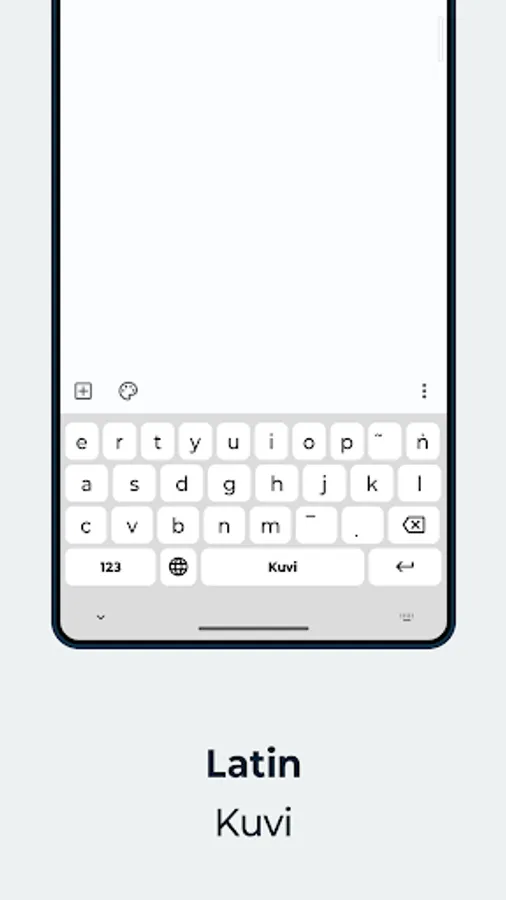
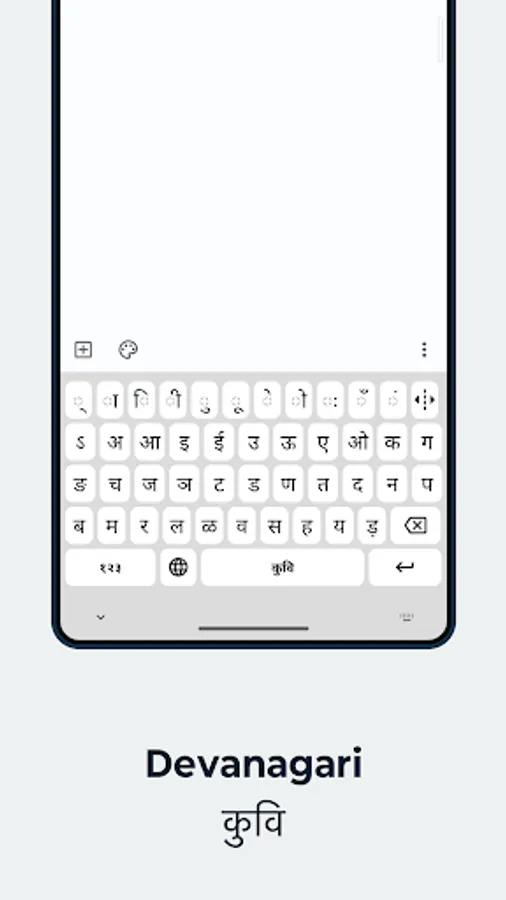
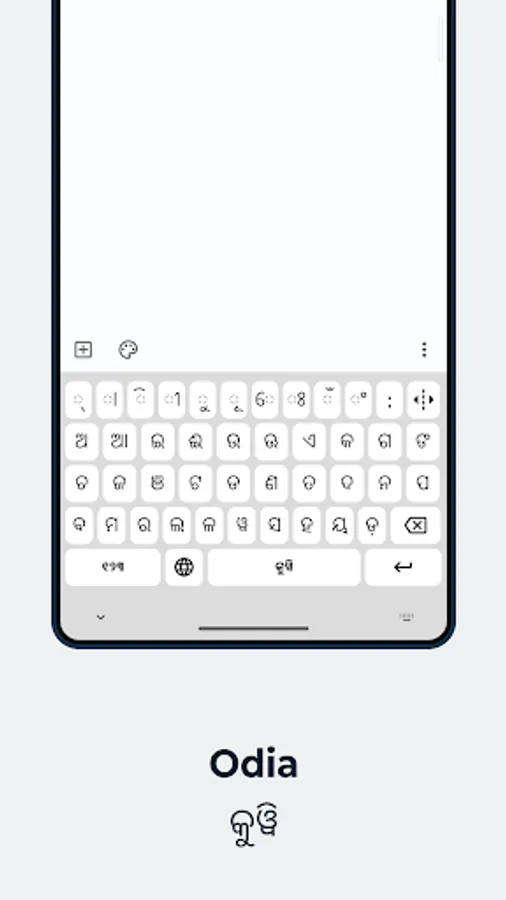
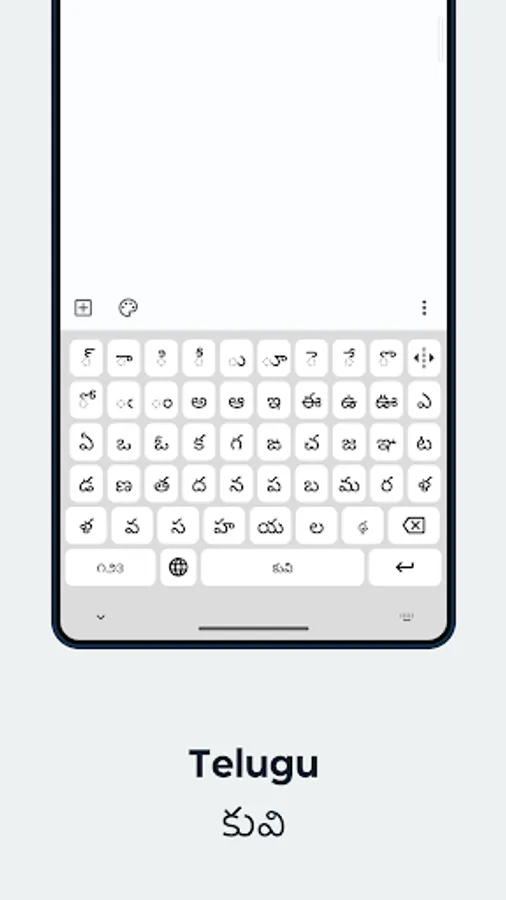
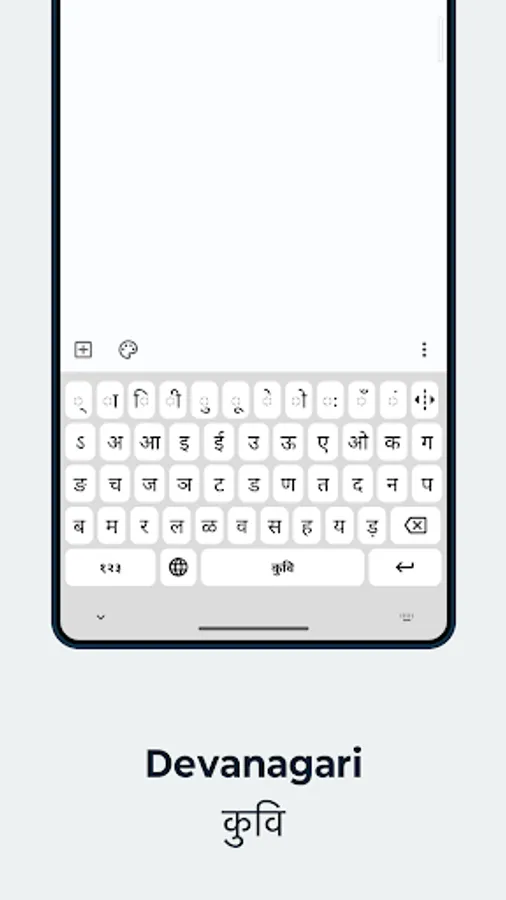
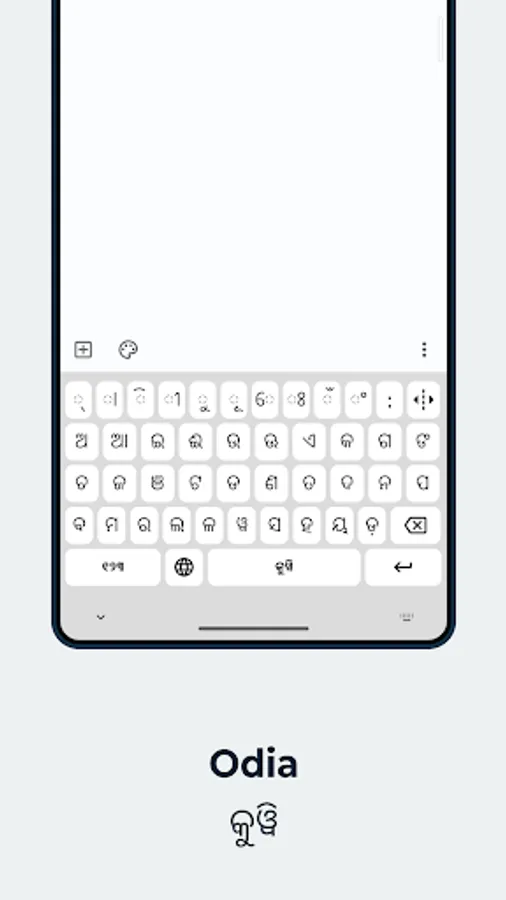
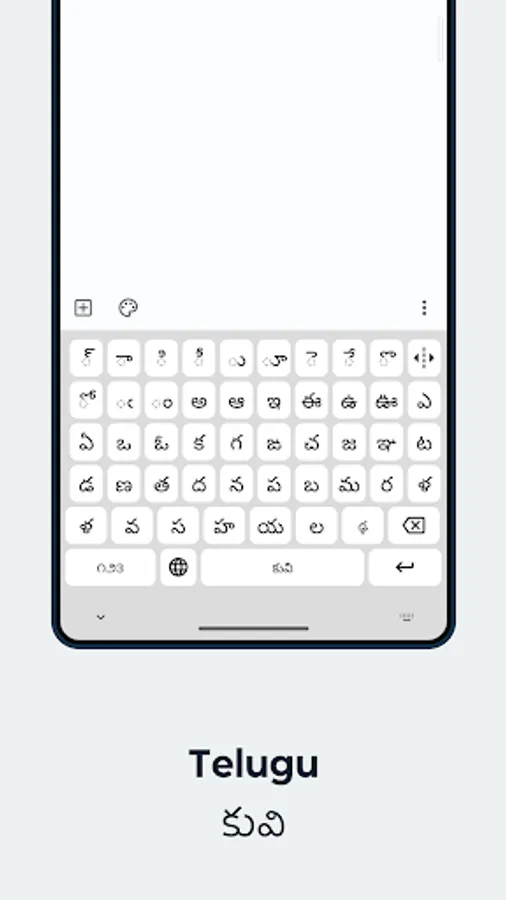
In this keyboard app, you can type in Kuvi and Zapotec languages using multiple scripts and layouts. Includes language character support, script options, and easy toggling between languages.
AppRecs review analysis
AppRecs rating 3.8. Trustworthiness 80 out of 100. Review manipulation risk 27 out of 100. Based on a review sample analyzed.
★★★☆☆
3.8
AppRecs Rating
Ratings breakdown
5 star
50%
4 star
13%
3 star
13%
2 star
3%
1 star
20%
What to know
✓
Low review manipulation risk
27% review manipulation risk
✓
Credible reviews
80% trustworthiness score from analyzed reviews
✓
Good user ratings
63% positive sampled reviews
About Motorola Indigenous Keyboard
Motorola Indigenous Keyboard is a unique keyboard that allows you to type easily in Kuvi (an endangered Indigenous language mostly spoken in India) and Zapotec (an endangered indigenous language mostly spoken in Mexico).
Any Motorola phone running [Android 13] can now access our Indigenous keyboard with language characters represented in 4 different Kuvi scripts (Devanagari, Telugu, Odia, Latin) and 6 different Zapotec layouts (Teotitlán del Valle Zapotec, San Miguel del Valle Zapotec, San Bartolomé Quialana Zapotec, Santa Inés Yatzeche Zapotec, San Pablo Guilá Zapotec, and San Pedro Mixtepec Zapotec).
Once you install the app, enable the Motorola Indigenous Keyboard from ‘On-screen keyboard’ menu in Settings, and the keyboard is ready to use. Simply tap on the globe key to change to a different language mode.
Any Motorola phone running [Android 13] can now access our Indigenous keyboard with language characters represented in 4 different Kuvi scripts (Devanagari, Telugu, Odia, Latin) and 6 different Zapotec layouts (Teotitlán del Valle Zapotec, San Miguel del Valle Zapotec, San Bartolomé Quialana Zapotec, Santa Inés Yatzeche Zapotec, San Pablo Guilá Zapotec, and San Pedro Mixtepec Zapotec).
Once you install the app, enable the Motorola Indigenous Keyboard from ‘On-screen keyboard’ menu in Settings, and the keyboard is ready to use. Simply tap on the globe key to change to a different language mode.
Motorola Indigenous Keyboard Screenshots

Tap to Rate:
Reviews for Motorola Indigenous Keyboard
Anshu
12/21/2025
add options to adjust keyboard size, add emojis,
Shauryam
12/6/2025
kuvi Longuage keyboard