With this app, you can organize your applications into nested folders and switch between screen modes easily. Includes drag-and-drop folder arrangements and swipe gestures for navigation.
AppRecs review analysis
AppRecs rating 3.8. Trustworthiness 0 out of 100. Review manipulation risk 0 out of 100. Based on a review sample analyzed.
★★★☆☆
3.8
AppRecs Rating
Ratings breakdown
5 star
63%
4 star
0%
3 star
19%
2 star
0%
1 star
19%
What to know
✓
Good user ratings
63% positive sampled reviews
About Apps Nested Folders
Drop me an email with the features you'd like to see in the future updates.
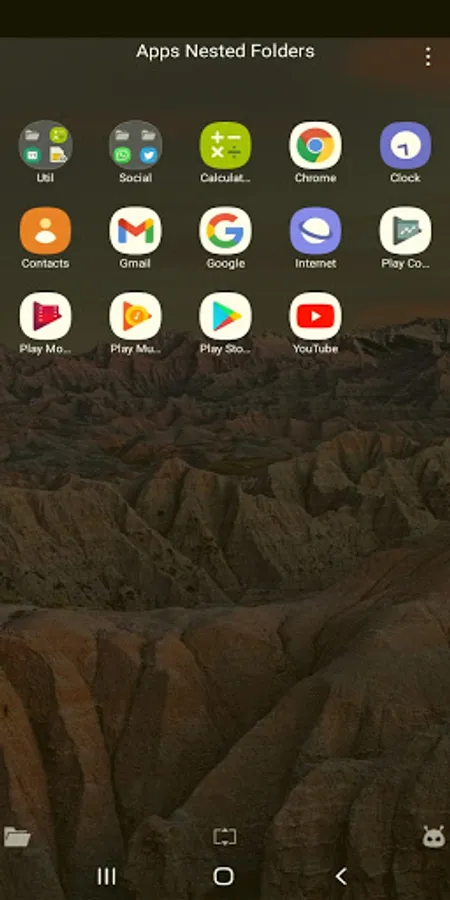
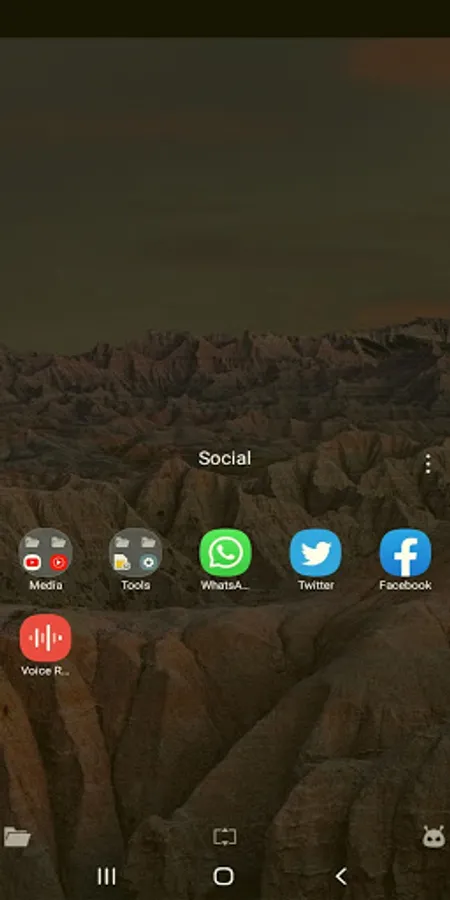
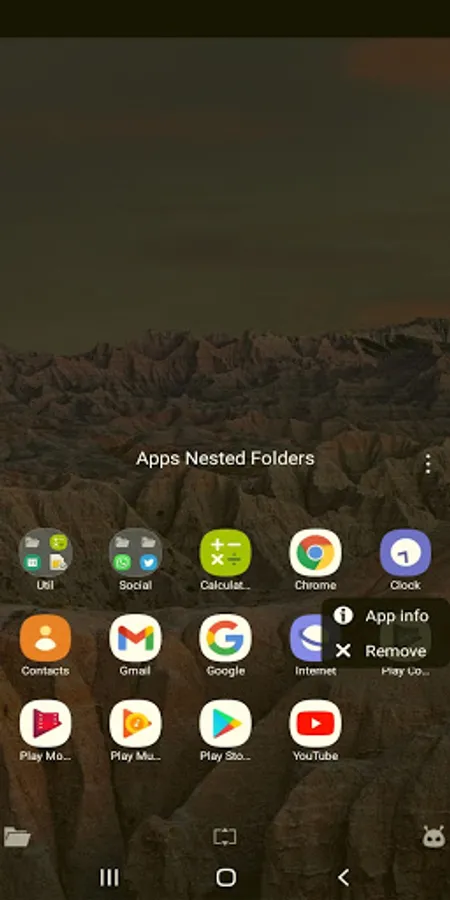
Create nested folders for your apps.
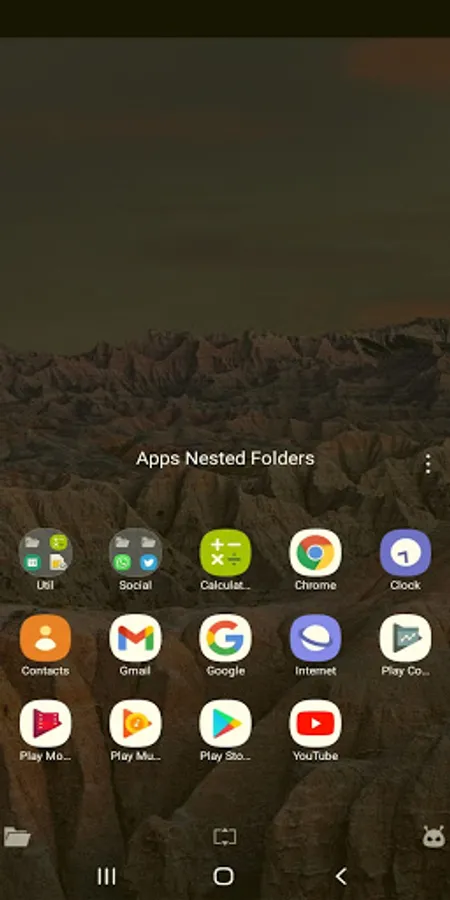
Easily reach & open your apps using one hand thanks to its design that gives you the ability to instantly switch between Full - Half screen modes.
Swipe right to switch between Full - Half screen.
Swipe left to perform Back / Exit from any folder.
You can manually arrange apps and folders using drag & drop.
Create nested folders for your apps.
Easily reach & open your apps using one hand thanks to its design that gives you the ability to instantly switch between Full - Half screen modes.
Swipe right to switch between Full - Half screen.
Swipe left to perform Back / Exit from any folder.
You can manually arrange apps and folders using drag & drop.
Apps Nested Folders Screenshots
Tap to Rate: