MSI Cloud Center
MSI(Micro-Star INT'L CO., LTD.)
10,000+
downloads
Free
AppRecs review analysis
AppRecs rating . Trustworthiness 75 out of 100. Review manipulation risk 38 out of 100. Based on a review sample analyzed.
★
AppRecs Rating
Ratings breakdown
5 star
80%
4 star
0%
3 star
0%
2 star
0%
1 star
20%
What to know
✓
Credible reviews
75% trustworthiness score from analyzed reviews
✓
High user satisfaction
80% of sampled ratings are 4+ stars (4.2★ average)
About MSI Cloud Center
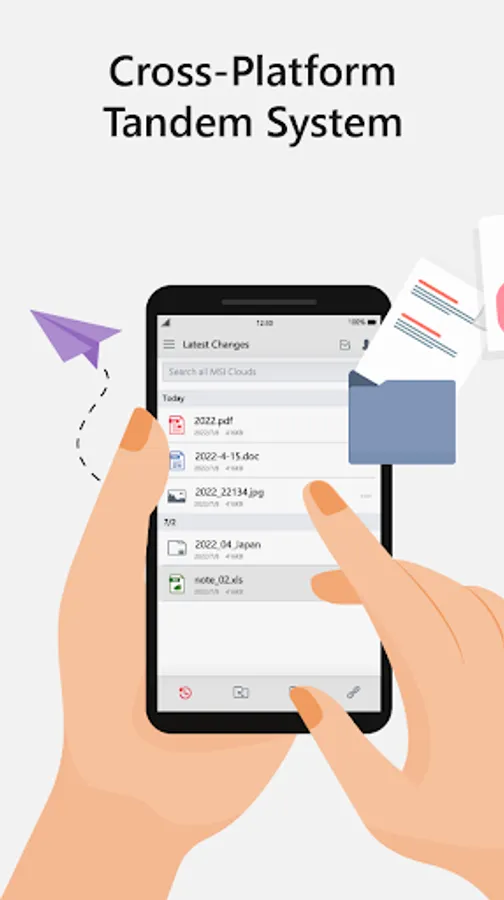
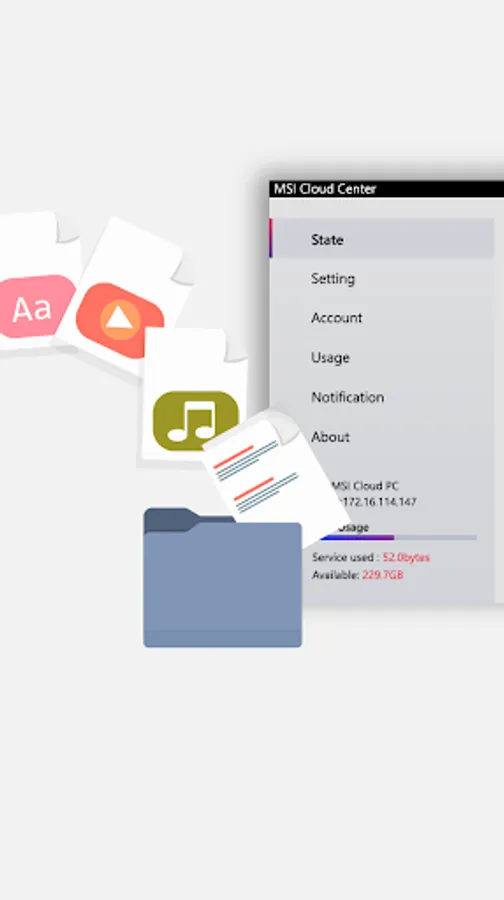
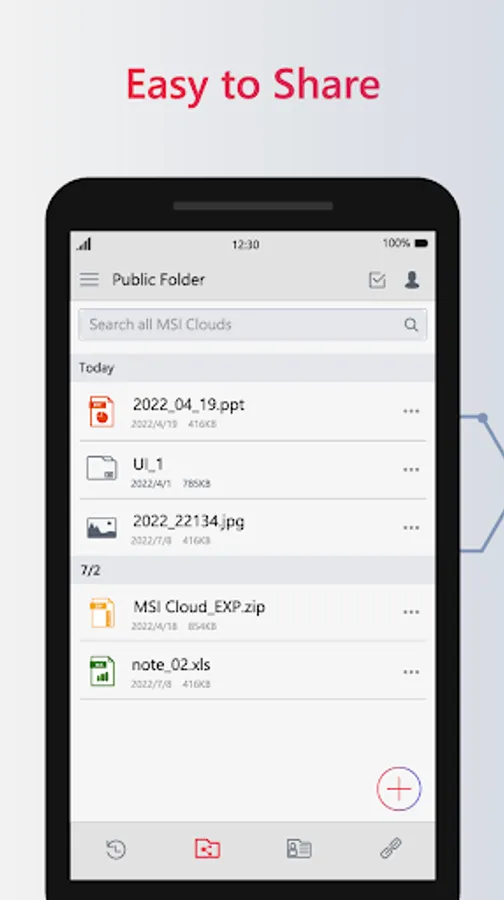
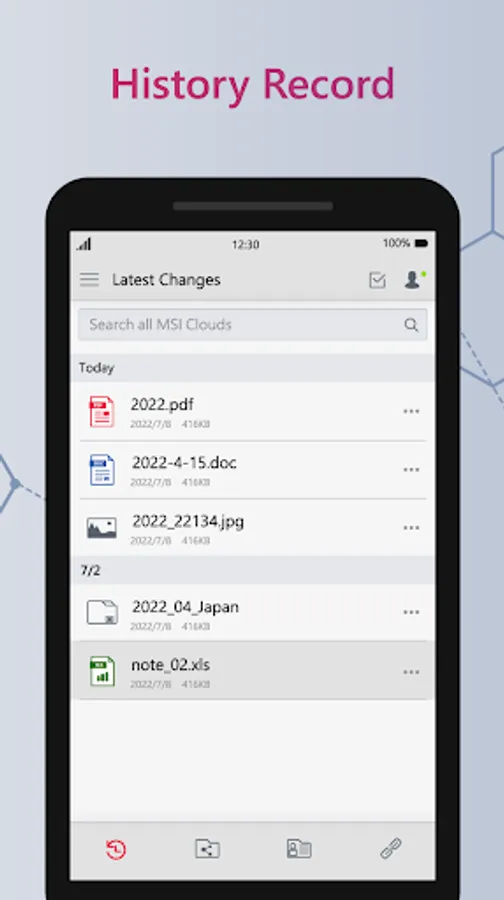
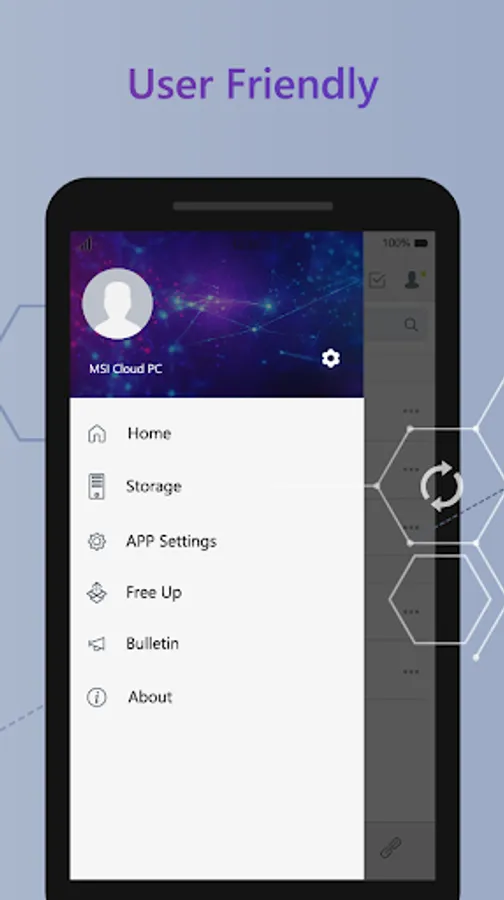
The MSI Cloud Center allows you to backup, download, and share photos, videos, and any other files between the Android mobile devices and MSI PC. Just one click and it will automatically backup all of your photos & videos to the specific storage you want within a private intranet environment which ensures a safer private cloud environment. You can make these files accessible to your family or team members, or you can also make files as private as you want and you’re the only one who can access them. The decision is in your hands.
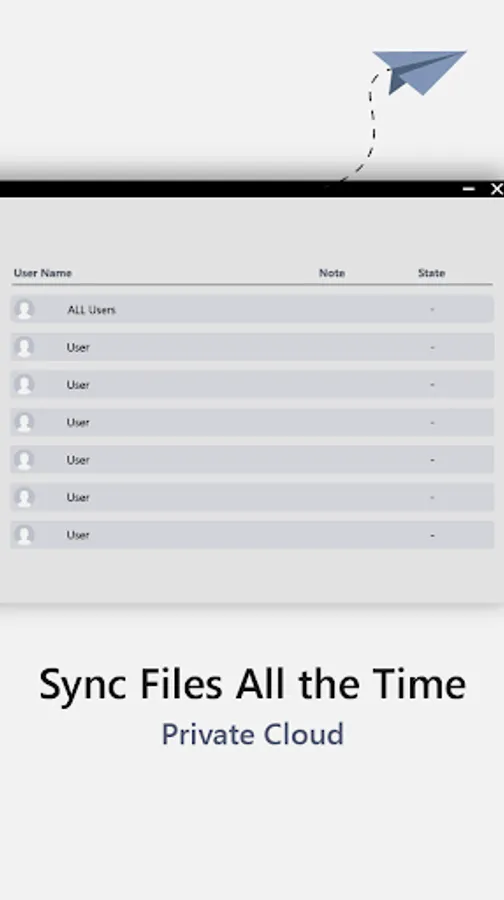
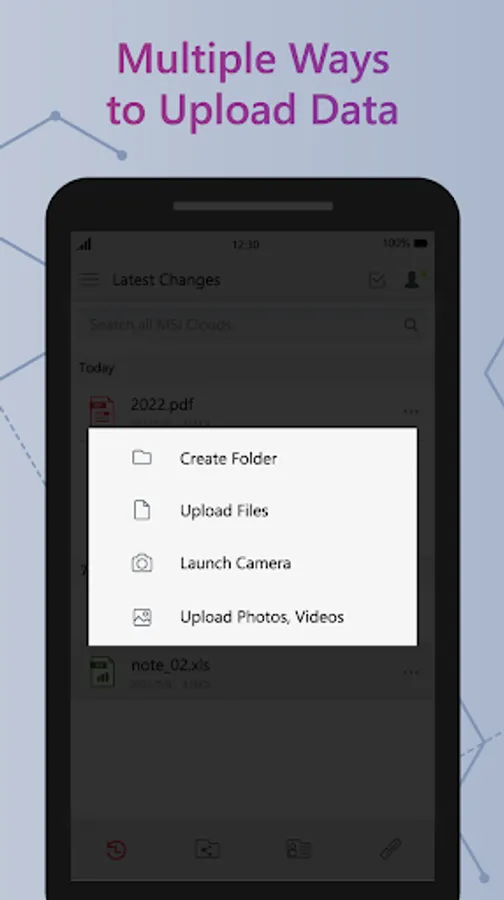
If you don’t want to backup all of the files on your Android devices, you can select multiple files and upload them to the specific storage you want. You can upload, download, delete or even share the files with your family or team members who have been authorized & logged in with a QR code generated by the MSI Cloud Center, and they will also enjoy the benefit of this private cloud and upload the files to finalize the projects with you. Pair multiple devices at once to share between all of your devices.
Key Features:
• Backup, download, and share across Windows and Android devices.
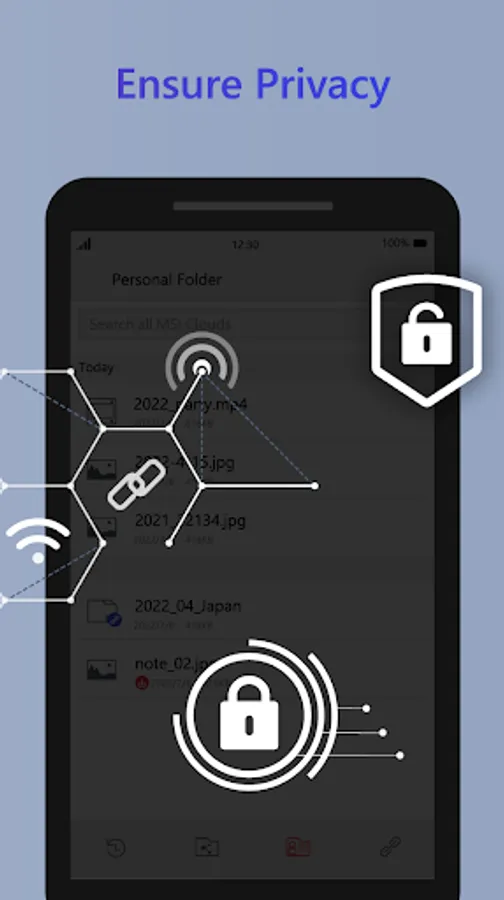
• Designed a convenient public folder and a private personal folder for you to ensure more privacy.
• One-time paring and fast & securely log in with a QR code are available.
• Fast pair multiple devices, and switch between them easily.
• Multi-file uploading and downloading are supported.
• Automatic backup for all of the photos and video is available.
Instructions:
1. Download & install this app for your mobile device
2. Download, install and launch the MSI Cloud Center application on your MSI computer, please download from the following link:
https://www.msi.com/Landing/MSI-Cloud-Center
3. Make sure both the computer and the mobile device are connected to the same wireless network.
4. Launch MSI Cloud Center and follow the pairing directions on your mobile device.
5. Follow the instructions in the mobile app to get started and grant permissions on your device, and then suggest logging in with QR Code.
6. Use your device camera to scan the QR code that displays on your computer screen.
7. After the device and computer are paired, use the MSI Cloud Center app to send files, photos, videos, and other items between your device and the MSI computer.
Requirements:
• Compatible with MSI selected products
• Windows 11
• Windows 10 (1607) or higher which supports .Net Framework 4.8
• Android 9 or higher
If you don’t want to backup all of the files on your Android devices, you can select multiple files and upload them to the specific storage you want. You can upload, download, delete or even share the files with your family or team members who have been authorized & logged in with a QR code generated by the MSI Cloud Center, and they will also enjoy the benefit of this private cloud and upload the files to finalize the projects with you. Pair multiple devices at once to share between all of your devices.
Key Features:
• Backup, download, and share across Windows and Android devices.
• Designed a convenient public folder and a private personal folder for you to ensure more privacy.
• One-time paring and fast & securely log in with a QR code are available.
• Fast pair multiple devices, and switch between them easily.
• Multi-file uploading and downloading are supported.
• Automatic backup for all of the photos and video is available.
Instructions:
1. Download & install this app for your mobile device
2. Download, install and launch the MSI Cloud Center application on your MSI computer, please download from the following link:
https://www.msi.com/Landing/MSI-Cloud-Center
3. Make sure both the computer and the mobile device are connected to the same wireless network.
4. Launch MSI Cloud Center and follow the pairing directions on your mobile device.
5. Follow the instructions in the mobile app to get started and grant permissions on your device, and then suggest logging in with QR Code.
6. Use your device camera to scan the QR code that displays on your computer screen.
7. After the device and computer are paired, use the MSI Cloud Center app to send files, photos, videos, and other items between your device and the MSI computer.
Requirements:
• Compatible with MSI selected products
• Windows 11
• Windows 10 (1607) or higher which supports .Net Framework 4.8
• Android 9 or higher
MSI Cloud Center Screenshots
Tap to Rate:
Reviews for MSI Cloud Center
Gage Hawes
12/27/2025
I type in my IP address and it keeps saying Make sure I'm connected to the same network and I am
Mohamed Alshami
1/8/2025
I will not forget the first app ever help me like google earth. For Supporting google