MSI Remote Display
MSI(Micro-Star INT'L CO., LTD.)
2.6 ★
476 ratings
100,000+
downloads
Free
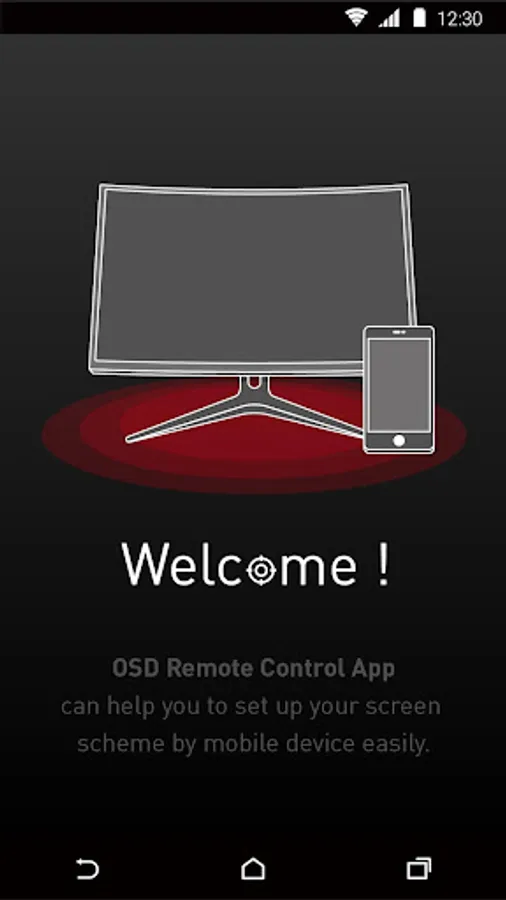
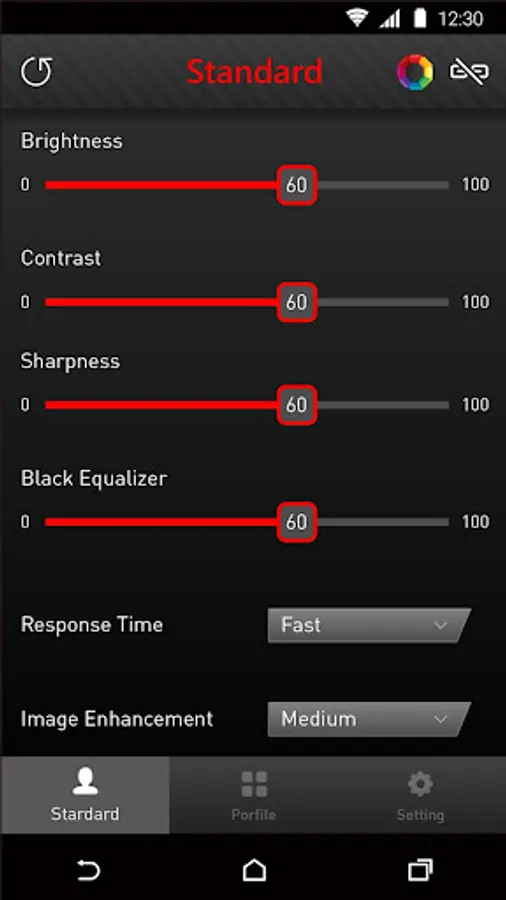
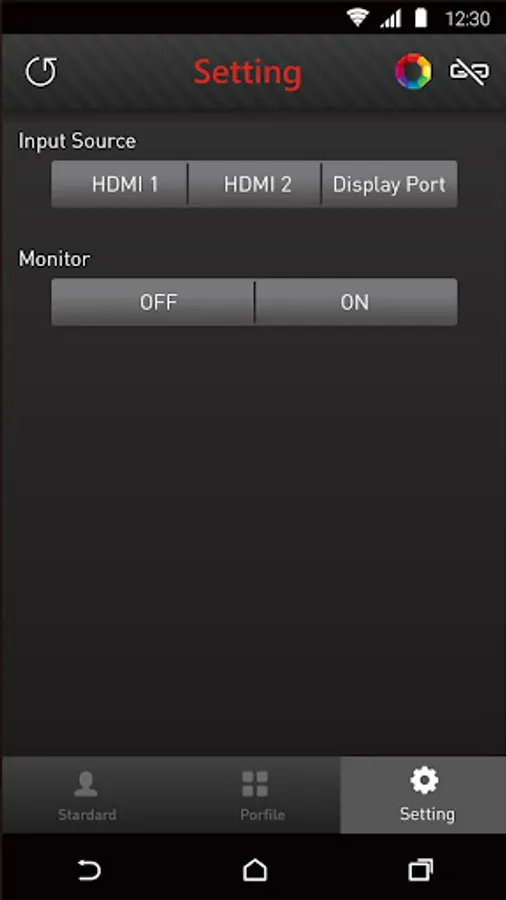
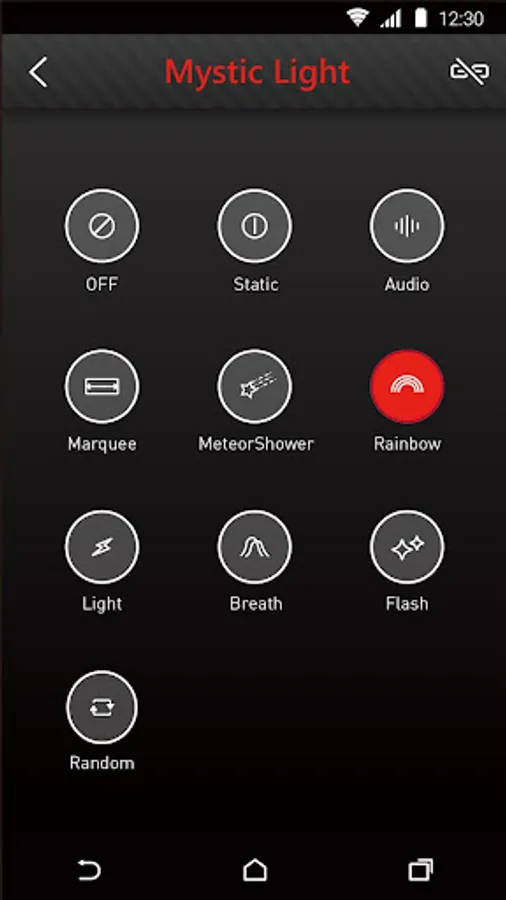
In this remote control app, you can adjust your gaming monitor's settings such as contrast, brightness, and black equalizer. Includes control over LED effects and integration with MSI Mystic Light for customization.
AppRecs review analysis
AppRecs rating 2.7. Trustworthiness 79 out of 100. Review manipulation risk 24 out of 100. Based on a review sample analyzed.
★★☆☆☆
2.7
AppRecs Rating
Ratings breakdown
5 star
28%
4 star
8%
3 star
11%
2 star
2%
1 star
51%
What to know
✓
Low review manipulation risk
24% review manipulation risk
⚠
Mixed user feedback
Average 2.6★ rating suggests room for improvement
⚠
High negative review ratio
53% of sampled ratings are 1–2 stars
About MSI Remote Display
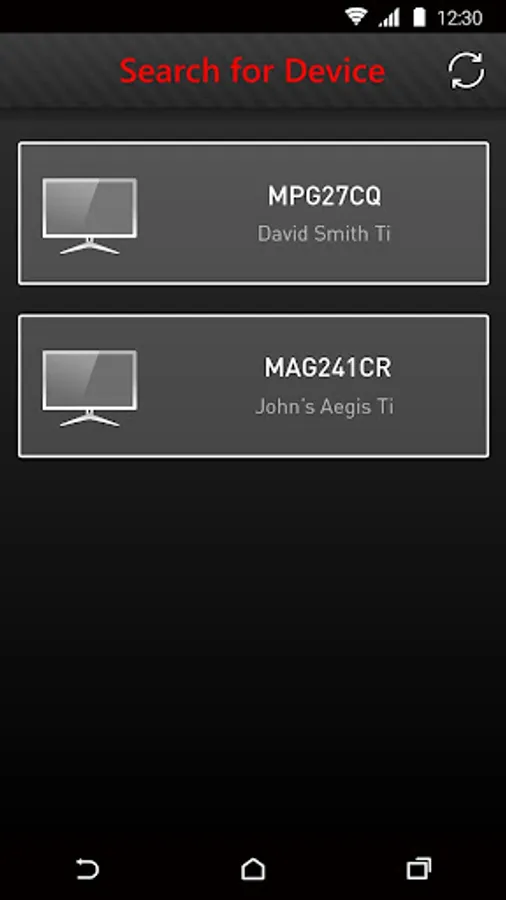
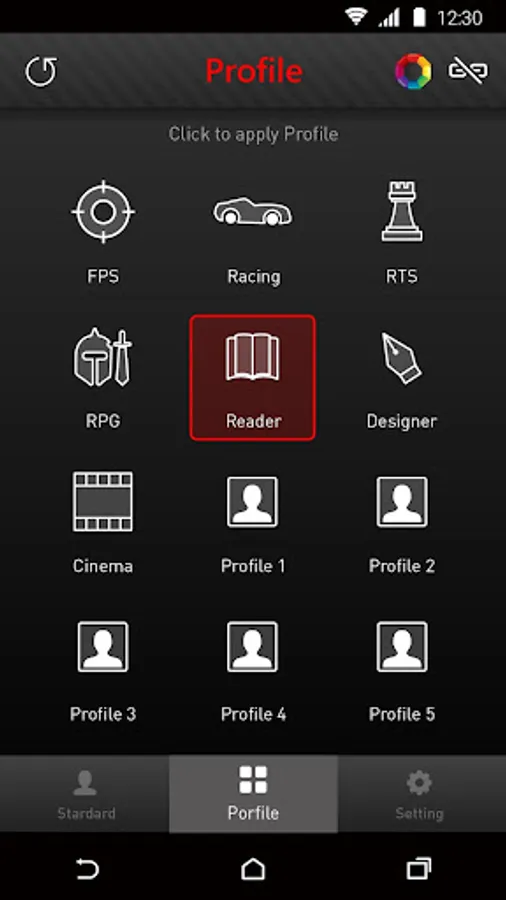
Customize your gaming monitor with MSI Remote Display which allows you to control its settings, including the contrast ratio, brightness and black equalizer, etc., right from your mobile phone. You can even choose the LED effects for the selected gaming monitor with MSI Mystic Light to match your personal style.
* Support with Gaming OSD: version 0.0.2.3 or above (available on MSI official website)
* For Gaming monitor support model list, please visit https://www.msi.com/Landing/MSI-Commander-Unit
MSI Remote Display Screenshots
Tap to Rate:
Reviews for MSI Remote Display
Panos Baltzis
11/21/2025
What is the reason of having this app when is not really working as intended... If you have the kvm of the monitor to type c, then you can't find your monitor unless your other device is also on the WiFi network not just the same network. MSI you could do better than this....
Willow Red
11/20/2025
item worked well. but my case didnt have the space too use it. i still recommend it.