Word Clouds: word art designer
武汉帧迹科技有限公司
3.5 ★
1K ratings
100,000+
downloads
Free
In this word art designer app, you can create customized word clouds by selecting fonts, colors, and layouts. Includes options for poster, contrast, and background shapes, as well as photo integration.
AppRecs review analysis
AppRecs rating 3.5. Trustworthiness 75 out of 100. Review manipulation risk 44 out of 100. Based on a review sample analyzed.
★★★☆☆
3.5
AppRecs Rating
Ratings breakdown
5 star
45%
4 star
16%
3 star
9%
2 star
9%
1 star
21%
What to know
⚠
Questionable review patterns
44% review manipulation risk - some review patterns appear unusual
⚠
Review quality concerns
67% of sampled 5-star reviews are very short
⚠
High negative review ratio
30% of sampled ratings are 1–2 stars
About Word Clouds: word art designer
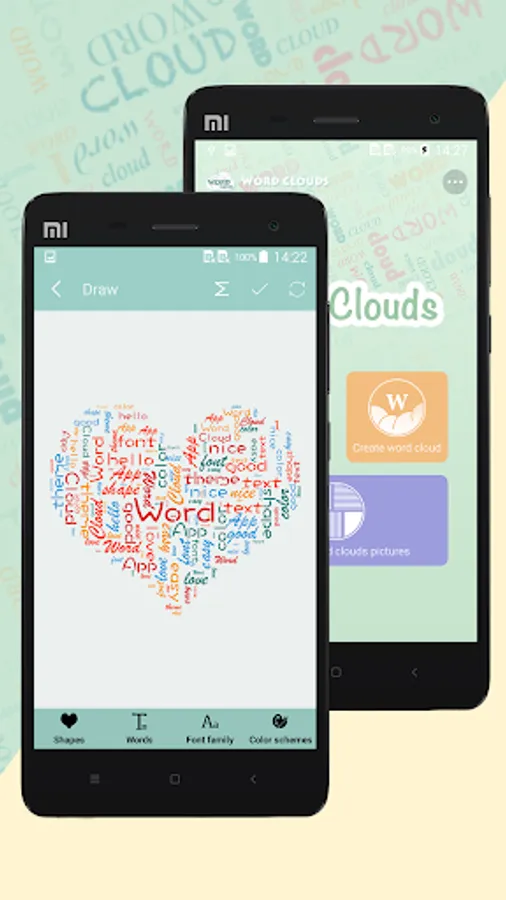
Word Clouds is a “word clouds” generator for designer. With Word Clouds you can make beautiful word clouds, super customized with different fonts, colors and words layouts.
Word Clouds has three words layout mode: Poster, Contrast and Background.
Poster mode: the app reduces the priority of your words in sequence and makes a Poster-style picture.
Contrast mode: the app sets highest priority to the first word and the word is emphasized in generated picture.
Background: the app sets closed priority to your words and they are filled into the shape evenly. You can take the picture as a background of a LOGO on T-shirt.
Features:
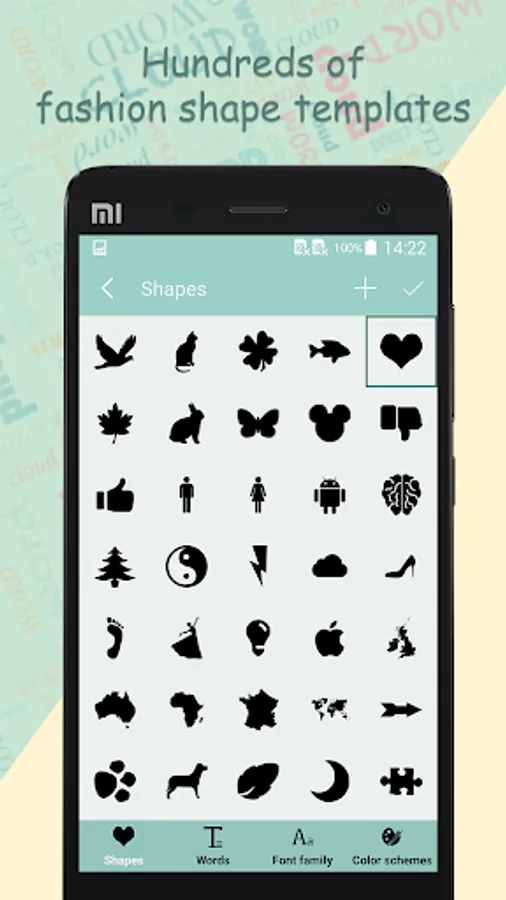
1.Hundreds of highbrow and clean art shapes.
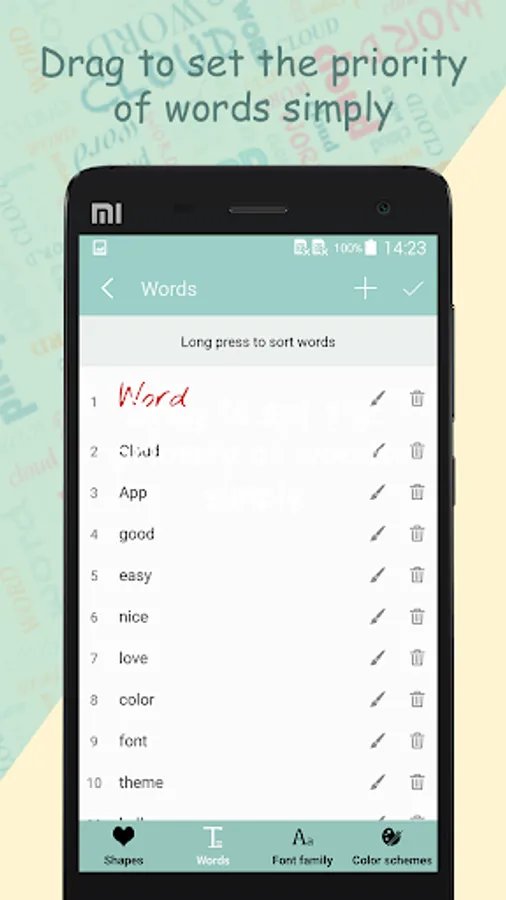
2.Drag to set the priority of words.
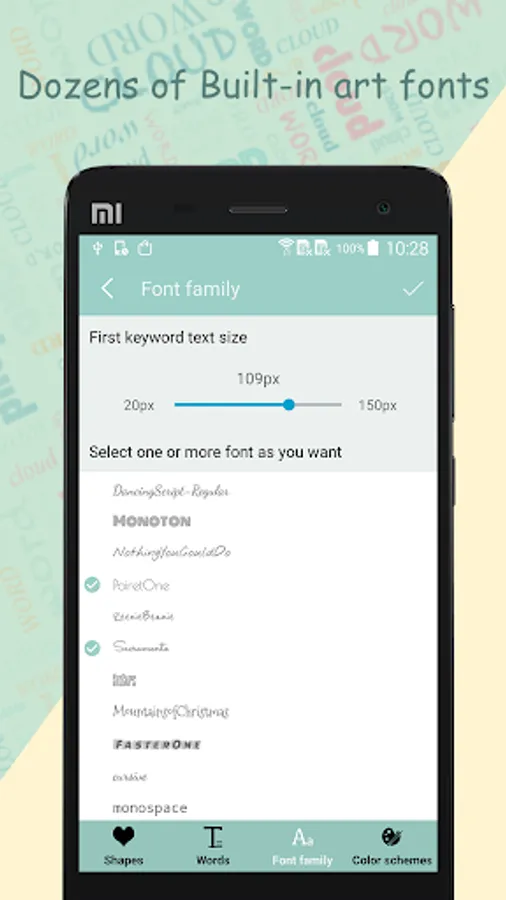
3.Dozens of Built-in art fonts include Chinese font.
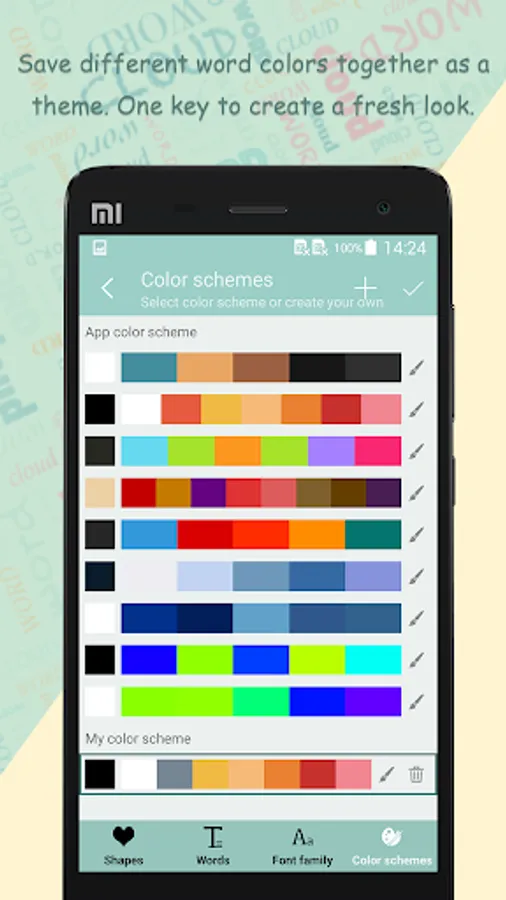
4.Save different word colors together as a theme. One key to create a fresh look.
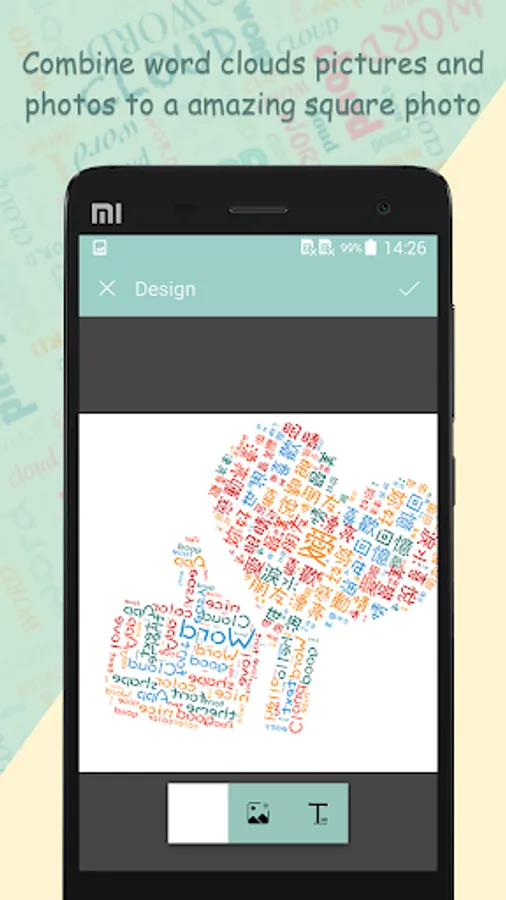
5.Combine word clouds and photos to a amazing square picture, share with your friends on Instagram, Facebook and more.
Word Clouds has three words layout mode: Poster, Contrast and Background.
Poster mode: the app reduces the priority of your words in sequence and makes a Poster-style picture.
Contrast mode: the app sets highest priority to the first word and the word is emphasized in generated picture.
Background: the app sets closed priority to your words and they are filled into the shape evenly. You can take the picture as a background of a LOGO on T-shirt.
Features:
1.Hundreds of highbrow and clean art shapes.
2.Drag to set the priority of words.
3.Dozens of Built-in art fonts include Chinese font.
4.Save different word colors together as a theme. One key to create a fresh look.
5.Combine word clouds and photos to a amazing square picture, share with your friends on Instagram, Facebook and more.