My nScreen
Shenzhen TCL New Technology Co., Limited
3.7 ★
16K ratings
5,000,000+
downloads
Free
AppRecs review analysis
AppRecs rating 3.7. Trustworthiness 0 out of 100. Review manipulation risk 0 out of 100. Based on a review sample analyzed.
★★★☆☆
3.7
AppRecs Rating
Ratings breakdown
5 star
58%
4 star
7%
3 star
6%
2 star
6%
1 star
23%
What to know
✓
Good user ratings
65% positive sampled reviews
✓
Authentic reviews
Natural distribution, no red flags
About My nScreen
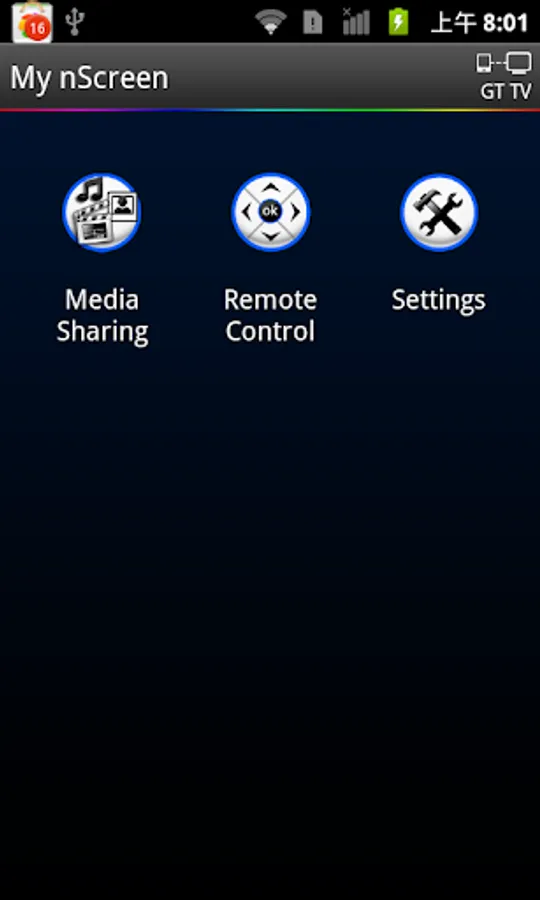
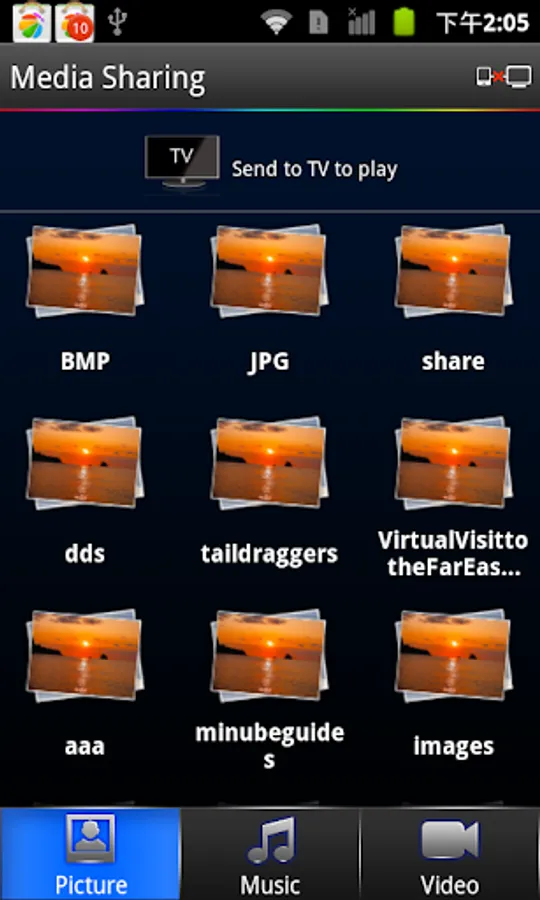
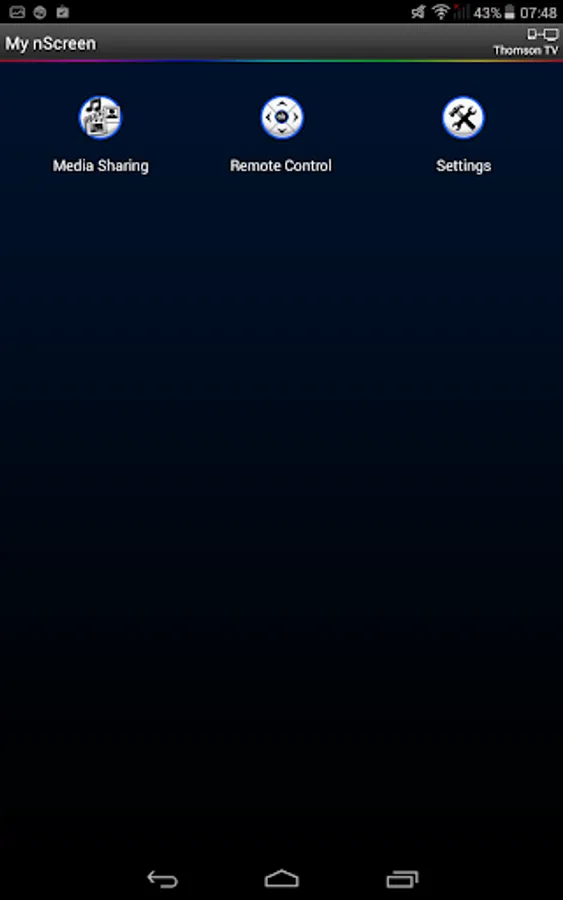
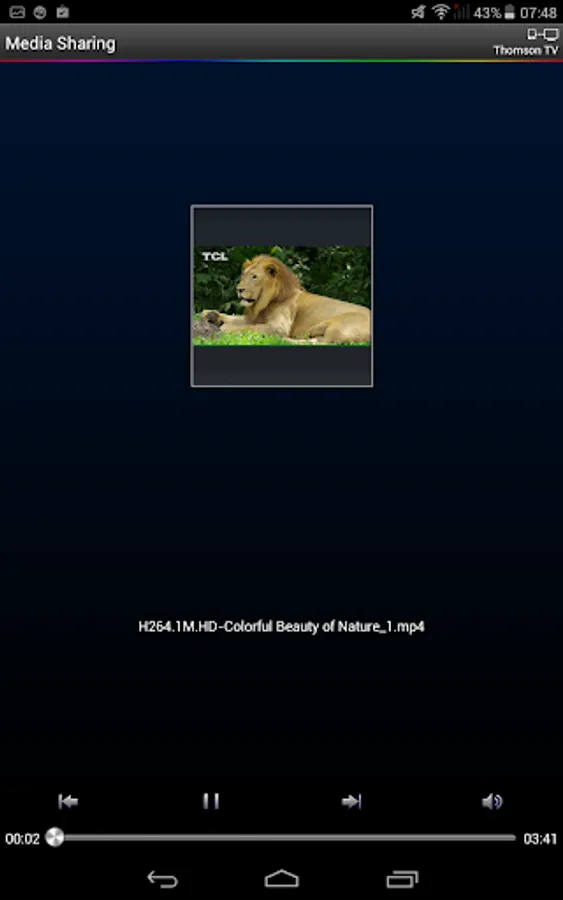
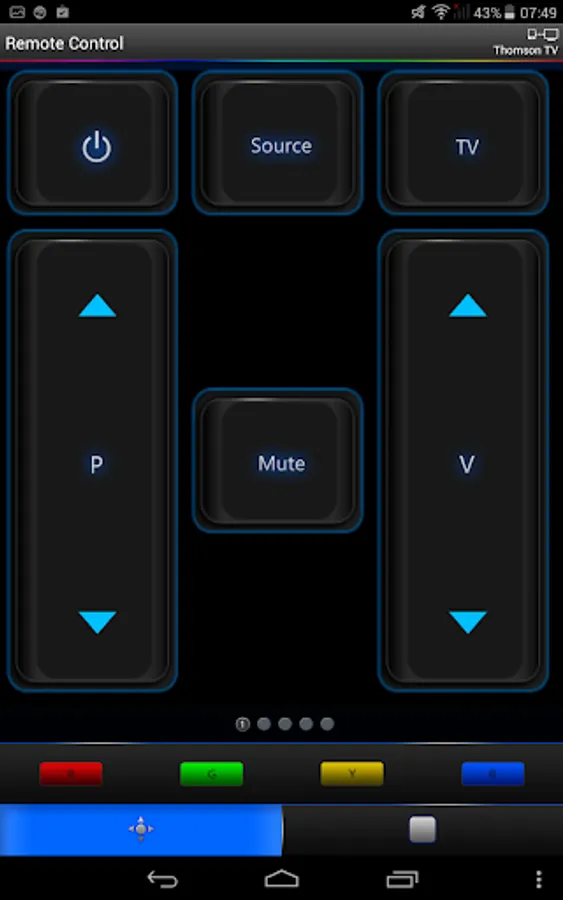
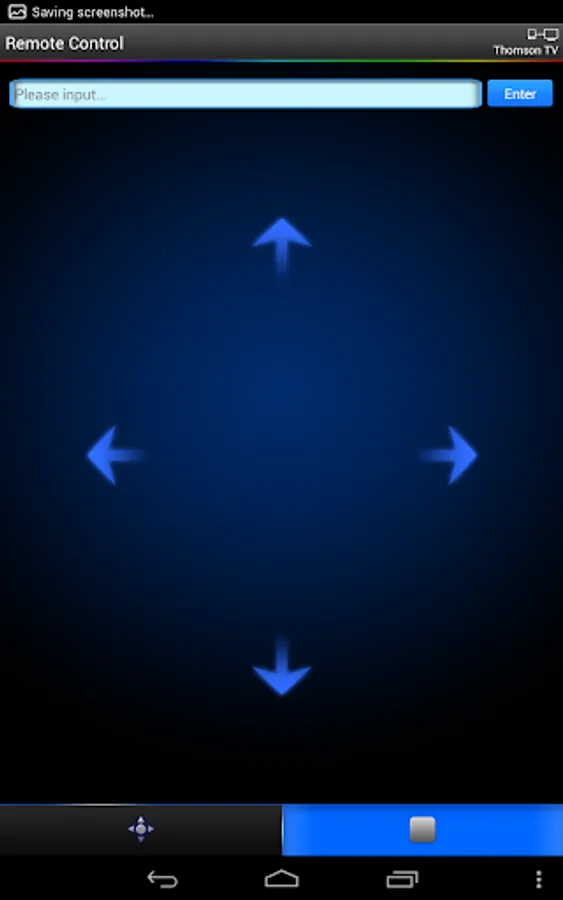
In the cloud technology era, it realizes the interconnectivity and interoperability between TV and smart mobile phone. My nScreen is multi-screen interaction application which contains "Media sharing ", "Remote control" and other applications . Through Media Sharing application , you can share the video / music / picture in your smart phone to TV with your family & friend , and you can use the smart phone as a remote control unit to operate TV by Remote Control application .
Detail steps of media sharing:
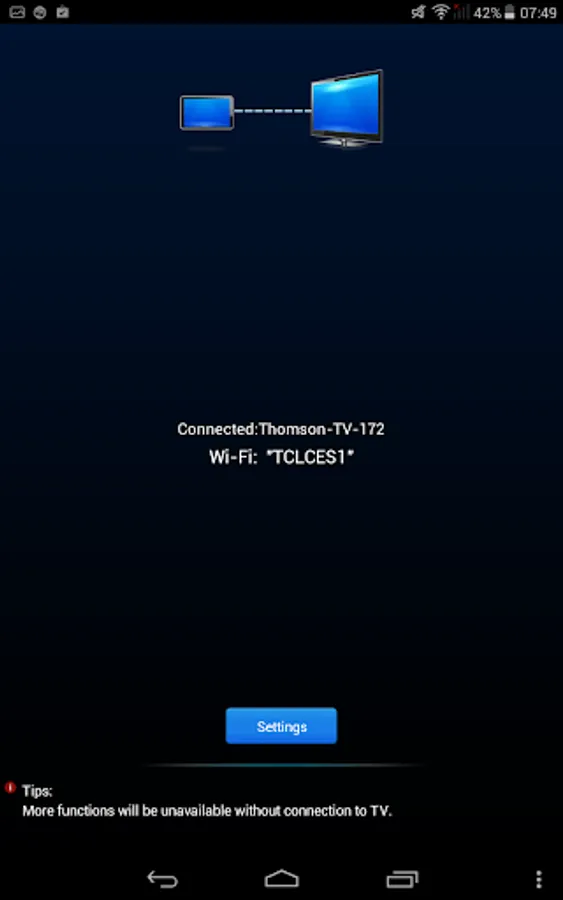
1.Click “My nSreen” on phone. Connect phone with TV via same Wi-Fi;(not same Wi-Fi ,should be same Home network)
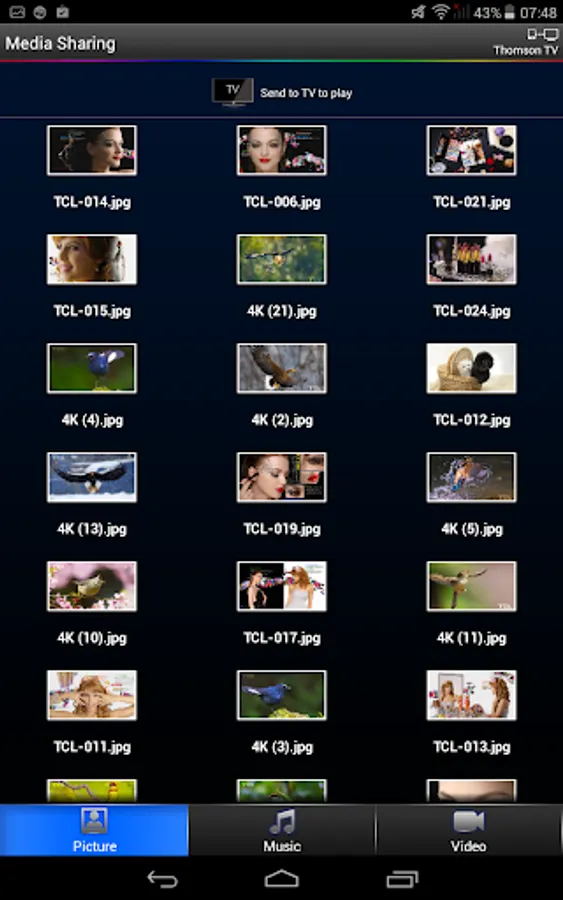
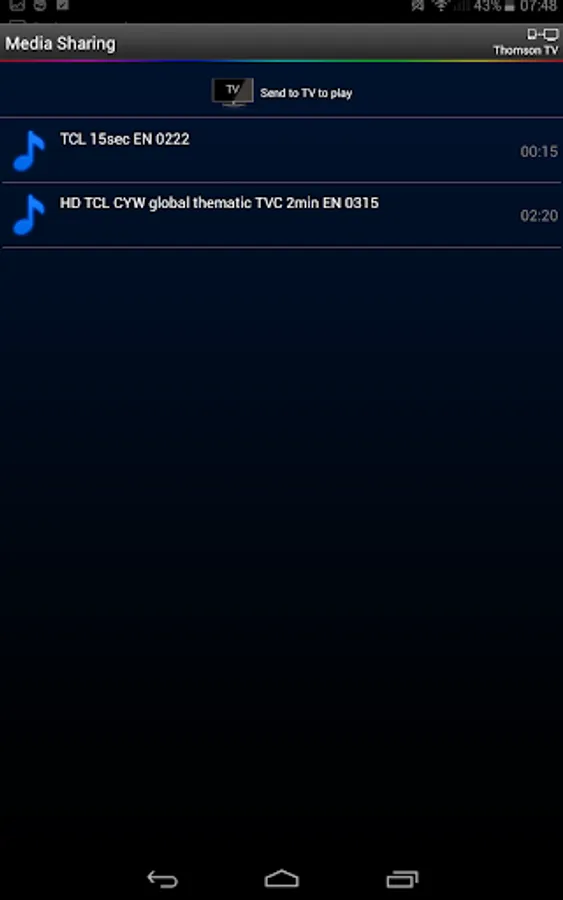
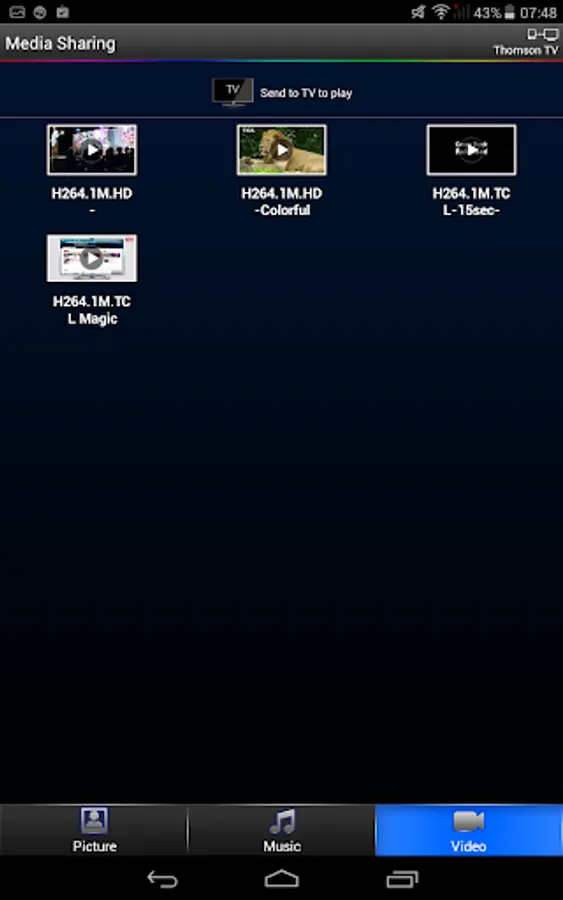
2.Click “Media Sharing” to browse media files;
3.Send media to TV to playback. (with one of the following options)
a)Drag & Drop folder/file to the TV icon on top of the screen;
b)Swing phone towards TV to launch the first file;
c)Play the media on phone and click the TV sharing icon;
4. While playing on TV, shake the phone to play previous or next file
Deatil steps of Remote Control
1. Click “My nScreen” on phone. Connect phone with TV via same Wi-Fi;
2. Click “Remote Control” to operate TV.
Detail steps of media sharing:
1.Click “My nSreen” on phone. Connect phone with TV via same Wi-Fi;(not same Wi-Fi ,should be same Home network)
2.Click “Media Sharing” to browse media files;
3.Send media to TV to playback. (with one of the following options)
a)Drag & Drop folder/file to the TV icon on top of the screen;
b)Swing phone towards TV to launch the first file;
c)Play the media on phone and click the TV sharing icon;
4. While playing on TV, shake the phone to play previous or next file
Deatil steps of Remote Control
1. Click “My nScreen” on phone. Connect phone with TV via same Wi-Fi;
2. Click “Remote Control” to operate TV.
My nScreen Screenshots
Tap to Rate: