TV Remote-TV assistant
TCL Group
4.2 ★
1K ratings
100,000+
downloads
Free
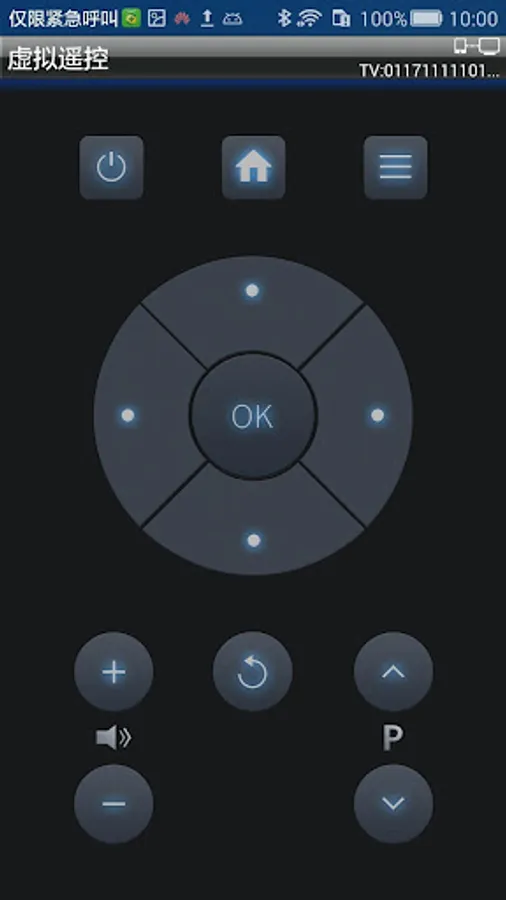
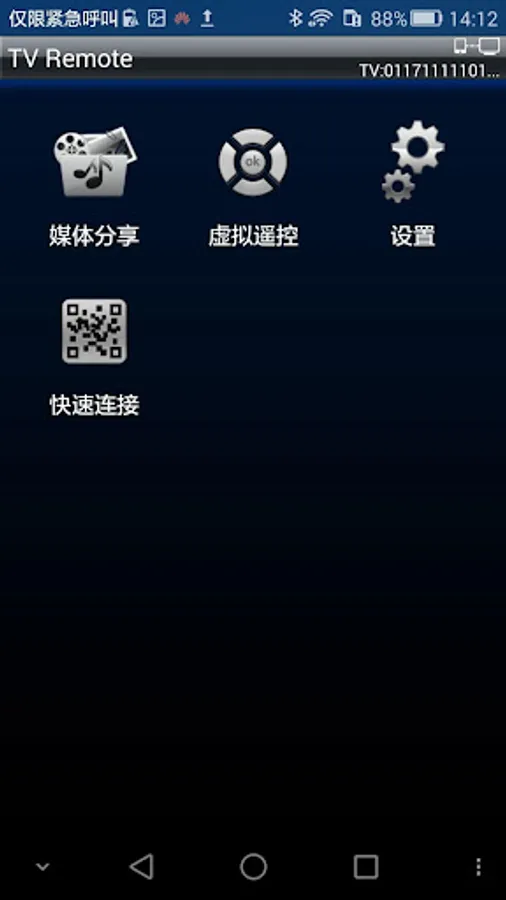
In this remote control app, users can connect devices to operate the TV and share multimedia content. Includes media transfer, video-on-demand, and interactive game features.
AppRecs review analysis
AppRecs rating 4.2. Trustworthiness 74 out of 100. Review manipulation risk 43 out of 100. Based on a review sample analyzed.
★★★★☆
4.2
AppRecs Rating
Ratings breakdown
5 star
70%
4 star
10%
3 star
0%
2 star
10%
1 star
10%
What to know
✓
Authentic reviews
Natural distribution, no red flags
⚠
Questionable review patterns
43% review manipulation risk - some review patterns appear unusual
⚠
Review quality concerns
61% of sampled 5-star reviews are very short
About TV Remote-TV assistant
Detailed Steps:
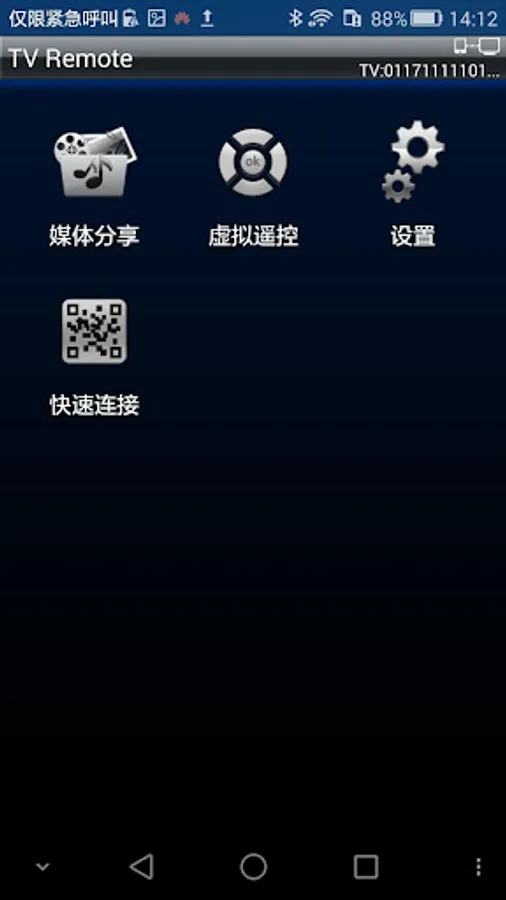
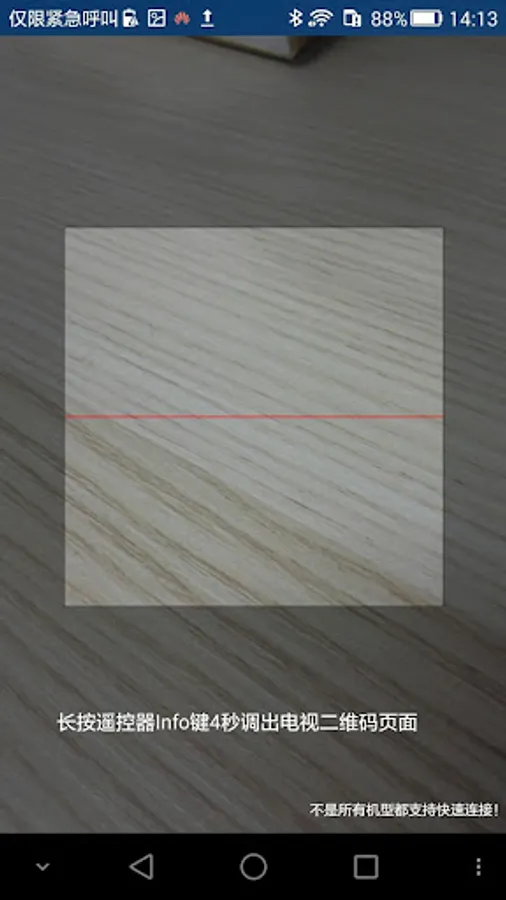
1. Run Multi-panel Interactive feature on the mobile phone/Pad, and establish wireless connection between the mobile phone/Pad and the TV.
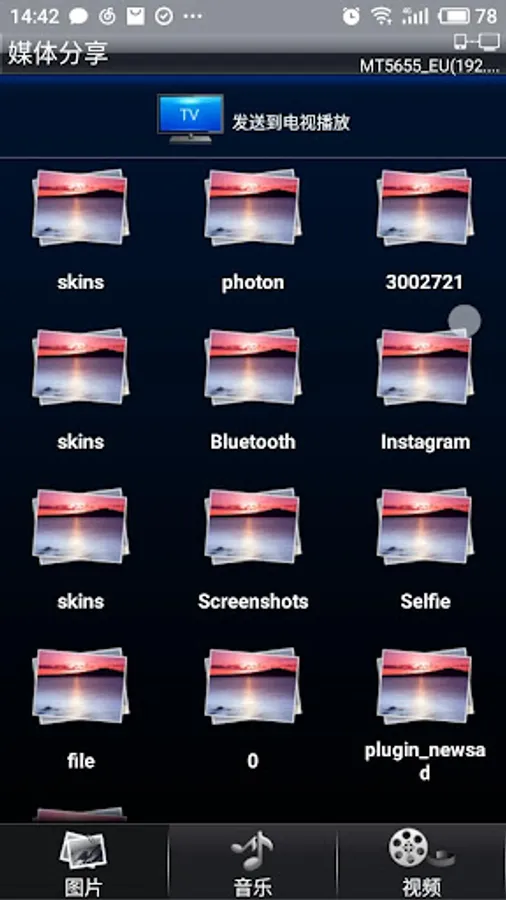
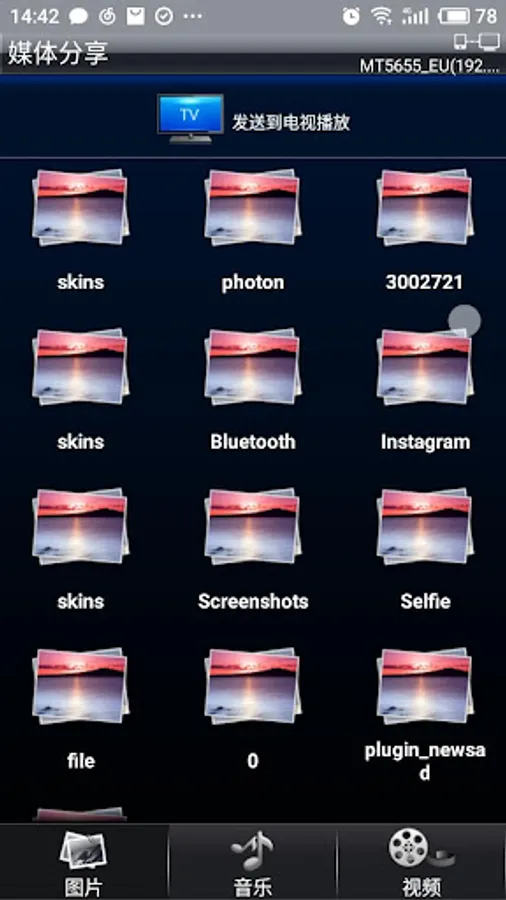
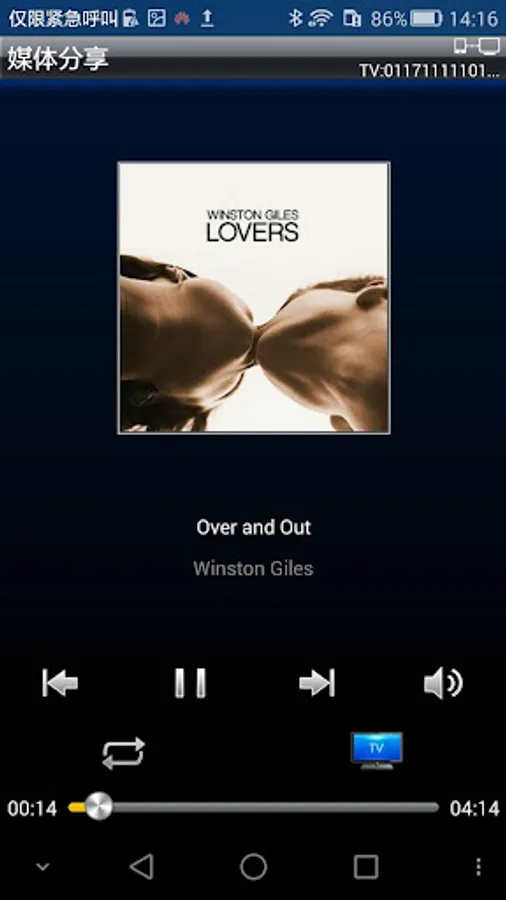
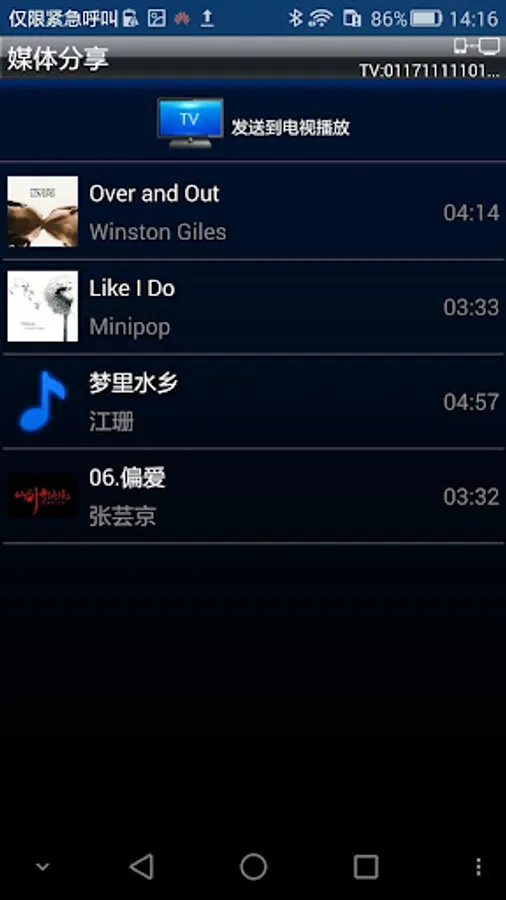
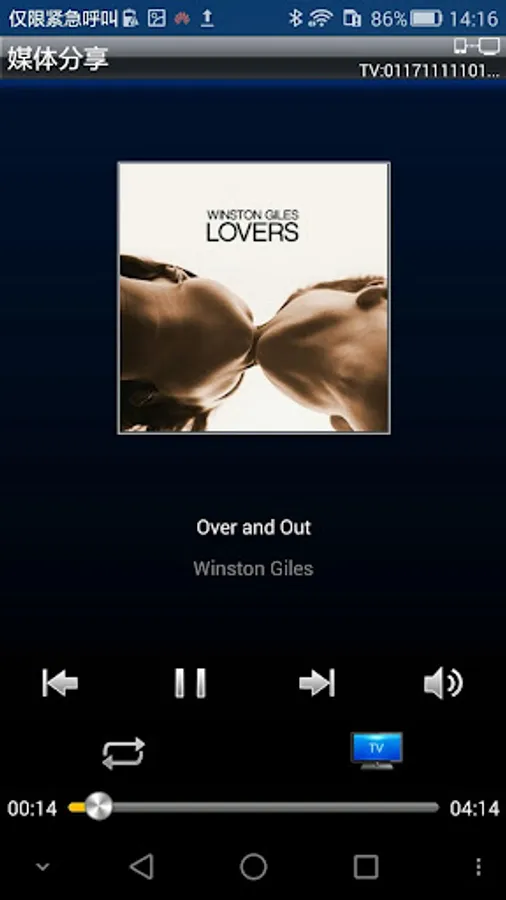
2. By clicking “Transfer File” feature on the mobile phone/Pad, you can browse pictures/videos/music folders or files. By long pressing a folder or file, and dragging it to the bottom of the page, you can send the media file to TV for playback. Or, during playback, click “Send to TV for Playback” on the play console.
Video-on-Demand: after mobile phone/Pad establishes a connection with the TV, you can send Internet video in the mobile phone/Pad to the TV for playback. Detailed Steps:
1. Run Multi-panel Interactive feature on the mobile phone/Pad, and establish wireless connection between the mobile phone/Pad and the TV.
2. Click “Video-On-Demand” on the mobile phone/Pad. Click a video and select “Send to TV for Playback”. Or, during playback, click “Send to TV for Playback” on the play console.
Interactive Games: currently three HD interactive games are supported. They are Motorboat, 3D Balance Ball, and Boxing. After the mobile phone/Pad establishes a connection with the TV, you can use the mobile phone/Pad to control the TV to play a game.
Detailed Steps:
1. Run Multi-panel Interactive feature on the mobile phone/Pad, and establish wireless connection between the mobile phone/Pad and the TV.
2. By clicking “Interactive Games” feature on the mobile phone/Pad, you can use the mobile phone/Pad to control a game on the TV. You have finished reading the contents corresponding to the icon.
TV Remote-TV assistant Screenshots
Tap to Rate:
Reviews for TV Remote-TV assistant
Divyansh Arora
3/29/2025
This app is very old (it was updated on 2017) but still it works with my newly purchased TV set by TCL (53 inch). It uses Google TV. By the way, this app randomly disconnects from my TV set and I need to connect manually but it is fine. Don't think that it is too old for your new TV set.
vishal pitaliya
6/17/2023
Lot of ads