☆ AVD Download Video
Spring Labs
3.0 ★
store rating
100,000+
downloads
$2.99
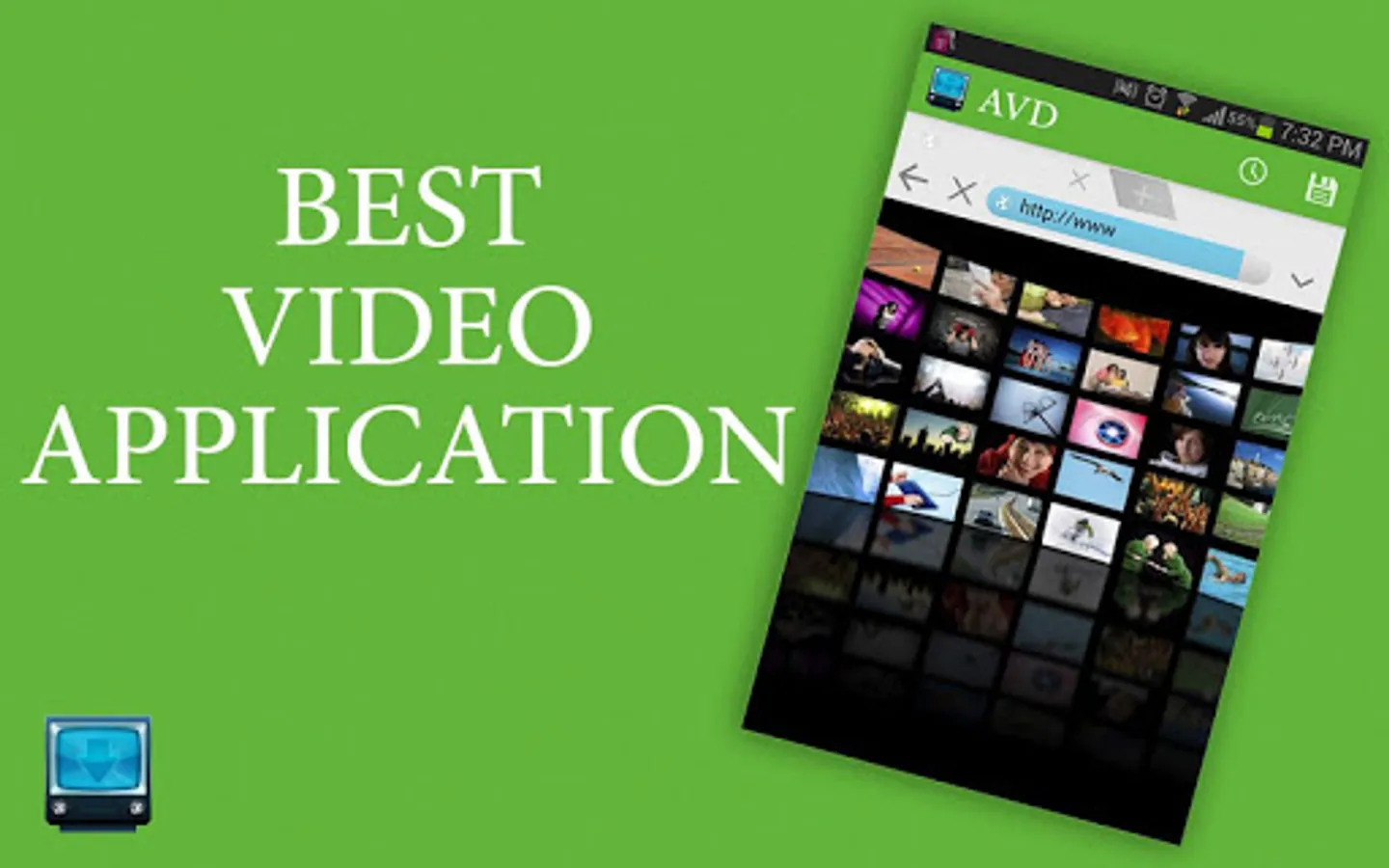
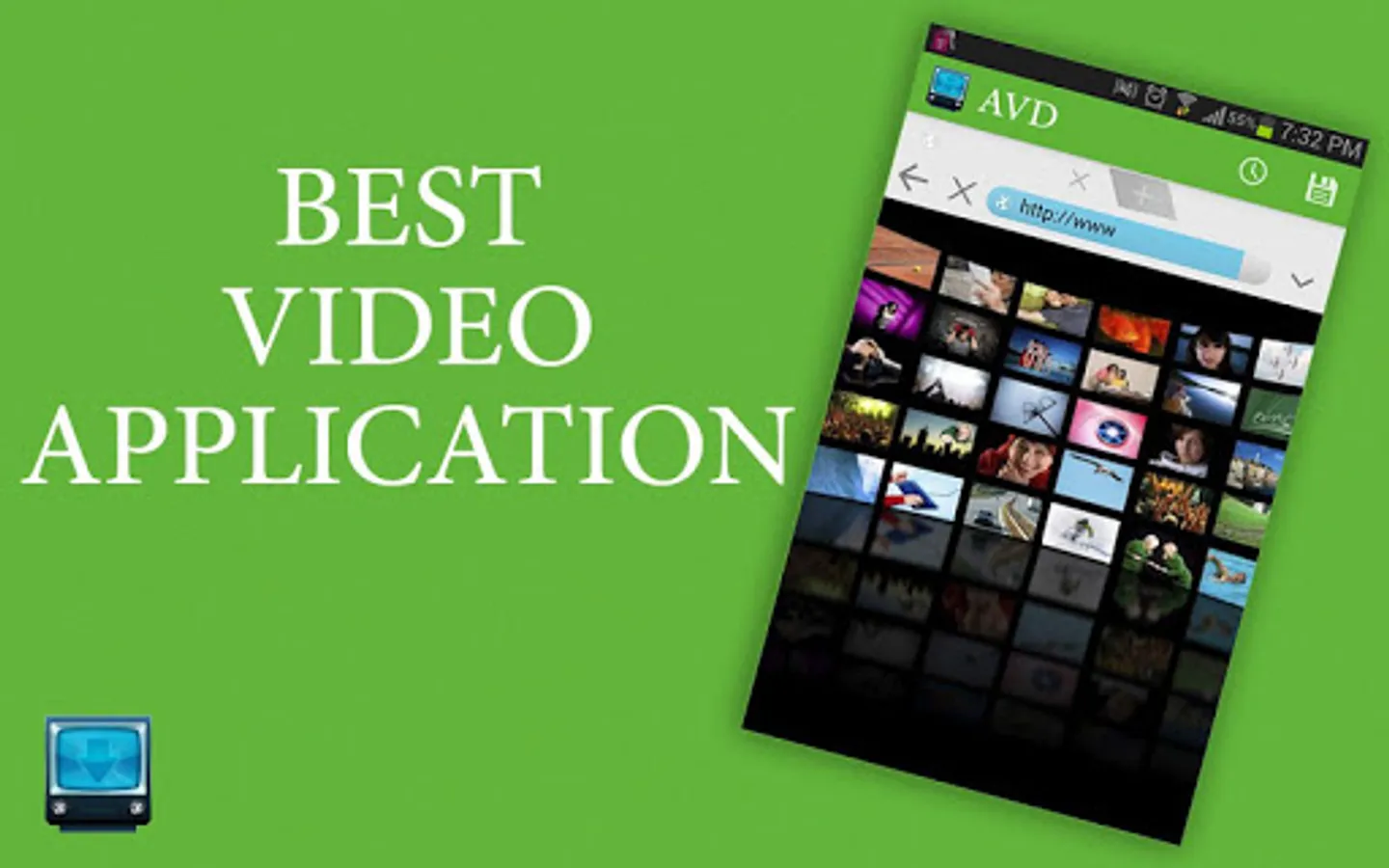
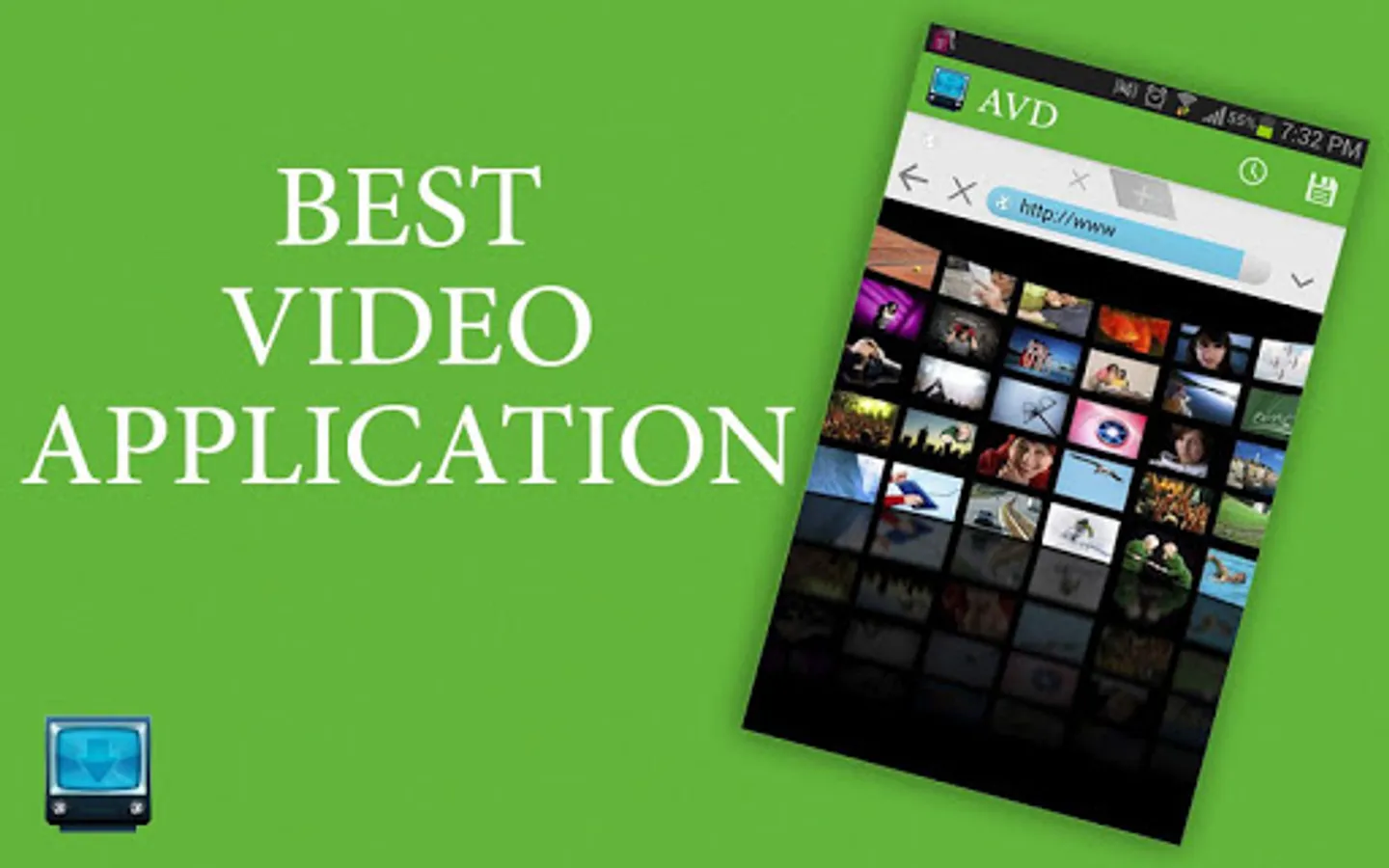
With this video downloader app, you can browse videos, select for download, and manage your saved videos. Includes a built-in browser, download management, and file storage options.
AppRecs review analysis
AppRecs rating 2.1. Trustworthiness 45 out of 100. Review manipulation risk 37 out of 100. Based on a review sample analyzed.
★★☆☆☆
2.1
AppRecs Rating
Ratings breakdown
5 star
40%
4 star
8%
3 star
6%
2 star
8%
1 star
39%
What to know
⚠
Pricing complaints
Many low ratings mention paywalls or pricing
⚠
Review quality concerns
50% of sampled 5-star reviews are very short
⚠
High negative review ratio
47% of sampled ratings are 1–2 stars
About ☆ AVD Download Video
★ Top 20 App Media & Video
★ Millions of Videos downloaded
Android Video Downloader is the #1 app to download your favorite video!
★ ★ ★ SATISFACTION GUARANTEED OR REFUNDED ★ ★ ★
★ This is the premium version without ads ★
Instructions to download your favorite video:
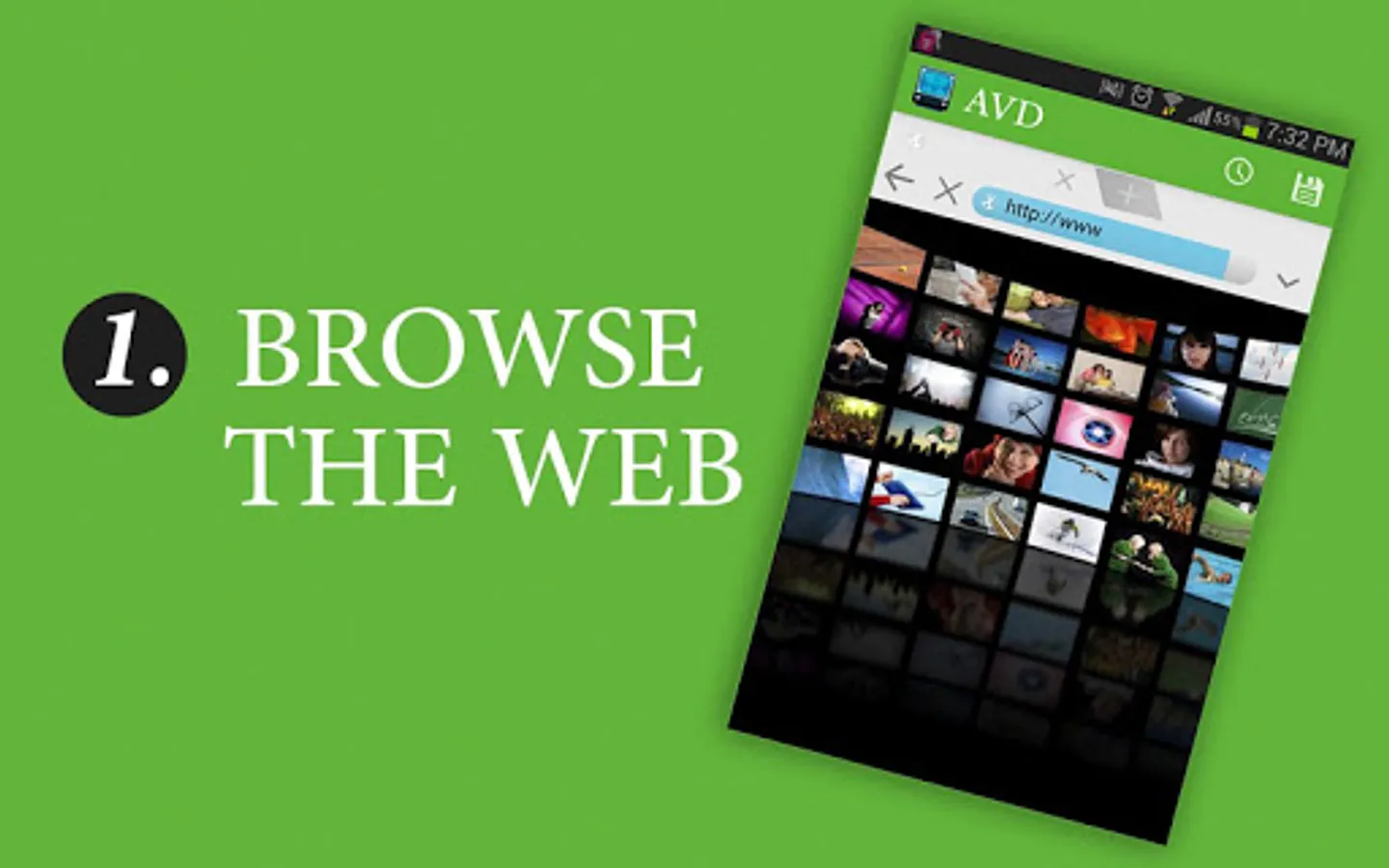
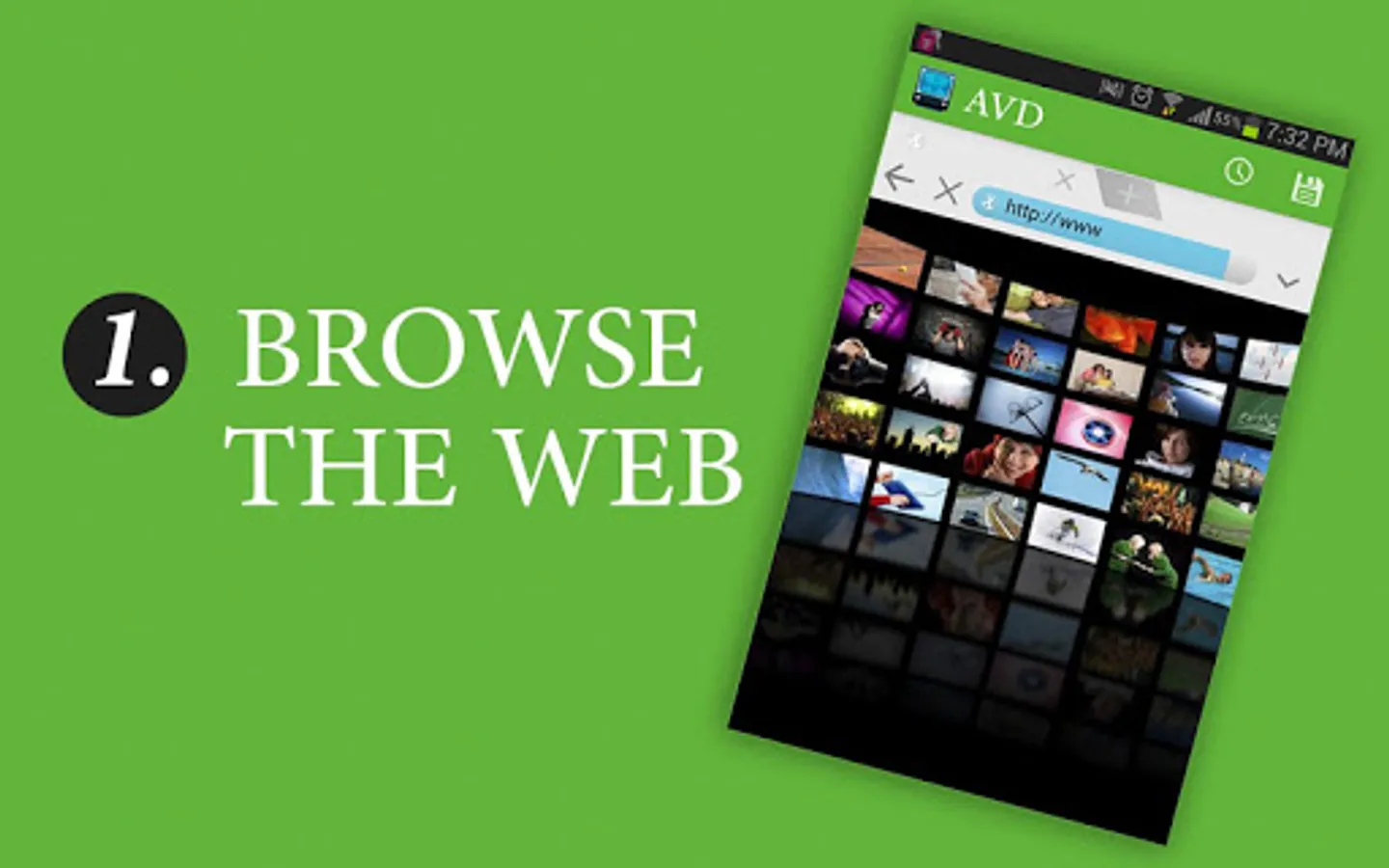
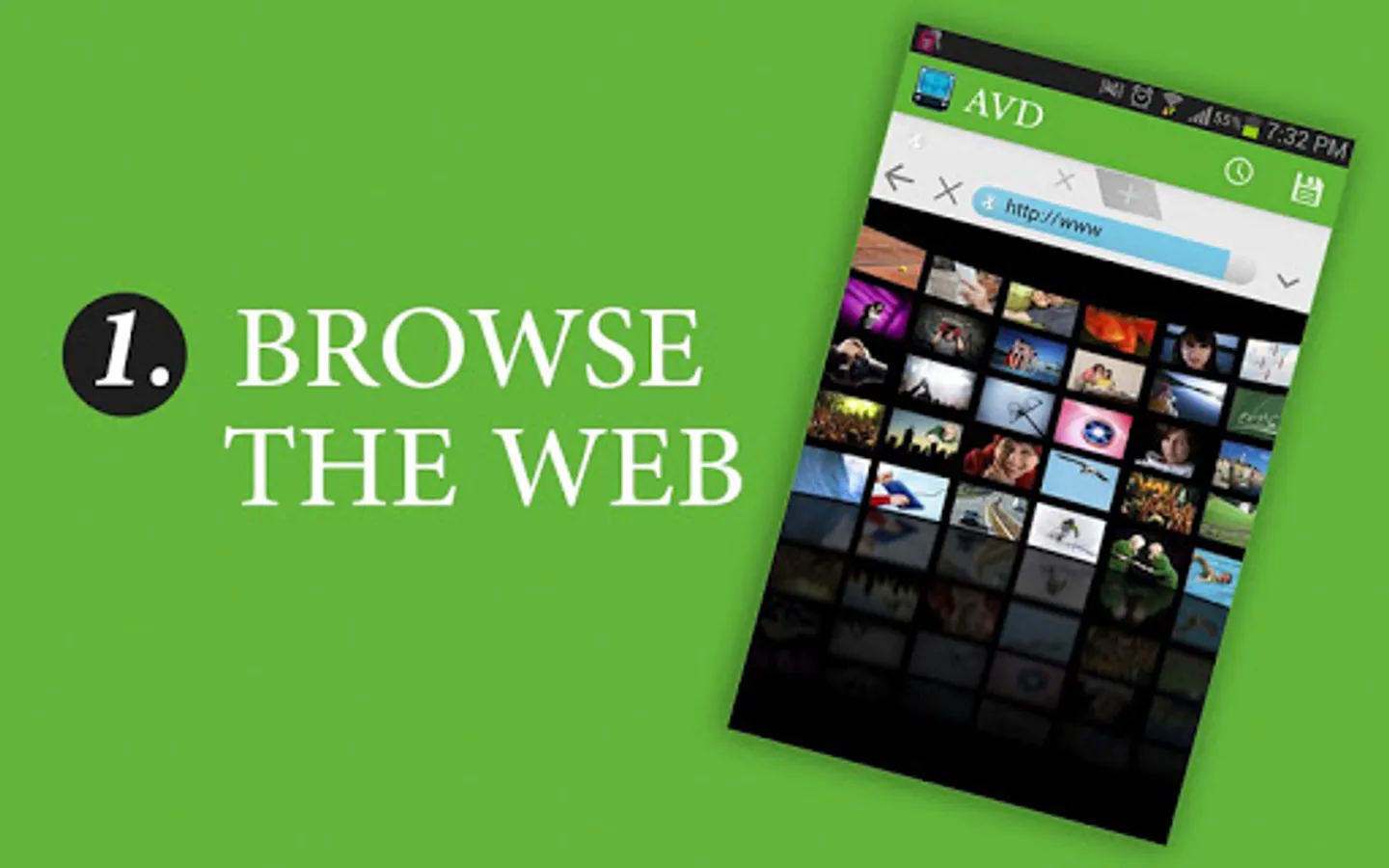
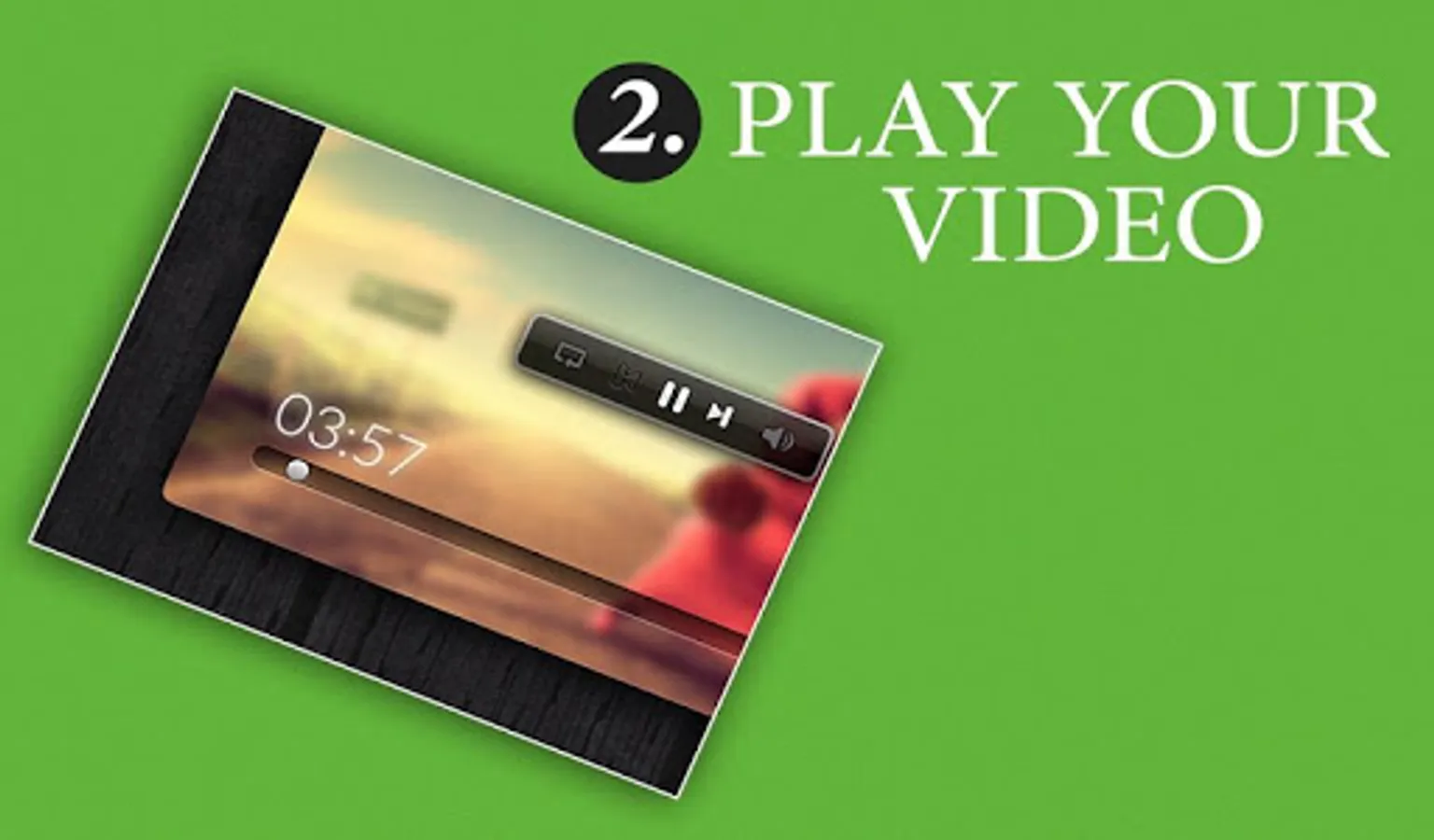
1/ Use the browser to find your favorite video
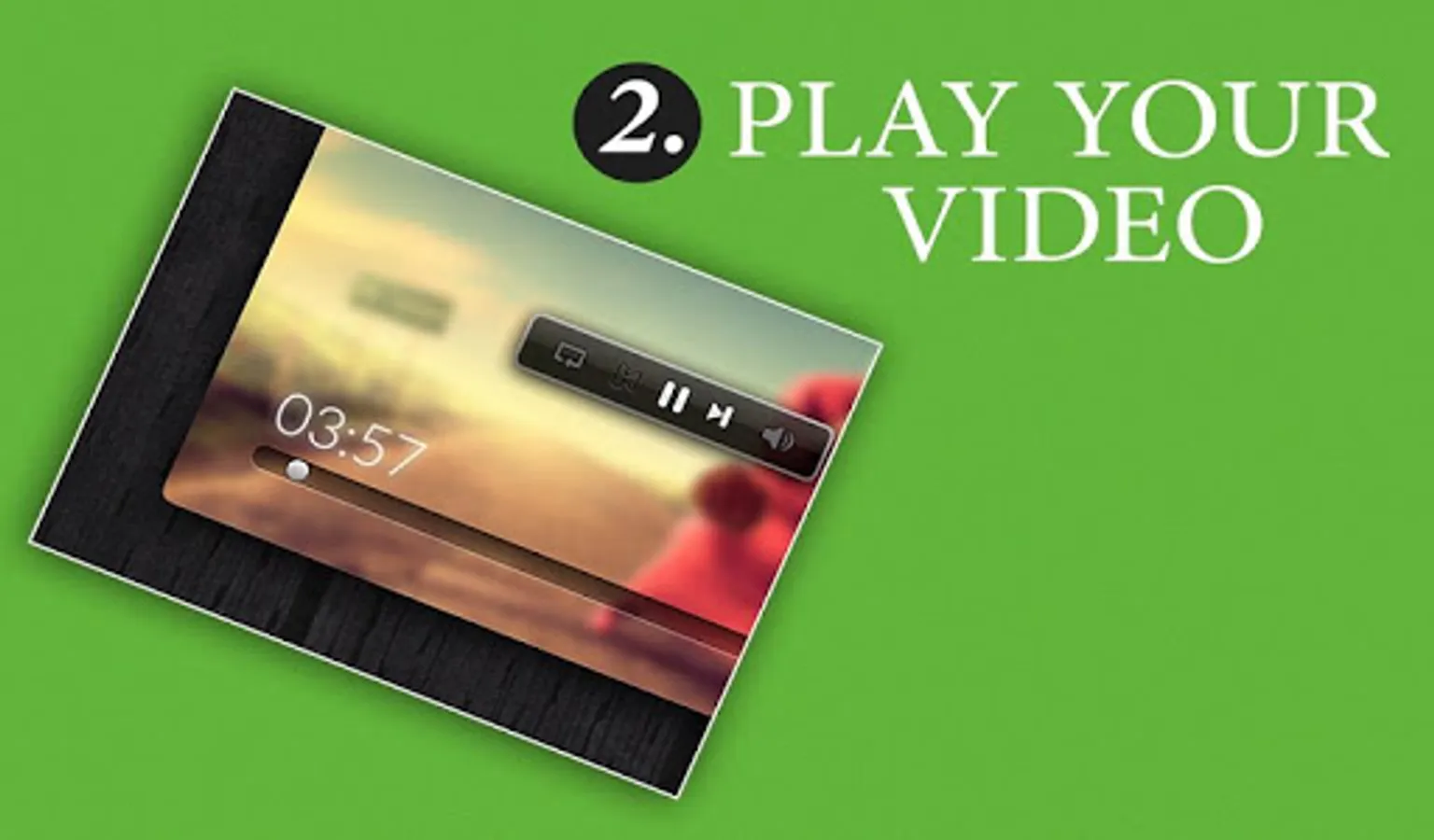
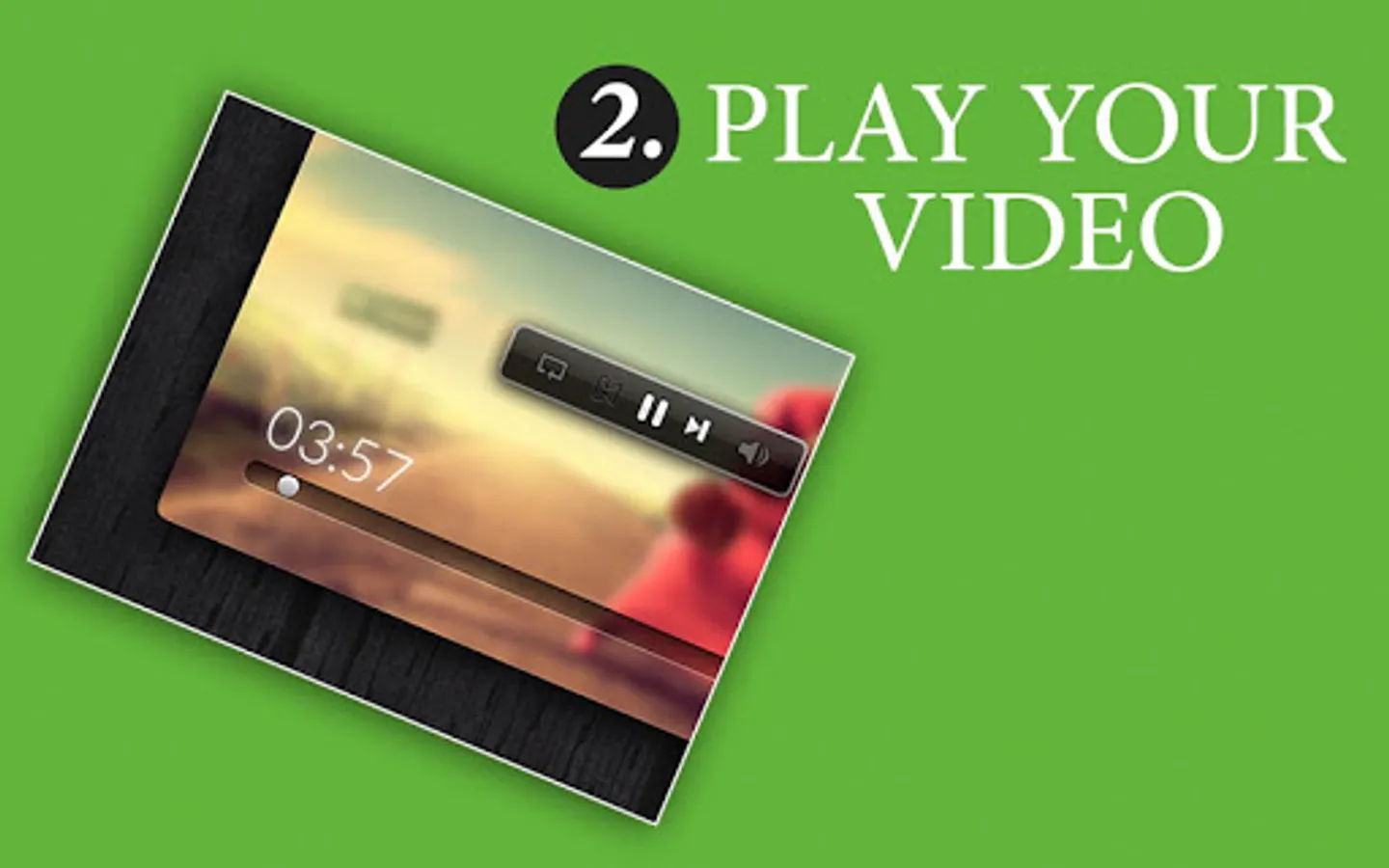
2/ Click on a video link
3/ When the "Action" menu appears, select "Video Catcher"
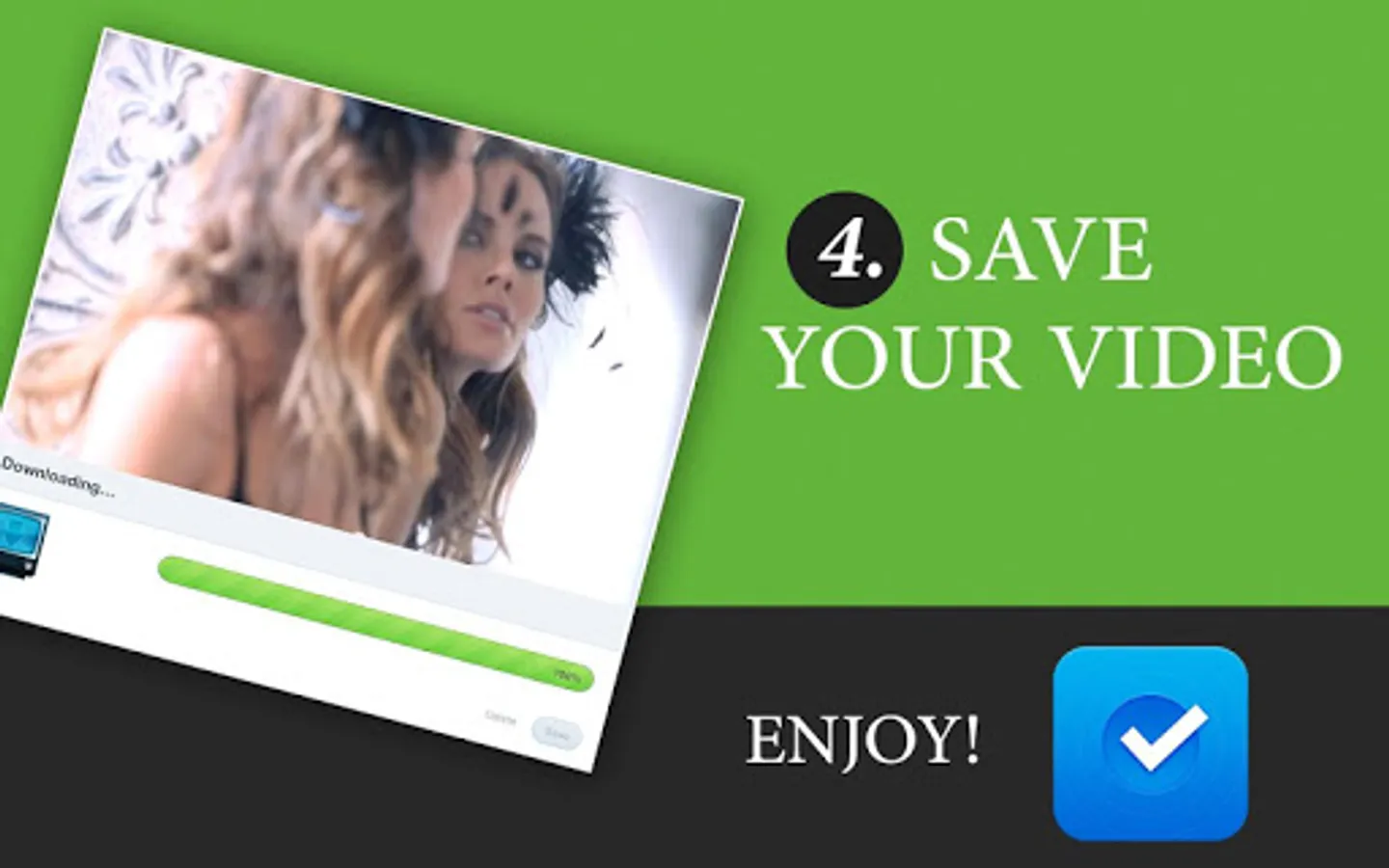
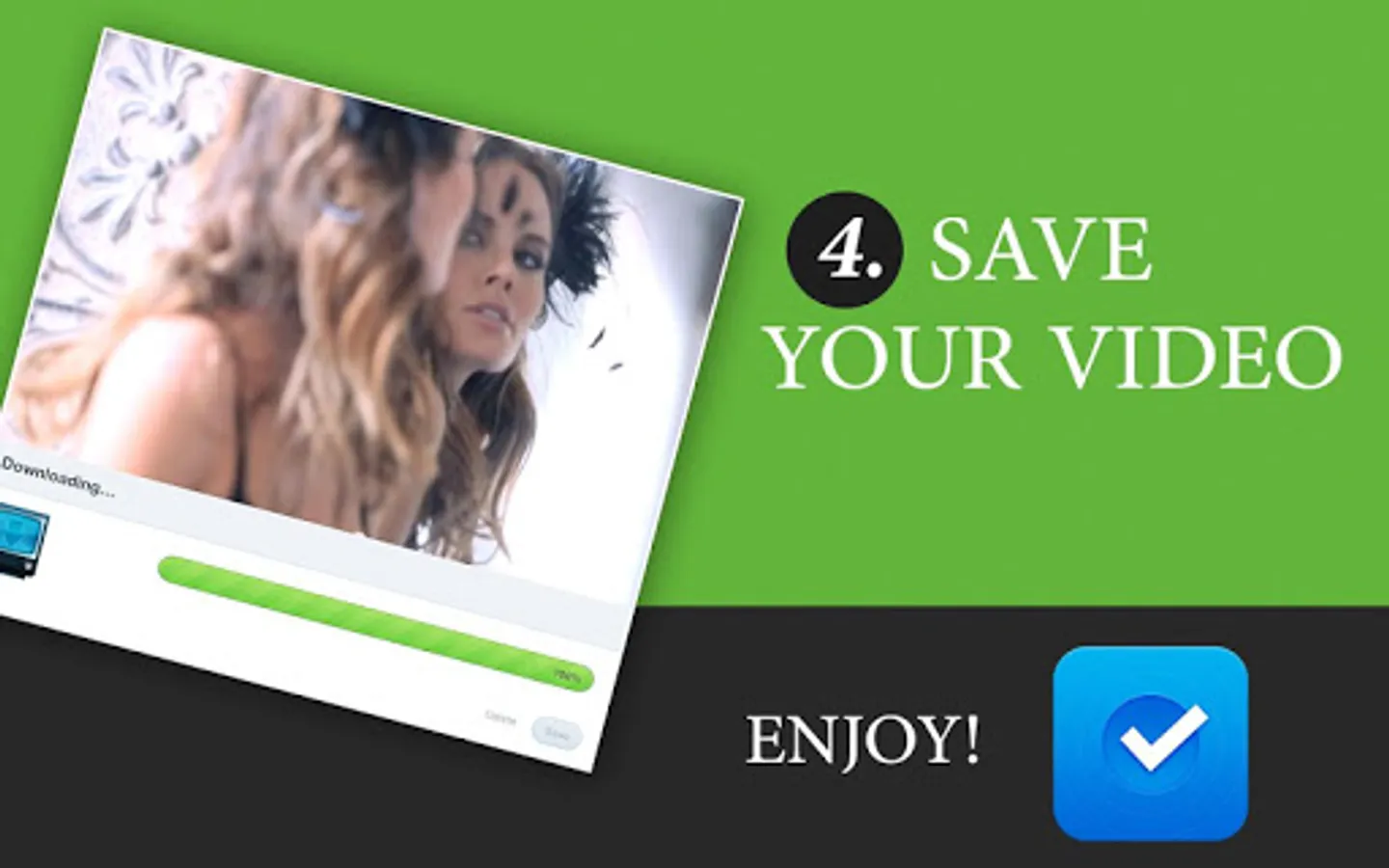
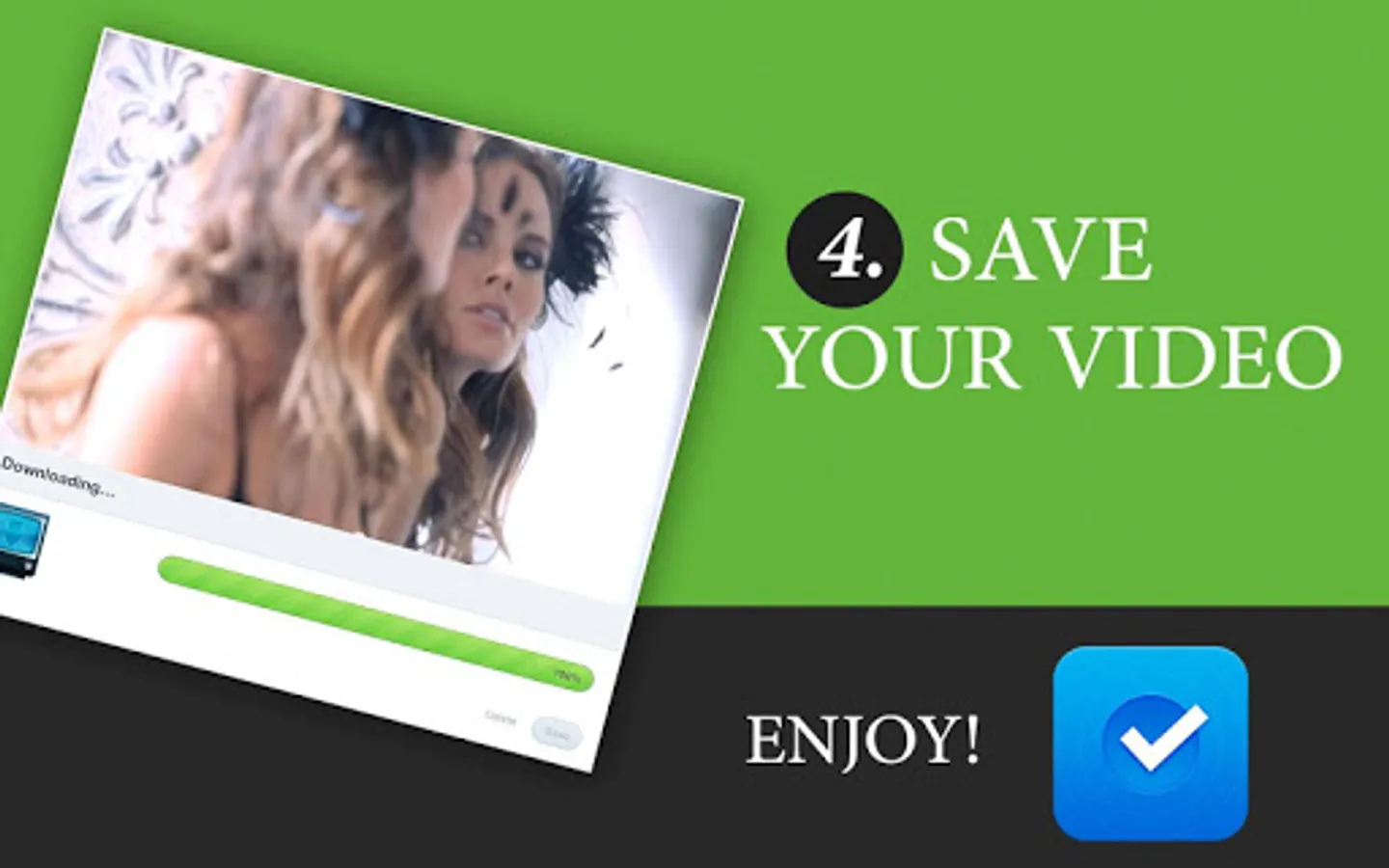
4/ Press the save button!
---- FAQ ----
● How can I download a video from the browser?
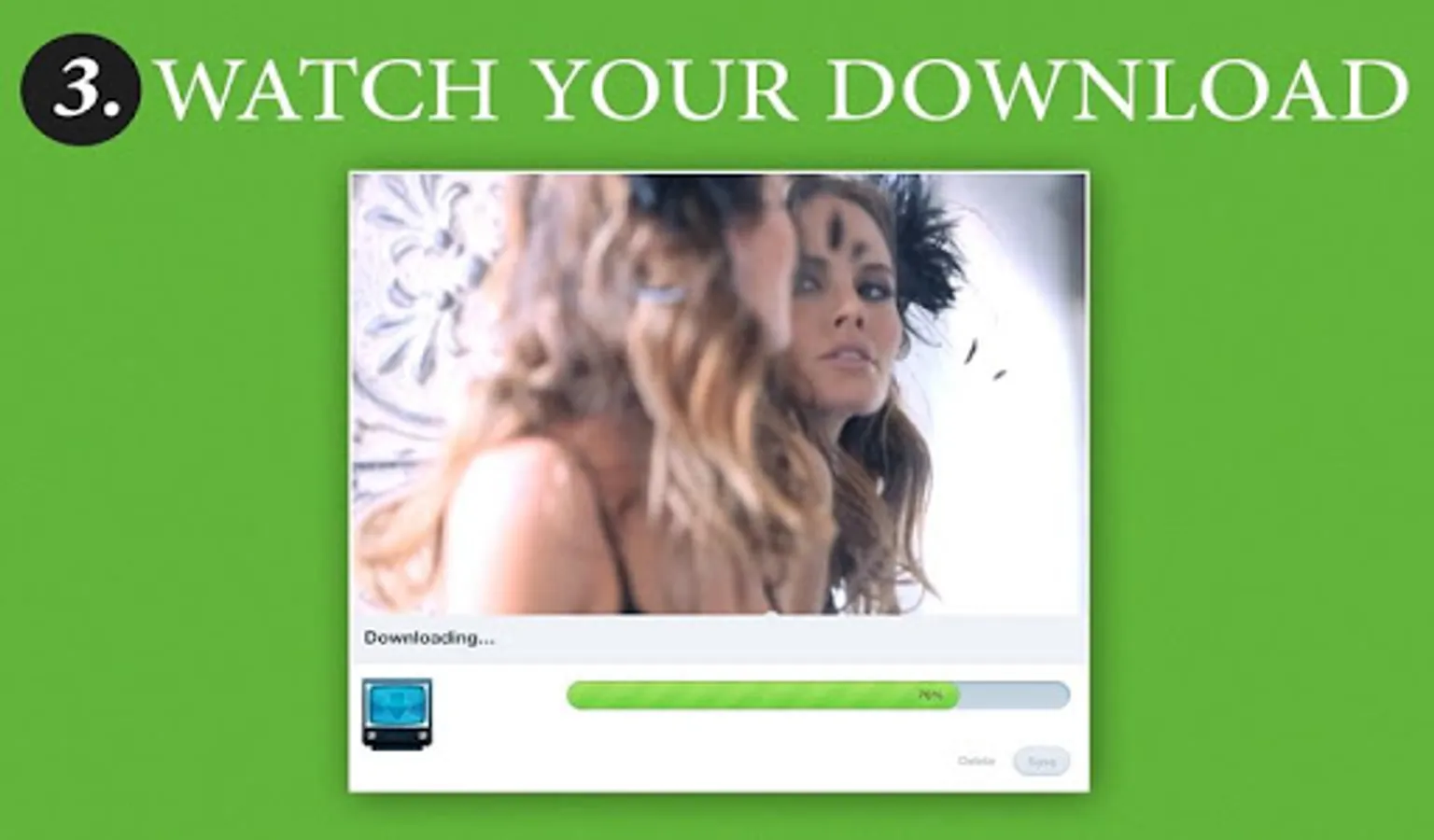
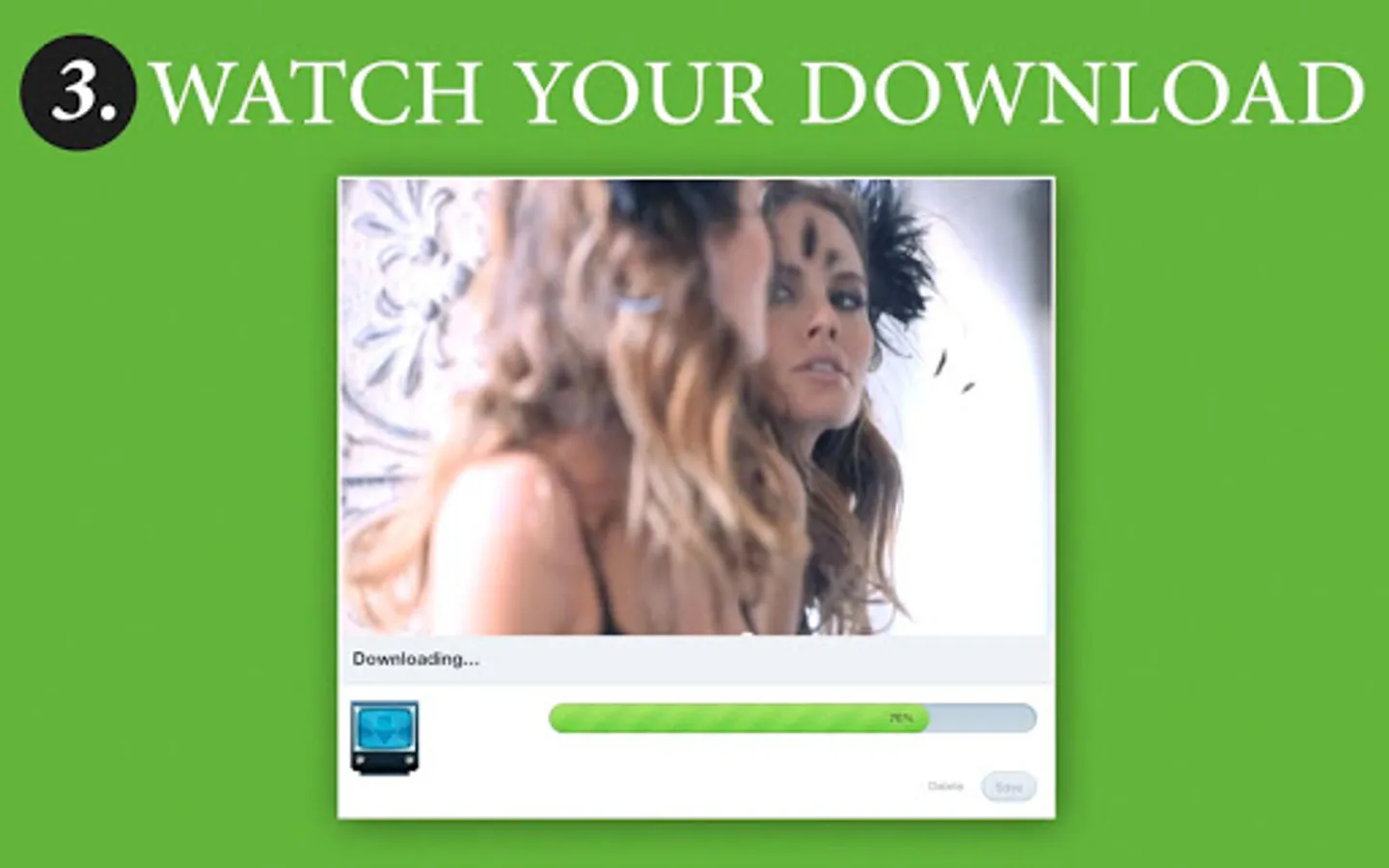
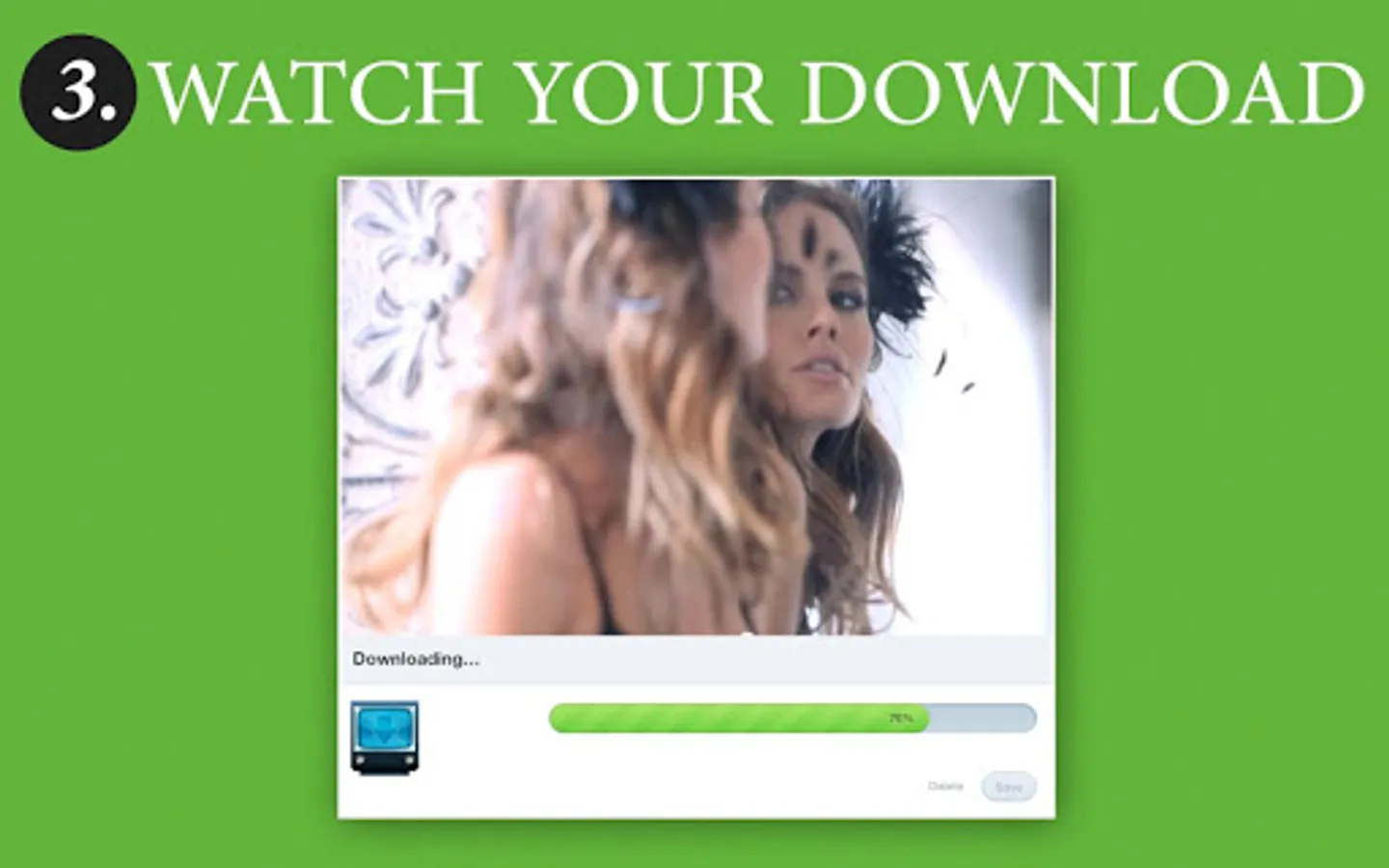
In the browser simply click on the video link that you wish to download. From the Action menu, select Video Downloader, and the download should start automatically. You should be able to see the download progress in the notification bar (at the top of the screen).
● Can I download a YouTube video?
YouTube is not supported due to Google policy. Downloading materials from YouTube is against its terms of service.
● Where are my downloaded videos?
Downloaded videos are automatically added to your Gallery and are stored into your directory "Download" (in this folder: /mnt/sdcard/Download). For Android 3.2 and above, downloaded videos appears in your device's download manager as well.
★ ★ ★ If you have any request or question on the app, send us an email: support@myboyfriendisageek.com. We respond personally to every single email we receive ★ ★ ★
Note: The downloading and viewing of video protected by copyright are prohibited and are regulated by the laws of the country where you live. We assumes no responsibility for any misuse of Video Catcher. You specifically agree to hold MBFG harmless from any liability arising out of the use or misuse of Video Downloader.
★ Millions of Videos downloaded
Android Video Downloader is the #1 app to download your favorite video!
★ ★ ★ SATISFACTION GUARANTEED OR REFUNDED ★ ★ ★
★ This is the premium version without ads ★
Instructions to download your favorite video:
1/ Use the browser to find your favorite video
2/ Click on a video link
3/ When the "Action" menu appears, select "Video Catcher"
4/ Press the save button!
---- FAQ ----
● How can I download a video from the browser?
In the browser simply click on the video link that you wish to download. From the Action menu, select Video Downloader, and the download should start automatically. You should be able to see the download progress in the notification bar (at the top of the screen).
● Can I download a YouTube video?
YouTube is not supported due to Google policy. Downloading materials from YouTube is against its terms of service.
● Where are my downloaded videos?
Downloaded videos are automatically added to your Gallery and are stored into your directory "Download" (in this folder: /mnt/sdcard/Download). For Android 3.2 and above, downloaded videos appears in your device's download manager as well.
★ ★ ★ If you have any request or question on the app, send us an email: support@myboyfriendisageek.com. We respond personally to every single email we receive ★ ★ ★
Note: The downloading and viewing of video protected by copyright are prohibited and are regulated by the laws of the country where you live. We assumes no responsibility for any misuse of Video Catcher. You specifically agree to hold MBFG harmless from any liability arising out of the use or misuse of Video Downloader.