Sensor Box for Android Sensors
Nirmal Labs
3.7 ★
505 ratings
100,000+
downloads
Free
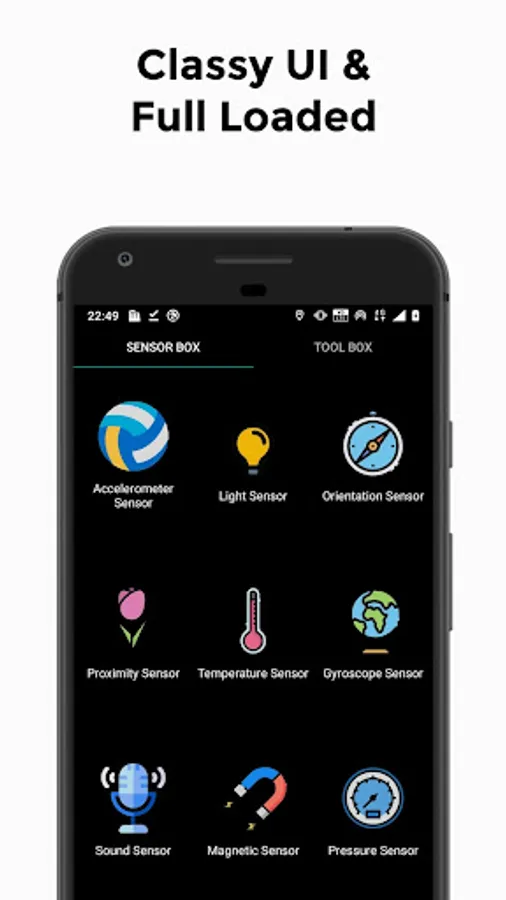
In this app, you can view and analyze the readings of various sensors on your device with visual graphics. Includes support for gyroscope, light, orientation, proximity, temperature, accelerometer, sound, magnetic field, and pressure sensors.
AppRecs review analysis
AppRecs rating 3.2. Trustworthiness 80 out of 100. Review manipulation risk 23 out of 100. Based on a review sample analyzed.
★★★☆☆
3.2
AppRecs Rating
Ratings breakdown
5 star
55%
4 star
10%
3 star
5%
2 star
5%
1 star
25%
What to know
✓
Low review manipulation risk
23% review manipulation risk
⚠
Ad complaints
Many low ratings mention excessive ads
⚠
High negative review ratio
30% of sampled ratings are 1–2 stars
About Sensor Box for Android Sensors
Sensor Box for Android detects all available sensors on your Android device, and vividly shows you how they work with amazing graphics. Sensor Box for Android also tells you which sensors are supported by the hardware, and provides extremely useful sensor tools that could be used in our daily life.
Sensors included
- Gyroscope Sensor
Gyroscope sensor can measure six directions at a time. You will be able to see the effects immediately by rotating your phone slightly. Now Gyroscope sensor is mostly used in 3D game development, and possibly indoor navigation in future.
- Light Sensor
Light sensor is applied to detect the light intensity of the environment, and then adjusts screen brightness and determines whether to turn off the keyboard light. Test the effect by putting your phone in dark place and retrieving it.
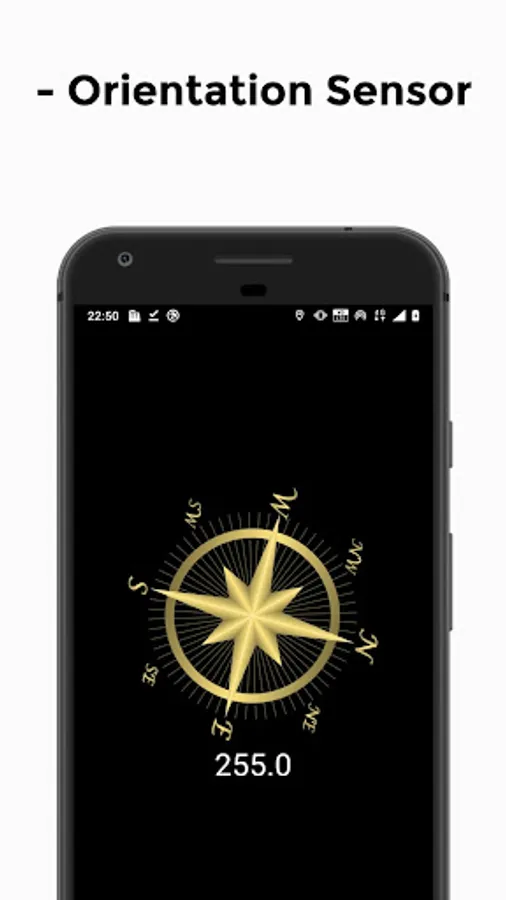
- Orientation Sensor
Orientation sensor is applied to detect direction status of the device, i.e. auto rotate screen when device is rotated horizontally. It can also be used as measure equipment like Spirit Level.
- Proximity Sensor
Proximity sensor measures the distance between two objects, usually the device screen and our hands/face etc. Test the effect by moving your hand forward and backward in front of the device in Sensor Box for Android.
- Temperature Sensor
Temperature sensor provides information about your device temperature, thus you can take action when the temp is too low or high.
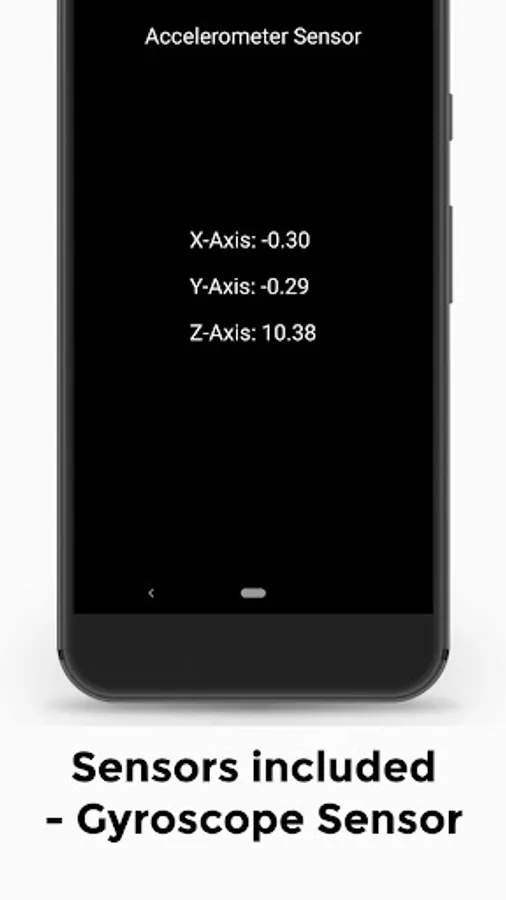
- Accelerometer Sensor
Accelerometer sensor is applied to detect device directions, i.e. auto rotate screen when the device is rotated vertically. It is also widely used in game development.
- Sound
Sound detects the sound intensity around you and provides you detailed information about the intensity changes.
- Magnetic Field
Magnetic Field is used in many areas like metal detection and compass, which bring us lot convenience in our life.
- Pressure
Pressure is used to detect environmental pressure, thus to forecast weather and temperature.
Sensor Box for Android only detects changes. It may not show the correct temperature, proximity, light and pressure values if no changes occur.
For better performances, sensors are usually used together. Check out the live demonstration inside the application! Any feedback the email address below is the best way to get in touch with us.
Sensors included
- Gyroscope Sensor
Gyroscope sensor can measure six directions at a time. You will be able to see the effects immediately by rotating your phone slightly. Now Gyroscope sensor is mostly used in 3D game development, and possibly indoor navigation in future.
- Light Sensor
Light sensor is applied to detect the light intensity of the environment, and then adjusts screen brightness and determines whether to turn off the keyboard light. Test the effect by putting your phone in dark place and retrieving it.
- Orientation Sensor
Orientation sensor is applied to detect direction status of the device, i.e. auto rotate screen when device is rotated horizontally. It can also be used as measure equipment like Spirit Level.
- Proximity Sensor
Proximity sensor measures the distance between two objects, usually the device screen and our hands/face etc. Test the effect by moving your hand forward and backward in front of the device in Sensor Box for Android.
- Temperature Sensor
Temperature sensor provides information about your device temperature, thus you can take action when the temp is too low or high.
- Accelerometer Sensor
Accelerometer sensor is applied to detect device directions, i.e. auto rotate screen when the device is rotated vertically. It is also widely used in game development.
- Sound
Sound detects the sound intensity around you and provides you detailed information about the intensity changes.
- Magnetic Field
Magnetic Field is used in many areas like metal detection and compass, which bring us lot convenience in our life.
- Pressure
Pressure is used to detect environmental pressure, thus to forecast weather and temperature.
Sensor Box for Android only detects changes. It may not show the correct temperature, proximity, light and pressure values if no changes occur.
For better performances, sensors are usually used together. Check out the live demonstration inside the application! Any feedback the email address below is the best way to get in touch with us.