Red Icon Pack
Wallpapers and Themes
Free
rated 4.1 stars
10,000+
downloads
About Red Icon Pack
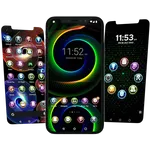
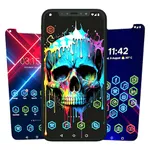
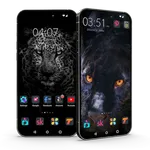
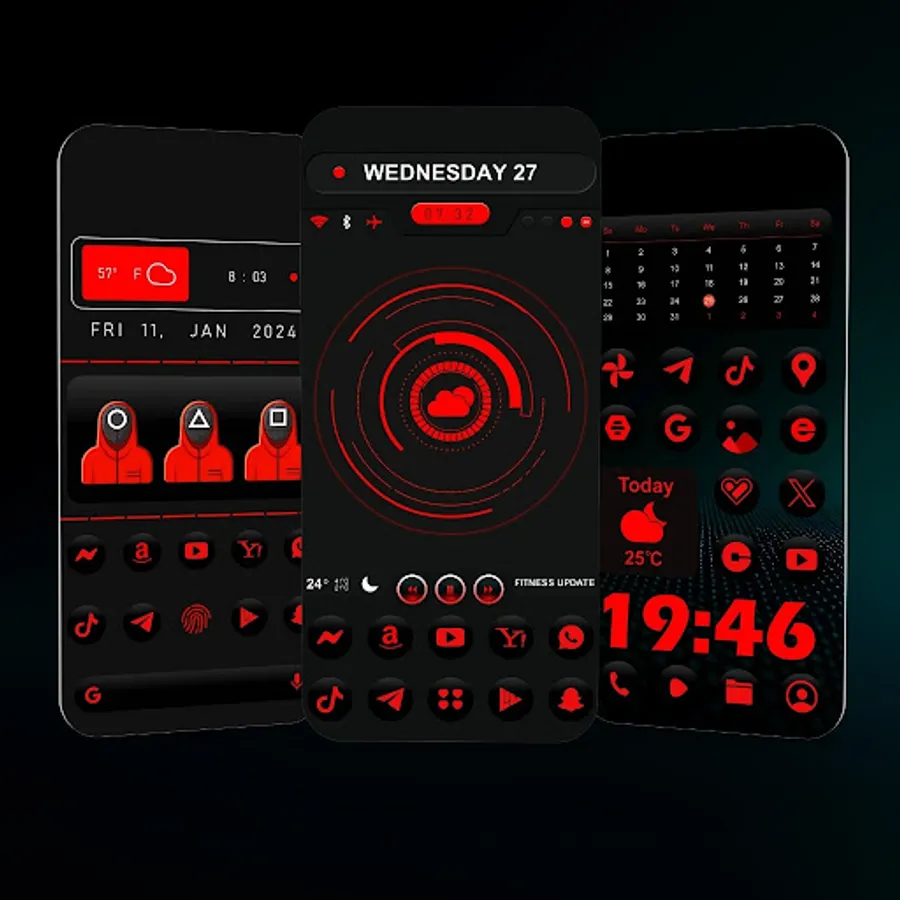
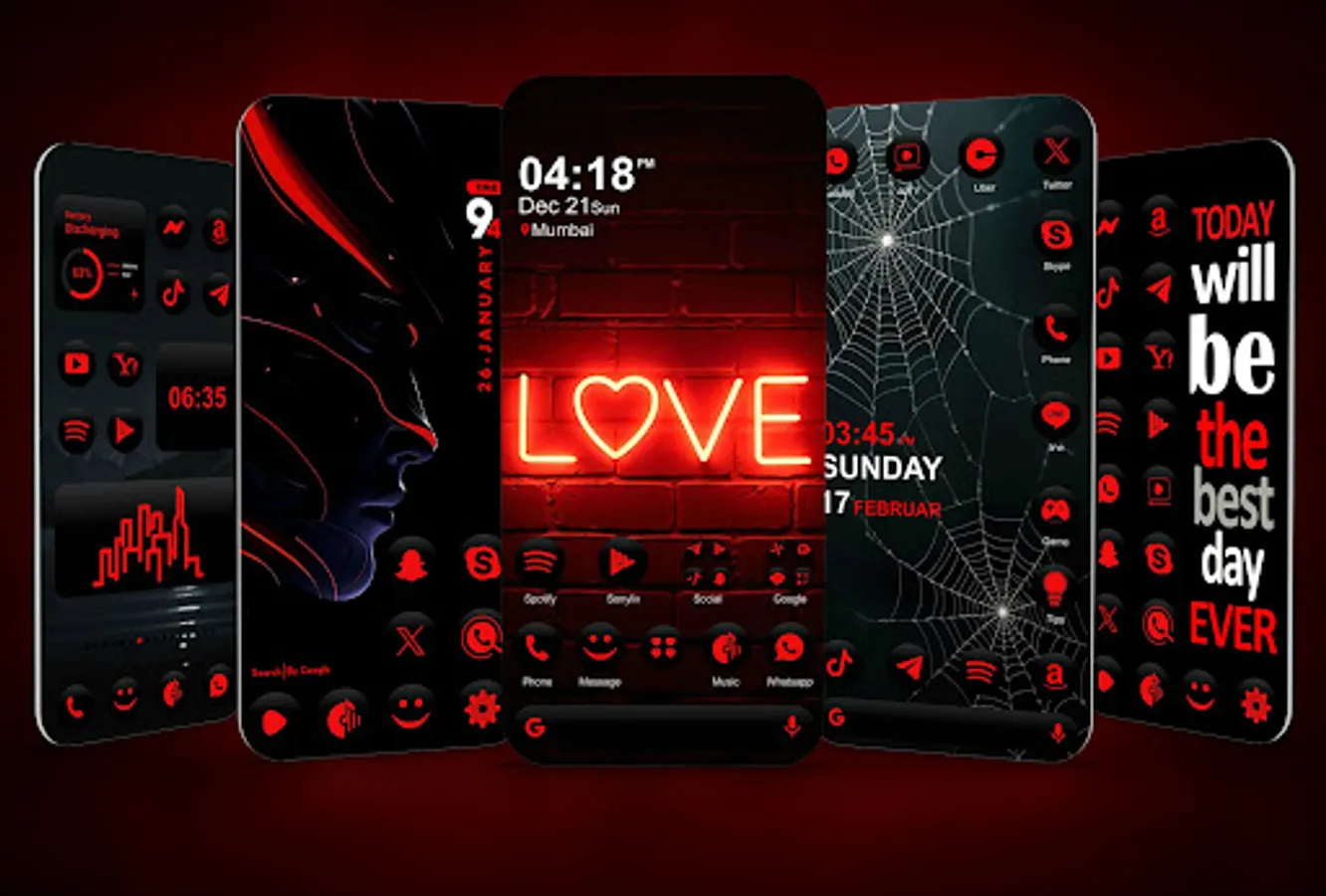
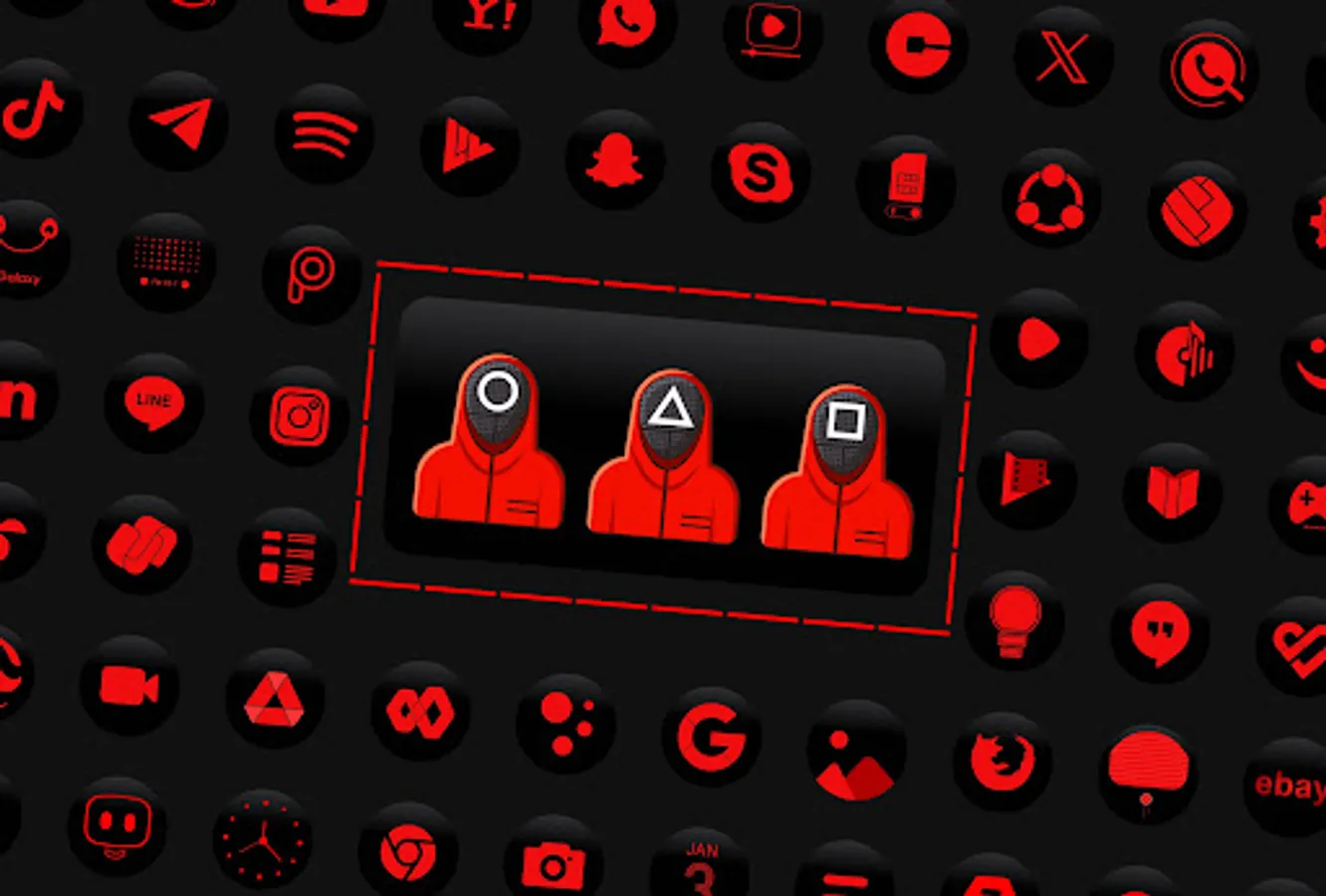
Red icon pack - coolest icons for phone.
Change the icon style of your homescreen with these unique & elegant icons.
The icon pack also offers wallpapers for phone. Our iconset is the perfect choice to makeover your home screen design. This iconpack is free, no in-app purchases are required. To change app icons you need an iconpack and this red icon pack is perfect choice for a cool style launcher.
Features:
- unique red icon pack
- cool phone style icons
- works with most Android phones
- HD app icons and wallpapers
- only handcrafted custom app icons
How to change icon pack
Our icon pack supports almost all custom launchers like Neox Launcher, Nova Launcher, etc. Please follow these simple steps to apply icons
1. Install any custom launcher from play store
2. Open the icon pack app
3. Select your launcher from the list and click Apply.
Our free iconset also works with default launchers like Samsung OneUI, Nothing launcher, OnePlus launcher, etc.
How to style Android homescreen
Using our free Android icon pack you can change the style and look of your favorite launcher app. change the default icons of your Android device according to your style needs. Red icon pack is a great app to change the overall look and feel of your device in more polished and unique way.
Need help to change the icon pack?
watch our how to Apply video
https://www.youtube.com/shorts/qjR4zwtae1s
I hope you will love our cool red icon pack.
Change the icon style of your homescreen with these unique & elegant icons.
The icon pack also offers wallpapers for phone. Our iconset is the perfect choice to makeover your home screen design. This iconpack is free, no in-app purchases are required. To change app icons you need an iconpack and this red icon pack is perfect choice for a cool style launcher.
Features:
- unique red icon pack
- cool phone style icons
- works with most Android phones
- HD app icons and wallpapers
- only handcrafted custom app icons
How to change icon pack
Our icon pack supports almost all custom launchers like Neox Launcher, Nova Launcher, etc. Please follow these simple steps to apply icons
1. Install any custom launcher from play store
2. Open the icon pack app
3. Select your launcher from the list and click Apply.
Our free iconset also works with default launchers like Samsung OneUI, Nothing launcher, OnePlus launcher, etc.
How to style Android homescreen
Using our free Android icon pack you can change the style and look of your favorite launcher app. change the default icons of your Android device according to your style needs. Red icon pack is a great app to change the overall look and feel of your device in more polished and unique way.
Need help to change the icon pack?
watch our how to Apply video
https://www.youtube.com/shorts/qjR4zwtae1s
I hope you will love our cool red icon pack.
Red Icon Pack Screenshots



Reviews for Red Icon Pack
Bokamoso Motaung
12/10/2025
i think its interesting
Seth Dowling
12/1/2025
There are hardly any icons. It's insane to release an icon pack that not only doesn't cover very popular apps, but doesn't have generic icons that I could use instead. I just counted. 71 icons, that's it! Every other pack I've downloaded has 100s.
Marie S.
11/19/2025
Missing icons
Dineo Seete
11/9/2025
this red icon pack are gud
Obasi Samuel
10/26/2025
cool
Tap to Rate: