
In this productivity app, you can organize tasks, set priorities, and schedule activities. Includes task categorization, project templates, and integrations with file-sharing services.
AppRecs review analysis
AppRecs rating 4.0. Trustworthiness 70 out of 100. Review manipulation risk 36 out of 100. Based on a review sample analyzed.
★★★★☆
4.0
AppRecs Rating
Ratings breakdown
5 star
65%
4 star
15%
3 star
6%
2 star
3%
1 star
11%
What to know
✓
High user satisfaction
80% of sampled ratings are 4+ stars (4.2★ average)
✓
Authentic reviews
Natural distribution, no red flags
⚠
Pricing complaints
Many low ratings mention paywalls or pricing
About Nozbe Classic
More than 16 years helping more than 500,000 happy users and their teams get projects done thanks to Nozbe Classic system and apps for all major software platforms.
✔️👍 HELPS YOU GET MORE DONE
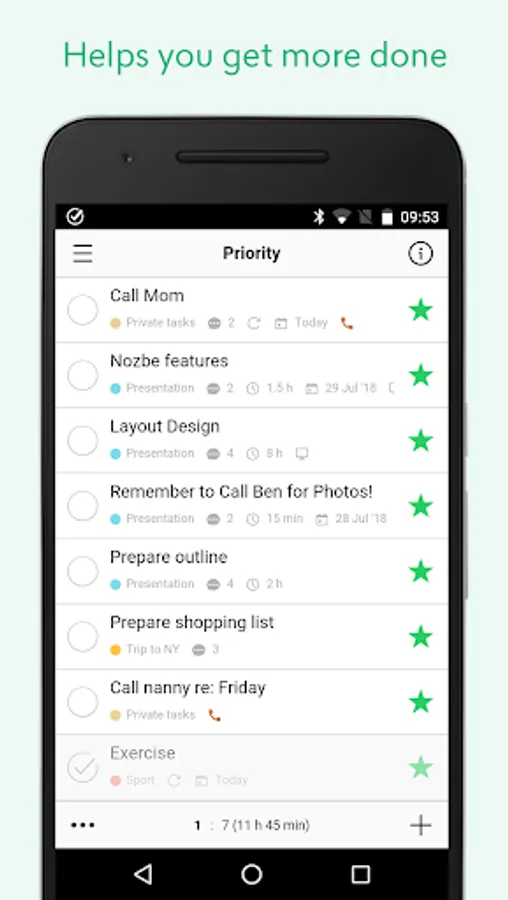
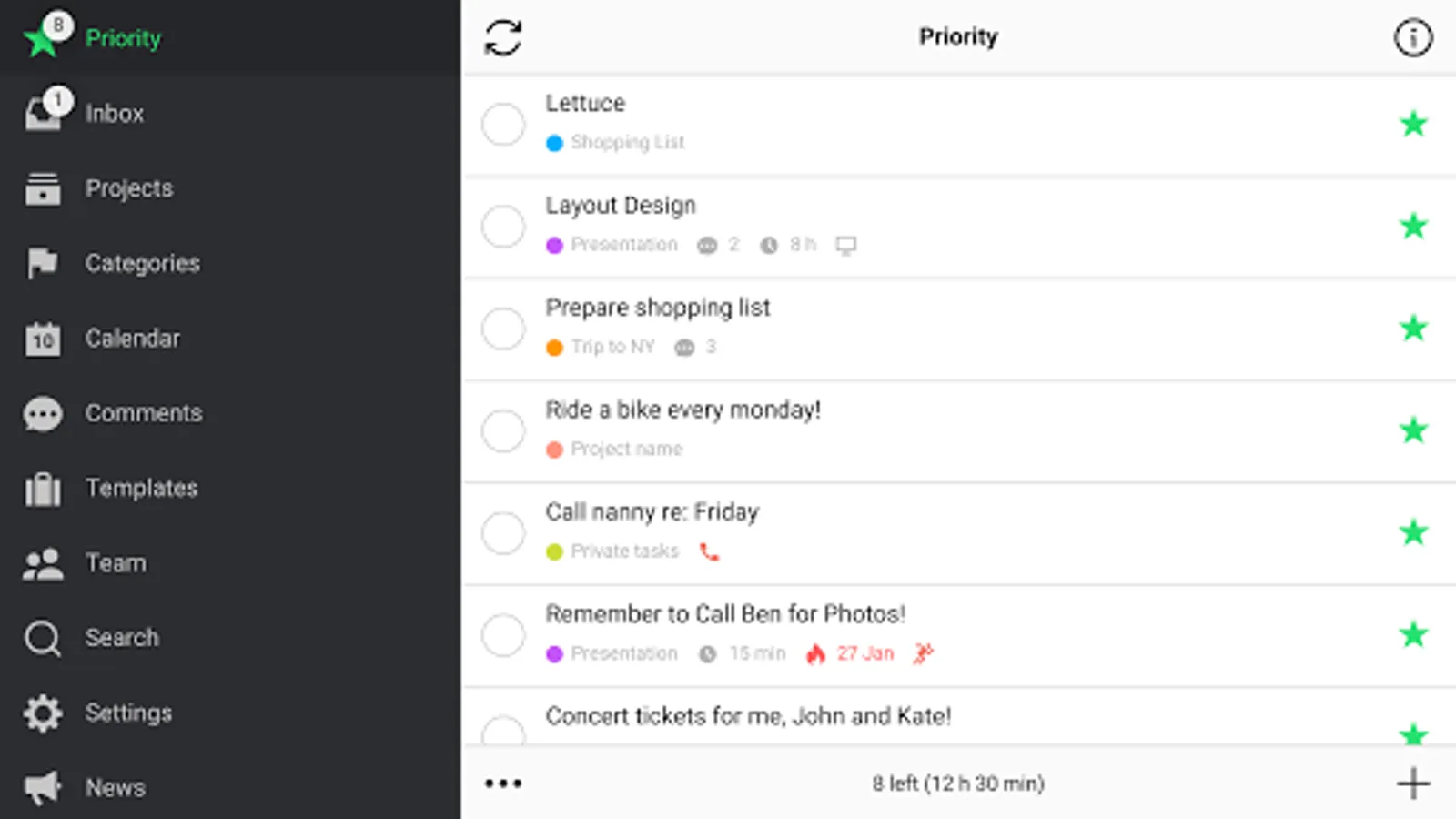
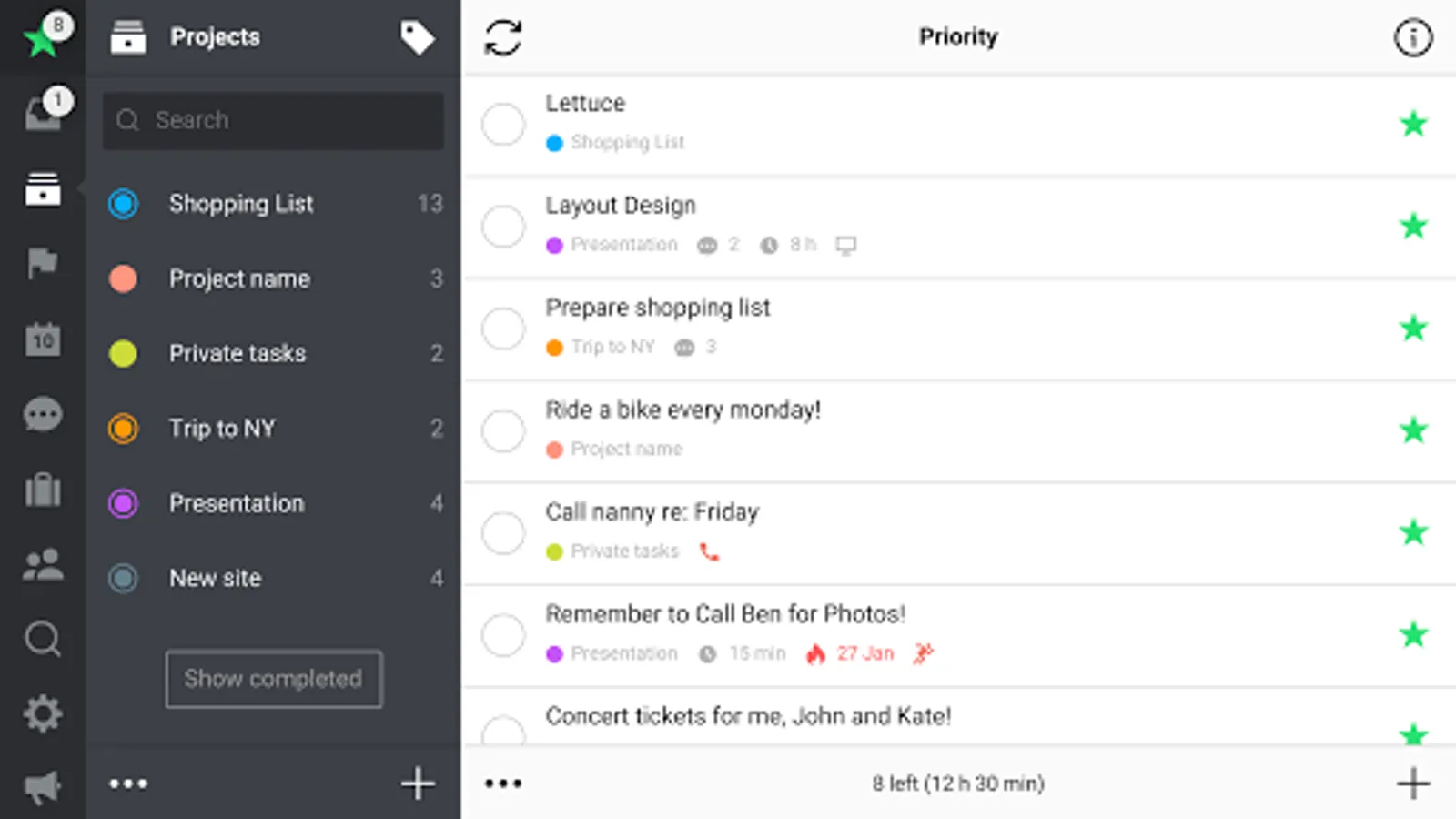
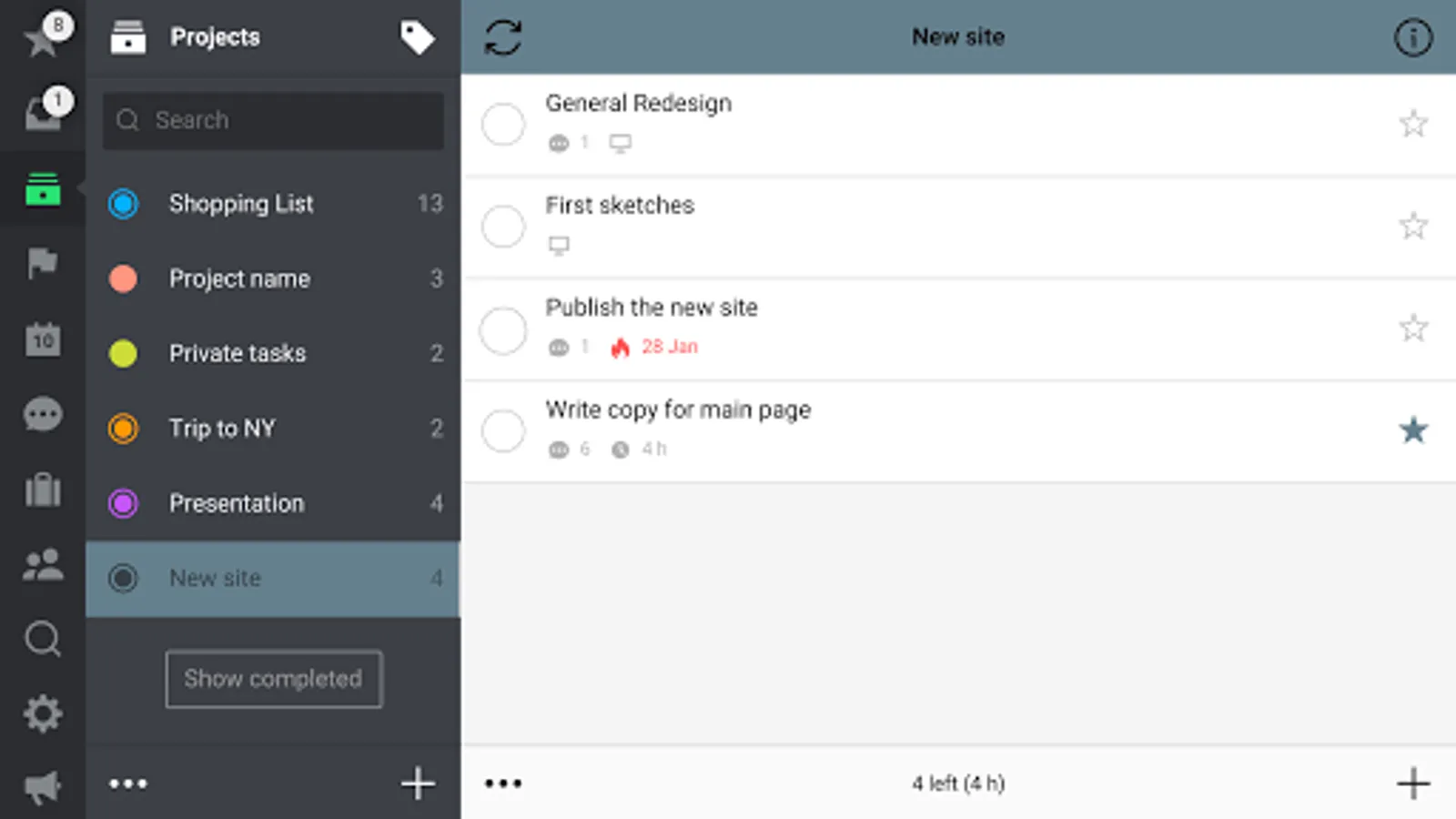
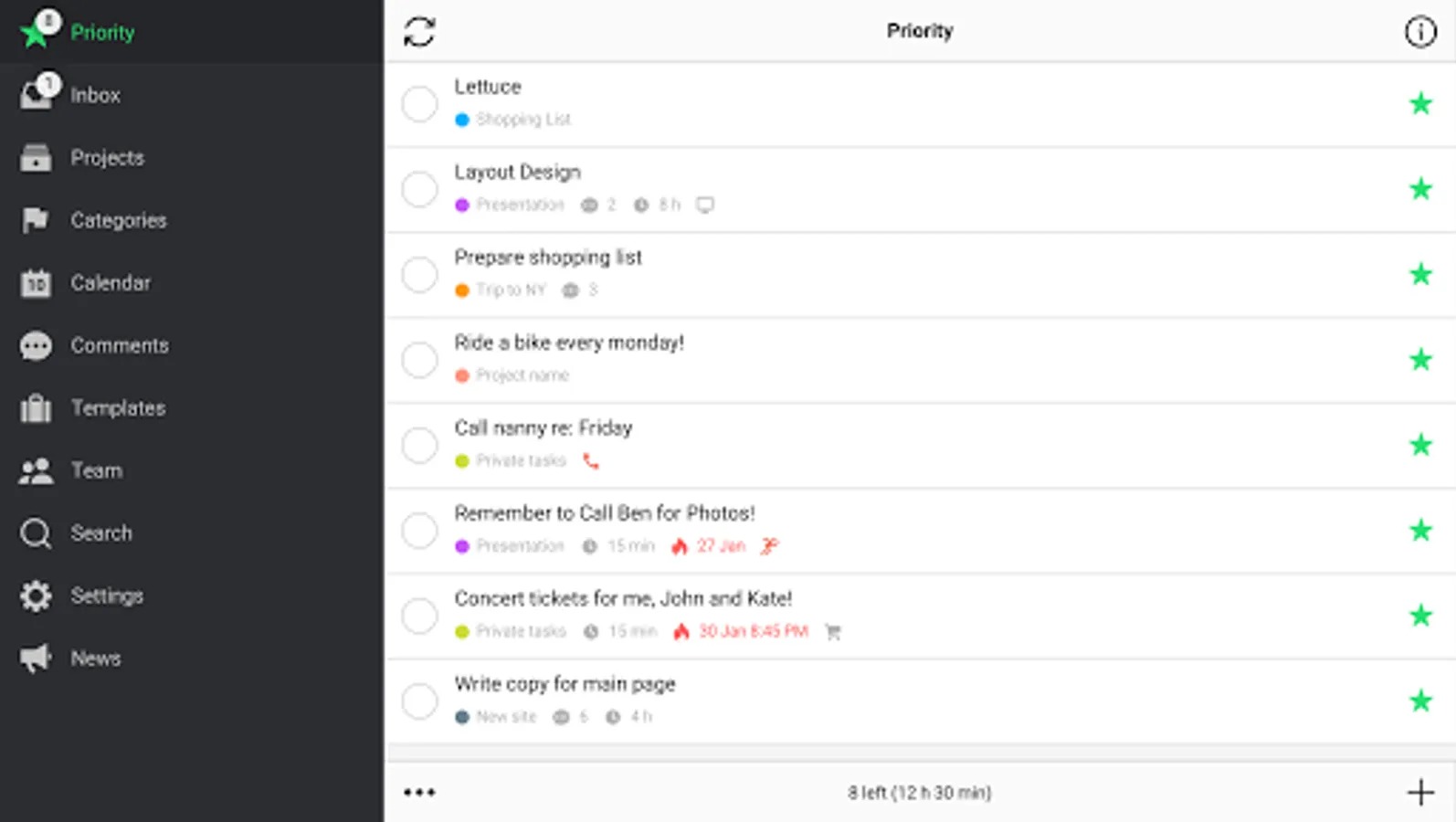
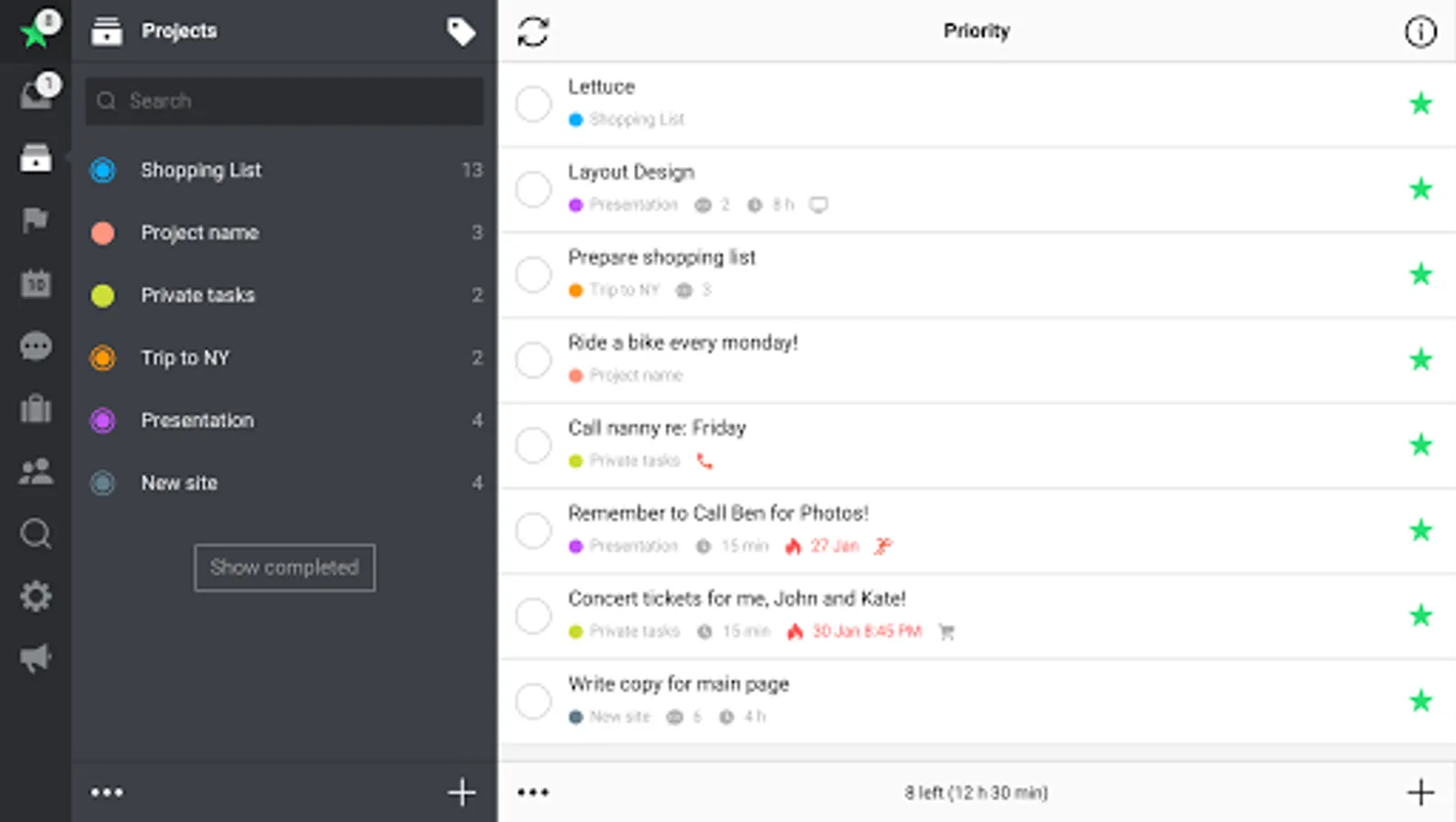
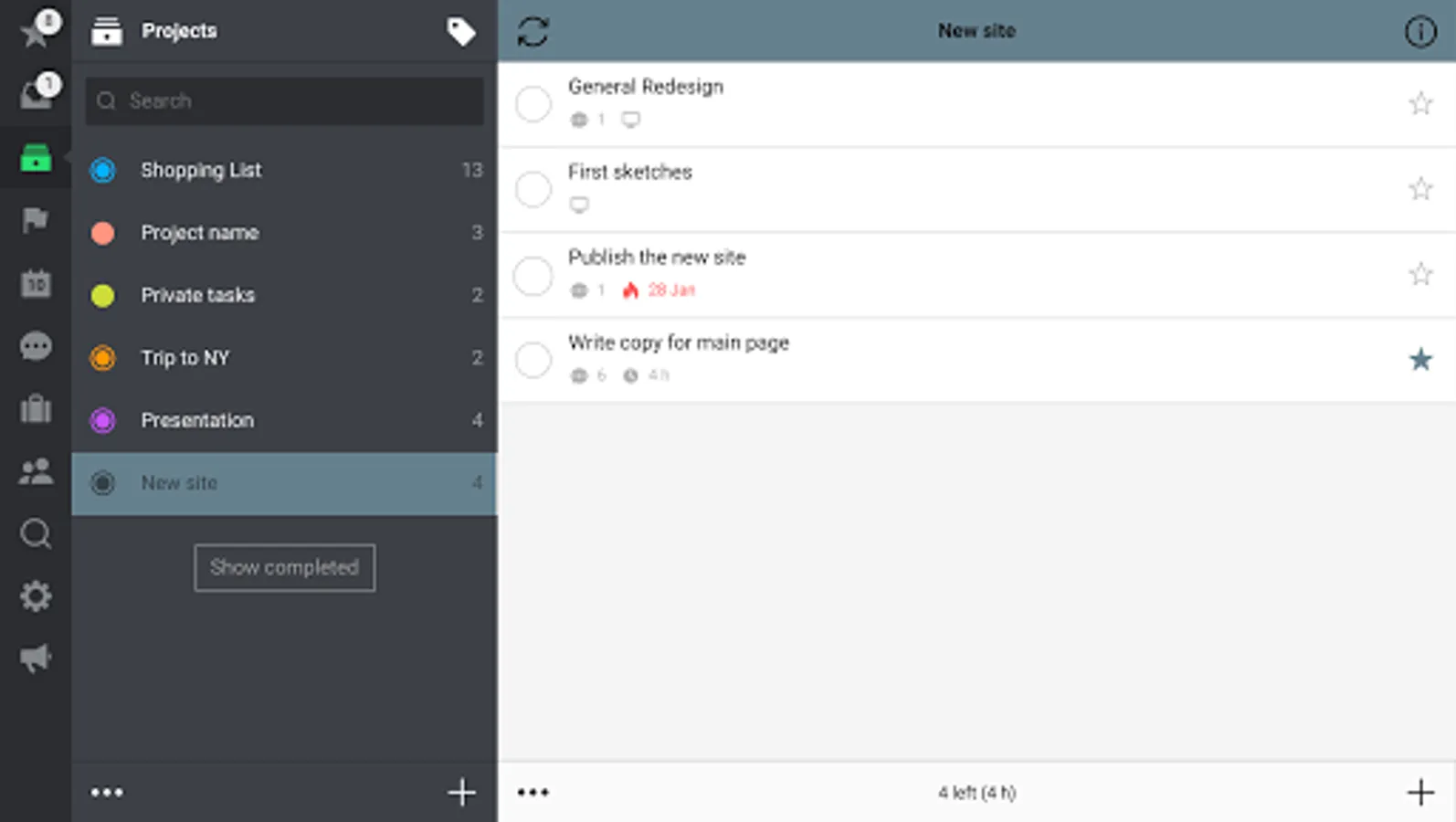
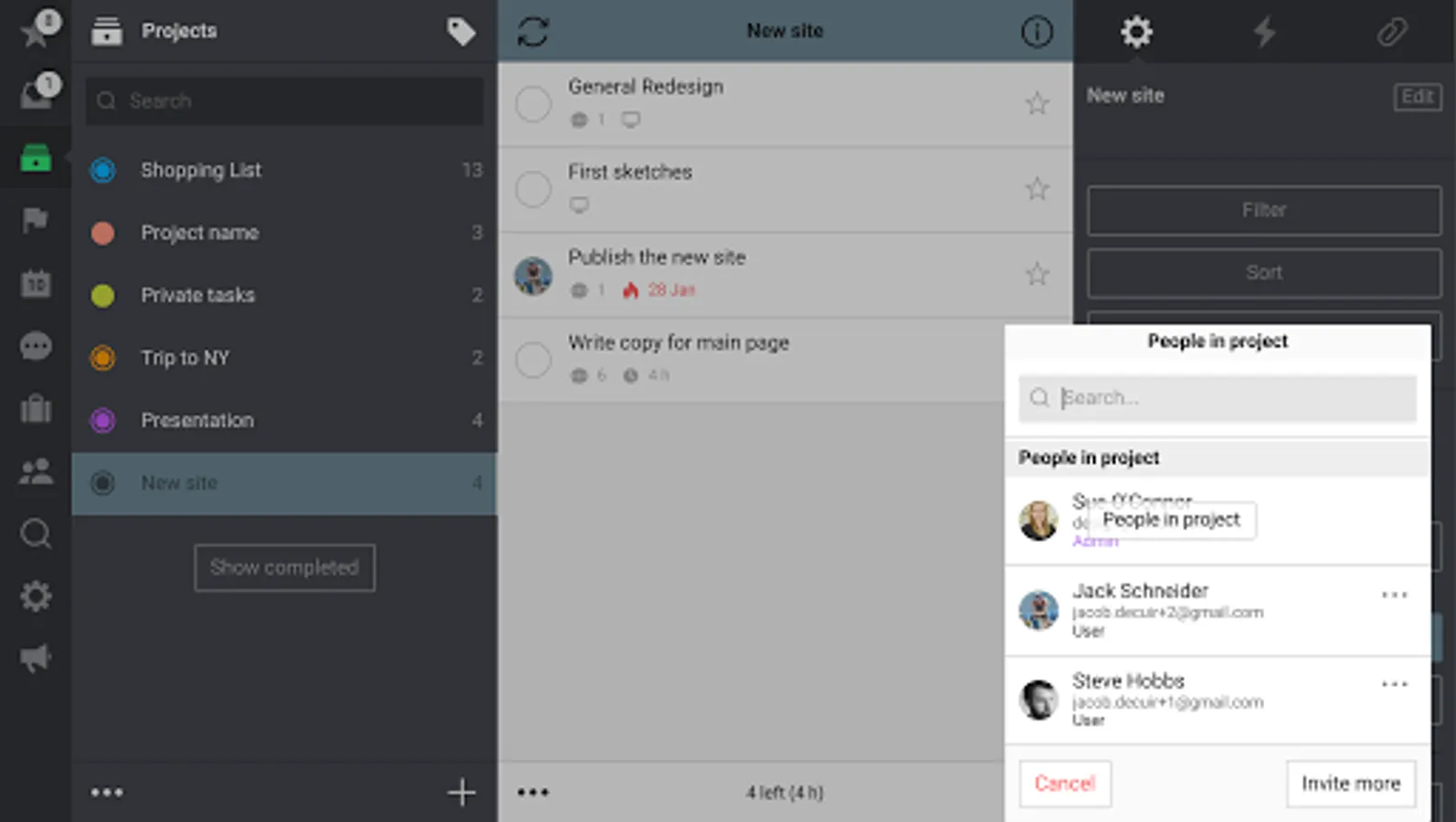
Don't keep things on your mind, put them in your trusted Nozbe Classic system. Add tasks from anywhere, organize them in projects, mark priority tasks with a star and schedule things to do later. Use categories/contexts to batch tasks and get everything done faster.
✔️📗 PRODUCTIVITY REPORTS
With Nozbe Classic Ratio and Productivity Reports you will be able to track, measure and “gamify” your personal and your team productivity. With our acclaimed 10-Steps Productivity video course we will teach you more tips and tricks.
✔️🤖 AUTOMATE WITH PROJECT TEMPLATES
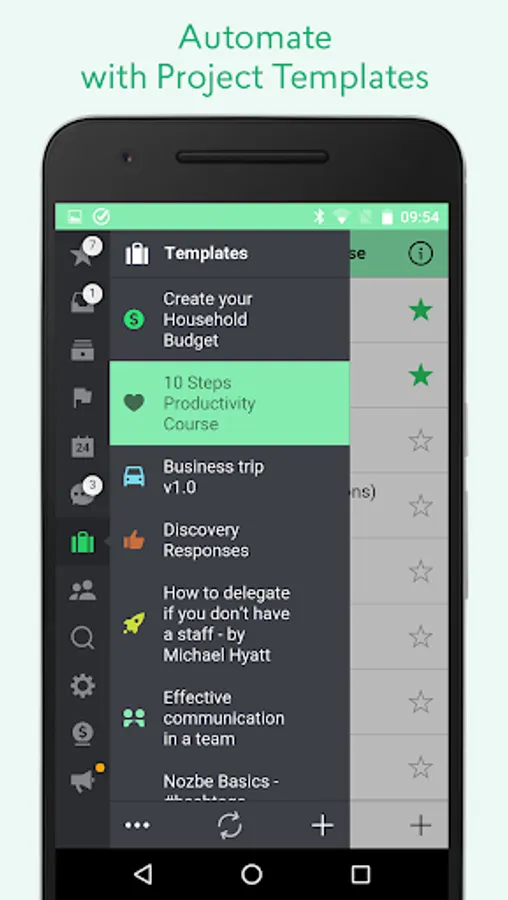
Save your processes and procedures in Nozbe Classic as project templates. Start new project when new instance is ready to go. You can also share your templates or get new ones shared by the Nozbe Classic user community at Nozbe.how
✔️🛠 USE YOUR FAVORITE TOOLS WITH Nozbe Classic
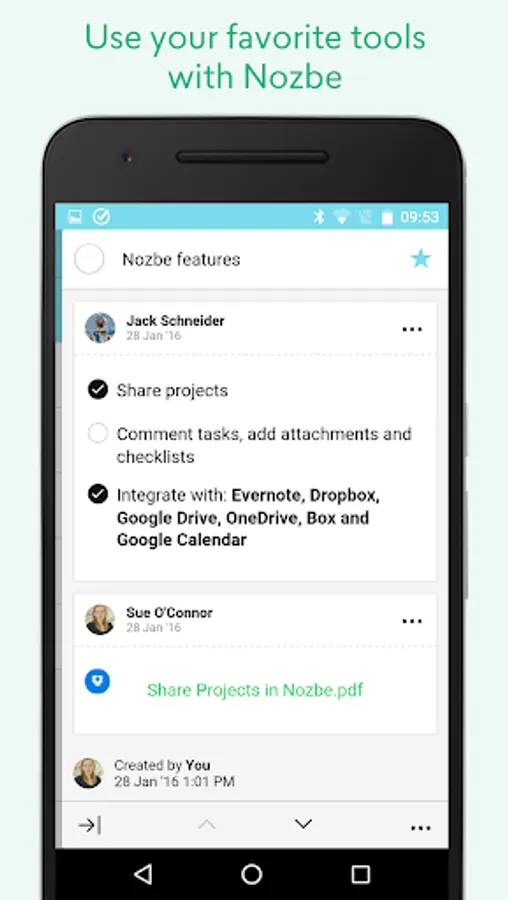
Nozbe Classic syncs task due dates both ways with:
📆Google Calendar.
You can comment on tasks with:
🗒 Evernote notes
📂 Dropbox files
📂 Google Drive files
📂 OneDrive files
📂 Box files
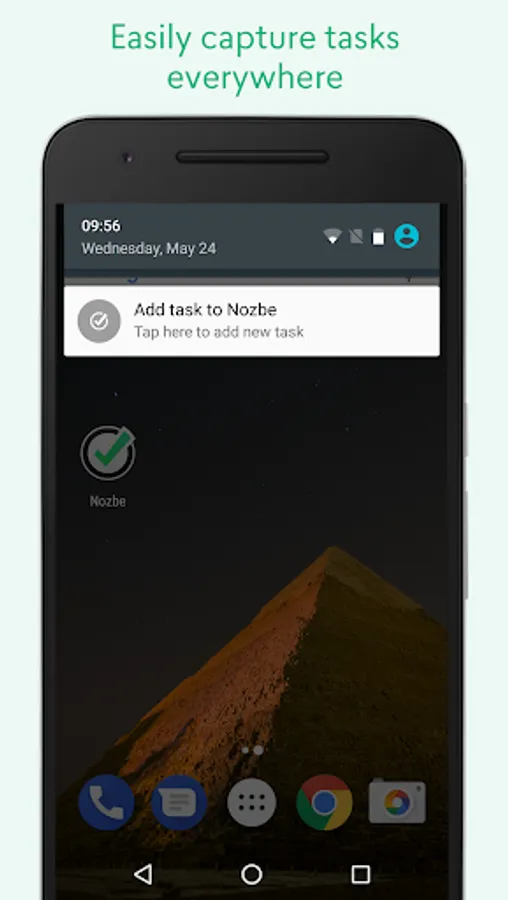
✔️📥 EASILY CAPTURE TASKS EVERYWHERE
- Add tasks quickly with parameters using #hashtags
- Make email actionable - add tasks with parameters and comments via email
- from notification panel with constant “Quick Add” notification or quick settings tile
- from a widget
- from other apps via Share menu
✔️🗣 COMMUNICATION THROUGH TASKS AND COMMENTS
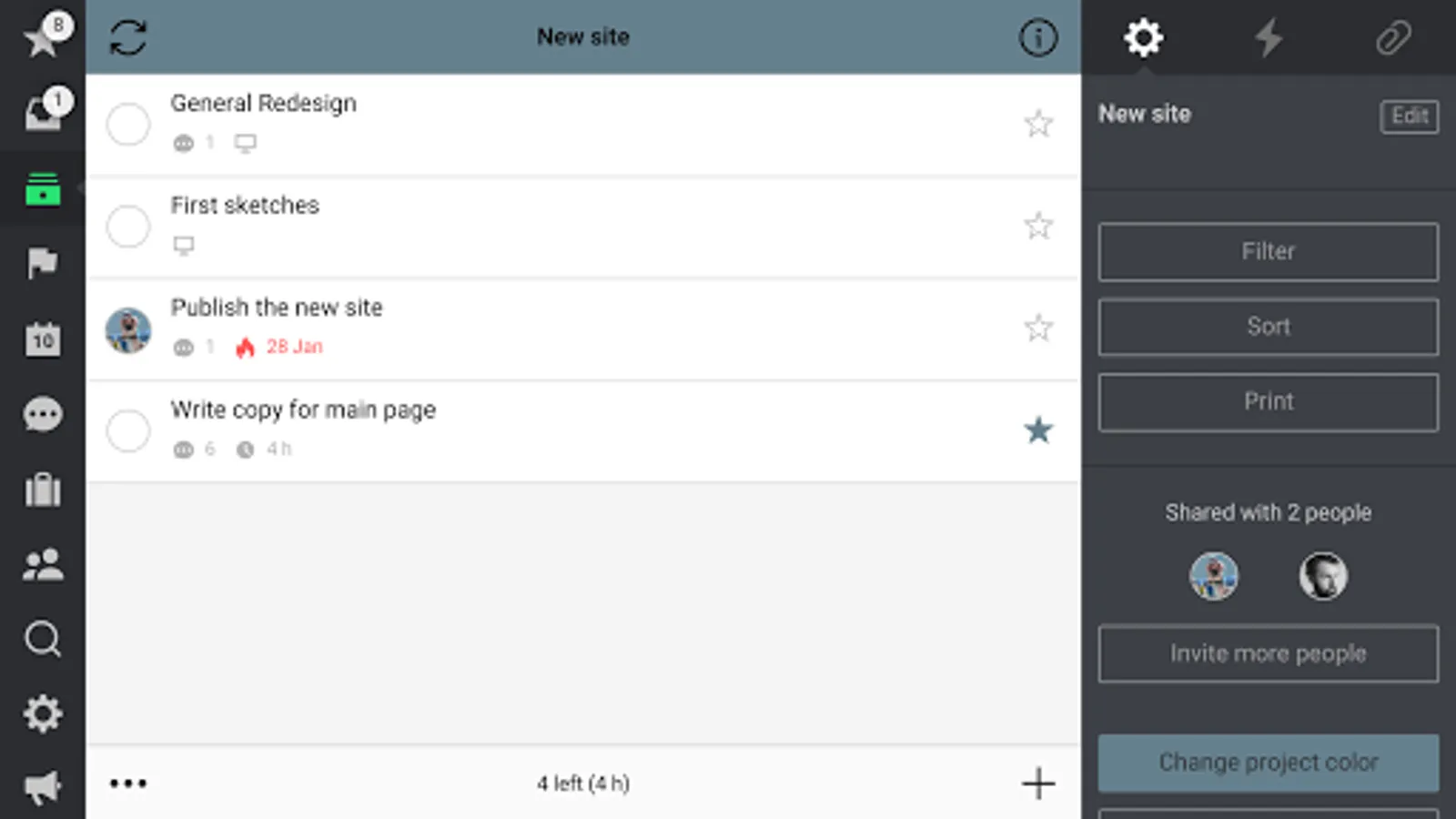
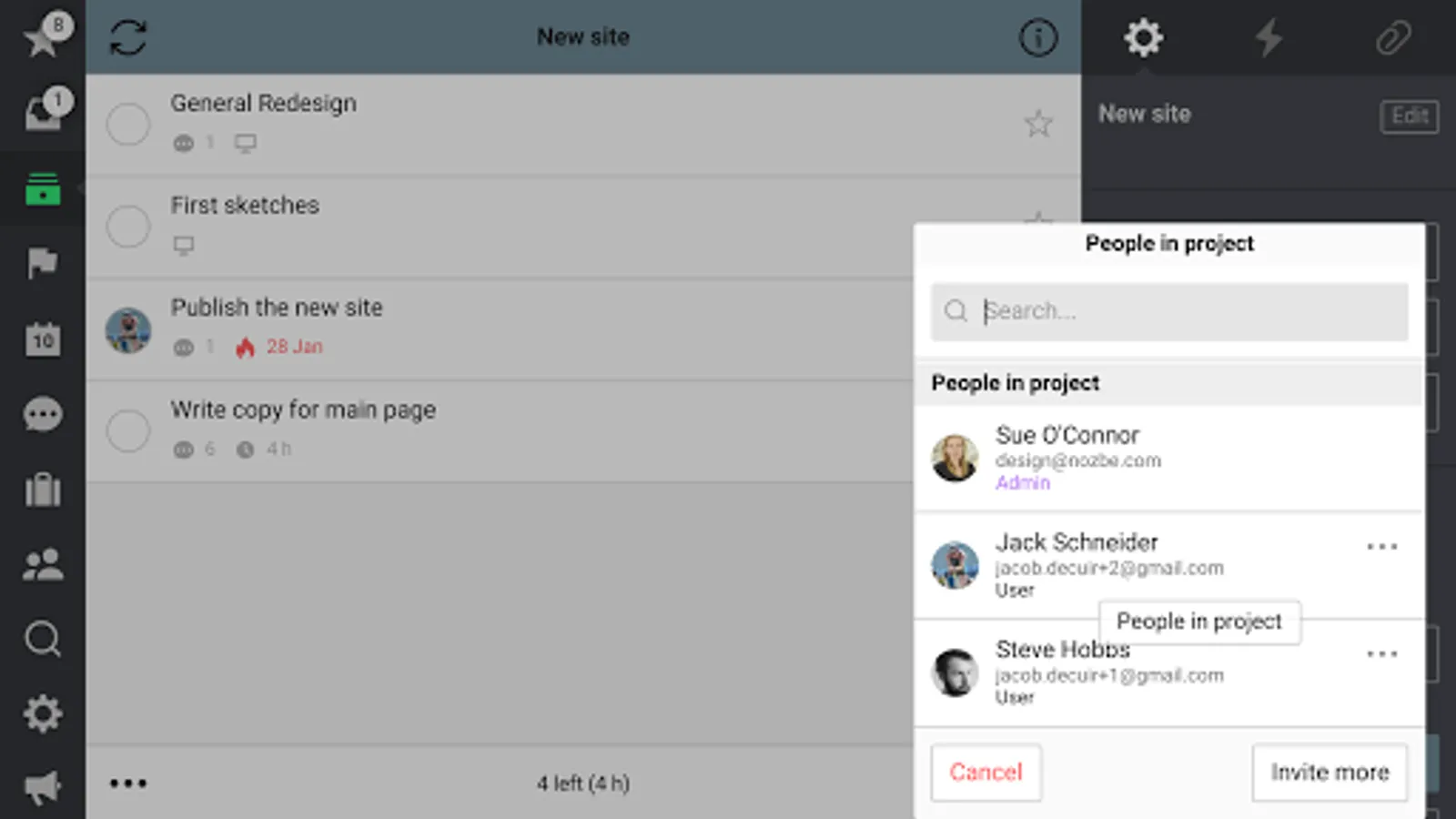
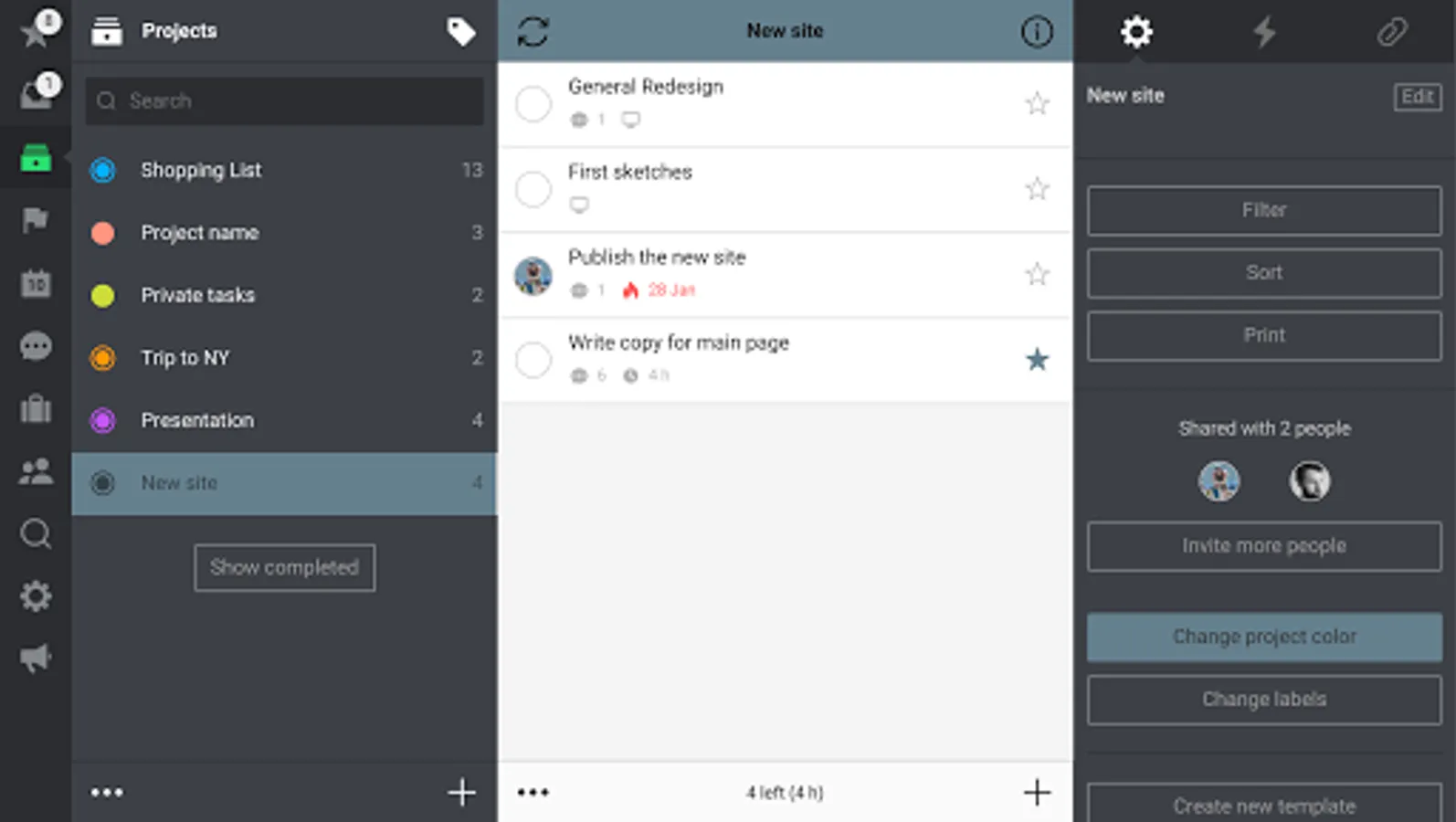
You're not alone! Share projects and experience effective communication through tasks.
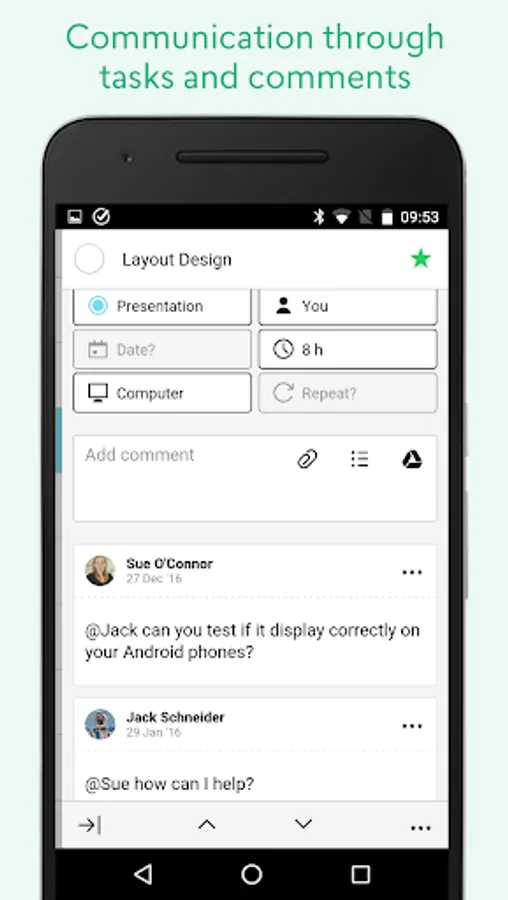
No more emails, CCs, forgotten attachments, etc. With Nozbe Classic shared projects communication and responsibility in your team will become clear and less distractive. Focus more on getting tasks done instead of managing them.
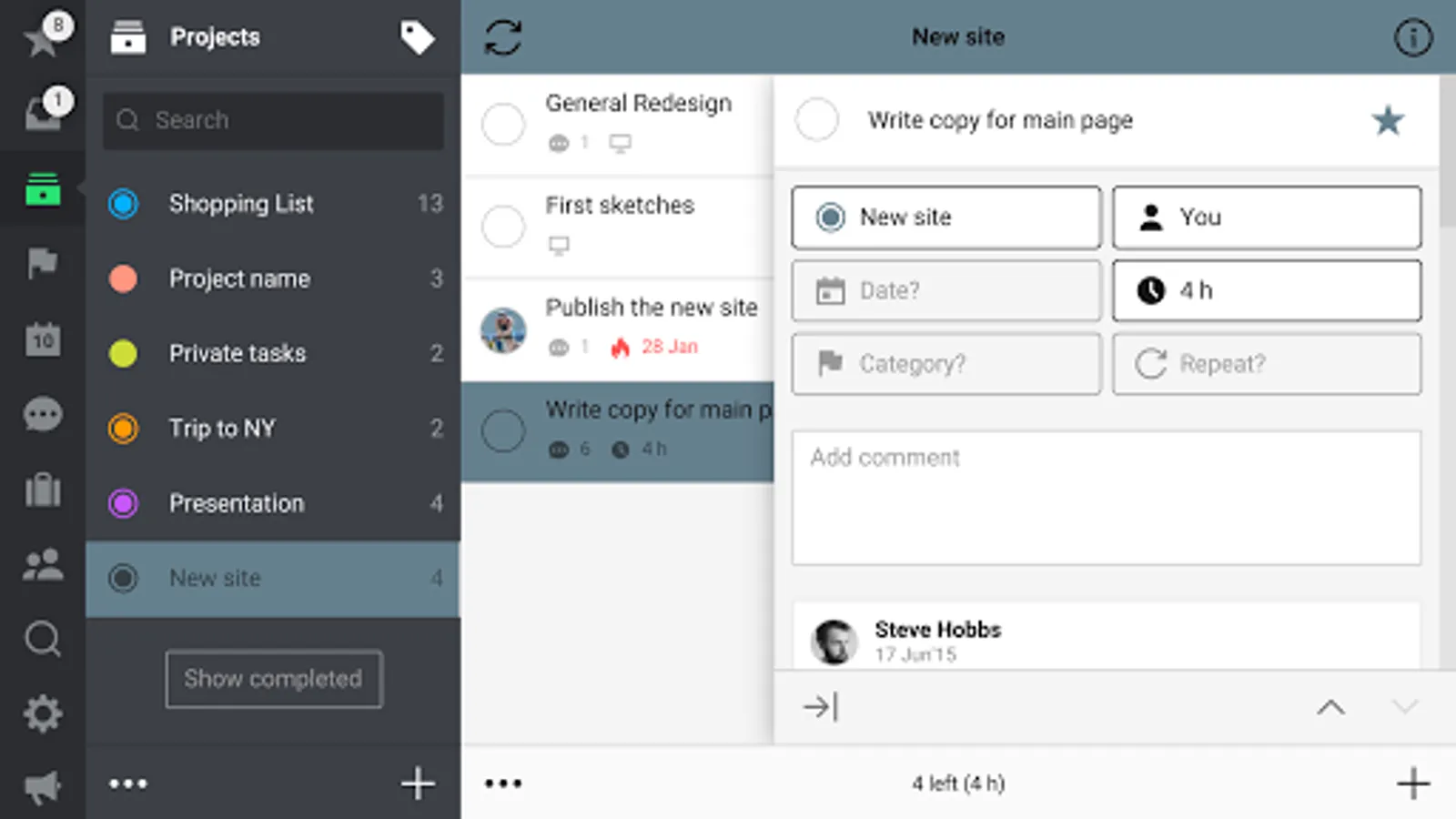
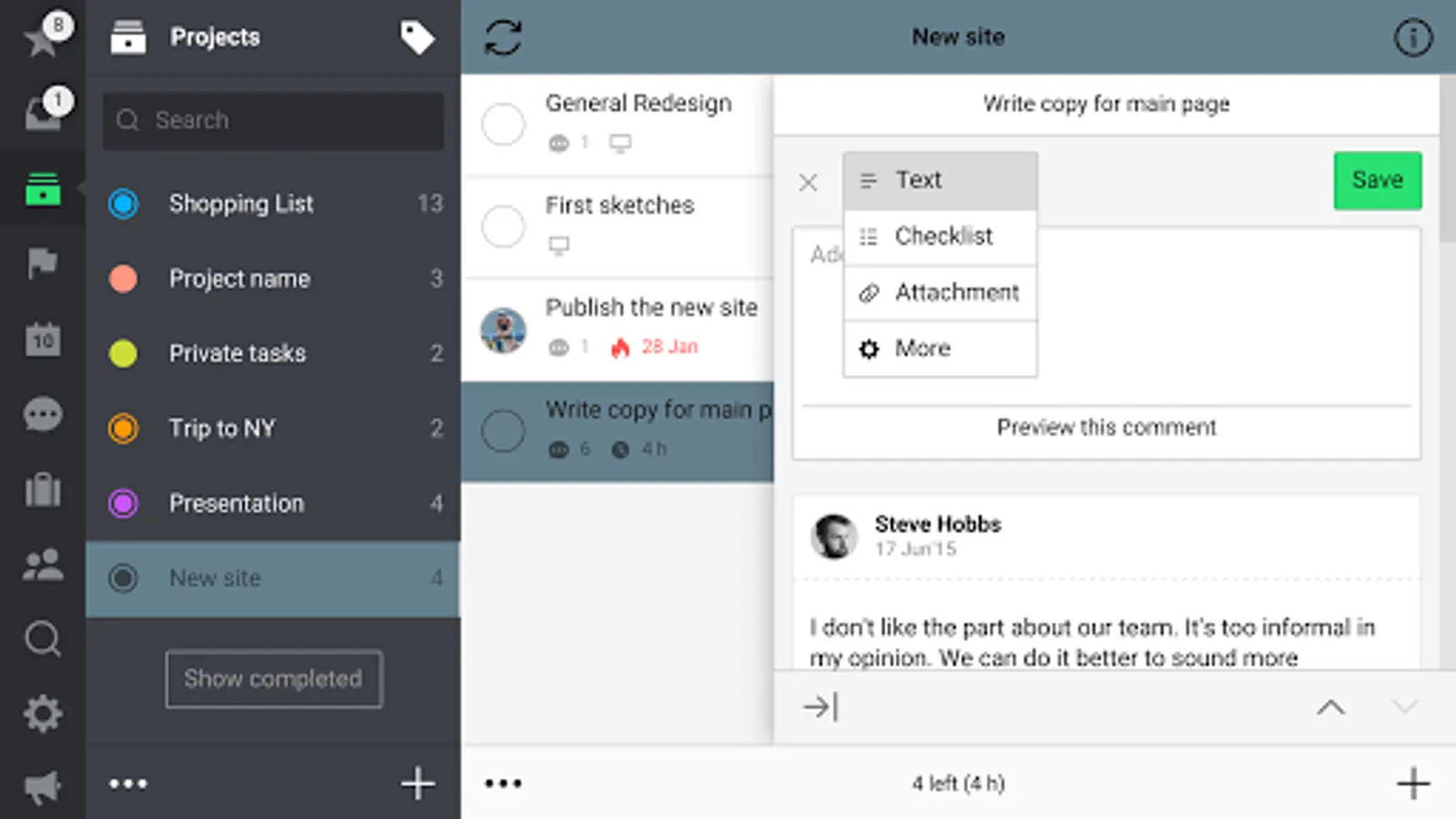
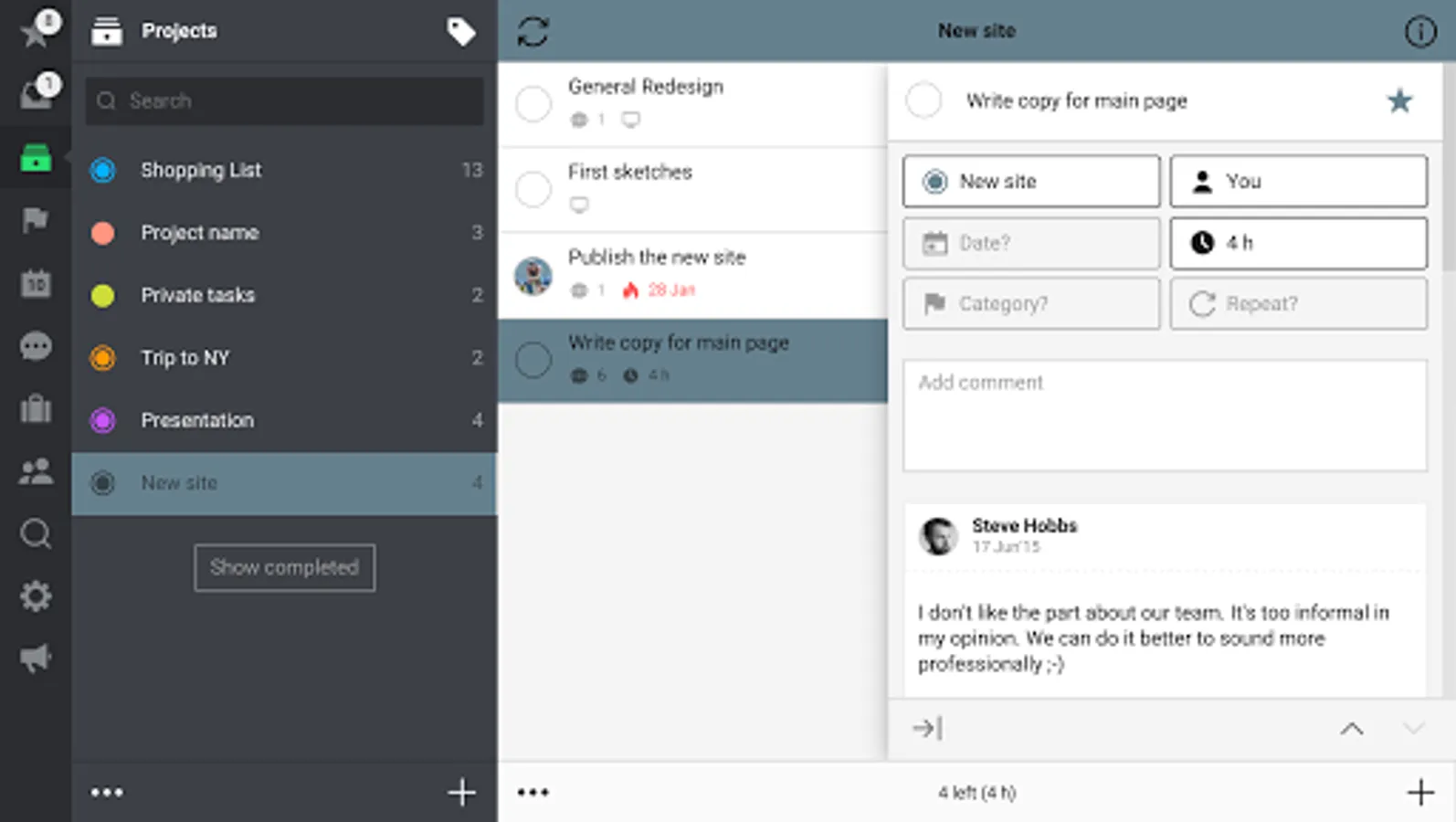
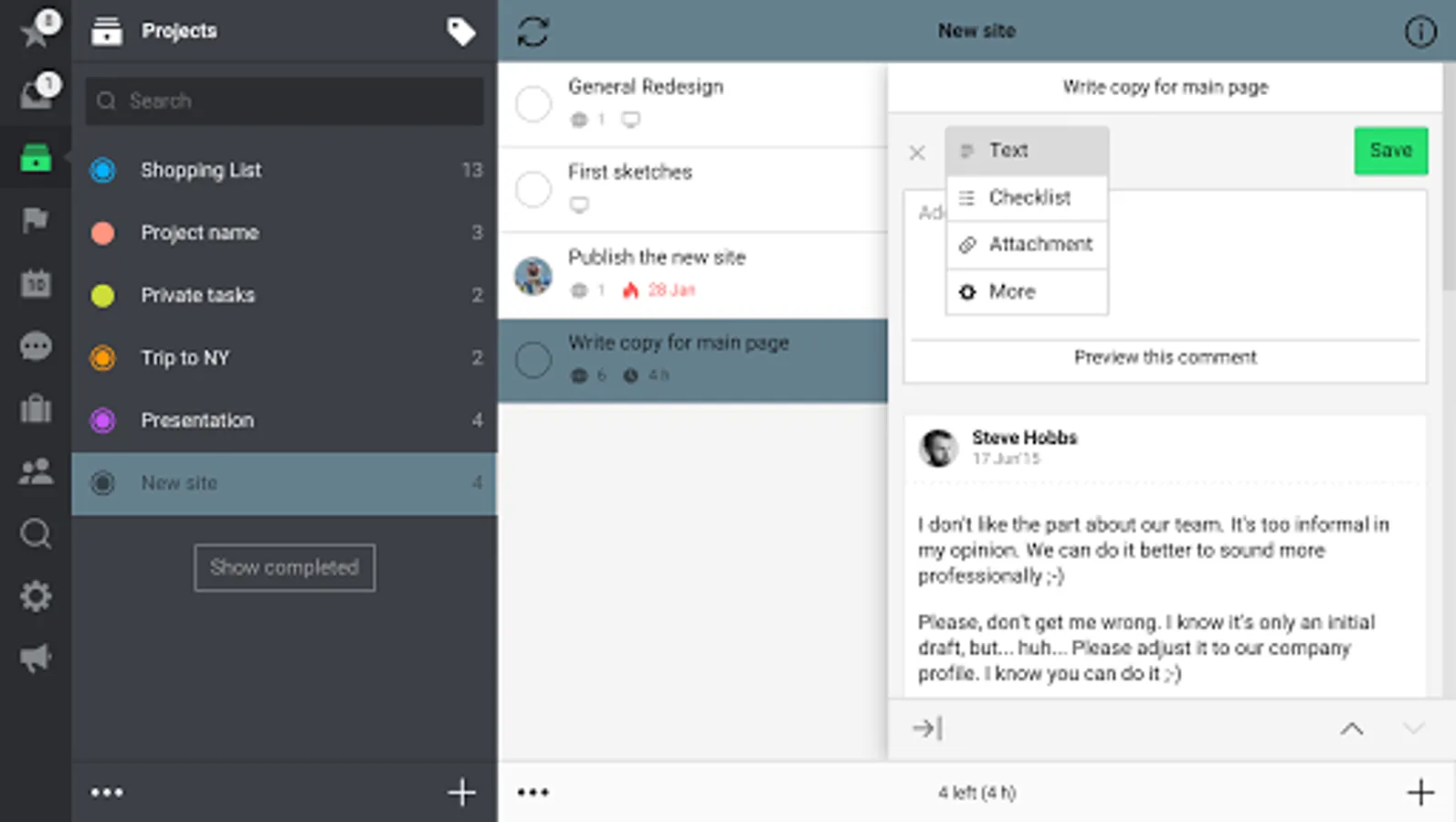
Add comments to each task easily and in any format - text, checklists, photos, documents - use Google Drive as well as any of the popular cloud storage platforms.
“Wanted you to know that I’m using Nozbe Classic with my virtual team since I started the new job. The comments, shared project features and speed of sync are so, so good! Amazing with team members… one even said: Nozbe Classic works so well I’m trying to convince my other job to adopt its use.” - Mike StPierre
Nozbe Classic is free to download and use for up to 5 active projects. Go to Settings→Account to unlock Nozbe Classic Premium with unlimited projects or Nozbe Classic Premium for 10+ users with additional collaboration features.
Nozbe Classic Plans:
• Nozbe Classic PREMIUM - For busy professionals, unlimited projects, shared projects, unlimited storage.
• Nozbe Classic PREMIUM for 10+ users - For growing teams and businesses, additional shared projects features, more comprehensive productivity reports, dedicated premium support.
✔️👍 HELPS YOU GET MORE DONE
Don't keep things on your mind, put them in your trusted Nozbe Classic system. Add tasks from anywhere, organize them in projects, mark priority tasks with a star and schedule things to do later. Use categories/contexts to batch tasks and get everything done faster.
✔️📗 PRODUCTIVITY REPORTS
With Nozbe Classic Ratio and Productivity Reports you will be able to track, measure and “gamify” your personal and your team productivity. With our acclaimed 10-Steps Productivity video course we will teach you more tips and tricks.
✔️🤖 AUTOMATE WITH PROJECT TEMPLATES
Save your processes and procedures in Nozbe Classic as project templates. Start new project when new instance is ready to go. You can also share your templates or get new ones shared by the Nozbe Classic user community at Nozbe.how
✔️🛠 USE YOUR FAVORITE TOOLS WITH Nozbe Classic
Nozbe Classic syncs task due dates both ways with:
📆Google Calendar.
You can comment on tasks with:
🗒 Evernote notes
📂 Dropbox files
📂 Google Drive files
📂 OneDrive files
📂 Box files
✔️📥 EASILY CAPTURE TASKS EVERYWHERE
- Add tasks quickly with parameters using #hashtags
- Make email actionable - add tasks with parameters and comments via email
- from notification panel with constant “Quick Add” notification or quick settings tile
- from a widget
- from other apps via Share menu
✔️🗣 COMMUNICATION THROUGH TASKS AND COMMENTS
You're not alone! Share projects and experience effective communication through tasks.
No more emails, CCs, forgotten attachments, etc. With Nozbe Classic shared projects communication and responsibility in your team will become clear and less distractive. Focus more on getting tasks done instead of managing them.
Add comments to each task easily and in any format - text, checklists, photos, documents - use Google Drive as well as any of the popular cloud storage platforms.
“Wanted you to know that I’m using Nozbe Classic with my virtual team since I started the new job. The comments, shared project features and speed of sync are so, so good! Amazing with team members… one even said: Nozbe Classic works so well I’m trying to convince my other job to adopt its use.” - Mike StPierre
Nozbe Classic is free to download and use for up to 5 active projects. Go to Settings→Account to unlock Nozbe Classic Premium with unlimited projects or Nozbe Classic Premium for 10+ users with additional collaboration features.
Nozbe Classic Plans:
• Nozbe Classic PREMIUM - For busy professionals, unlimited projects, shared projects, unlimited storage.
• Nozbe Classic PREMIUM for 10+ users - For growing teams and businesses, additional shared projects features, more comprehensive productivity reports, dedicated premium support.
Nozbe Classic Screenshots
Tap to Rate:
Reviews for Nozbe Classic
Jonas Vercruysse
2/23/2025
Great productivity tool! Seemless sync between devices. I really like it.
riaz Ali
8/13/2024
Alisukh