AppRecs review analysis
AppRecs rating 5.0. Trustworthiness 65 out of 100. Review manipulation risk 20 out of 100. Based on a review sample analyzed.
★★★★★
5.0
AppRecs Rating
Ratings breakdown
5 star
100%
4 star
0%
3 star
0%
2 star
0%
1 star
0%
What to know
✓
Low review manipulation risk
20% review manipulation risk
✓
High user satisfaction
100% of sampled ratings are 5 stars
About PSW Gen Pro
Create ultra-secure passwords offline using Bitcoin-grade technology
Forget cloud-based password vaults.
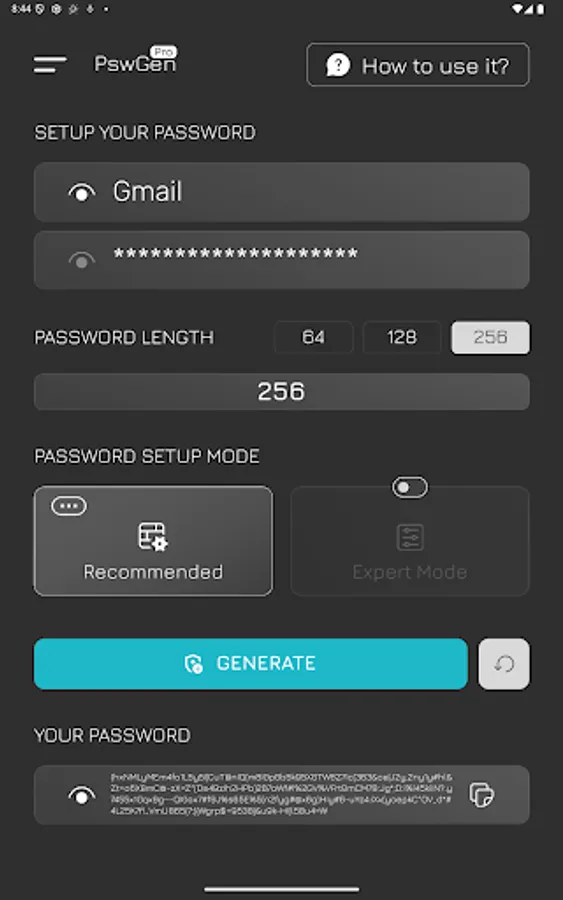
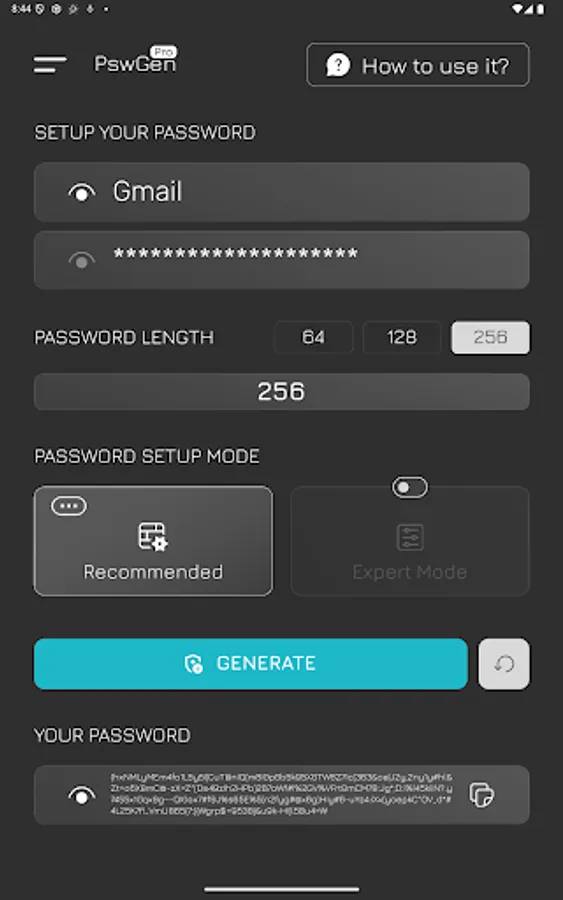
PSW Gen lets you create strong, repeatable passwords — fully offline — using the same cryptographic principles that power Bitcoin.
Just remember one secret key, and use it to generate unlimited passwords for all your accounts.
🔐 How It Works:
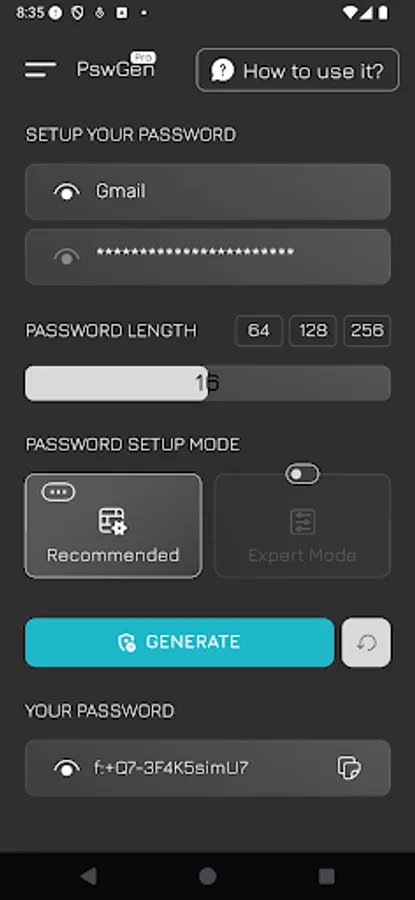
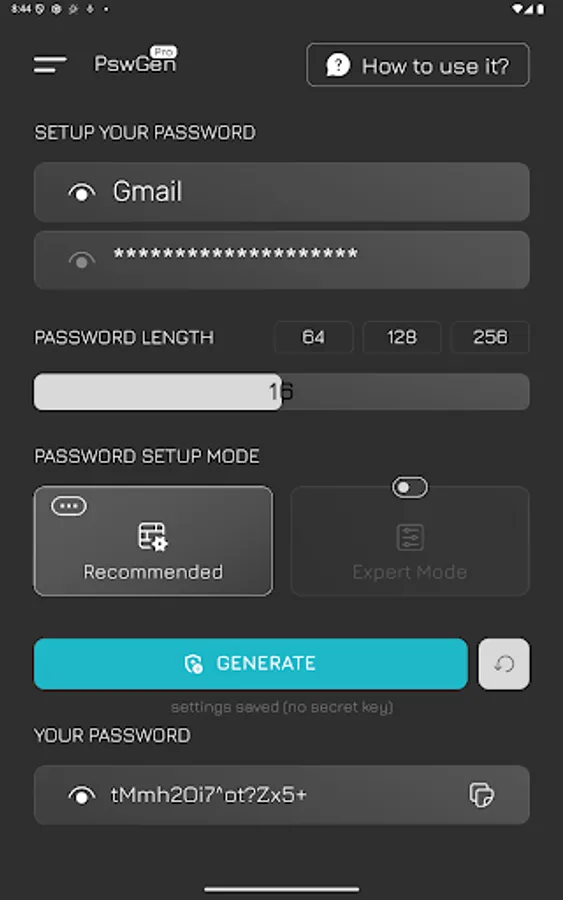
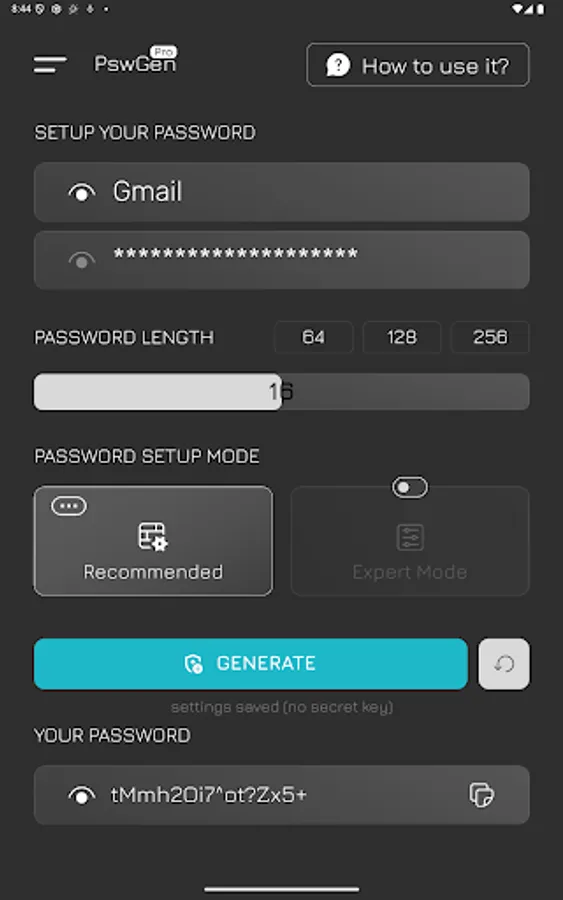
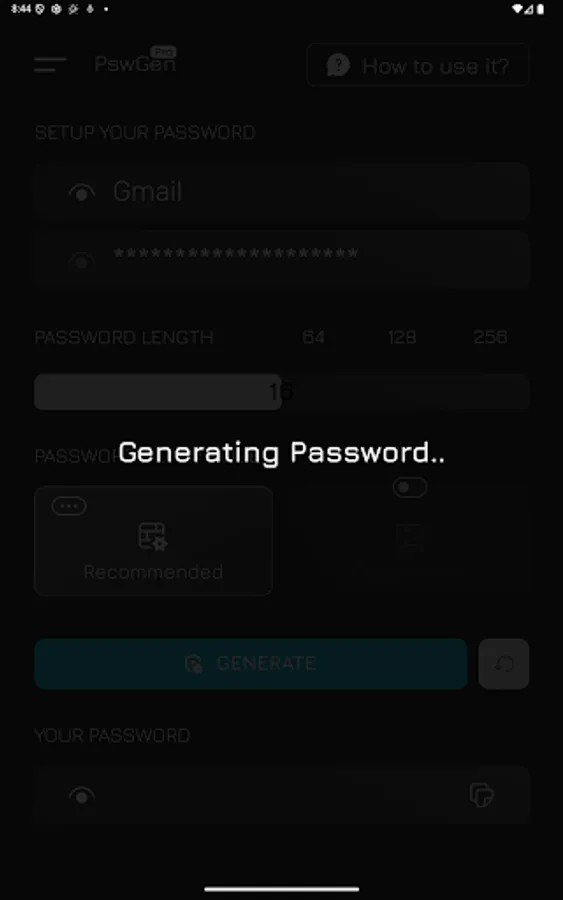
Enter your master key
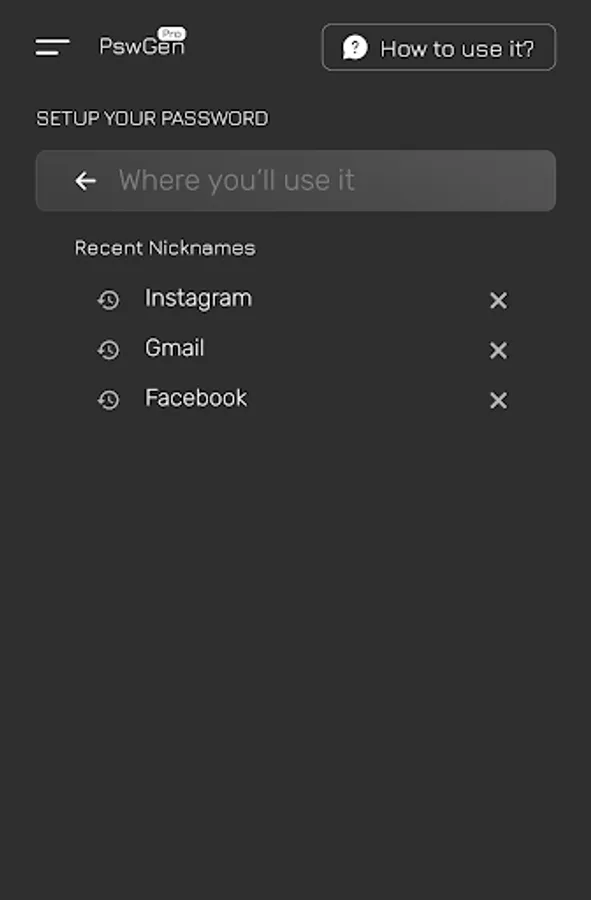
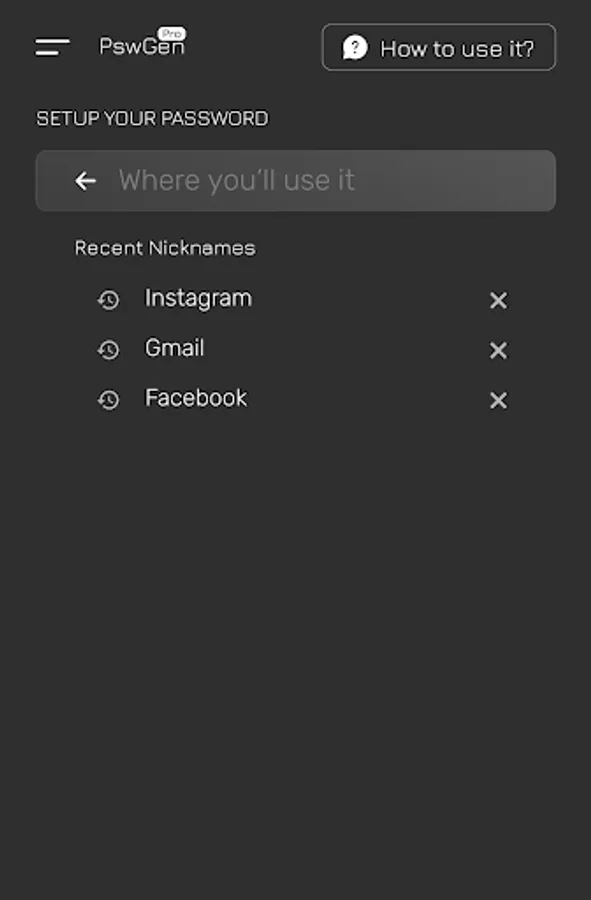
Add a nickname (e.g. Facebook, Gmail)
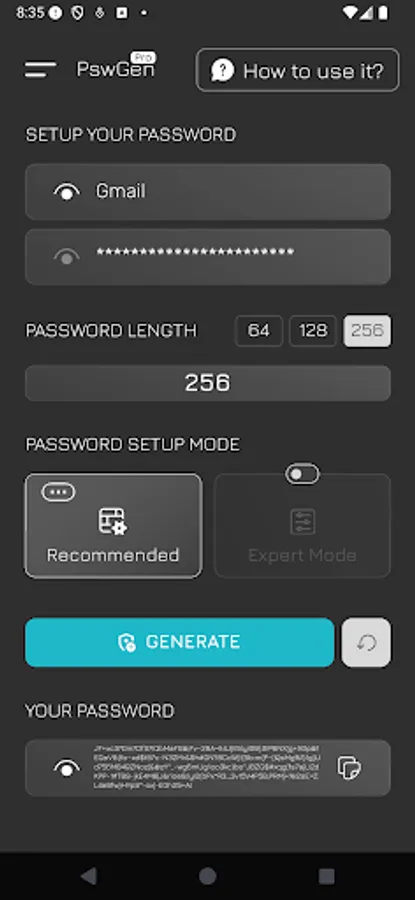
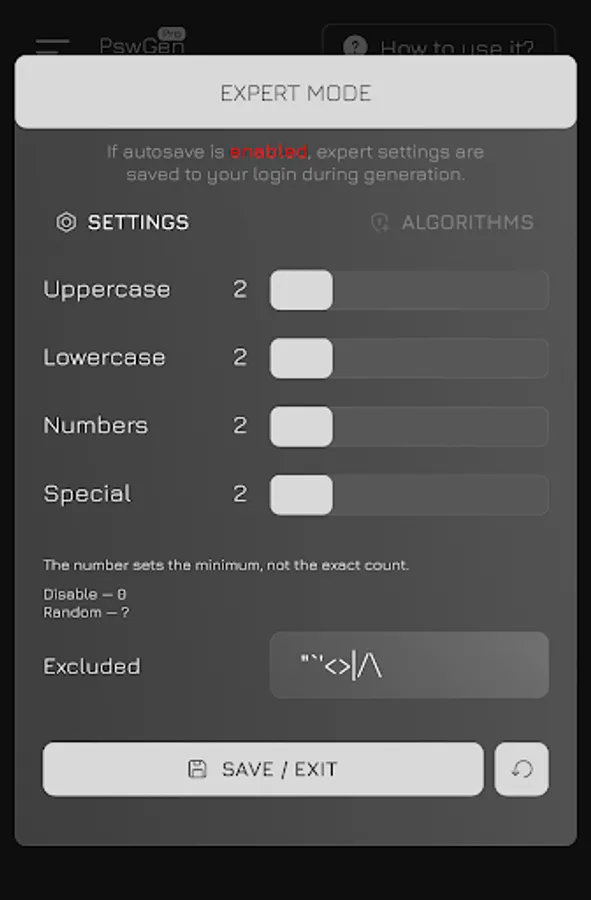
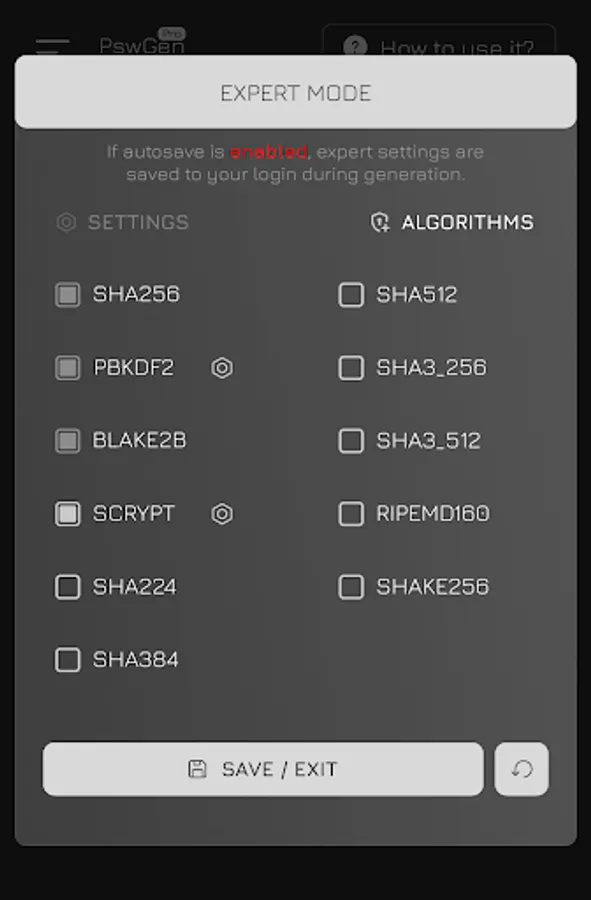
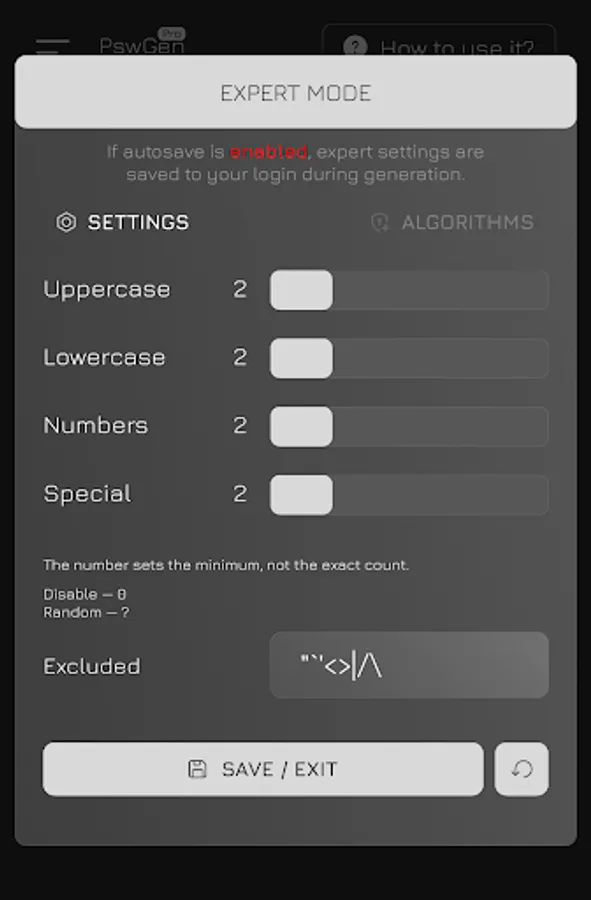
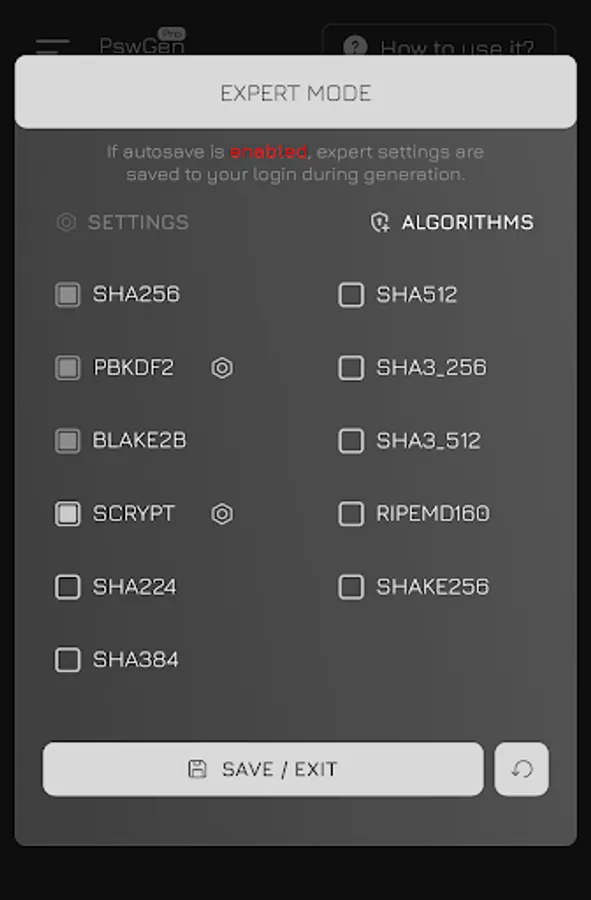
Choose your preferred length, characters & algorithm
Get the same strong password every time
No syncing, no cloud, no storage — just pure crypto logic.
💡 Why PSW Gen?
✅ Deterministic output – same input = same password
✅ Nothing is stored – zero chance of leaks
✅ Works 100% offline – never needs internet
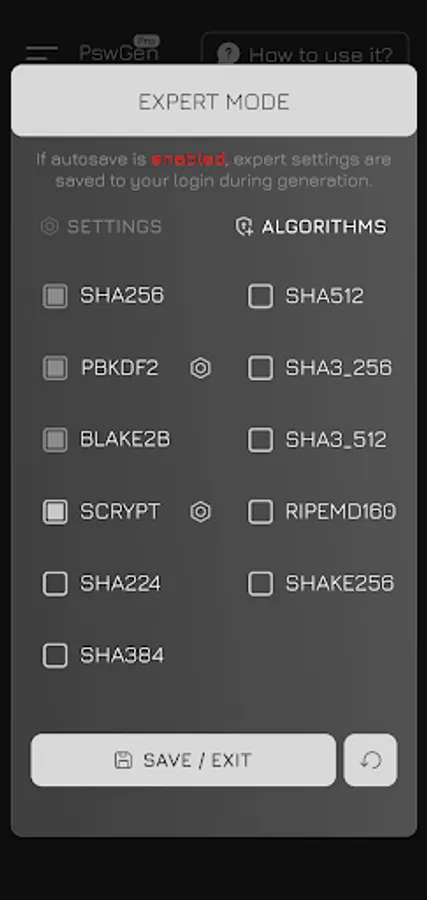
✅ Supports PBKDF2, Scrypt, SHA3, SHA512, and more
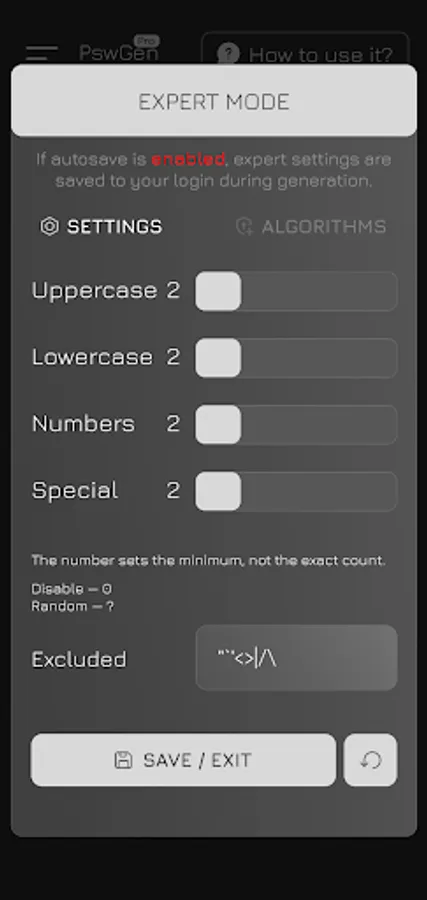
✅ Fully customizable: length, symbols, exclusions
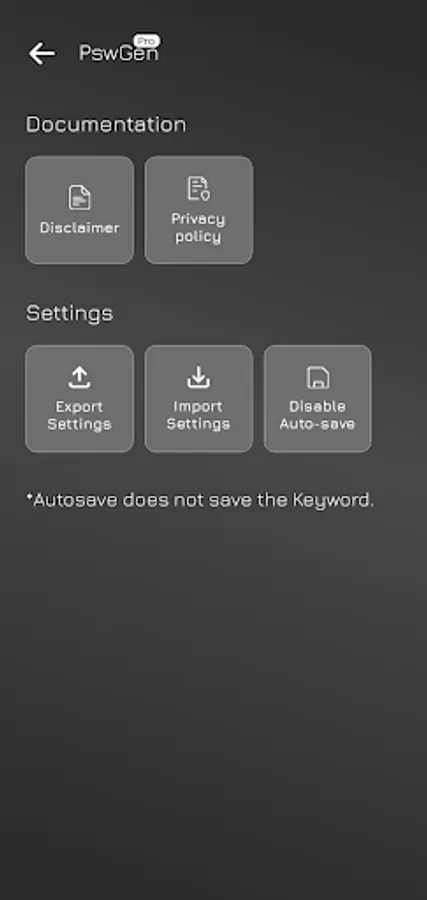
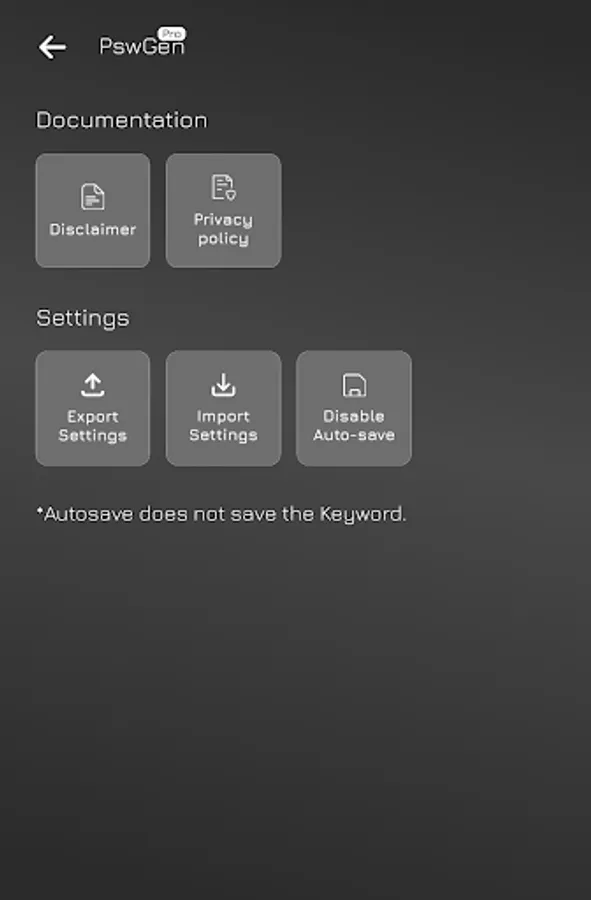
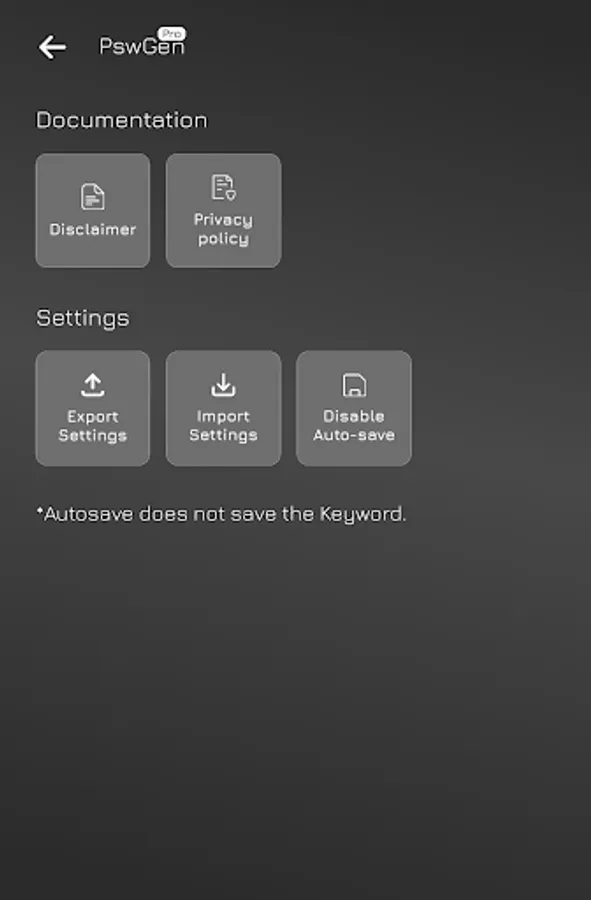
✅ Export/import your settings for backup or transfer
✅ Auto-save settings (excluding your key) — optional
✅ No ads. No tracking. No permissions.
🧠 Save Everything (Except Your Key)
While the app requires the same key, nickname, and settings to regenerate passwords, you don't need to memorize everything.
PSW Gen lets you save all settings and nicknames automatically, so you only need to remember one strong key.
The key is never saved — and that’s by design. Saving it would break the app’s core security model.
🔐 Safety by Design:
Your key is never stored.
Your passwords are never saved.
There’s literally nothing to hack.
This makes PSW Gen significantly safer than cloud-based managers.
⚠️ Important to Remember:
To regenerate a password, you must use the exact same:
Master key
Nickname
Generation settings (length, characters, algorithms, etc.)
If one of these is changed or lost — the password cannot be recovered.
But that’s also what keeps it unbreakable.
🧠 Ideal For:
Security-minded users
Developers & IT pros
Crypto enthusiasts
Anyone who doesn’t trust “the cloud”
Forget cloud-based password vaults.
PSW Gen lets you create strong, repeatable passwords — fully offline — using the same cryptographic principles that power Bitcoin.
Just remember one secret key, and use it to generate unlimited passwords for all your accounts.
🔐 How It Works:
Enter your master key
Add a nickname (e.g. Facebook, Gmail)
Choose your preferred length, characters & algorithm
Get the same strong password every time
No syncing, no cloud, no storage — just pure crypto logic.
💡 Why PSW Gen?
✅ Deterministic output – same input = same password
✅ Nothing is stored – zero chance of leaks
✅ Works 100% offline – never needs internet
✅ Supports PBKDF2, Scrypt, SHA3, SHA512, and more
✅ Fully customizable: length, symbols, exclusions
✅ Export/import your settings for backup or transfer
✅ Auto-save settings (excluding your key) — optional
✅ No ads. No tracking. No permissions.
🧠 Save Everything (Except Your Key)
While the app requires the same key, nickname, and settings to regenerate passwords, you don't need to memorize everything.
PSW Gen lets you save all settings and nicknames automatically, so you only need to remember one strong key.
The key is never saved — and that’s by design. Saving it would break the app’s core security model.
🔐 Safety by Design:
Your key is never stored.
Your passwords are never saved.
There’s literally nothing to hack.
This makes PSW Gen significantly safer than cloud-based managers.
⚠️ Important to Remember:
To regenerate a password, you must use the exact same:
Master key
Nickname
Generation settings (length, characters, algorithms, etc.)
If one of these is changed or lost — the password cannot be recovered.
But that’s also what keeps it unbreakable.
🧠 Ideal For:
Security-minded users
Developers & IT pros
Crypto enthusiasts
Anyone who doesn’t trust “the cloud”