Riddle Escape Game - Store
OneLightApplication
500+
downloads
Free
AppRecs review analysis
AppRecs rating 4.0. Trustworthiness 55 out of 100. Review manipulation risk 44 out of 100. Based on a review sample analyzed.
★★★★☆
4.0
AppRecs Rating
Ratings breakdown
5 star
100%
4 star
0%
3 star
0%
2 star
0%
1 star
0%
What to know
⚠
Questionable review patterns
44% review manipulation risk - some review patterns appear unusual
⚠
Unusually uniform ratings
100% of sampled ratings are 5 stars with very little variation
About Riddle Escape Game - Store
This game is a 2D riddle-solving escape game.
#What kind of game is it?
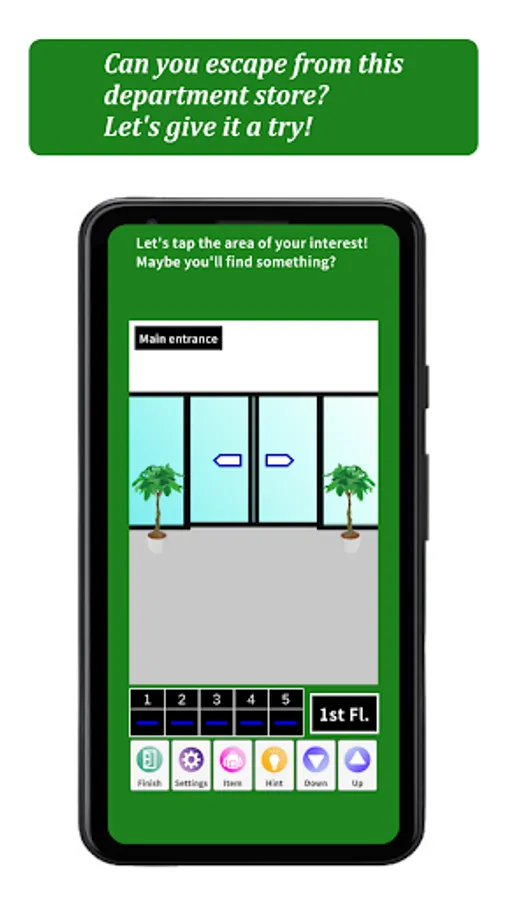
You are trapped in a department store.
You try to escape from this department store.
You must solve all 5 questions hidden in the department store to escape.
#Who is this game for?
People who like riddle-solving games
People who like escape games
People who have never played riddle-solving escape games but want to try.
People who want to kill time
People who want to exercise their brains
Anyone can enjoy playing!
#Difficulty level
The difficulty level is low.
Even beginners of riddle-solving escape games can enjoy playing.
#Items
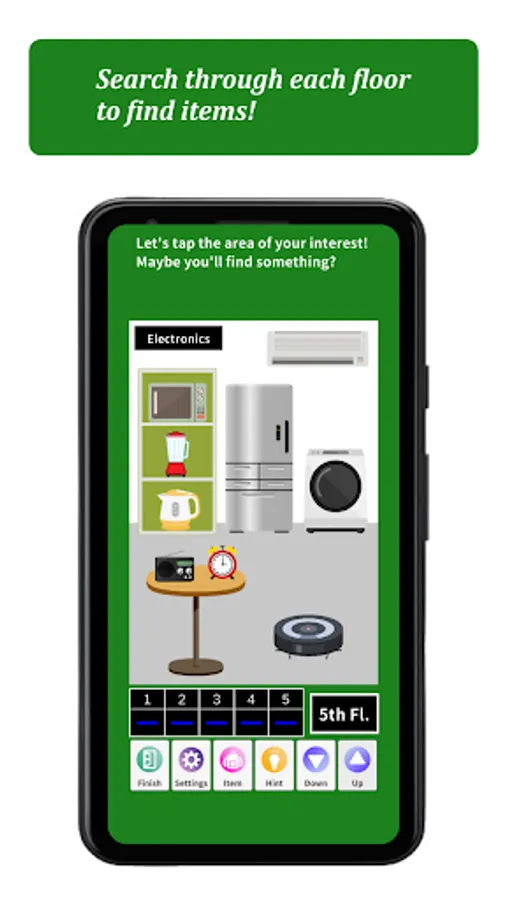
There are items hidden on the floors of the department store.
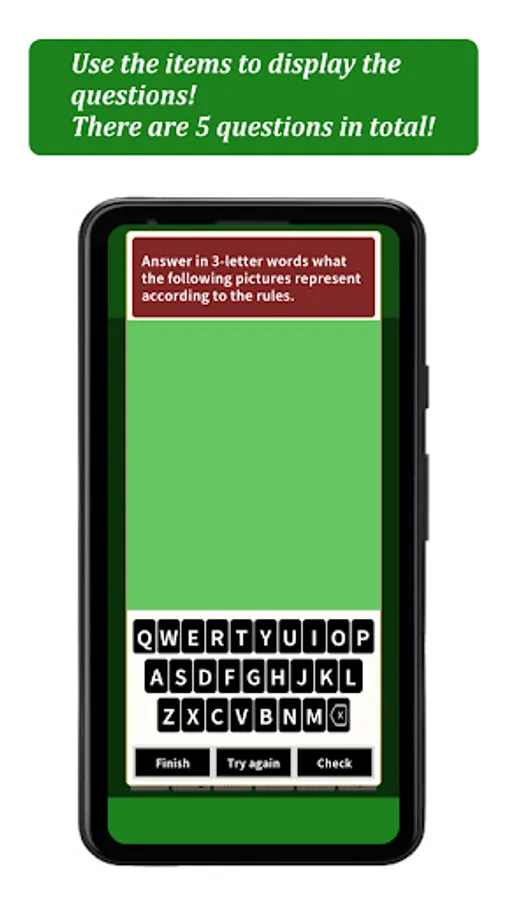
You can use these items to show the questions hidden in the department store.
#5 questions
There are 5 questions in total.
#Hints
Each questions has a hint. (Viewing the hints requires watching an advertisement.)
#Types of questions and how to answer them
Questions 1-4: These questions that requires you to answer the alphabet. Use the alphabet keyboard to enter the letters of the alphabet in the answer squares, then tap the “Check” button.
Question 5: This question is about rearranging squares into the correct position. Tap the square you want to move, and a red frame will appear to select it. Then, tap the answer square to move the square. If you want to move a square back to its original position, tap the square you want to move, and when it becomes selected, tap the “Return to the original position” button. When all the squares have been moved, tap the “Check” button.
#Languages are supported in Japanese and English. Language switching is not supported within the application. The language is switched according to the language setting of the device. (If the language setting of the device is Japanese, the application will be displayed in Japanese. If the language setting of the device is not Japanese, the application will be displayed in English.)
*The story is the same in Japanese and English, but the questions are different.
#What kind of game is it?
You are trapped in a department store.
You try to escape from this department store.
You must solve all 5 questions hidden in the department store to escape.
#Who is this game for?
People who like riddle-solving games
People who like escape games
People who have never played riddle-solving escape games but want to try.
People who want to kill time
People who want to exercise their brains
Anyone can enjoy playing!
#Difficulty level
The difficulty level is low.
Even beginners of riddle-solving escape games can enjoy playing.
#Items
There are items hidden on the floors of the department store.
You can use these items to show the questions hidden in the department store.
#5 questions
There are 5 questions in total.
#Hints
Each questions has a hint. (Viewing the hints requires watching an advertisement.)
#Types of questions and how to answer them
Questions 1-4: These questions that requires you to answer the alphabet. Use the alphabet keyboard to enter the letters of the alphabet in the answer squares, then tap the “Check” button.
Question 5: This question is about rearranging squares into the correct position. Tap the square you want to move, and a red frame will appear to select it. Then, tap the answer square to move the square. If you want to move a square back to its original position, tap the square you want to move, and when it becomes selected, tap the “Return to the original position” button. When all the squares have been moved, tap the “Check” button.
#Languages are supported in Japanese and English. Language switching is not supported within the application. The language is switched according to the language setting of the device. (If the language setting of the device is Japanese, the application will be displayed in Japanese. If the language setting of the device is not Japanese, the application will be displayed in English.)
*The story is the same in Japanese and English, but the questions are different.