
Clone Phone - OnePlus app
OnePlus Ltd.
3.6 ★
146K ratings
10,000,000+
downloads
Free
AppRecs review analysis
AppRecs rating 3.5. Trustworthiness 83 out of 100. Review manipulation risk 33 out of 100. Based on a review sample analyzed.
★★★☆☆
3.5
AppRecs Rating
Ratings breakdown
5 star
56%
4 star
7%
3 star
5%
2 star
4%
1 star
28%
What to know
✓
Credible reviews
83% trustworthiness score from analyzed reviews
✓
Good user ratings
63% positive sampled reviews
⚠
High negative review ratio
32% of sampled ratings are 1–2 stars
About Clone Phone - OnePlus app
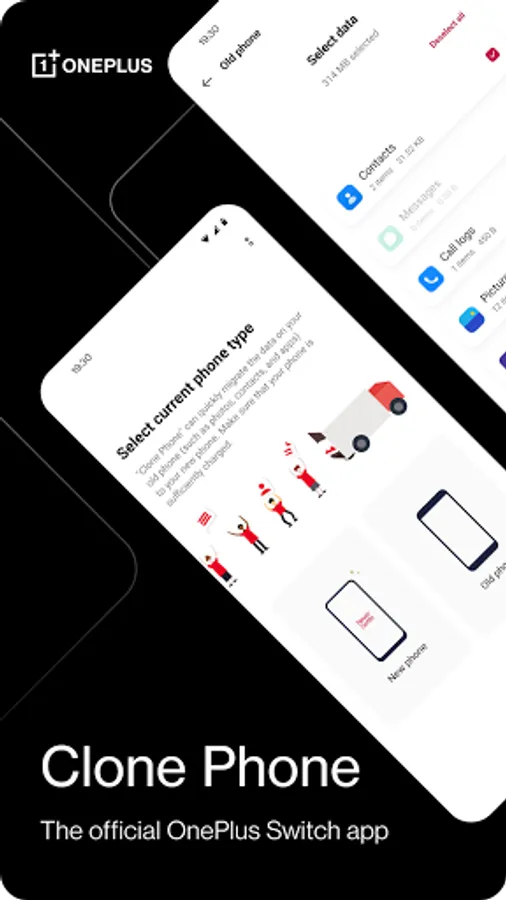
OnePlus Switch is now called Clone Phone. With this app, you can quickly transfer your contacts, messages, photos, and other data from your previous phone to other OnePlus phones.
◆ Data migration
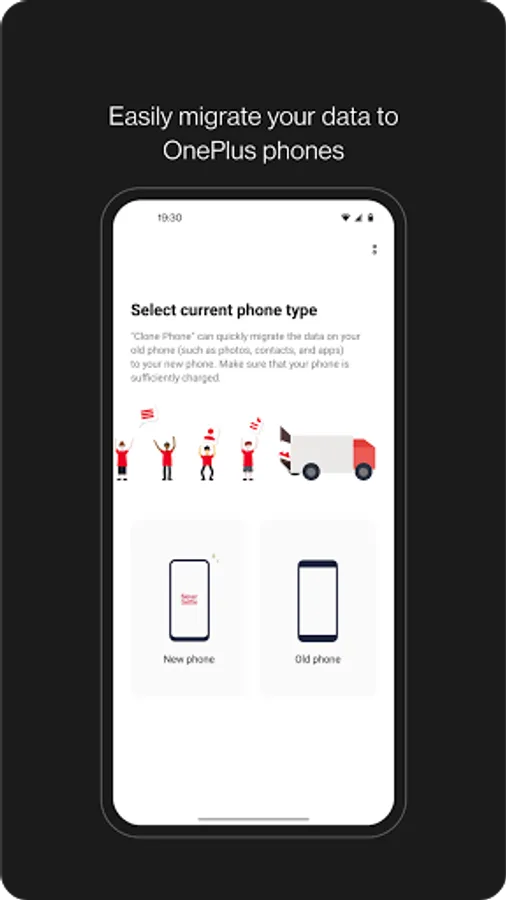
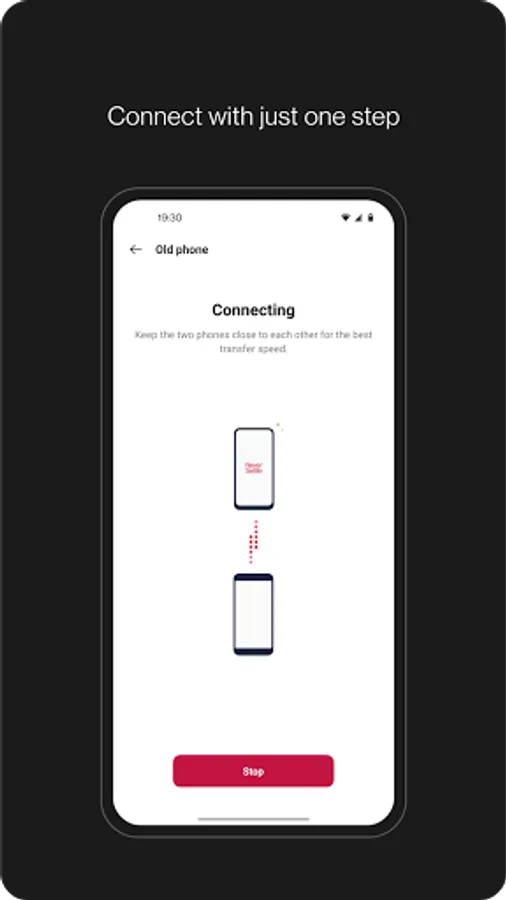
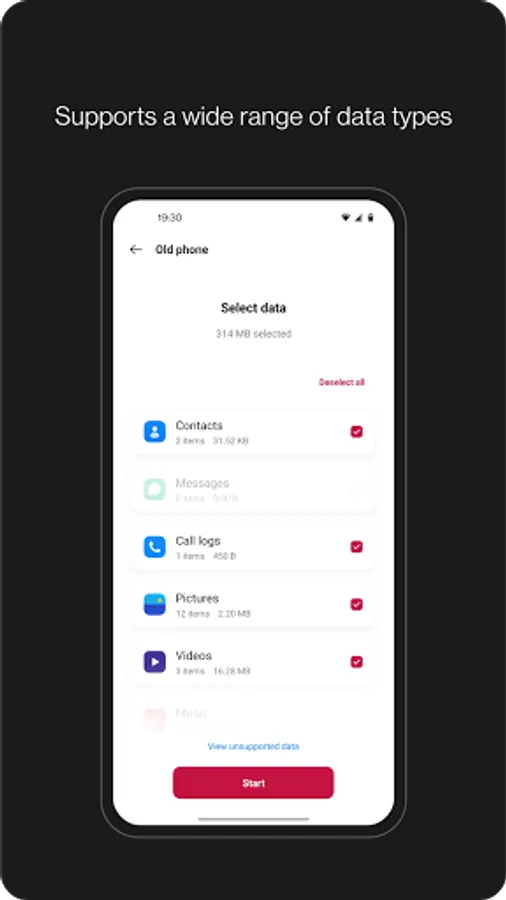
With Clone Phone, you can easily migrate your data from Android devices to OnePlus phones without a network connection.
(Transfers from iOS devices may require a data connection.)
What you can migrate: contacts, SMS, call history, calendar, photos, videos, audio, apps (including the data of certain apps).
◆ Data backup
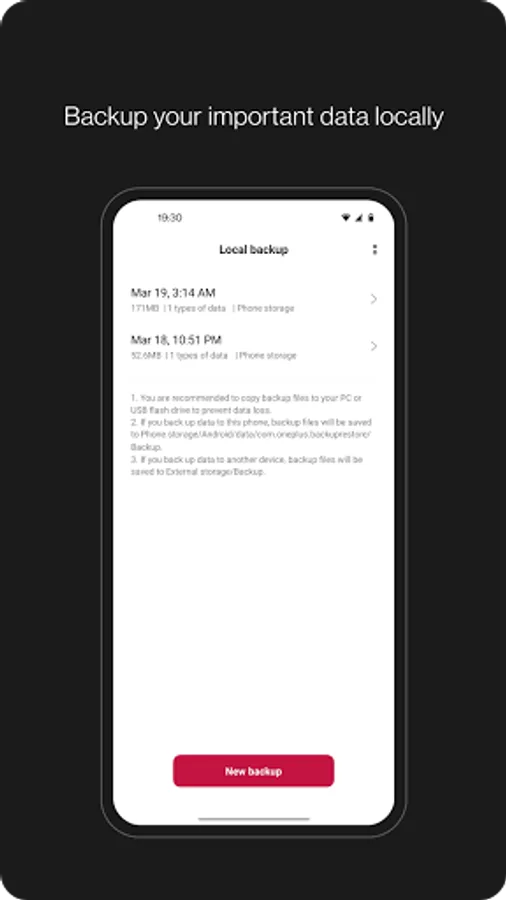
The data backup function can backup your data safely for restoring when required.
What you can backup: contacts, SMS, call history, notes, desktop layouts, apps (excluding data).
Note:
1. Supported data may vary on different systems and Android versions. Please check if the data is still functional after a transfer or a backup restore.
2. If the app crashes, gets stuck, fails to open, or encounters any other issues, please give us feedback or a bug report on the OnePlus Community forums.
3. If Clone Phone notifies you of insufficient storage space, you can try migrating data in batches or clear up storage space on the device.
◆ Data migration
With Clone Phone, you can easily migrate your data from Android devices to OnePlus phones without a network connection.
(Transfers from iOS devices may require a data connection.)
What you can migrate: contacts, SMS, call history, calendar, photos, videos, audio, apps (including the data of certain apps).
◆ Data backup
The data backup function can backup your data safely for restoring when required.
What you can backup: contacts, SMS, call history, notes, desktop layouts, apps (excluding data).
Note:
1. Supported data may vary on different systems and Android versions. Please check if the data is still functional after a transfer or a backup restore.
2. If the app crashes, gets stuck, fails to open, or encounters any other issues, please give us feedback or a bug report on the OnePlus Community forums.
3. If Clone Phone notifies you of insufficient storage space, you can try migrating data in batches or clear up storage space on the device.
Clone Phone - OnePlus app Screenshots

Tap to Rate:
Reviews for Clone Phone - OnePlus app
Narendiran BT
12/26/2025
The app isn't generating QR code also the manual connect option is not working. the other device can't find the hotspot WiFi
John Holleran
12/23/2025
Another garbage OnePlus experience. Thankfully third party developers aren't useless.