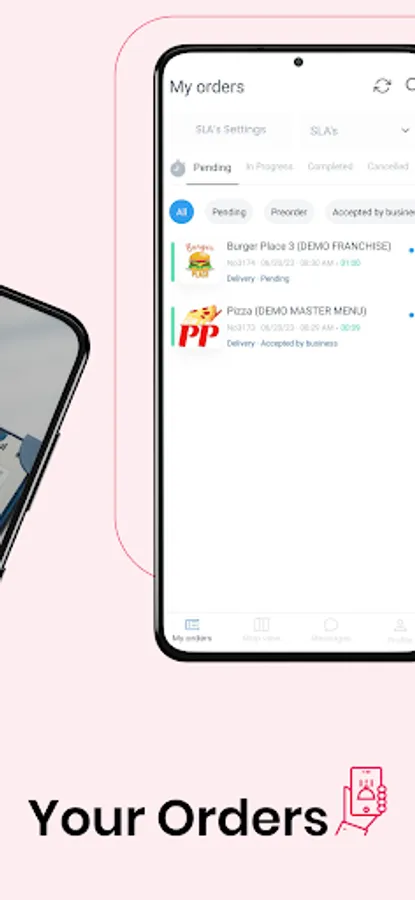
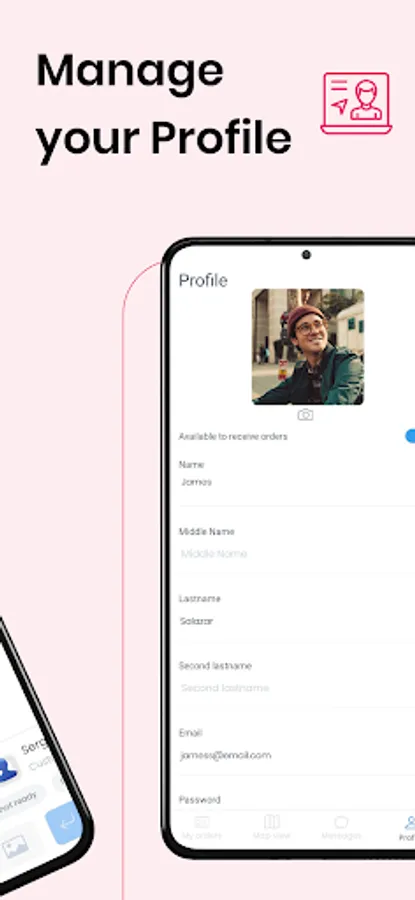
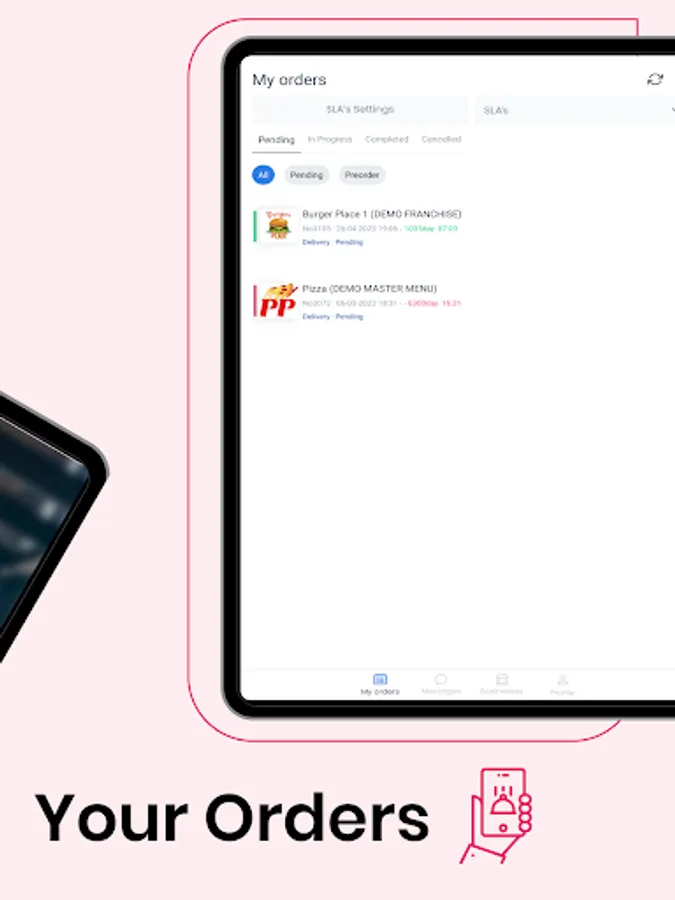
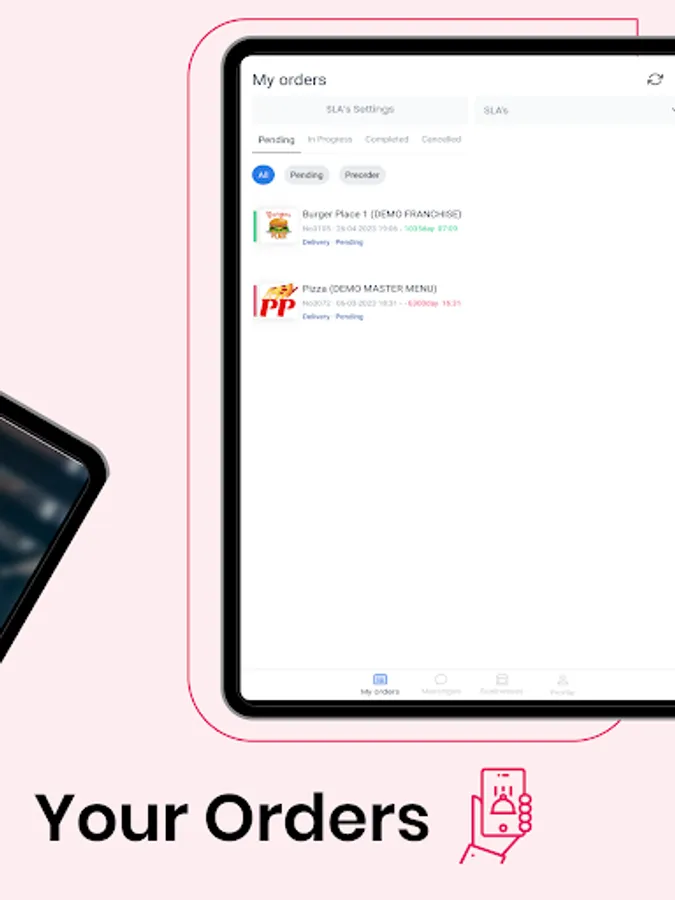
In this driver app, you can accept and manage delivery orders, update delivery statuses, and communicate with customers. Includes route mapping, order records, and messaging features.
AppRecs review analysis
AppRecs rating 2.3. Trustworthiness 80 out of 100. Review manipulation risk 31 out of 100. Based on a review sample analyzed.
★★☆☆☆
2.3
AppRecs Rating
Ratings breakdown
5 star
29%
4 star
0%
3 star
0%
2 star
14%
1 star
57%
What to know
✓
Credible reviews
80% trustworthiness score from analyzed reviews
⚠
Mixed user feedback
Average 2.3★ rating suggests room for improvement
⚠
High negative review ratio
71% of sampled ratings are 1–2 stars
About Driver App
Use it Branded on your business at no cost.
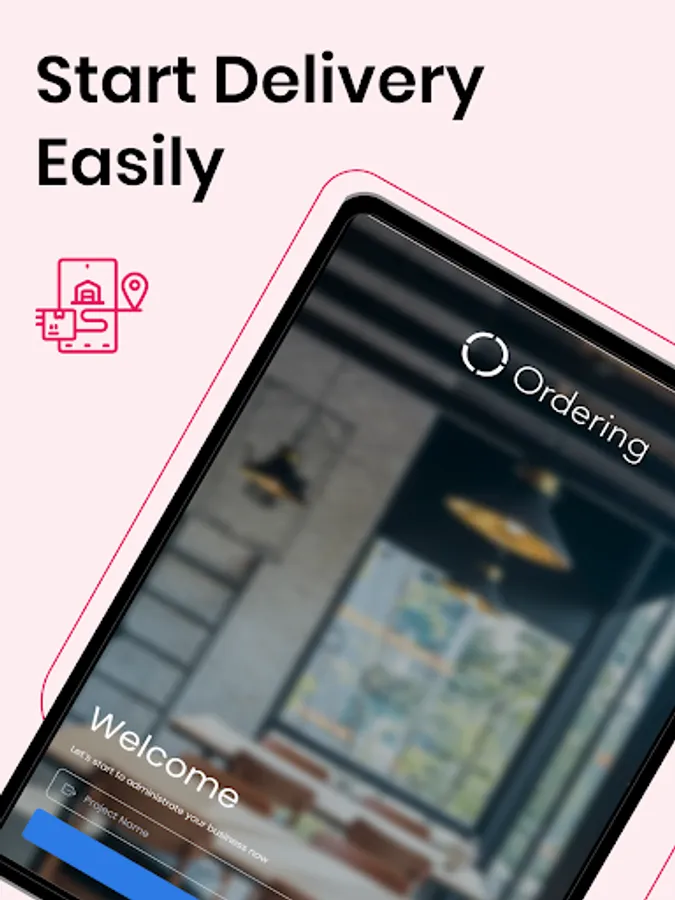
All you need to do is use the Driver Credentials that you currently have on your Dashboard.
How it Works:
When a user orders from your website or native apps, the business owner will have the ability to assign that order to a driver, and this will be shown on the driver's mobile device.
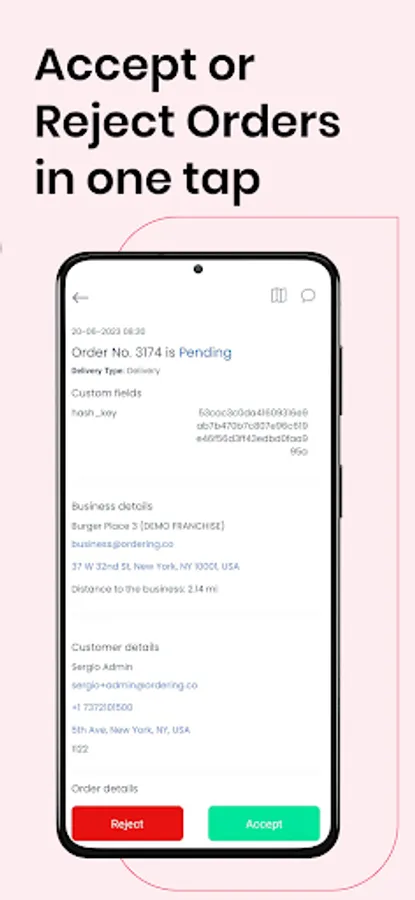
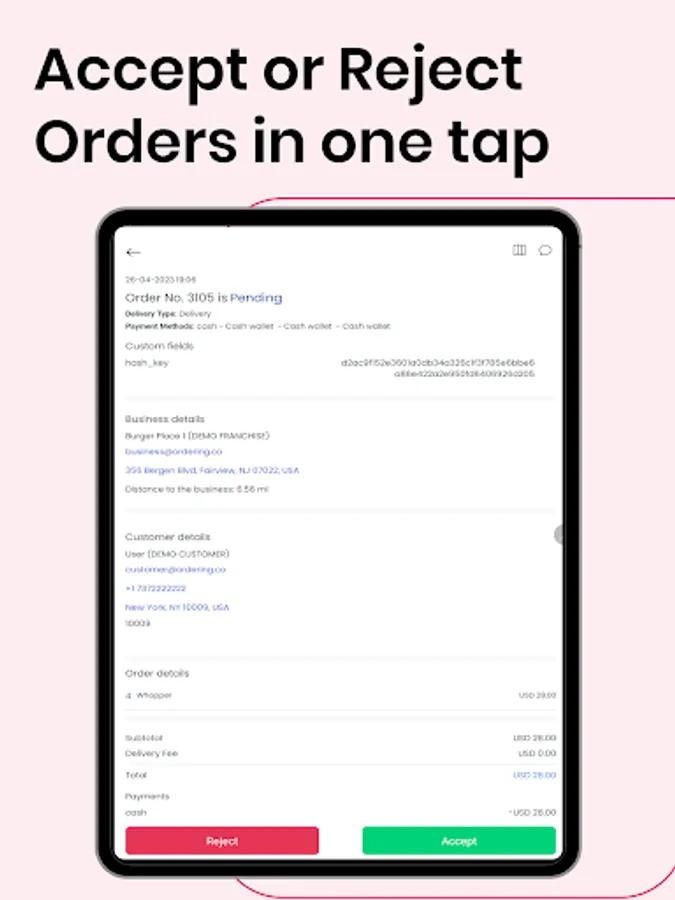
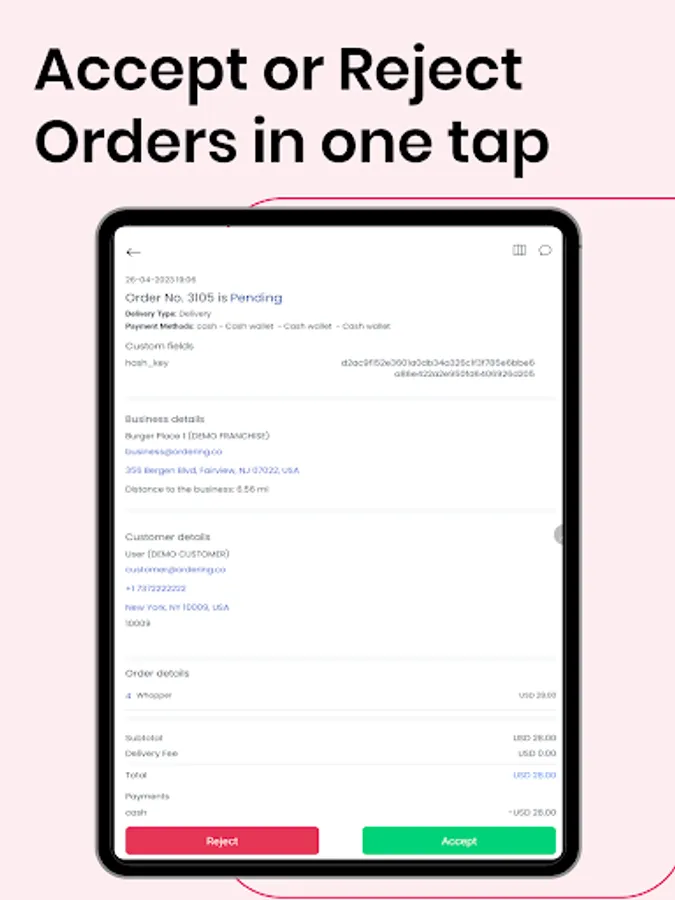
The order will show on the driver's app; here, the driver will accept or reject the pickup of the order. After this was accepted, they would see the information regarding the customer's order (name, phone number, address) and delivery details (address, etc.).
The driver fills in the estimated order pickup or delivery time and clicks on the accepted button. The customer will instantly receive an email with the confirmation of the order, together with the estimated time for pickup or delivery.
Features
● The assigned smartphone becomes an order for delivery machine
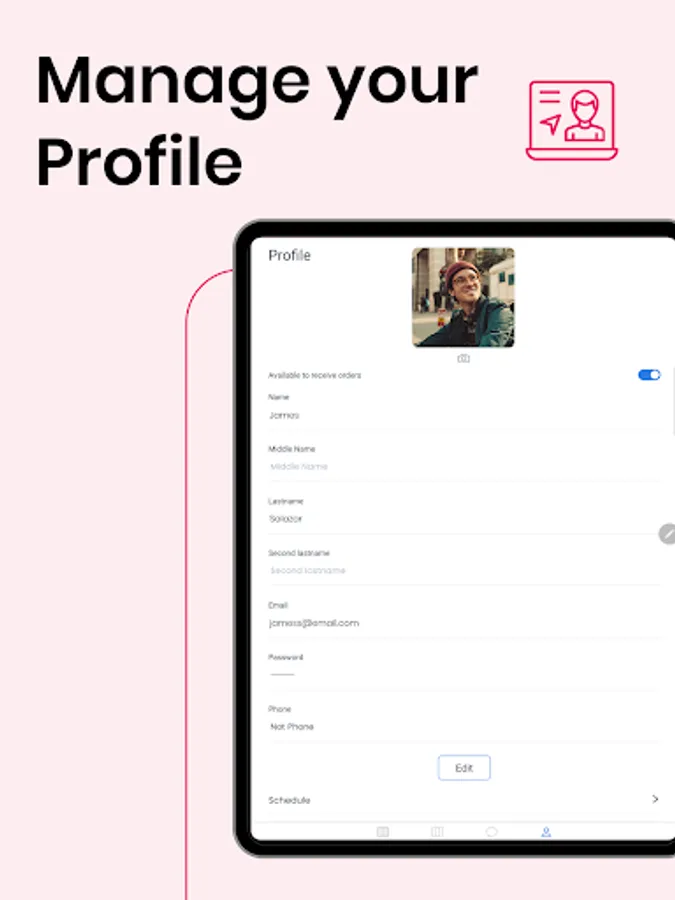
● The driver can update the status of the delivery easily & fast.
● Drivers can manage more than one pending delivery simultaneously, making the most out of your workforce.
● Add secret notes, signatures & pictures to get the app also works as a record of orders.
● All deliveries are synced whit your business.
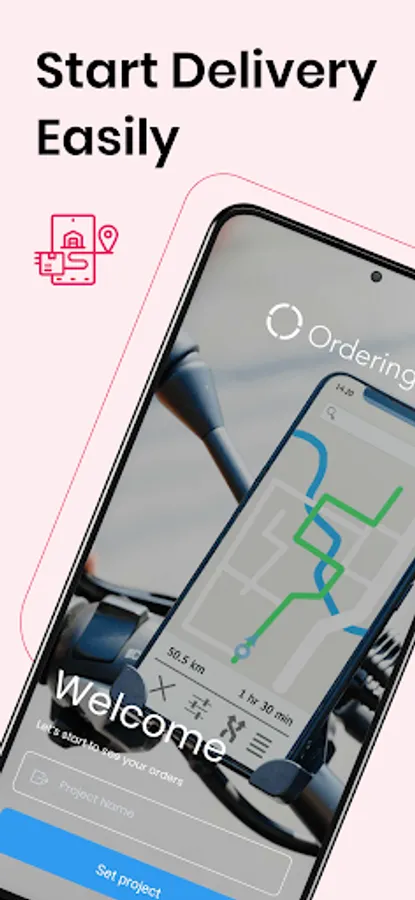
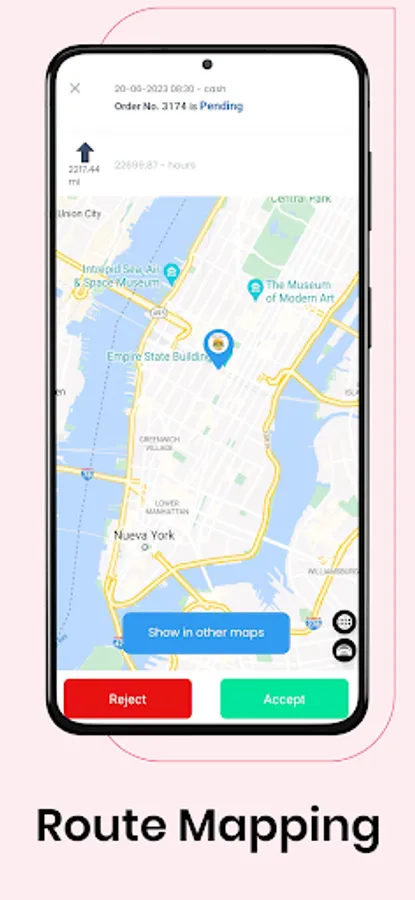
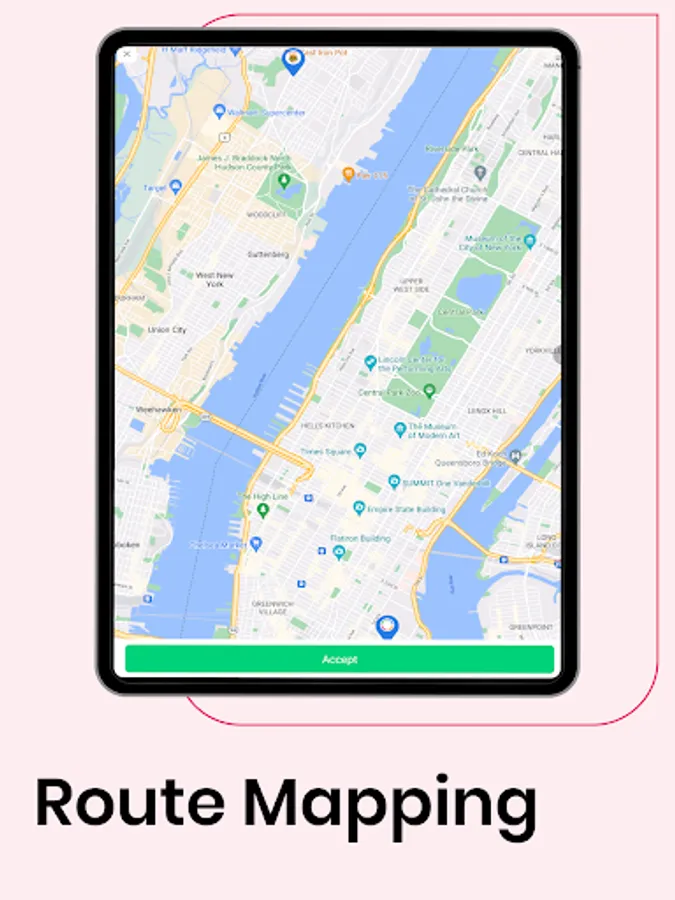
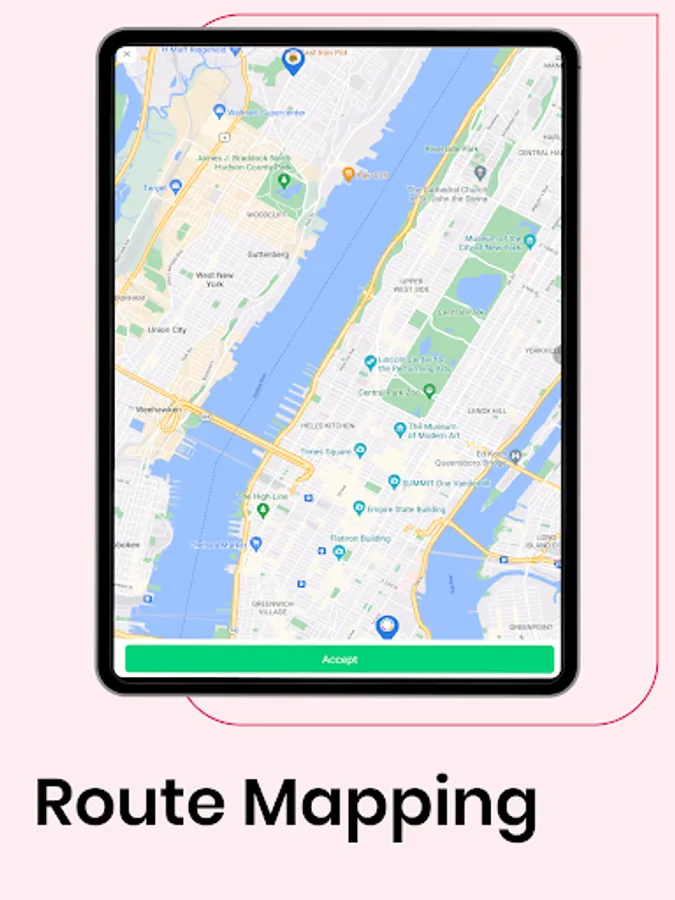
● Route Map available to see which would be the best route to take for the driver.
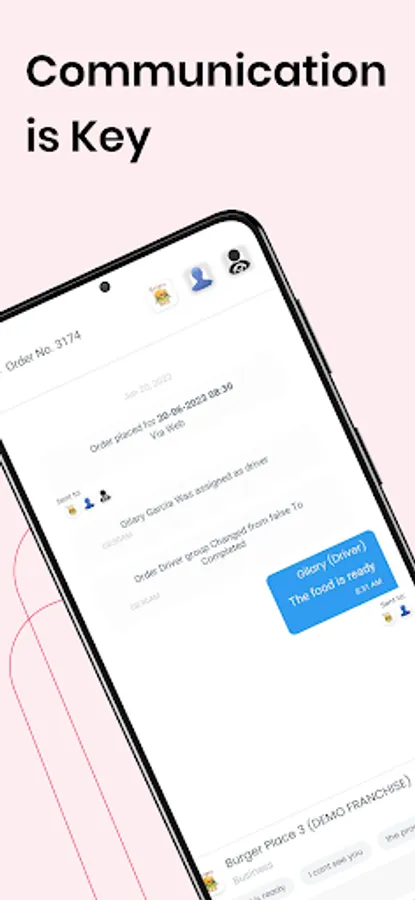
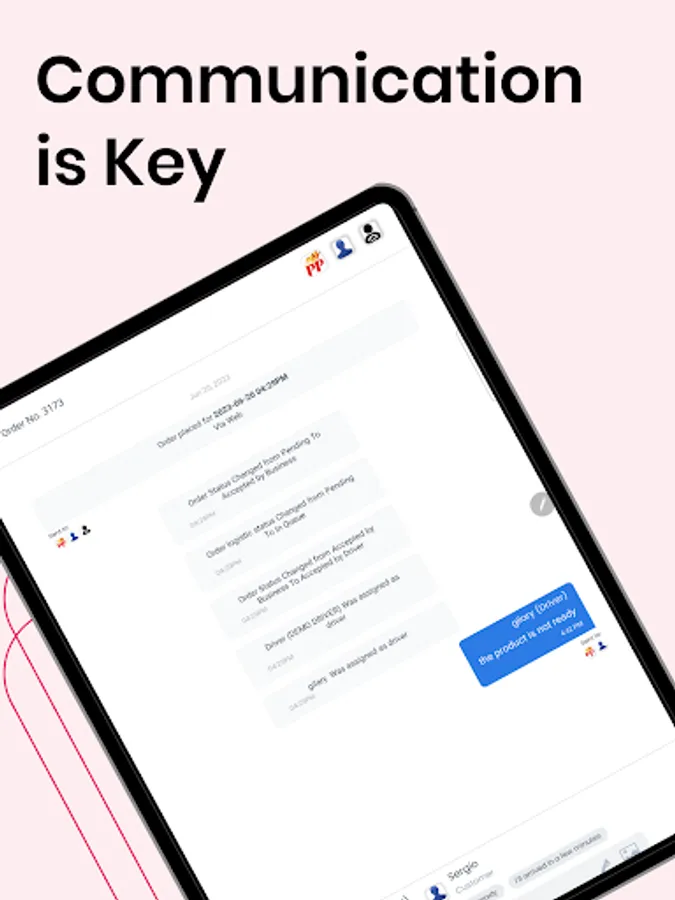
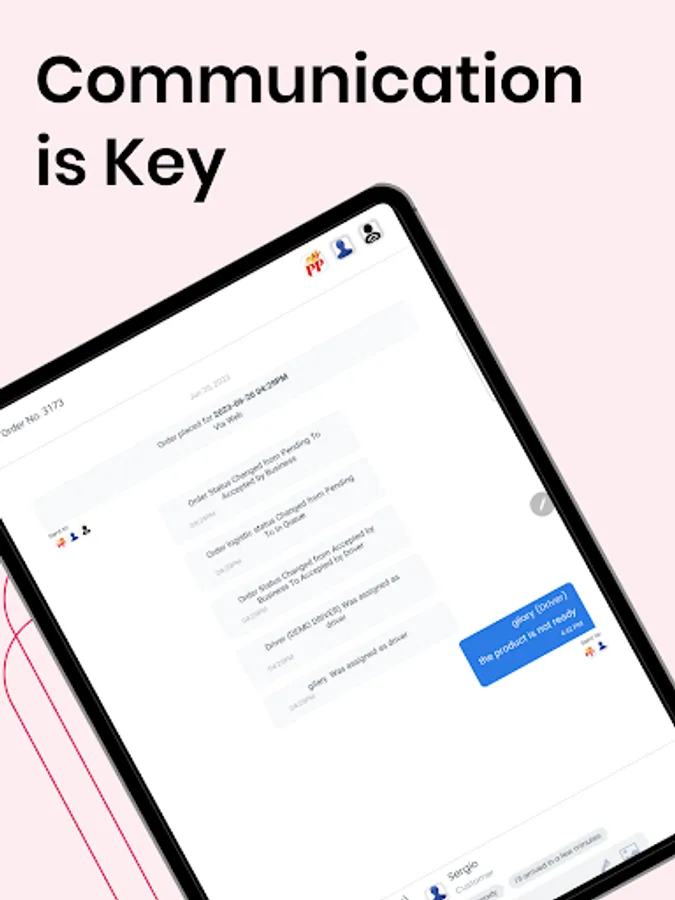
● Messages: Chat with the business owner and the customer in a simple straightforward interface.
Disclaimer
"Continued use of GPS running in the background can dramatically decrease battery life."
All you need to do is use the Driver Credentials that you currently have on your Dashboard.
How it Works:
When a user orders from your website or native apps, the business owner will have the ability to assign that order to a driver, and this will be shown on the driver's mobile device.
The order will show on the driver's app; here, the driver will accept or reject the pickup of the order. After this was accepted, they would see the information regarding the customer's order (name, phone number, address) and delivery details (address, etc.).
The driver fills in the estimated order pickup or delivery time and clicks on the accepted button. The customer will instantly receive an email with the confirmation of the order, together with the estimated time for pickup or delivery.
Features
● The assigned smartphone becomes an order for delivery machine
● The driver can update the status of the delivery easily & fast.
● Drivers can manage more than one pending delivery simultaneously, making the most out of your workforce.
● Add secret notes, signatures & pictures to get the app also works as a record of orders.
● All deliveries are synced whit your business.
● Route Map available to see which would be the best route to take for the driver.
● Messages: Chat with the business owner and the customer in a simple straightforward interface.
Disclaimer
"Continued use of GPS running in the background can dramatically decrease battery life."
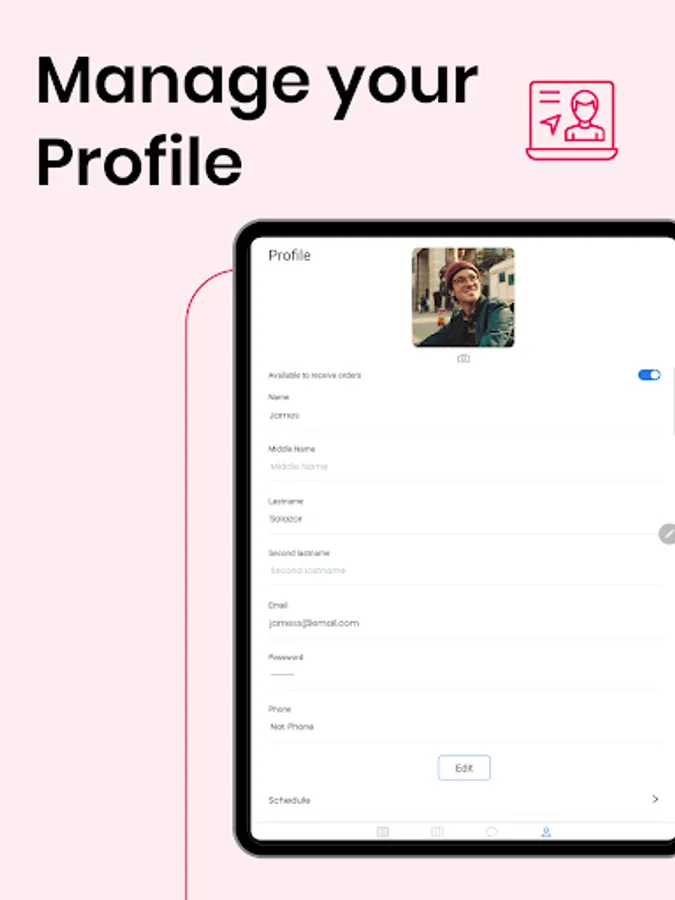
Driver App Screenshots
Tap to Rate:
Reviews for Driver App
ANDRE GERIKOURIAN
10/21/2025
BEST
Cadet “DESAILLY” Mulemera
5/12/2025
excellent day seen