Control Center OS 26
Magic Photo’s & Video Editor
4.7 ★
store rating
100,000+
downloads
Free
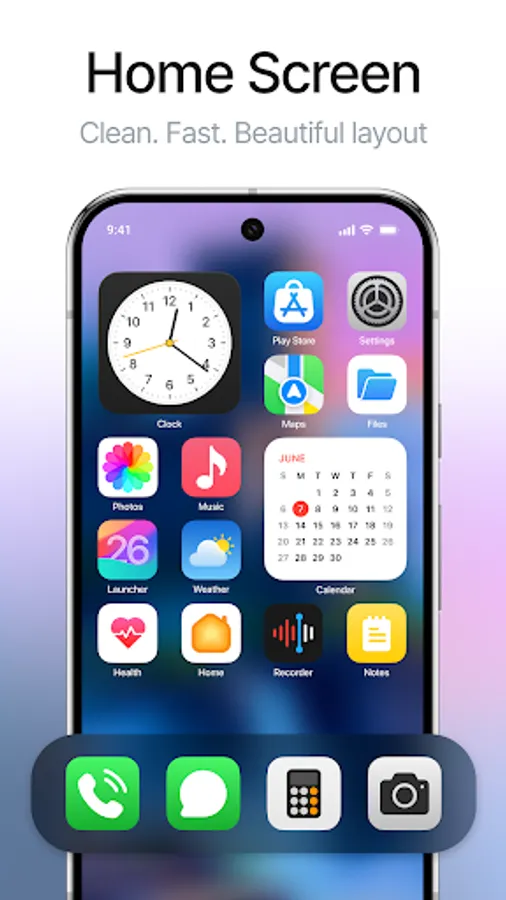
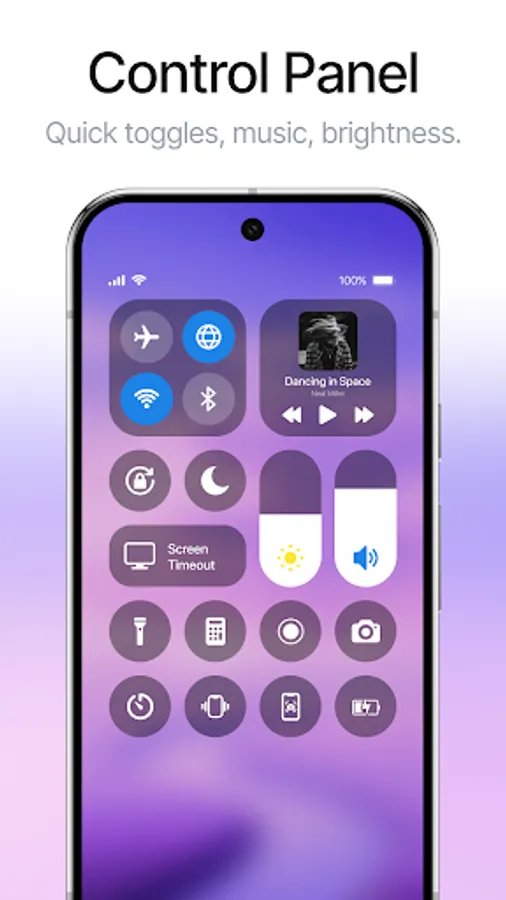
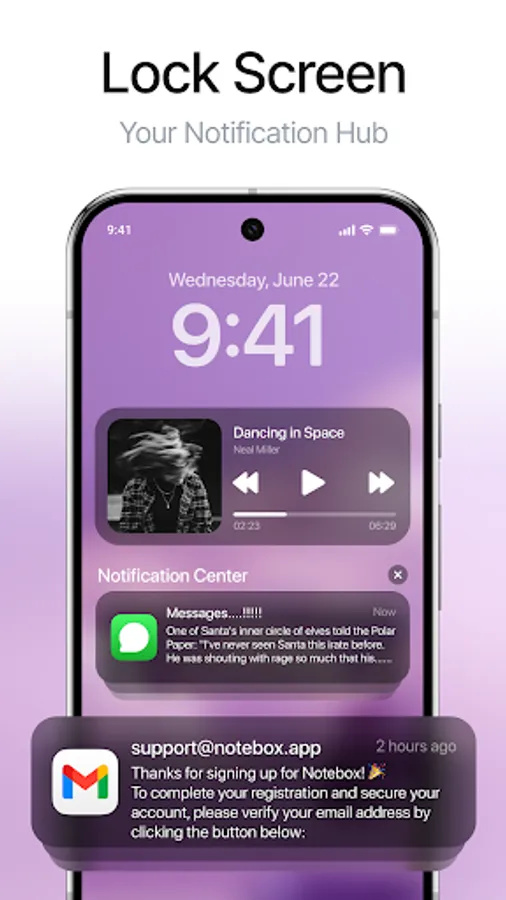
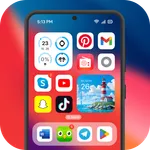
With this control center app, you can access notifications, toggles, and quick settings on Android devices. Includes customizable panels, shortcuts for screenshots, volume, brightness, and quick app access.
AppRecs review analysis
AppRecs rating 3.5. Trustworthiness 72 out of 100. Review manipulation risk 40 out of 100. Based on a review sample analyzed.
★★★☆☆
3.5
AppRecs Rating
Ratings breakdown
5 star
84%
4 star
8%
3 star
4%
2 star
0%
1 star
4%
What to know
⚠
Questionable review patterns
40% review manipulation risk - some review patterns appear unusual
⚠
Rating authenticity concerns
High rating concentration (84% 5-star) in sampled ratings
⚠
Review quality concerns
85% of sampled 5-star reviews are very short
About Control Center OS 26
Control center and notification iOS 15 is the latest easy touch tool for android devices. It is fast and smooth “iOS center control 15” and it’s totally “free iOS center control”. With “cantrol senter iOS 14” you can quickly add all your favorite apps, setting and quick toggles, etc.
To open iOS 15 new control center
↦ Drop-down notification bar
↦ Enable floating panel to set as the edge of the screen
↦ Swipe up, swipe right & left of control central edge panel
Amazing Feature of iOS Control Center
↦ Easy Screenshot: Take a screenshot in one single tap
↦ Assistive Toggle Button: quick access to all functionality
↦ Audio Control Center: To control music control like play, pause, the music tracks
↦ Volume Control: Change system sounds like volume, ringtone, music, alarm, etc. without pressing the device’s hard key repeatedly with “latest control center 15”
↦ DND Mode: Silence calls, alarm, and incoming call notification and message notifications that you can receive while your device is locked
↦ Camera Mode: Quickly open camera without wasting time
↦ Brightness: Mange your phone x brightness level by “new control center for iOS 13”
↦ Calculator: One tap to use your standard calculator
Control center for phone x comes with the latest control center 15 updated cantrol senter setting to make it more luxurious. You can add your useful application on the iOS control center easy to use. Get all notifications are received by the “notification manager” and you can check all notifications like in the “iOS 14 control center and notification” screen.
Easy manage mobile control toggles setting by "control panel iOS 11 Phone x control center". If you enjoy this "Control Center IOS 14" application, please give it a rating, and don't forget to tell your friends and family about it.
Note: This app use “accessibility services”. It is necessary and used only to perform all mobile actions. For example: Performing back, recent activity, going home, notification, etc.
To open iOS 15 new control center
↦ Drop-down notification bar
↦ Enable floating panel to set as the edge of the screen
↦ Swipe up, swipe right & left of control central edge panel
Amazing Feature of iOS Control Center
↦ Easy Screenshot: Take a screenshot in one single tap
↦ Assistive Toggle Button: quick access to all functionality
↦ Audio Control Center: To control music control like play, pause, the music tracks
↦ Volume Control: Change system sounds like volume, ringtone, music, alarm, etc. without pressing the device’s hard key repeatedly with “latest control center 15”
↦ DND Mode: Silence calls, alarm, and incoming call notification and message notifications that you can receive while your device is locked
↦ Camera Mode: Quickly open camera without wasting time
↦ Brightness: Mange your phone x brightness level by “new control center for iOS 13”
↦ Calculator: One tap to use your standard calculator
Control center for phone x comes with the latest control center 15 updated cantrol senter setting to make it more luxurious. You can add your useful application on the iOS control center easy to use. Get all notifications are received by the “notification manager” and you can check all notifications like in the “iOS 14 control center and notification” screen.
Easy manage mobile control toggles setting by "control panel iOS 11 Phone x control center". If you enjoy this "Control Center IOS 14" application, please give it a rating, and don't forget to tell your friends and family about it.
Note: This app use “accessibility services”. It is necessary and used only to perform all mobile actions. For example: Performing back, recent activity, going home, notification, etc.