
AppRecs review analysis
AppRecs rating . Trustworthiness 78 out of 100. Review manipulation risk 52 out of 100. Based on a review sample analyzed.
★
AppRecs Rating
Ratings breakdown
5 star
38%
4 star
0%
3 star
0%
2 star
0%
1 star
63%
What to know
⚠
Questionable review patterns
52% review manipulation risk - some review patterns appear unusual
⚠
Mixed user feedback
Average 2.5★ rating suggests room for improvement
About Mapit GIS - NTRIP Client
This software is provided “AS IS” without any warranties of any kind so please be careful, especially if using it in any kind of real-time application.
Mapit NTRIP Client is fully compatible with Mapit GIS Data Collector version 6.0.0 and higher (available soon in the store).
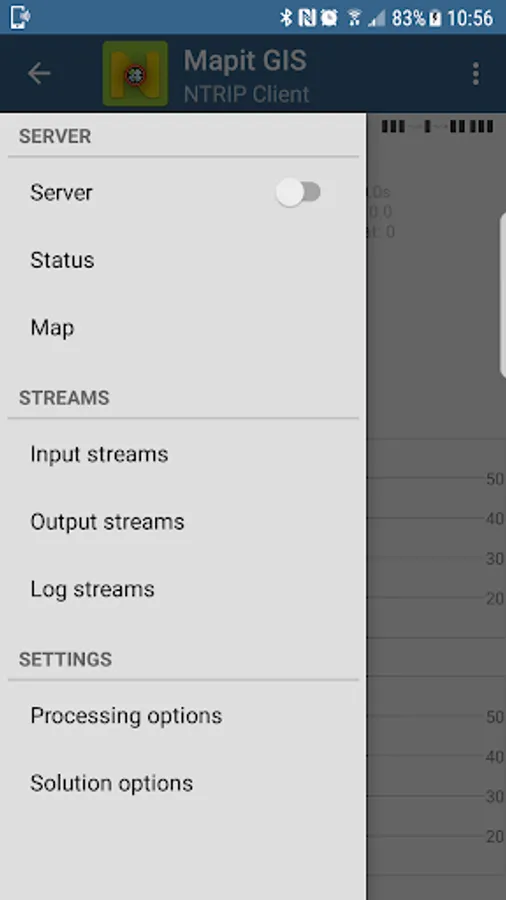
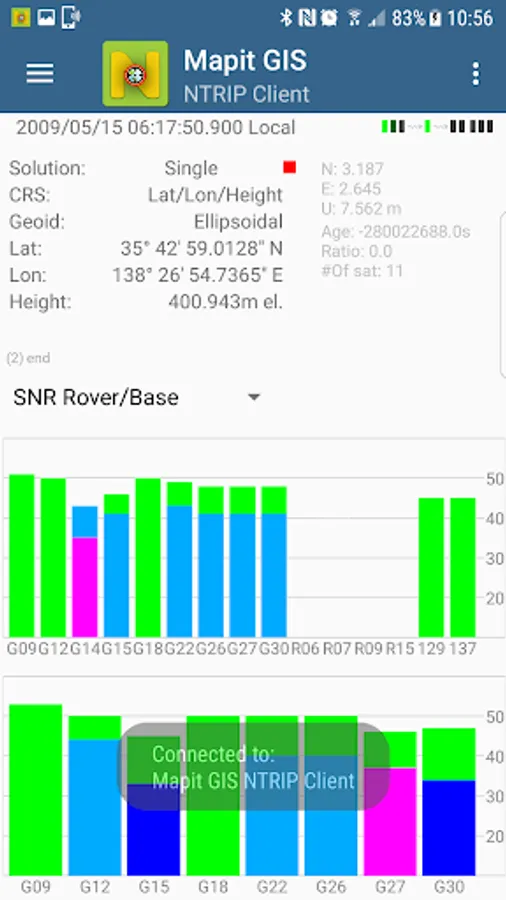
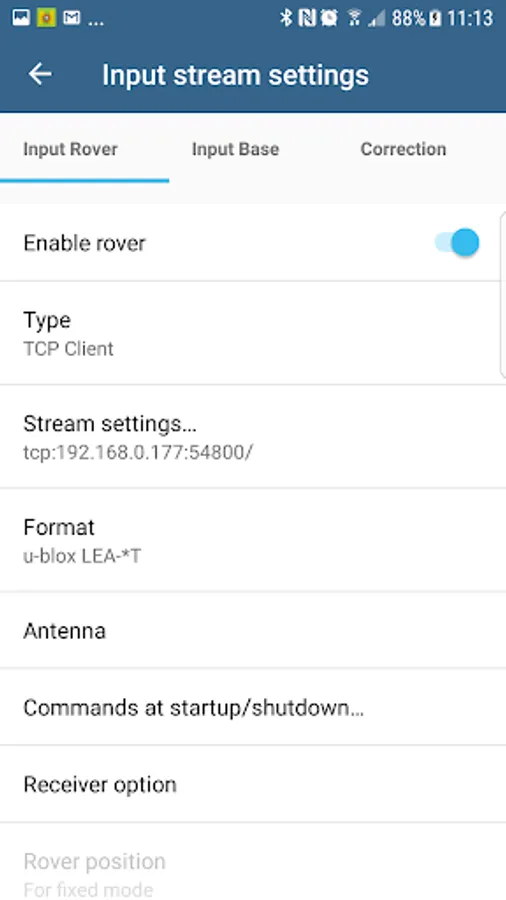
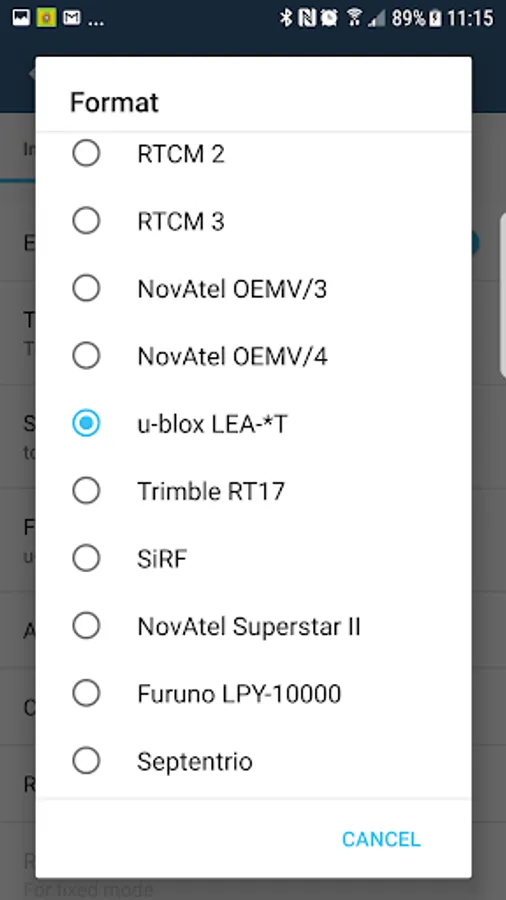
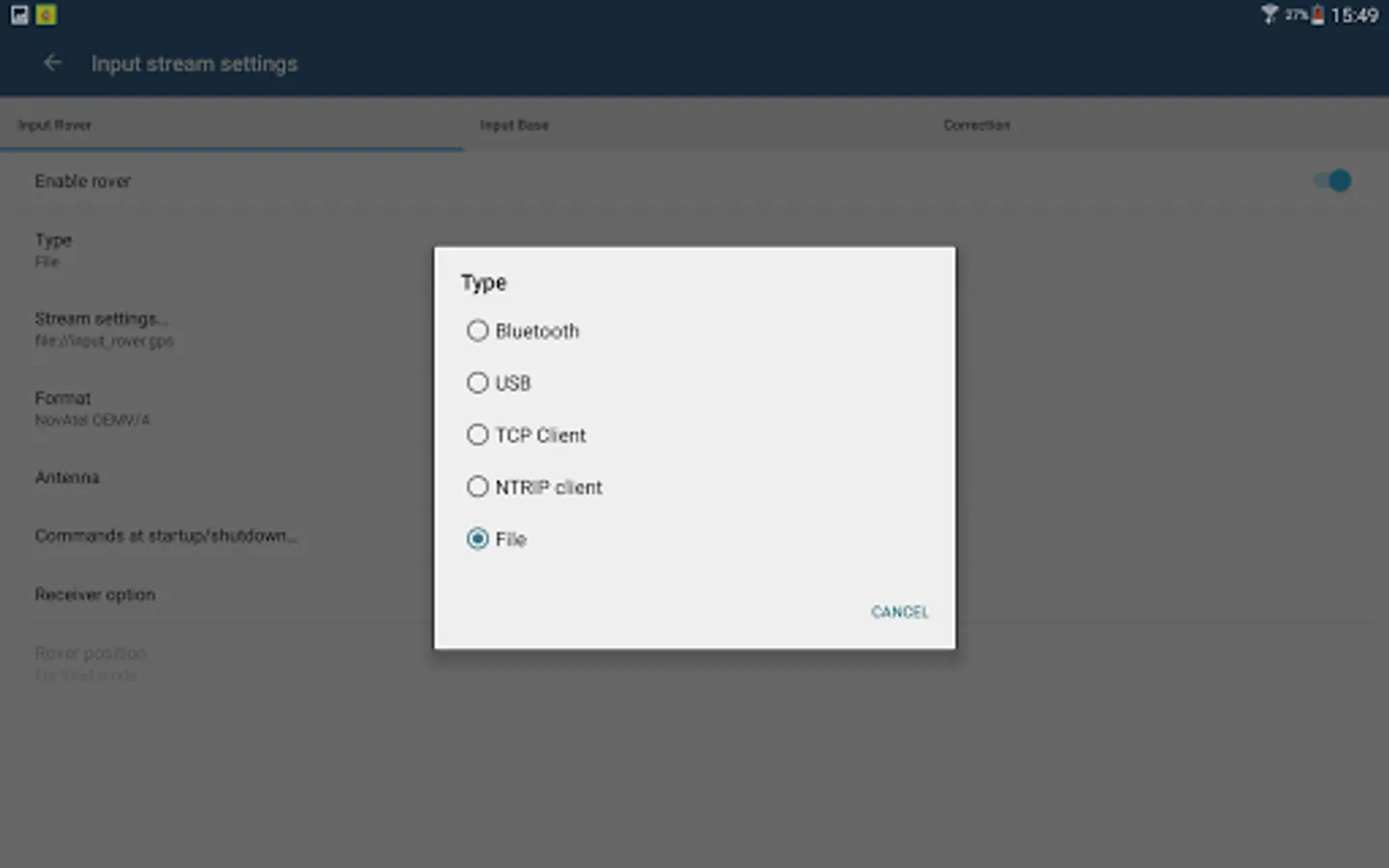
You can use any RTKLIB compliant GNSS with raw output connected via USB (ACM/PL2303/FTDI), Bluetooth, TCPIP or NTRIP.
To use this application with Mapit GIS Data Collector:
1. Install Mapit 6.0.0 or higher.
2. Instal Mapit NTRIP Client
3. In Mapit go to settings->External GNSS and enable NTRIP Client
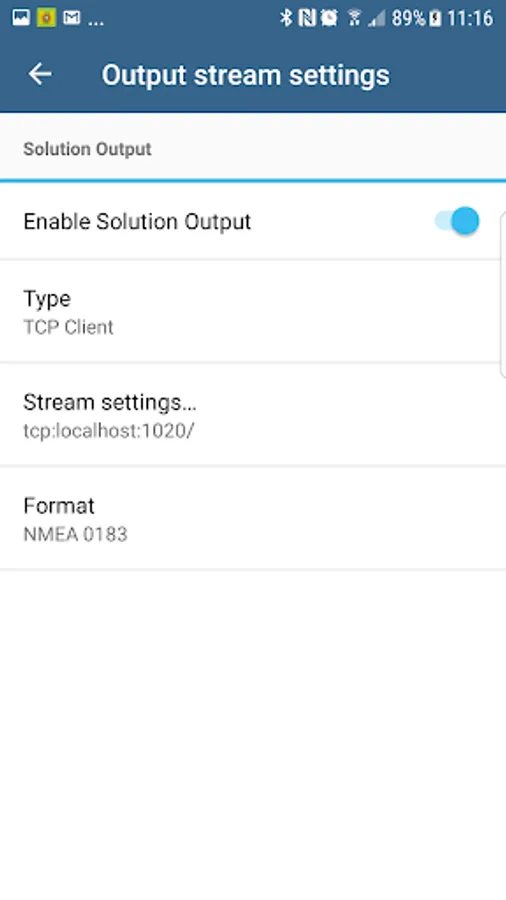
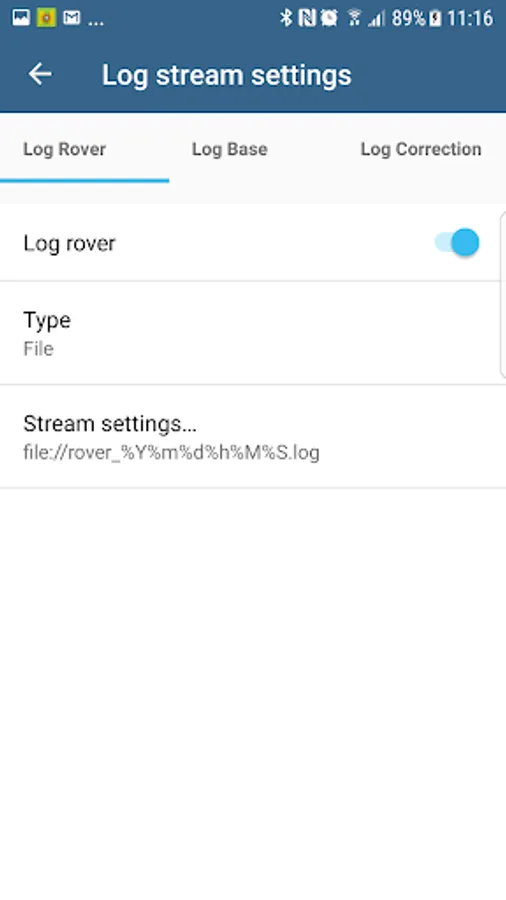
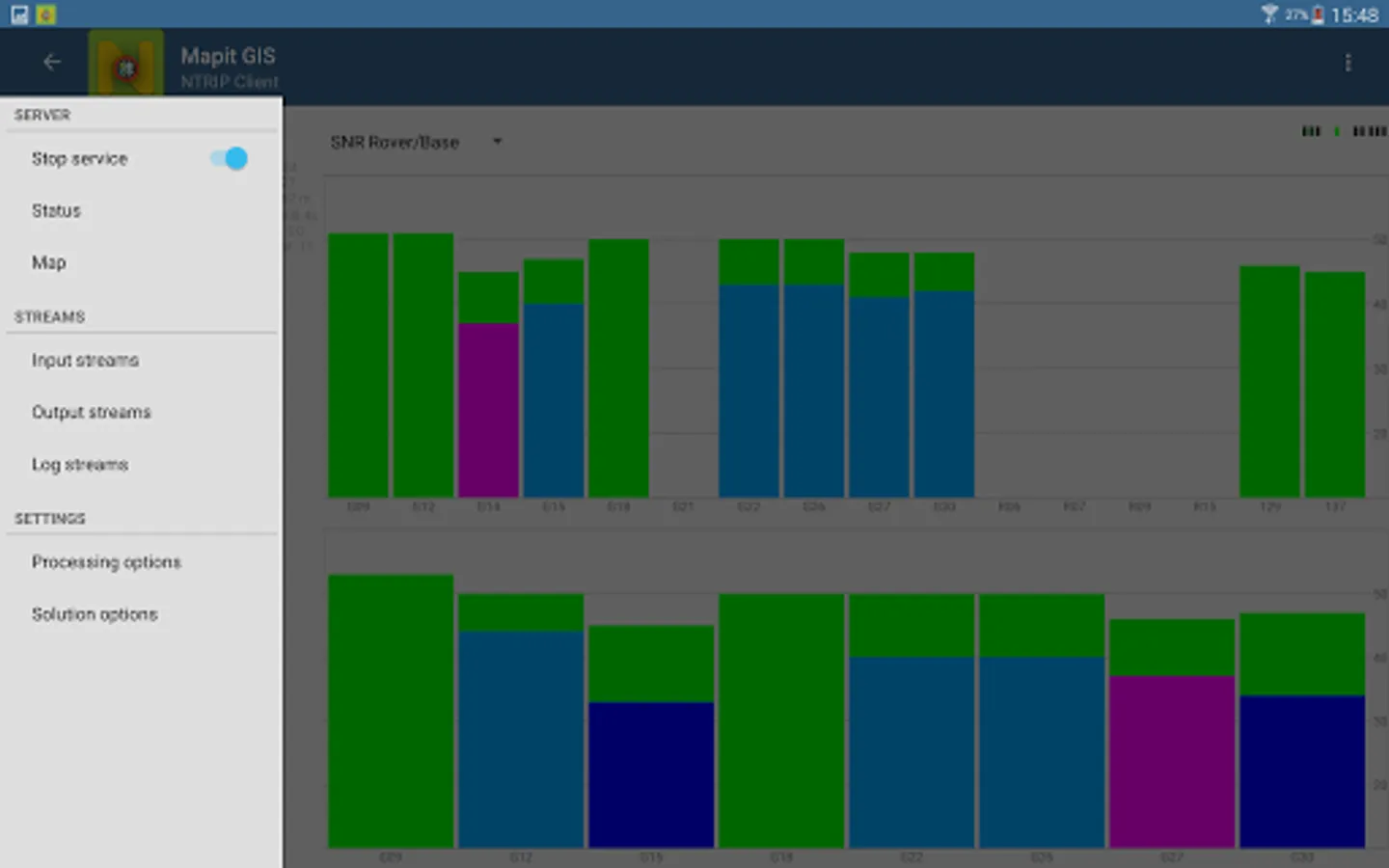
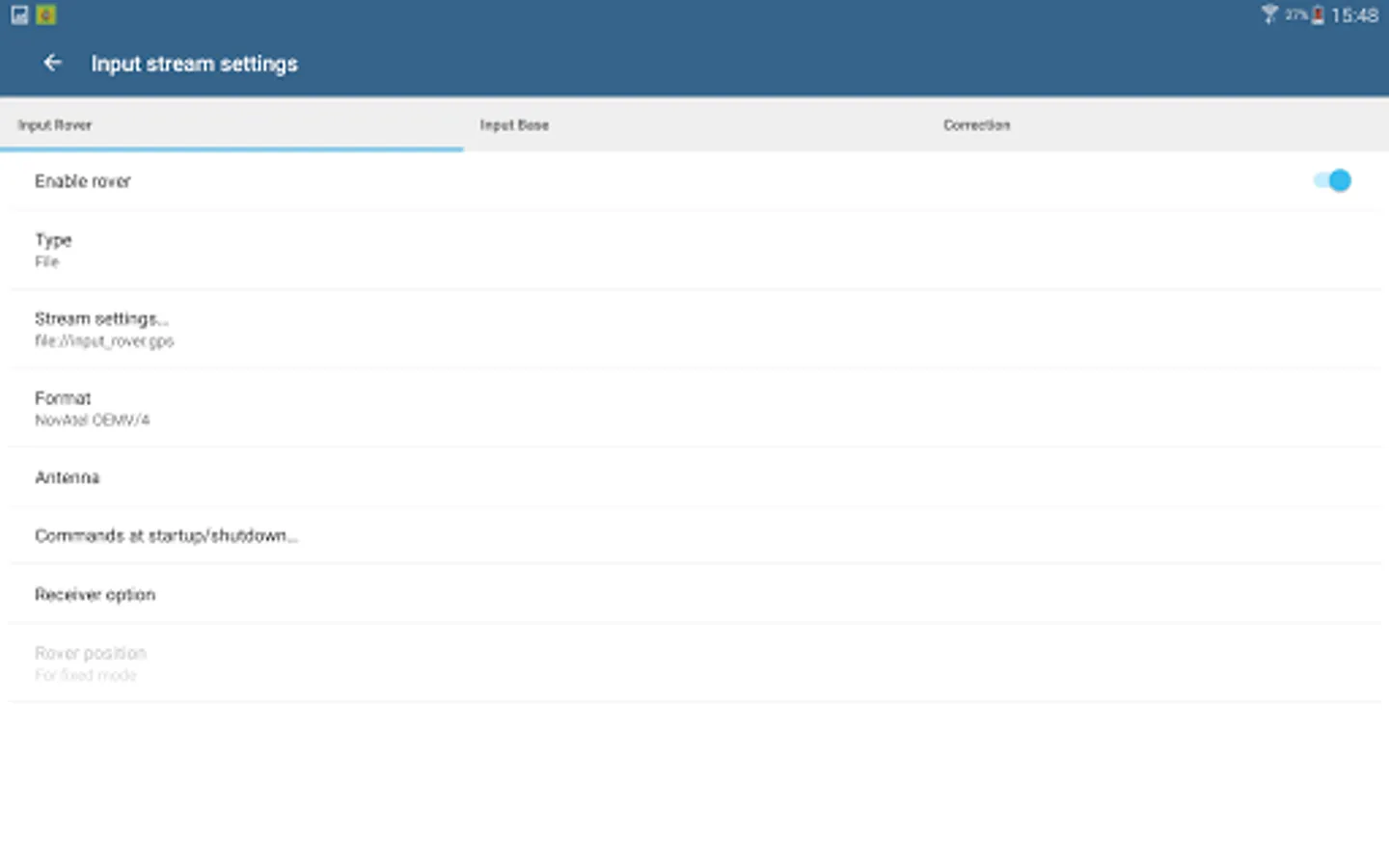
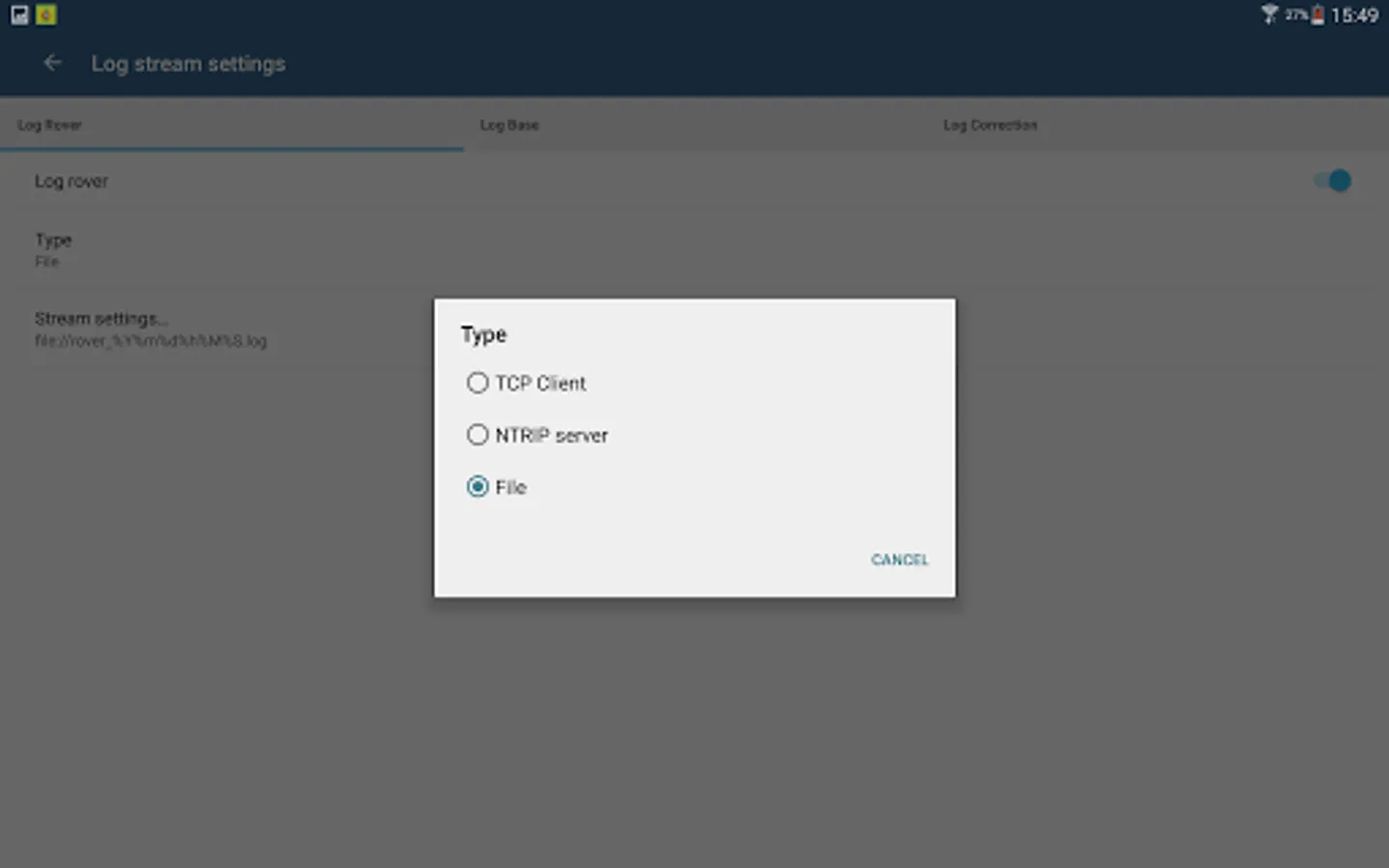
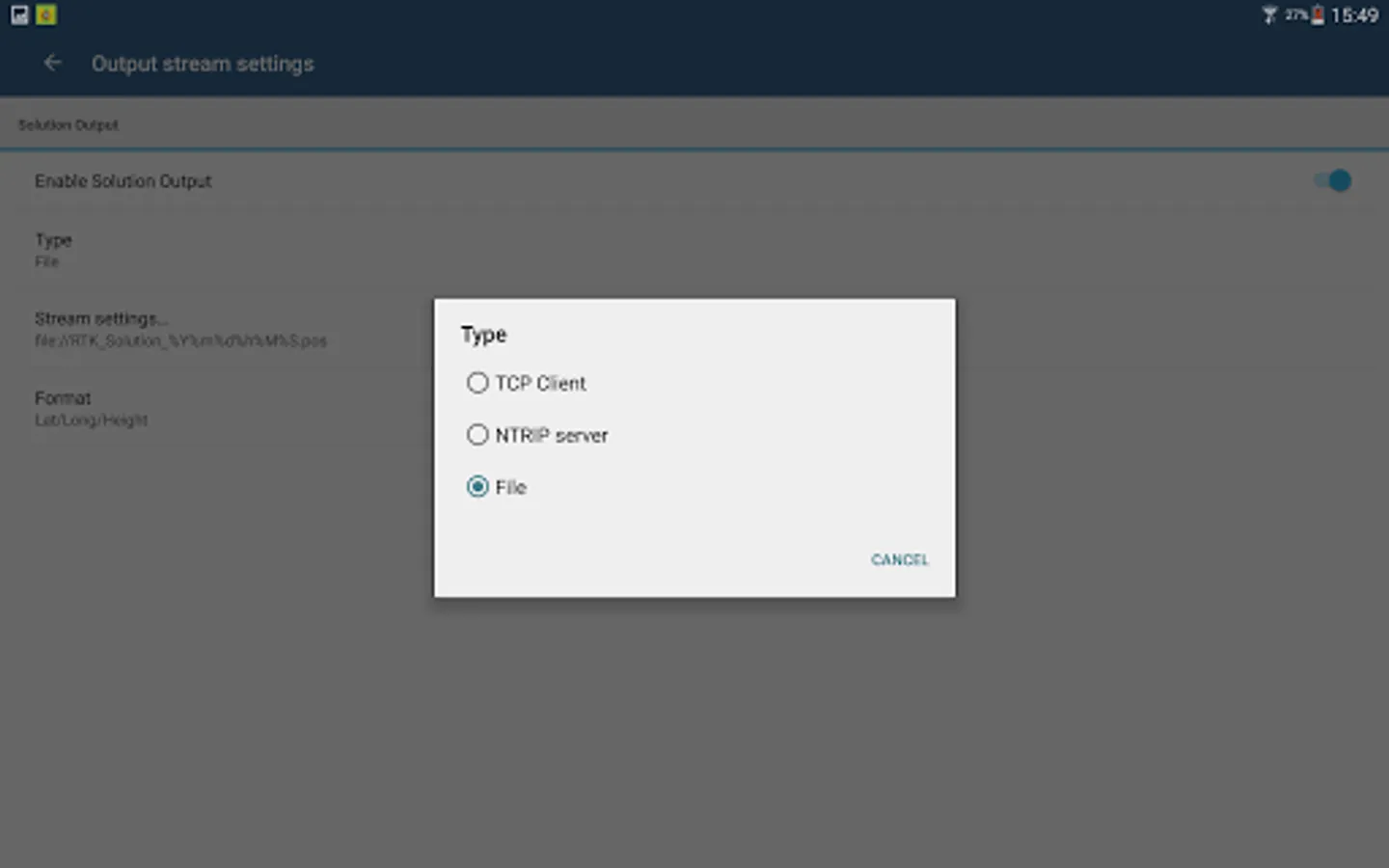
4. Set your input streams and start the RTK service
More detailed guide is available on our website:
http://mapit-gis.com/mapit-gis-ntrip-client/
NOTE: This application cannot process "standard" GPS data like those embedded into your phone or tablet. It has been tested with some external GNSS receivers but you need to determine yourself if this app suites your needs.
This application is using RTKLIB library and you need to have a supported GNSS receiver to be able to use it with this application. Before buying subscription please do ensure that your receiver is working well with the app - 7 days FREE Trial is available so you can test the application and see if it meets your needs.
The code for this application is based on RtkGps+ fromRonan LE MEILLAT and Alexey Illarionov. You'll find the original license in the "About/Legacy Info" screen. Thanks to all contributors to respect this original license clause.
This software is a port of RTKLIB 2.4.2p9 developed by Tomoki Takasu (http://www.rtklib.com).
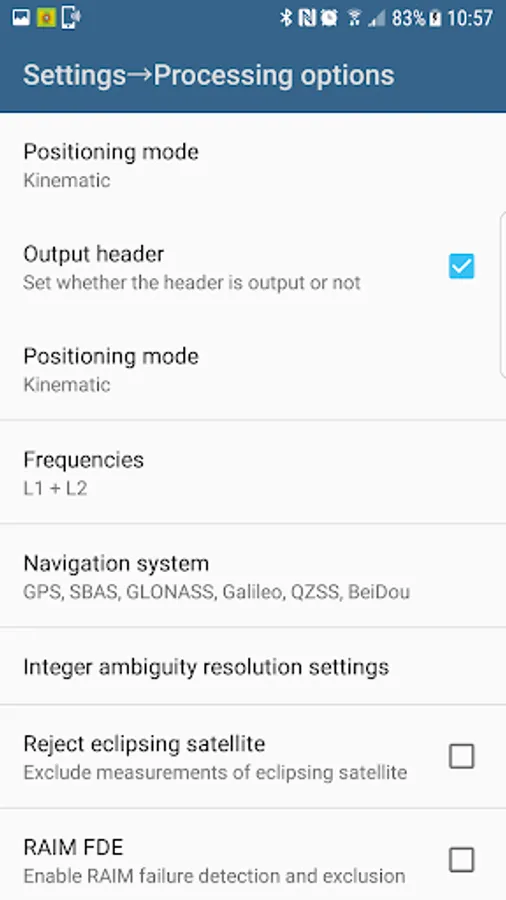
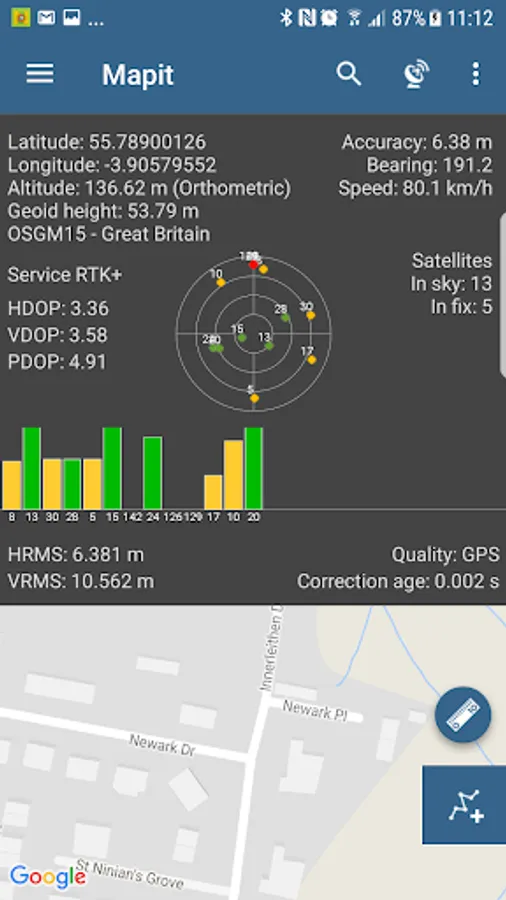
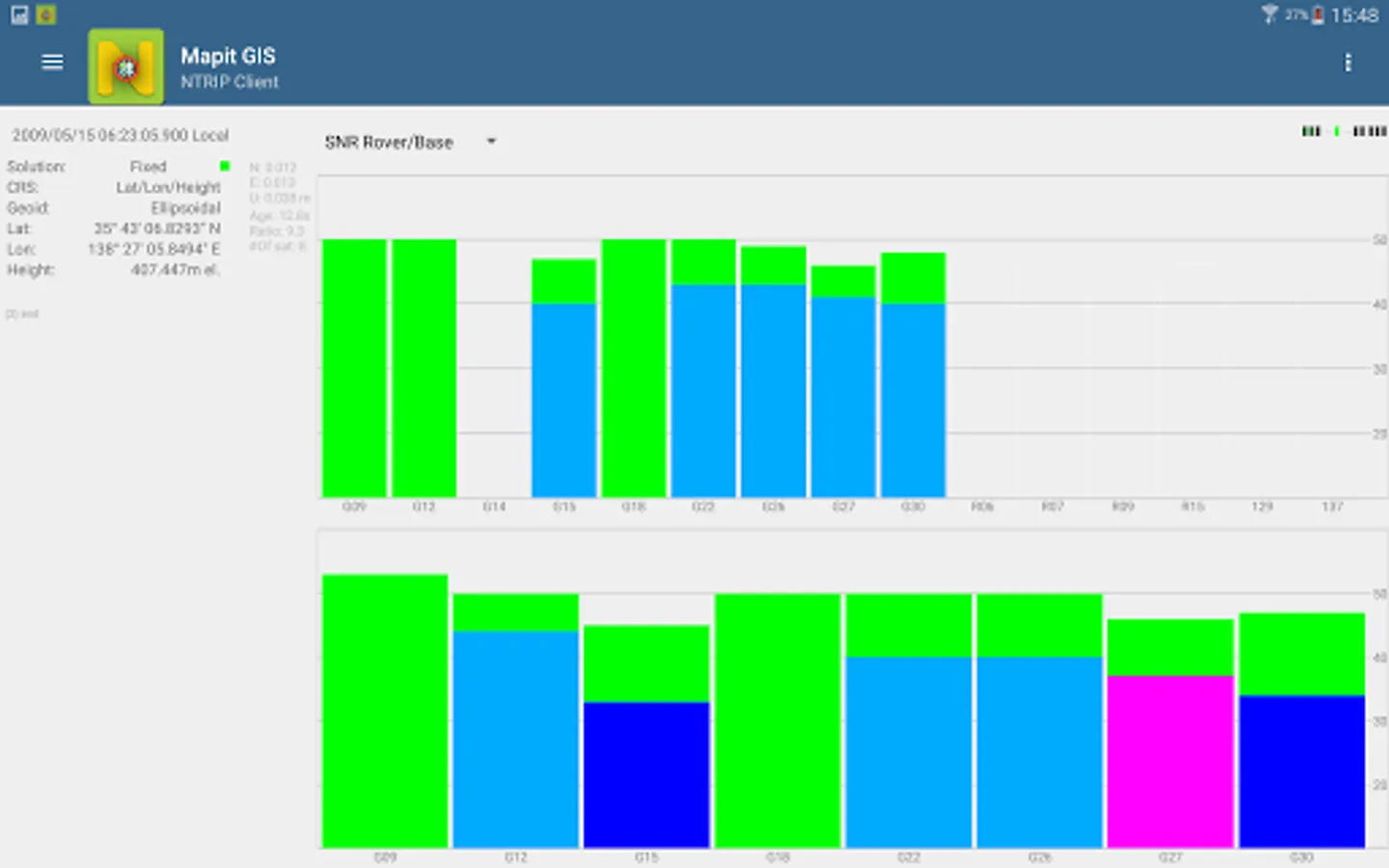
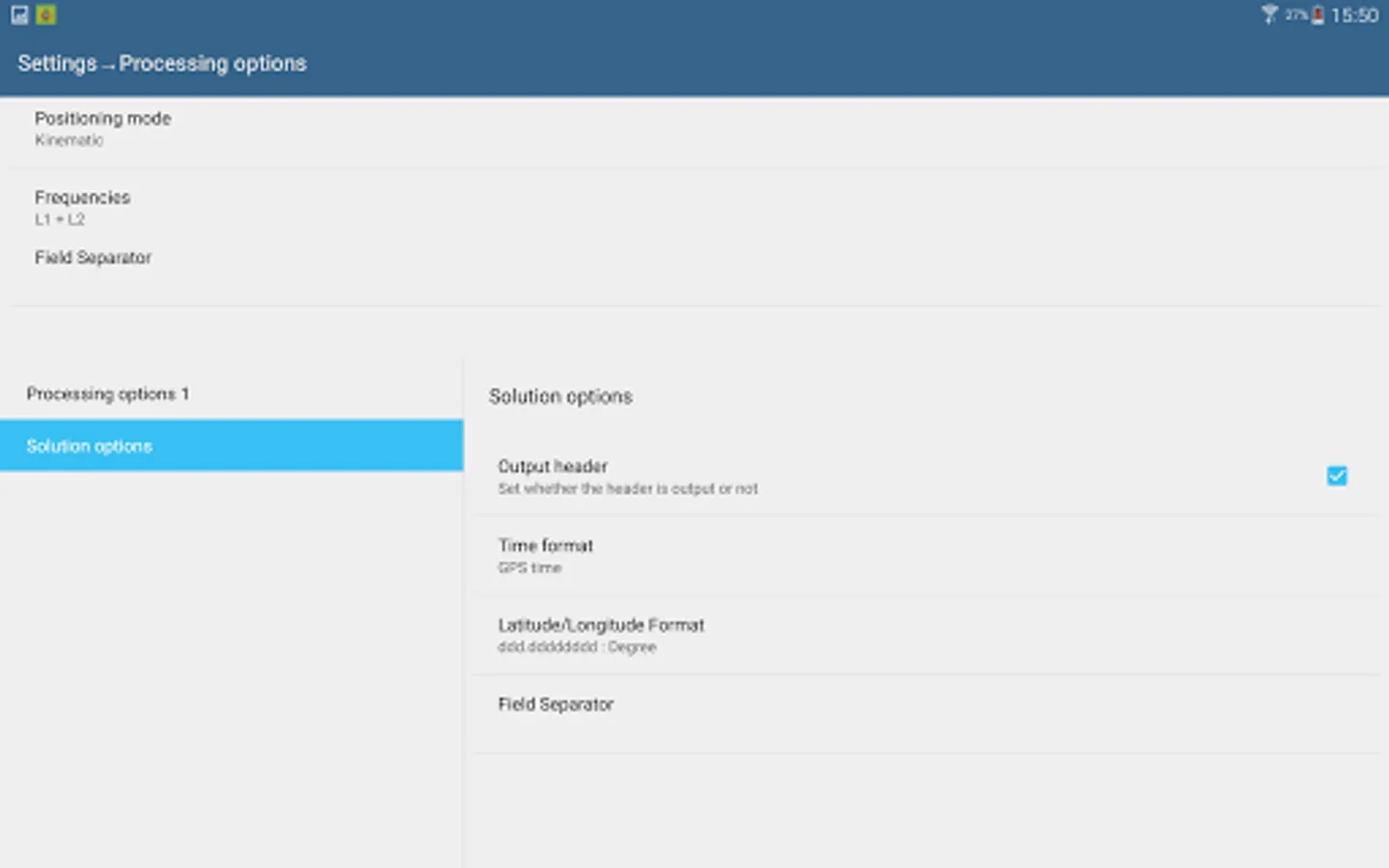
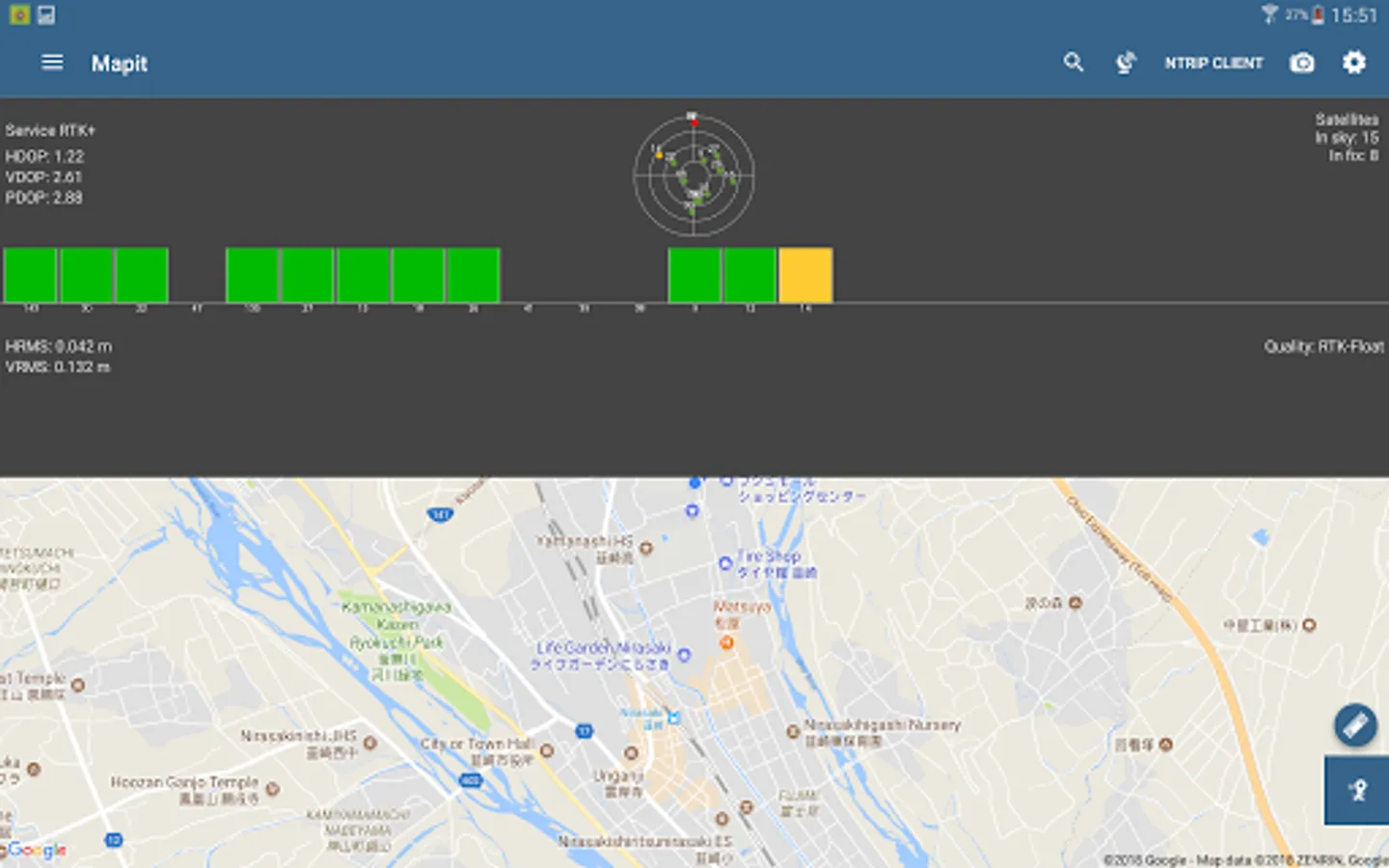
This application can compute precise GPS positions using RTKLIB algorithms (RTK or PPP) but for this you need a supported external GPS/GNSS with raw carrier phase output.
Mapit NTRIP Client is fully compatible with Mapit GIS Data Collector version 6.0.0 and higher (available soon in the store).
You can use any RTKLIB compliant GNSS with raw output connected via USB (ACM/PL2303/FTDI), Bluetooth, TCPIP or NTRIP.
To use this application with Mapit GIS Data Collector:
1. Install Mapit 6.0.0 or higher.
2. Instal Mapit NTRIP Client
3. In Mapit go to settings->External GNSS and enable NTRIP Client
4. Set your input streams and start the RTK service
More detailed guide is available on our website:
http://mapit-gis.com/mapit-gis-ntrip-client/
NOTE: This application cannot process "standard" GPS data like those embedded into your phone or tablet. It has been tested with some external GNSS receivers but you need to determine yourself if this app suites your needs.
This application is using RTKLIB library and you need to have a supported GNSS receiver to be able to use it with this application. Before buying subscription please do ensure that your receiver is working well with the app - 7 days FREE Trial is available so you can test the application and see if it meets your needs.
The code for this application is based on RtkGps+ fromRonan LE MEILLAT and Alexey Illarionov. You'll find the original license in the "About/Legacy Info" screen. Thanks to all contributors to respect this original license clause.
This software is a port of RTKLIB 2.4.2p9 developed by Tomoki Takasu (http://www.rtklib.com).
This application can compute precise GPS positions using RTKLIB algorithms (RTK or PPP) but for this you need a supported external GPS/GNSS with raw carrier phase output.
Mapit GIS - NTRIP Client Screenshots
Tap to Rate:
Reviews for Mapit GIS - NTRIP Client
Robert Carl DeMuth
7/23/2023
This is legitimately a reskinned version of RTKGPS+ (a free and open source tool) with a subscription baked in so that it is no longer free.
Duncan Barnes
3/25/2022
Doesn't work with F9 connected via USB outputting NMEA and RTCM3 so can't test.