TV remote for Vizio SmartCast
osApps
4.2 ★
13K ratings
1,000,000+
downloads
Free
+ in-app
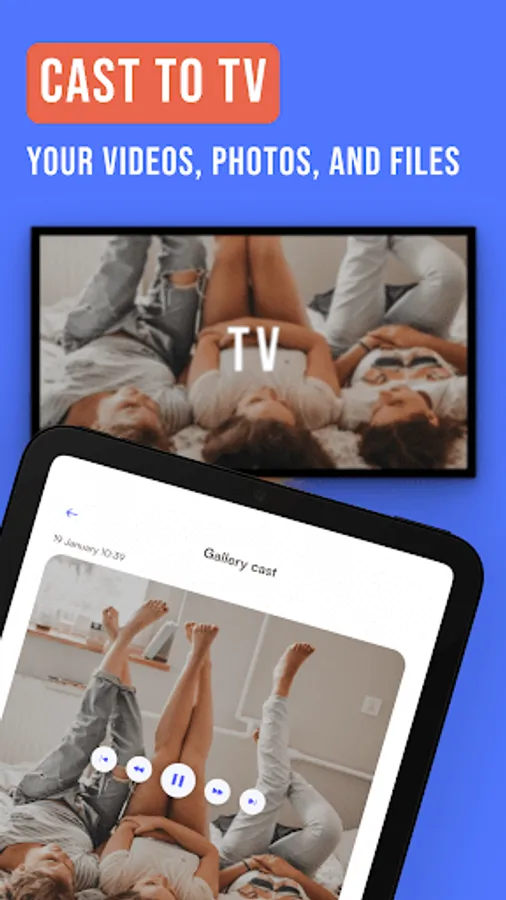
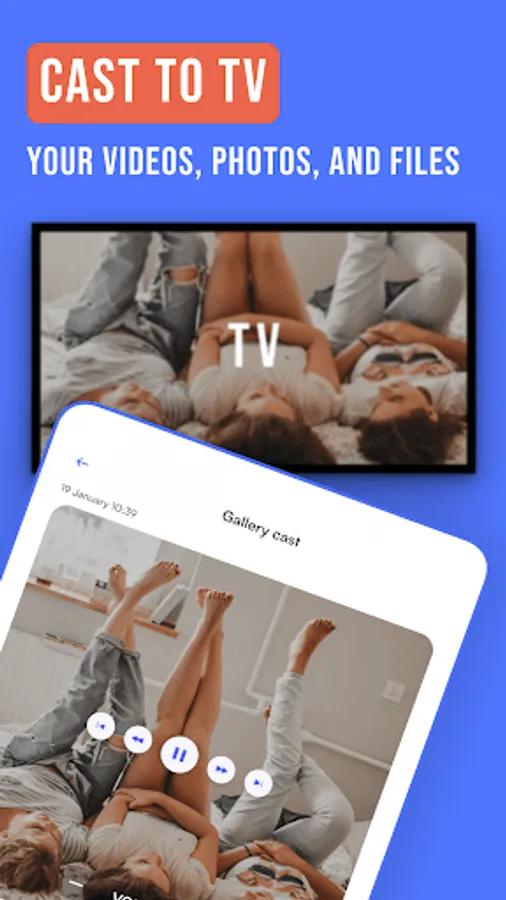
In this remote control app, you can connect to your Vizio SmartCast TV and navigate channels, settings, and streaming apps. Includes connection setup, device discovery, and remote control functions.
AppRecs review analysis
AppRecs rating 4.1. Trustworthiness 79 out of 100. Review manipulation risk 23 out of 100. Based on a review sample analyzed.
★★★★☆
4.1
AppRecs Rating
Ratings breakdown
5 star
70%
4 star
10%
3 star
6%
2 star
2%
1 star
11%
What to know
✓
Low review manipulation risk
23% review manipulation risk
✓
Credible reviews
79% trustworthiness score from analyzed reviews
⚠
Ad complaints
Many low ratings mention excessive ads
About TV remote for Vizio SmartCast
Power in the Palm of Your Hands
Control your TV experience like never before. The Vizio TV remote gives you command from anywhere in the room, personalized options, enhanced navigation, and so much more for modern-day enjoyment right from your mobile device. Ditch punching buttons and digging through couch cushions—upgrade to a more convenient, customizable, and feature-rich experience with a Vizio smart remote today.
Get Smart
Instantly access all that your Vizio SmartCast system has to offer. Connect to your favorite channels, streaming apps, and more.
At Your Fingertips
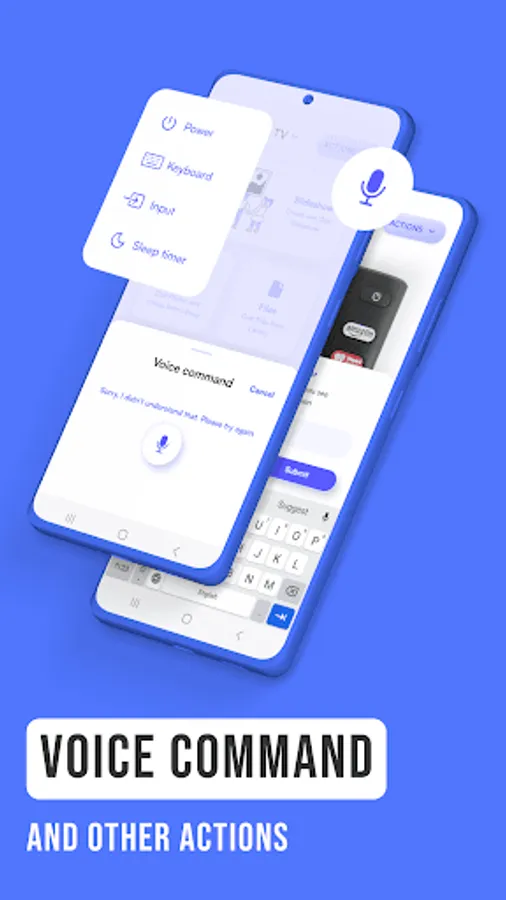
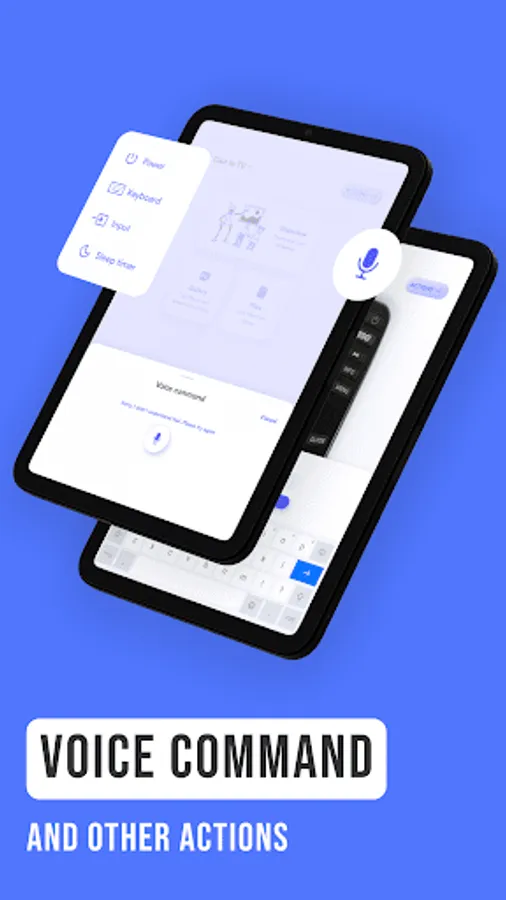
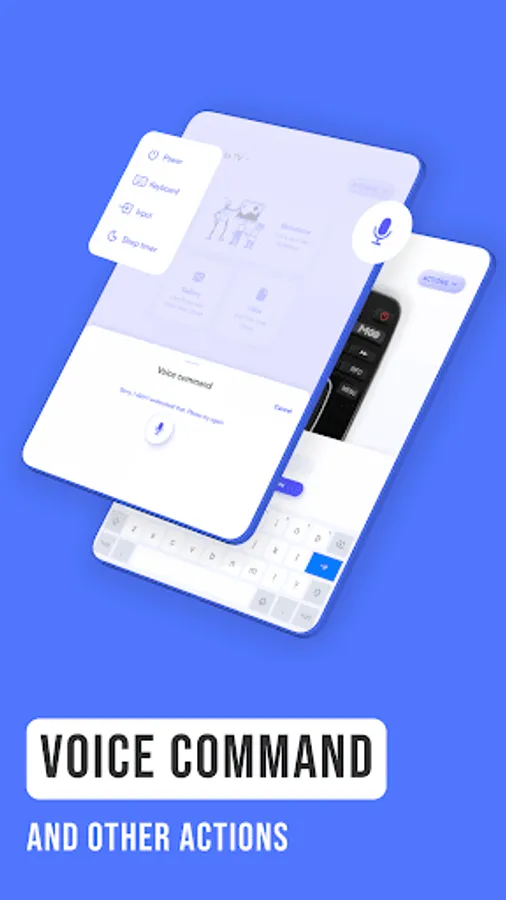
Skip fumbling with tiny buttons on a traditional TV remote and type like a pro with a keyboard on your phone! No more squinting, guessing, and backspacing—the keyboard capability feature on the Vizio smart remote is here to make usernames, passwords, and the search bar a breeze.
Hit the Hay
Say goodbye to late-night binges and hello to a good night's sleep with a built-in TV sleep timer. The sleep timer capability on the Vizio remote control app can be programmed to turn your TV off at a later time of your choosing. Save energy, get some shut-eye, and sleep soundly!
As Easy as 1-2-3
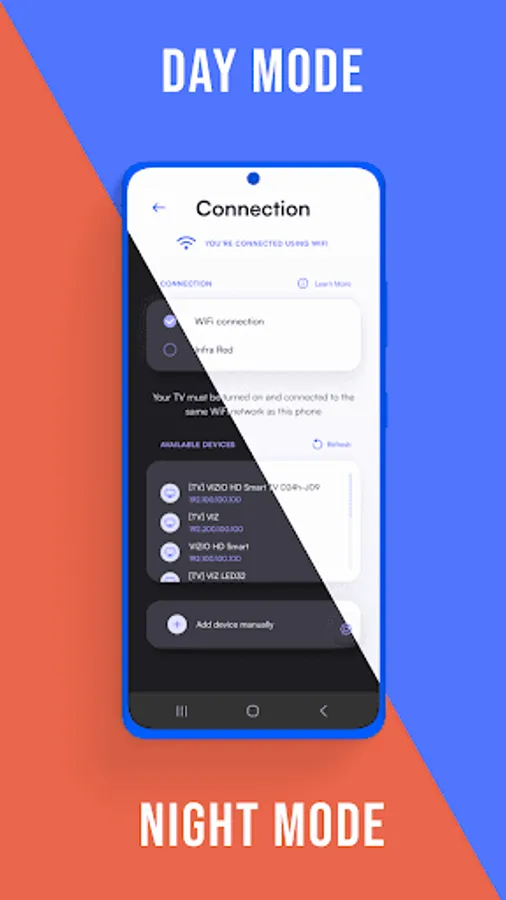
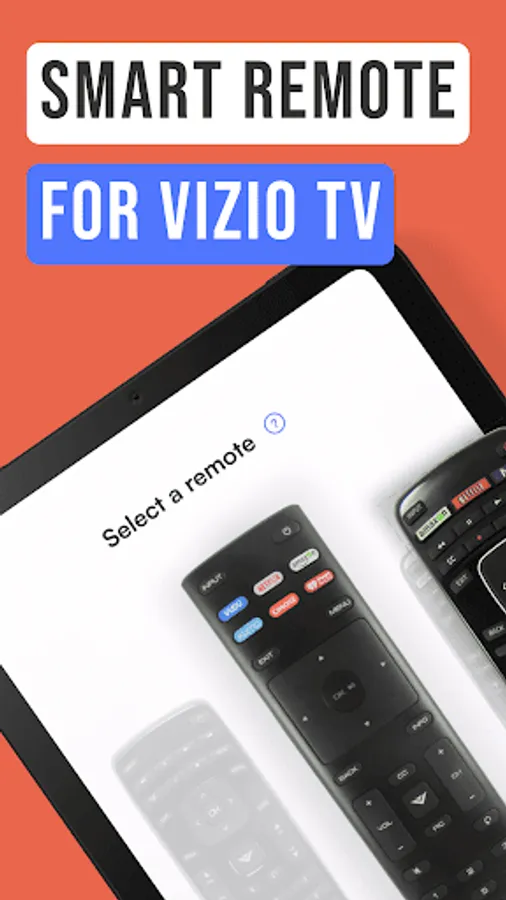
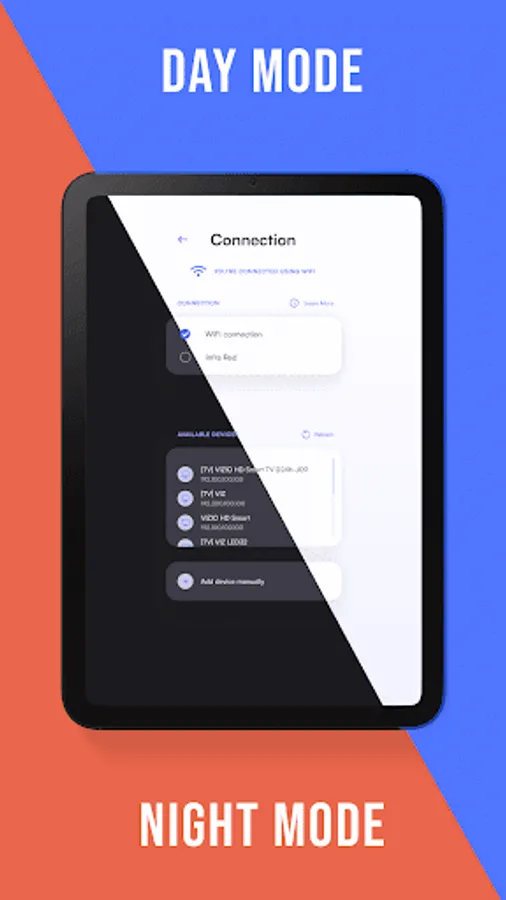
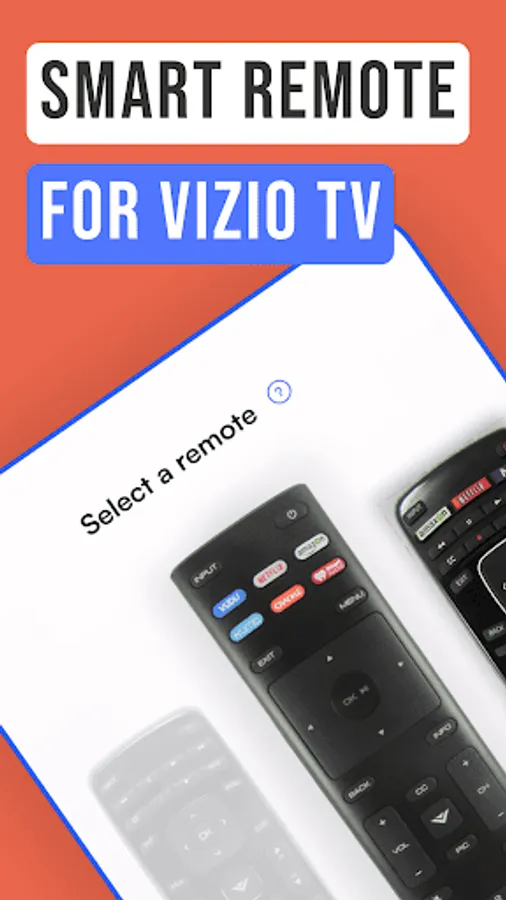
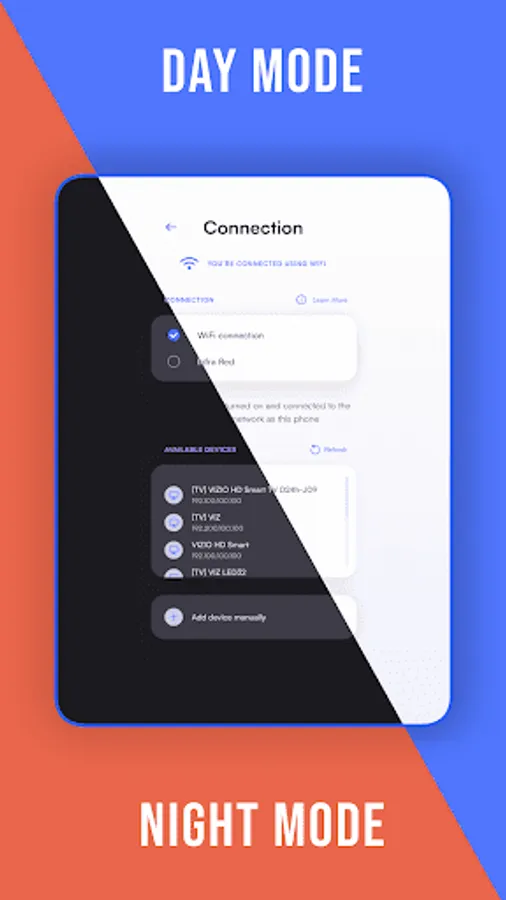
To get started, you'll need to choose your TV from the Selection screen. If you're having trouble finding it, you can use the Discovery screen to see all the devices connected to your network. Once you've found your TV, just tap on it, and you'll be taken to the Connection screen. If the connection is successful, you'll be redirected to the screen of your choice and ready to start using the app!
Freedom At Your Fingertips
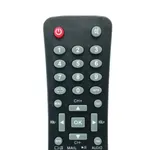
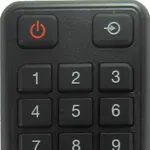
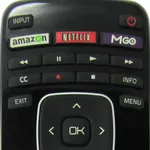
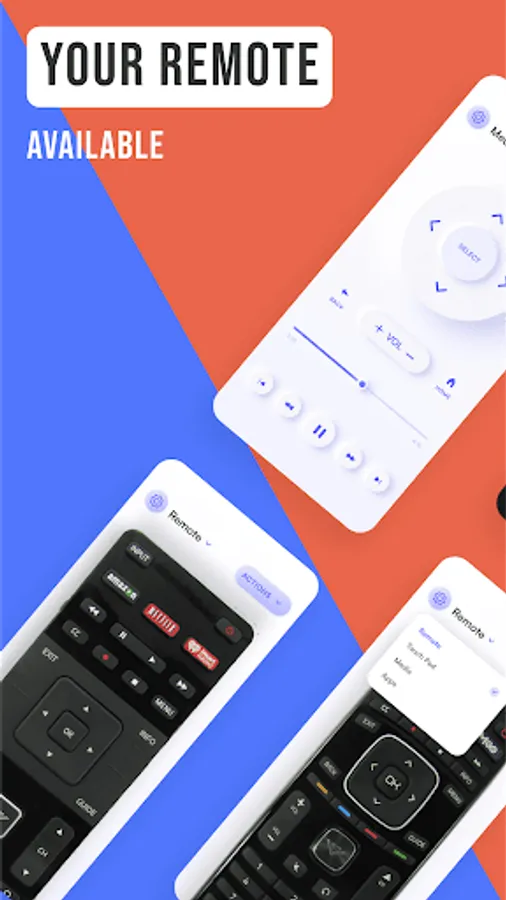
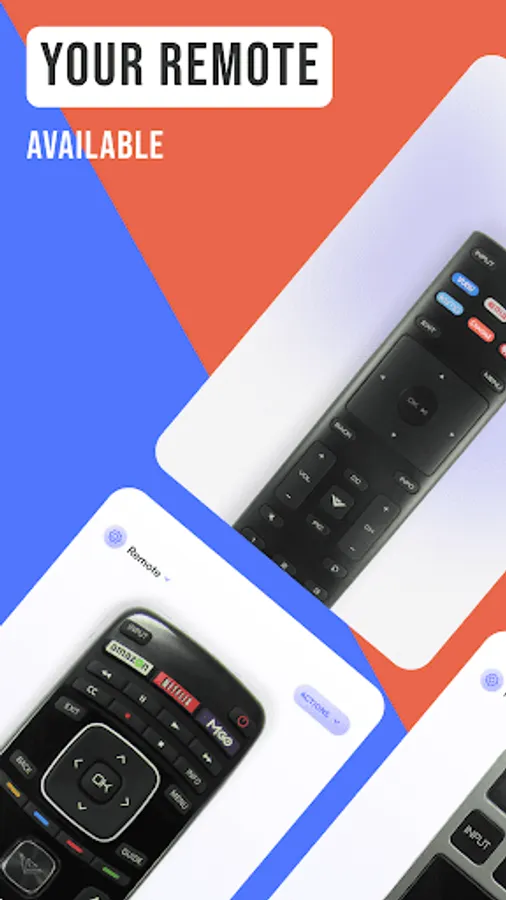
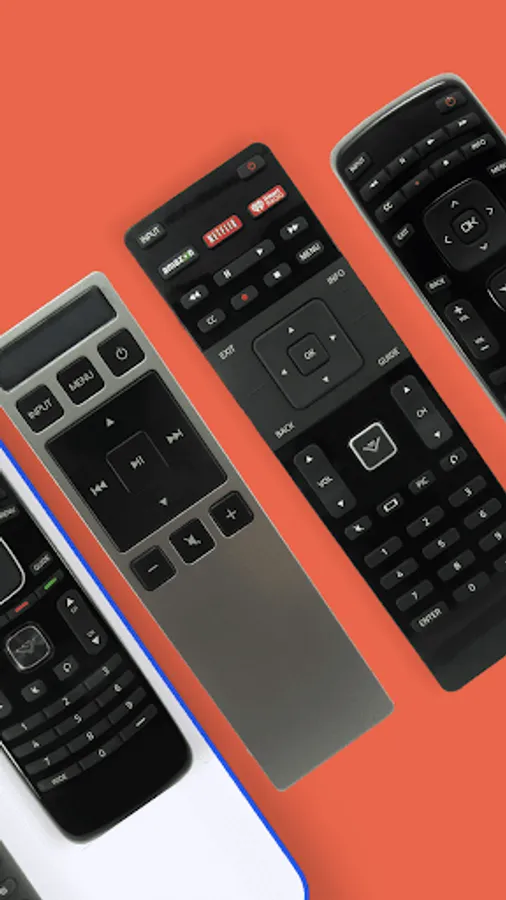
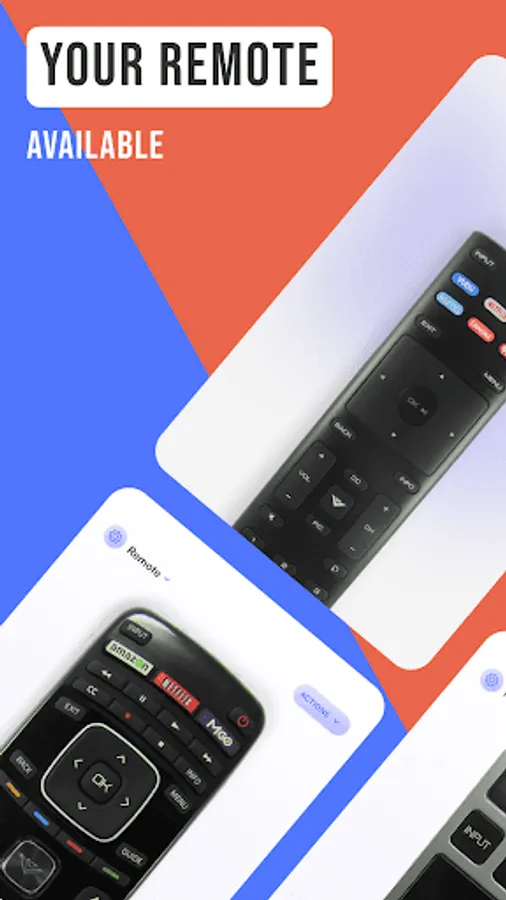
Get ready to take control with the Vizio Remote Control Screen! Your remote will appear on the whole screen, ready for you to tap, swipe, and press all the buttons, just like a real remote. Take control from afar and start effortlessly navigating channels, apps, settings, volume controls, and all the necessities.
Touch & Go
Streamline your device navigation with the Touch Pad Screen. Swipe and slide your fingertips to optimize your control and get the most out of your Vizio TV remote. Plus, easily access your go-to features with the Touch Pad Screen's customizable button strip.
Appy Browsing
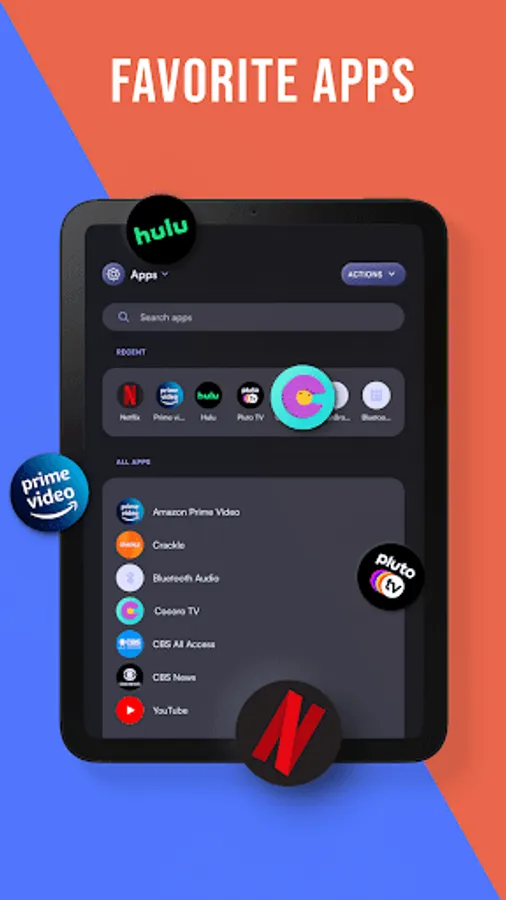
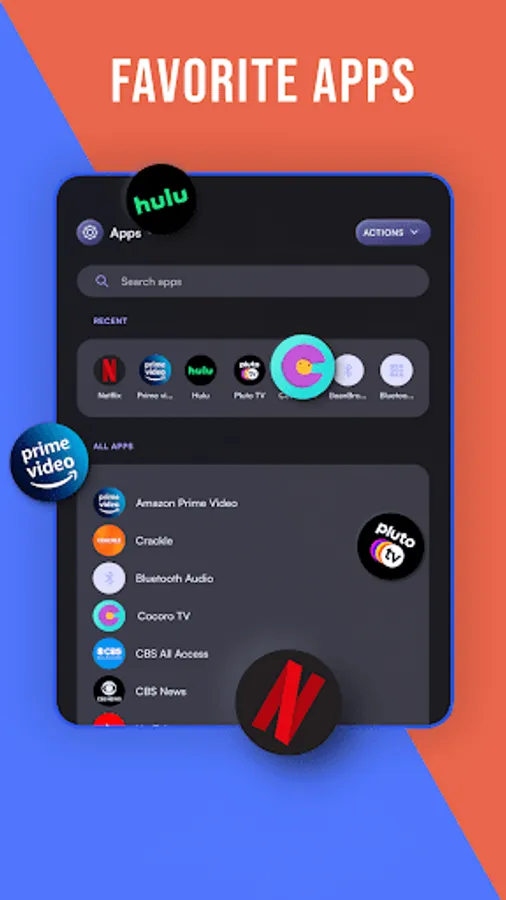
All your apps—all in one place! Find all of the apps that are installed on your Vizio TV and easily launch them with just a tap. Plus, save your favorite apps on the App Screen for even quicker access.
Make the Most of Media
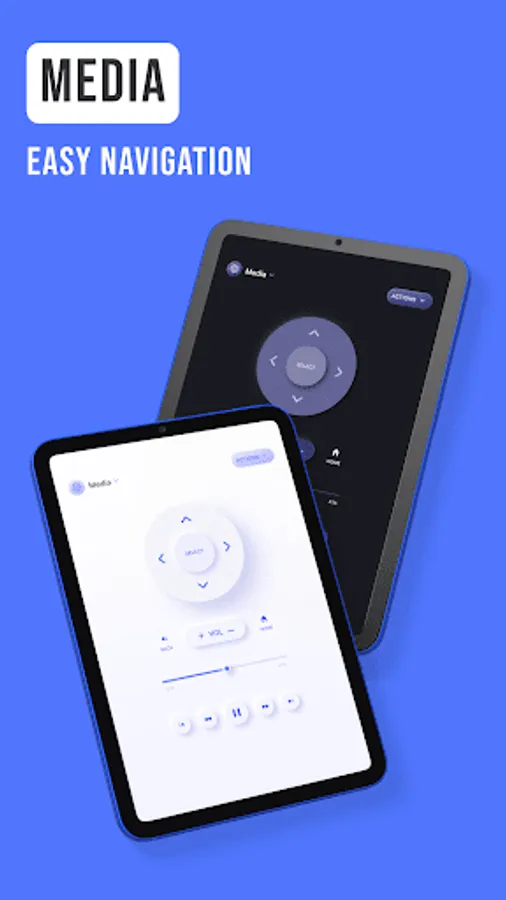
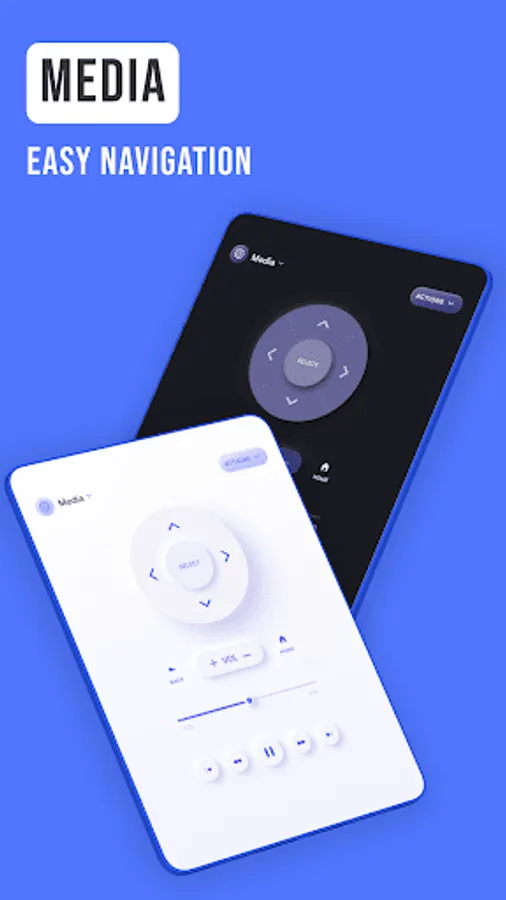
Access all the tools you need for seamless media navigation. Whether you want to pause, play, adjust the volume, or use the playback bar to skip ahead, it's all here at your fingertips with the TV remote for Vizio SmartCast.
Disclaimer
Please note that this app is not affiliated with Vizio or any other TV brand.
Reach Out
For more information or to view our Privacy Policy, please contact us here: support@os-apps.com
TV remote for Vizio SmartCast Screenshots



Tap to Rate:
Reviews for TV remote for Vizio SmartCast
Alyssa Allen
12/29/2025
Easy to use.
E W
12/26/2025
slow boring and hard to use