Wood wall photo Frames
Palmera Labs
4.6 ★
19K ratings
1,000,000+
downloads
Free
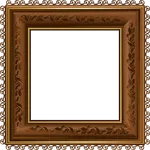
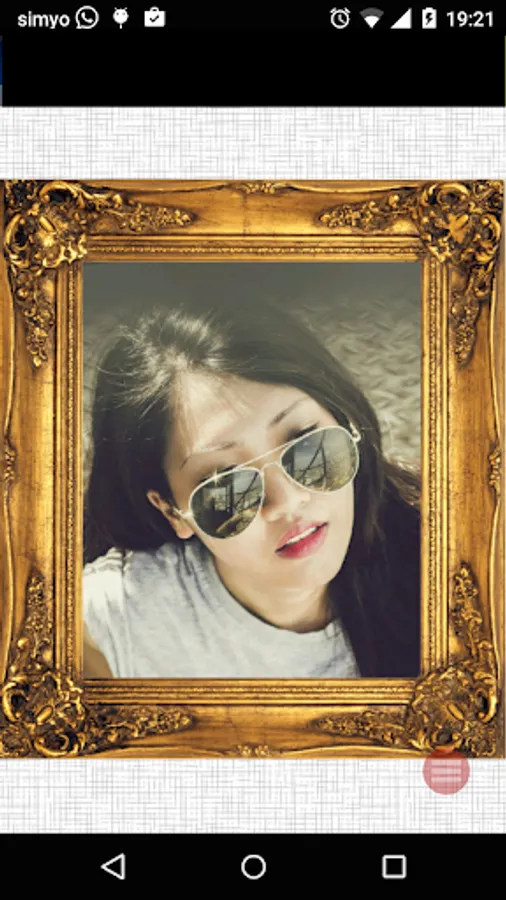
In this photo editing app, you can select, customize, and share wall frame designs for your photos. Includes a variety of frames and the option to take pictures instantly.
AppRecs review analysis
AppRecs rating 4.6. Trustworthiness 72 out of 100. Review manipulation risk 45 out of 100. Based on a review sample analyzed.
★★★★☆
4.6
AppRecs Rating
Ratings breakdown
5 star
83%
4 star
7%
3 star
3%
2 star
2%
1 star
5%
What to know
⚠
Questionable review patterns
45% review manipulation risk - some review patterns appear unusual
⚠
Rating authenticity concerns
High rating concentration (83% 5-star) in sampled ratings
⚠
Review quality concerns
80% of sampled 5-star reviews are very short
About Wood wall photo Frames
Create a nice photo for profile pictures with your photos and these wall frames that we included in the app. Like if it weres framed pictures in your dinner hall.
Once done you can share it with your friends. Or maybe event post in your social networks.
Or maybe print it and put it in your desktop if you really like it.
In the app you can also take a picture right on the spot and change the frame in the moment. A very cool functionality
We have selected a variety of wall frames that you can use with your pictures for free
And of course, once you are done with your composition, you can then send or share to anybody with the social networks, messaging, email ... apps, from inside this app
################################################################################
How To use
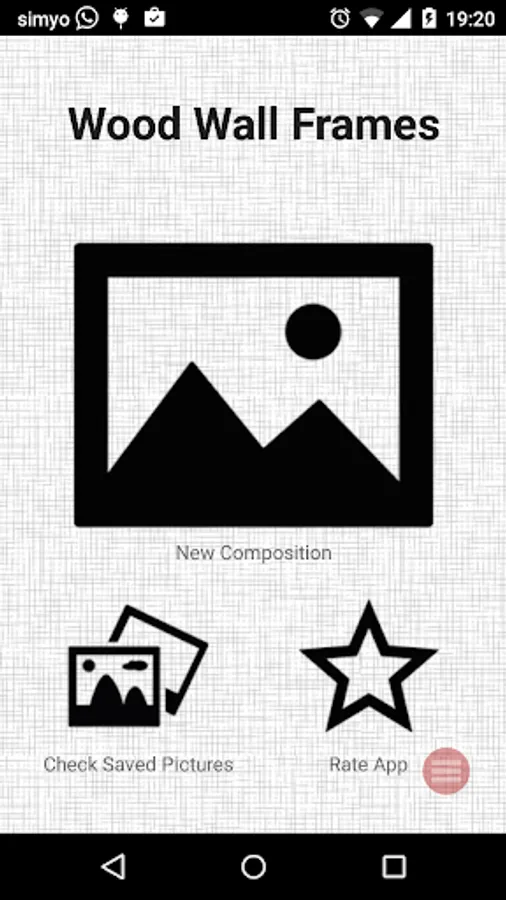
1. Get inside the photo frame app.
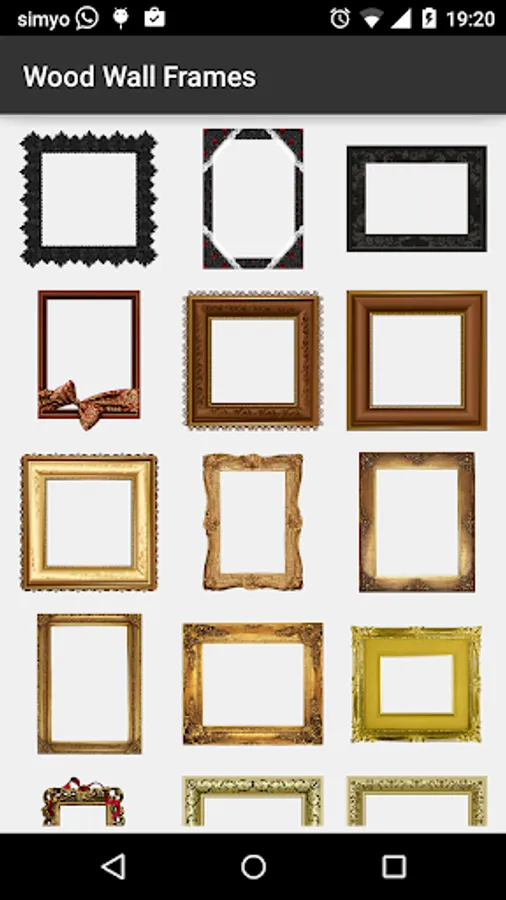
2. First select a frame yo want to start with. You can change it later
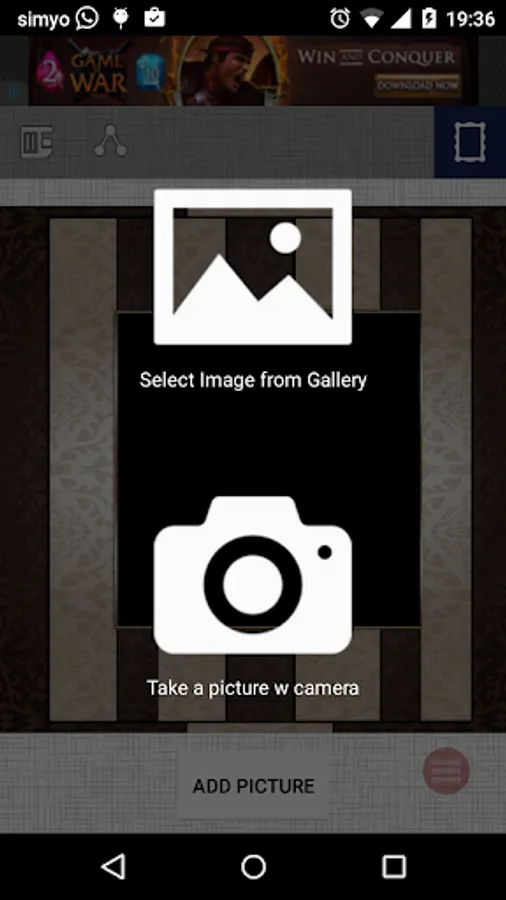
3. Then choose to select a picture from your gallery of pictures or from your camera.
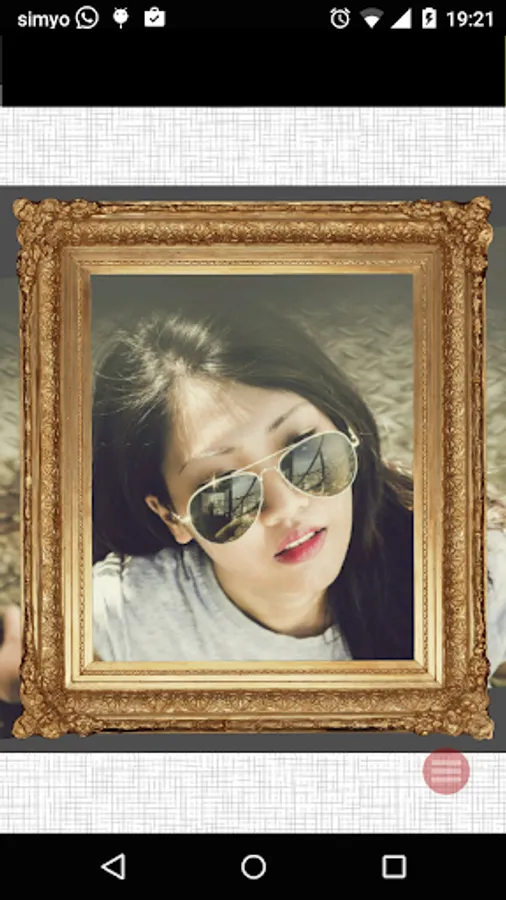
4. After you have the photo, reposition and zoom it until your are okay
5. You can then save your new composition to share with a friend.
6. Have fun, thats it!
Features:
# Easy to use. Easy interface, experience and flow
# For free, use it as many times as you want, with as many pictures as you want
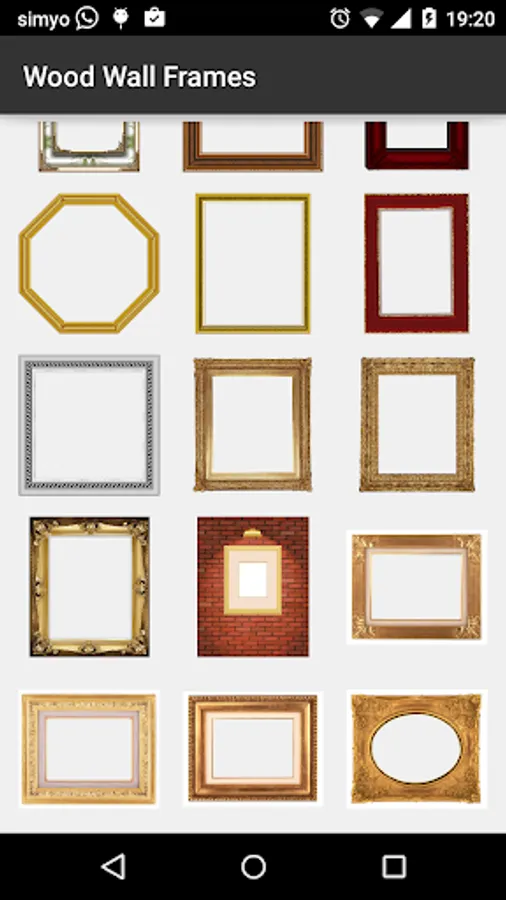
# Variety of frames (20-60)
# Takes low space on your phone
# With the app you can load pictures or take them instantly with the app
###
Finally, Do you miss something? Just let us know and we'll update with the new frames.
Any other request or comment? no problem, place a review or contact us and we'll check it out asap.
Have a great time with the app
Once done you can share it with your friends. Or maybe event post in your social networks.
Or maybe print it and put it in your desktop if you really like it.
In the app you can also take a picture right on the spot and change the frame in the moment. A very cool functionality
We have selected a variety of wall frames that you can use with your pictures for free
And of course, once you are done with your composition, you can then send or share to anybody with the social networks, messaging, email ... apps, from inside this app
################################################################################
How To use
1. Get inside the photo frame app.
2. First select a frame yo want to start with. You can change it later
3. Then choose to select a picture from your gallery of pictures or from your camera.
4. After you have the photo, reposition and zoom it until your are okay
5. You can then save your new composition to share with a friend.
6. Have fun, thats it!
Features:
# Easy to use. Easy interface, experience and flow
# For free, use it as many times as you want, with as many pictures as you want
# Variety of frames (20-60)
# Takes low space on your phone
# With the app you can load pictures or take them instantly with the app
###
Finally, Do you miss something? Just let us know and we'll update with the new frames.
Any other request or comment? no problem, place a review or contact us and we'll check it out asap.
Have a great time with the app
Wood wall photo Frames Screenshots


Tap to Rate:
Reviews for Wood wall photo Frames
Adebayo Temi
12/18/2025
good app
CREATIVE LIFE
12/17/2025
easy to use and amazing for creativity