Panorama Crop - PanoCut
justapps
4.0 ★
22K ratings
1,000,000+
downloads
Free
+ in-app
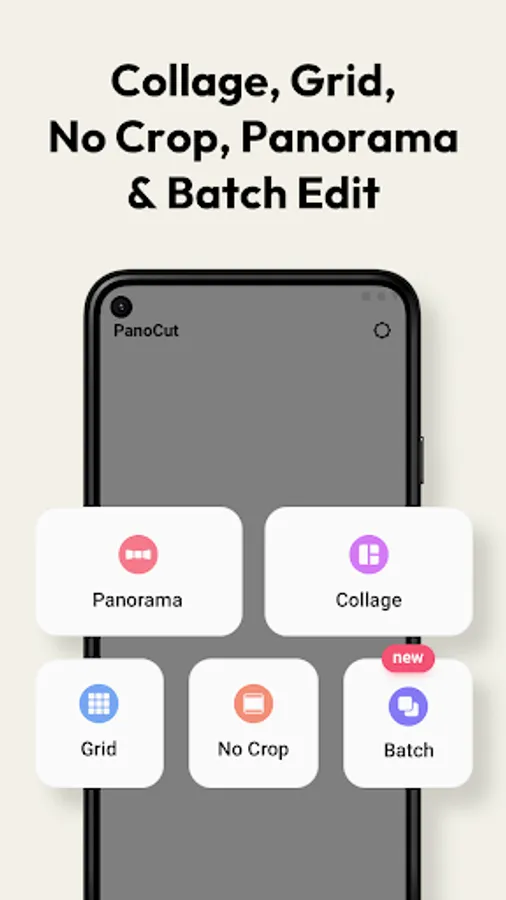
With this photo editing app, you can perform panoramic photo splits and customize aspect ratios for Instagram posts. Includes multi-language support and a preview feature for arranging splits.
AppRecs review analysis
AppRecs rating 4.0. Trustworthiness 72 out of 100. Review manipulation risk 36 out of 100. Based on a review sample analyzed.
★★★★☆
4.0
AppRecs Rating
Ratings breakdown
5 star
68%
4 star
7%
3 star
3%
2 star
4%
1 star
19%
What to know
✓
Credible reviews
72% trustworthiness score from analyzed reviews
✓
Good user ratings
74% positive sampled reviews
About Panorama Crop - PanoCut
Instagram fuels the young generation! It doesn’t only keep you connected with your friends and family but it is a platform where you maintain your online image. Whatever you share on IG, determines others’ perspectives about you. So, it is very important to garnish your Instagram profile. Also maintaining an appealing profile attracts more followers and increases the reach of your posts.
With PanoCut you can perform a photo split for Instagram in less than a minute. But why do you need it? Well, A Panorama Crop for Instagram allows you to show every detail of your wide photos with multi-photo posts. Panorama Split for Instagram – Panorama Split photos also prettifies your profile.
Why Choose PanoCut?
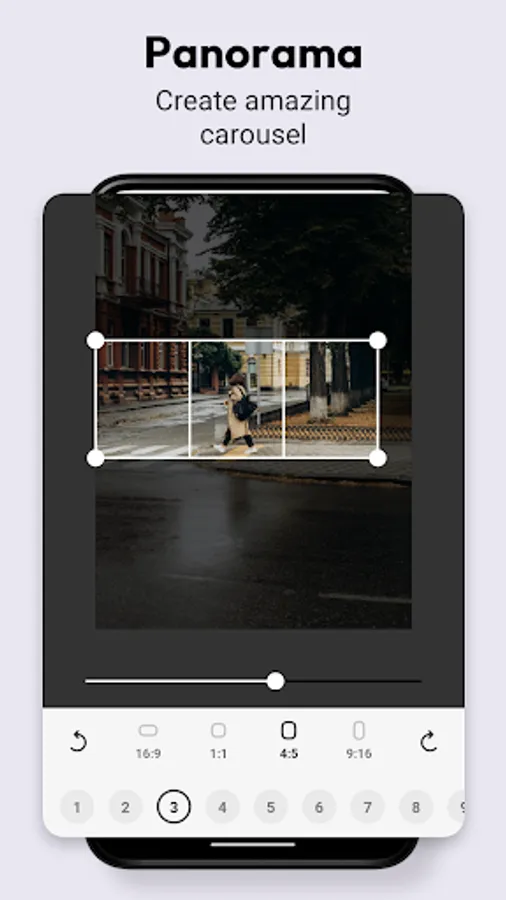
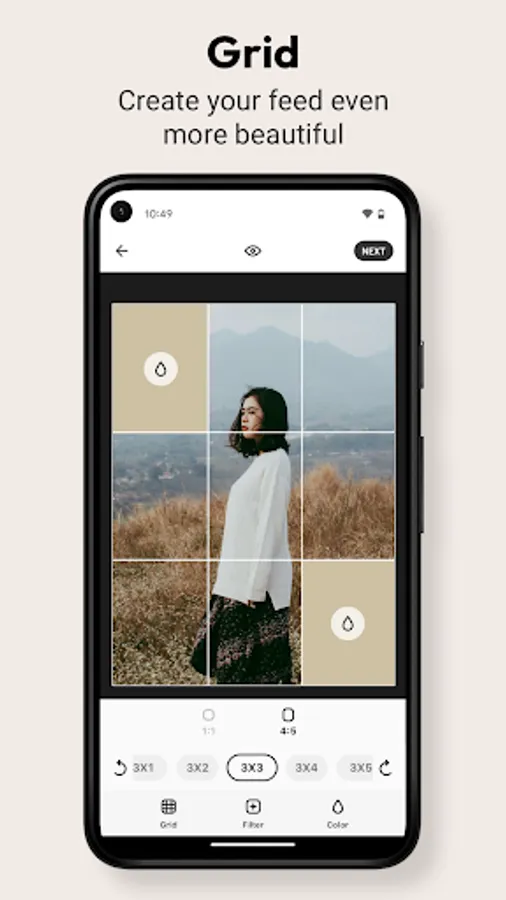
Easy to Use: Even a small kid can operate this app! Just choose a photo, select aspect ratio, select how many splits you want to create and hit the save button! That’s it!
In your Language: Not everyone is a master of English and we know that everyone’s emotions and thoughts are connected with their mother language. We also want to stay connected with you that’s why we have made PanoCut available in a dozen languages. We are adding more languages soon.
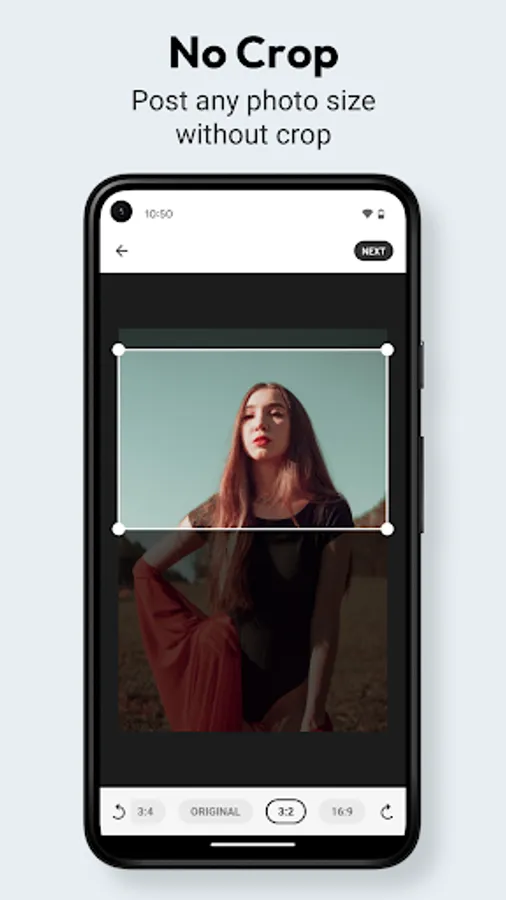
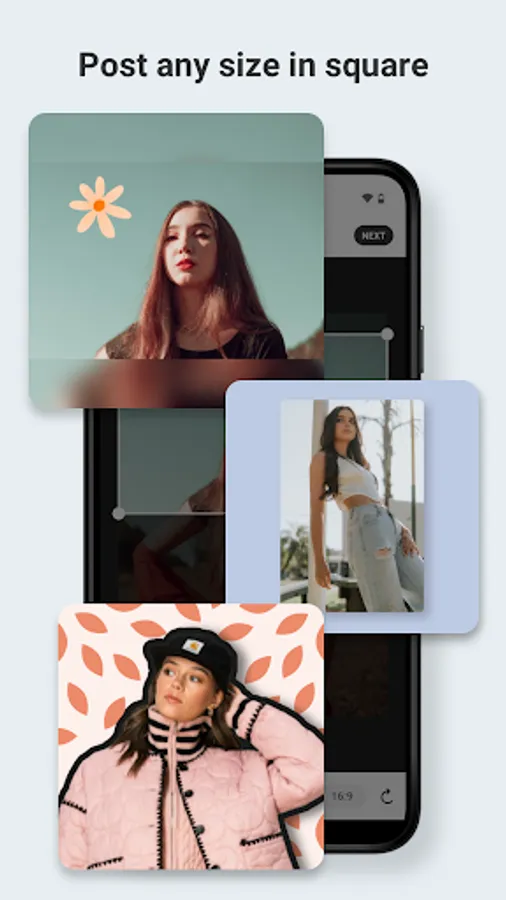
Aspect Ratio: PanoCut makes sure the post is a “no crop for Instagram”. Because cropped photos might detach some important details from the photograph.
10 Splits: The app gives you all the control over how many photos splits for Instagram you want. You can choose from 1 to 10 splits.
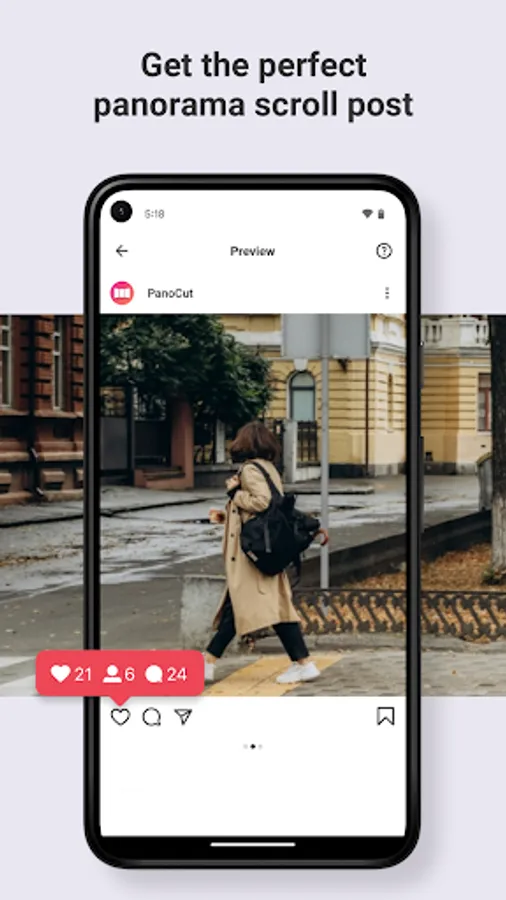
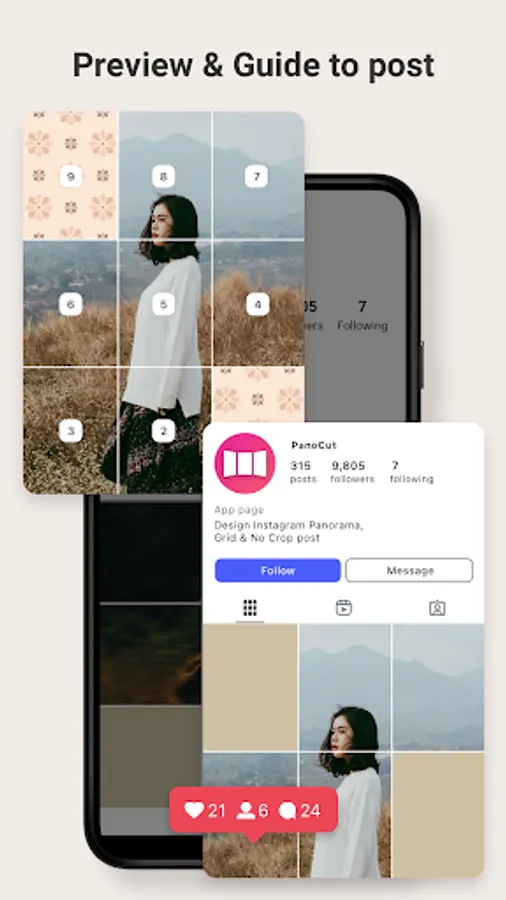
Preview: PanoCut allows you to hit the preview icon before you even save the photo splits. So you can get an idea of how these posts are going to look when someone Swipe Instagram.
So why wait? Install the app today and beautify your Instagram profile in no time.
With PanoCut you can perform a photo split for Instagram in less than a minute. But why do you need it? Well, A Panorama Crop for Instagram allows you to show every detail of your wide photos with multi-photo posts. Panorama Split for Instagram – Panorama Split photos also prettifies your profile.
Why Choose PanoCut?
Easy to Use: Even a small kid can operate this app! Just choose a photo, select aspect ratio, select how many splits you want to create and hit the save button! That’s it!
In your Language: Not everyone is a master of English and we know that everyone’s emotions and thoughts are connected with their mother language. We also want to stay connected with you that’s why we have made PanoCut available in a dozen languages. We are adding more languages soon.
Aspect Ratio: PanoCut makes sure the post is a “no crop for Instagram”. Because cropped photos might detach some important details from the photograph.
10 Splits: The app gives you all the control over how many photos splits for Instagram you want. You can choose from 1 to 10 splits.
Preview: PanoCut allows you to hit the preview icon before you even save the photo splits. So you can get an idea of how these posts are going to look when someone Swipe Instagram.
So why wait? Install the app today and beautify your Instagram profile in no time.
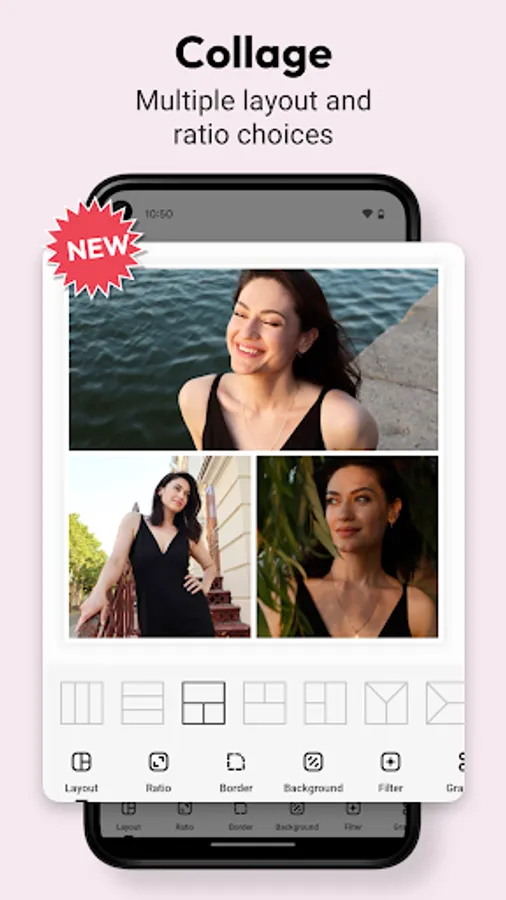
Panorama Crop - PanoCut Screenshots
Tap to Rate:
Reviews for Panorama Crop - PanoCut
Saeed Iqbal
12/28/2025
it's a good app
pushkar ahir
12/28/2025
I love you ❤️