AppRecs review analysis
AppRecs rating . Trustworthiness 42 out of 100. Review manipulation risk 26 out of 100. Based on a review sample analyzed.
★
AppRecs Rating
Ratings breakdown
5 star
0%
4 star
0%
3 star
17%
2 star
0%
1 star
83%
What to know
⚠
Mixed user feedback
Average 1.3★ rating suggests room for improvement
About Station: Employee Time-Clock
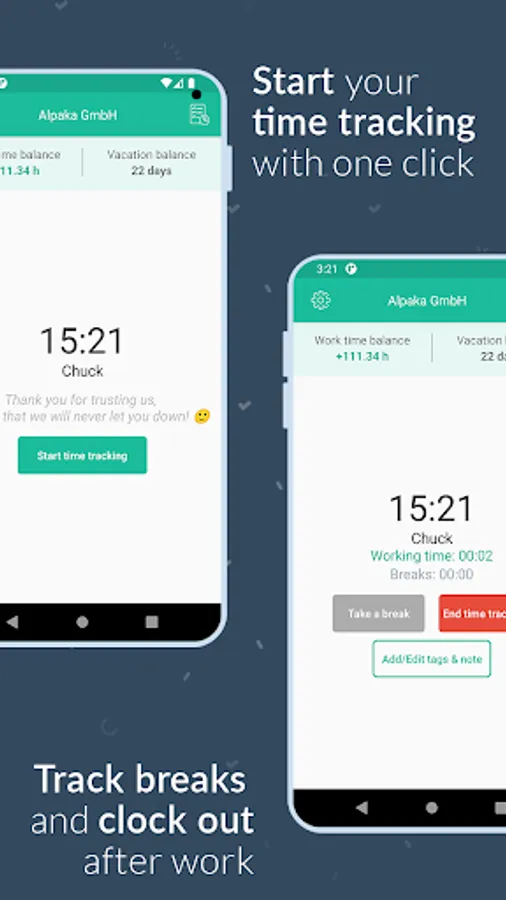
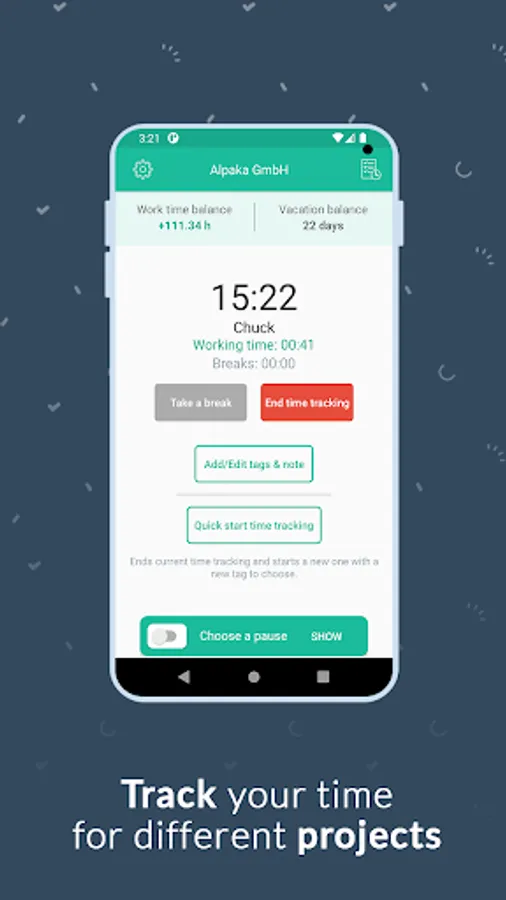
The Papershift time clock is the ideal way to digitally track, edit and synchronize employee working hours with the Papershift Cloud. Settings and time records are automatically synchronized when a network connection is available and are always up to date.
In addition to these basic functions, the app also offers:
-ADMIN FEATURES-
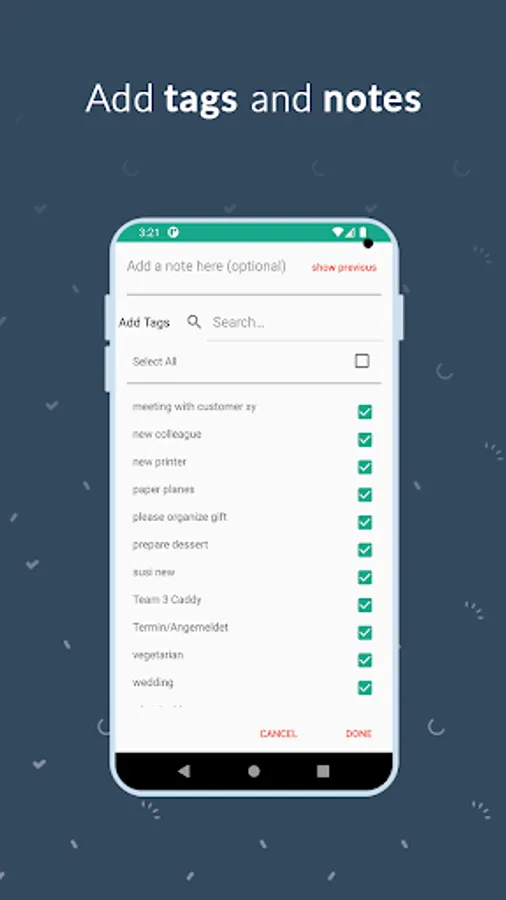
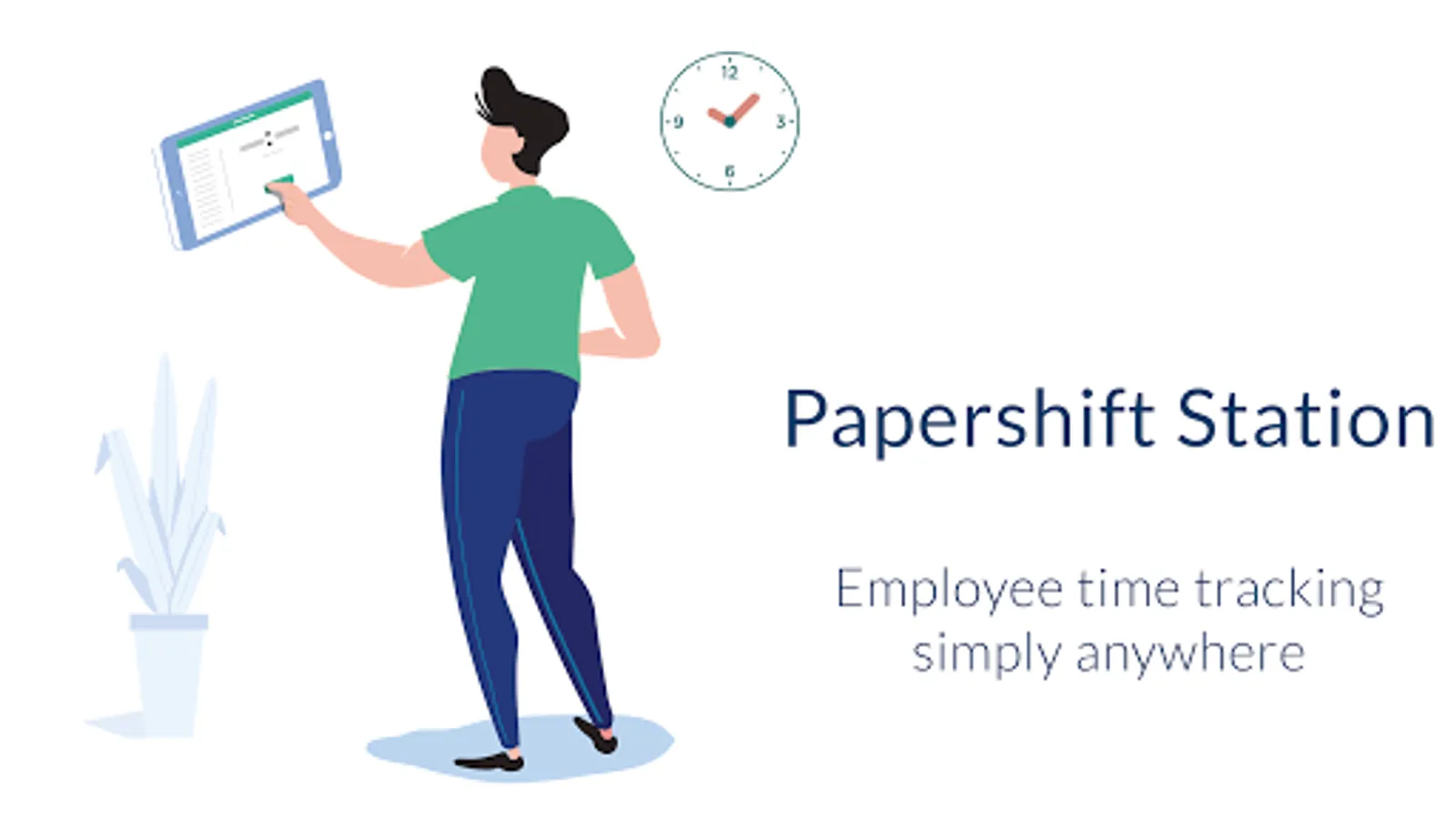
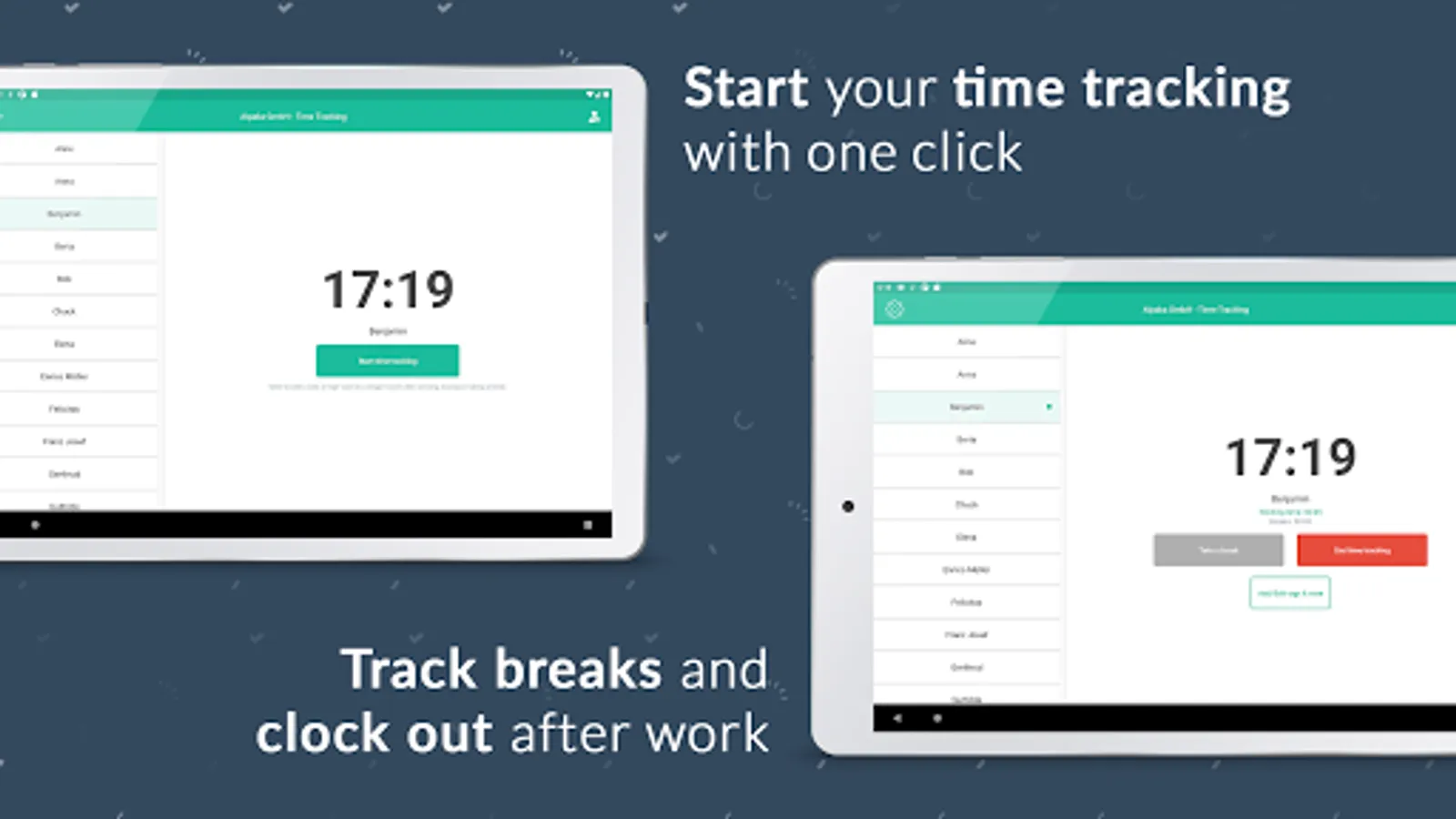
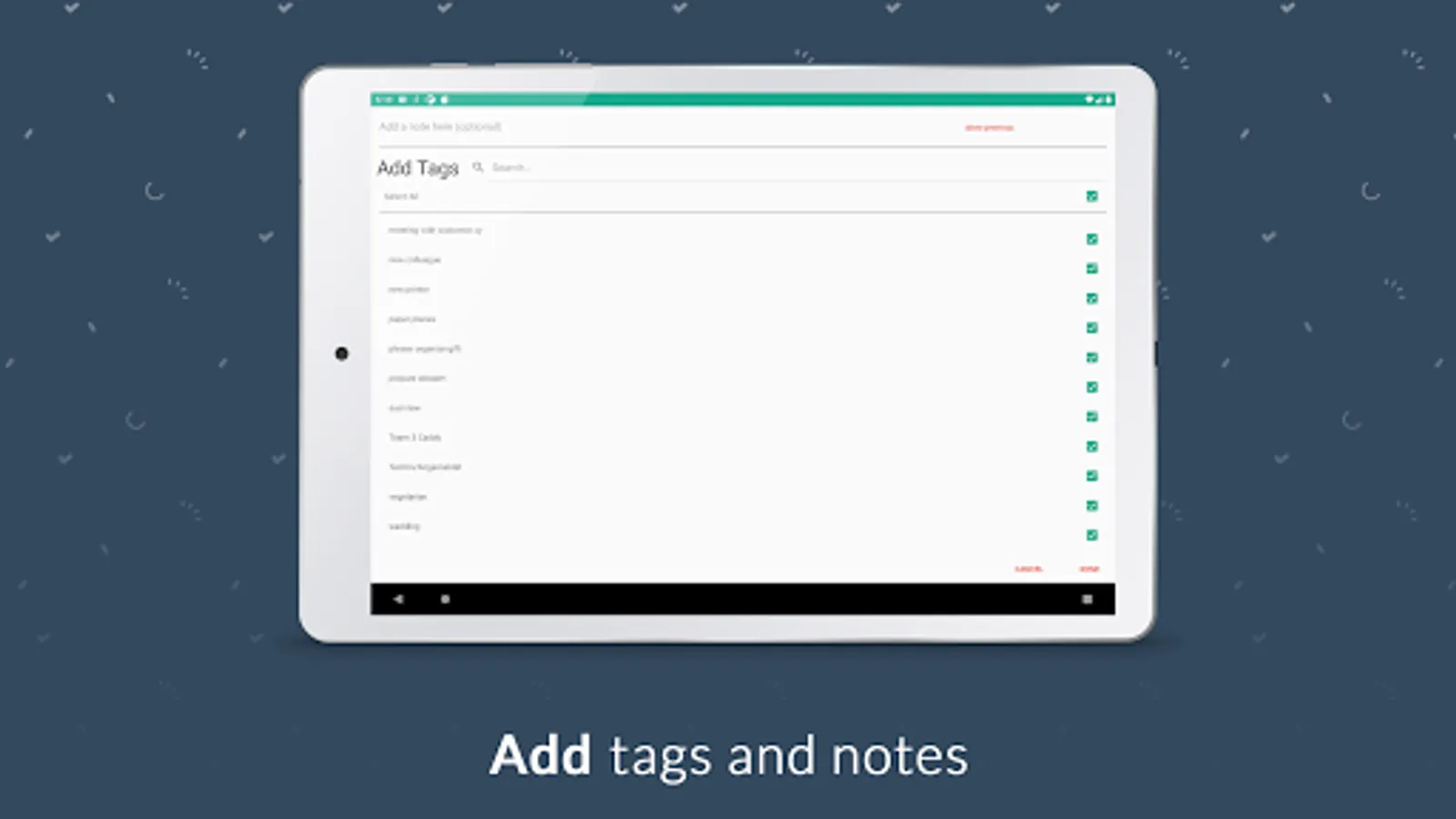
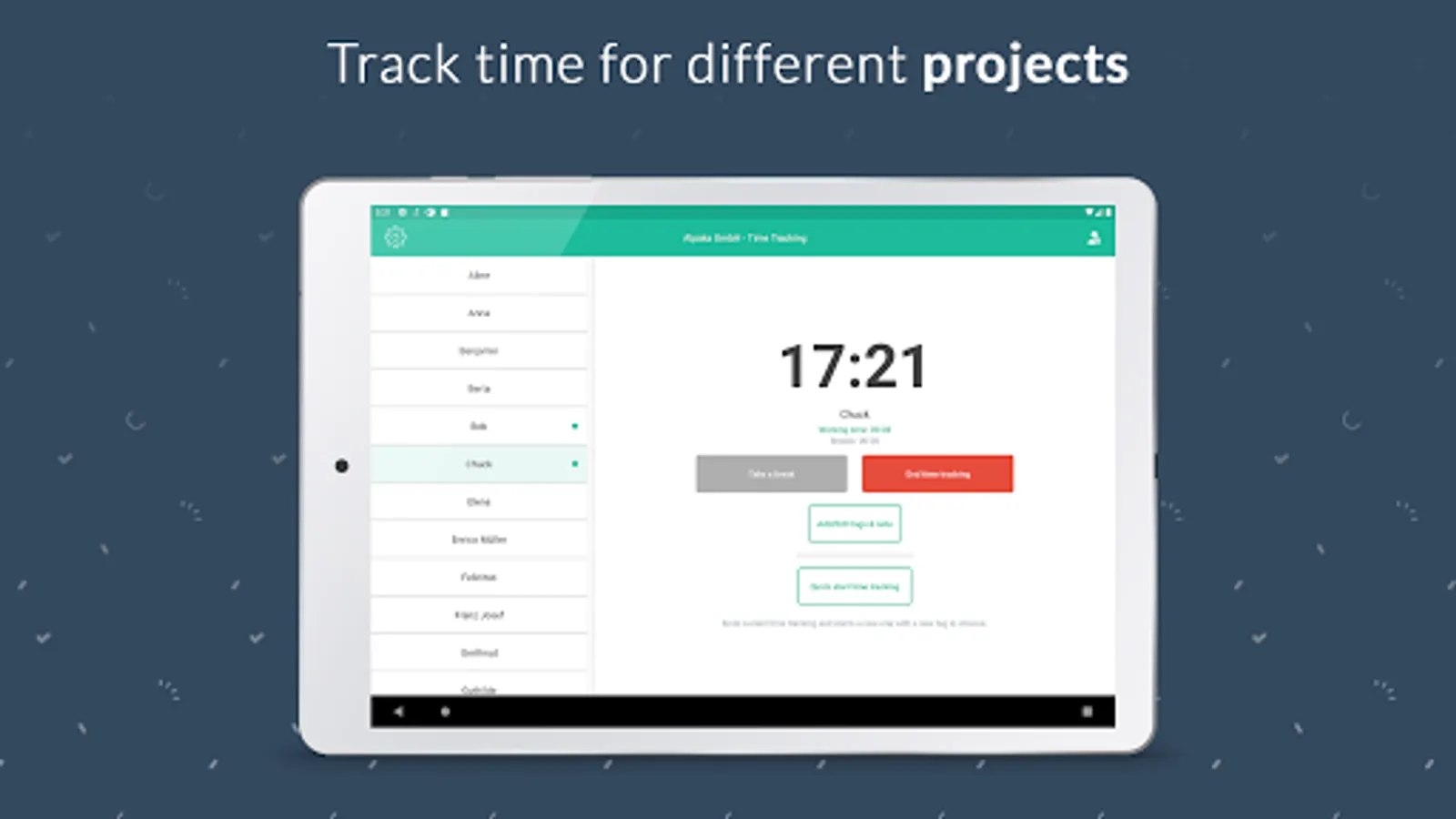
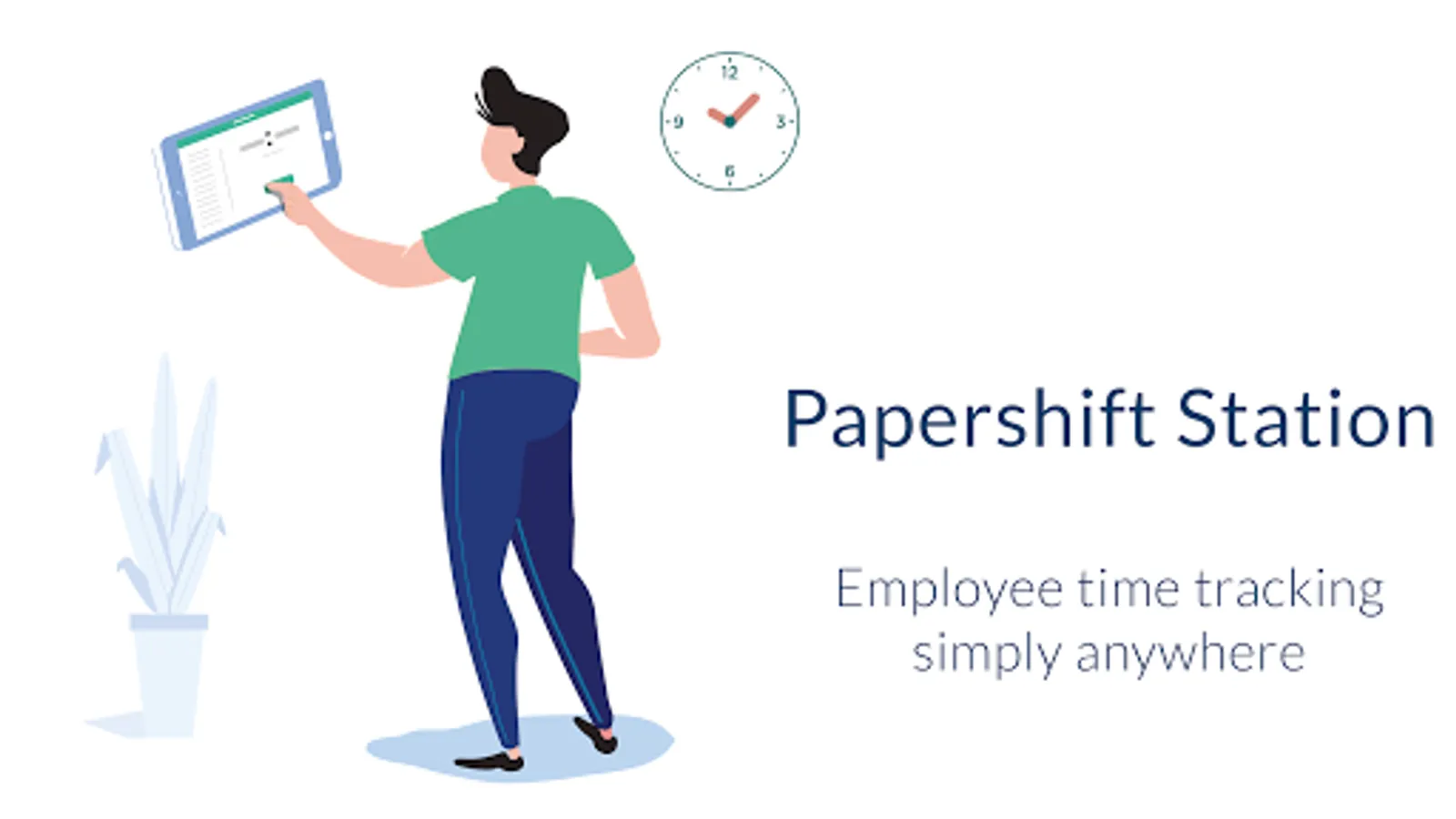
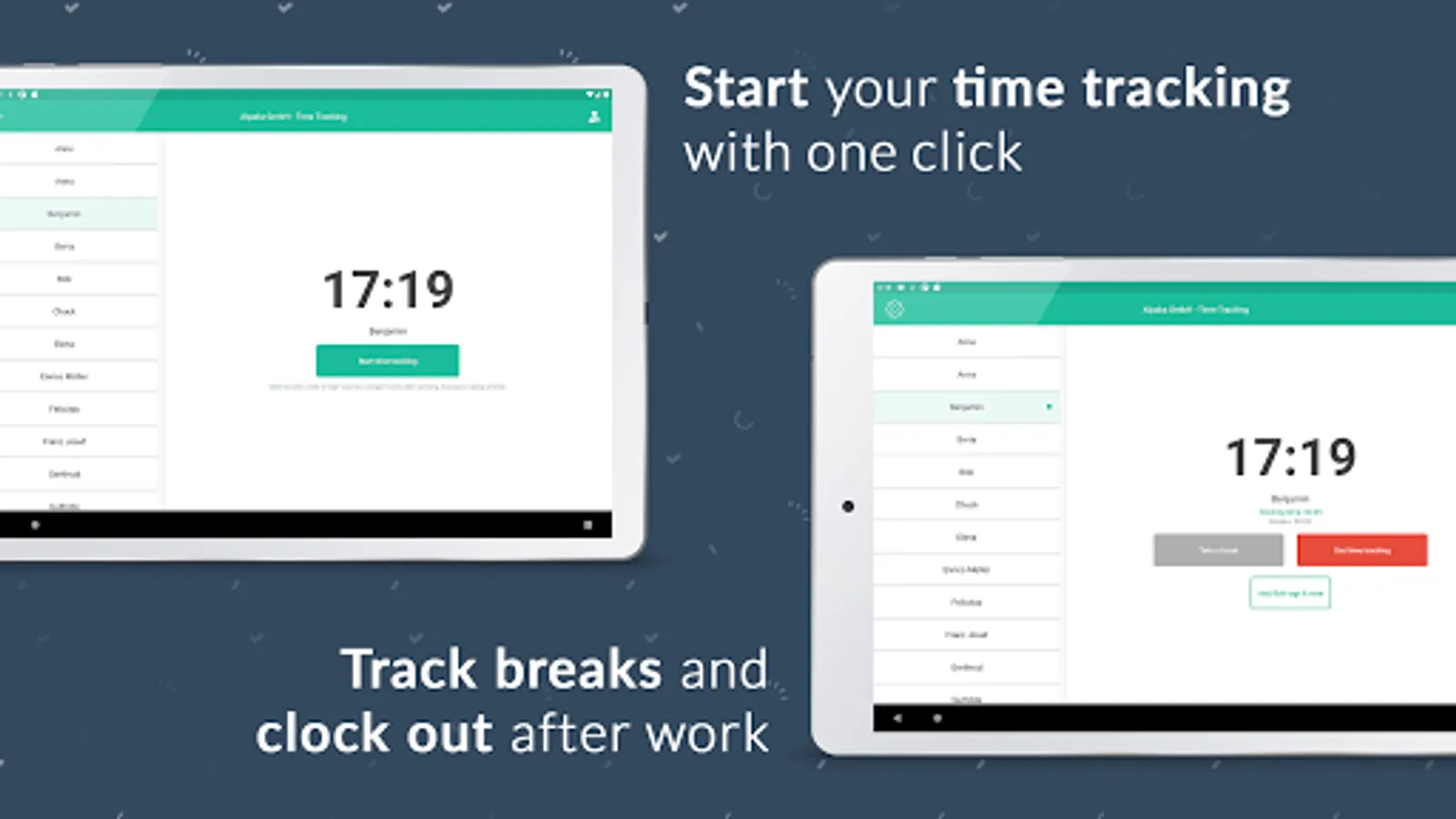
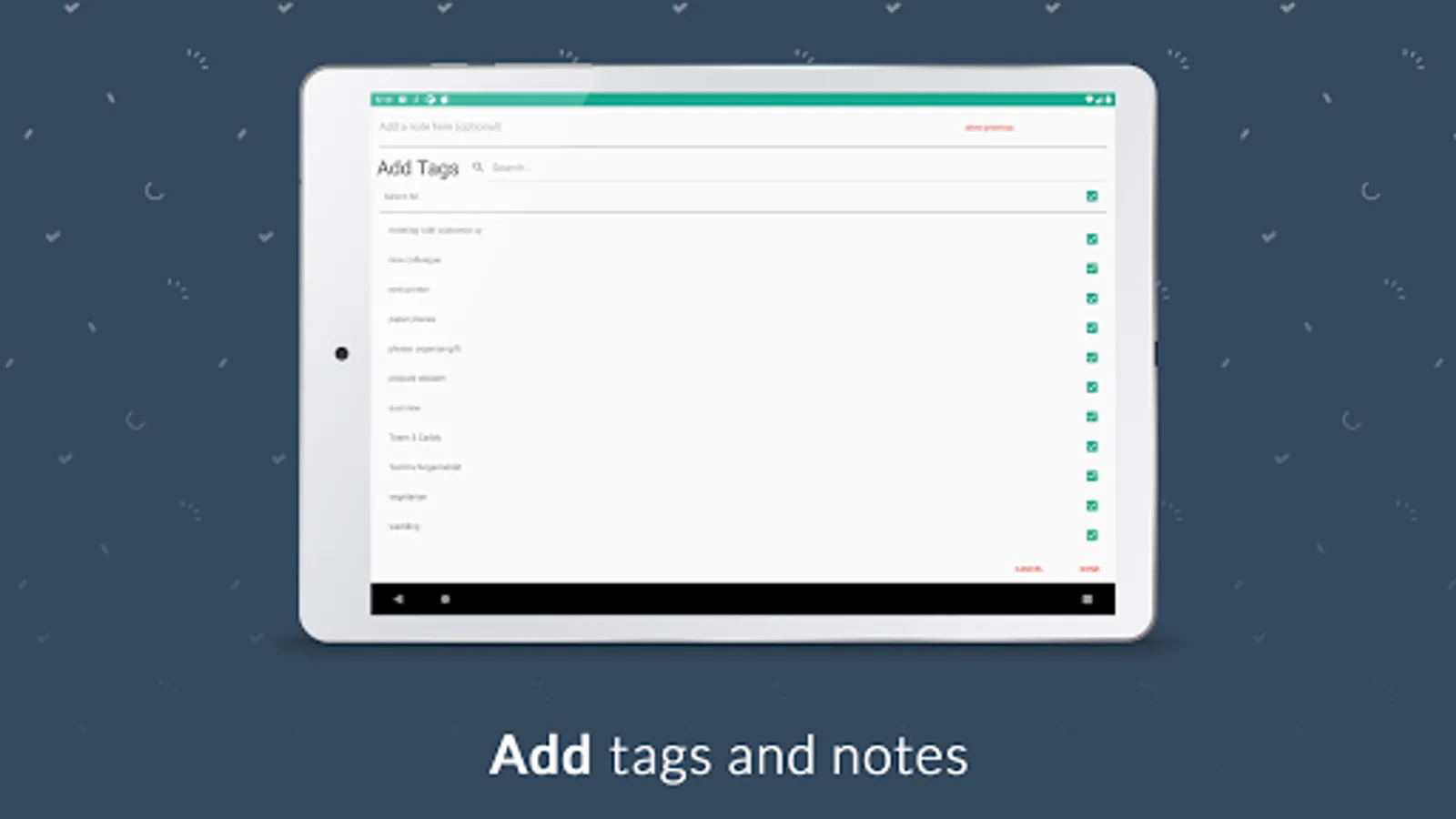
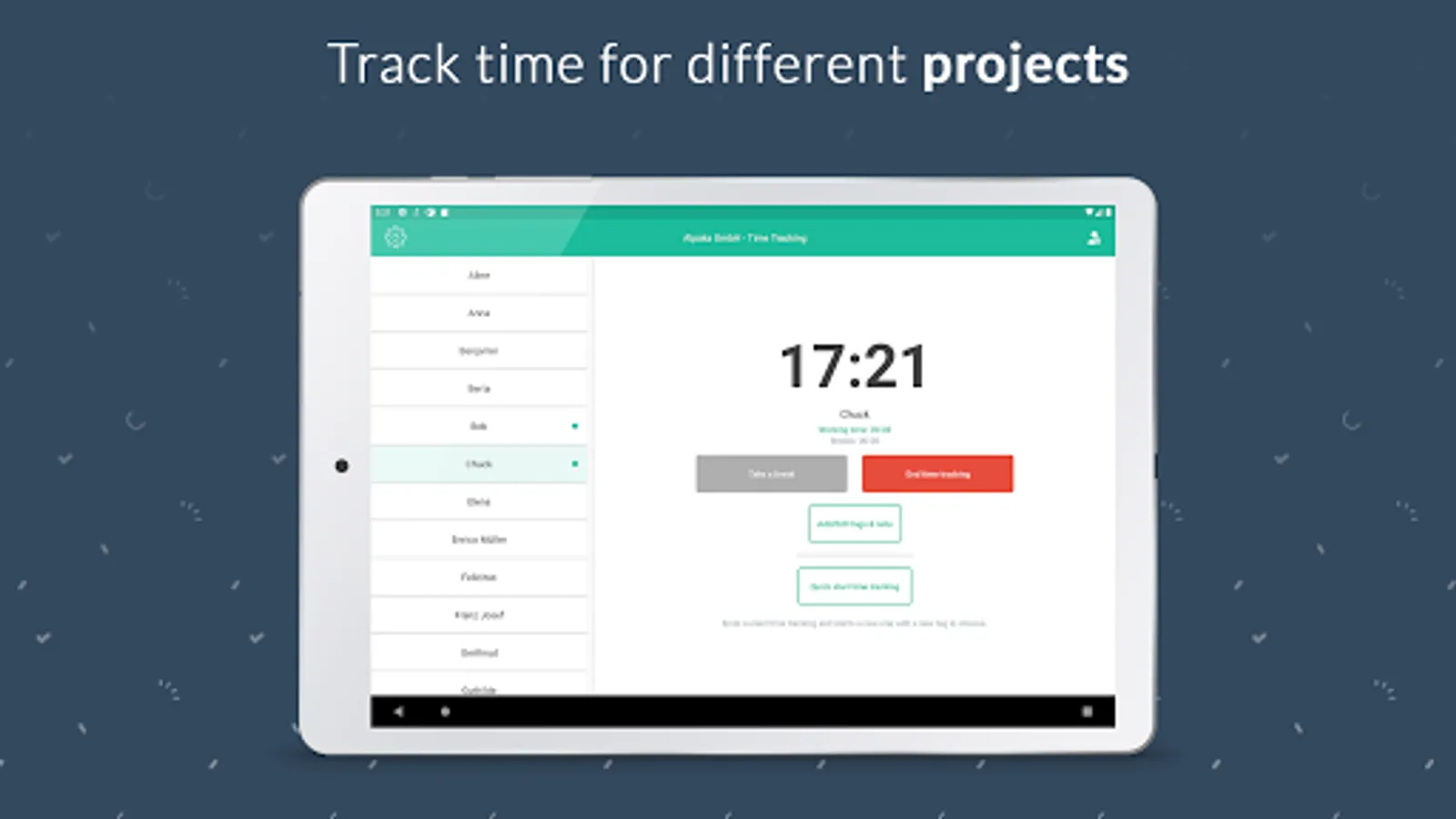
With an Admin Account you can set up a stationary time tracking device for several employees. For example, a tablet at a central location where employees can clock in, clock out and take a break. Automatic breaks or tags can also be taken into account.
-EMPLOYEE FEATURES-
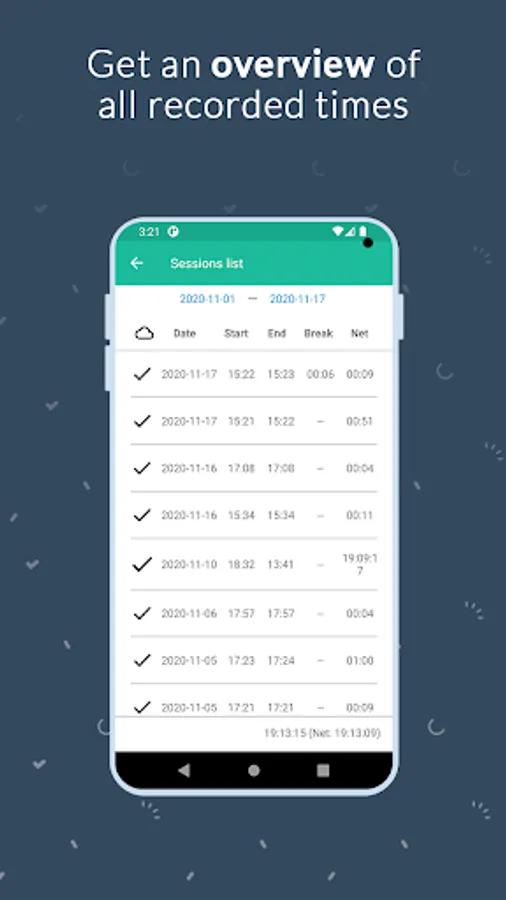
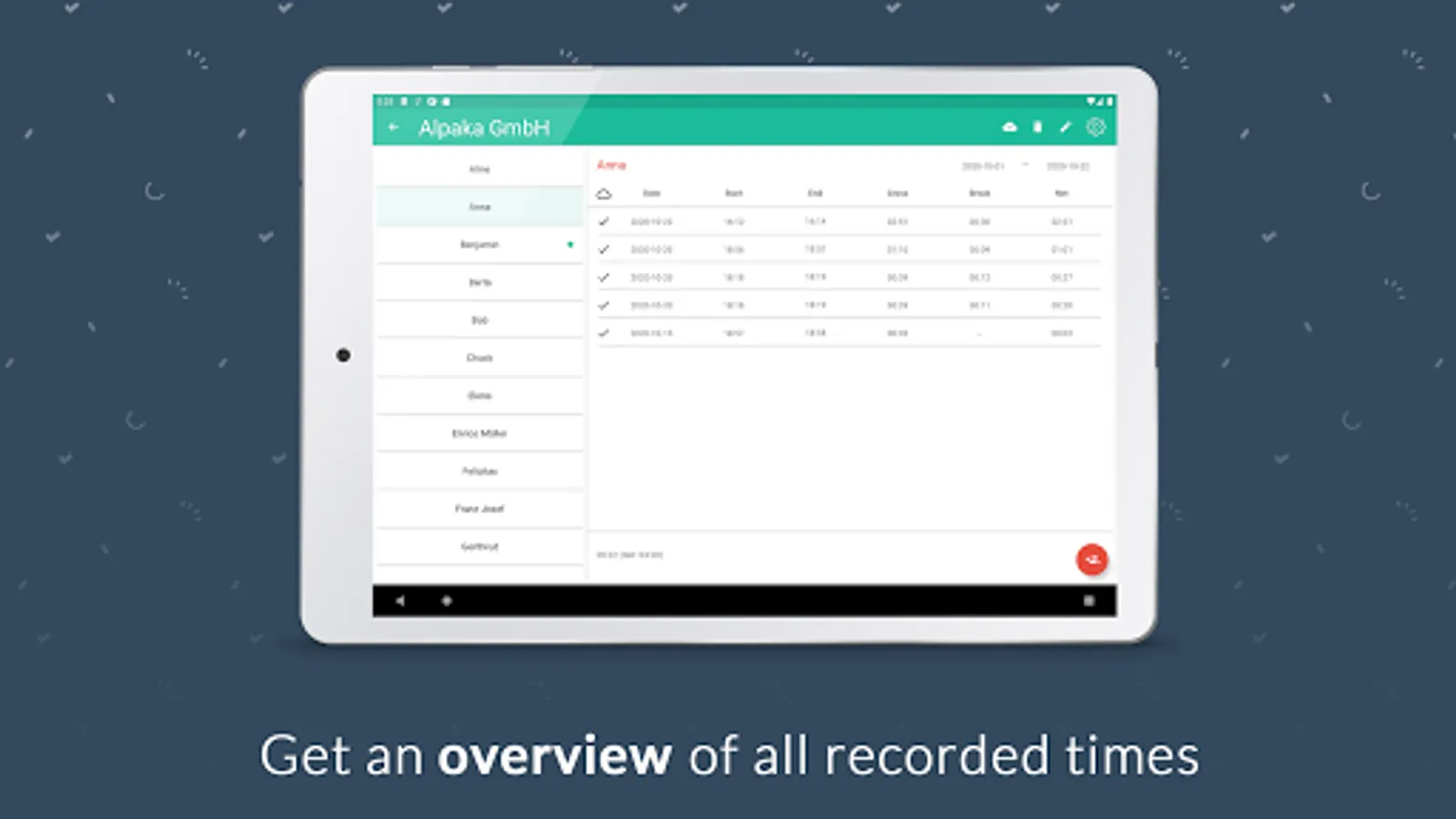
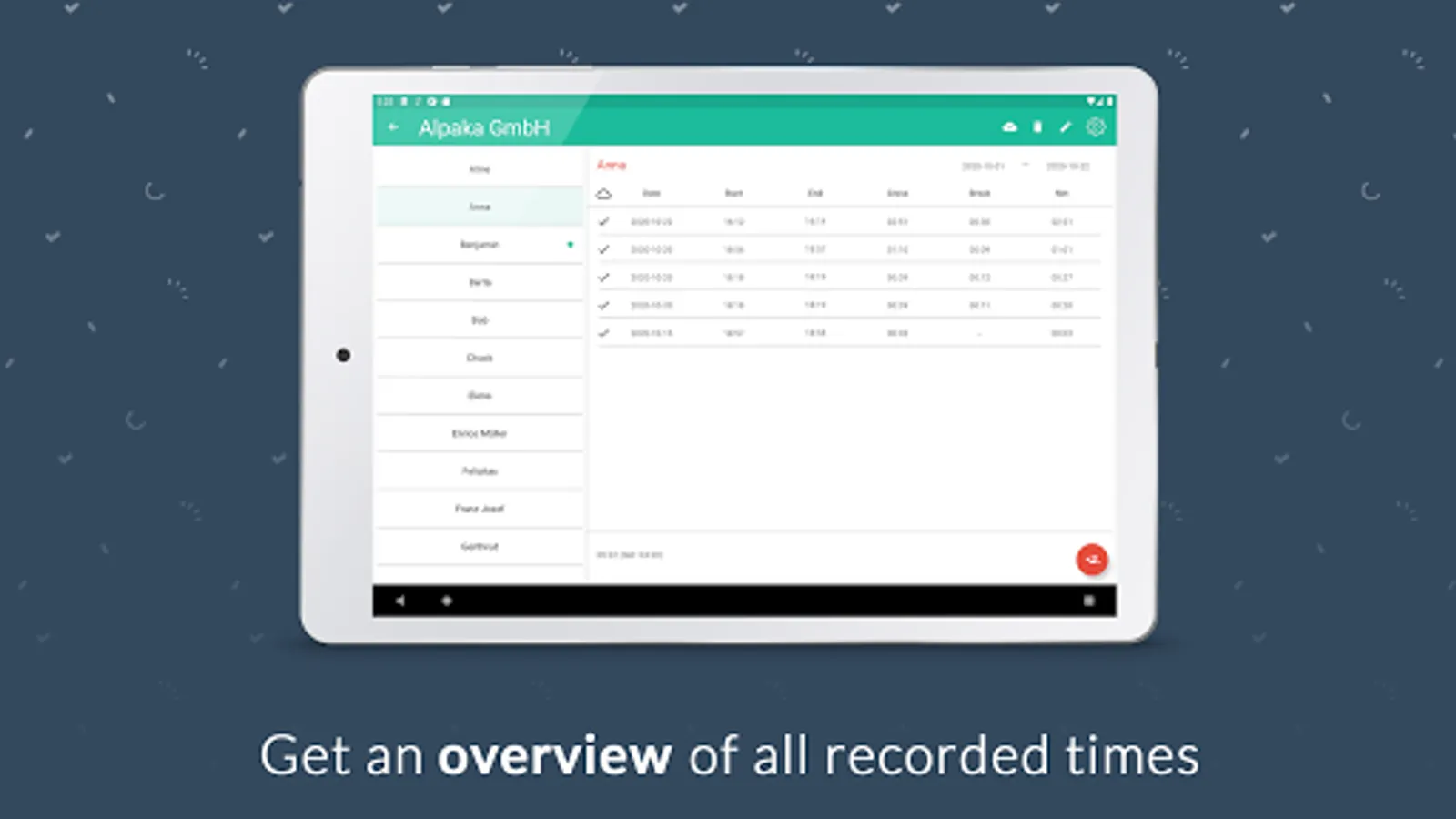
With an employee account, in addition to using the mobile clocking functions, an overview of existing time tracking can be displayed and edited, and the current hours account can be viewed. Also keep track of your hourly account and your remaining vacation days.
All this can be done easily via an existing Papershift login.
-ADDITIONAL FEATURES-
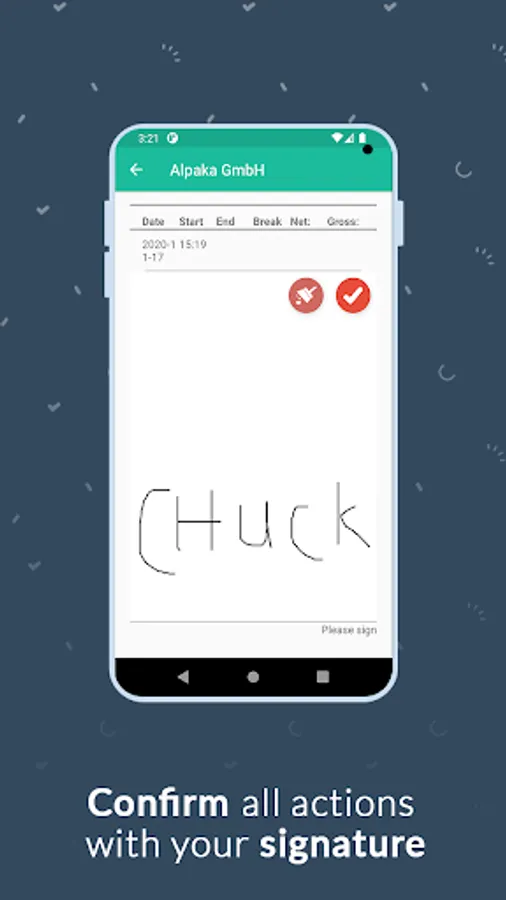
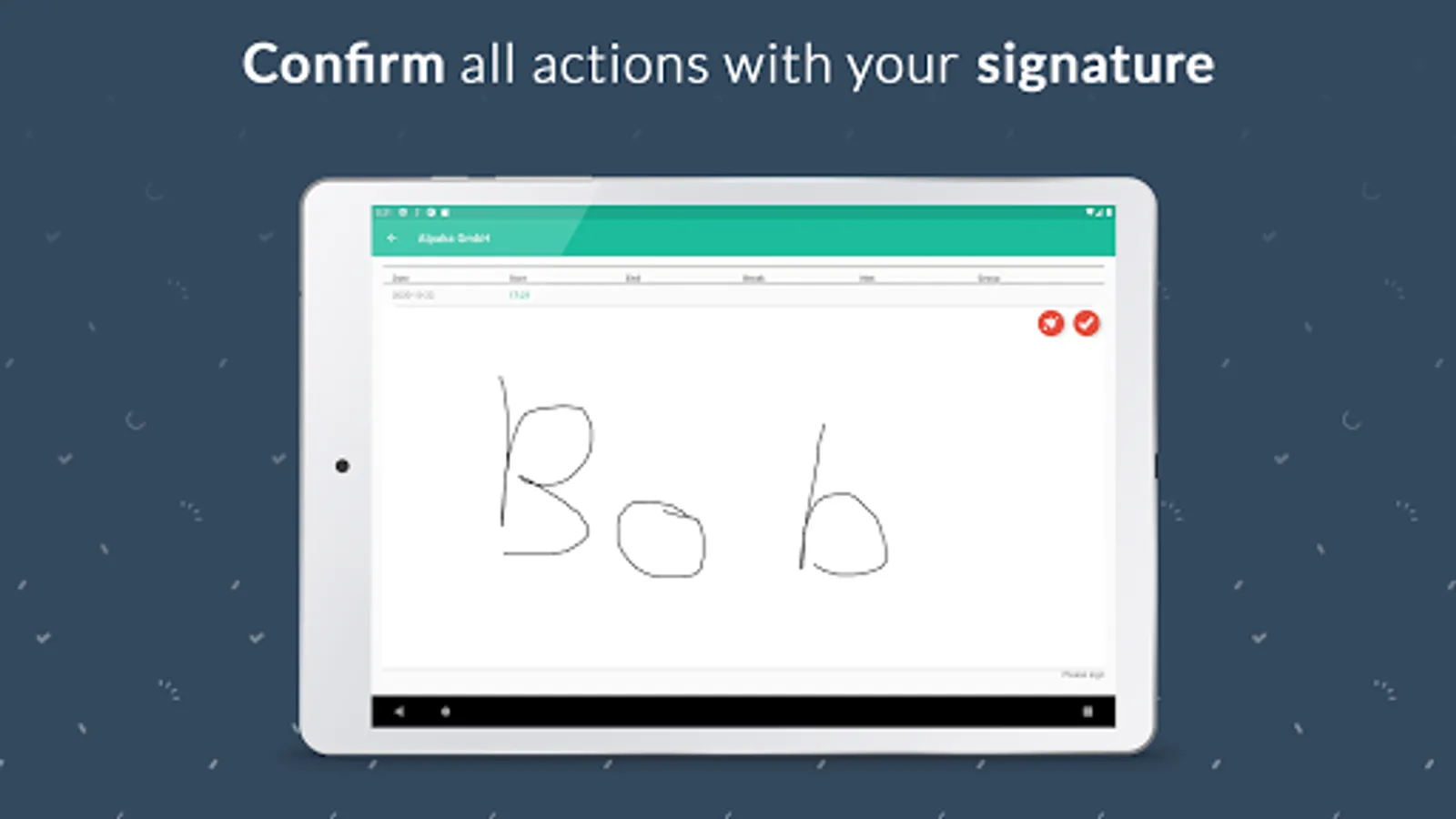
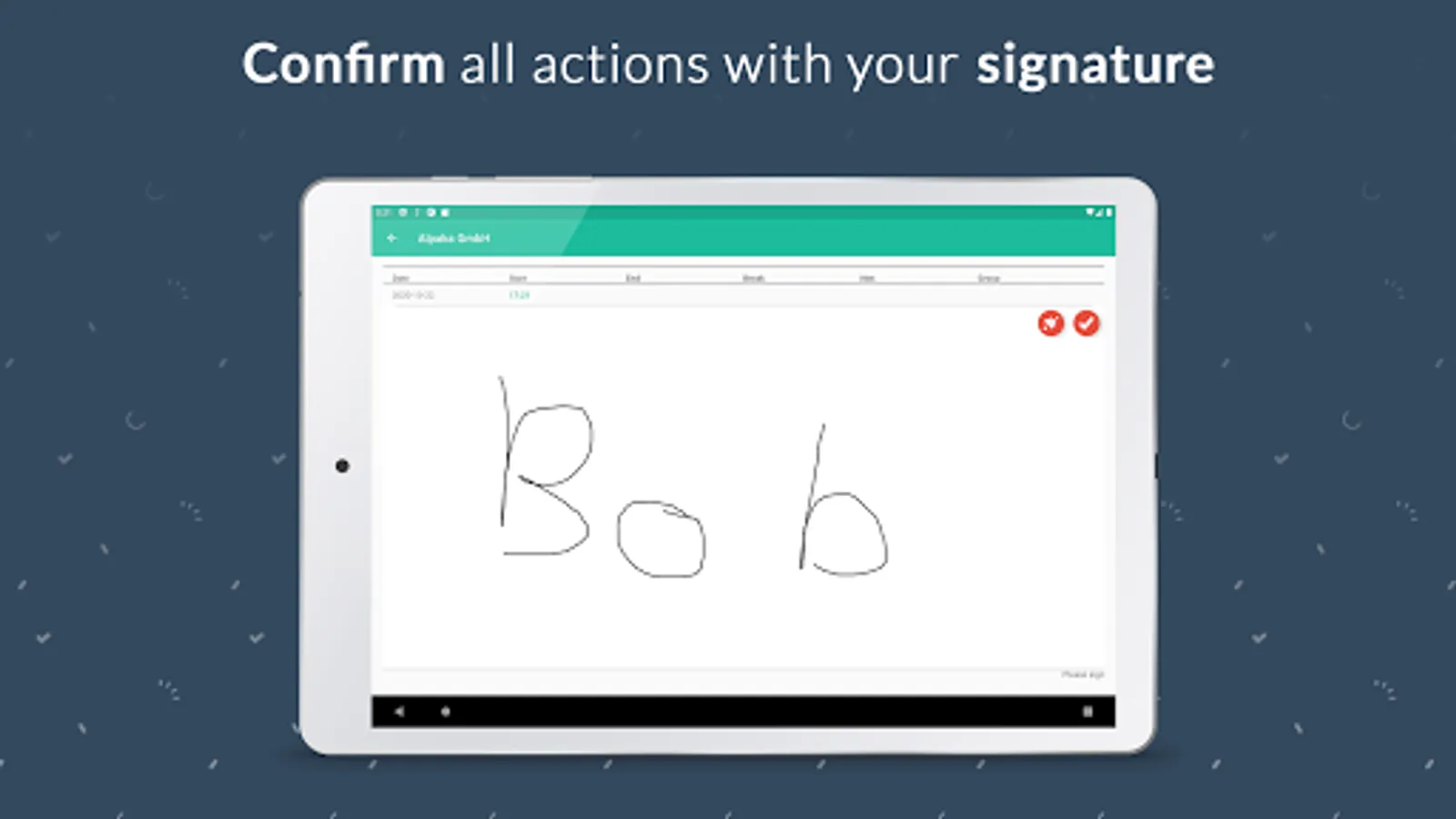
Explore more options, such as stamping via employee pin or confirmation with signature.
If you have any questions contact our support: mailto:support@papershift.com
Find out more about Papershift and join our community:
Website: https://www.papershift.com/en
YouTube: https://www.youtube.com/user/papershift
Facebook: https://www.facebook.com/PapershiftEN
Instagram: https://www.instagram.com/papershift_en/
In addition to these basic functions, the app also offers:
-ADMIN FEATURES-
With an Admin Account you can set up a stationary time tracking device for several employees. For example, a tablet at a central location where employees can clock in, clock out and take a break. Automatic breaks or tags can also be taken into account.
-EMPLOYEE FEATURES-
With an employee account, in addition to using the mobile clocking functions, an overview of existing time tracking can be displayed and edited, and the current hours account can be viewed. Also keep track of your hourly account and your remaining vacation days.
All this can be done easily via an existing Papershift login.
-ADDITIONAL FEATURES-
Explore more options, such as stamping via employee pin or confirmation with signature.
If you have any questions contact our support: mailto:support@papershift.com
Find out more about Papershift and join our community:
Website: https://www.papershift.com/en
YouTube: https://www.youtube.com/user/papershift
Facebook: https://www.facebook.com/PapershiftEN
Instagram: https://www.instagram.com/papershift_en/
Station: Employee Time-Clock Screenshots
Tap to Rate:
Reviews for Station: Employee Time-Clock
A Google user
3/23/2020
I couldn't log in leave alone even giving my email to access it. Disappointed!
A Google user
9/23/2019
After signing in, there is only a white screen with the heading "select location" and nothing to select (OnePlus 6, in WiFi and mobile network, restarted the app multiple times). Therefore this app is not usable :(