OneYou Icon Pack
PashaPuma Design
4.3 ★
46 ratings
5,000+
downloads
$1.49
+ in-app
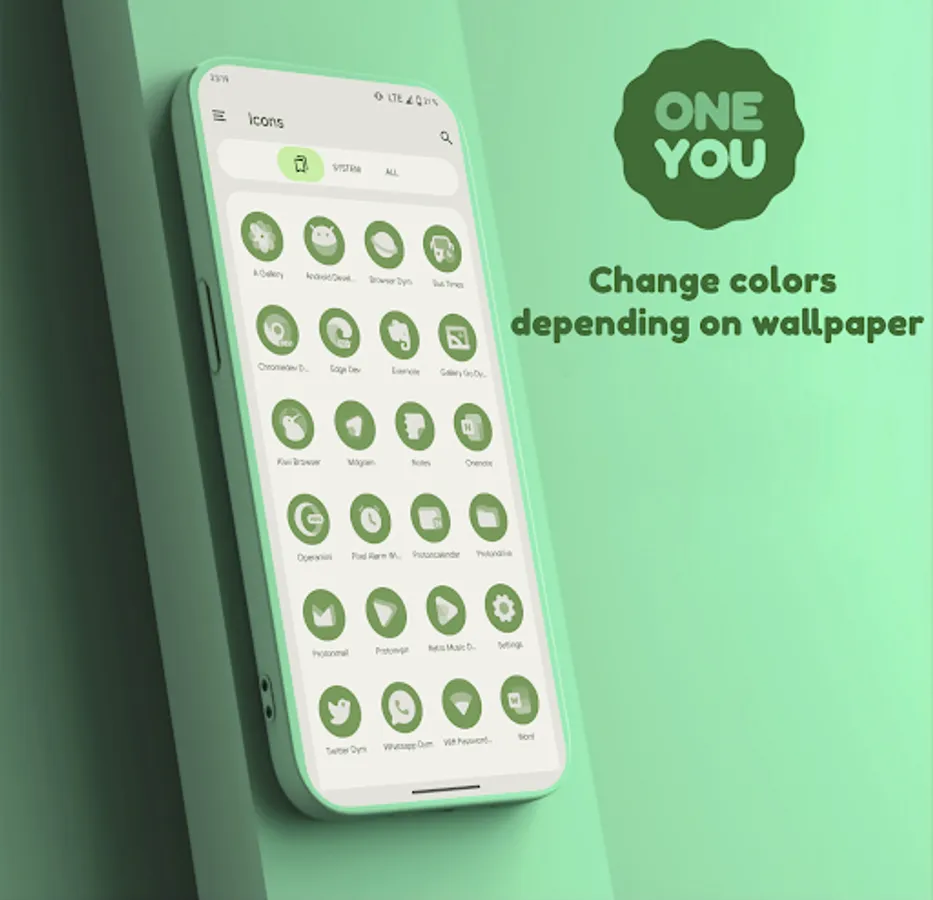
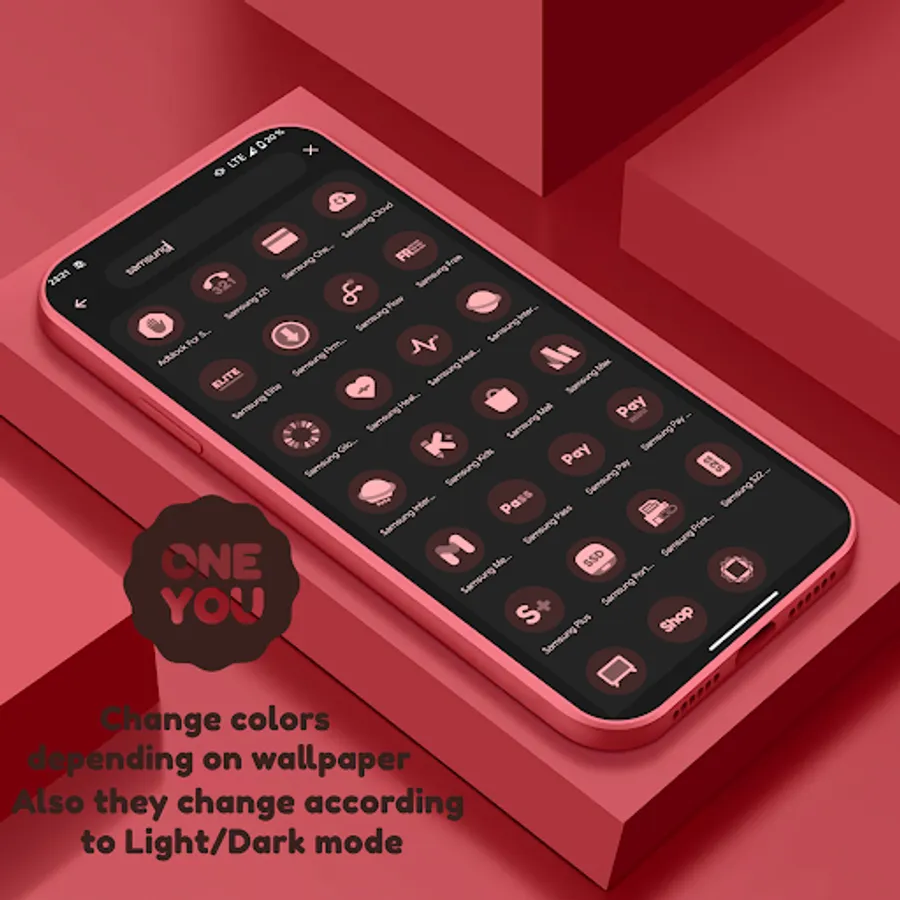
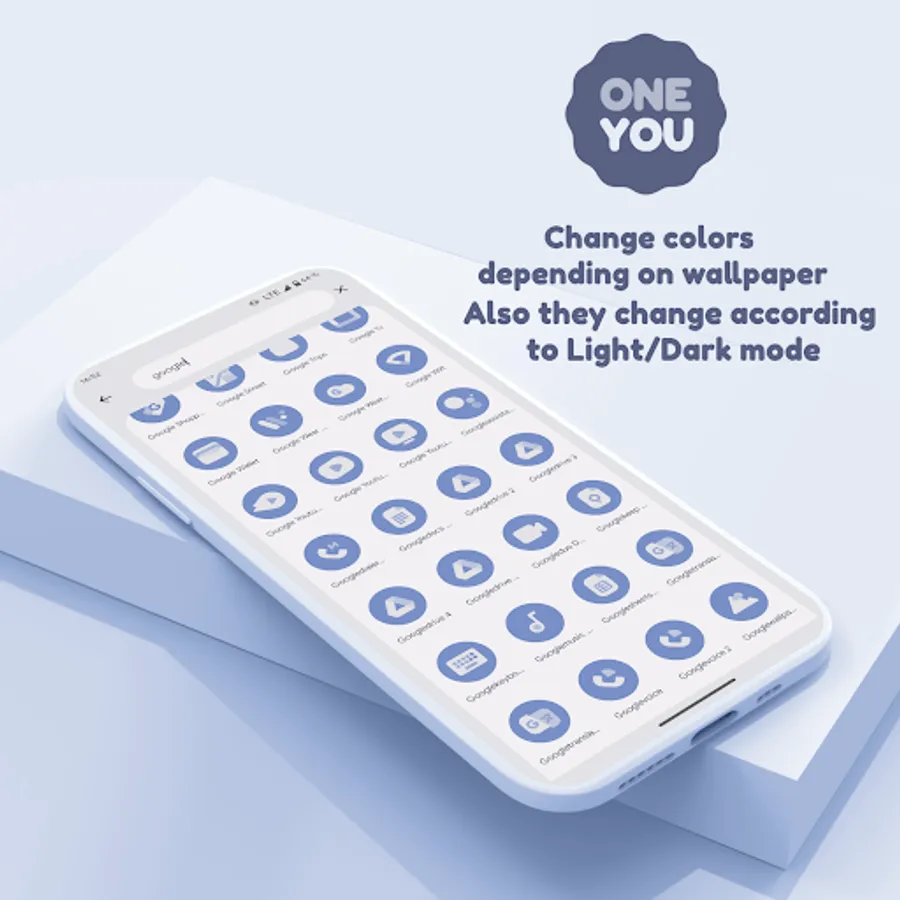
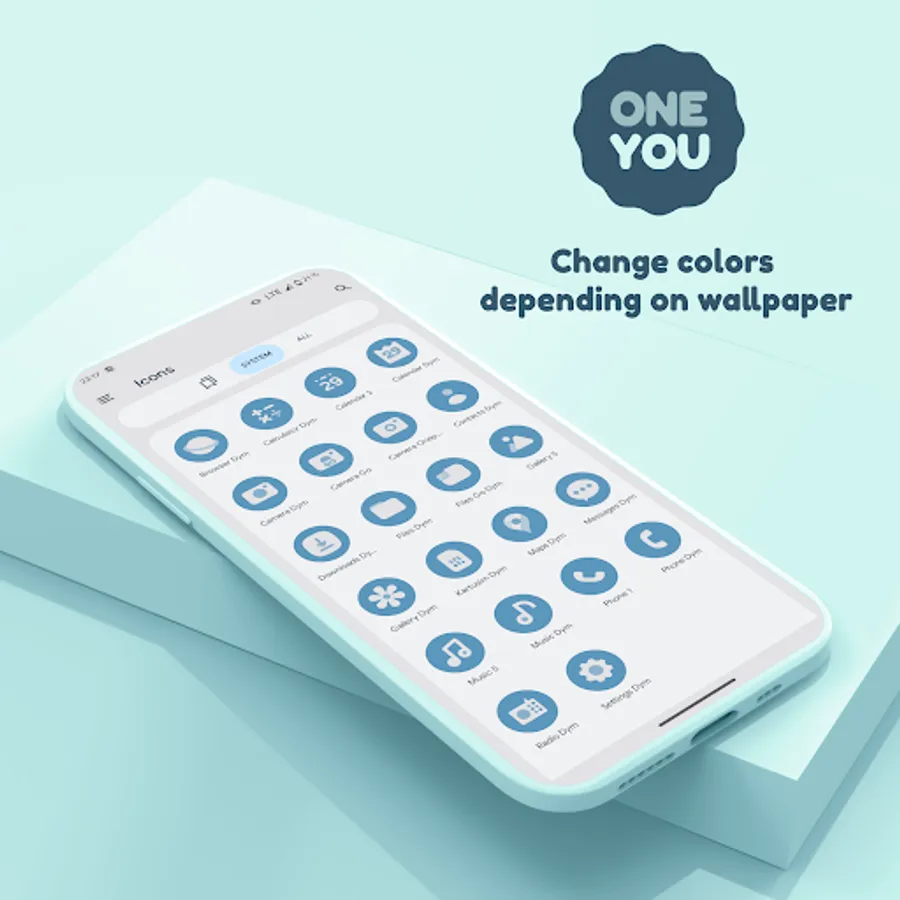
In this app, you can customize icons to change color based on wallpaper and system accents. Includes dynamic icons and MaterialYou Widgets in OneUI style.
AppRecs review analysis
AppRecs rating 4.3. Trustworthiness 78 out of 100. Review manipulation risk 39 out of 100. Based on a review sample analyzed.
★★★★☆
4.3
AppRecs Rating
Ratings breakdown
5 star
70%
4 star
16%
3 star
7%
2 star
0%
1 star
7%
What to know
✓
Credible reviews
78% trustworthiness score from analyzed reviews
✓
High user satisfaction
86% of sampled ratings are 4+ stars (4.3★ average)
About OneYou Icon Pack
Available in application:
- Adaptive / Dynamic icons.
- MaterialYou Widgets in OneUI Stle.
How to use:
How do I change the colors of the icons?
After changing wallpaper / accent system, you need to reapply icon pack (or apply another icon pack, and then immediately this one).
With the exception of launchers that automatically update icons.
How do I change to light / dark mode?
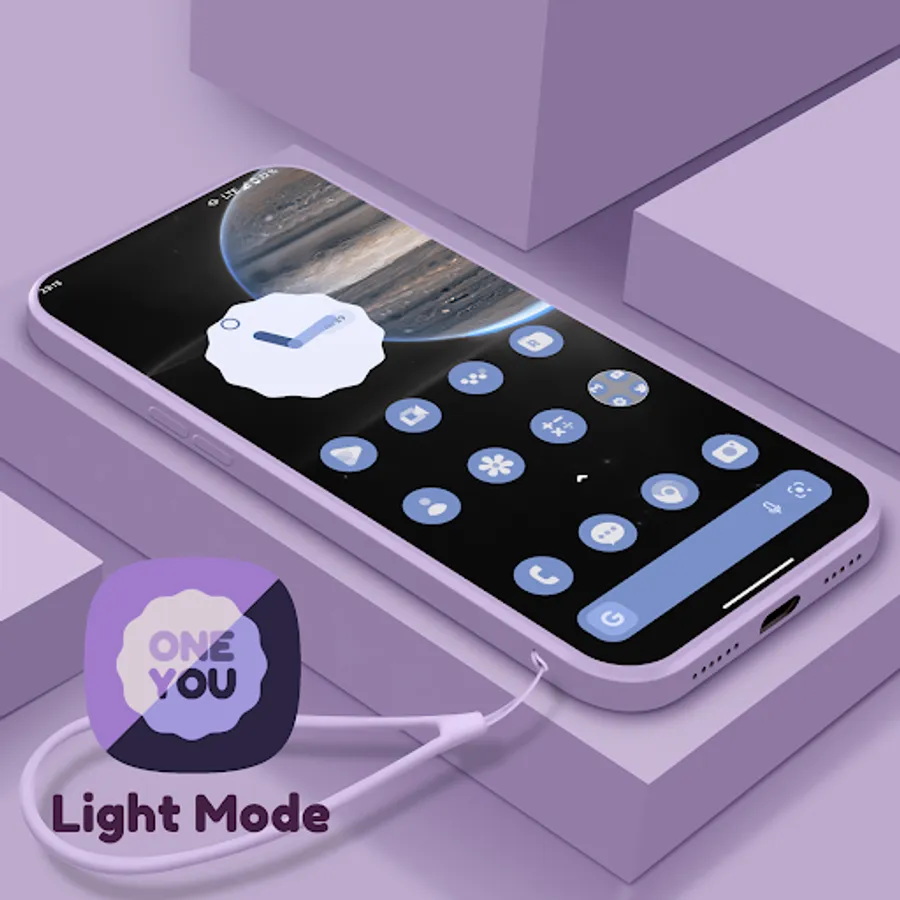
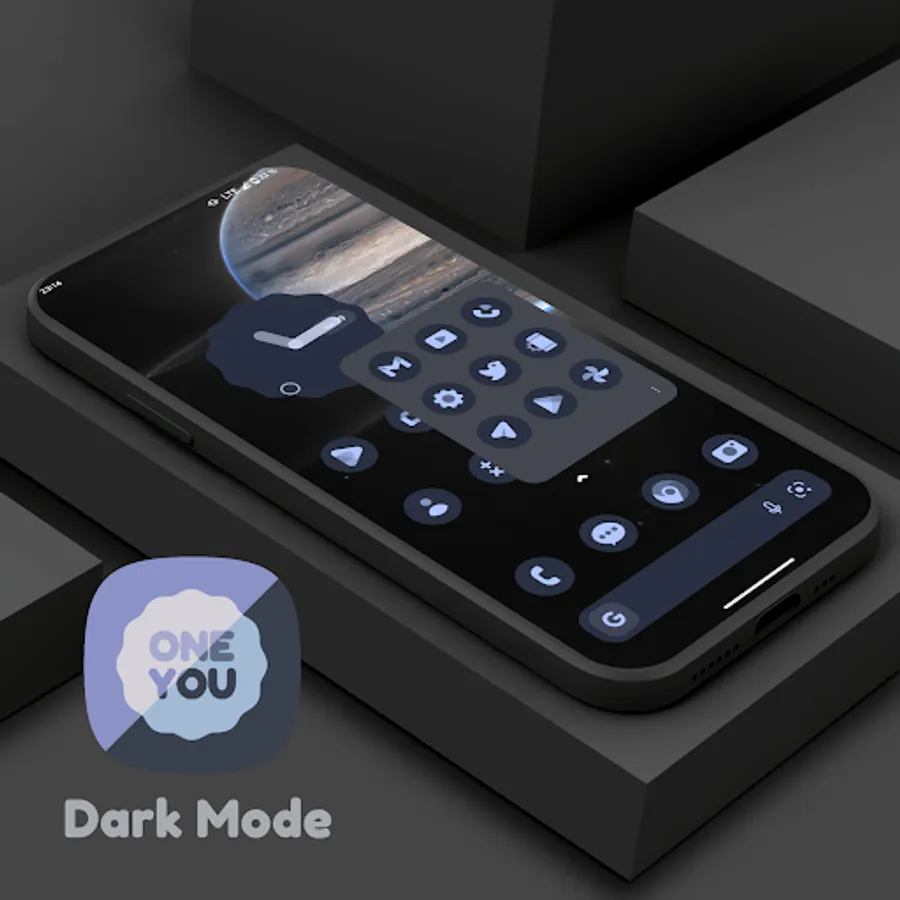
After changing device theme to light / dark, you need to reapply icon pack (or apply another icon pack, and then this one immediately).
With the exception of launchers that automatically update icons.
Where can I find widgets?
On your home screen, long press and select "Widgets", Find "OneYou" in list. Typical way, like accessing regular device widgets.
!Notes! :
1. Read description in full.
2. You need to re-apply icon pack to change colors, except for launchers that are marked (Change Colors Automaticaly).
3. Samsung: To activate Monet on Samsung devices:
- Go into system settings;
- Wallpaper and Styles;
- Set your wallpaper > set the system color palette;
- Now go into your launcher settings > select a Monet supported icon pack;
- For stock Samsung launcher you have to apply icons through Theme Park (same steps).
4. For Search widgets to work, you need to have the Google application and Google Lens installed.
5. Pixel: To change icons on a Pixel:
- (without root access) Set icons only on the home screen using the Shortcut Maker application;
- (rooted) Set icons to both desktop and app drawer with Pixel Launcher Mods app.
6. If something does not work, go to the technical support group in telegram (link below and in application).
Recommended use Launchers:
- Hyperion beta (Change Colors Automaticaly).
- Niagara Launcher (Change Colors Automaticaly).
- AIO Launcher (Change Colors Automaticaly).
- Nova Launcher beta (Change Colors Automaticaly).
- Smart Launcher beta (Change Colors Automaticaly).
- Action Launcher.
- Ruthless Launcher.
- Lawnchair.
- In Stock One UI Launcher (samsung device) use Theme Park to change color.
If something does not work for you, you can contact "technical support" in telegram:
https://t.me/devPashapuma
OneYou Icon Pack Screenshots
Tap to Rate:
Reviews for OneYou Icon Pack
Mark Bigelow
11/17/2025
Scam. I downloaded after paying 49¢, the developer makes it looks like there is an easy refund process (it's a scam), this is supposedly for Pixel but no actual icons are available once downloaded to a Pixel 10. To get support the user must join a Telegram channel. DO NOT BUY THIS!
Neil Farnsworth
9/23/2025
Overall a very great design and creative design on the icons. I like this design and the person's creativity on their Overall quality