Authenticator App 2FA & Pass
Betasoft Mobile
4.4 ★
3K ratings
100,000+
downloads
Free
+ in-app
AppRecs review analysis
AppRecs rating 4.5. Trustworthiness 72 out of 100. Review manipulation risk 38 out of 100. Based on a review sample analyzed.
★★★★☆
4.5
AppRecs Rating
Ratings breakdown
5 star
74%
4 star
7%
3 star
9%
2 star
2%
1 star
9%
What to know
✓
Credible reviews
72% trustworthiness score from analyzed reviews
✓
High user satisfaction
81% of sampled ratings are 4+ stars (4.4★ average)
✓
Authentic reviews
Natural distribution, no red flags
About Authenticator App 2FA & Pass
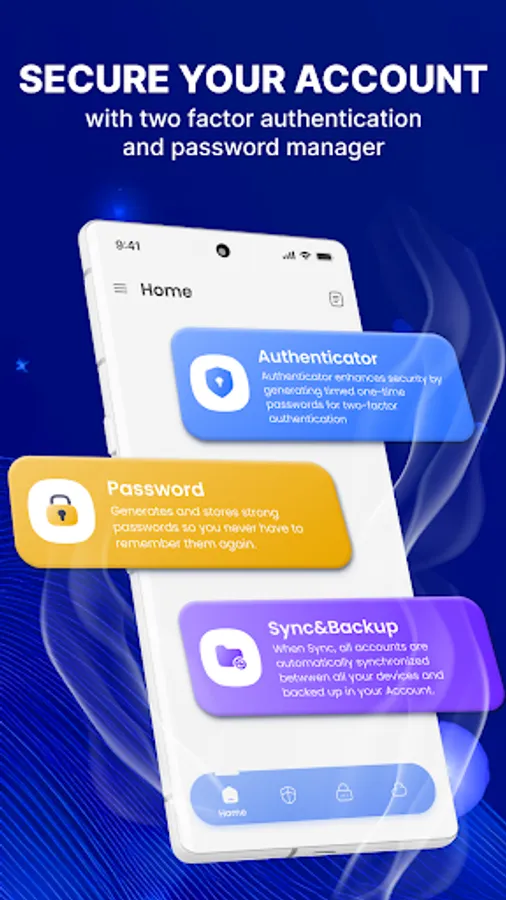
Authenticator App 2FA & Pass app is a security solution and account saver with many useful features.
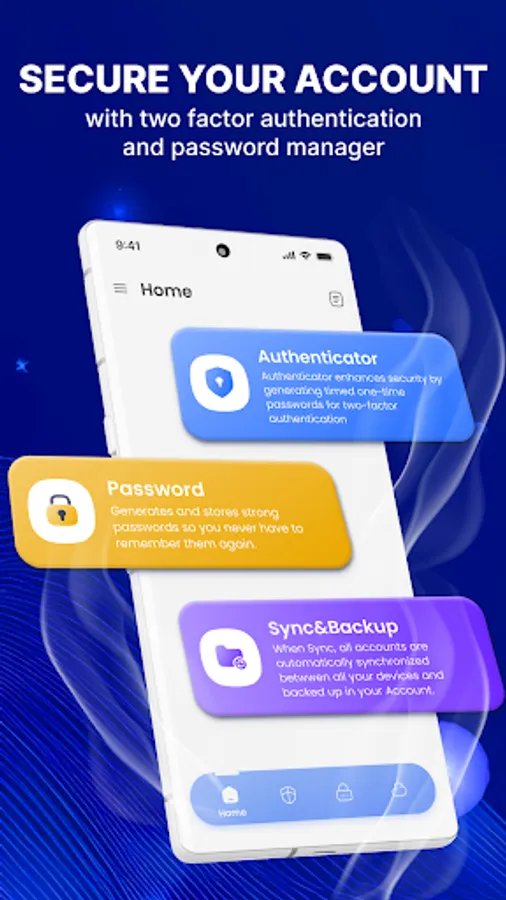
Try this secure authenticator app to protect your important account with just one touch, using a simple and efficient two-factor authentication (2FA) guide. The app helps users who need help remembering passwords or finding strong ones.
🚀 Outstanding features of Authenticator App 2FA & Pass:
- Enhance Security with 2-Step Verification Login, popular services
- Easy-to-use with 2FA guide
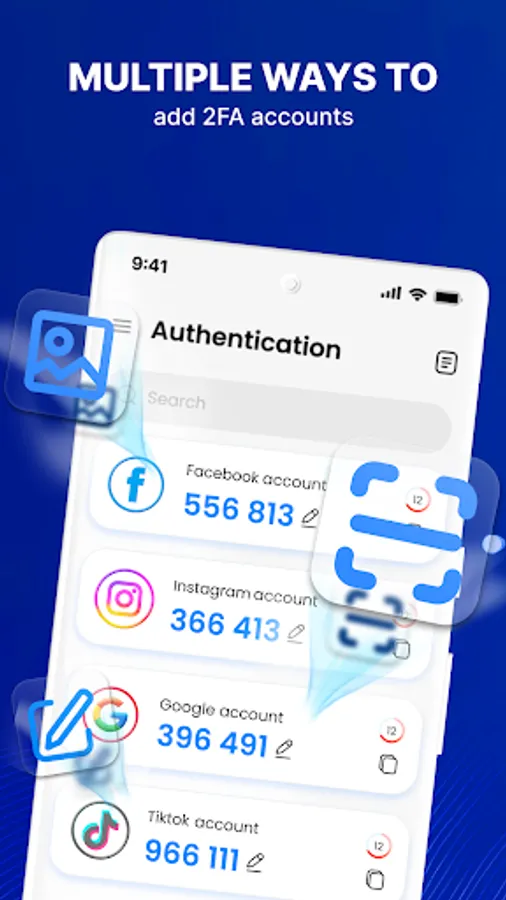
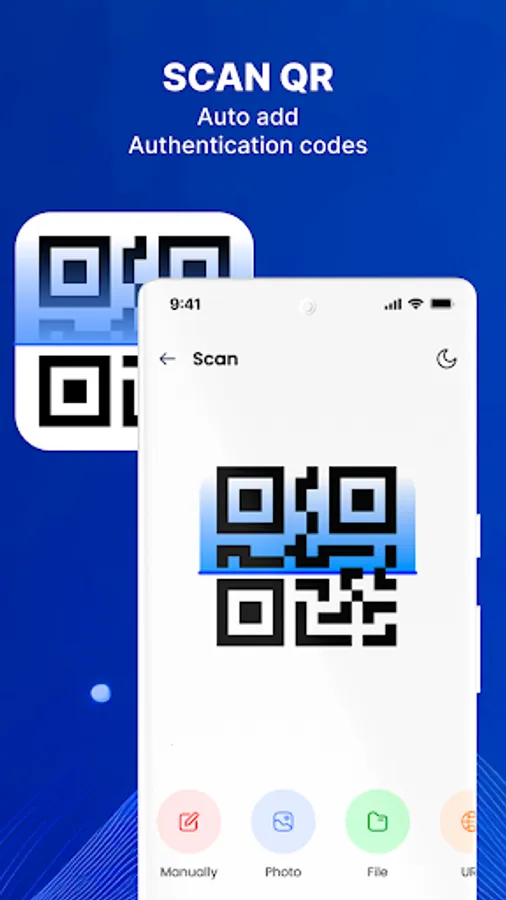
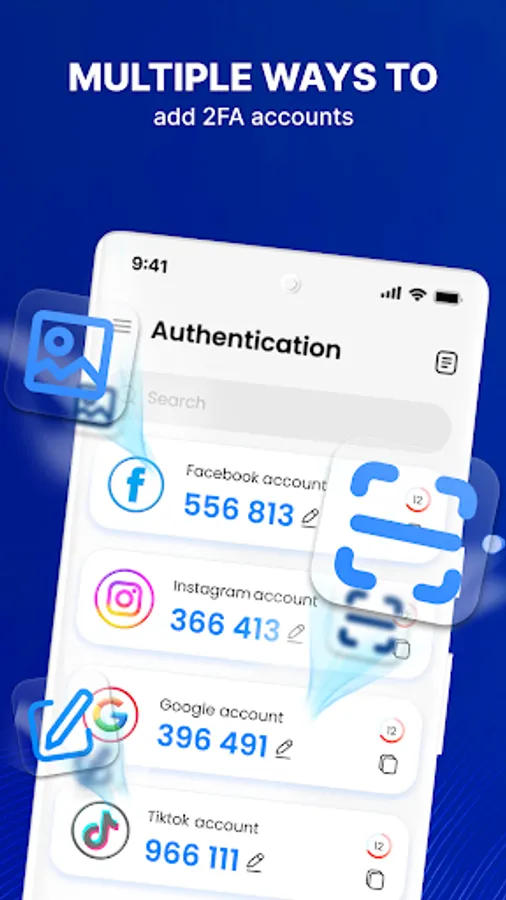
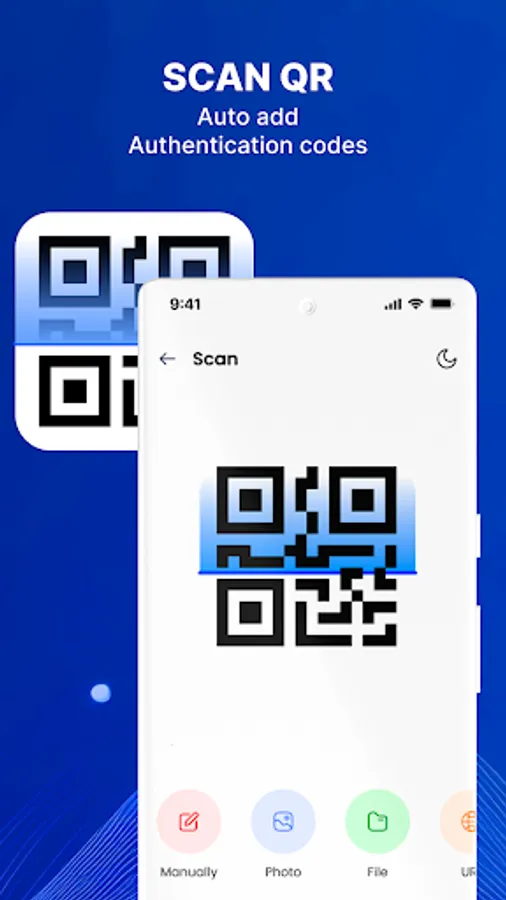
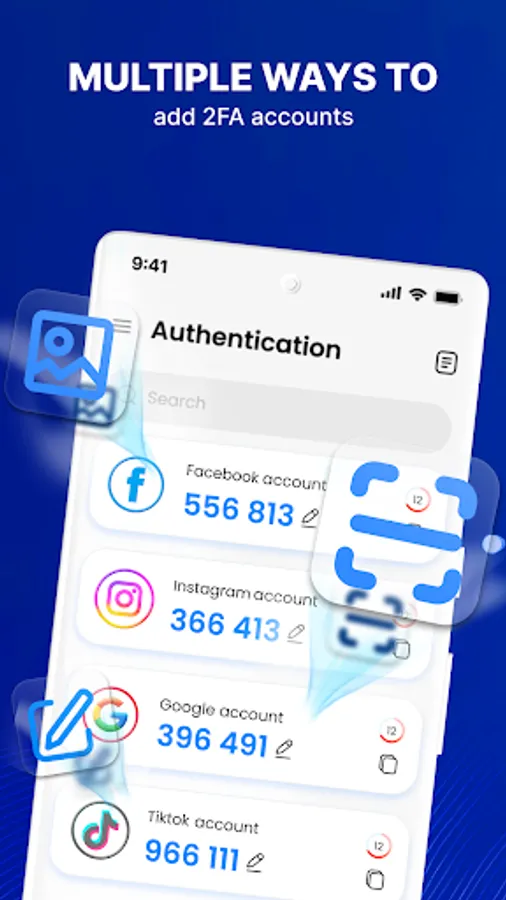
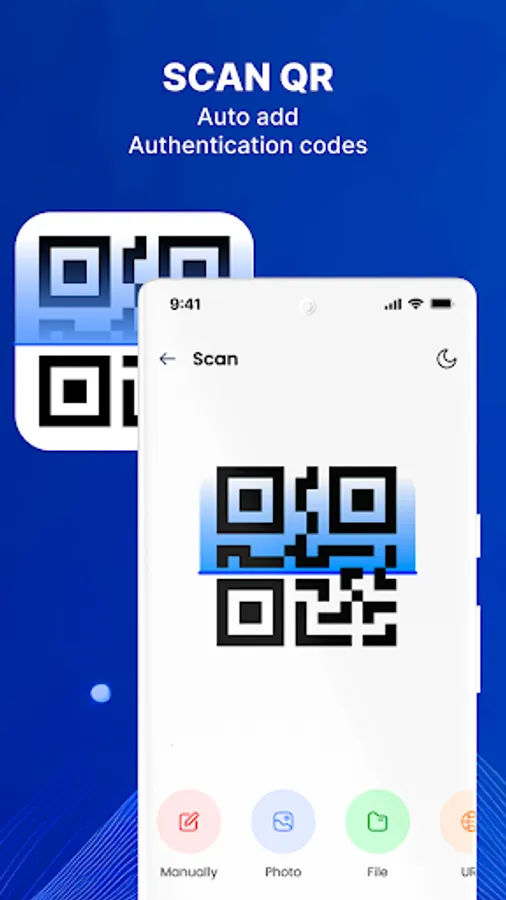
- Easily add accounts by scanning the QR code, importing from a photo or file, and entering manually.
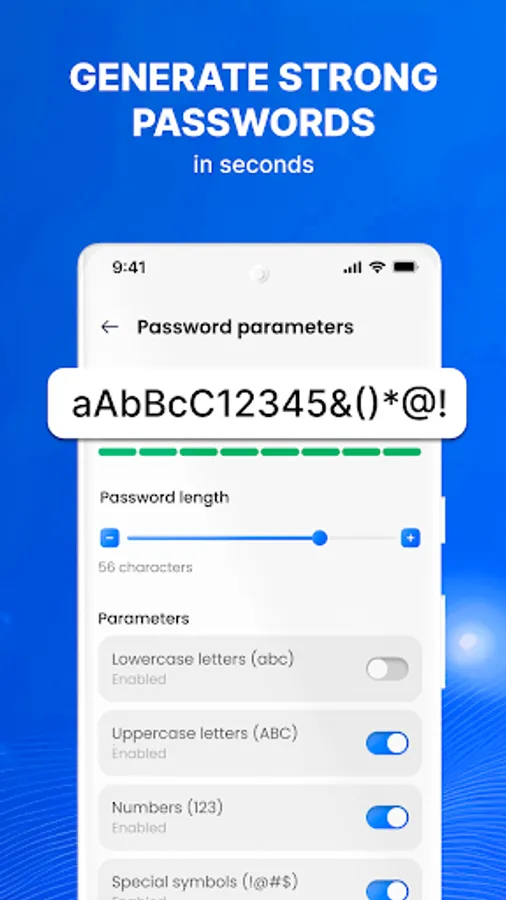
- Efficiently store and manage passwords. Moreover, this is also a strong password generator.
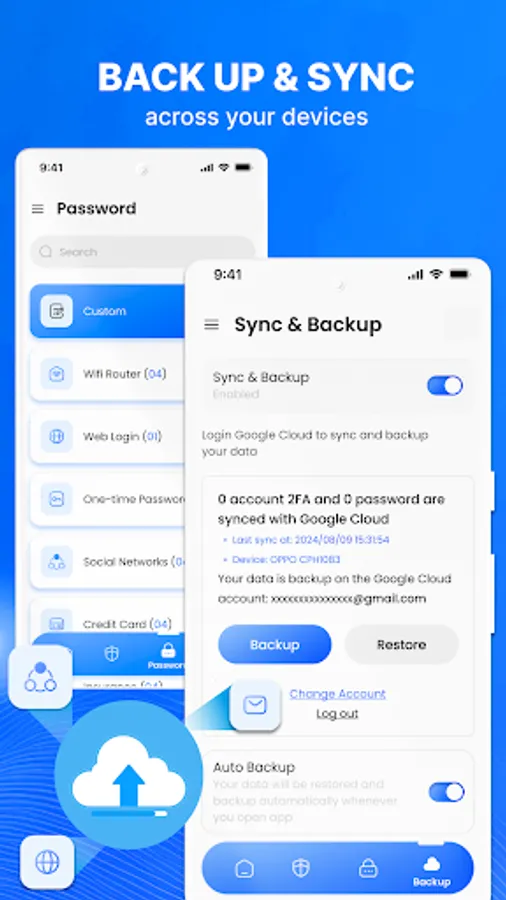
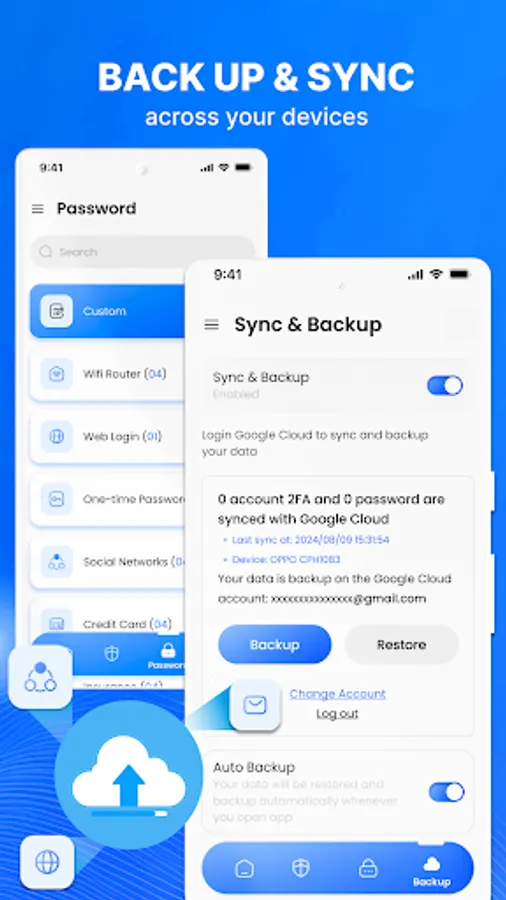
- Simplify Backup and synchronize
AUTHENTICATOR APP
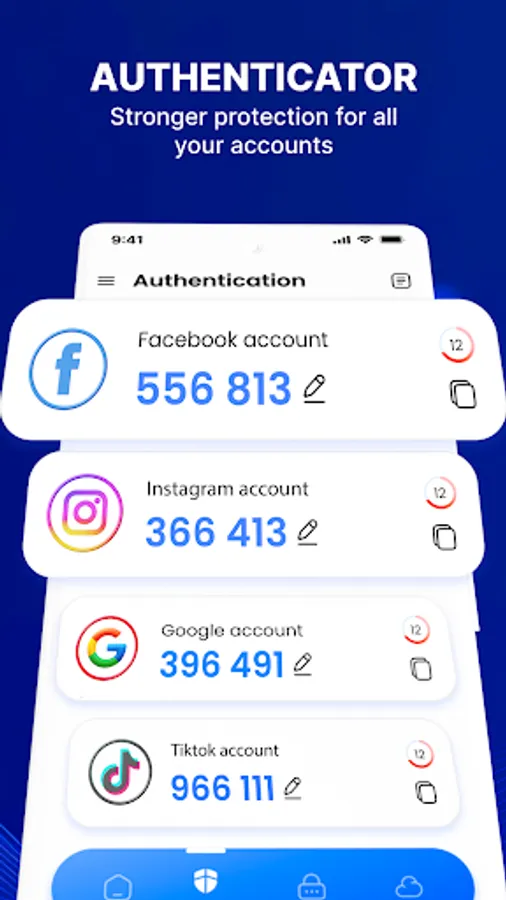
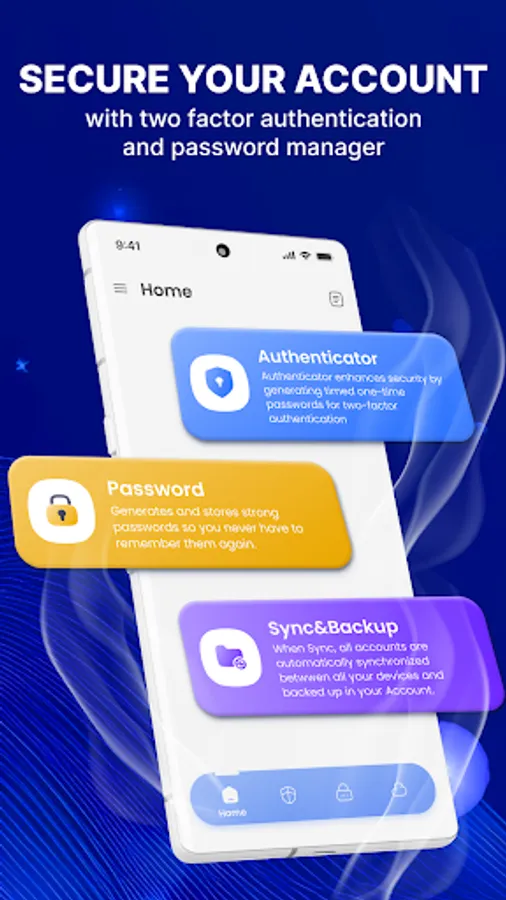
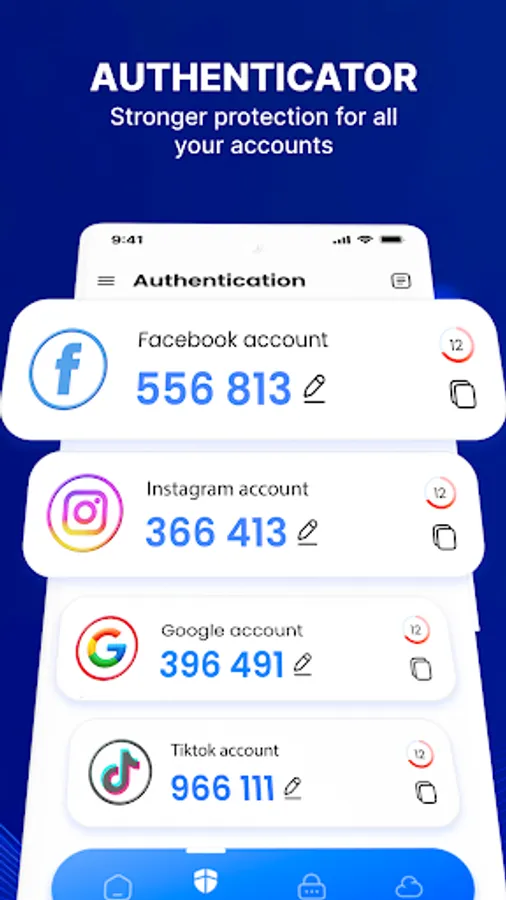
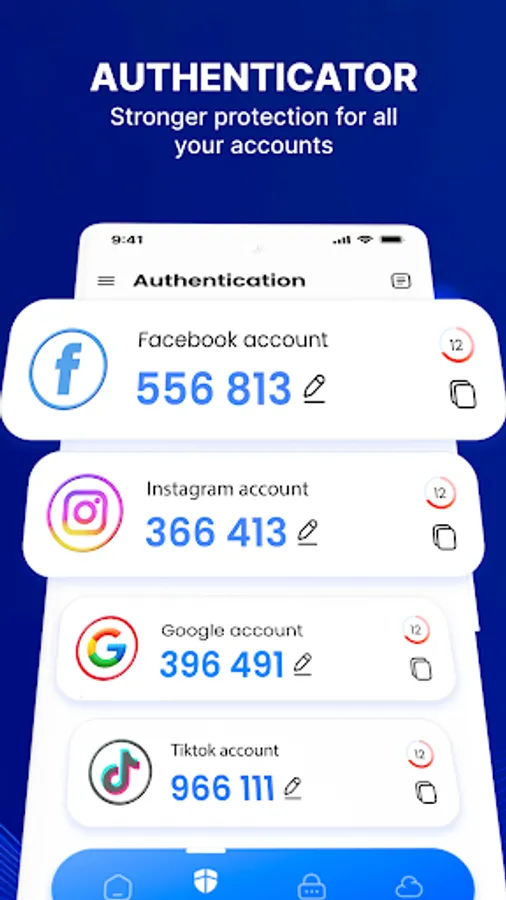
Authenticator App 2FA & Pass helps protect against unauthorized access, hacking, phishing attacks, and other security threats. Even someone with your username and password cannot access it.
Your account adds an extra layer of protection with a one-time password by generating 6-digit codes for 2-step verification. To get this security layer, you just need to scan QR codes, import from photos or files, enter manually, or use many other methods.
PASSWORD MANAGER
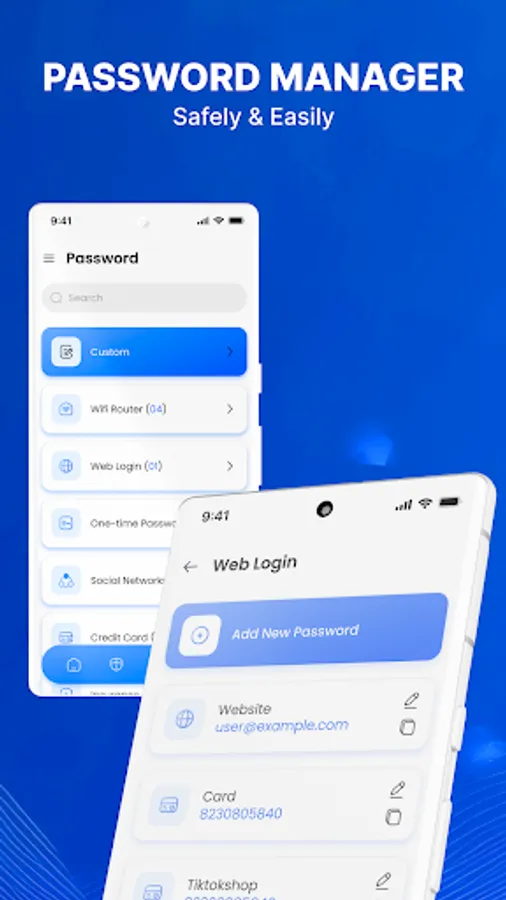
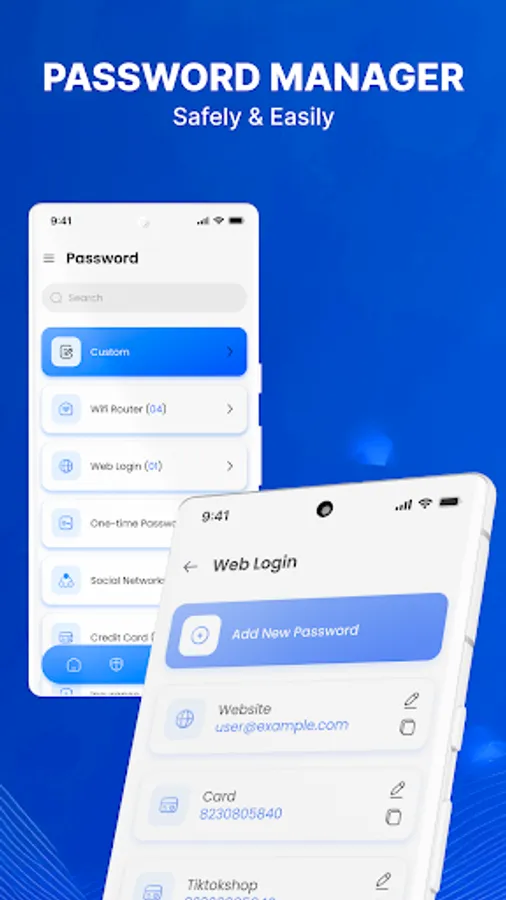
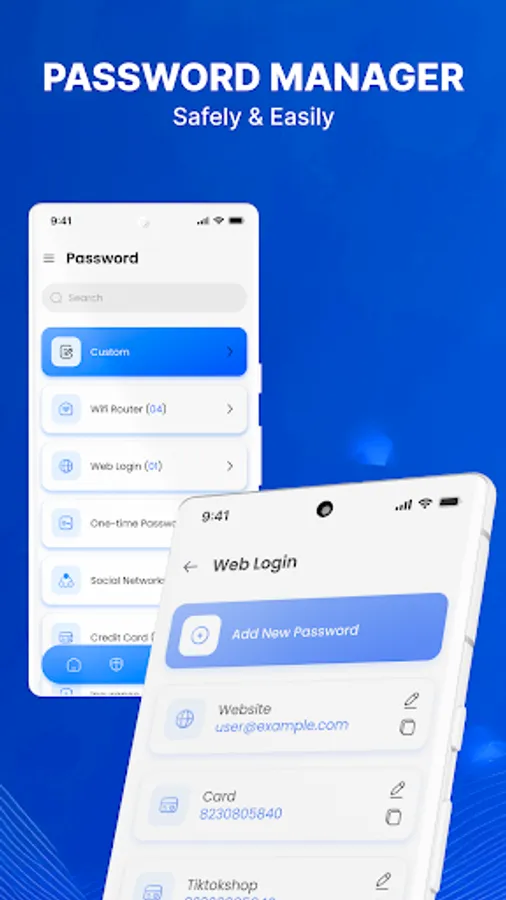
This feature supports saving and managing passwords by clear categories such as your Wi-Fi Router, credit card, bank account, email account, password web, and more.
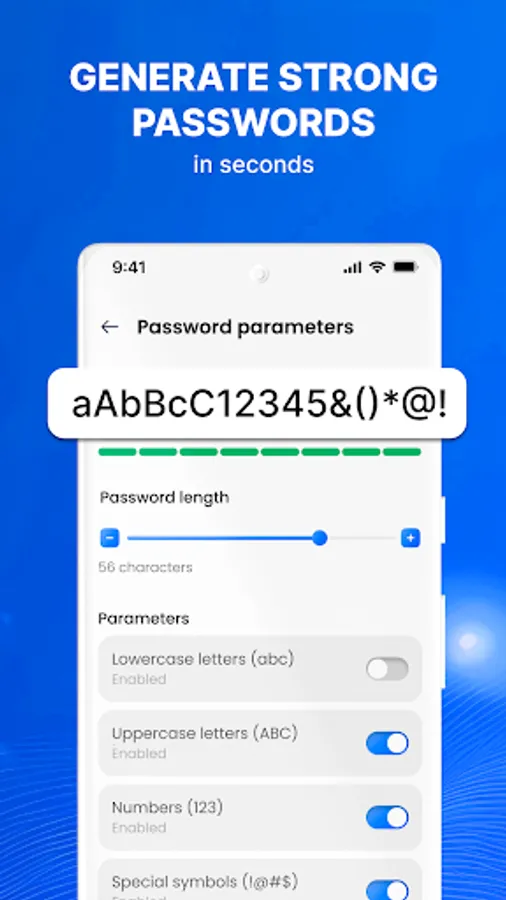
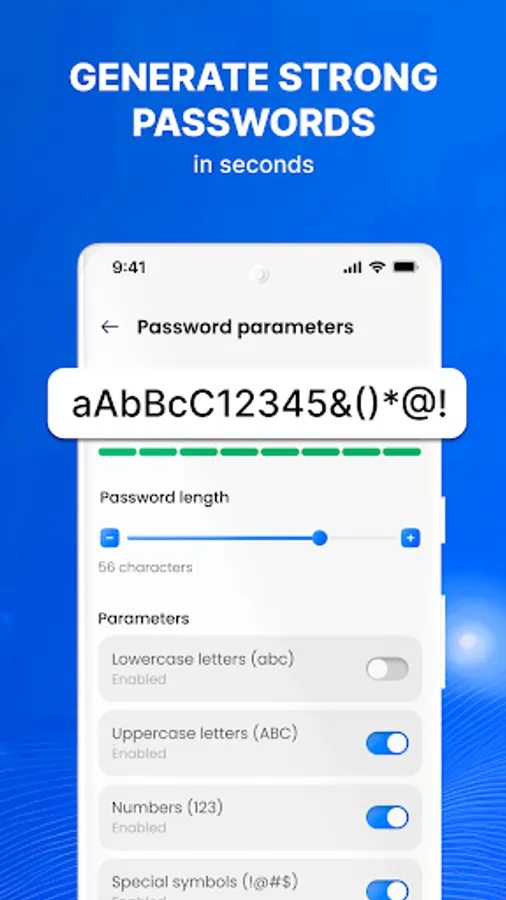
Password Manager is the solution if you need help creating strong passwords for different accounts. A random password generator will suggest thousands of passwords based on your requirements.
BACKUP & SYNC UP
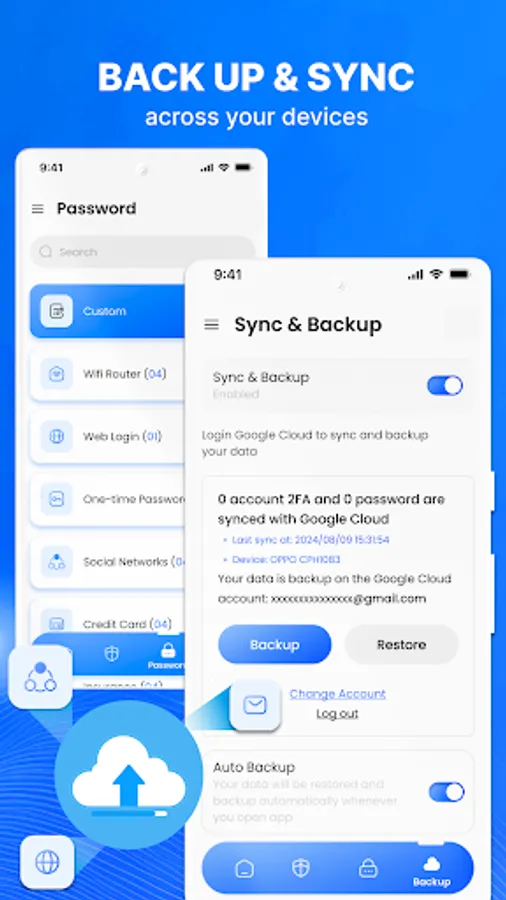
Backup storage and Sync passwords ensure you never lose data when changing devices or reinstalling from scratch.
Set password app protects your application and prevents unauthorized access by other users.
HOW TO USE AUTHENTICATION 2FA
1. Set up Two-Factor Authentication: Select Authenticator App 2FA & Pass, and open the guide to find two-factor authentication for each account type
2. Scan QR code: A pop-up window allows you to scan the QR code with Authenticator App 2FA & Pass.
3. Save account: In Authenticator & Password Manager, tap the plus (+) button to scan the QR code, and automatically fill in the account information. Click Save.
4. Enter 2FA code: Copy the account's digital token from Authenticator & Password MA and enter it. Click Continue.
5. You're done: Your account will display your backup code, you should save this code in a safe place. Each code can only be used once.
Authenticator App 2FA & Pass is a top-notch security and account management solution that helps you protect your accounts safely and efficiently.
🚀 DISCLAIMER:
This app uses the camera to take pictures when you create two-factor authentication and save passwords. It also accesses media storage and manages external permissions to secure your private photos, videos, and files. The app uses your Google account to Backup and Sync for Authentication and Password Manager.
By installing or updating this app, you agree that the following terms govern your use of the app:
Privacy Policy:
https://sites.google.com/betasoftmobile.com/policyauthenticator
Terms of Service:
https://sites.google.com/betasoftmobile.com/termsofserviceauthenticator
Try this secure authenticator app to protect your important account with just one touch, using a simple and efficient two-factor authentication (2FA) guide. The app helps users who need help remembering passwords or finding strong ones.
🚀 Outstanding features of Authenticator App 2FA & Pass:
- Enhance Security with 2-Step Verification Login, popular services
- Easy-to-use with 2FA guide
- Easily add accounts by scanning the QR code, importing from a photo or file, and entering manually.
- Efficiently store and manage passwords. Moreover, this is also a strong password generator.
- Simplify Backup and synchronize
AUTHENTICATOR APP
Authenticator App 2FA & Pass helps protect against unauthorized access, hacking, phishing attacks, and other security threats. Even someone with your username and password cannot access it.
Your account adds an extra layer of protection with a one-time password by generating 6-digit codes for 2-step verification. To get this security layer, you just need to scan QR codes, import from photos or files, enter manually, or use many other methods.
PASSWORD MANAGER
This feature supports saving and managing passwords by clear categories such as your Wi-Fi Router, credit card, bank account, email account, password web, and more.
Password Manager is the solution if you need help creating strong passwords for different accounts. A random password generator will suggest thousands of passwords based on your requirements.
BACKUP & SYNC UP
Backup storage and Sync passwords ensure you never lose data when changing devices or reinstalling from scratch.
Set password app protects your application and prevents unauthorized access by other users.
HOW TO USE AUTHENTICATION 2FA
1. Set up Two-Factor Authentication: Select Authenticator App 2FA & Pass, and open the guide to find two-factor authentication for each account type
2. Scan QR code: A pop-up window allows you to scan the QR code with Authenticator App 2FA & Pass.
3. Save account: In Authenticator & Password Manager, tap the plus (+) button to scan the QR code, and automatically fill in the account information. Click Save.
4. Enter 2FA code: Copy the account's digital token from Authenticator & Password MA and enter it. Click Continue.
5. You're done: Your account will display your backup code, you should save this code in a safe place. Each code can only be used once.
Authenticator App 2FA & Pass is a top-notch security and account management solution that helps you protect your accounts safely and efficiently.
🚀 DISCLAIMER:
This app uses the camera to take pictures when you create two-factor authentication and save passwords. It also accesses media storage and manages external permissions to secure your private photos, videos, and files. The app uses your Google account to Backup and Sync for Authentication and Password Manager.
By installing or updating this app, you agree that the following terms govern your use of the app:
Privacy Policy:
https://sites.google.com/betasoftmobile.com/policyauthenticator
Terms of Service:
https://sites.google.com/betasoftmobile.com/termsofserviceauthenticator