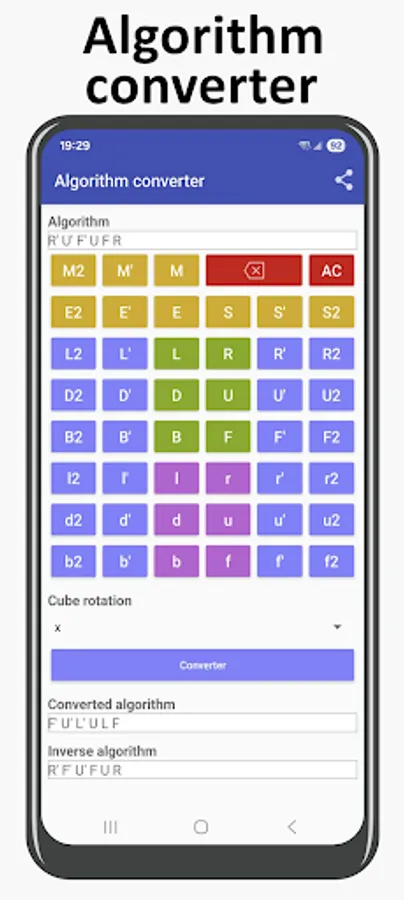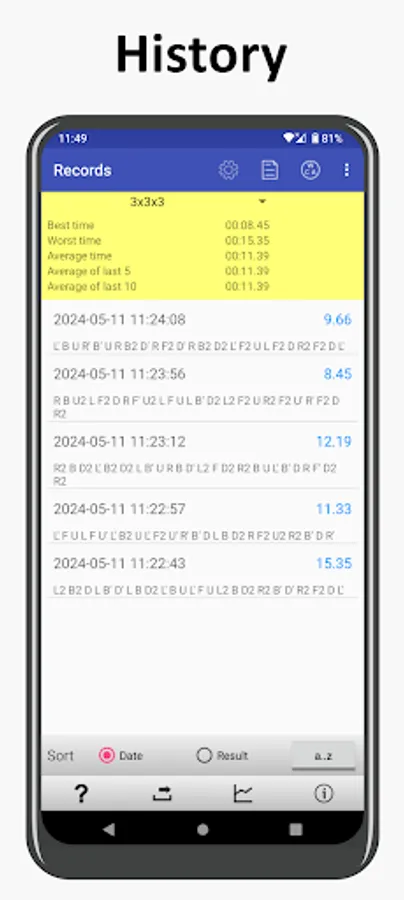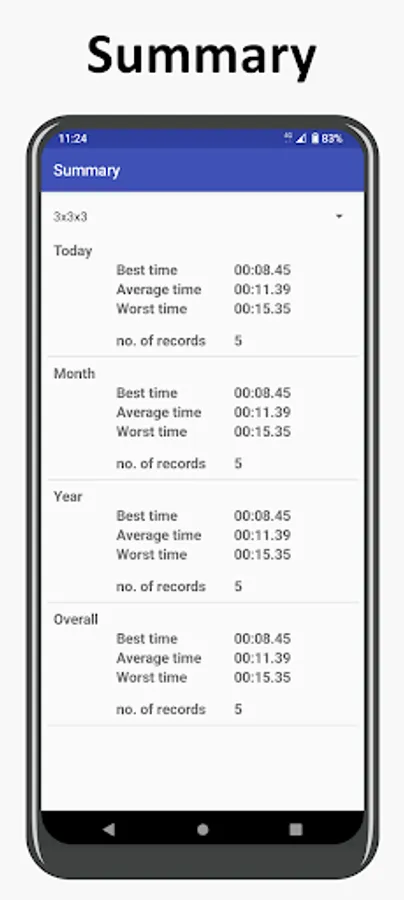
With this timer app, you can record and analyze times for solving different-sized magic cubes and generate scrambles. Includes features such as time tracking, scramble generation, record management, and support for multiple languages.
AppRecs review analysis
AppRecs rating 4.6. Trustworthiness 65 out of 100. Review manipulation risk 37 out of 100. Based on a review sample analyzed.
★★★★☆
4.6
AppRecs Rating
Ratings breakdown
5 star
75%
4 star
15%
3 star
5%
2 star
2%
1 star
3%
What to know
✓
High user satisfaction
75% of sampled ratings are 5 stars
✓
Authentic reviews
Natural distribution, no red flags
About Cube Timer
The application records the time for completion of magic cubes 3x3x3, 4x4x4 etc.
Features
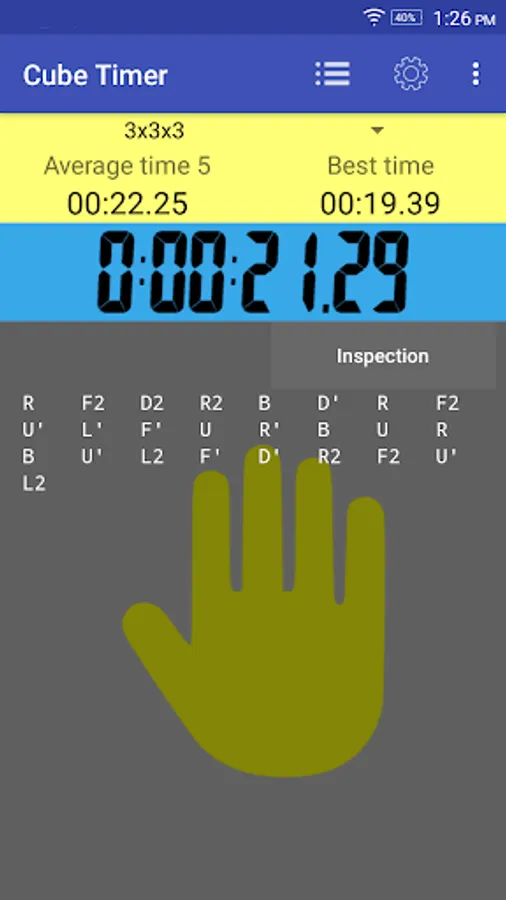
1. Scramble Generator
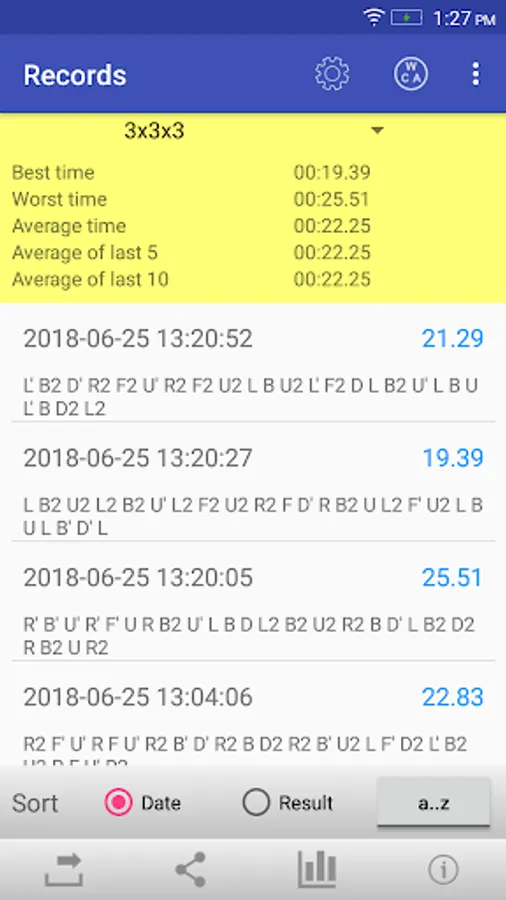
2. The best time and average time are calculated.
3. Limit 500 records
4. Support English, German, French, Italian, Spanish, Trad. Chinese, Simplified Chinese and Japanese
Features in PRO
1. Inspection timer
2. Self-defined scrambler of your favorite cubes
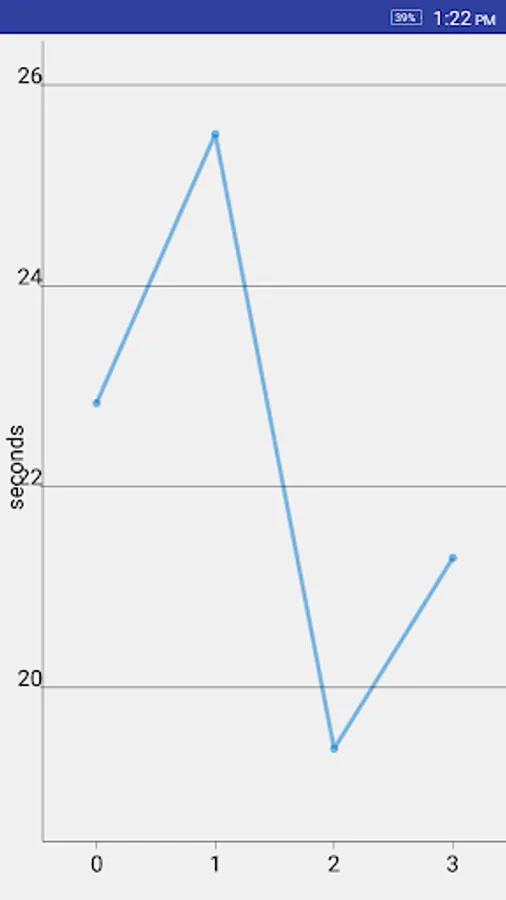
3. Chart
4. Export time records to comma-separated values (CSV) files.
5. No limitation
6. No ad
Permission
* Prevent phone from sleeping is used to keep the screen on for user taking lap
How to use the app ?
Tap the hand icon to reset the timer. The timer will start when you hand leave the icon. Tap the hand icon again to stop the timer.
Note :
For those who need support please email to the designated email.
Do NOT use either the feedback area to write questions, it is not appropriate and that is not guaranteed that can read them.
Features
1. Scramble Generator
2. The best time and average time are calculated.
3. Limit 500 records
4. Support English, German, French, Italian, Spanish, Trad. Chinese, Simplified Chinese and Japanese
Features in PRO
1. Inspection timer
2. Self-defined scrambler of your favorite cubes
3. Chart
4. Export time records to comma-separated values (CSV) files.
5. No limitation
6. No ad
Permission
* Prevent phone from sleeping is used to keep the screen on for user taking lap
How to use the app ?
Tap the hand icon to reset the timer. The timer will start when you hand leave the icon. Tap the hand icon again to stop the timer.
Note :
For those who need support please email to the designated email.
Do NOT use either the feedback area to write questions, it is not appropriate and that is not guaranteed that can read them.