Photo Backup Stick DC
Paraben Consumer Software
2.2 ★
73 ratings
10,000+
downloads
Free
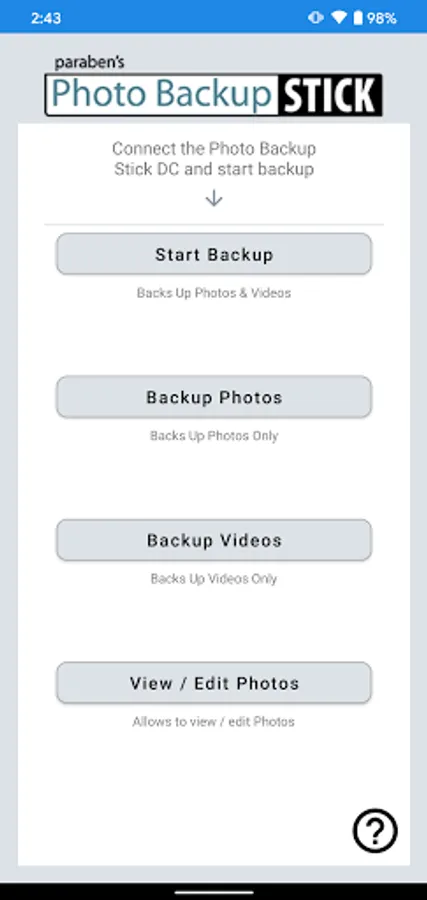
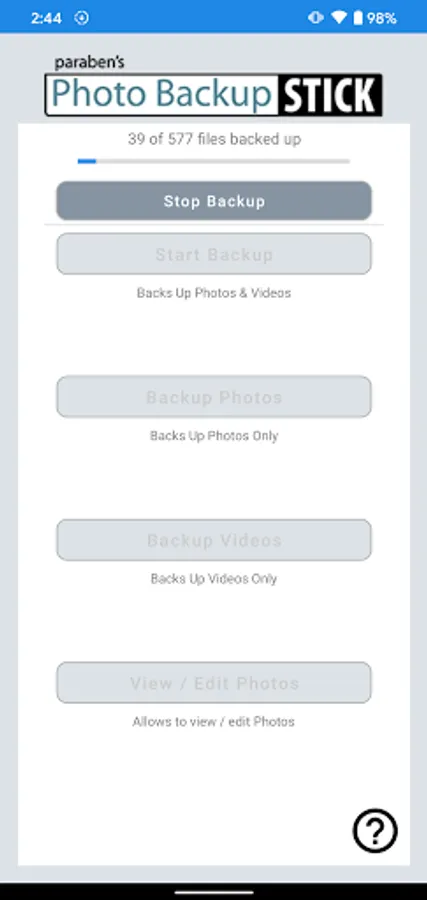
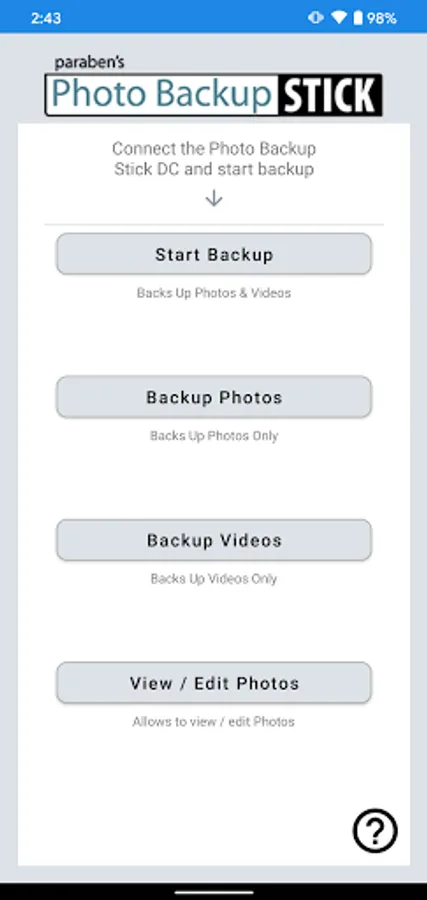
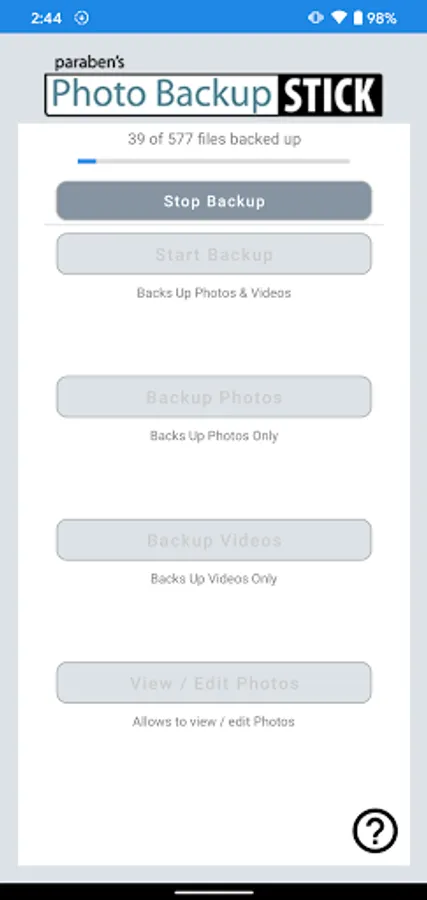
With this backup app, you can connect your Photo Backup Stick DC directly to your device to back up photos and videos on-the-go and manage space efficiently. Includes support for genuine drives, duplicate detection, and transfer options.
AppRecs review analysis
AppRecs rating 2.1. Trustworthiness 84 out of 100. Review manipulation risk 20 out of 100. Based on a review sample analyzed.
★★☆☆☆
2.1
AppRecs Rating
Ratings breakdown
5 star
20%
4 star
11%
3 star
3%
2 star
3%
1 star
63%
What to know
✓
Low review manipulation risk
20% review manipulation risk
⚠
Mixed user feedback
Average 2.2★ rating suggests room for improvement
⚠
High negative review ratio
66% of sampled ratings are 1–2 stars
About Photo Backup Stick DC
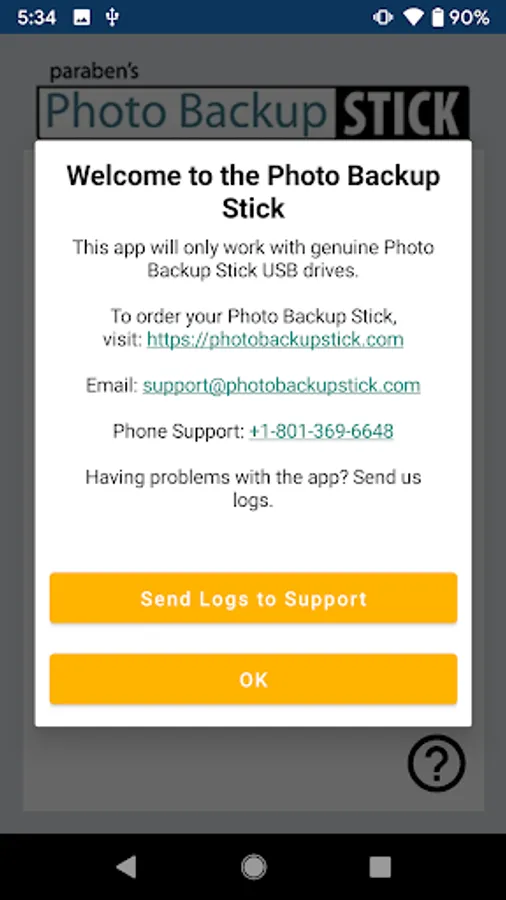
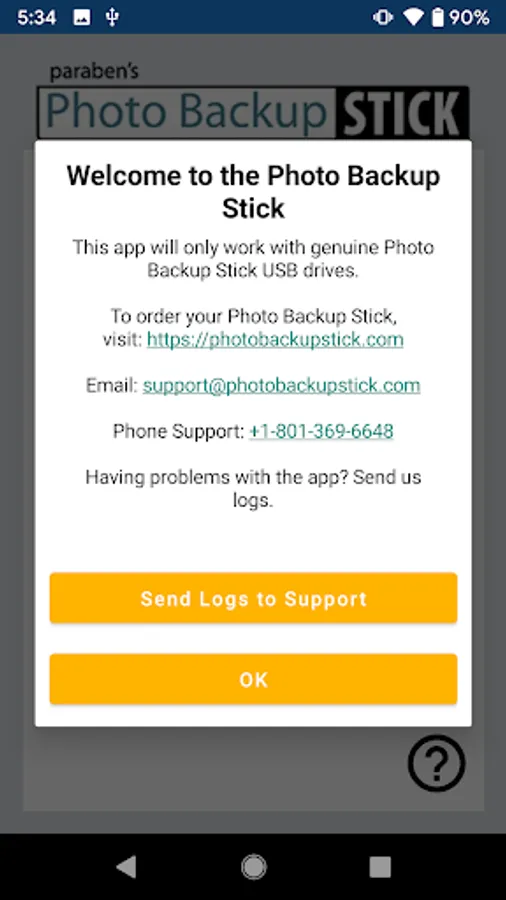
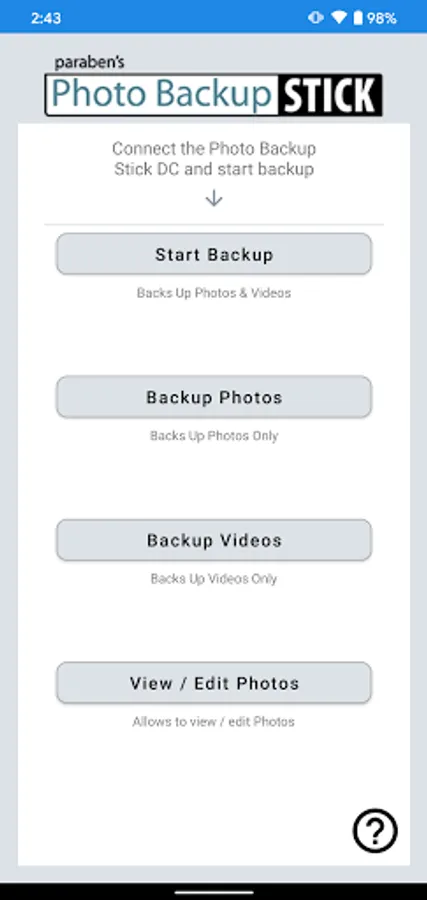
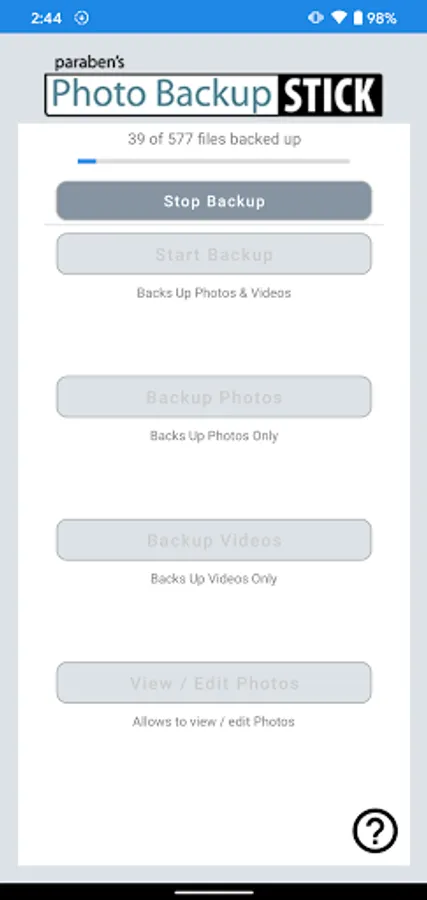
The Photo Backup Stick DC is the official backup app for the Photo Backup Stick direct connect USB OTG flash drives. This app allows you to back up pictures and videos directly to your Photo Backup Stick. Protect your memories from being lost forever from broken or lost or stolen phones. By backing up your photos and videos to the Photo Backup Stick, you can rest easy knowing you have a physical backup. Once backed up, you can transfer to your computer or simply store your Photo Backup Stick in a safe place. This app will only work with genuine Photo Backup Stick OTG drives.
• Direct Connect – Connect your Photo Backup Stick DC on-the-go (OTG) flash drive directly to your device to backup your files without a computer or Wi-Fi.
• Connect and Go – There’s no account to set up. If you have a genuine Photo Backup Stick DC for Android OTG drive, you can connect the drive and start backing up immediately…no accounts to sign up for, no product keys to enter, and the app is free.
• Computer & Smartphone Backups – The Photo Backup Stick can also back up from PCs as well as smartphones and tablets by plugging the stick and the device into your PC and running the backup app from the stick. This method is not a direct connect method and works for almost all phones and tablets.
• Clear Up Space – Once you back up your photos and videos, you can clear up space on your device. Backed up photos and videos can be transferred to your computer or stored on your Photo Backup Stick drive.
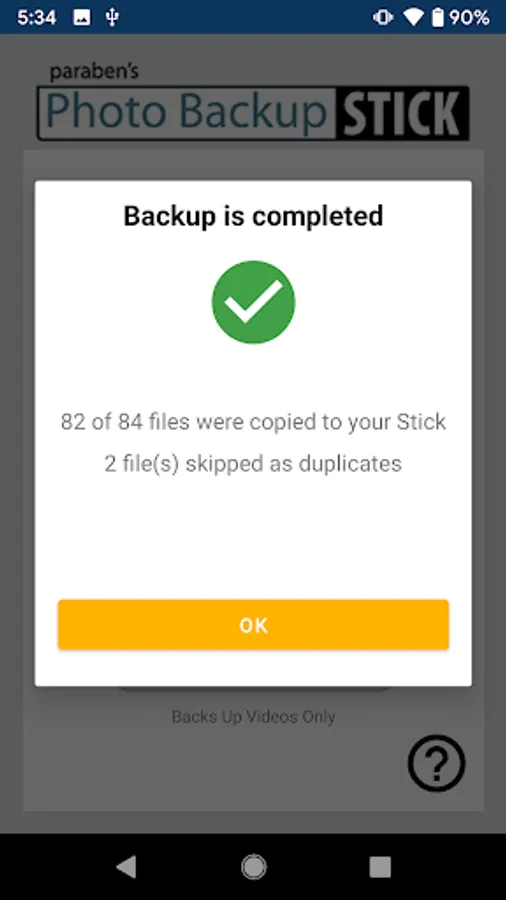
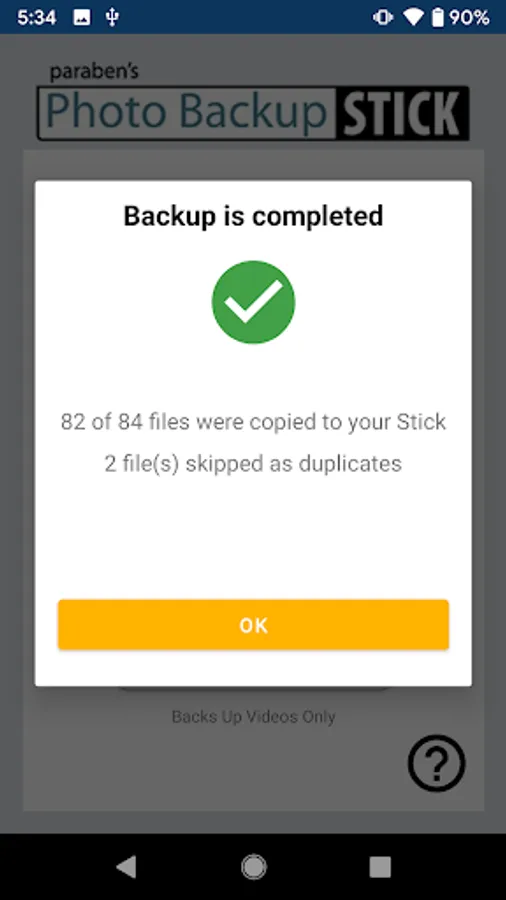
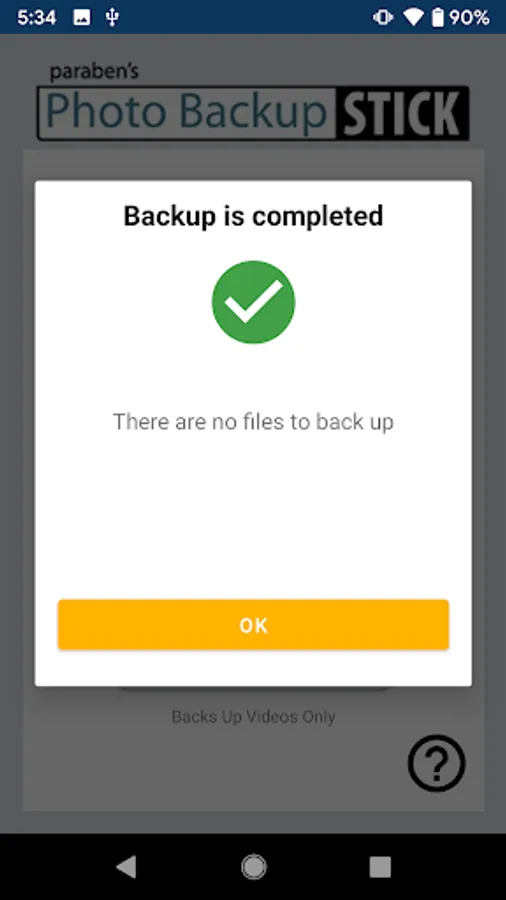
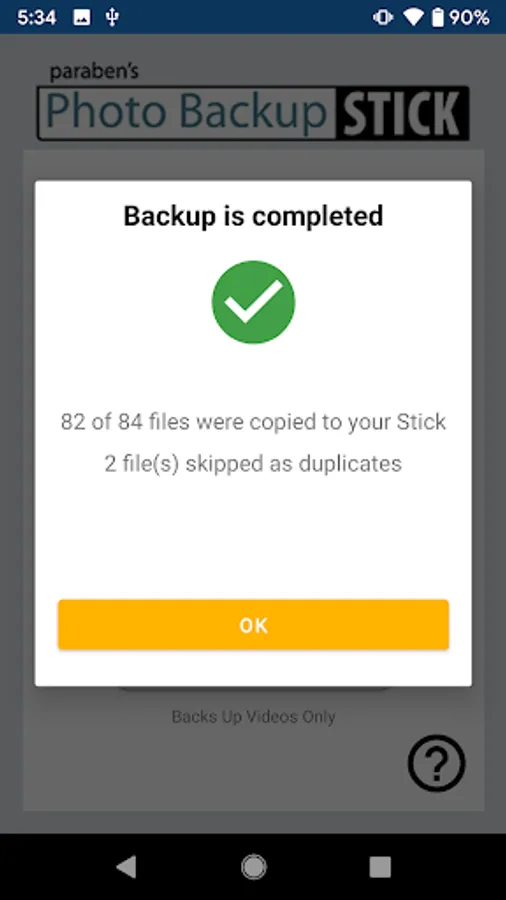
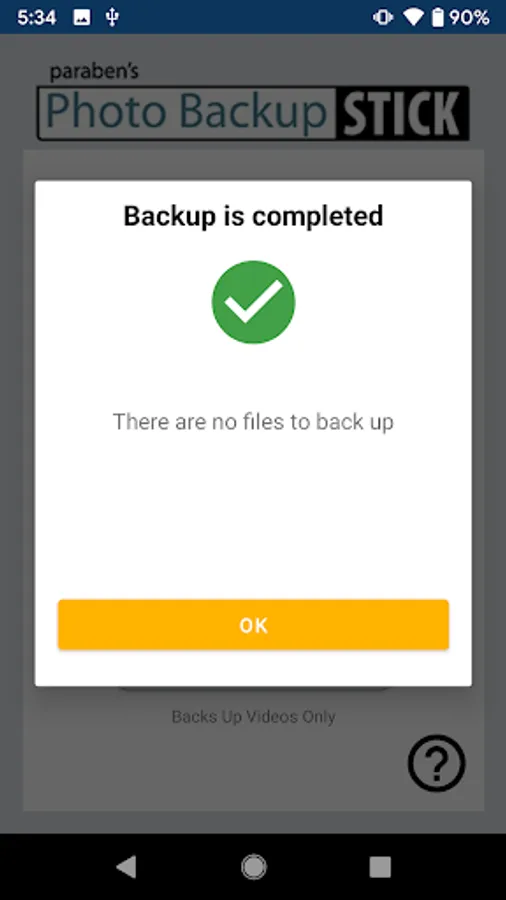
• No Duplicates – Each time you back up your photos and videos, only new files will be backed up. Photos and videos that have been backed up before won’t be backed up again saving you space on your backup drive.
• Unlimited Backups – Back up as often as you like on as many devices as you like until you run out of room. Transfer your backups to a computer to clear up space on your drive and back up some more!
• Direct Connect – Connect your Photo Backup Stick DC on-the-go (OTG) flash drive directly to your device to backup your files without a computer or Wi-Fi.
• Connect and Go – There’s no account to set up. If you have a genuine Photo Backup Stick DC for Android OTG drive, you can connect the drive and start backing up immediately…no accounts to sign up for, no product keys to enter, and the app is free.
• Computer & Smartphone Backups – The Photo Backup Stick can also back up from PCs as well as smartphones and tablets by plugging the stick and the device into your PC and running the backup app from the stick. This method is not a direct connect method and works for almost all phones and tablets.
• Clear Up Space – Once you back up your photos and videos, you can clear up space on your device. Backed up photos and videos can be transferred to your computer or stored on your Photo Backup Stick drive.
• No Duplicates – Each time you back up your photos and videos, only new files will be backed up. Photos and videos that have been backed up before won’t be backed up again saving you space on your backup drive.
• Unlimited Backups – Back up as often as you like on as many devices as you like until you run out of room. Transfer your backups to a computer to clear up space on your drive and back up some more!
Photo Backup Stick DC Screenshots
Tap to Rate:
Reviews for Photo Backup Stick DC
Donald Patin
12/3/2025
app keep stopping and will not download all photos and can't backup anything in the cloud
Jagadish Boddupally
5/31/2024
Super