Remote for Roku TV - TV Remote
XAPPIFY
4.0 ★
661 ratings
50,000+
downloads
Free
+ in-app
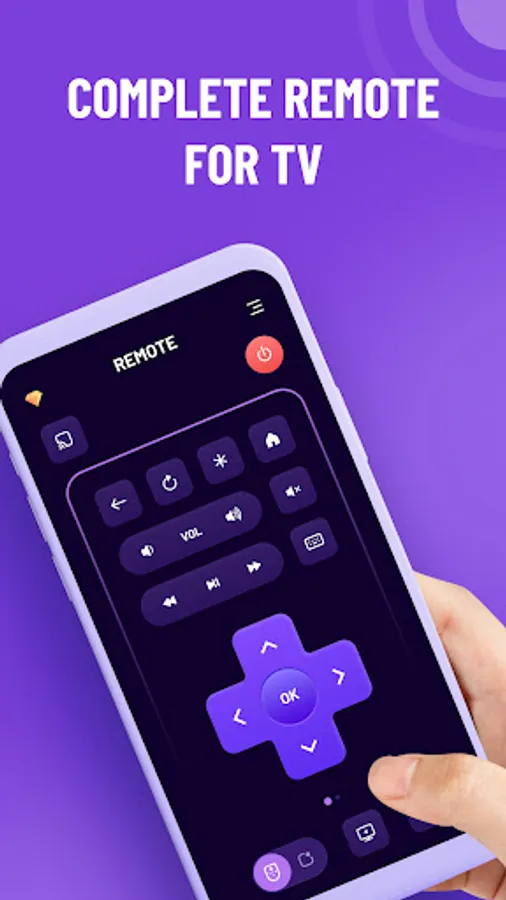
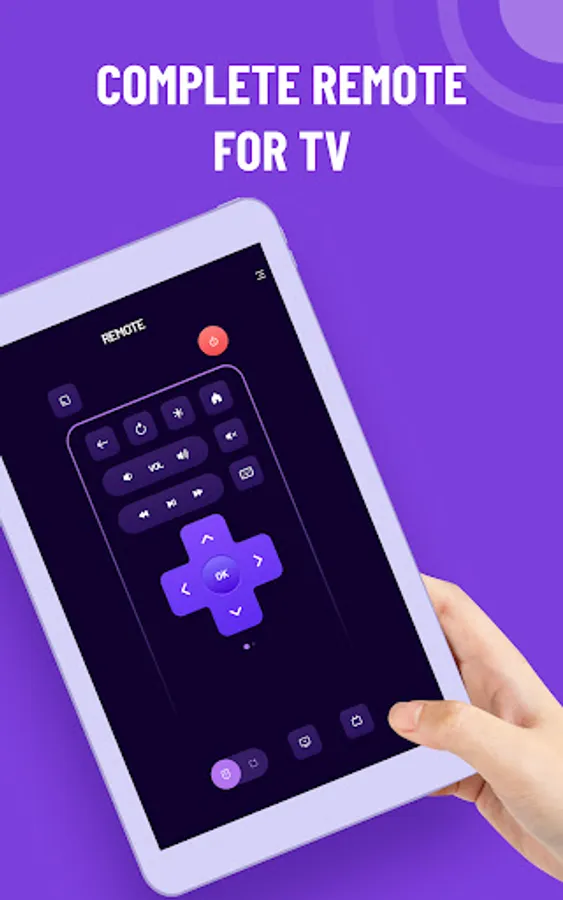
In this app, you can control your Roku TV using your smartphone, navigate menus, and cast media. Includes device scanning, keyboard input, screen mirroring, and channel launching features.
AppRecs review analysis
AppRecs rating 4.1. Trustworthiness 72 out of 100. Review manipulation risk 28 out of 100. Based on a review sample analyzed.
★★★★☆
4.1
AppRecs Rating
Ratings breakdown
5 star
64%
4 star
12%
3 star
6%
2 star
4%
1 star
15%
What to know
✓
Low review manipulation risk
28% review manipulation risk
✓
Credible reviews
72% trustworthiness score from analyzed reviews
✓
High user satisfaction
76% of sampled ratings are 4+ stars (4.0★ average)
About Remote for Roku TV - TV Remote
Remote for Roku TV is the app which you can control your Roku TV from your smart phones. Just make sure your phone and your TV connect to the same Wifi network. It's an easy to use, convenient and full-featured Roku remote control app.
Key Features:
No setup is required.
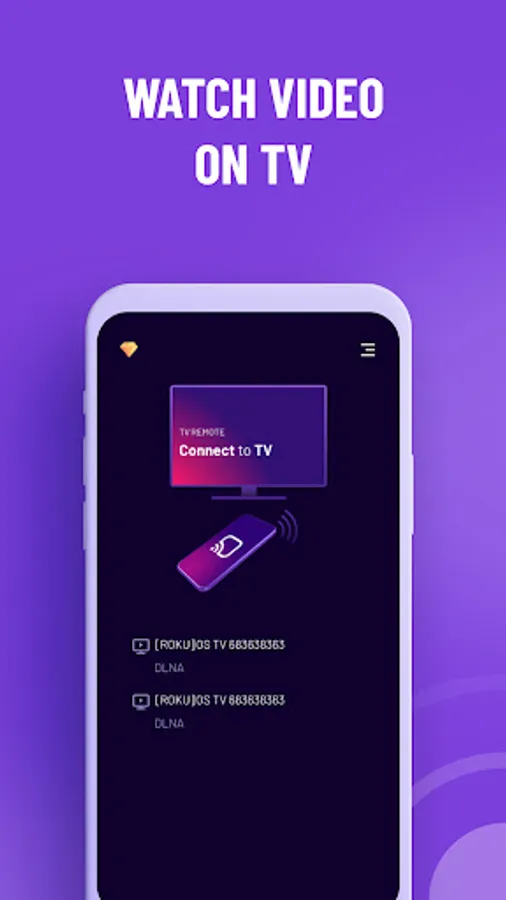
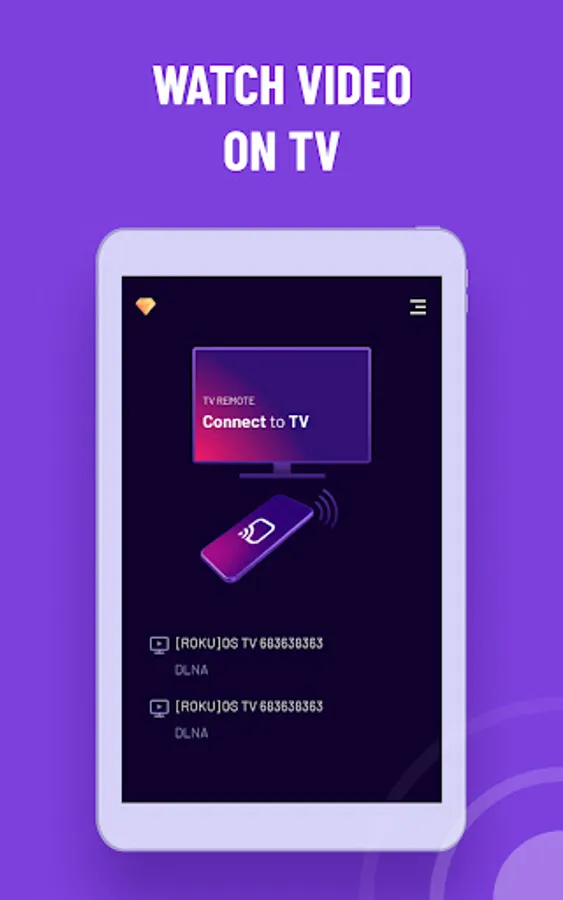
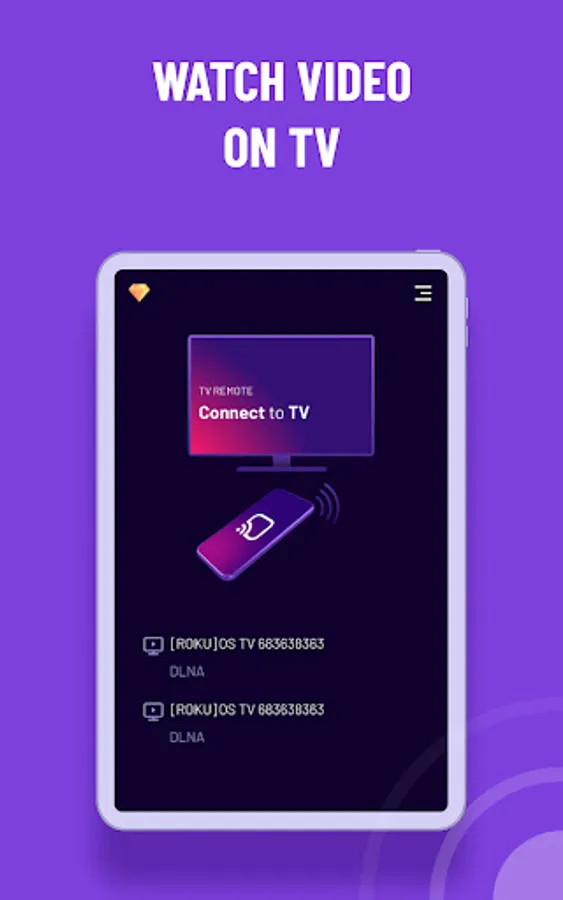
Scan and connect to TV automatically
Enter and search with text keyboard feature
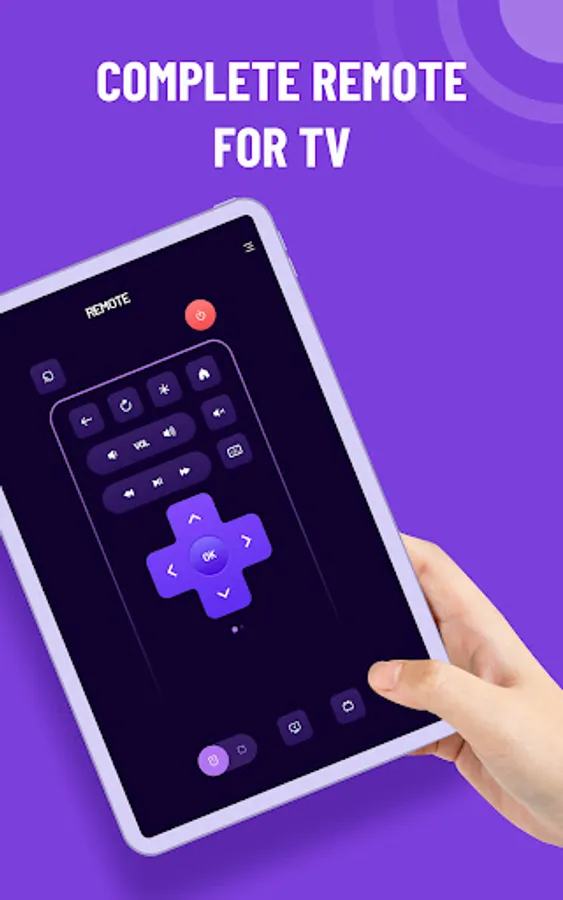
Easy navigate with touchpad
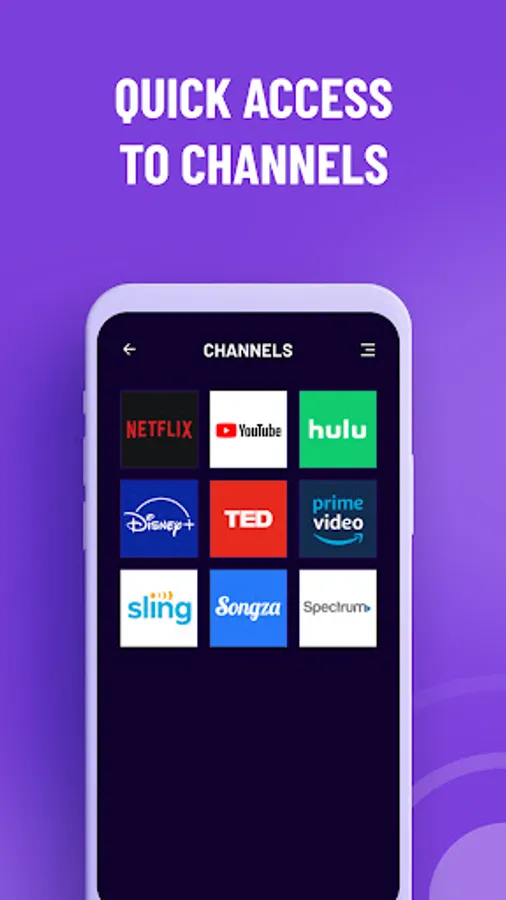
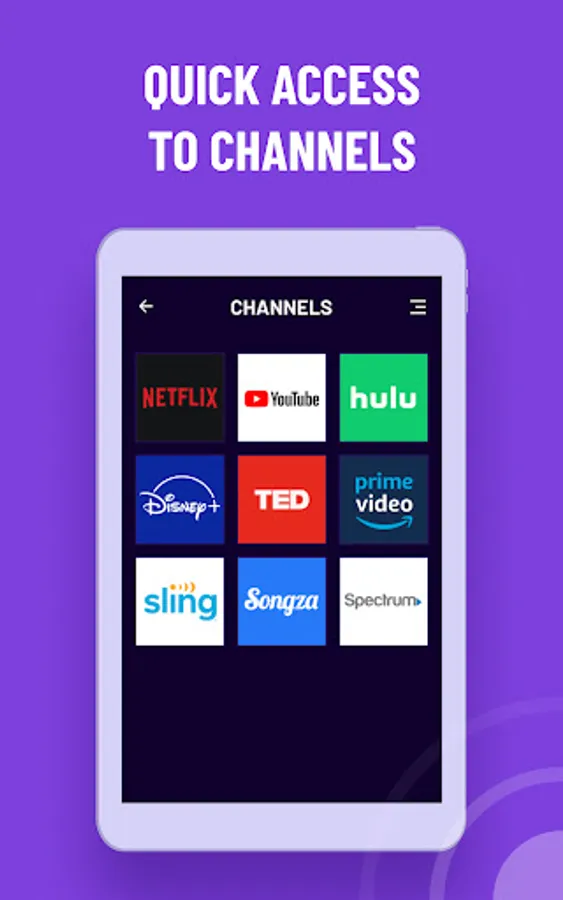
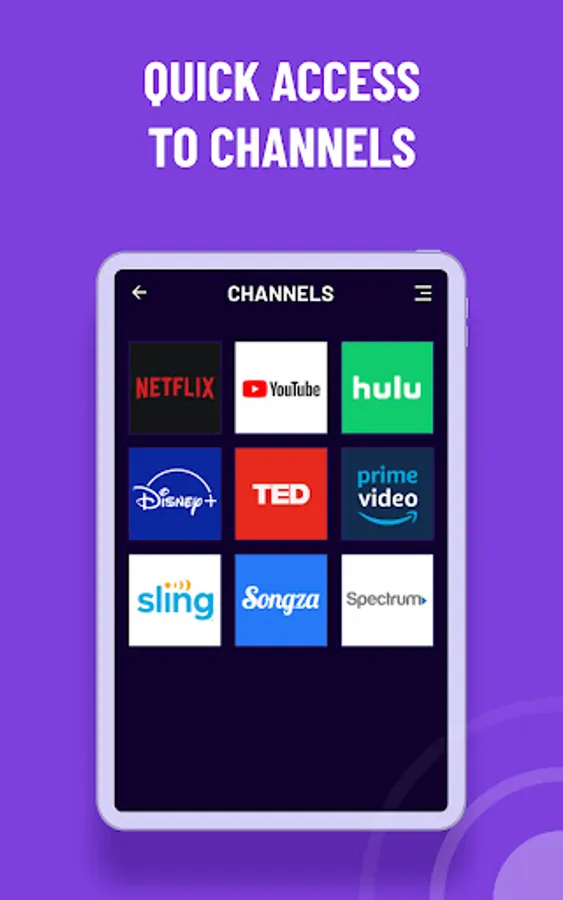
List all channels and easy tap to launch
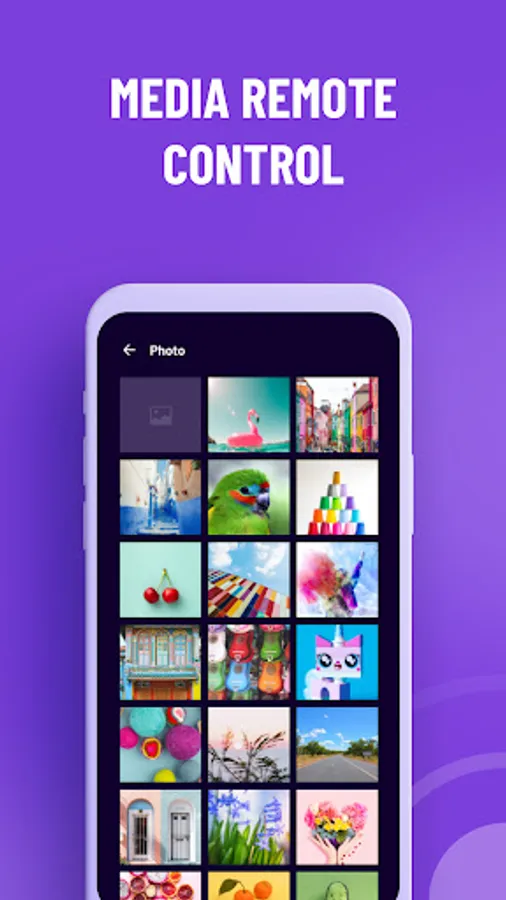
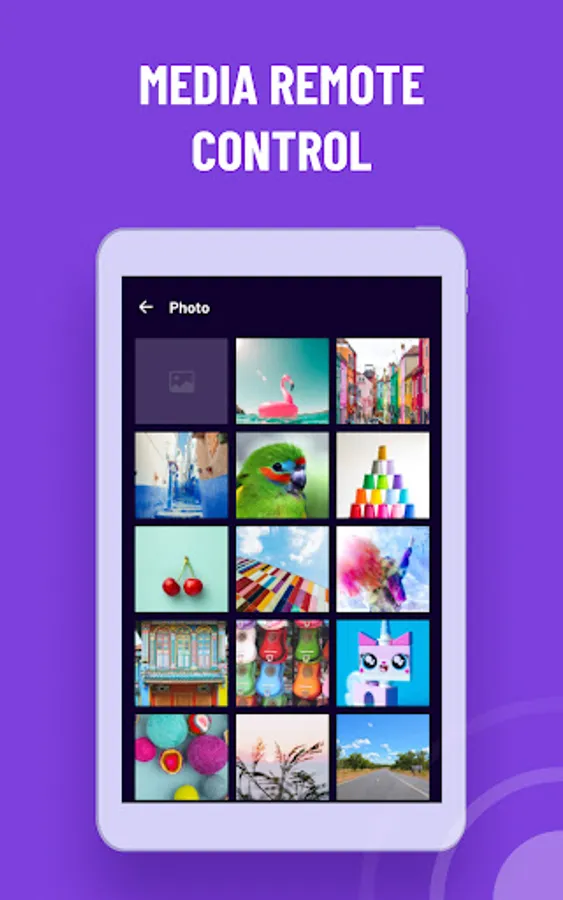
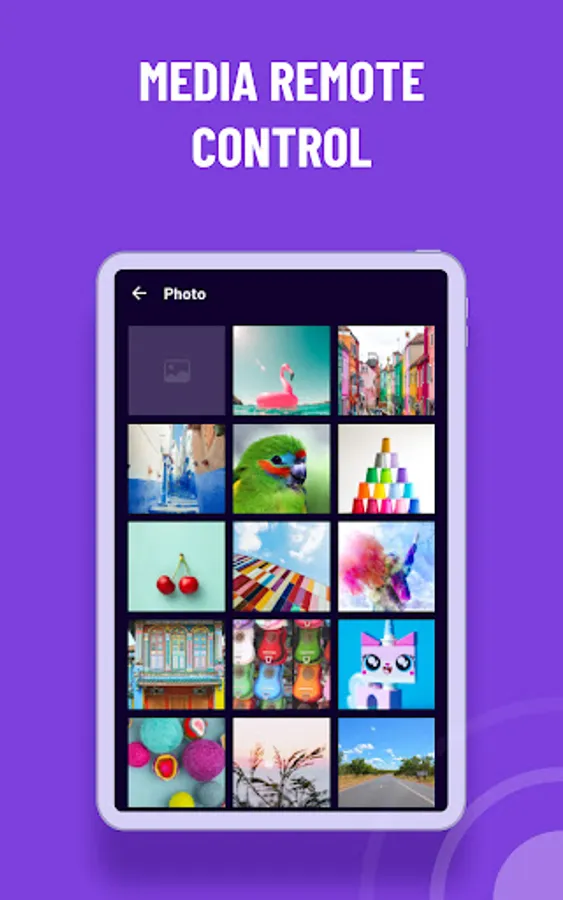
Cast your phone photos, videos and audio to TV
Screen mirroring your phone to TV
Steps to connect to TV:
First: make your TV and your Phone/Tablet connect to the same Wifi network
Second: open this app and select your target device to connect.
Third: once connected, control your Roku devices with good app UI
Compatibility with:
Roku TVs: TCL, Hisense, Philips, Element, Hitachi, RCA, Insignia, Sharp, Westinghouse Roku TV.
Roku Streaming Players: Roku Stick, Roku Express, Roku Premiere, Roku Ultra, Roku 1-4 and legacy models.
Please make sure:
This app and your Roku devices are connected to the same Wifi network.
Restart app if there are no Roku devices found.
Privacy Policy: https://342tech.live/privacy-policy.html
Terms & Conditions: https://342tech.live/term-of-service.html
NOTE: Pham Ngoc Hanh is not an affiliated entity of Roku, Inc, and this application is not an official product of Roku, Inc.
Key Features:
No setup is required.
Scan and connect to TV automatically
Enter and search with text keyboard feature
Easy navigate with touchpad
List all channels and easy tap to launch
Cast your phone photos, videos and audio to TV
Screen mirroring your phone to TV
Steps to connect to TV:
First: make your TV and your Phone/Tablet connect to the same Wifi network
Second: open this app and select your target device to connect.
Third: once connected, control your Roku devices with good app UI
Compatibility with:
Roku TVs: TCL, Hisense, Philips, Element, Hitachi, RCA, Insignia, Sharp, Westinghouse Roku TV.
Roku Streaming Players: Roku Stick, Roku Express, Roku Premiere, Roku Ultra, Roku 1-4 and legacy models.
Please make sure:
This app and your Roku devices are connected to the same Wifi network.
Restart app if there are no Roku devices found.
Privacy Policy: https://342tech.live/privacy-policy.html
Terms & Conditions: https://342tech.live/term-of-service.html
NOTE: Pham Ngoc Hanh is not an affiliated entity of Roku, Inc, and this application is not an official product of Roku, Inc.
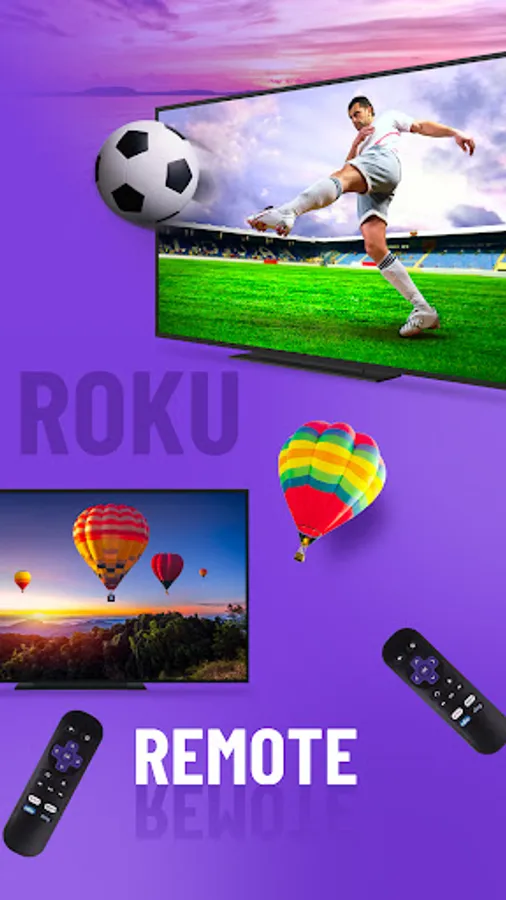
Remote for Roku TV - TV Remote Screenshots
Tap to Rate:
Reviews for Remote for Roku TV - TV Remote
Mek Mek
7/8/2024
it's cool so far free it's for me
CARLOS Lourenco
6/16/2024
O oh