Remove Middle Parts Video
Photo Designer
3.1 ★
4K ratings
500,000+
downloads
Free
With this video editing app, you can cut unwanted parts from videos and crop videos to specific sizes. Includes support for various formats and sharing options.
AppRecs review analysis
AppRecs rating 3.1. Trustworthiness 77 out of 100. Review manipulation risk 27 out of 100. Based on a review sample analyzed.
★★★☆☆
3.1
AppRecs Rating
Ratings breakdown
5 star
41%
4 star
11%
3 star
7%
2 star
2%
1 star
39%
What to know
✓
Low review manipulation risk
27% review manipulation risk
⚠
Ad complaints
Many low ratings mention excessive ads
⚠
High negative review ratio
42% of sampled ratings are 1–2 stars
About Remove Middle Parts Video
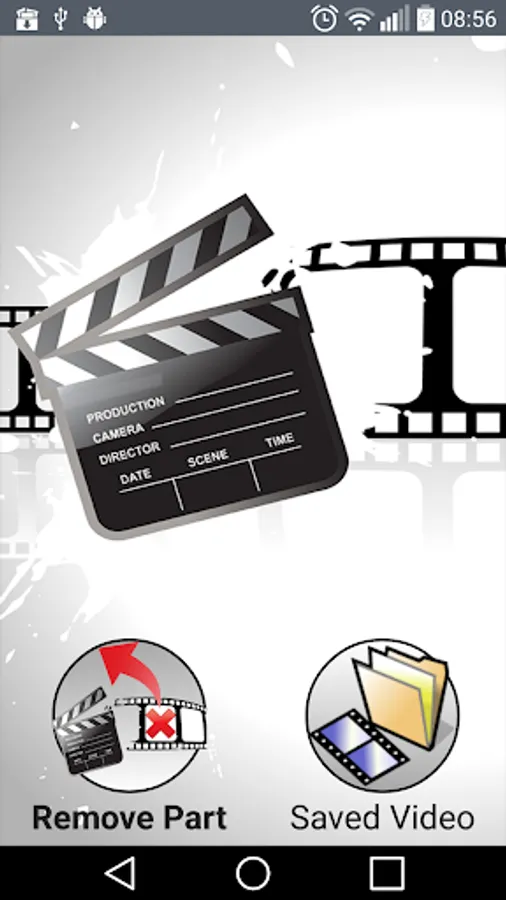
This is free video cutter help you fast and easy to remove any unwanted parts of Video and Crop Video.
Many user send email to us to say they want a application can cut any parts from Video, especially middle of video.
So we made this application to help everyone do that thing.
Main features:
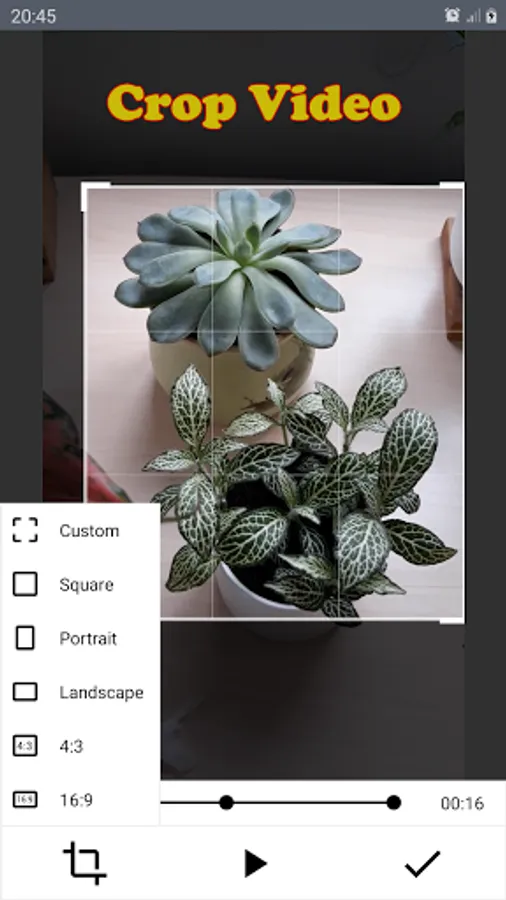
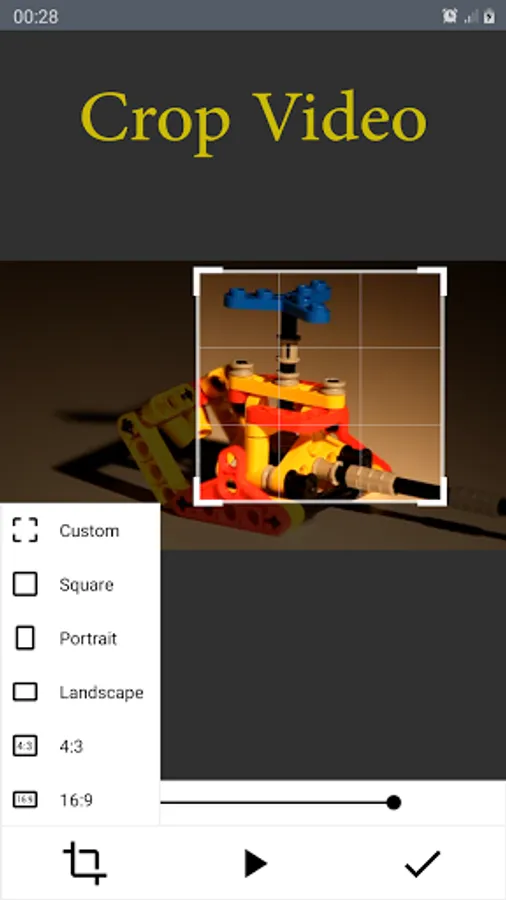
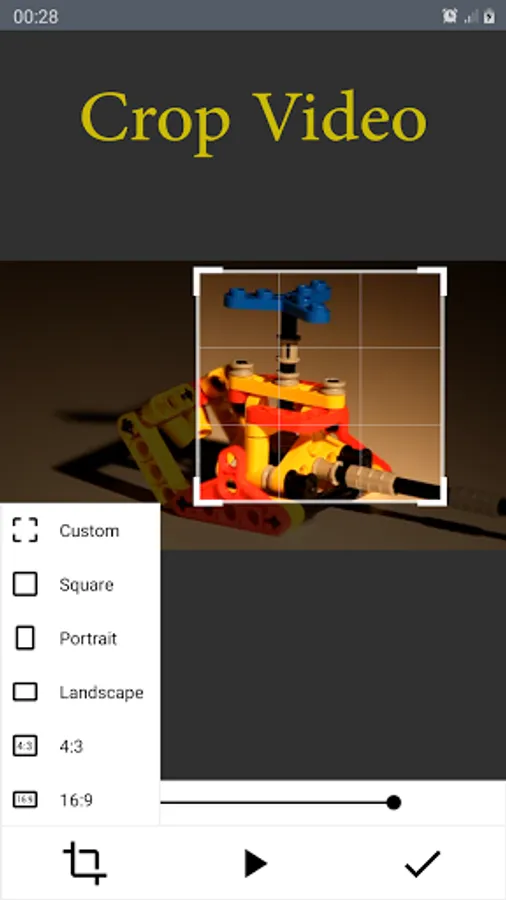
- Crop video with desired size and desired view.
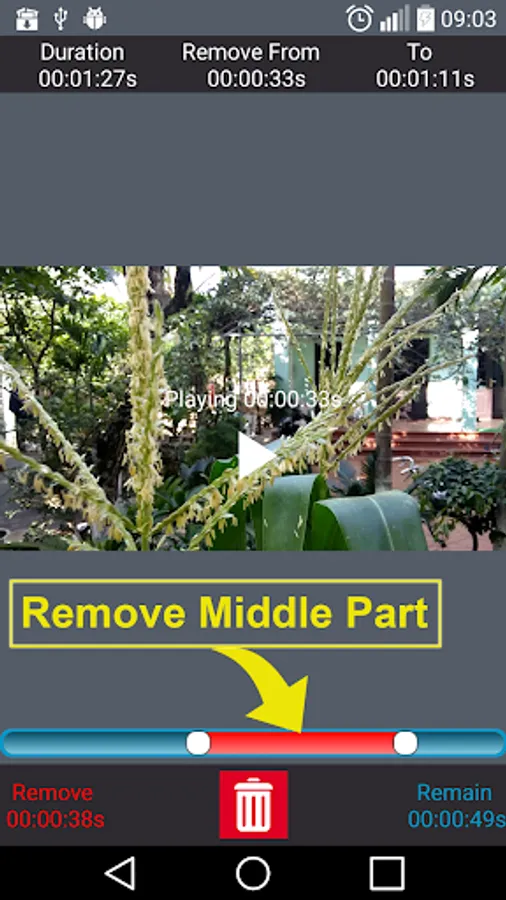
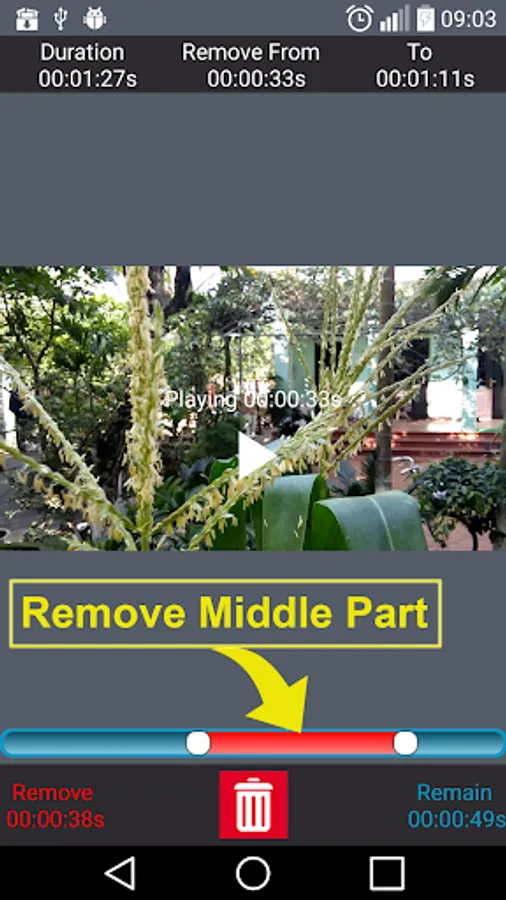
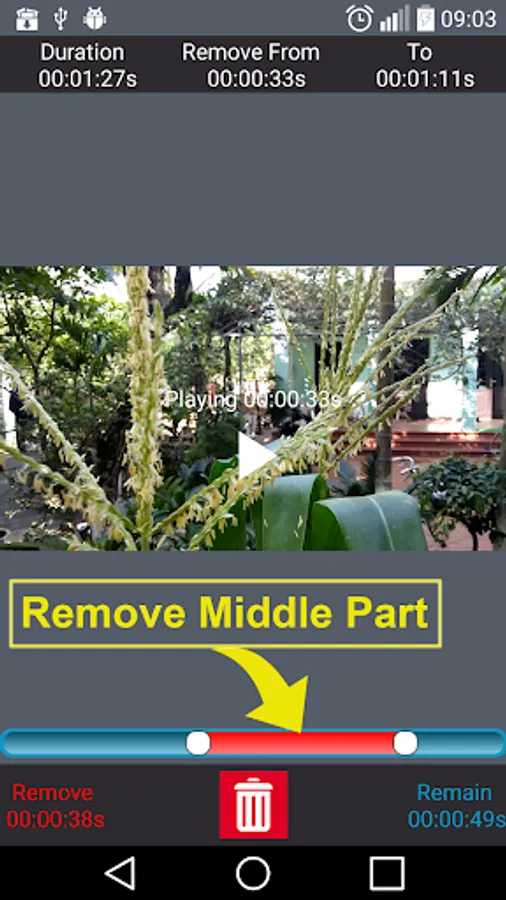
- Delete middle parts : Remove unwanted parts in the middle of your videos.
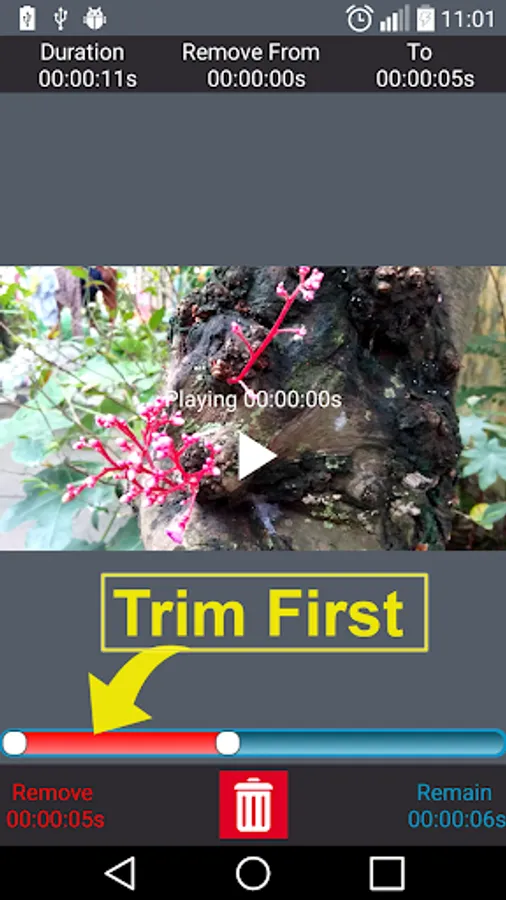
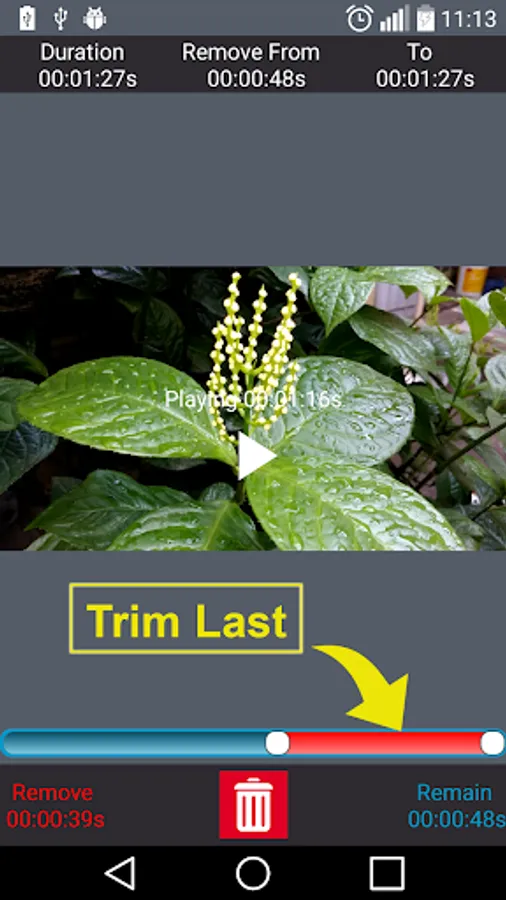
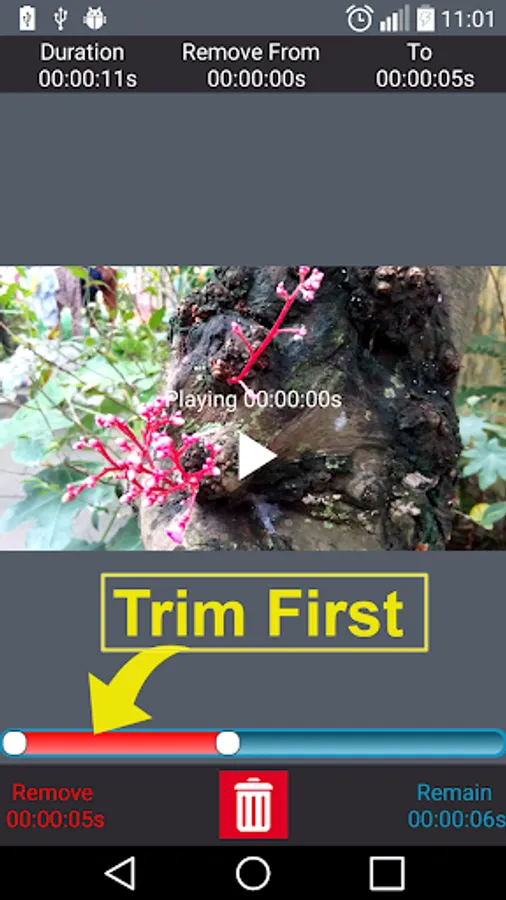
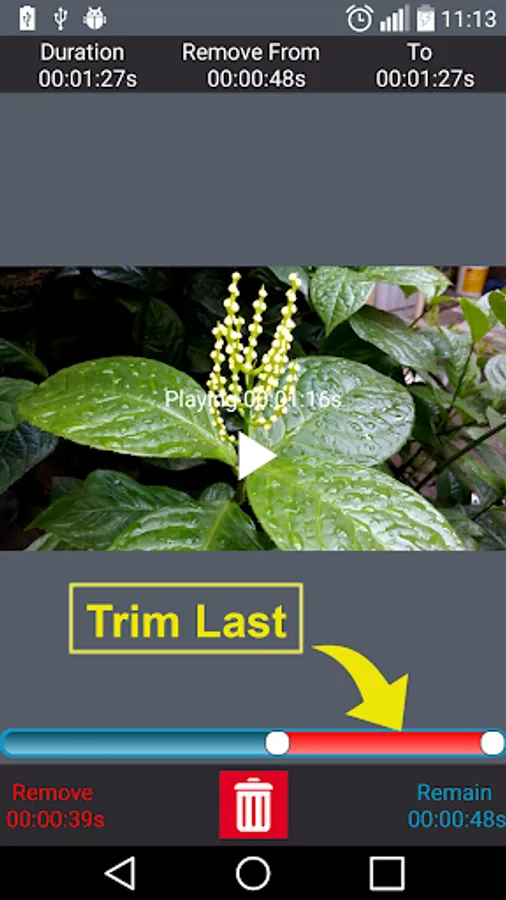
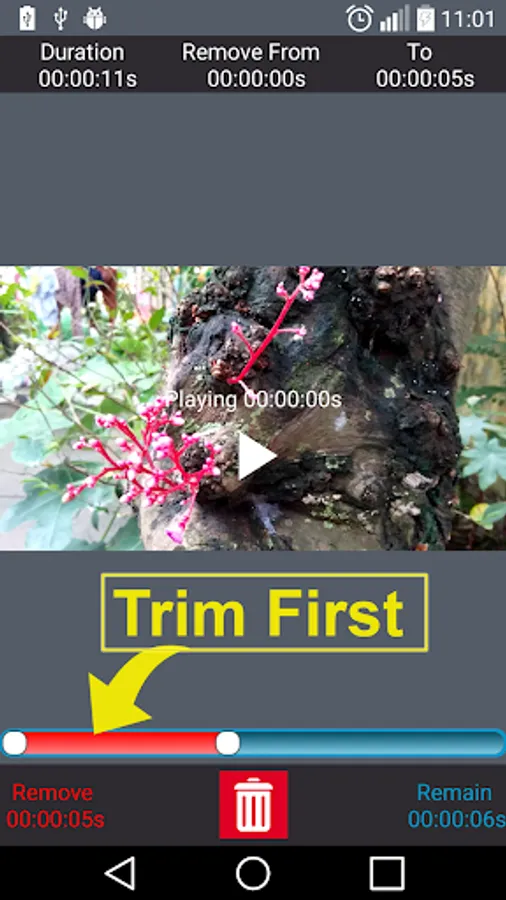
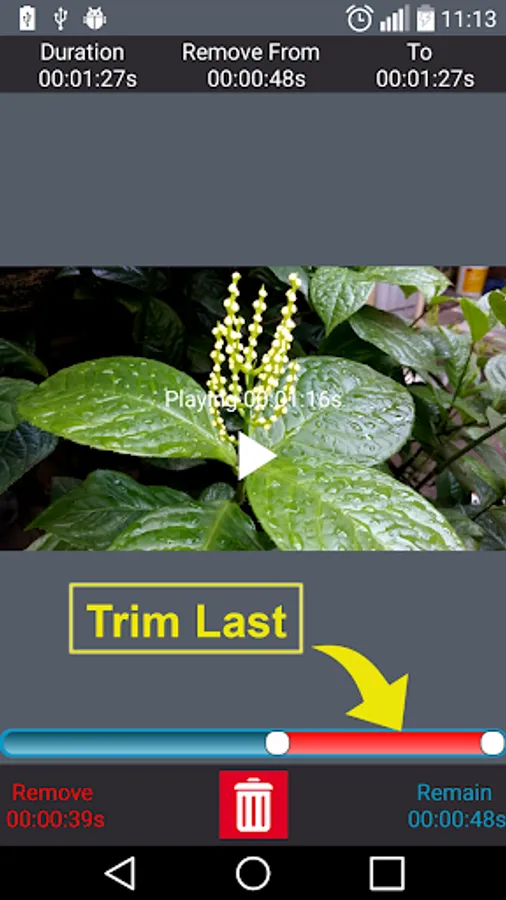
- Video Trimmer : Trim your videos to remove unwanted parts
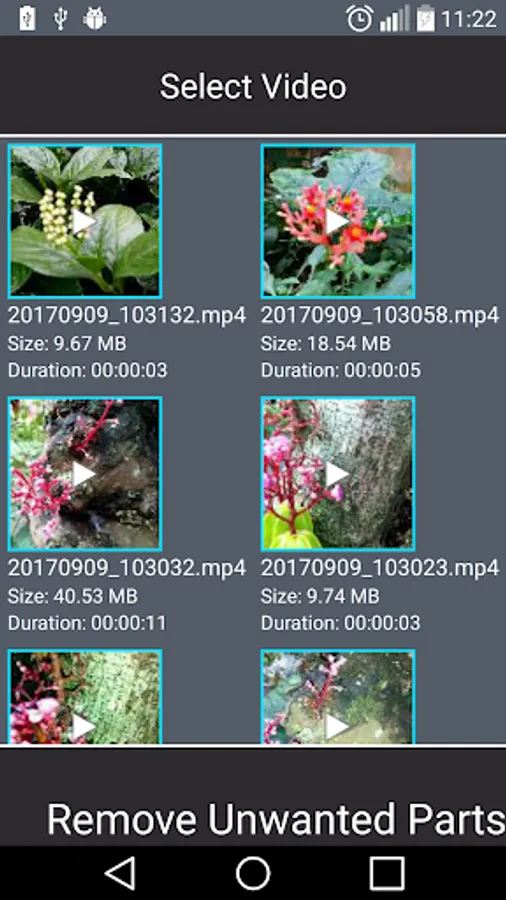
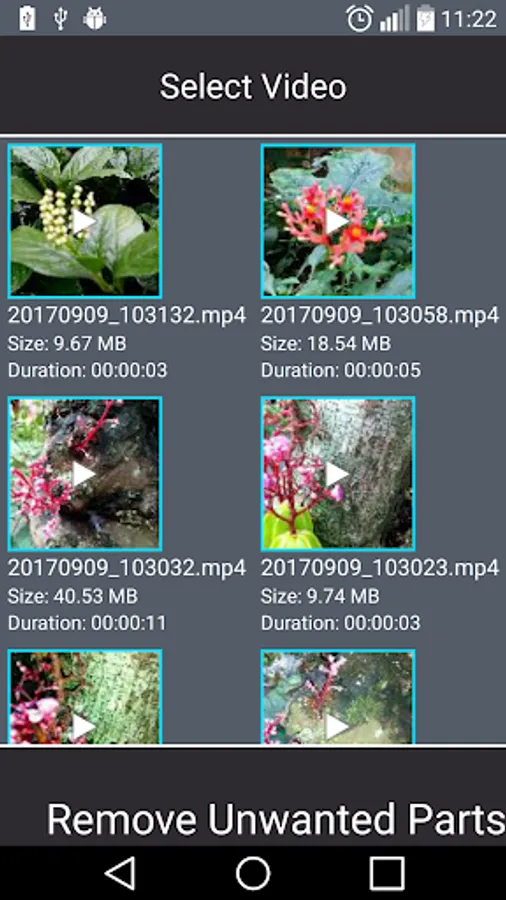
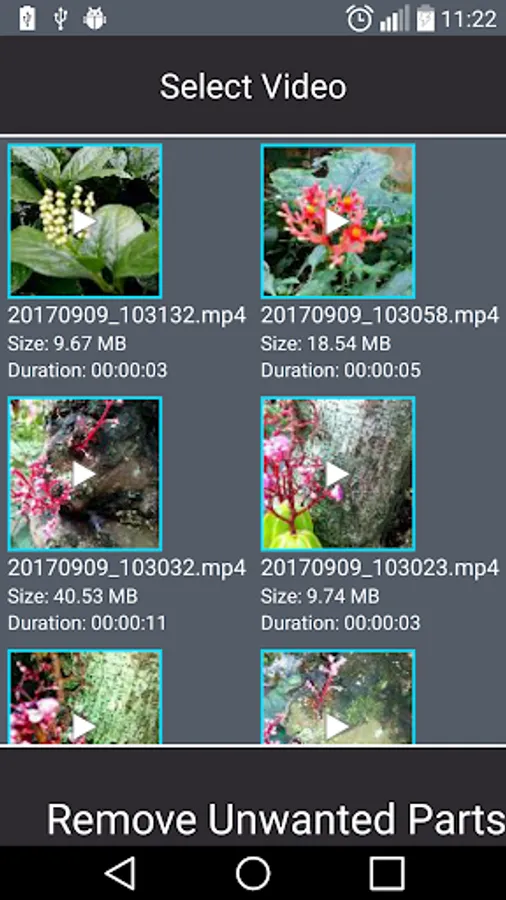
- Show all video in your phone to help you select to cut.
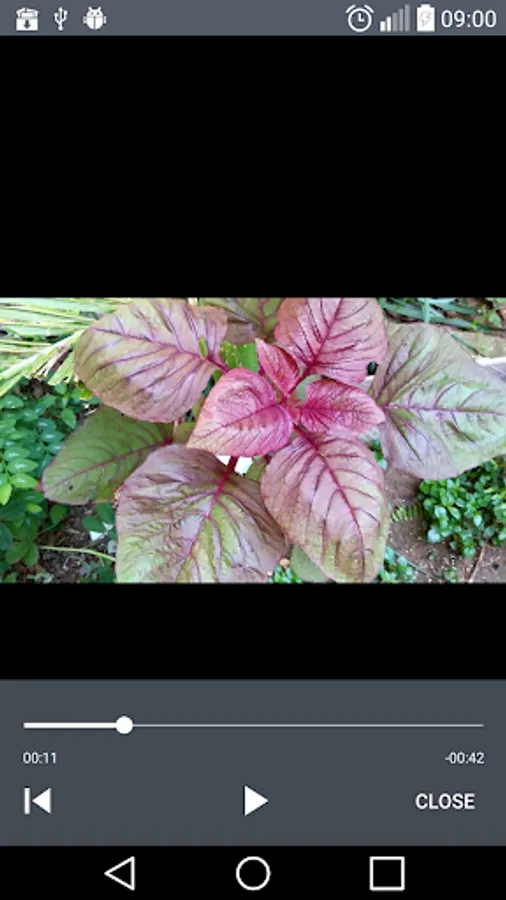
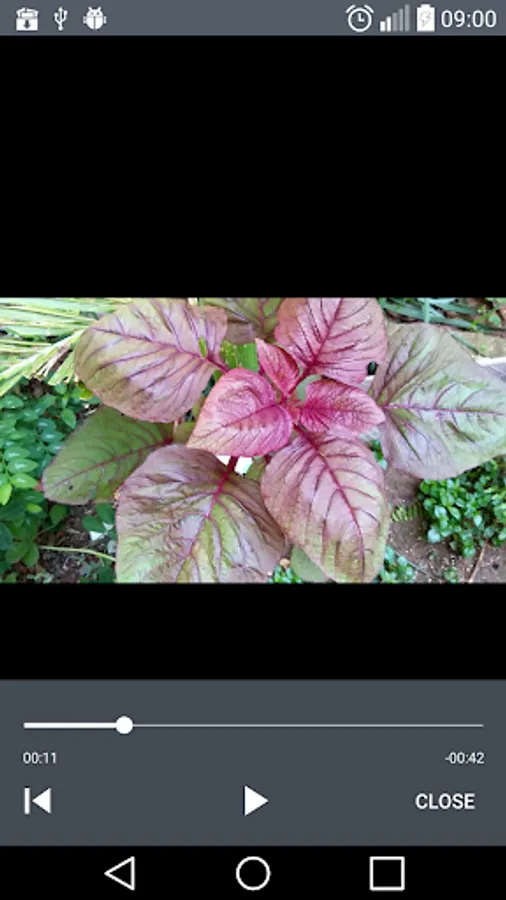
- Easy play video after cut.
- Search box to easy find your video.
- Share video to social network.
- You can easy to select part to cut.
- Support most video formats, like MP4, MOV, AVI, FLV, 3GP etc.
- Keep original video quality after cut. Output video have same quality with original video.
How to use:
- Search, Select Video.
- Select part to cut.
- Save and share video.
More information:
- Application uses FFmpeg under permission of LGPL.
- We use some images designed by iconfinder.com and pinnacleanimates from freepik.com
Many user send email to us to say they want a application can cut any parts from Video, especially middle of video.
So we made this application to help everyone do that thing.
Main features:
- Crop video with desired size and desired view.
- Delete middle parts : Remove unwanted parts in the middle of your videos.
- Video Trimmer : Trim your videos to remove unwanted parts
- Show all video in your phone to help you select to cut.
- Easy play video after cut.
- Search box to easy find your video.
- Share video to social network.
- You can easy to select part to cut.
- Support most video formats, like MP4, MOV, AVI, FLV, 3GP etc.
- Keep original video quality after cut. Output video have same quality with original video.
How to use:
- Search, Select Video.
- Select part to cut.
- Save and share video.
More information:
- Application uses FFmpeg under permission of LGPL.
- We use some images designed by iconfinder.com and pinnacleanimates from freepik.com
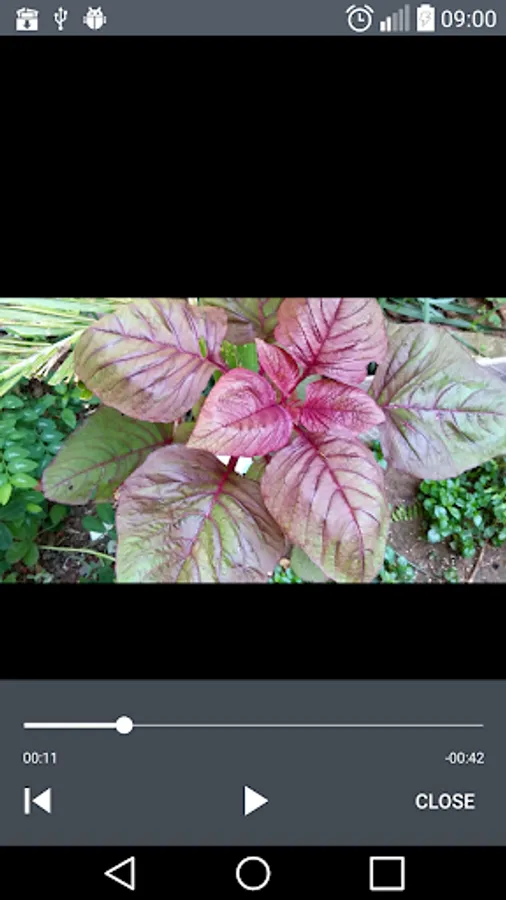
Remove Middle Parts Video Screenshots
Tap to Rate:
Reviews for Remove Middle Parts Video
Kadiir Badheysaa
12/20/2025
best apps
M Hassan
12/18/2025
Don't download use less