Lucid Launcher Demo
Lucid Dev Team
4.1 ★
12K ratings
1,000,000+
downloads
Free
With this launcher app, you can customize home screens, organize app drawers, and add widgets. Includes icon themes, widget support, search bar, favorites sidebar, and language options.
AppRecs review analysis
AppRecs rating 4.1. Trustworthiness 78 out of 100. Review manipulation risk 21 out of 100. Based on a review sample analyzed.
★★★★☆
4.1
AppRecs Rating
Ratings breakdown
5 star
58%
4 star
15%
3 star
15%
2 star
5%
1 star
7%
What to know
✓
Low review manipulation risk
21% review manipulation risk
✓
Credible reviews
78% trustworthiness score from analyzed reviews
✓
High user satisfaction
73% of sampled ratings are 4+ stars (4.1★ average)
About Lucid Launcher Demo
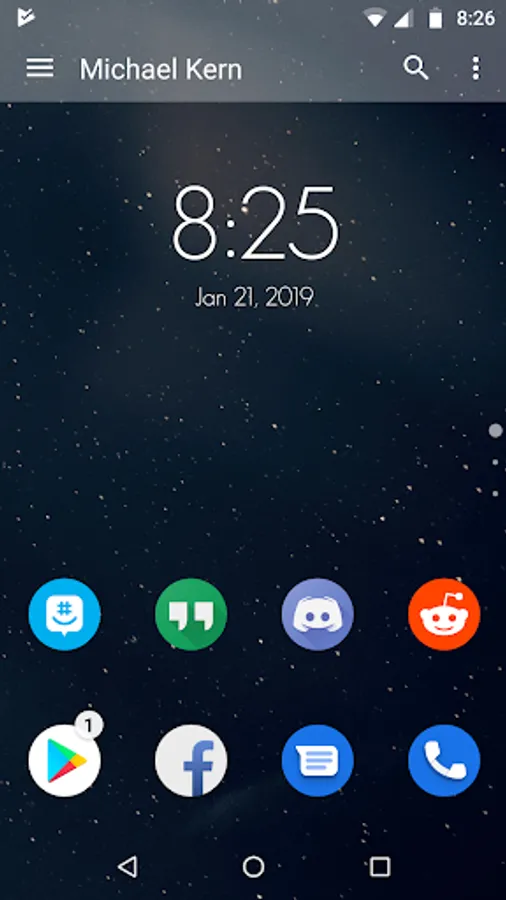
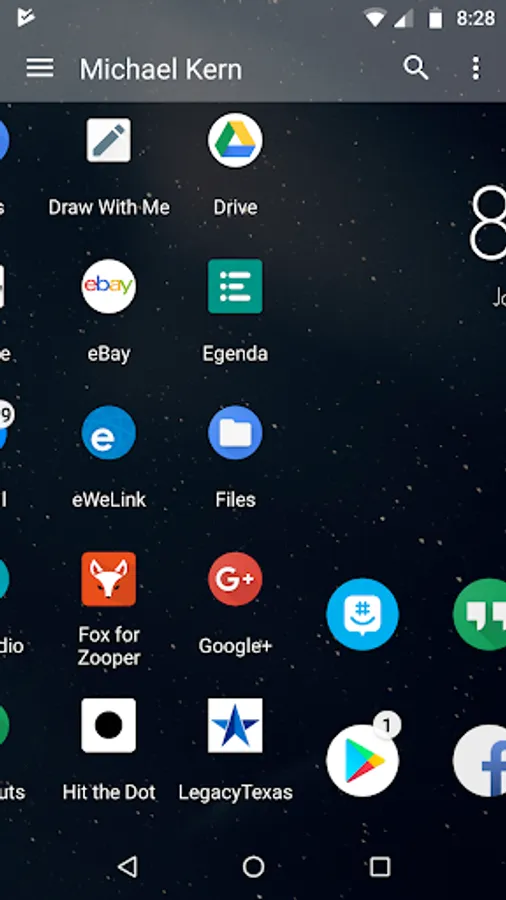
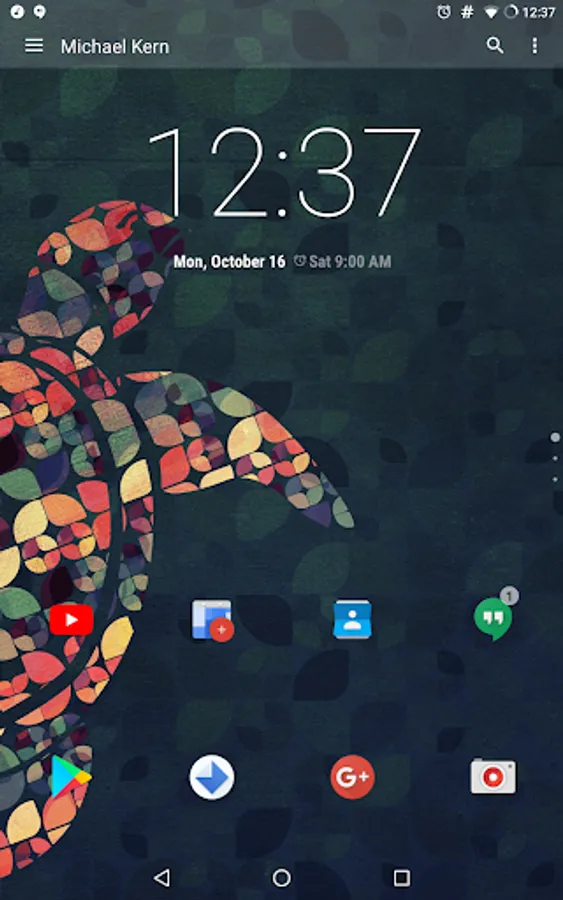
Lucid launcher is a different type of launcher from all the rest. It was built from the ground up, not being based any previous launchers. Lucid launcher revolves around 3 categories (stability, features, and usability) that are constantly improving as the app evolves. Don't be fooled by the size, Lucid Launcher packs a punch while preserving lightning speed performance. Full of features this launcher allows you to do what you really want to make it your own while maintaining a great look and speed flow throughout the launcher. To get more options get Lucid Launcher Pro.
Some Features:
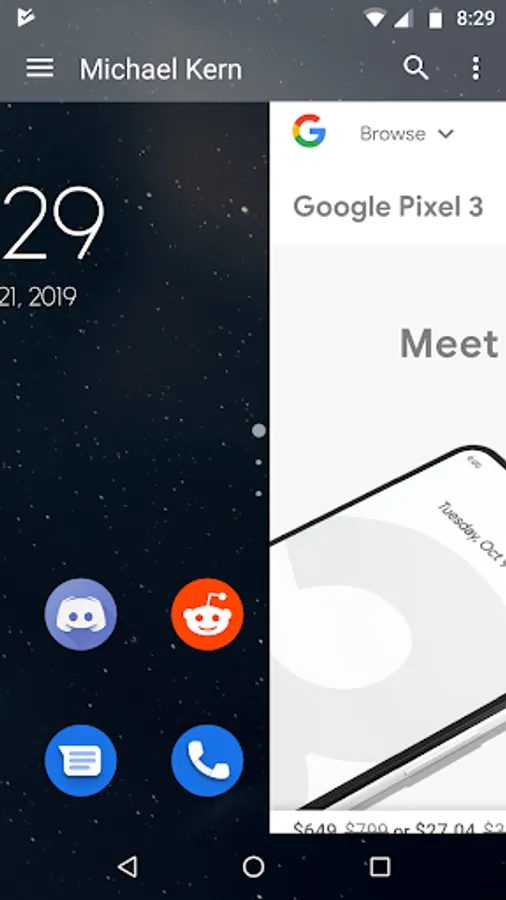
★Vertical scrolling home pages
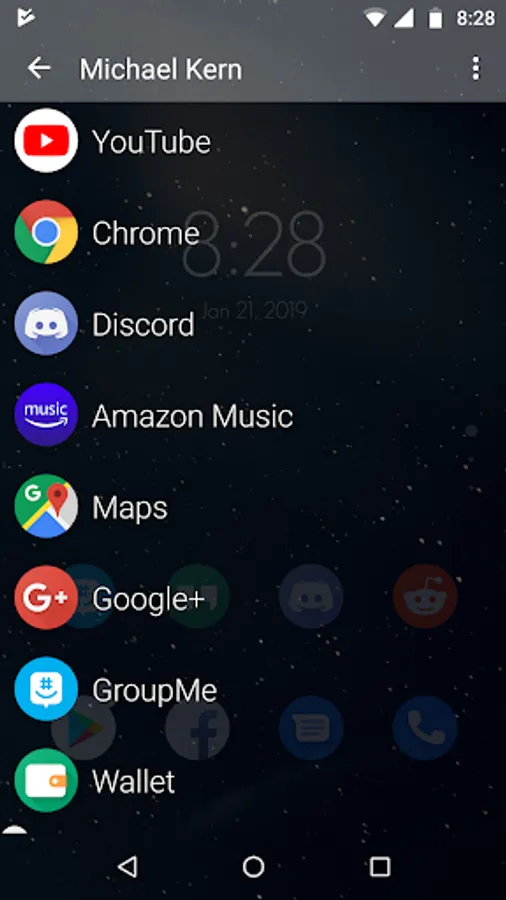
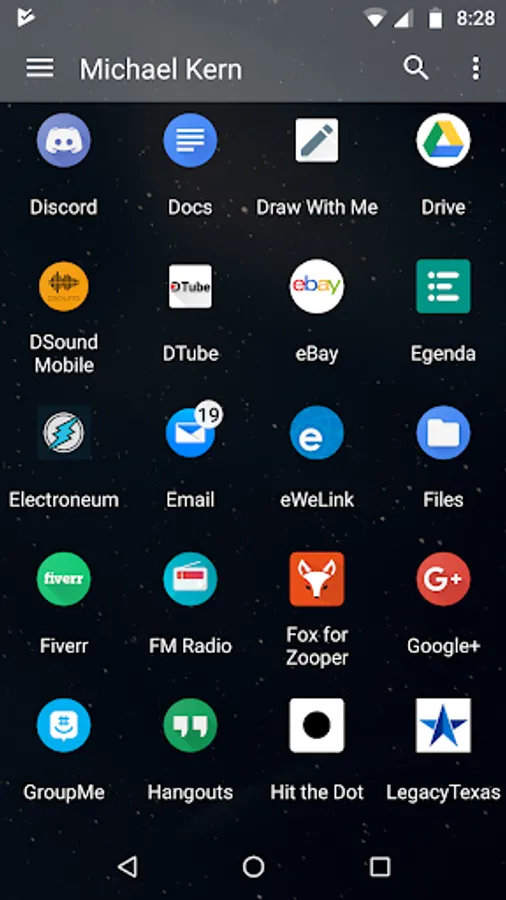
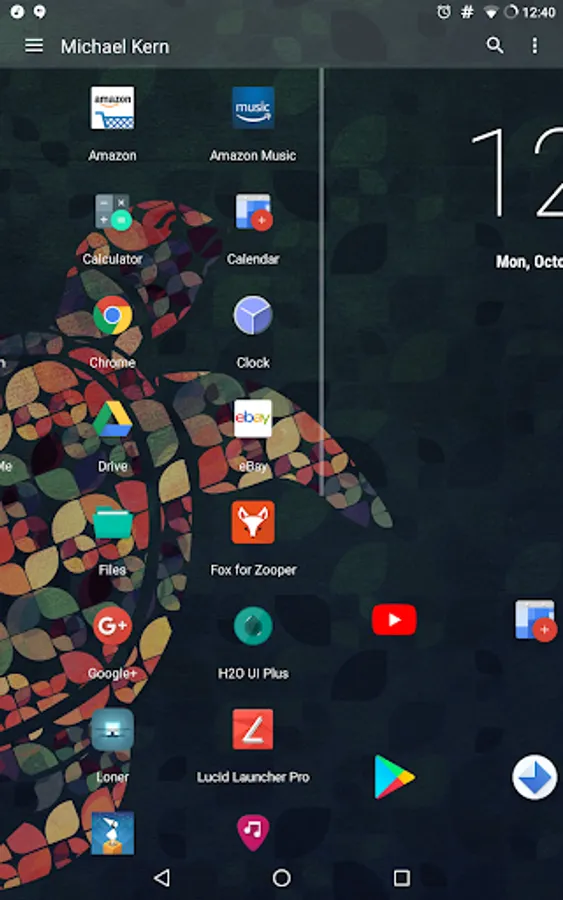
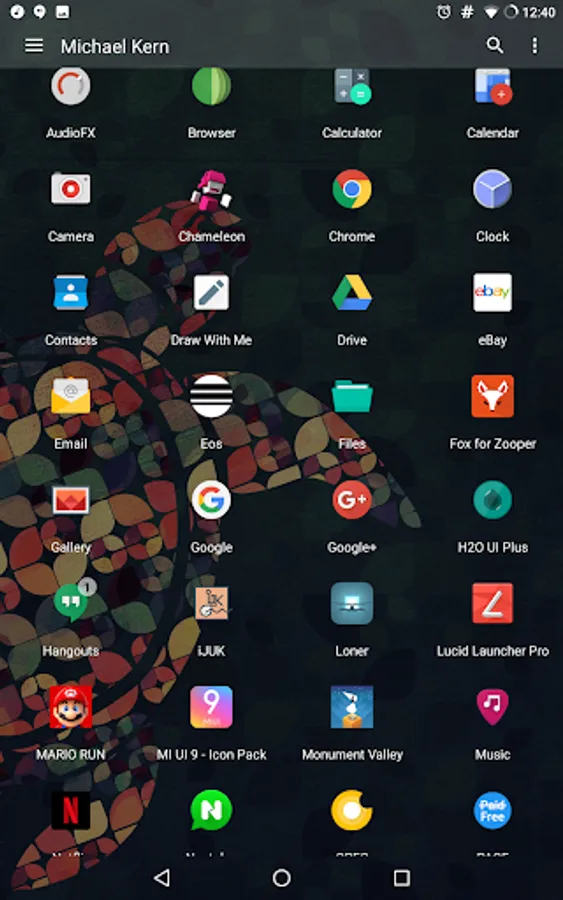
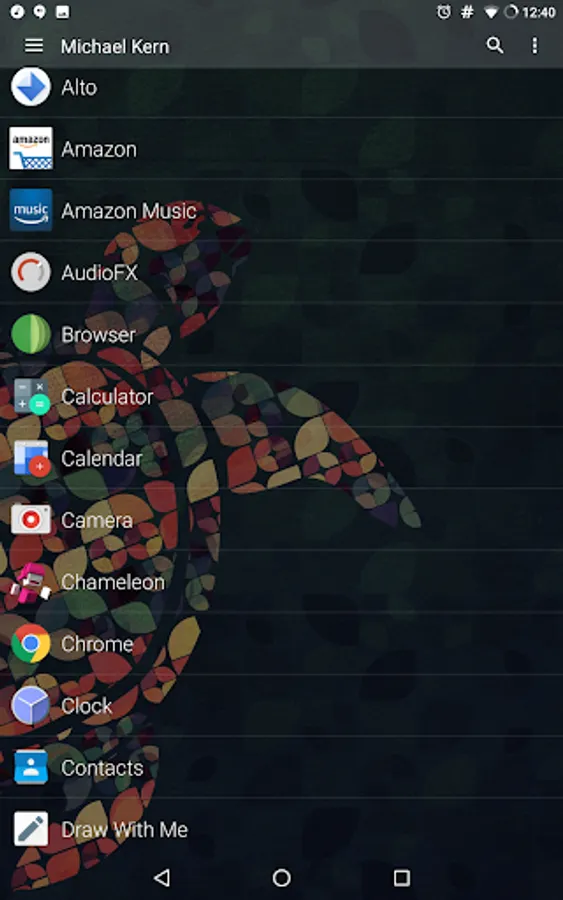
★App Drawer as a Grid or List
★Icon theme support
★Icon editing
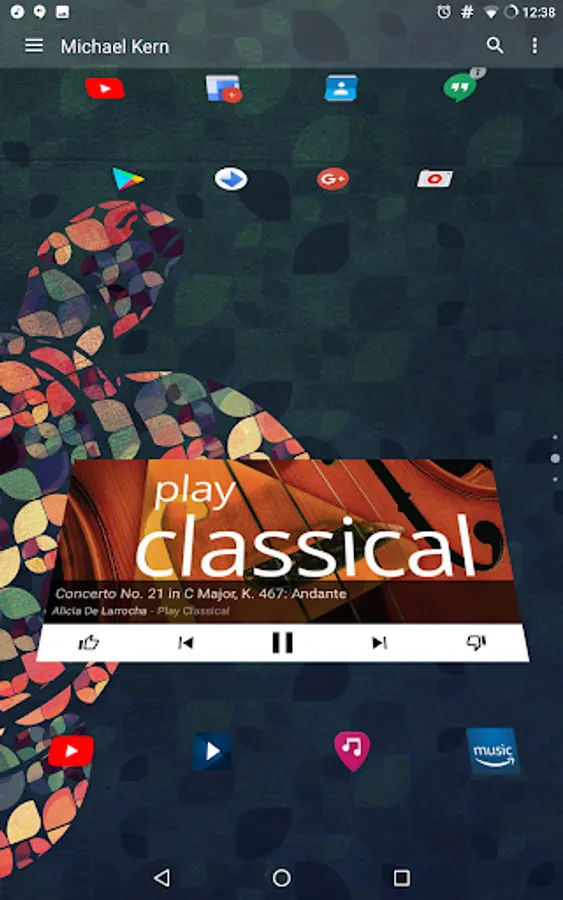
★Unlimited widgets
★Favorites sidebar (with intro animation)
★Search-bar (with the ability to search apps and contacts)
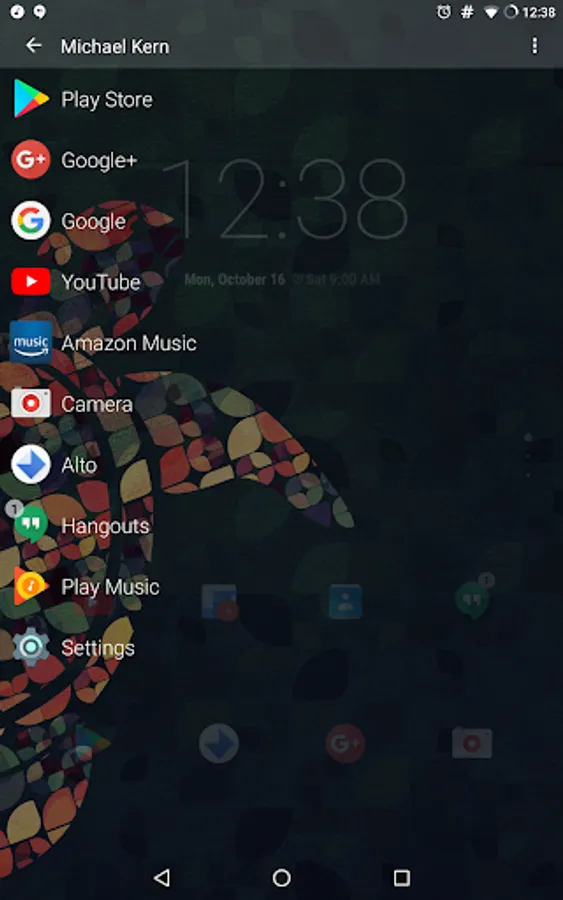
★Side-bar (contains your favorite apps)
★Many customization settings
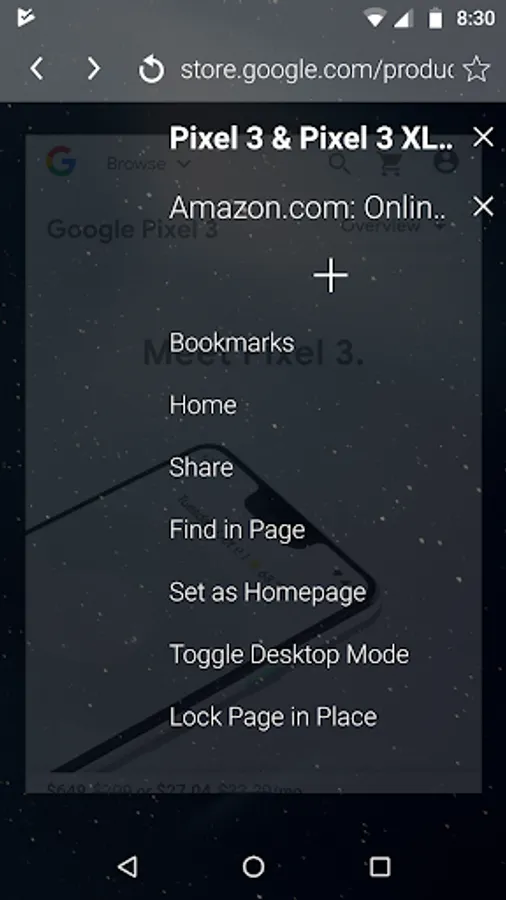
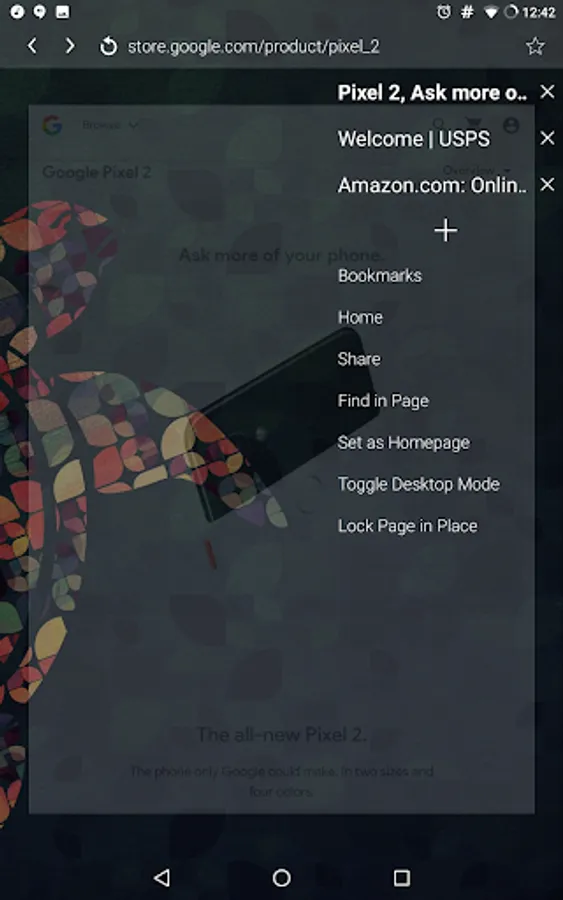
★Fully functional Web Browser inside launcher (can be disabled from "Manage Screens")
★The default search engine, Ecosia is designed to help plant trees around the world. The more you search, the more funding goes to planting
★Custom Search Text
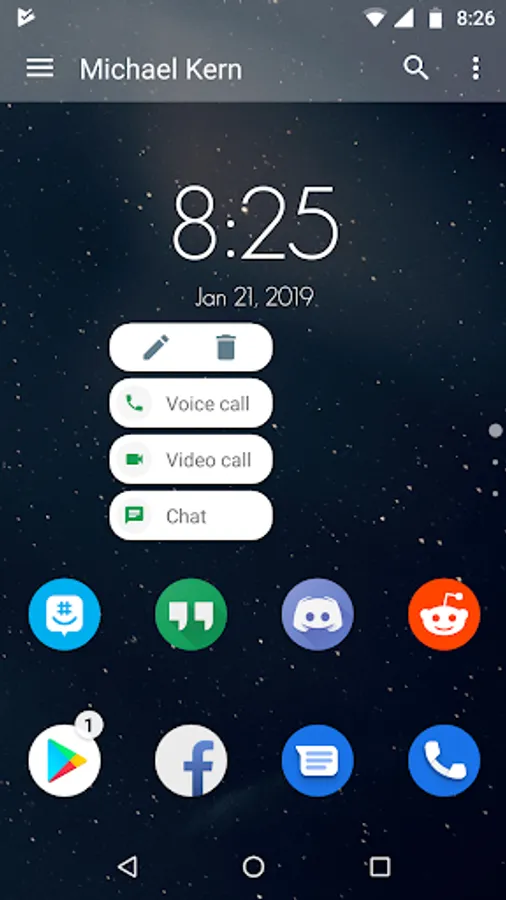
★Widget, Folder, and Shortcut Support
★Separate landscape and portrait home page layouts
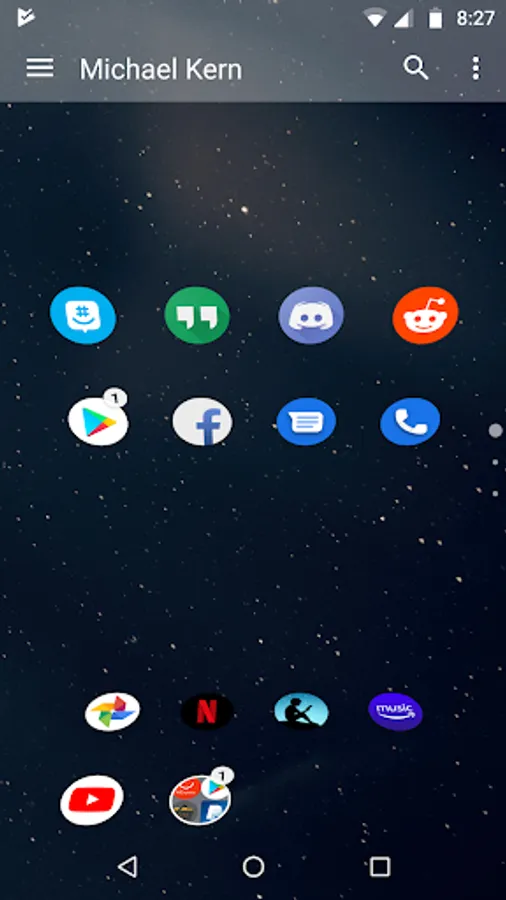
★Snap grid or free home page
★Page transitions
★Dynamic Shortcuts (Android 7.1+)
★Quick Scroll in App Drawer and other areas
★Spanish, Italian, French, Hungarian, Portuguese, German, Russian, and other translations.
App permissions:
Accessibility Service: accessibility is used in order to use the Recent Apps Shortcut/Gesture to open the System Recents Screen. No data is collected
Device Administrator: this app uses the device administrator permission for the purpose of setting up gestures or a shortcut to lock the screen
Contacts: this permission is used for the purpose to allow for searching contacts from the searchbar when the search contacts option is enabled. Contacts Permission is also used for contact shortcuts
Phone: this permission allows for direct dial shortcuts to work within the launcher
Photos/Media/Files: permissions in this category allow for the ability to create/overwrite backups from advanced settings and to save images from within the built in browser
Notification Access: this app uses Notification Access when Unread Count is enabled in order to get the number of new notifications to display
Other: permissions in this category allow for the app to access the internet exclusively for the built in browser, control vibration for long presses, and to expand/collapse the status bar for the use of certain gestures/shortcuts
Get involved by joining our social media groups! We are excited to hear from you!
★Facebook group: https://www.facebook.com/groups/514438719064643/
★Discord group: https://discord.gg/DTgJxry
★Google Plus:
https://plus.google.com/communities/104610109074082791305
★Tumblr: https://luciddevteam.tumblr.com/
★Google Groups: https://groups.google.com/forum/#!forum/lucidity-beta-group
Some Features:
★Vertical scrolling home pages
★App Drawer as a Grid or List
★Icon theme support
★Icon editing
★Unlimited widgets
★Favorites sidebar (with intro animation)
★Search-bar (with the ability to search apps and contacts)
★Side-bar (contains your favorite apps)
★Many customization settings
★Fully functional Web Browser inside launcher (can be disabled from "Manage Screens")
★The default search engine, Ecosia is designed to help plant trees around the world. The more you search, the more funding goes to planting
★Custom Search Text
★Widget, Folder, and Shortcut Support
★Separate landscape and portrait home page layouts
★Snap grid or free home page
★Page transitions
★Dynamic Shortcuts (Android 7.1+)
★Quick Scroll in App Drawer and other areas
★Spanish, Italian, French, Hungarian, Portuguese, German, Russian, and other translations.
App permissions:
Accessibility Service: accessibility is used in order to use the Recent Apps Shortcut/Gesture to open the System Recents Screen. No data is collected
Device Administrator: this app uses the device administrator permission for the purpose of setting up gestures or a shortcut to lock the screen
Contacts: this permission is used for the purpose to allow for searching contacts from the searchbar when the search contacts option is enabled. Contacts Permission is also used for contact shortcuts
Phone: this permission allows for direct dial shortcuts to work within the launcher
Photos/Media/Files: permissions in this category allow for the ability to create/overwrite backups from advanced settings and to save images from within the built in browser
Notification Access: this app uses Notification Access when Unread Count is enabled in order to get the number of new notifications to display
Other: permissions in this category allow for the app to access the internet exclusively for the built in browser, control vibration for long presses, and to expand/collapse the status bar for the use of certain gestures/shortcuts
Get involved by joining our social media groups! We are excited to hear from you!
★Facebook group: https://www.facebook.com/groups/514438719064643/
★Discord group: https://discord.gg/DTgJxry
★Google Plus:
https://plus.google.com/communities/104610109074082791305
★Tumblr: https://luciddevteam.tumblr.com/
★Google Groups: https://groups.google.com/forum/#!forum/lucidity-beta-group