Kiosk Browser Lockdown
ProCo IT
2.9 ★
667 ratings
100,000+
downloads
Free
With this kiosk browser app, you can restrict user access to specified web pages and prevent system modifications. Includes password protection, customizable settings, and remote management options.
AppRecs review analysis
AppRecs rating 2.9. Trustworthiness 85 out of 100. Review manipulation risk 26 out of 100. Based on a review sample analyzed.
★★☆☆☆
2.9
AppRecs Rating
Ratings breakdown
5 star
43%
4 star
4%
3 star
2%
2 star
7%
1 star
45%
What to know
✓
Low review manipulation risk
26% review manipulation risk
⚠
Mixed user feedback
Average 2.9★ rating suggests room for improvement
⚠
High negative review ratio
52% of sampled ratings are 1–2 stars
About Kiosk Browser Lockdown
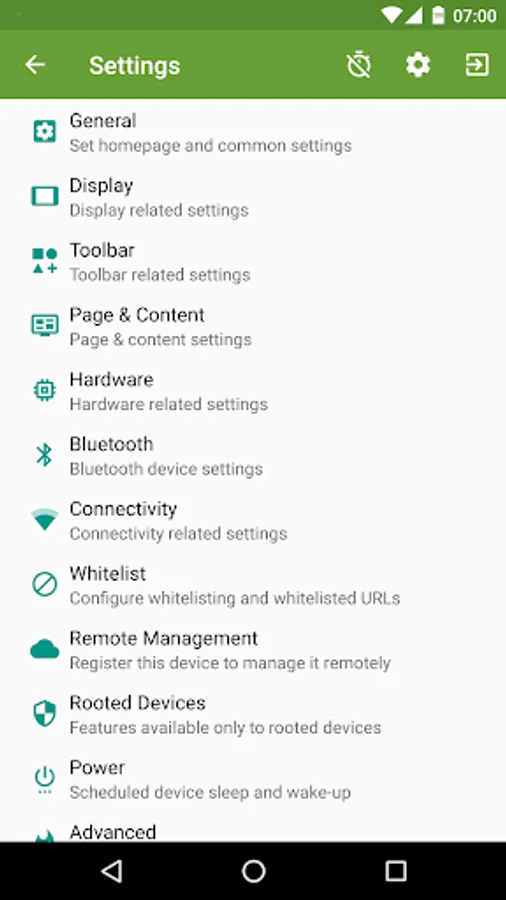
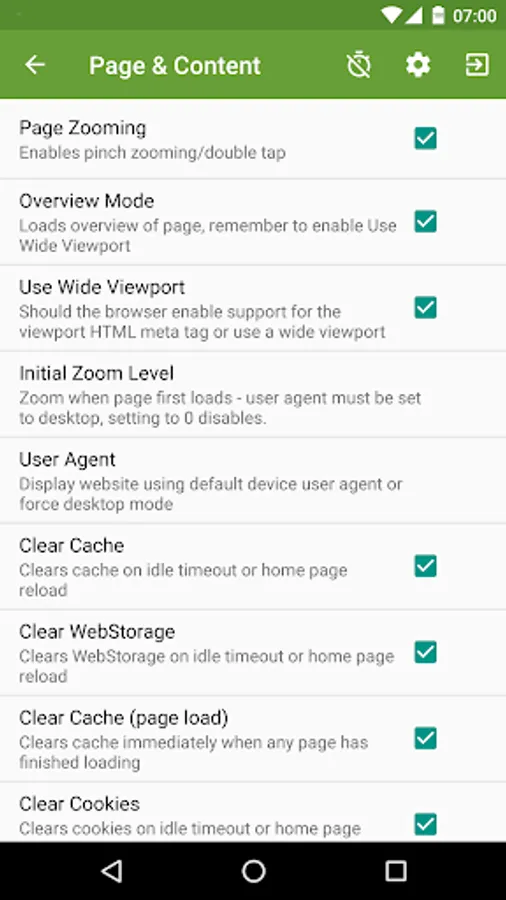
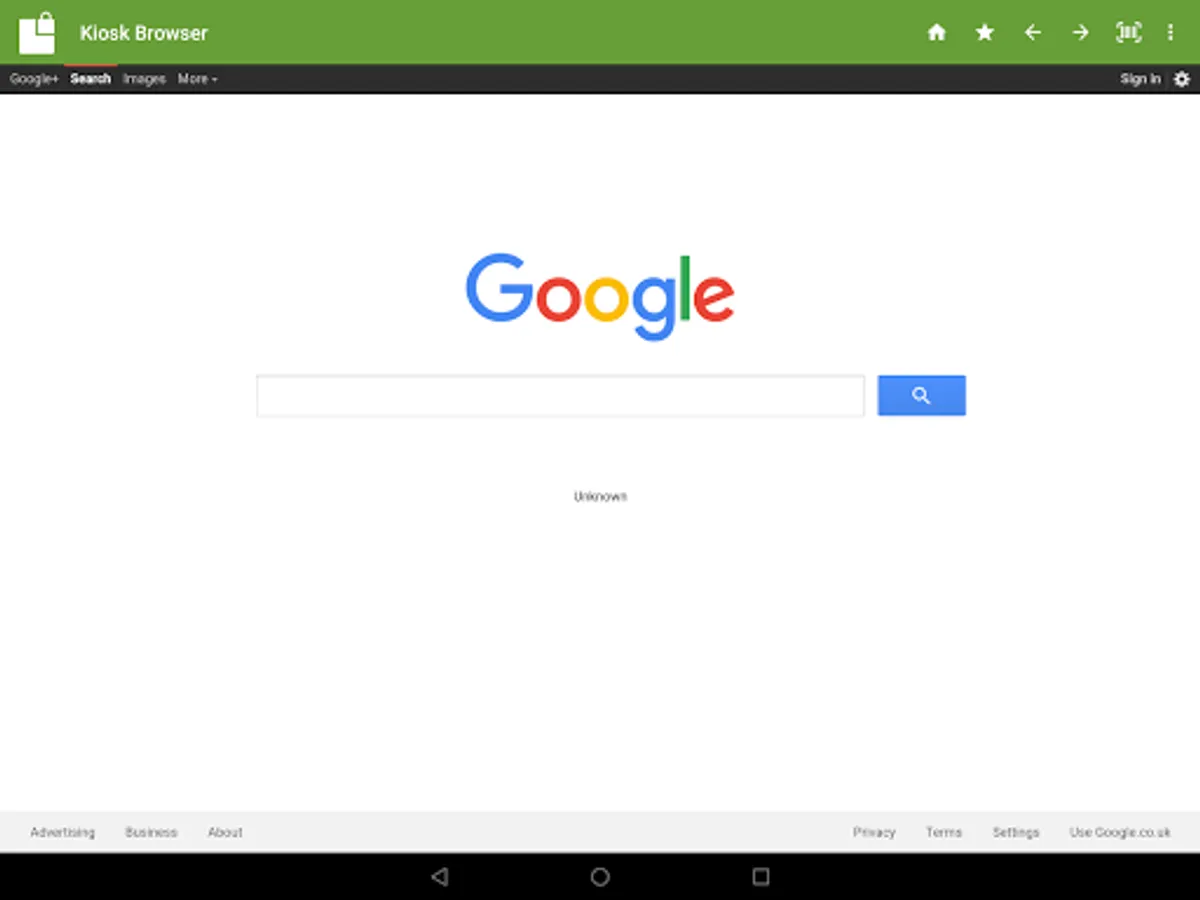
Designed for use on any Android device and is great for creating public kiosks, interactive digital signage etc.... Lock down the user interface so that the end-user can only access your defined webpage(s) and can't adjust Android system settings or gain access to other applications.
This app uses the Device Administrator permission. You can disable this permissions via Android Settings > Security > Device Admins (before uninstalling).
[How to exit]
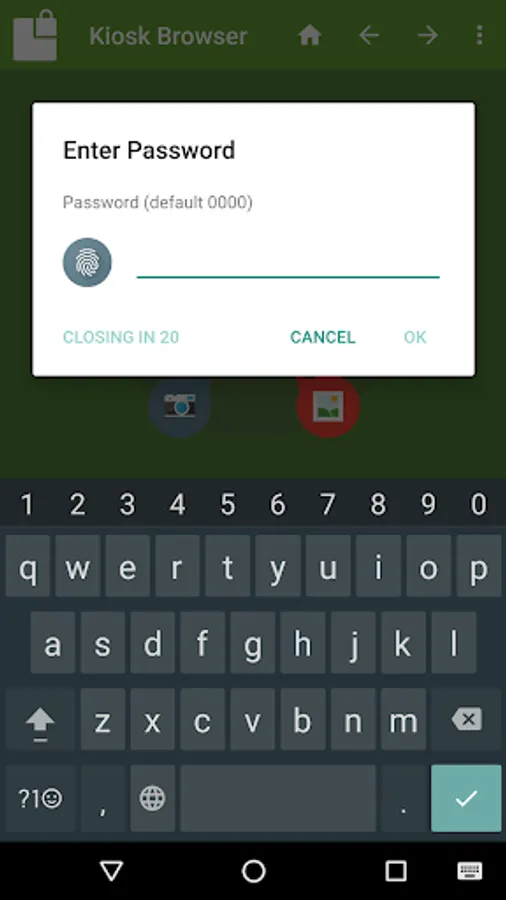
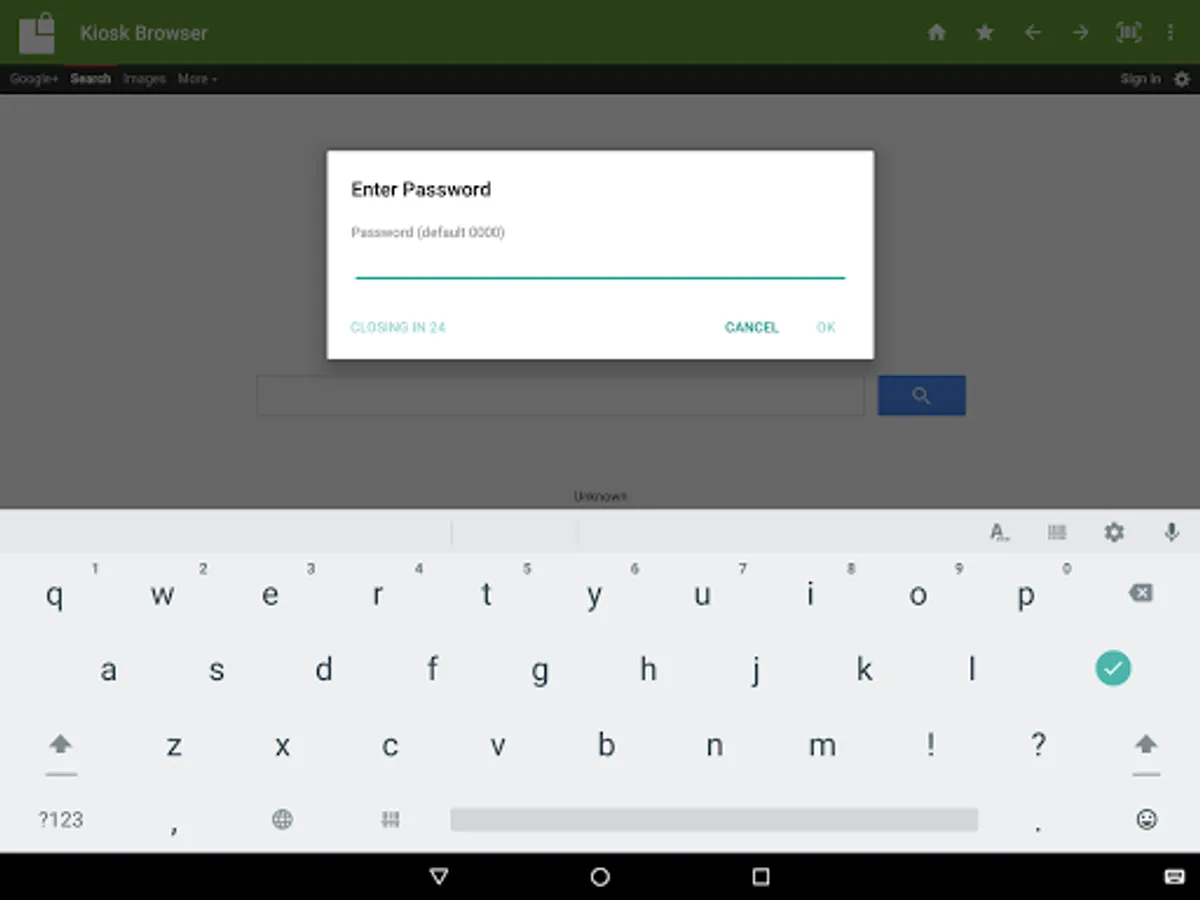
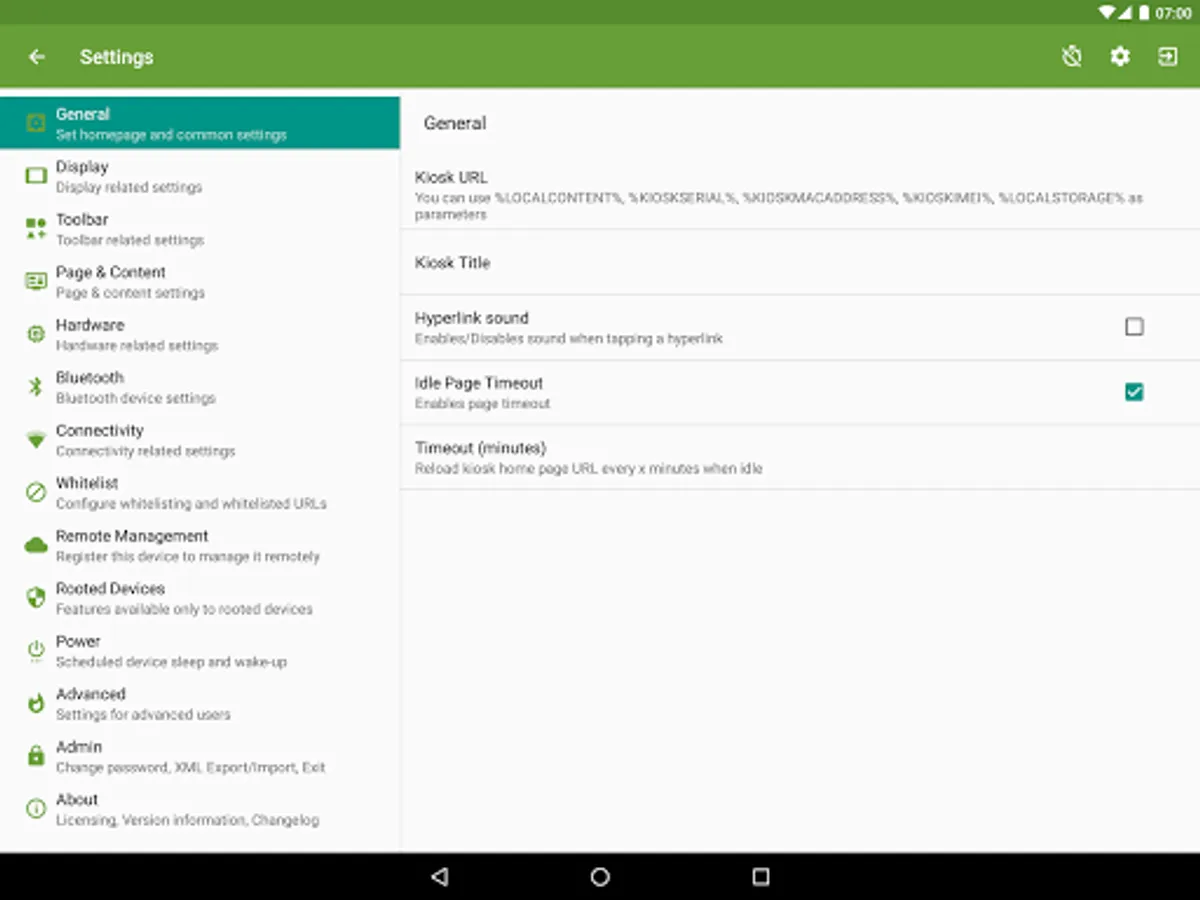
Either press the hardware menu button or menu button in the top right hand corner of the screen, enter settings and then tap "Exit to Launcher" or tap anywhere within the webpage 4 times in quick succession to open the password dialog. The default settings password is 0000.
[Key features]
- Password protected settings
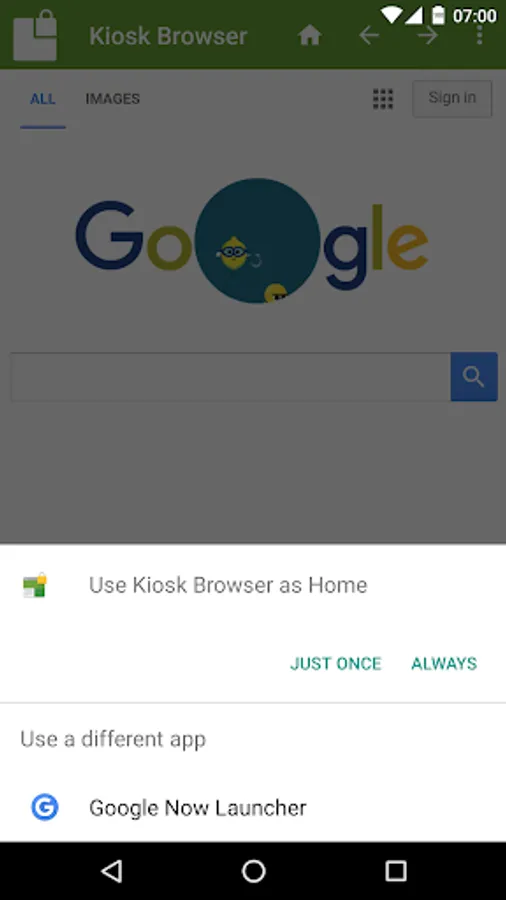
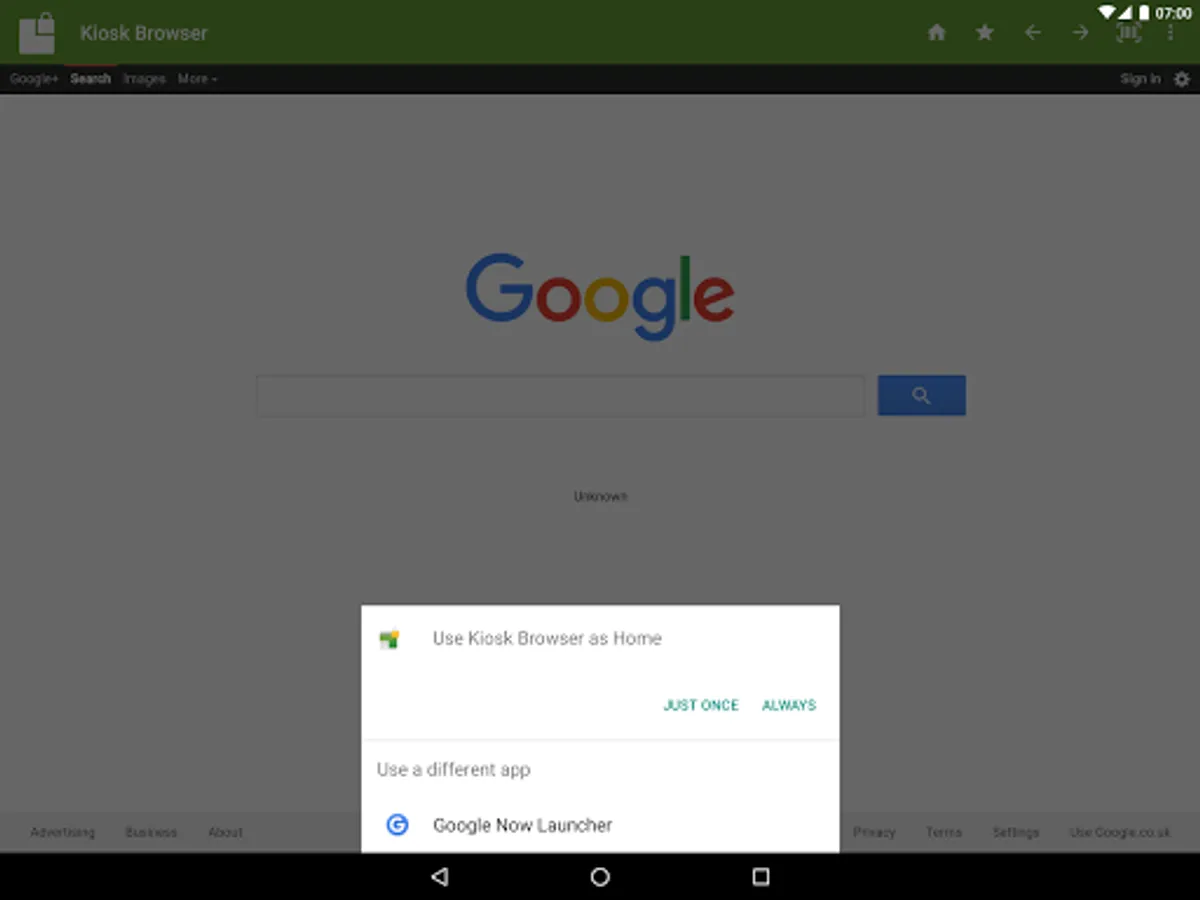
- Set as default launcher (prevents app exit)
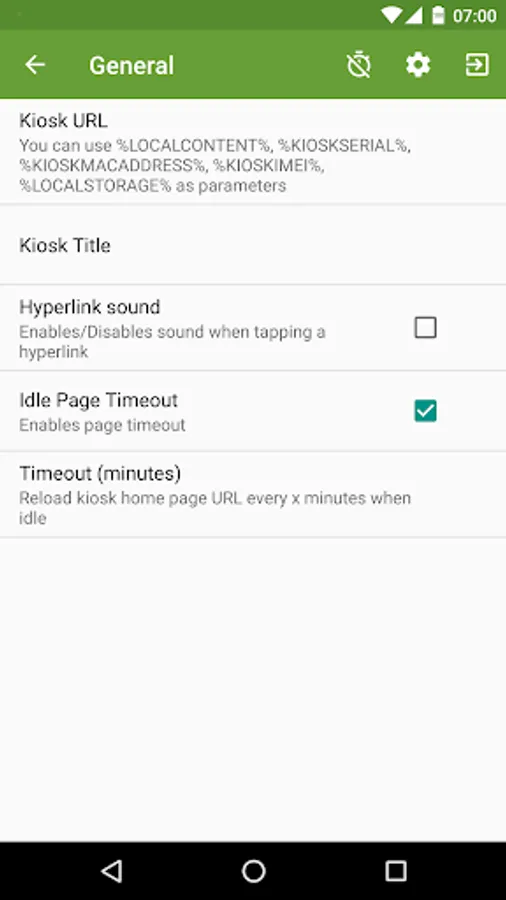
- Idle page reload
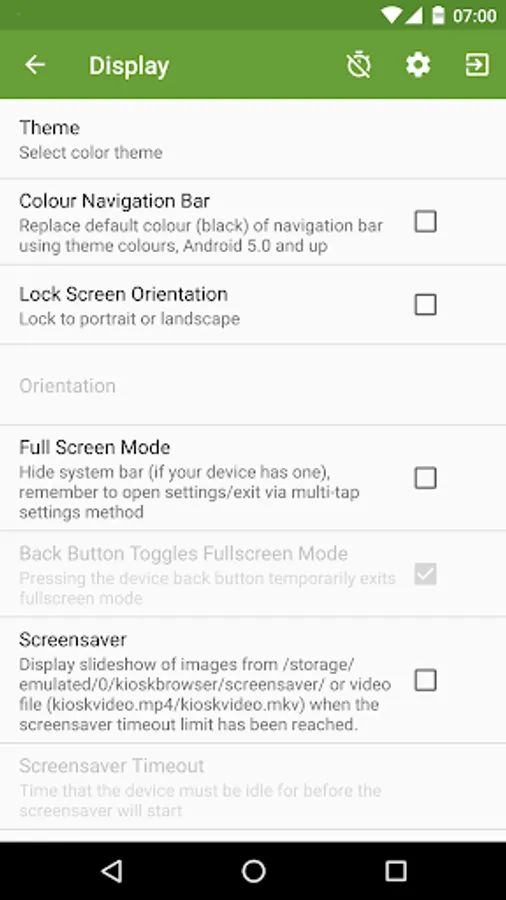
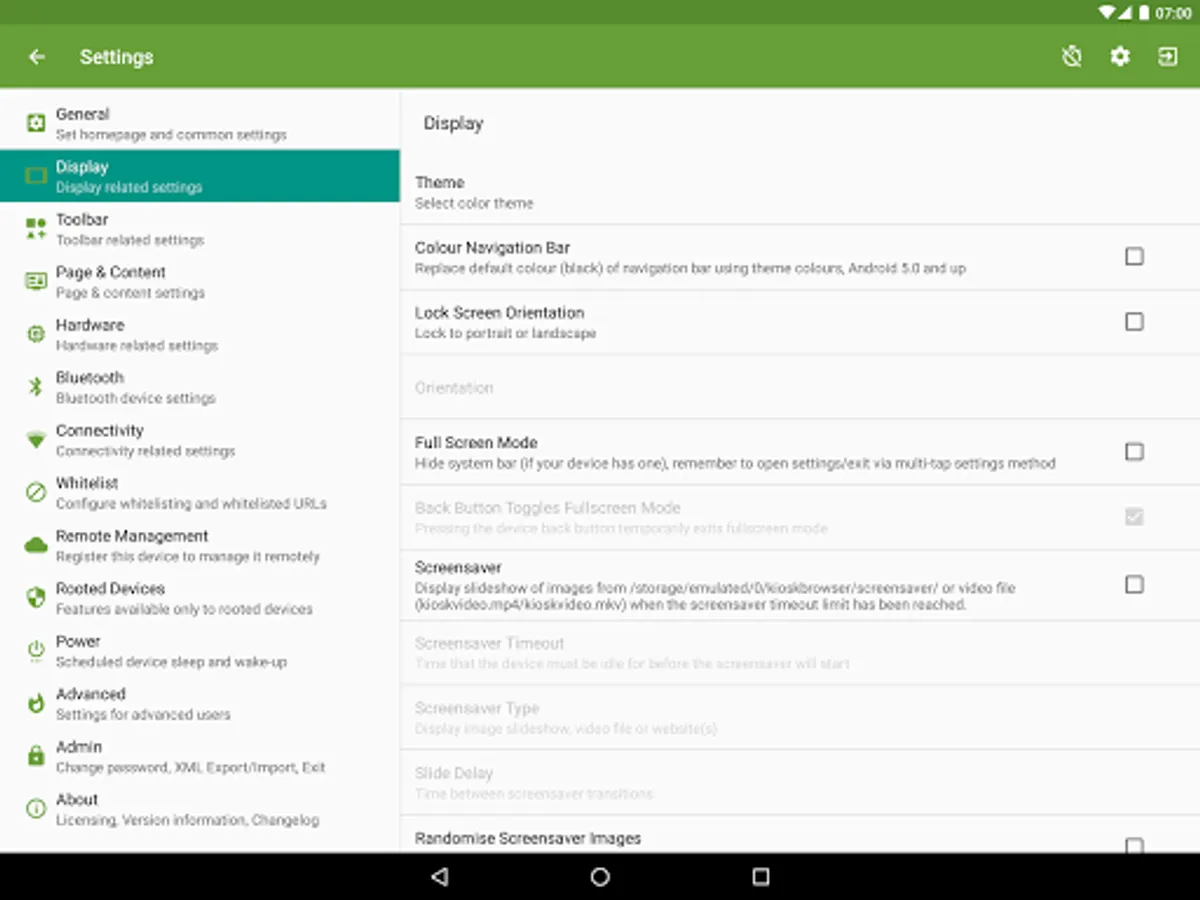
- Hardware control (orientation, screen etc...)
- Cache, cookie & history control
- Disables access to notifications, recent apps, Google Now
- Hides system dialogs
- 70+ configuration options
[More Features]
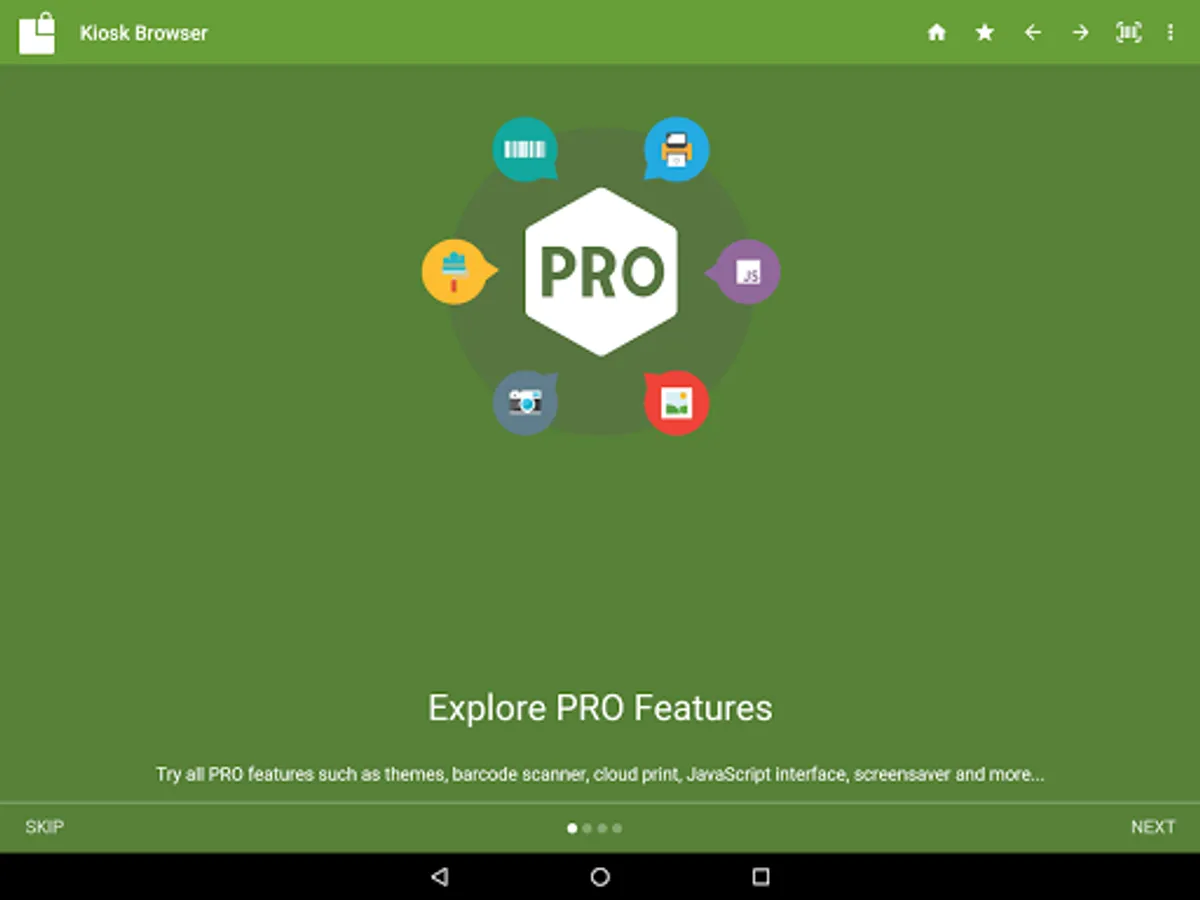
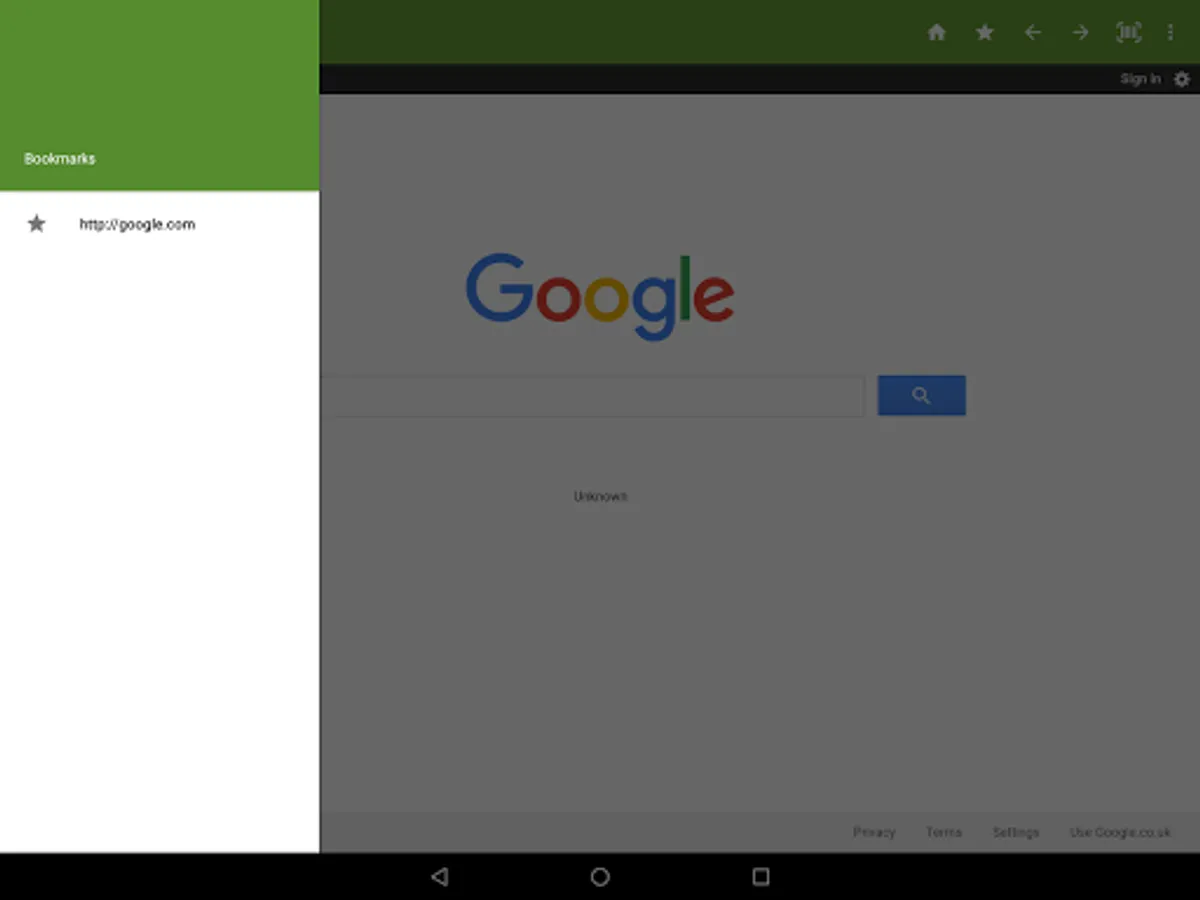
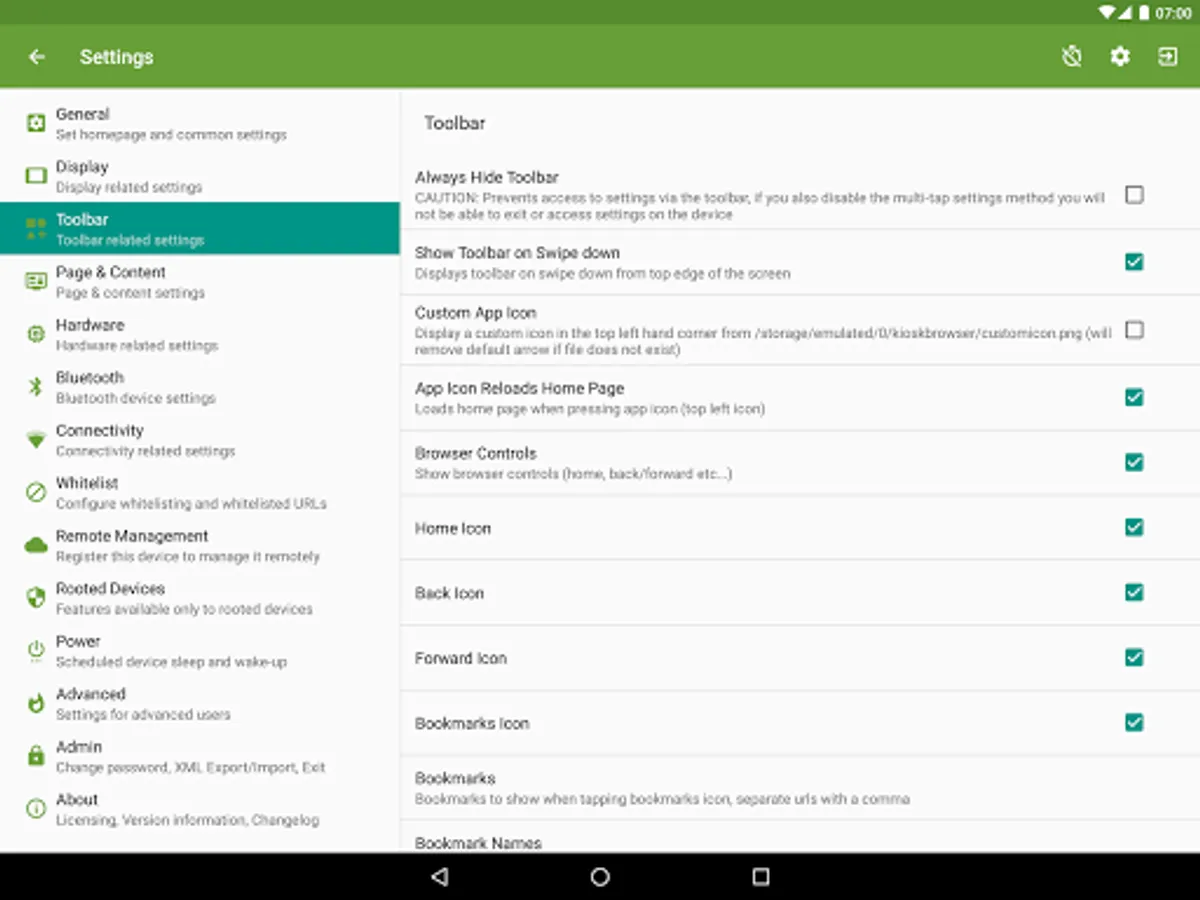
- Bookmarks Bar
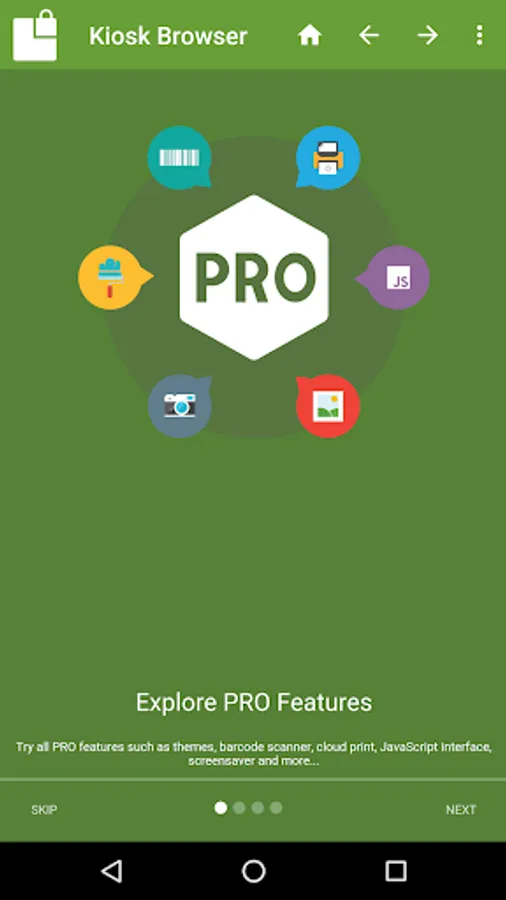
- Barcode Scanner
- NFC Reader
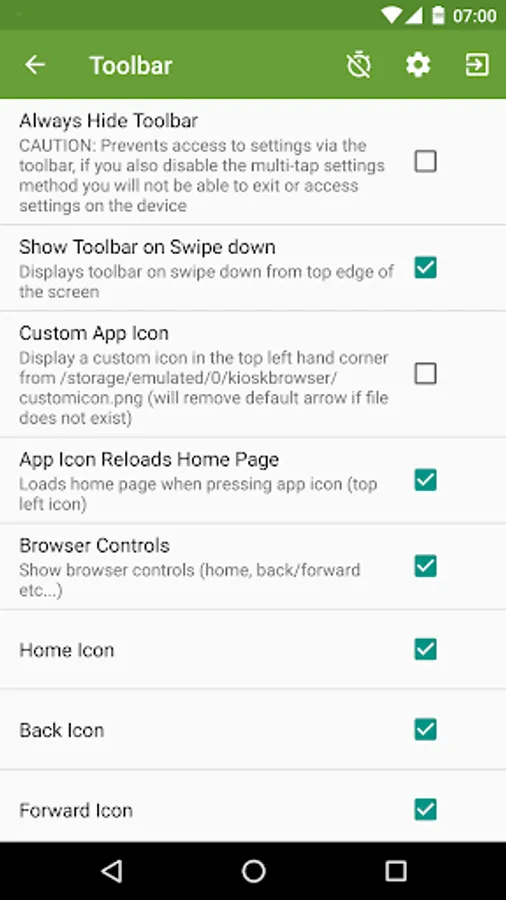
- Fullscreen mode / Hidden Toolbar
- Scheduled Sleep and Wake
- JavaScript Interface
- Google Cloud Print & ESC/POS bluetooth printing
- Screensaver (image(s)/video/website(s))
- Colour themes
- Camera Uploads
- Custom Error/Deny Pages
- Url Whitelist & Blacklist
- WiFi Settings Access
- XML Import/Export
[Xiaomi/Huawei/Acer Devices]
You must set the default launcher manually on these devices before Kiosk Browser will start. Normally within Android Settings > Home.
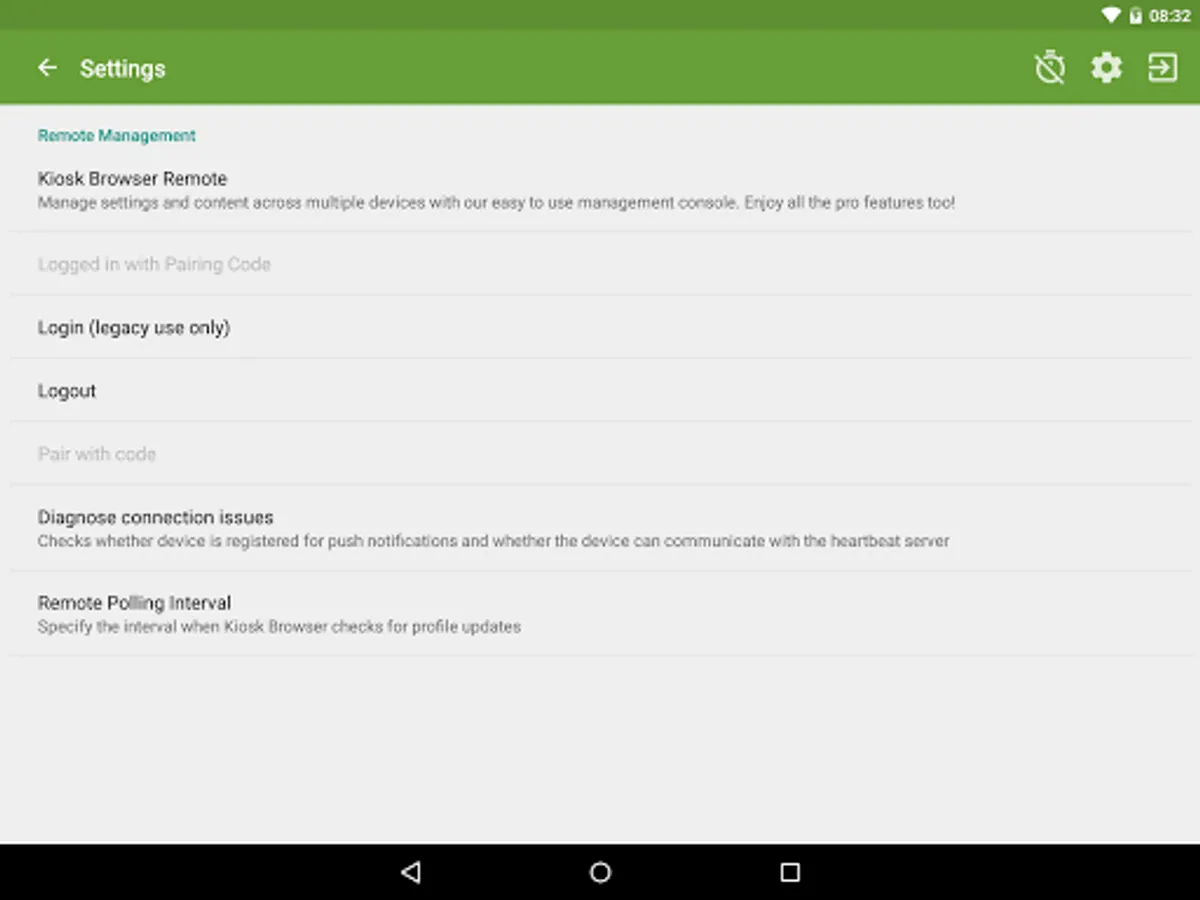
[Remote Management]
Available on a subscription basis, more information can be found on our website.
[Support & Documentation]
https://kioskbrowser.crisp.help/en/
[Licence]
All features are available to test for free, a licence is required for personal or commercial use.
Our licence agreement can be found here: https://www.android-kiosk.com/eula/
Kiosk Browser Lockdown Screenshots
Tap to Rate:
Reviews for Kiosk Browser Lockdown
K B
12/24/2025
My clients use this app and they all love it. It does exactly what they need it to do. I wouldn't ordinarily post a review for something I don't use myself but I felt compelled after seeing the negative reviews. Reading over them, it's clear that people are installing this without knowing what it's for. This is to use a device in kiosk mode. If you don't need to lock down your device, don't install it.
GattaFactory. com
11/4/2025
there is a bug , please fix it ,pointer ,cursor automatically enable and it hang overall touch , please remove pointer