
JStudio - IDE for Java, Kotlin
ALIF Technology
4.2 ★
4K ratings
500,000+
downloads
Free
+ in-app
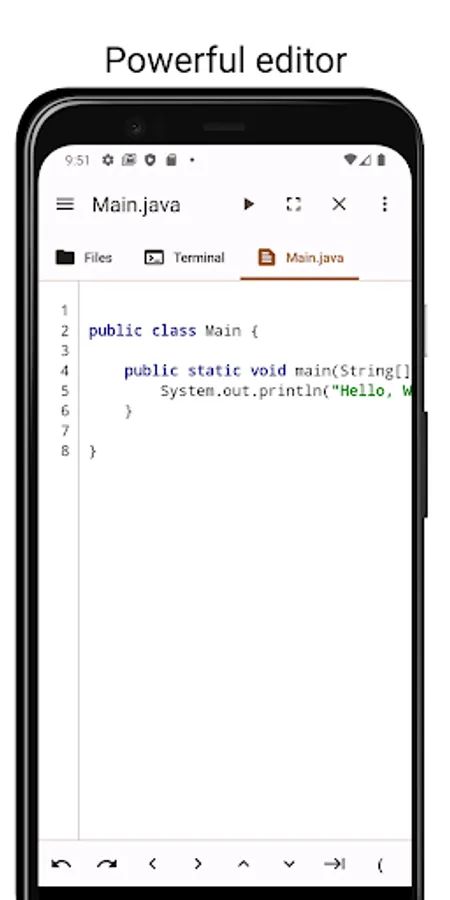
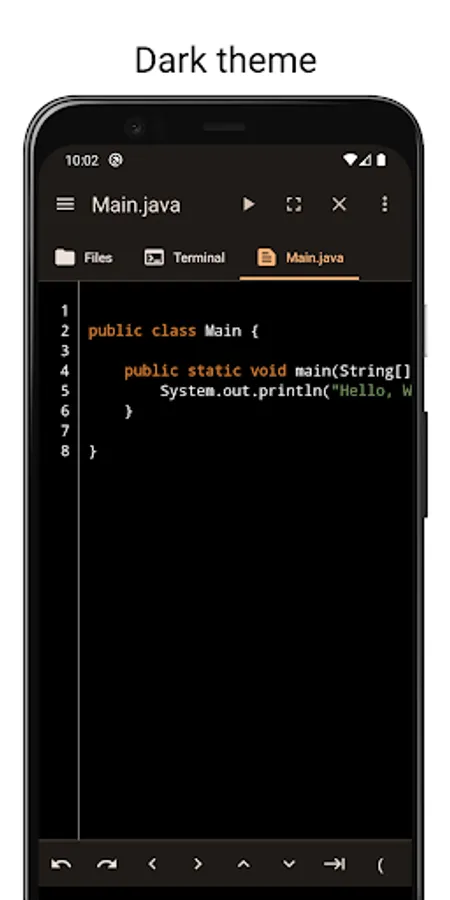
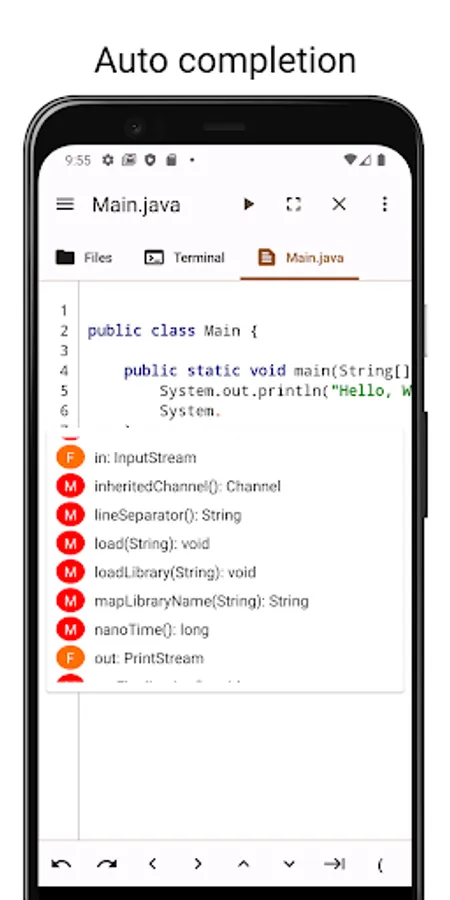
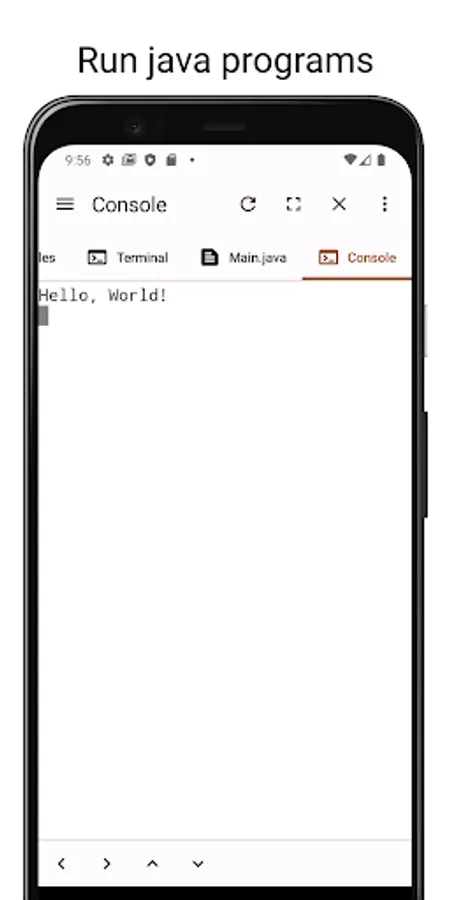
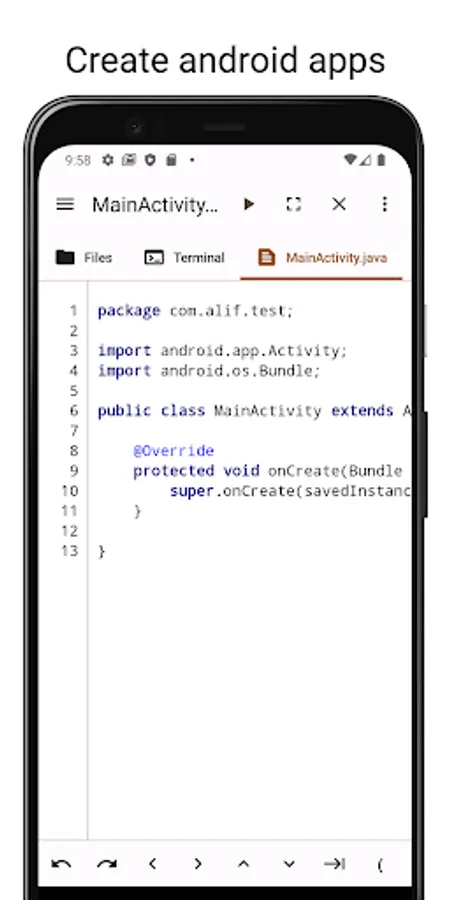
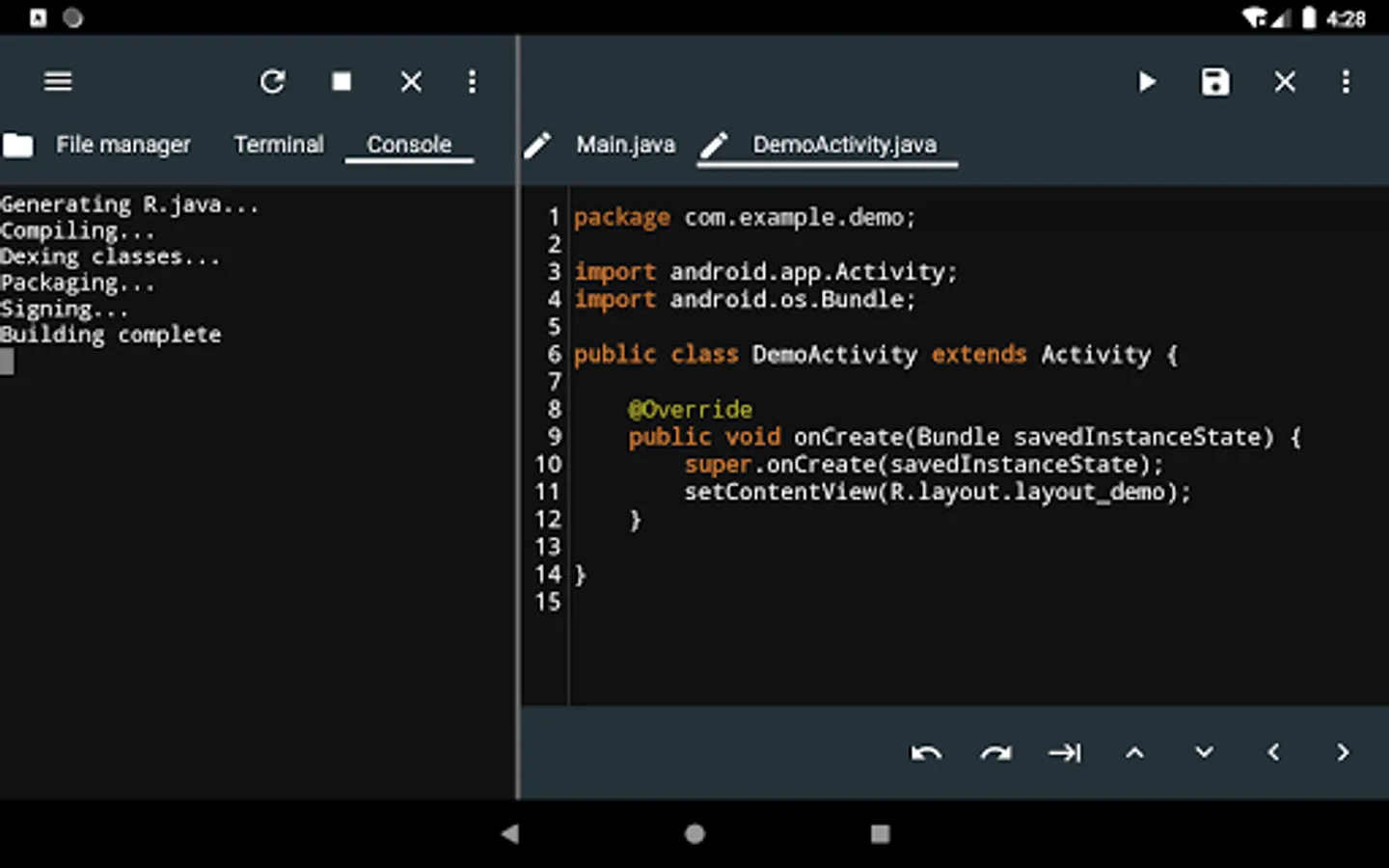
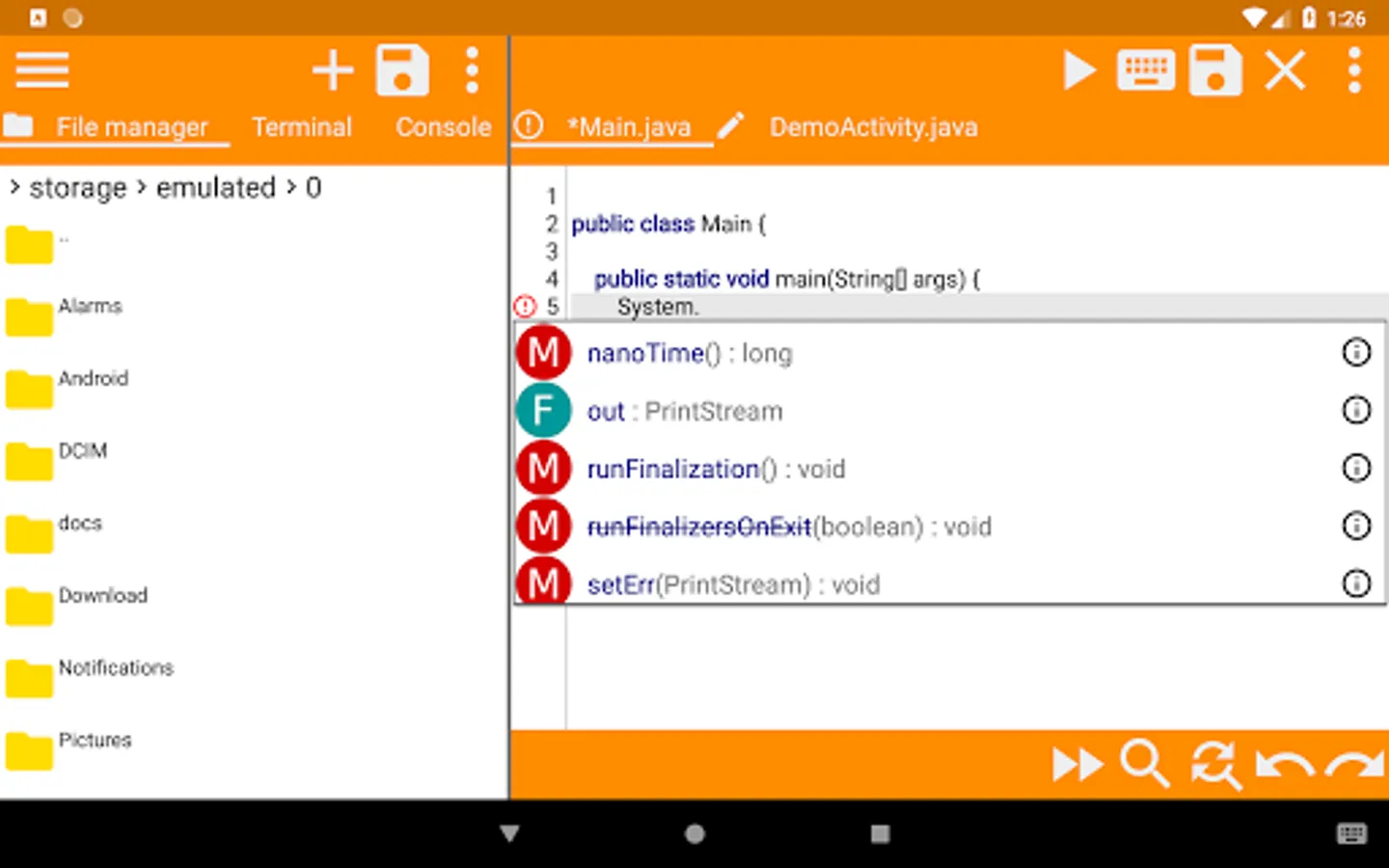
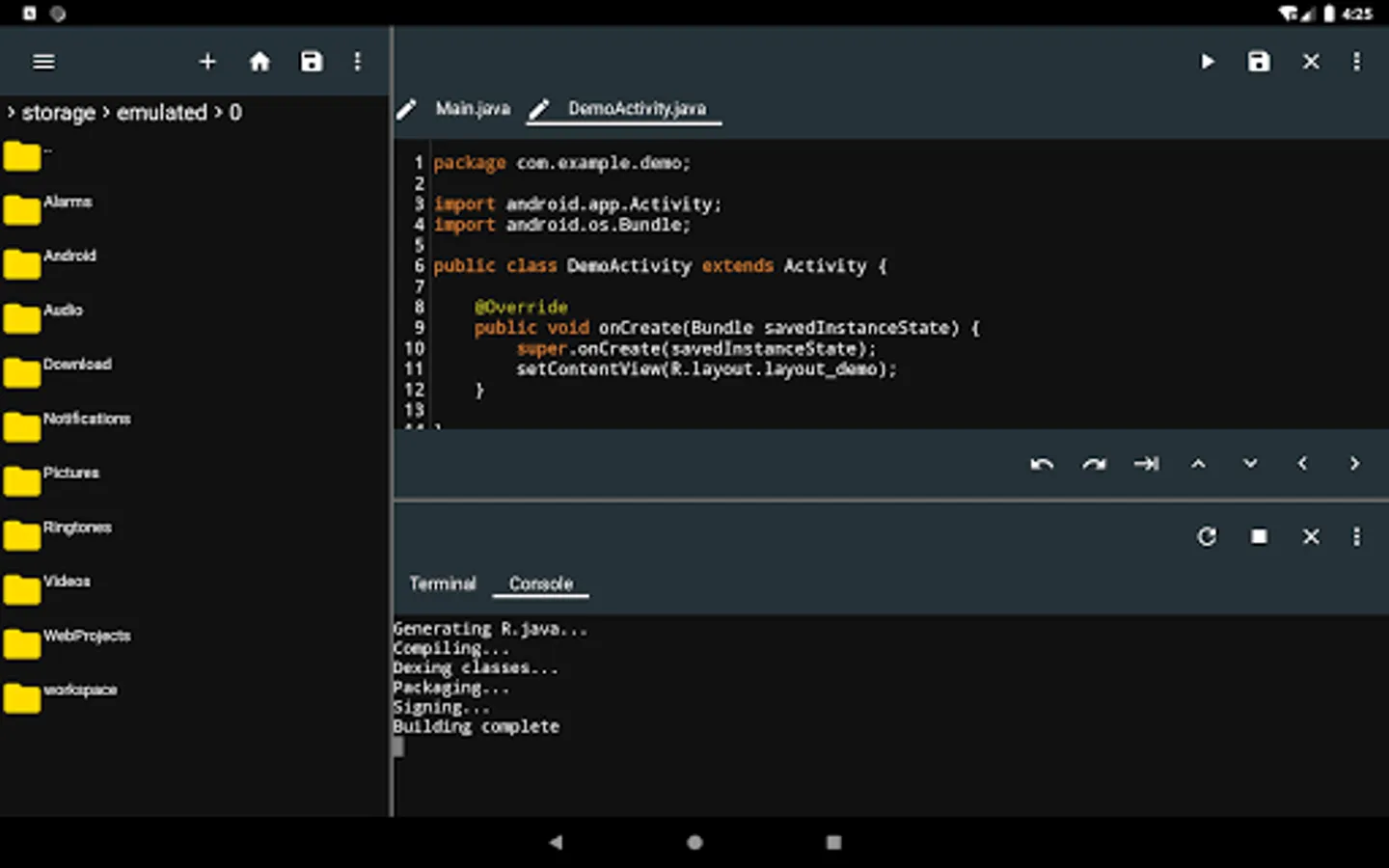
In this IDE, users write Java or Kotlin code, utilize auto completion, and monitor real-time errors. Includes support for Gradle, Ant, Maven, and file management tools.
AppRecs review analysis
AppRecs rating 4.3. Trustworthiness 79 out of 100. Review manipulation risk 31 out of 100. Based on a review sample analyzed.
★★★★☆
4.3
AppRecs Rating
Ratings breakdown
5 star
71%
4 star
8%
3 star
7%
2 star
3%
1 star
12%
What to know
✓
Credible reviews
79% trustworthiness score from analyzed reviews
✓
High user satisfaction
79% of sampled ratings are 4+ stars (4.2★ average)
✓
Authentic reviews
Natural distribution, no red flags
About JStudio - IDE for Java, Kotlin
It supports modern Java build tools like Gradle, Ant and Maven.
Features
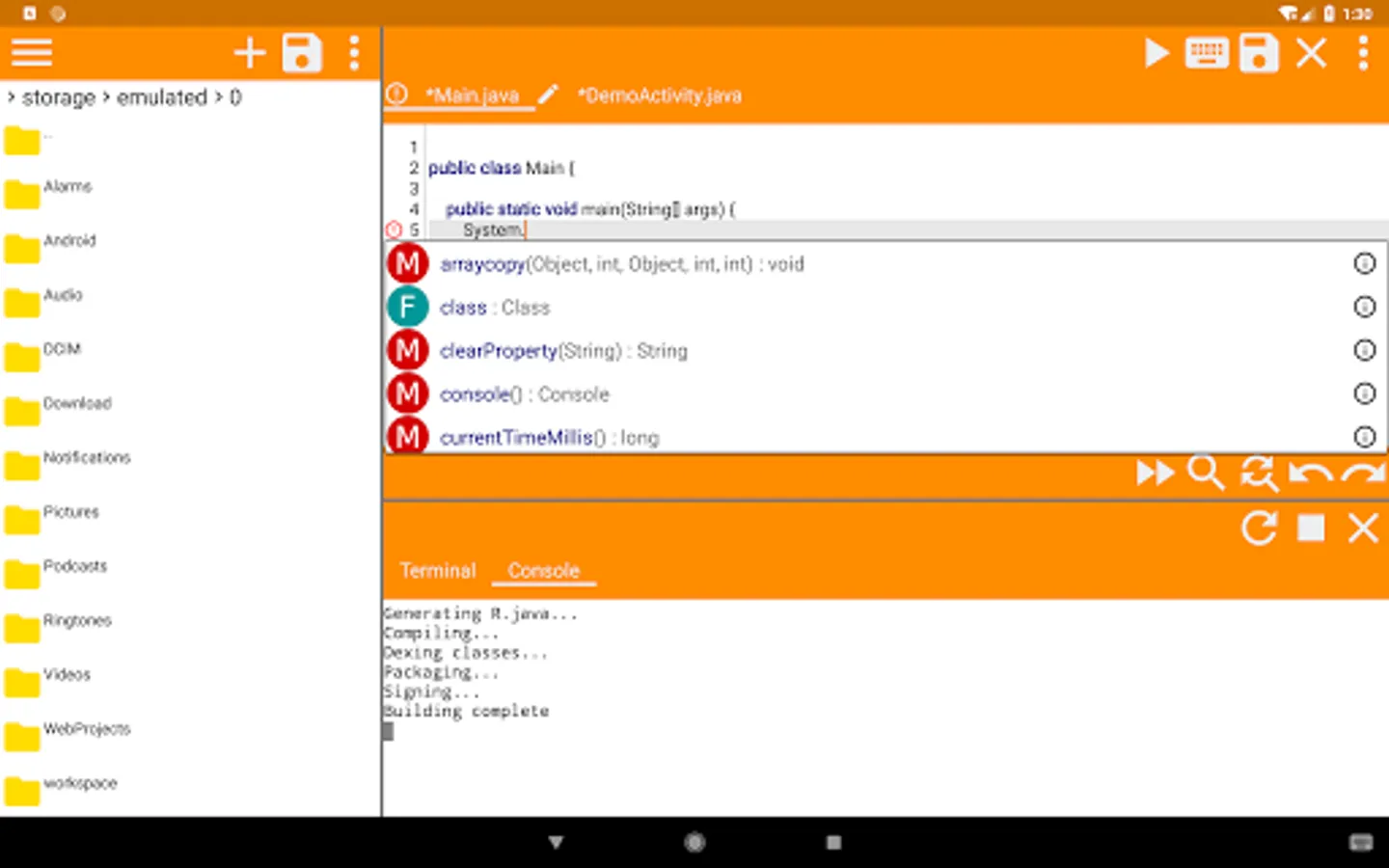
Editor
- Code completion for java.
- Real Time error checking.
- Auto backup if you leave the app without saving.
- Undo and Redo.
- Support for characters not normally present in the virtual keyboard like tabs and arrows.
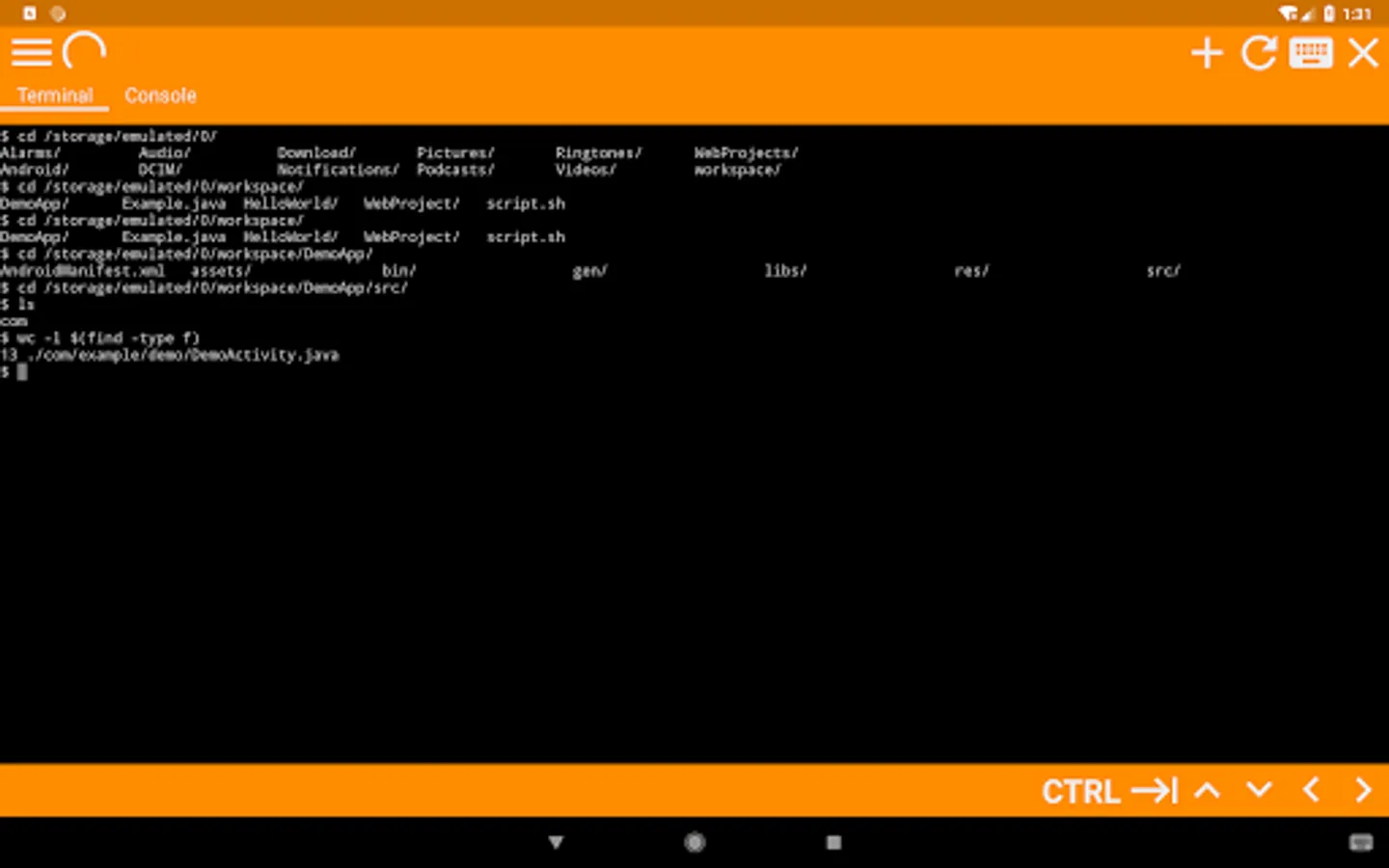
Terminal
- Access the shell and commands that ship with android.
- Preinstalled with basic unix command like grep and find(Missing in older android versions but newer devices already ship with them)
- Support for tab and arrows even if the virtual keyboard lacks them.
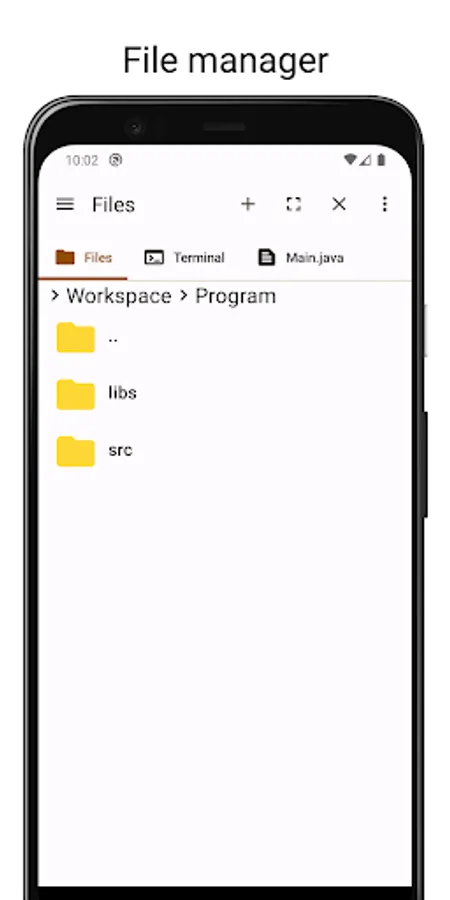
File Manager
- Access your files without leaving the app.
- Copy, Paste and Delete.
JStudio - IDE for Java, Kotlin Screenshots
Tap to Rate:
Reviews for JStudio - IDE for Java, Kotlin
it's ok
3/3/2026
I want to buy premium but I hate subscription 😕.
Divyansh Arora
2/28/2026
This is the best Java IDE for mobile devices I've ever used. It's fast, simple, and ad-free as well. I've written many Java codes in this app, debugging is easy, and it includes support for Kotlin as well. A 10 on 10 app