QR Code Scanner & Barcode
Simple App Global
4.3 ★
store rating
100,000+
downloads
Free
+ in-app
AppRecs review analysis
AppRecs rating 3.6. Trustworthiness 74 out of 100. Review manipulation risk 33 out of 100. Based on a review sample analyzed.
★★★☆☆
3.6
AppRecs Rating
Ratings breakdown
5 star
73%
4 star
13%
3 star
0%
2 star
0%
1 star
13%
What to know
✓
Credible reviews
74% trustworthiness score from analyzed reviews
⚠
Ad complaints
Many low ratings mention excessive ads
⚠
Review quality concerns
89% of sampled 5-star reviews are very short
About QR Code Scanner & Barcode
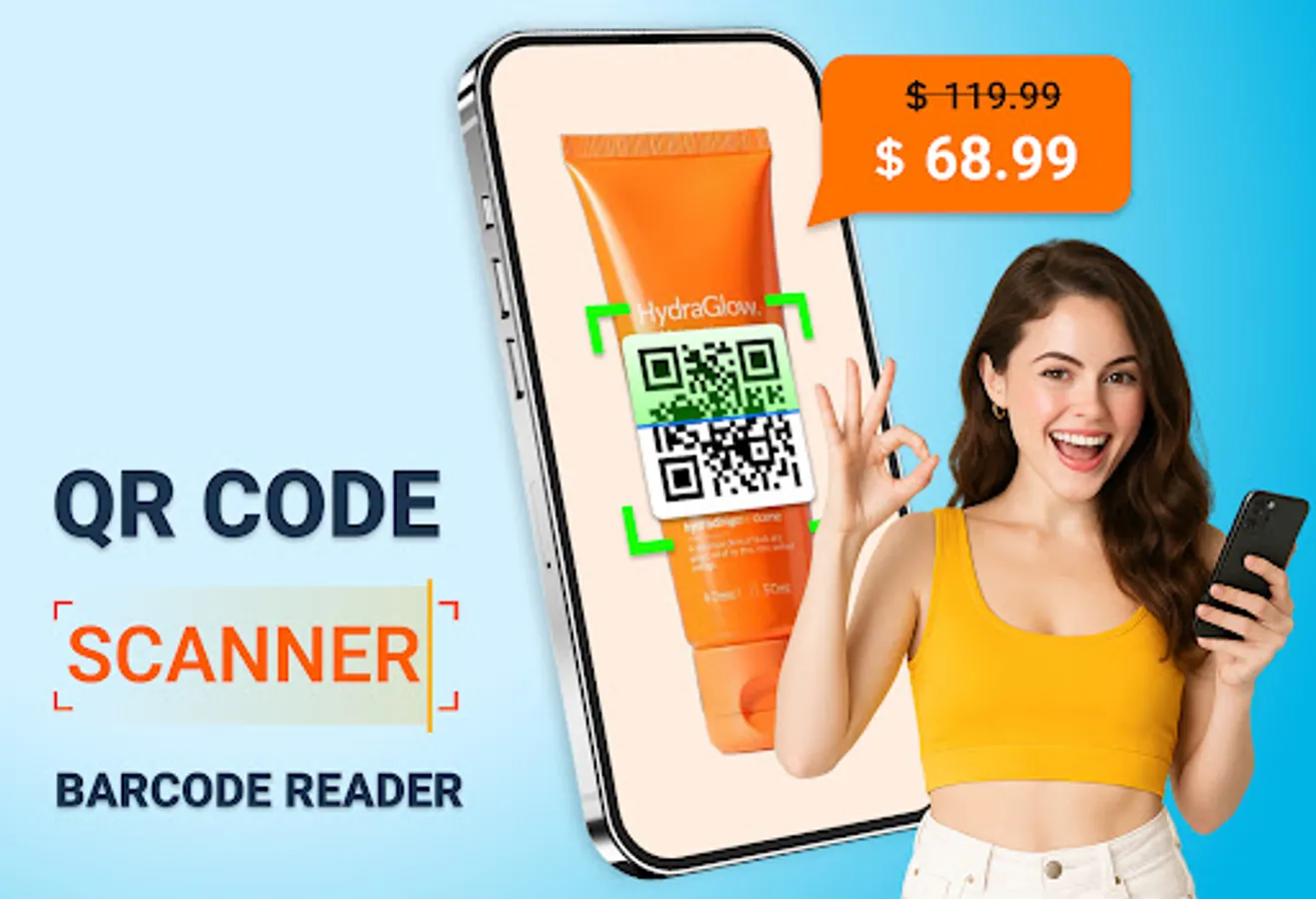
QRCode X is a modern, free QR code and barcode scanner.
An easy-to-use Android app that you can find on the Google Play Store.
KEY FEATURES:
✔ Scan and read all types of QR codes/barcodes: Including text, URL, product, contact, email, location, Wi-Fi, and many other formats.
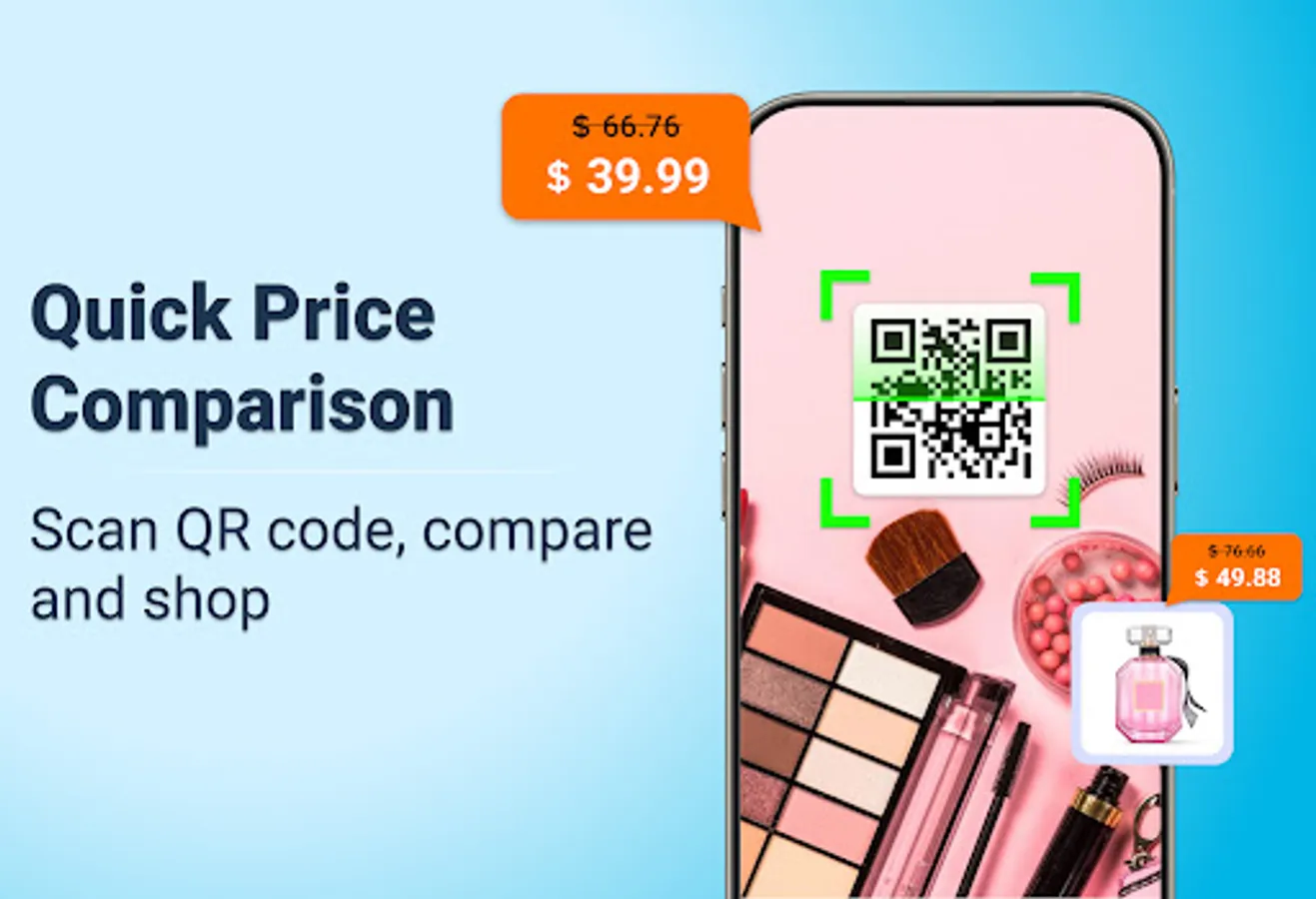
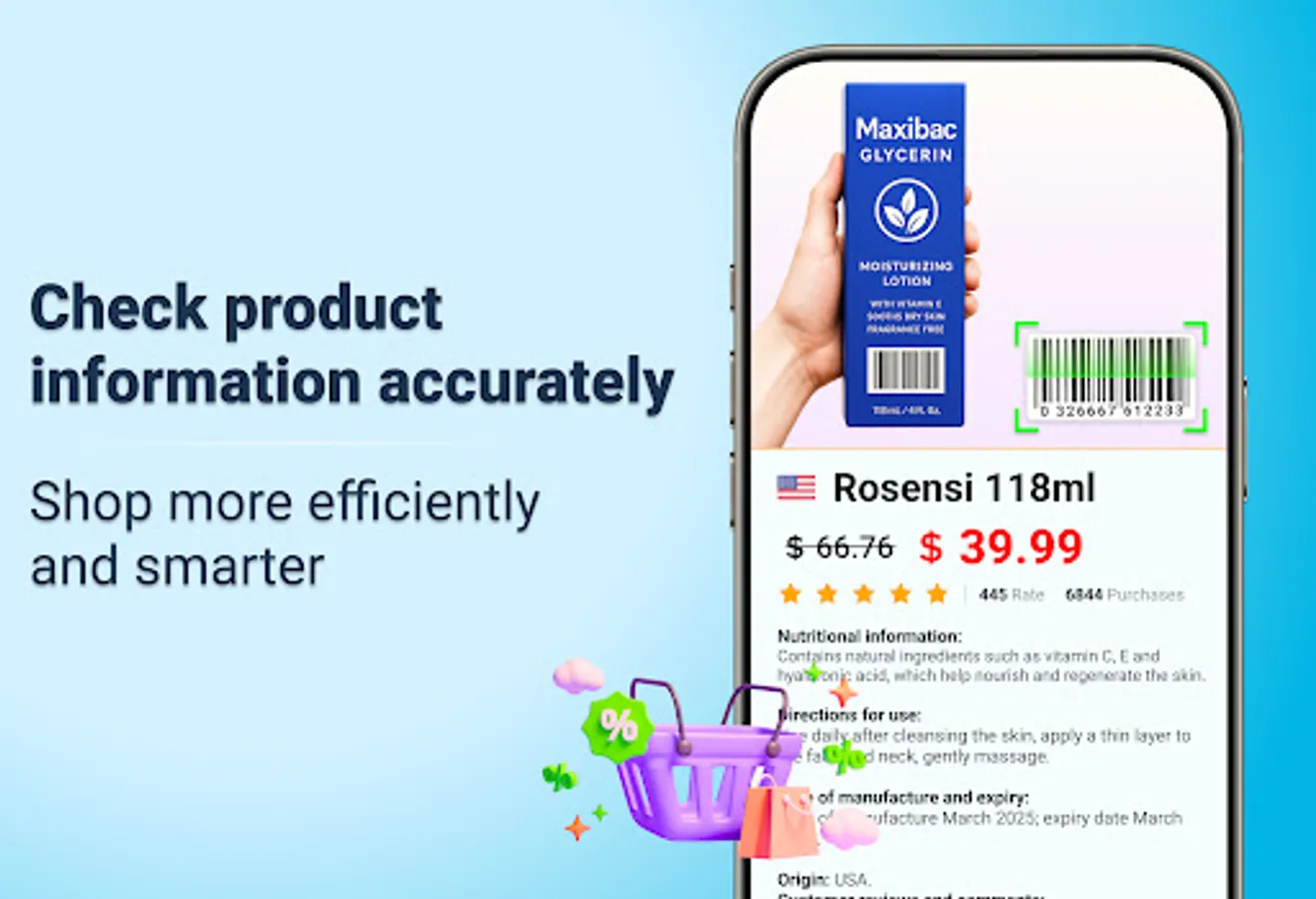
✔ Compare product prices: Scan product barcodes in stores and compare prices with online services like Amazon, eBay, and Google to save money and time.
✔ Review scan history: Easily review previous scans, mark important results, and add annotations if needed.
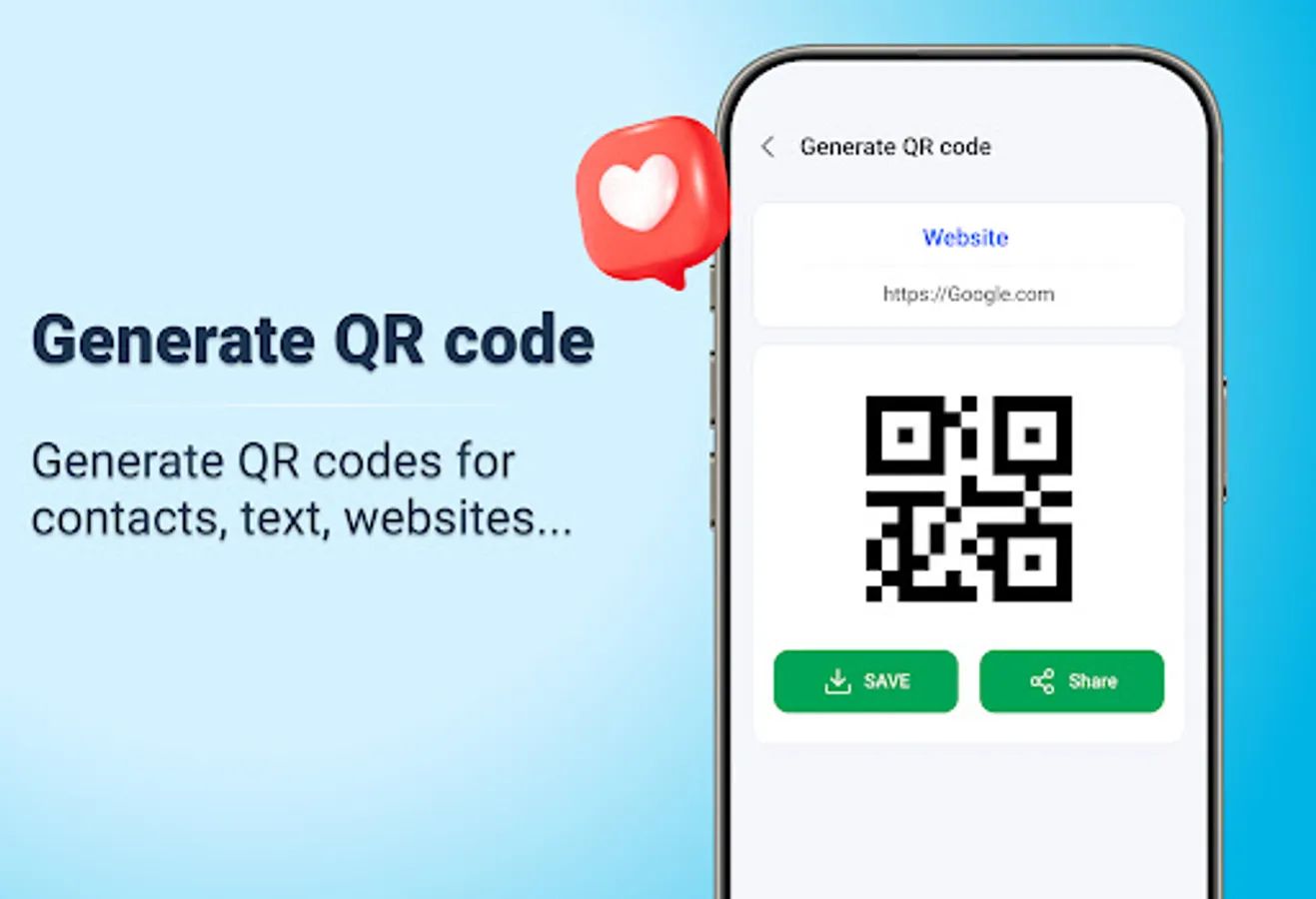
✔ Create QR codes easily: Built-in QR code generator, easy storage and sharing after creation.
How to use:
1. Just point the camera at the QR code or barcode to scan.
2. The app will automatically recognize, scan, and decode.
3. Get the results and related options.
After scanning, you will have many options, such as searching for product information, opening a website, or connecting to Wi-Fi.
Download and experience it now - the QR code and barcode scanning app.
An easy-to-use Android app that you can find on the Google Play Store.
KEY FEATURES:
✔ Scan and read all types of QR codes/barcodes: Including text, URL, product, contact, email, location, Wi-Fi, and many other formats.
✔ Compare product prices: Scan product barcodes in stores and compare prices with online services like Amazon, eBay, and Google to save money and time.
✔ Review scan history: Easily review previous scans, mark important results, and add annotations if needed.
✔ Create QR codes easily: Built-in QR code generator, easy storage and sharing after creation.
How to use:
1. Just point the camera at the QR code or barcode to scan.
2. The app will automatically recognize, scan, and decode.
3. Get the results and related options.
After scanning, you will have many options, such as searching for product information, opening a website, or connecting to Wi-Fi.
Download and experience it now - the QR code and barcode scanning app.